Epson EcoTank ET-4950 Review: Faster Office Supertank, Tune the Color
Updated
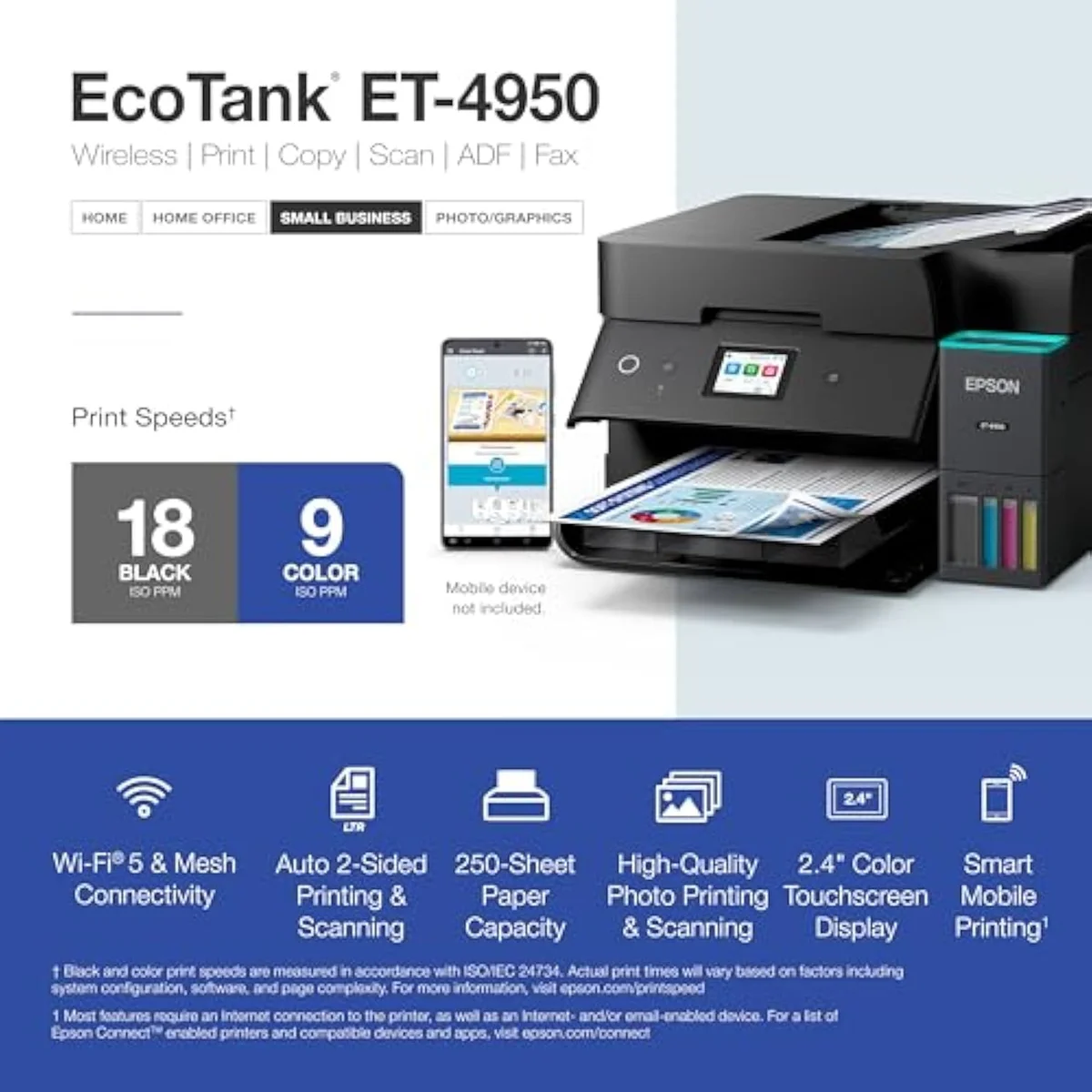
The faster office EcoTank: 18/9 ISO ppm, a touchscreen, fax and a 250-sheet tray on top of bottle-ink economics. The running-cost case is supertank-standard; the speed and the office stack justify the step over the cheaper ET-4810. Two honest catches decide your experience — tune the colour mode and exercise it weekly, and it earns its keep.
| Best for | Home offices that use the ADF, fax and touchscreen, not just print |
|---|---|
| Skip if | You want cheap photos, a flawless scanner, or a printer that lives switched off |
| Speed | 18 black / 9 colour ISO ppm |
| Ink | Cartridge-free refill bottles — 6,600 black / 5,500 colour in the box |
| Owner rating | 4.4 / 5 across 13 reviews |
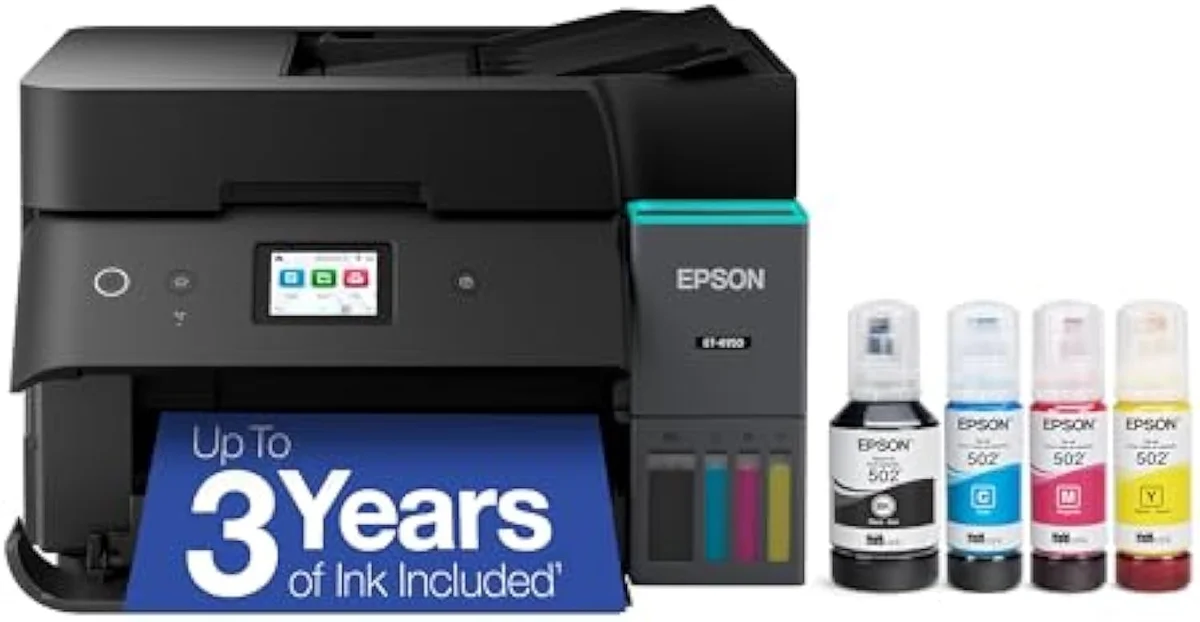
The faster office EcoTank: 18/9 ISO ppm, a touchscreen and fax on top of bottle-ink economics. Worth it for a working home office once you tune the colour and exercise it weekly — good, not flawless.
Amazon prices and availability are refreshed live and are subject to change. The price shown on Amazon at purchase applies.
Video Review
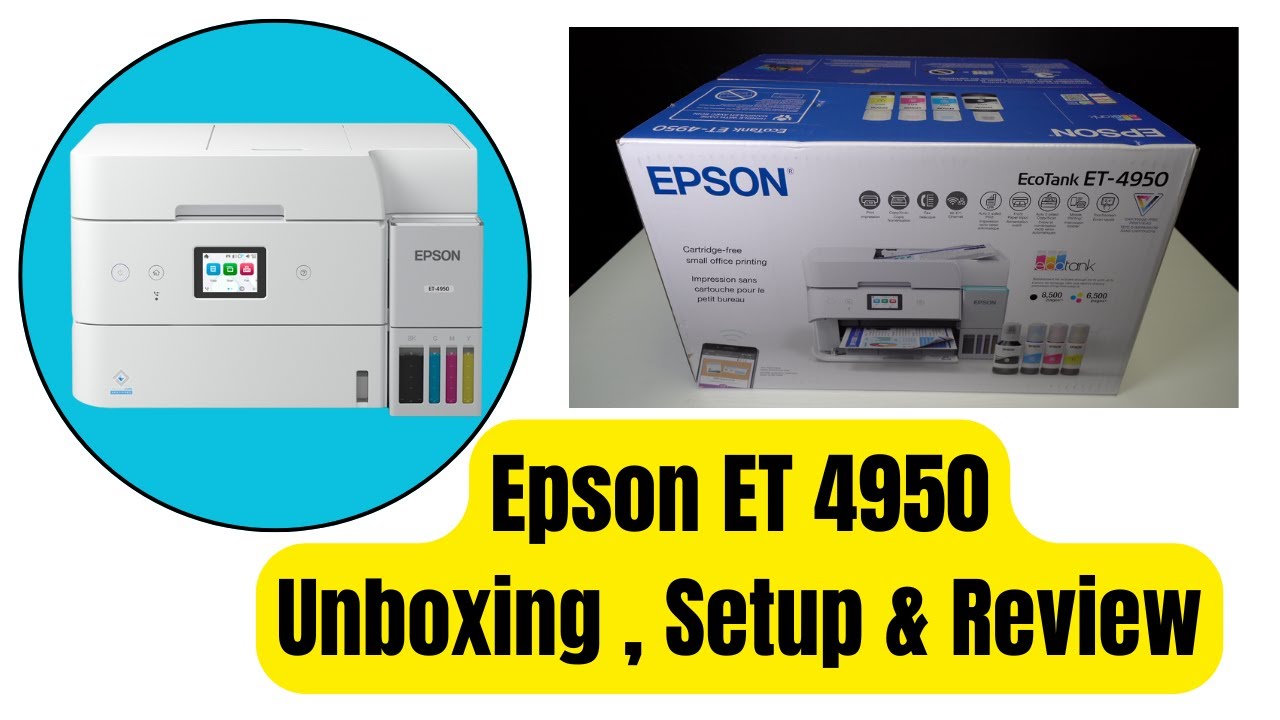
Behind this verdict sits the record the brand page skips: the 13 verified Amazon owner reviews of the EcoTank ET-4950 (a 4.4-star average), the r/printers owner thread we mined on living with it, Epson's own published specifications, and independent printer testing from sources like RTINGS' lab-tested printer reviews. We don't run a print lab — we read the owner record closely and price the cost of ownership the box leaves off. We earn a commission if you buy through our links; it never changes the verdict. Read our full methodology →
Overview
The EcoTank that picked up the pace
Put the ET-4950 next to its ET-4850 sibling and the pitch is speed plus a screen. Epson rates this one for
The lens this site puts on every machine is the one Epson's page buries: not the sticker, but the cartridge-versus-tank math of what it actually costs to own over time. On running cost the ET-4950 is firmly pole-two ink — dearer to buy, far cheaper to feed — so the spend only makes sense for a household that prints enough to bank the savings.
Across the 13 owner reviews, the mood is positive but guarded. The most quoted owner sums it up plainly: there are more ups than downs, but this is not the panacea the marketing implies. That honesty is the whole story here — a capable office machine with two rough edges you fix rather than ignore. This is a buy-with-eyes-open recommendation, not a hero pick.
Key Specifications
| Functions | Print, Scan, Copy, Fax + ADF |
| Connectivity | Wi-Fi, AirPrint, Smart Panel app |
| Ink System | Cartridge-free refillable tanks |
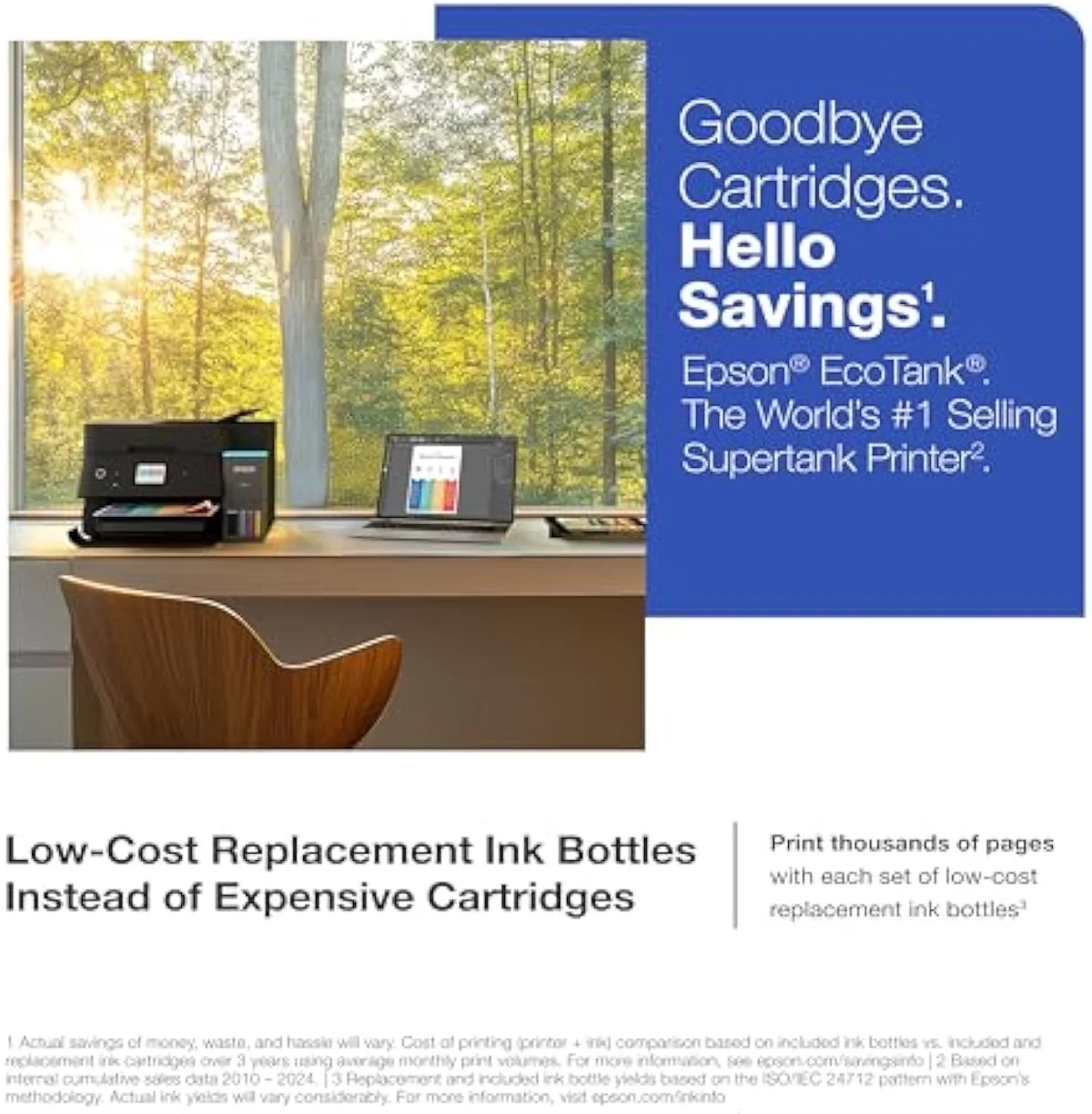
What the spec sheet buys
The numbers are office-grade. The ink alone makes the point: Epson says the
Epson leans on scale in the listing — it calls the line
Pros & Cons
Pros
- Fast 18/9 ISO ppm with the full office stack (ADF, fax, duplex, 250-sheet tray)
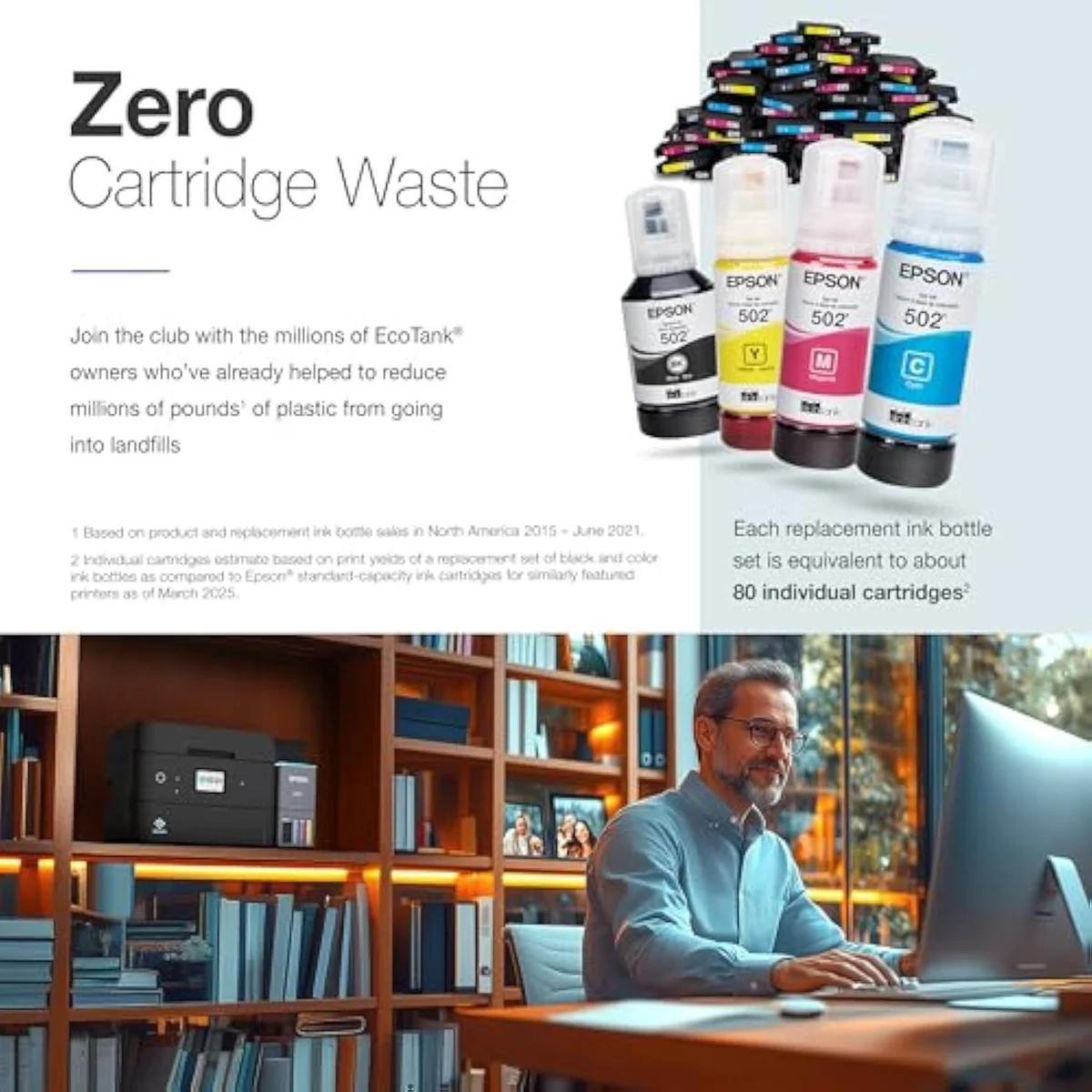
- Bottle-ink economics: 6,600 black / 5,500 colour pages in the box, ~80 cartridges per refill set
Cons
- Scanner disappoints — owners report crooked scans and a jam-prone ADF under load
- Default colour prints muted until you switch the colour mode to Adobe RGB
Performance & Real-World Testing
Fast at text, careless at scanning
Here's the thing: the printing is the easy part. Reviewers single out speed — one notes
The specifics are mechanical, not cosmetic. Another owner found it
Scan-to-computer can be flaky
Connectivity adds a smaller snag. One owner on a wired setup found
Fix the muted colour before you judge it
The colour out of the box surprises people, and not in a good way. Multiple owners report prints land light and washed out on the default EPSON Vivid mode — one owner switching from an HP found the ET-4950's colour noticeably duller side by side. It reads like a defect; it is a driver setting, and it is the one gotcha most new owners learn the hard way. The fix they land on is to
Value Analysis
Dear to buy, cheap to feed
This is where the supertank earns back its sticker. The ET-4950 lists far higher than a cartridge office printer, but the ink is where the math flips. With enough ink in the box for thousands of pages and a replacement set rated at roughly 80 cartridges, the running cost is a fraction of what a cartridge office printer charges a year. One long-term owner ran the numbers over several months of steady printing: switching from an HP, their annual ink spend dropped from hundreds of dollars to under a tenth of that, on the same print habits.
Independent testing backs the gap. RTINGS' cost-per-print and page-yield testing puts cartridge cost-per-page many times higher than bottle ink, and the cartridge office printers the ET-4950 competes with are the dearest of all to refill. A supertank is the reverse: high sticker, flat running cost. Print in volume and the lines cross fast; print rarely and the premium sits wasted — the fork we run across the catalog in our type-versus-type tradeoffs analysis.
THE GAP The in-box yield is the real saving; the catch is the setup it takes to get the colour the box implies — a driver change, not a defect.
The volume test decides it
So the value verdict splits by how much you print. Print steadily — documents, scans, the school-run paperwork — and the bottle-ink economics make the ET-4950 honestly cheap to own over years. Print a handful of pages a month and the higher sticker sits wasted while the printhead risks drying out.
The break-even is volume, not brand.
What to Expect Over Time
Living with it: idle time, the feeder and the family
Two threads shape life with the ET-4950 past the first month: idleness and the feeder.
Idleness first, because every inkjet has one failure mode a laser doesn't: liquid ink dries in the nozzles when the machine sits unused, and it spends ink on cleaning cycles to clear it. One owner is disciplined enough to keep a weekly alarm to exercise the nozzles and head off clogs — sensible advice for a machine that might sit between school projects. Run it weekly and the clog risk stays low; leave it dark for a month and the clog you meet is the morning you need a form printed. We track that idle-clog risk in our safety and known-risks guidance.
The siblings tell you where it sits
The ET-4950 sits at the top of a tight family, and the owner record on its siblings is instructive. One buyer lost faith in the button-controlled
One workload it loses outright is heavy mono text. For pure black-document duty, owners are blunt —
What ET-4950 buyers settle before the office spend
The 13-review record reads consistently: the speed and office stack are the draw, the scanner and the default colour are the snags. These are the questions buyers raise most before paying office money.
Is the Epson EcoTank ET-4950 a good all-in-one for a home office?
For a working home office that prints documents and runs scan, copy, fax and the ADF, yes — with two caveats. The 4.4-star average across 13 owner reviews is strong, the bottle-ink running cost is the whole reason to buy a supertank, and at 18 black / 9 colour ISO ppm it is the faster, touchscreen sibling of the ET-4850. The honest catches are colour and the feeder: default prints come out muted until you change the colour mode, and the automatic document feeder jams and scans crooked under load. Tune the colour, wire it, run it weekly, and it earns its keep. Buy it for cheap saturated photos and you bought the wrong machine.
What are the downsides of the Epson EcoTank ET-4950?
Three recur in the owner record. The scanner disappoints — owners report pages that come out crooked even laid flat, and an ADF that jams past a light sheet count. Default colour prints muted, fixable in the driver but a surprise out of the box. And like every EcoTank, the printhead can clog if it sits idle for weeks. Bottle ink still makes it cheap to feed; those three are the real planning items.
What is the difference between the Epson ET-4810 and the ET-4950?
Touchscreen, fax and rating, mostly. The ET-4810 is the cheaper sibling — no colour touchscreen, no fax — and it rates lower at 3.9 stars across 510 reviews, where the ET-4950 carries a 2.4-inch touchscreen, fax and a 4.4-star record. Both share the cartridge-free supertank tanks and the ADF. If you never fax and don't want the screen, the ET-4810 saves real money for the same core printing job. We break the gap down in our supertank comparisons.
Does the Epson supertank actually keep running costs down?
Yes, and that is the entire pitch. The ET-4950 ships with enough ink for up to 6,600 black and 5,500 colour pages, and each replacement bottle set is rated as equivalent to about 80 standard cartridges. The supertank front-loads the cost into a higher sticker and pays it back in bottle ink that lasts. One long-term owner cut annual ink spend from hundreds of dollars on an HP to under a tenth of that after switching. The break-even is volume — print enough and the math is decisive.
Does the ET-4950 print and scan double-sided?
Yes. Owners confirm it does two-sided printing and two-sided scanning through the ADF, plus a flatbed they rate well — a step up on the single-sided feeders the cheaper EcoTanks use. The catch is the feeder is jam-prone under heavy batches, so it suits light-to-moderate office runs rather than constant high-volume scanning.
Why are my ET-4950 colour prints coming out light?
It's the default colour mode, not a fault. Owners report the stock EPSON Vivid setting prints muted and washed out, and switching the Color Mode to Adobe RGB with the gamma set to 2.2 in the driver's advanced settings fixes it — a fix two separate owners confirmed independently.
Buy it tuned, run it weekly
Worth it once you set the color right
A home office that prints in volume and truly uses the scanner, copier, fax and feeder gets the fastest, best-screened EcoTank in this family — and one owner liked it enough that
If you don't need the touchscreen and fax, the price gap is the whole argument: the Epson EcoTank ET-2850 gives you the same bottle-ink economics for far less, minus the office stack. Want the office configuration but at a calmer price-and-speed point? The near-twin Epson EcoTank ET-4850 drops the speed premium for the same ADF, fax and Ethernet — we put the two rungs head to head in our ET-4850 vs ET-4950 comparison. And the Canon MegaTank G3290 is the closest non-Epson supertank if you'd rather not buy Epson at all.
The faster office EcoTank: 18/9 ISO ppm, a touchscreen and fax on top of bottle-ink economics. Worth it for a working home office once you tune the colour and exercise it weekly — good, not flawless.
Best for: Home offices that use the ADF, fax and touchscreen, not just print
How the Epson EcoTank ET-4950 compares
- Epson EcoTank ET-4800 Wireless All-in-One Cartridge-Free Supertank Printer wi… vs Epson EcoTank ET-4950 Wireless All-in-One Color Supertank Printer
- Epson EcoTank ET-2980 Wireless All-in-One Color Supertank Printer vs Epson EcoTank ET-4950 Wireless All-in-One Color Supertank Printer Read the Epson EcoTank ET-2980 review
Track the Epson EcoTank ET-4950
We check the price daily and monitor availability. You hear from us when something changes.
Only when something changes. Unsubscribe anytime.
Citations
- [1]"Epson EcoTank comes with enough ink to"https://www.amazon.com/dp/B0FC5KYF71Captured June 4, 2026. Verified June 4, 2026.
- [2]"Each replacement ink bottle set is"https://www.amazon.com/dp/B0FC5KYF71Captured June 4, 2026. Verified June 4, 2026.
- [3]"Fast 18 black/9 color ISO ppm"https://www.amazon.com/dp/B0FC5KYF71Captured June 4, 2026. Verified June 4, 2026.
- [4]"an Auto Document Feeder, fax"https://www.amazon.com/dp/B0FC5KYF71Captured June 4, 2026. Verified June 4, 2026.
- [5]"THE WORLD’S #1 SELLING SUPERTANK"https://www.amazon.com/dp/B0FC5KYF71Captured June 4, 2026. Verified June 4, 2026.
- [6]"rating: 4.4"https://www.amazon.com/dp/B0FC5KYF71Captured June 4, 2026. Verified June 4, 2026.
- [7]"Supersized ink tanks and uniquely"https://www.amazon.com/dp/B0FC5KYF71Captured June 4, 2026. Verified June 4, 2026.
- [8]"The scanner is quite disappointing!"https://reddit.com/r/printers/comments/1o9hsai/observations_and_tip_for_new_epson_et4950/Captured June 4, 2026. Verified June 4, 2026.
- [9]"try going to the"https://reddit.com/r/printers/comments/1o9hsai/observations_and_tip_for_new_epson_et4950/Captured June 4, 2026. Verified June 4, 2026.
- [10]"The scanner is very slow and the amount of sheets you can put into the autofeeder is lightweight"https://reddit.com/r/printers/comments/1o9hsai/observations_and_tip_for_new_epson_et4950/Captured June 4, 2026. Verified June 4, 2026.
- [11]"The "Scan to Computer" function on a wired network is very inconsistent."https://reddit.com/r/printers/comments/1o9hsai/observations_and_tip_for_new_epson_et4950/Captured June 4, 2026. Verified June 4, 2026.
- [12]"A friend bought the ET-3950 from Costco and it suffered fatal autofeed problems."https://reddit.com/r/printers/comments/1o9hsai/observations_and_tip_for_new_epson_et4950/Captured June 4, 2026. Verified June 4, 2026.
- [13]"It never scanned the page straight - always grabbed the paper on an angle."https://reddit.com/r/printers/comments/1o9hsai/observations_and_tip_for_new_epson_et4950/Captured June 4, 2026. Verified June 4, 2026.
- [14]"for homeschooling purposes a laser printer is far superior."https://reddit.com/r/printers/comments/1o9hsai/observations_and_tip_for_new_epson_et4950/Captured June 4, 2026. Verified June 4, 2026.
- [15]"After using it for a week,"https://reddit.com/r/printers/comments/1o9hsai/observations_and_tip_for_new_epson_et4950/Captured June 4, 2026. Verified June 4, 2026.
- [16]"Epson ET-4810 EcoTank Wireless"https://www.amazon.com/dp/B0FC5KYF71Captured June 4, 2026. Verified June 4, 2026.
- [17]"Epson EcoTank ET-3950 Wireless"https://www.amazon.com/dp/B0FC5KYF71Captured June 4, 2026. Verified June 4, 2026.
- [18]"It does 2 sided printing, 2 sided scanning with ADF and a very nice flatbed."https://www.amazon.com/dp/B0FC5KYF71Captured June 4, 2026. Verified June 4, 2026.
- [19]"The print speed is fast for monochrome printing"https://www.amazon.com/dp/B0FC5KYF71Captured June 4, 2026. Verified June 4, 2026.