Inkjet vs Laser & Type Tradeoffs
Updated
Definitions
A printer type is the technology-and-architecture class a machine belongs to, and it decides the tradeoffs long before the model number does. The lead fork is inkjet versus laser: an inkjet sprays liquid ink droplets onto the page (Wikipedia), while a laser fuses dry toner powder with heat (Wikipedia).
- Inkjet printer
- An inkjet printer is a machine that forms an image by firing microscopic liquid ink droplets from a printhead, using thermal or piezoelectric nozzles, which is why it can render a continuous-tone photo a laser cannot (Wikipedia).
- Laser printer
- A laser printer is a machine that draws the page with a laser onto a drum and fuses dry toner with heat. It denotes the high-speed mono-document side of the fork, with low cost-per-page on text but no true photo output (Wikipedia).
- Cartridge inkjet
- A cartridge inkjet is the conventional design that ships ink in small replaceable cartridges. It refers to the low-purchase-price, high-running-cost end of the inkjet family — cheap to buy, dear to feed (RTINGS).
- Supertank (ink-tank) inkjet
- A supertank inkjet is a continuous-ink-system design that swaps cartridges for refillable reservoirs and high-yield bottles, the architecture that drives cost-per-page toward a cent (Wikipedia); editorial supertank reviews lead with the bottle economics (PCGuide).
- Dye ink
- Dye ink is a water-based colourant that dissolves into the paper for vivid, saturated photo color. It is the photo printer's choice and the reason borderless prints look rich (Wikipedia).
- Pigment ink
- Pigment ink is a suspension of solid colour particles that sit on the paper surface for sharper, more water- and fade-resistant text. It is the document printer's choice and the opposite tradeoff to dye.
- All-in-one (AIO)
- An all-in-one is a printer that adds a scanner, copier, and often an automatic document feeder and fax to the print engine. It denotes one machine replacing three, at the cost of a larger footprint (PCMag).
- Single-function printer
- A single-function printer is a print-only machine with no scanner or copier. It refers to the compact, lower-cost, portable side of the choice — fewer features, smaller desk claim.
- Print resolution
- Print resolution is the density of dots a printer lays down, measured in dots per inch (DPI). Photo inkjets reach 4800 by 1200 DPI or finer for smooth gradients, while document machines win at sharp text rather than tonal range (Wikipedia).
- ISO ppm
- ISO ppm is print speed in pages per minute under the ISO 24734 office test — a stricter figure than the "up to" speeds on a spec sheet. It is the axis where a laser pulls ahead of an inkjet on plain mono text (PCMag).
- Duplex and ADF
- Duplex is automatic two-sided printing; an ADF, or automatic document feeder, pulls multi-page originals through the scanner. Together they are the features that mark the office workhorse type apart from a budget all-in-one.
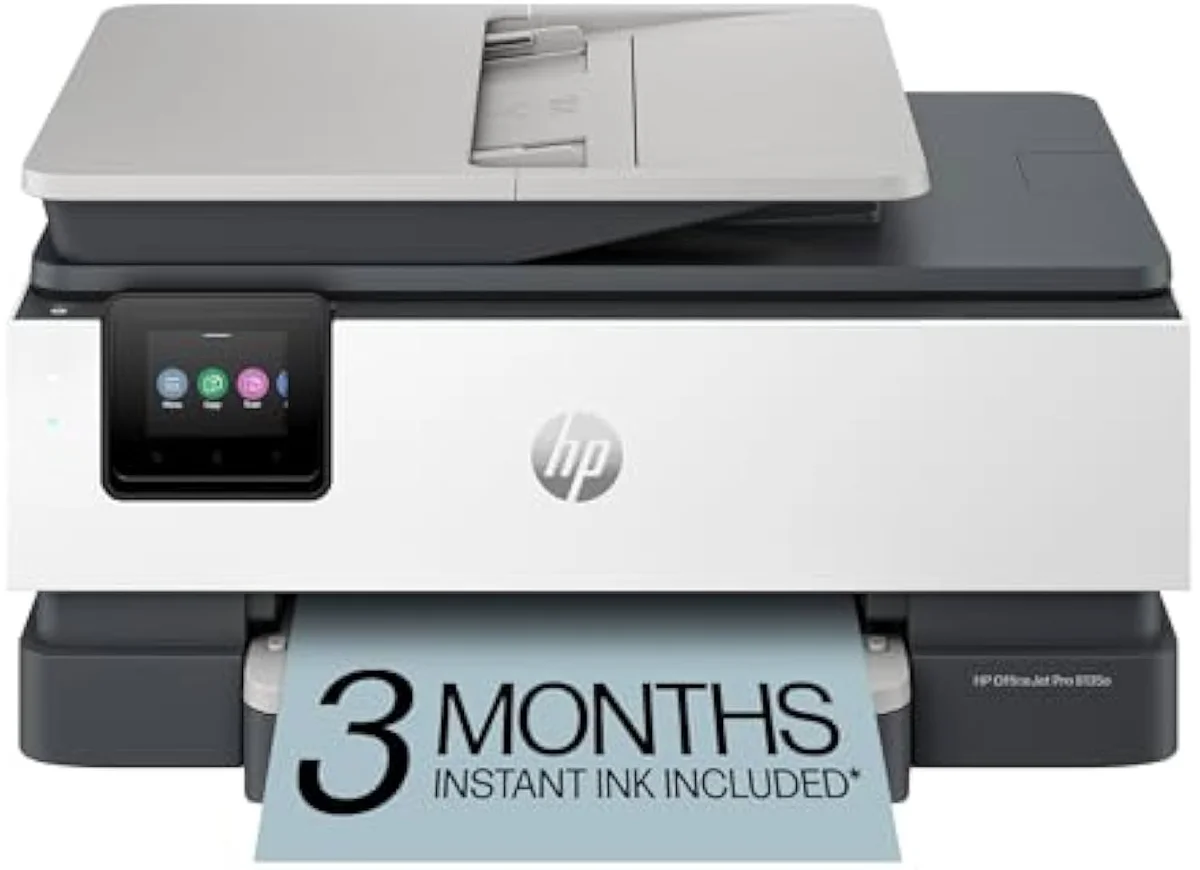
Product types and which job each one wins
Five type forks decide an inkjet purchase. The lead fork is inkjet versus laser: a mixed-color home wins with the inkjet, because a laser cannot print a photo (Wikipedia). Our 59 tracked models span all five inkjet sub-types, from the cartridge ET-2803 to the photo ET-8550. The table names the winner on each axis.
| Type fork | Wins on running cost | Wins on up-front price | Wins on text vs photo | Best for |
|---|---|---|---|---|
| Inkjet vs laser | Tie — laser on mono text, supertank inkjet on color | Inkjet (mono laser close; color laser dearer) | Laser for text; inkjet is the only one that prints photos | Mixed-color home → inkjet; high-volume mono office → laser |
| Cartridge vs supertank | Supertank, by roughly an order of magnitude per page | Cartridge (lower entry price) | Comparable text and photo within the inkjet family | Weekly printers → supertank; rare printers → cartridge |
| Dye vs pigment ink | Tie (format-dependent, not ink-type-dependent) | Tie | Dye for saturated photo; pigment for crisp water-resistant text | Photo desk → dye; document desk → pigment |
| All-in-one vs single-function | Tie (driven by ink format, not function count) | Single-function (fewer parts) | Tie | Home office needing scan/copy → AIO; print-only → single-function |
| Office workhorse vs photo specialist | Office workhorse (pigment, duplex, high yield) | Office workhorse (photo wide-format runs dearer) | Office for text and speed; photo for borderless color | Documents and duplex → office; borderless prints → photo |
Feature categories by type
The forks resolve to hard spec gaps. Cartridge and supertank classes separate by close to an order of magnitude per page; the office WF-4820 and the supertank G3570 sit at opposite ends of that range (TechGearLab, PCGuide). Laser closes the cost gap on mono but loses the photo job entirely (Wikipedia).
| Type | Typical mono cost-per-page | Black yield per set | Mono speed (ISO ppm) | Photo capability |
|---|---|---|---|---|
| Budget cartridge inkjet | ~10–25¢ | ~120–200 pages | ~7–10 ppm | Yes — basic color photo |
| Refillable supertank inkjet | ~0.5–2¢ | ~4,000–7,500 pages | ~10–15 ppm | Yes — strong color |
| Office workhorse inkjet | ~3–8¢ (XL / pigment) | ~900–1,600 pages | ~18–25 ppm with duplex | Yes — color, not photo-grade |
| Photo specialist inkjet | Higher (6-ink dye) | Lower — photo ink burns faster | ~9–10 ppm | Best — borderless, wide-format |
| Mono laser | ~1–4¢ | ~1,500–3,000 pages | ~20–40 ppm | No — text and graphics only |
Yield figures follow the ISO 24711 and 24712 test standards; speed follows the ISO 24734 office test. A budget set near 200 pages versus a bottle near 7500 pages is the gap, and real output runs below the lab estimate, so RTINGS re-measures cost-per-print per model (RTINGS).
Each inkjet sub-type has a representative model in the 59 we track. The map below anchors the abstract types to real hardware buyers recognise.
| Inkjet sub-type | Representative tracked model | Ink format | Headline tradeoff |
|---|---|---|---|
| Budget cartridge | HP DeskJet 2755e | Small cartridges | Cheap to buy, highest cost-per-page |
| Refillable supertank | Canon MegaTank G3270 | Refill bottles | Higher entry price, lowest cost-per-page |
| Office workhorse | Epson WorkForce Pro WF-4820 | Pigment cartridges | Duplex and speed, mid cost-per-page |
| Photo specialist | Epson EcoTank Photo ET-8550 | 6-ink dye | Borderless color, dearer photo ink |
| Portable single-function | Canon PIXMA TR4720 | Compact cartridges | Small footprint, fewer features |
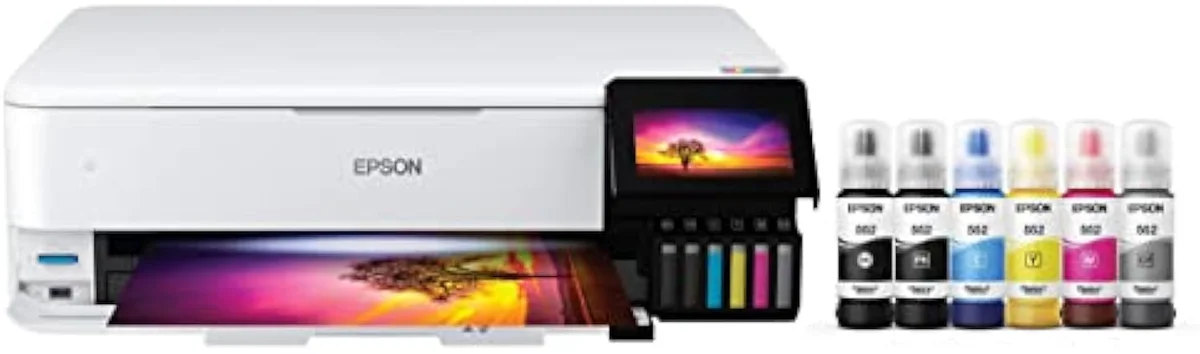
Buyer segments and the type that should decide the buy
A type is a default, not a verdict. The right type shifts with the buyer: a home office leans to the WF-4820 class, a photo desk to the ET-8550, a rare printer to the cartridge XP-5200 (TechGearLab). The table maps each profile to the winning type and the walk-away signal.
| Buyer profile | Winning type | Why it wins | Walk-away signal |
|---|---|---|---|
| Cost-conscious household (weekly mixed color) | Supertank inkjet | Cost-per-page near a cent over years of printing | A cartridge set that costs near the printer price |
| High-volume mono office (text, no photos) | Mono laser | 20 to 40 ppm and low text cost-per-page | Any need for color photos or borderless prints |
| Home office (documents, duplex, scan/copy) | Office workhorse all-in-one inkjet | Pigment text, duplex, ADF, ~18–25 ppm | No automatic duplex; slow rated ISO ppm |
| Photo or craft hobbyist | Photo specialist (dye, 6-ink) | Borderless, wide-format, saturated dye color | Pigment-only output or weak photo saturation |
| Occasional / travel printer | Single-function or portable inkjet | Small footprint; clog-resistant when idle | A clog-prone head with costly cleaning cycles |