Epson EcoTank ET-2800 vs ET-2980: Speed and a Screen, or the Same Ink for Less?
Updated
Same bottle-ink running cost, two different price tags. The ET-2980 buys you a faster PrecisionCore engine, a 1.44-inch color screen, and built-in two-sided printing — real conveniences. The ET-2800 buys you the same cents-per-page for noticeably less money. For most cost-conscious buyers the ET-2800 is the smarter default; pay up for the ET-2980 only when batch speed and the nicer controls earn the difference.
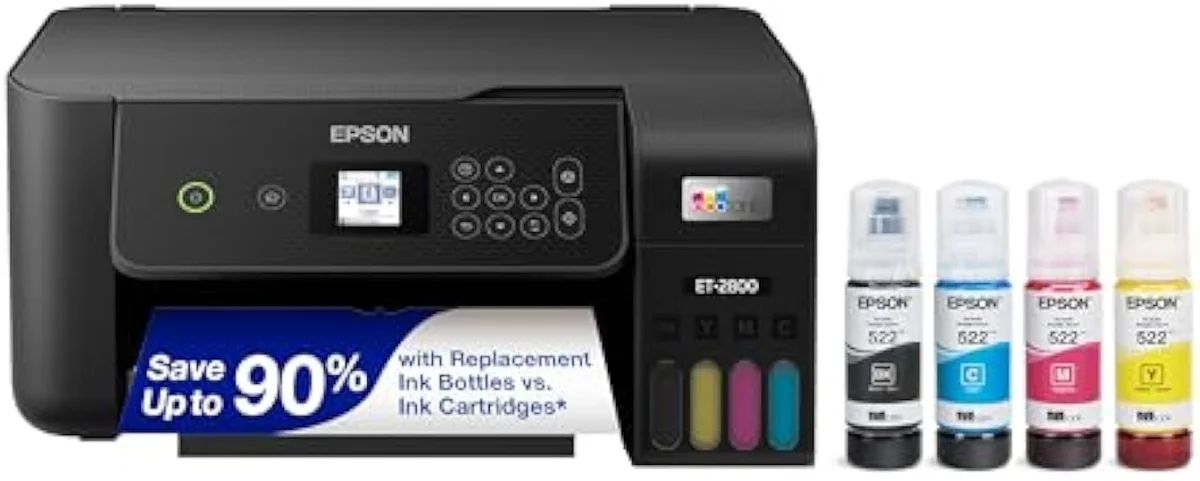
Epson EcoTank ET-2800
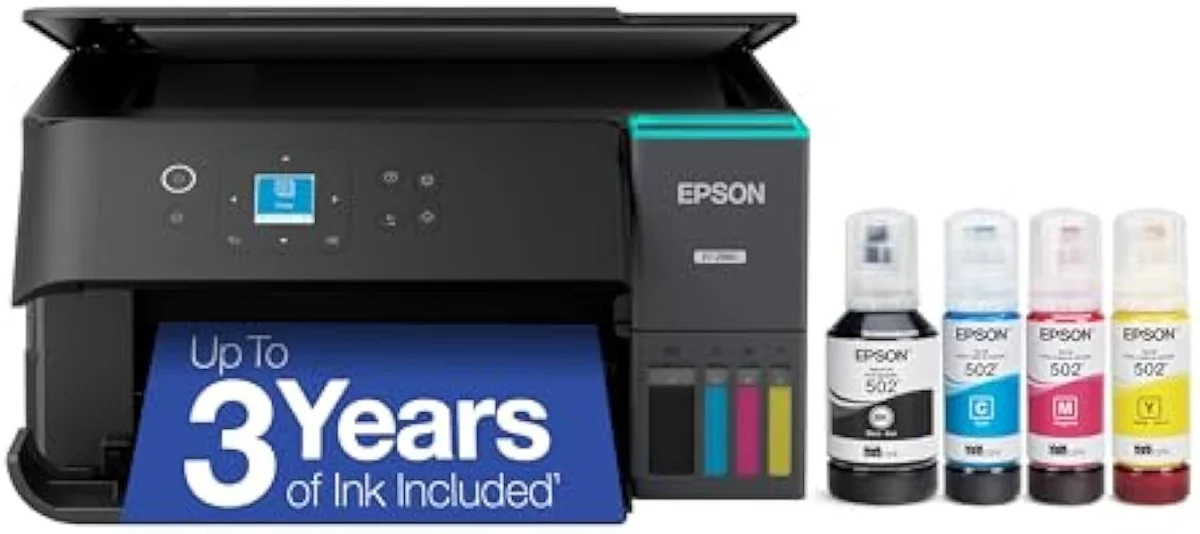
Epson EcoTank ET-2980
Our pick for most buyers is the cheaper ET-2800: it prints the same pages at the same cents-per-page as the ET-2980, for less money. The two cost the same to run — same refillable bottle ink. The ET-2980 charges a premium only for speed, a color screen, and auto-duplex, so it wins solely when those conveniences earn the difference.
| Real difference | Speed, color screen, duplex — not ink cost |
|---|---|
| Cost per page | A wash; both use the same bottle ink |
| Print speed | ET-2980 ≈ 15 ppm vs ET-2800 ≈ 10 ppm |
| Pay up for the ET-2980 if | You batch-print and want the panel + auto two-sided |
| Both skip if | You print twice a year — clog risk outweighs savings |
For most buyers, the cheaper Epson ET-2800 is the smarter purchase — it prints the same pages at the same cost-per-page as the ET-2980 for less money. These two are different machines, but not in the part buyers fear: both are cartridge-free supertanks pulling from the same refillable bottles, so cents-per-page lands in the same place. What the higher number buys is a faster engine, a color control screen, and automatic two-sided printing. The fork is speed and controls versus money — and unless those conveniences earn their premium, the base model wins.
Put plainly: the dearer EcoTank is a nicer printer to live with, not a cheaper one to feed. The ET-2980 earns its keep when you print in batches, hate poking through a PC driver, and want duplex without flipping paper. The ET-2800 wins when you print a few pages a week and care first about the running-cost math this site exists to expose. The rest of this page is about which camp you fall into.
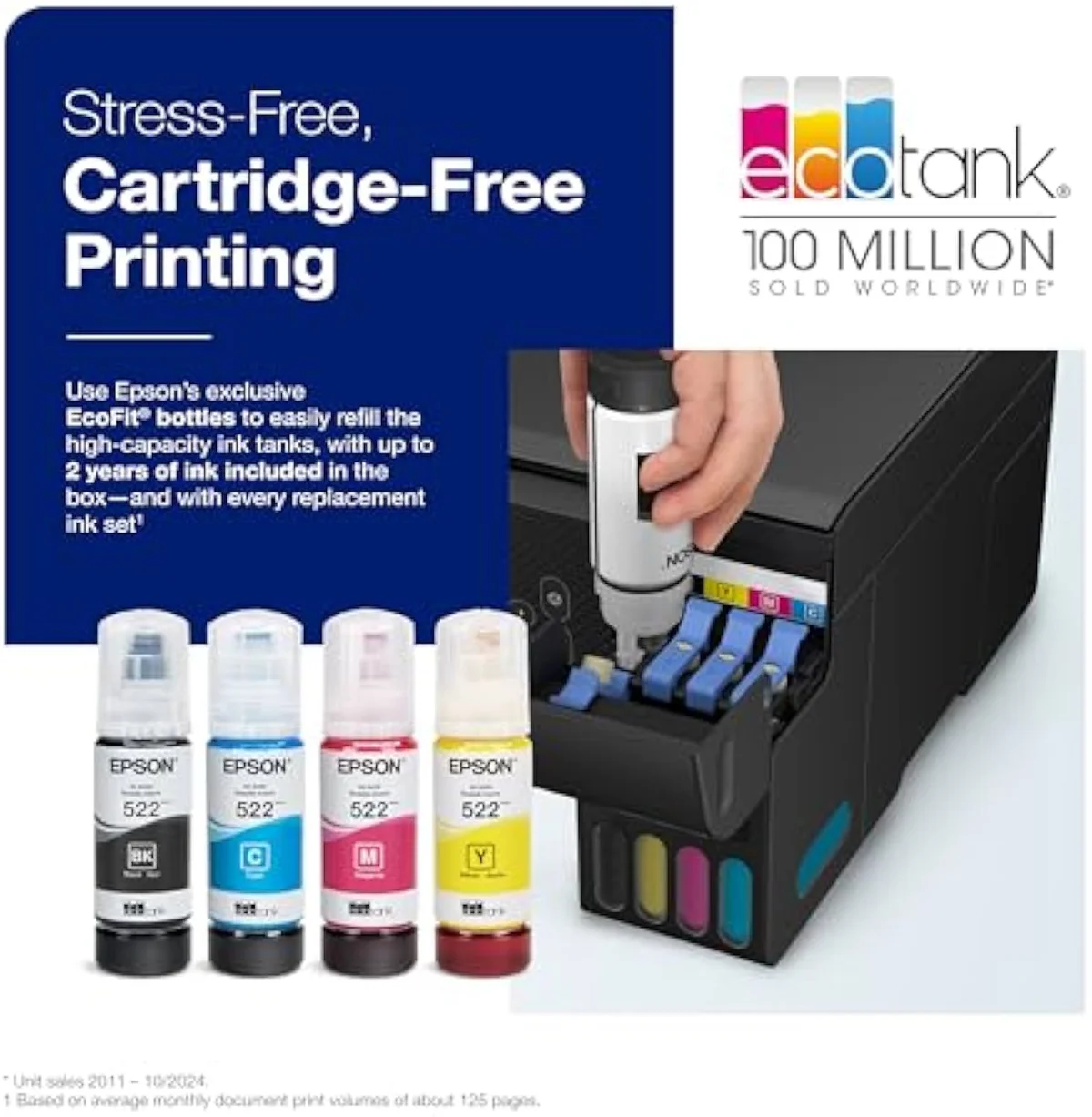
Epson EcoTank ET-2800
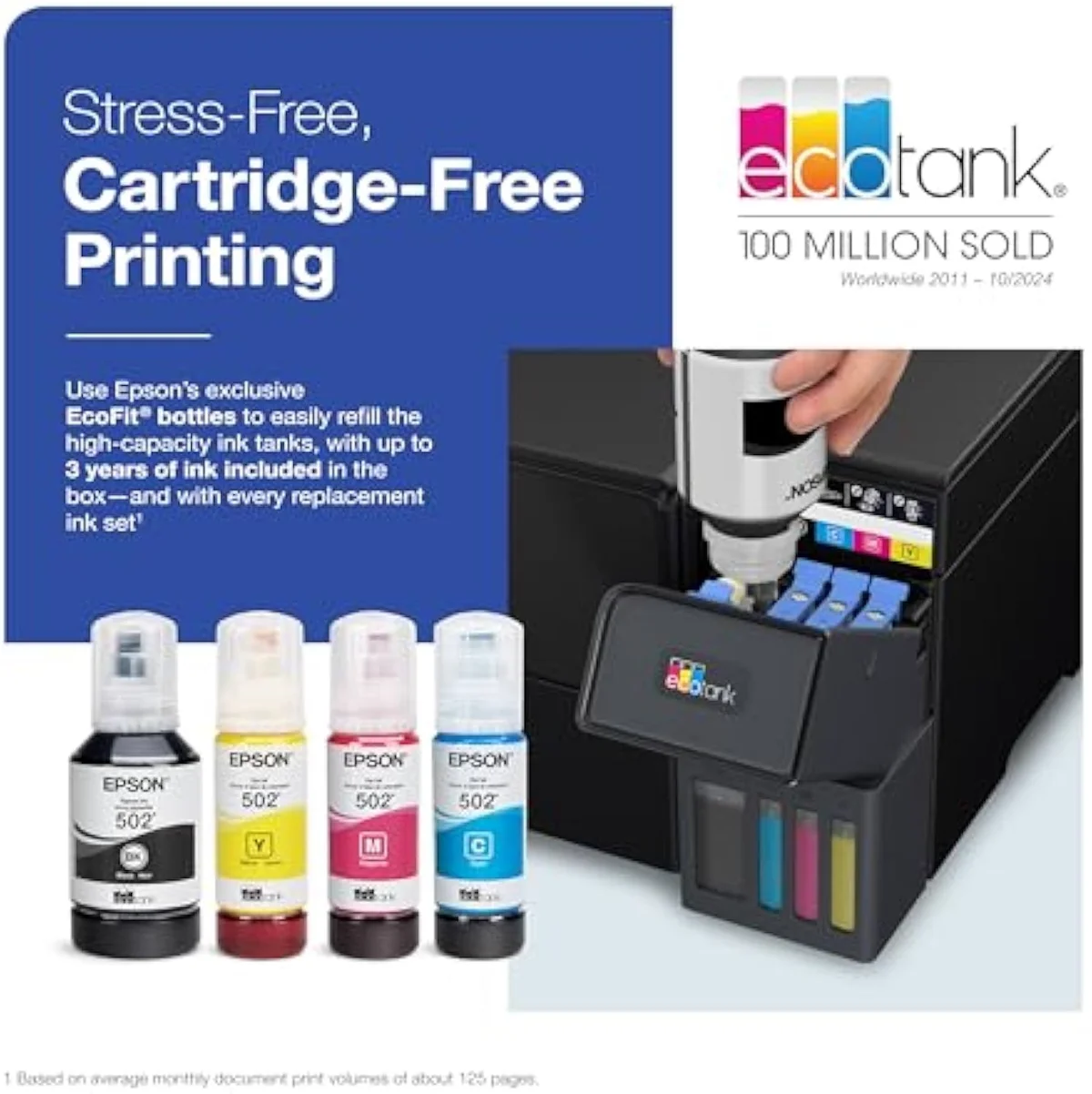
Epson EcoTank ET-2980
At a Glance
| Feature | Editor's Pick Epson EcoTank ET-2800 Wireless Color All-in-One Cartridge-Free Supertank Printer | Epson EcoTank ET-2980 Wireless All-in-One Color Supertank Printer |
|---|---|---|
| Live Price | $50–$100* | $50–$100* |
| Amazon Savings | Check Amazon | Check Amazon |
| Availability | Checking Amazon | Checking Amazon |
| Current Offer | Checking Amazon | Checking Amazon |
| Amazon Rating | ||
| Amazon Sales Rank | Check Amazon | Check Amazon |
| Live Data Refresh | Refresh pending | Refresh pending |
| Print Speed | Up to 10 ppm black | — |
| Functions | Print, Scan, Copy | Print, Scan, Copy + auto duplex |
| Connectivity | Wi-Fi, AirPrint, Smart Panel app | Wi-Fi, AirPrint, Smart Panel app |
| Ink System | Cartridge-free refillable tanks | Cartridge-free refillable tanks |
| Check Price | Check Price |
Amazon prices and availability are refreshed live and are subject to change. The price shown on Amazon at purchase applies.
Identical ink, identical cost-per-page
No, the ET-2980 is not cheaper to run than the ET-2800. Both are cartridge-free supertanks filling from the same high-capacity bottles, so their cents-per-page is the same. The only money difference is the sticker price.
Ink economics decide a supertank, and here the two are one printer. Both ship cartridge-free, filling from high-capacity bottles. Epson labels the base model’s system
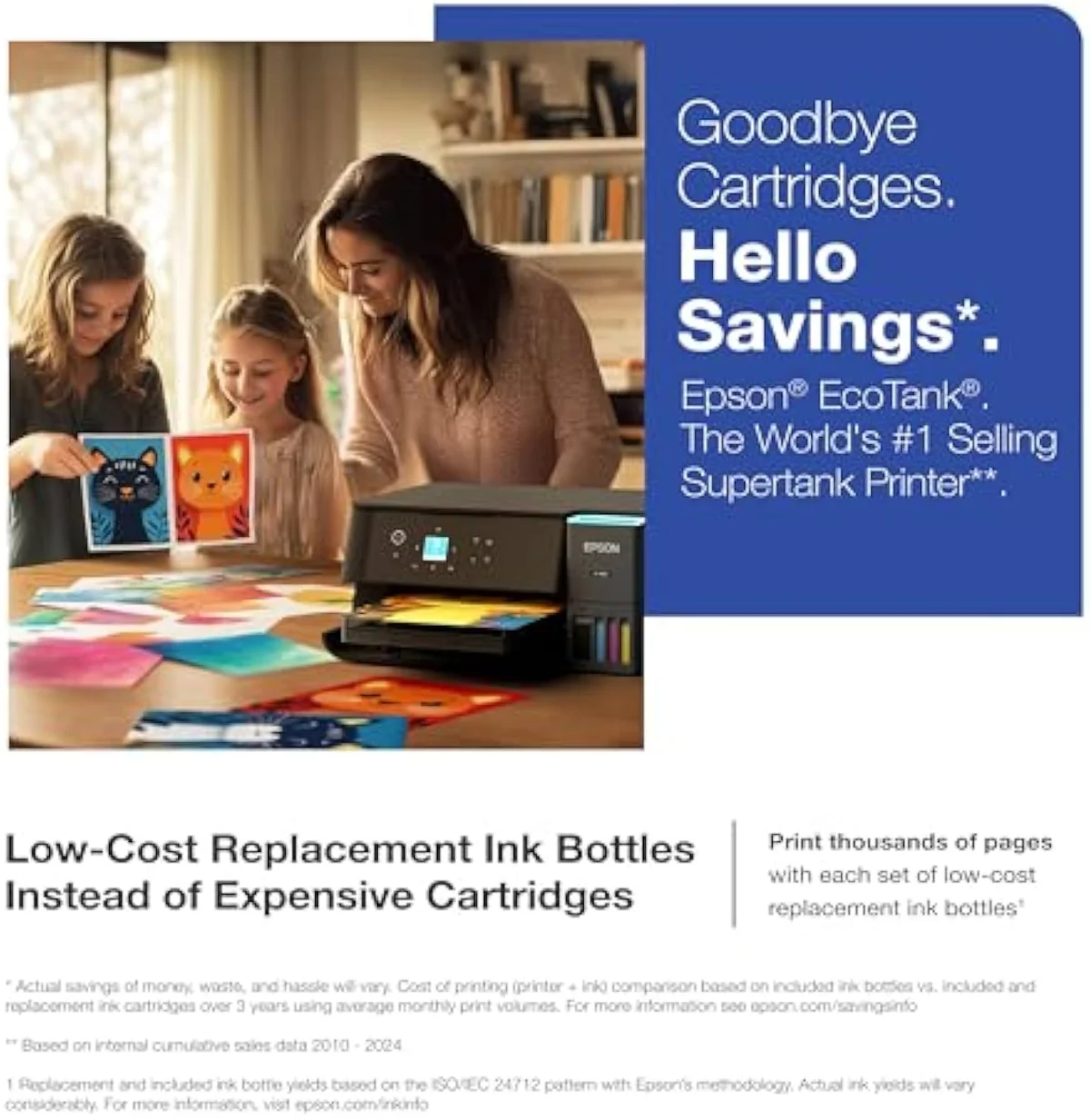
The in-box head start does differ. The faster model arrives with a deeper ink supply — Epson says it
So the cost story collapses to one number you control: the purchase price, where the base model sits well below the step-up across the EcoTank family’s broad price band. Both reward the same buyer — a household escaping cartridge bills — and both punish the same one, a printer left idle. Independent testing puts that bottle-ink advantage in hard figures: RTINGS’ cost-per-print and page-yield testing places refillable supertanks far below cartridge cost-per-page, and Consumer Reports’ inkjet running-cost testing reaches the same verdict. We map the full cartridge-versus-tank fork in our inkjet printers evidence hub.
Where the ET-2980 actually pulls ahead
The ET-2980 earns its premium in three places, none of them ink: a faster engine, a 1.44-inch color screen, and automatic two-sided printing. Each is a convenience the base model leaves out.
Take them in order. First, speed. Epson states the engine is
Second, the controls. Epson’s own spec line for the dearer model reads
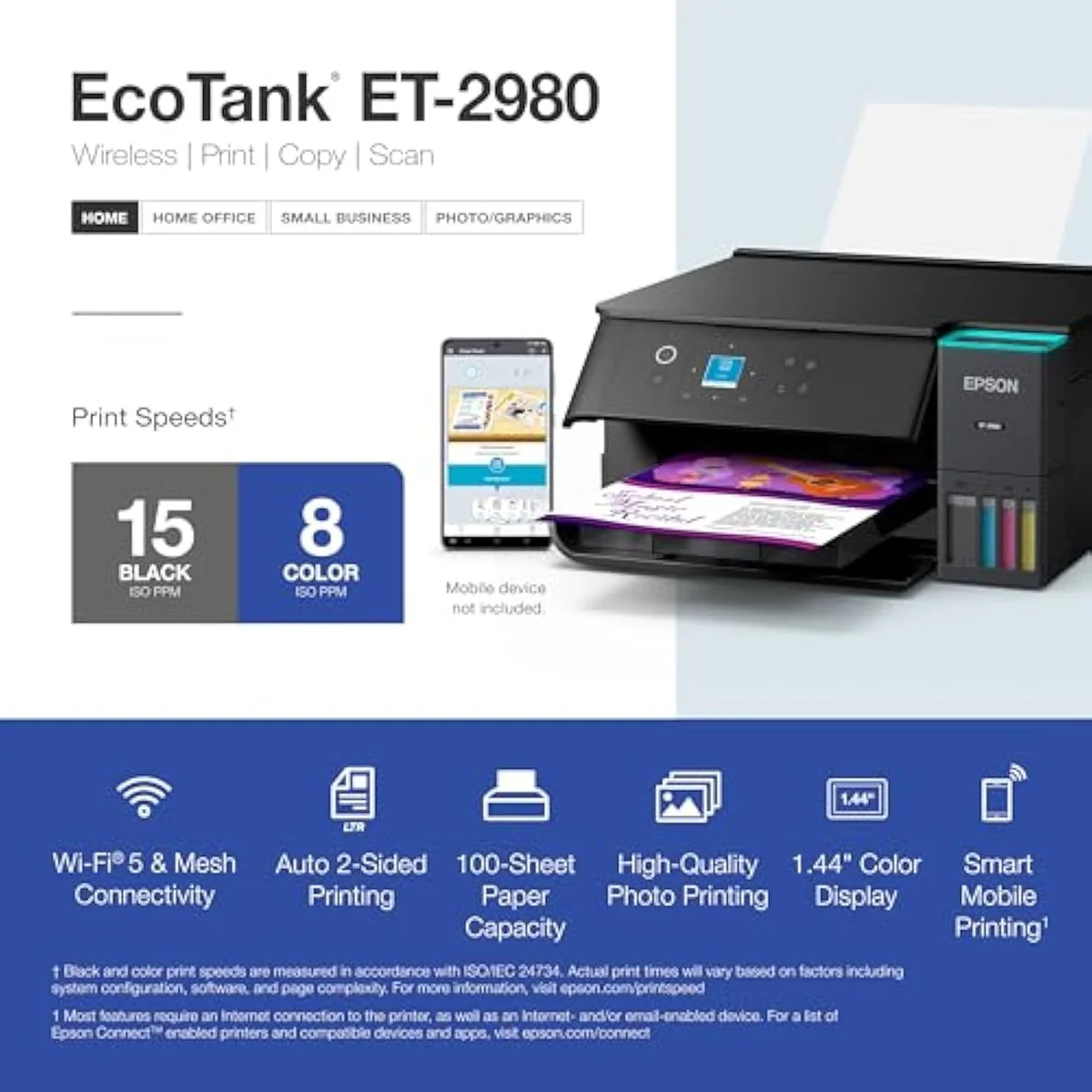
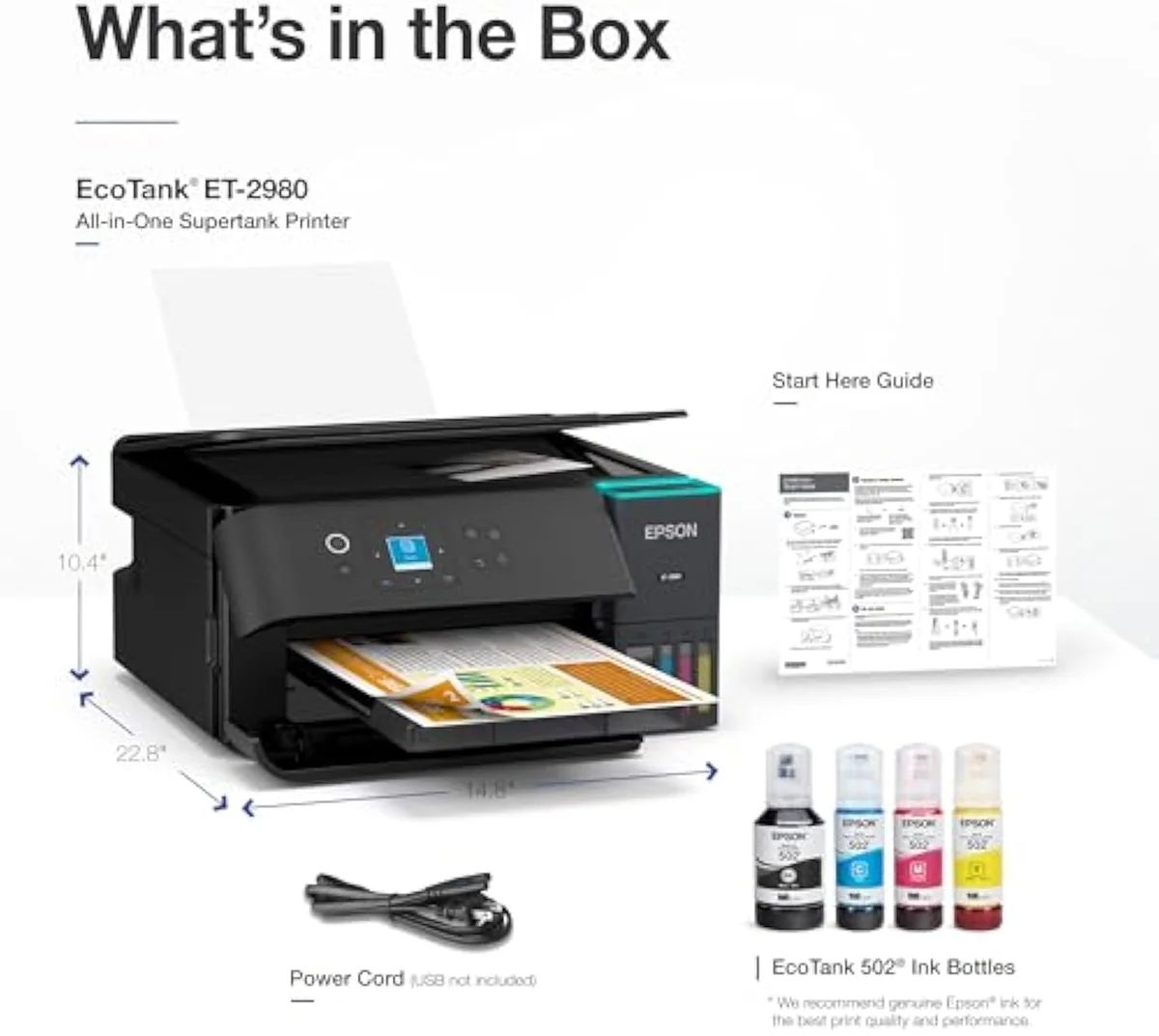
One thing the premium does not change is how you feed it. Both pull from the same no-mess EcoTank bottles — Epson notes
Third, output quality holds up — though here the base model is no slouch either. Owners of the faster machine report sharp text and good-looking color, with clean 4x6 photos for a document printer. Set against the base model’s record — which includes at least one returned-it complaint of
The premium’s catch, and the shared one
The premium’s own catch: you pay more upfront for the same ink. Its trap: the near-identical 2980U variant that locks you into an ink subscription. Buy the plain model, not the U.
Be honest about what the step-up does not fix. Some buyers say plainly that
The catch both machines share is idle clogging — the failure mode a cartridge softens and a laser sidesteps. The community is blunt about why:
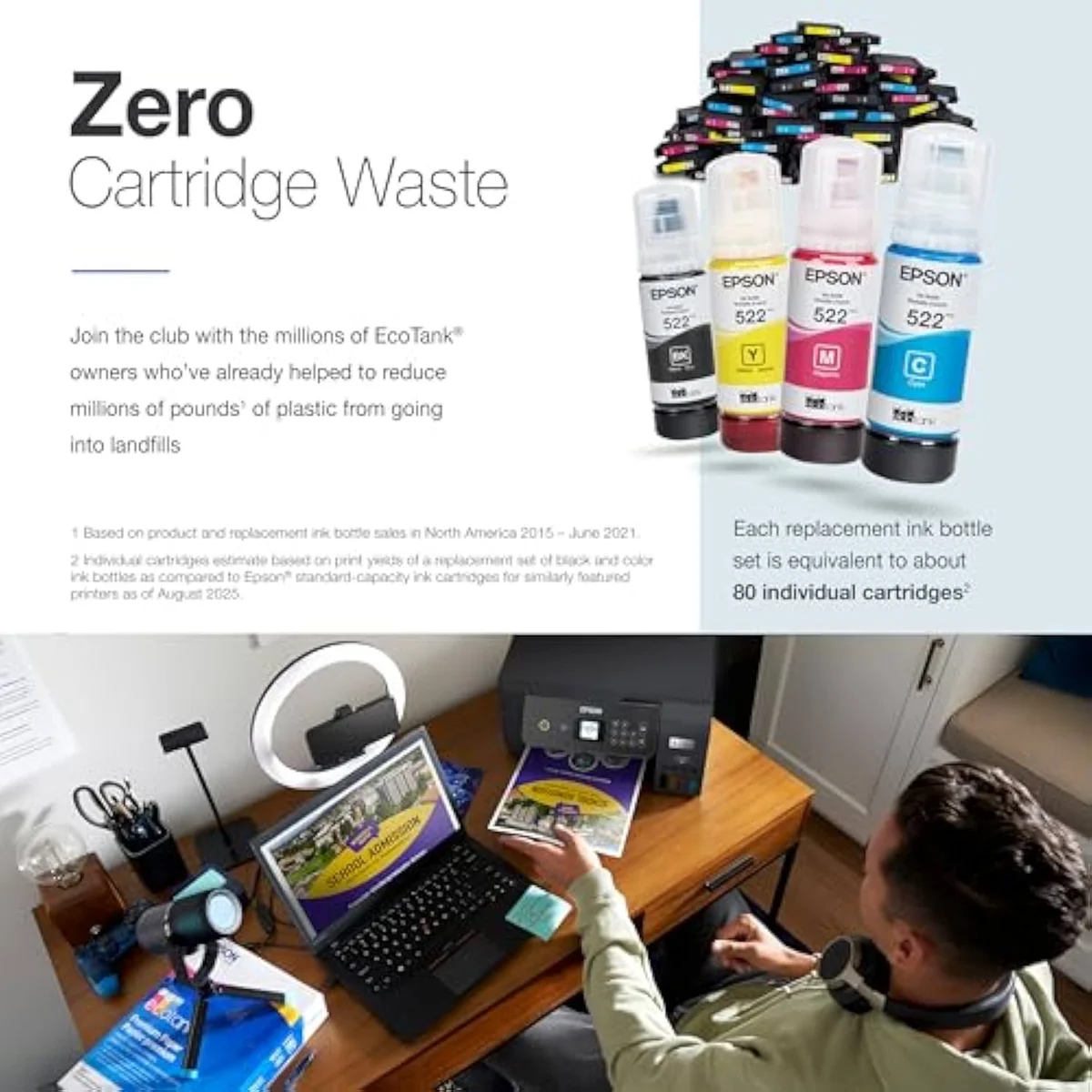
Epson EcoTank ET-2800
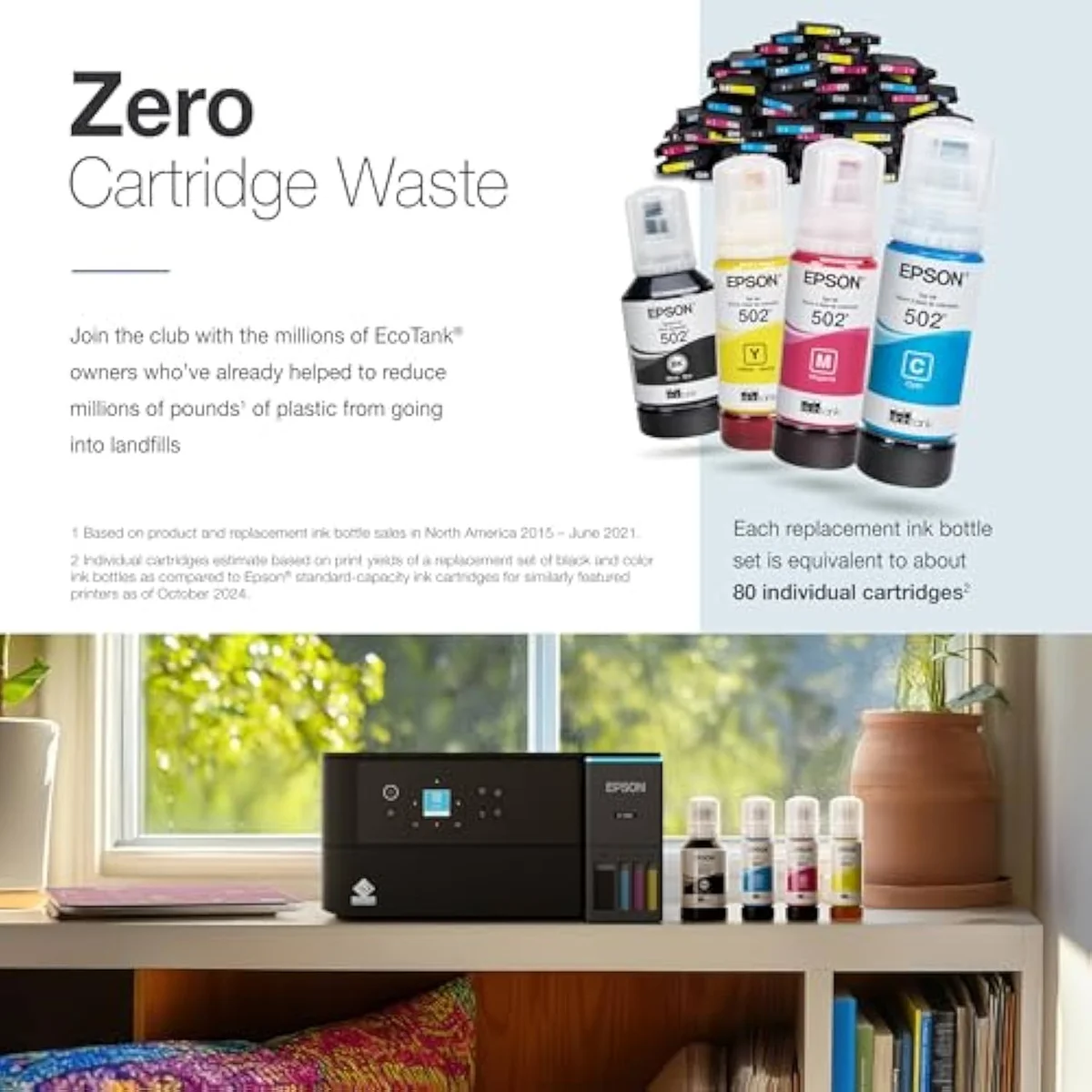
Epson EcoTank ET-2980
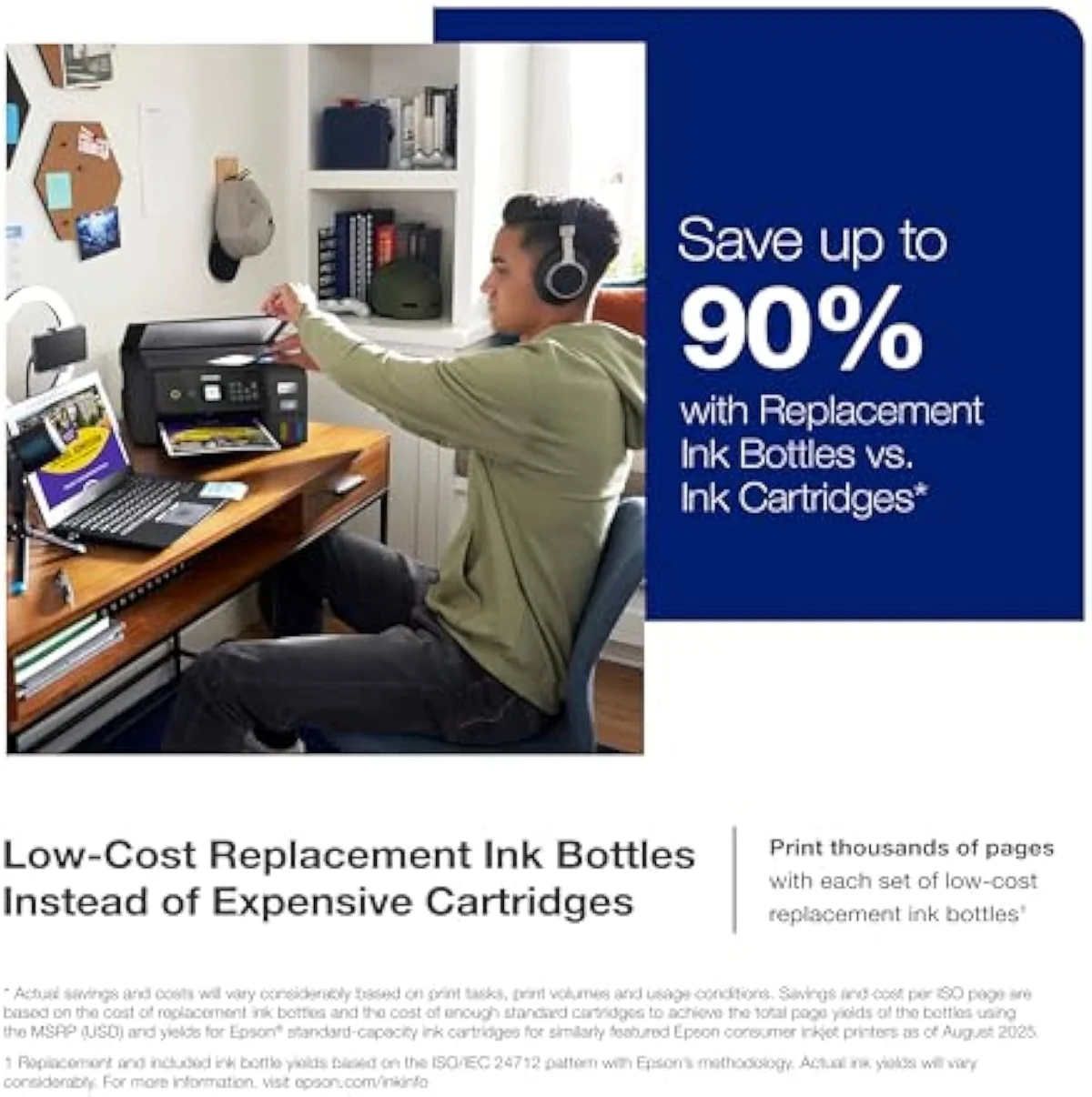
So which EcoTank earns your money?
Both EcoTanks share their ink economics, so “who should get which” turns entirely on how much you print and how much you value the controls. Here is how that resolves.
It helps to read this from whichever side you arrive on. If you’re coming from the cheaper ET-2800 — already sold on supertank ink savings and wondering whether to trade up — the only thing the ET-2980 adds is speed, the screen, and duplex, so trade up only if those earn the gap. If you’re in the ET-2980 camp instead, drawn by its faster engine and color panel, the question flips: ask whether you print enough to feel any of it, because the ET-2800 hands you the identical ink bill for less. Same machine family, opposite starting points, one honest test — print volume and how much the controls matter.
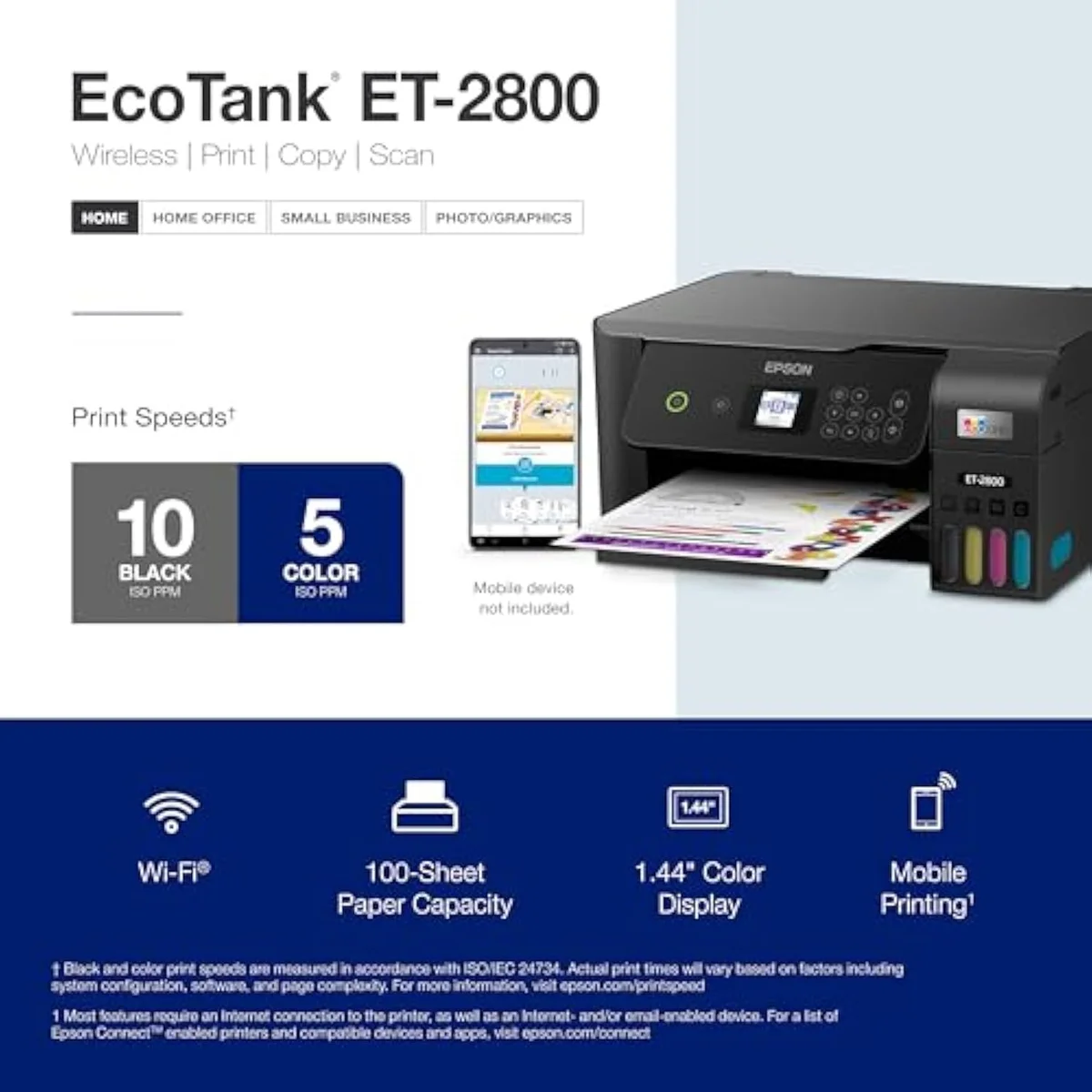
Buy the ET-2800 if…
…cost-per-dollar is your first filter and your jobs are small. The cheaper EcoTank gives you the identical bottle-ink running cost for noticeably less at checkout, and owners report it lasting a year-plus on the in-box ink. You give up speed, the color screen, and auto-duplex — but if you print a few pages a week, you will rarely miss them. For the buyer this site is built for, it is the smarter default.
Buy the ET-2980 if…
…you batch-print, or the conveniences are worth real money to you. The faster machine clears multi-page jobs quickly, the color panel makes setup and reprints painless, and built-in two-sided printing saves paper on every long document. The premium does not lower your ink bill, but it does make a higher-volume household’s printer markedly nicer to live with. Just buy the plain model — never the subscription-locked 2980U.
Skip both if…
…you print rarely, or you need office hardware. A twice-a-year household should not buy either supertank — the clog risk outweighs the ink savings on both, and a budget cartridge all-in-one is the honest pick. If you need an automatic document feeder, a fax line, or heavy-duty duplex for steady office volume, neither of these covers it; an Epson WorkForce or a color laser is the right room. Between these two, the choice is only ever speed-and-controls versus price.
Cross-shopping the wider EcoTank line? Our best supertank printers roundup ranks both against their faster and bigger-tank siblings.
Speed, screen, or savings — what buyers keep asking
Almost every ET-2800-versus-ET-2980 question circles one thing: is the dearer model worth it? The answer turns on speed, controls, and how often you print — never on ink cost. Here are the straight answers, point by point.
Is the Epson ET-2980 worth more than the ET-2800?
Only if you value speed and the controls. The ET-2980 runs a faster PrecisionCore engine, adds a 1.44-inch color screen, and prints two-sided on its own — real conveniences if you print in batches or hate fiddling through a PC driver. What it does not buy you is cheaper ink: both pull from the same refillable EcoTank bottles at the same cost per page. So the premium is for the experience, not the running cost. Print rarely and in small jobs, and the cheaper ET-2800 does the same work for less.
Do the ET-2800 and ET-2980 cost the same to run?
Effectively yes. Both are cartridge-free supertanks filling from the same style of high-capacity bottles, and a refill set on either replaces a stack of traditional cartridges. The ET-2980 ships with a larger in-box ink supply, but that is a head start, not a lower per-page cost. Cents-per-page is a wash between them — the money difference is the sticker price.
How much faster is the ET-2980?
Epson rates it at 15 pages per minute and 50% faster than its predecessor, against roughly 10 ppm on the ET-2800. On a one-page recipe you will barely notice; on a 30-page document the gap shows.
Will either printer clog with only occasional use?
Yes, and this risk is identical on both. They are liquid-ink inkjets, so the nozzles dry when the printer sits, and the machine then spends ink on cleaning cycles to recover. Owners of the ET-2980 are told plainly to print at least weekly to keep the heads clear; the same holds for the ET-2800. If your printing is a couple of jobs a year, neither supertank is the honest pick — a cartridge all-in-one or a color laser handles long gaps better.
Are the ET-2800 and ET-2980 good for photos?
Both print a clean 4x6 and saturated color for a budget all-in-one, but neither is a dedicated photo printer. For borderless gallery prints, Epson’s EcoTank Photo line handles color depth far better than either of these document machines.
What is the ET-2980U, and is it worth avoiding?
Avoid it unless you want a subscription. The ET-2980U is a near-identical variant locked to automatic Epson ink deliveries, and it cannot be converted back into the standard ET-2980. Buy the plain ET-2980 and you keep the freedom to refill from any bottle you like.
Track Both Products
We'll email you if either price drops or availability changes.
Only when something changes. Unsubscribe anytime.
Ready to Choose?
Citations
- [1]"Powered by PrecisionCore Heat-Free technology, the ET-2980 delivers print speeds 50% faster"https://www.amazon.com/dp/B0F1FBQRVBCaptured June 4, 2026. Verified June 4, 2026.
- [2]"Comes with enough ink to print up to 6,600 pages black/5,500 color"https://www.amazon.com/dp/B0F1FBQRVBCaptured June 4, 2026. Verified June 4, 2026.
- [3]"INCREDIBLE VALUE - Each replacement ink bottle set is equivalent to about 90 individual"https://www.amazon.com/dp/B0F1FBQRVBCaptured June 4, 2026. Verified June 4, 2026.
- [4]"the ET-2980 may not be the most economical printer of choice"https://www.amazon.com/dp/B0F1FBQRVBCaptured June 4, 2026. Verified June 4, 2026.
- [5]"print at least one time per week"https://www.amazon.com/dp/B0F1FBQRVBCaptured June 4, 2026. Verified June 4, 2026.
- [6]"a 2980U printer can't be reconfigured to become a"https://www.amazon.com/dp/B0F1FBQRVBCaptured June 4, 2026. Verified June 4, 2026.
- [7]"15 PPM, 1.44"https://www.amazon.com/dp/B0F1FBQRVBCaptured June 4, 2026. Verified June 4, 2026.
- [8]"they only fit the correct tank and stop automatically"https://www.amazon.com/dp/B0F1FBQRVBCaptured June 4, 2026. Verified June 4, 2026.
- [9]"Epson EcoTank ET-2800 5760 x 1440 dpi 10ppm"https://www.amazon.com/dp/B096N8DN2HCaptured June 4, 2026. Verified June 4, 2026.
- [10]"Innovative cartridge-free printing"https://www.amazon.com/dp/B096N8DN2HCaptured June 4, 2026. Verified June 4, 2026.
- [11]"High-capacity ink bottles provide a high page yield"https://www.amazon.com/dp/B096N8DN2HCaptured June 4, 2026. Verified June 4, 2026.
- [12]"The colors are muted, the text isn’t sharp, and it’s terribly slow"https://www.amazon.com/dp/B096N8DN2HCaptured June 4, 2026. Verified June 4, 2026.
- [13]"ink tank printers are still inkjet printers"https://www.amazon.com/dp/B096N8DN2HCaptured June 4, 2026. Verified June 4, 2026.