Canon PIXMA TS6520 Review: Cheap to Buy, Watch the Cartridges
Updated
The best-rated budget all-in-one we cover — dual-band Wi-Fi, automatic duplex, and a setup owners call easy. But it's a two-cartridge machine, so the relief at checkout gets clawed back at the ink aisle if you print in volume.
| Best for | Low-to-moderate homes that want a no-drama all-in-one |
|---|---|
| Skip if | You print most days — a refillable tank costs far less to feed |
| Wi-Fi | Dual-band 2.4 GHz or 5 GHz |
| Ink | Two-cartridge hybrid system |
| Owner rating | 4.4 / 5 across 9 reviews |
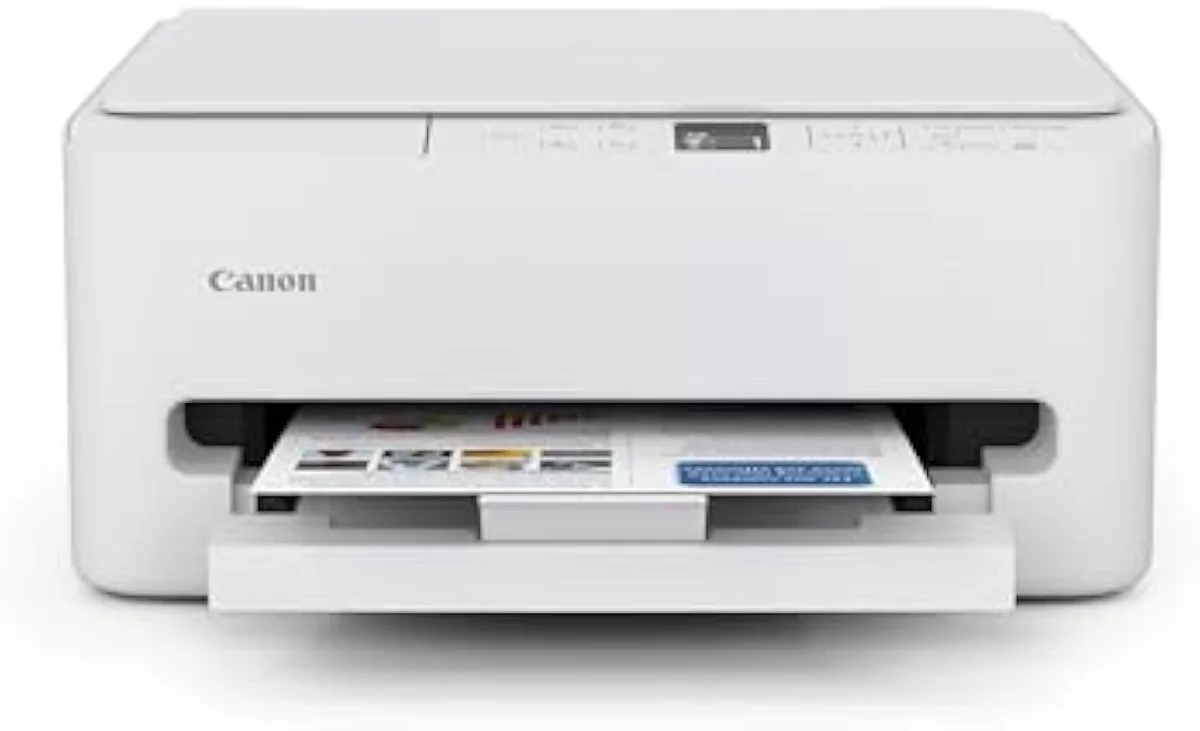
The best-rated budget all-in-one we cover: dual-band Wi-Fi, automatic duplex, and an easy setup at a low sticker. But it is a two-cartridge machine, so match it to a low-to-moderate print rate or a refillable tank will cost far less to feed.
Amazon prices and availability are refreshed live and are subject to change. The price shown on Amazon at purchase applies.
Video Review

This review synthesizes the 9 verified Amazon owner reviews of the Canon PIXMA TS6520 (a 4.4-star average), the r/printers and r/australia owner threads we mined, Canon's own published specifications, and independent printer testing from sources like RTINGS' lab-tested printer reviews. We don't run a print lab — we read the owner record closely and price the cost of ownership the box leaves off. We earn a commission if you buy through our links; it never changes the verdict. Read our full methodology →
Overview
The calm budget all-in-one
The TS6520 is the printer you buy when the last one drove you up the wall. Canon pitches it plainly —
That's the lens this site puts on every machine — the cartridge-versus-tank math of what a printer actually costs to own over months, not what it costs on the shelf. And here the lens matters, because the TS6520 is a two-cartridge printer. The sticker is low. The ink is where Canon earns it back.
The owner record is unusually warm, and it opens with relief. People come to it worn out by another brand:
We've been struggling and struggling with our (different name brand) printer, and finally decided to just move on. What they moved to, in this case, is a machine they call easy from the first run. Same category as the printer they fled — the difference is how little fuss it asks.
Key Specifications
| Functions | Print, scan, copy, auto-duplex |
| Connectivity | Dual-band Wi-Fi (2.4/5 GHz), AirPrint, Mopria |
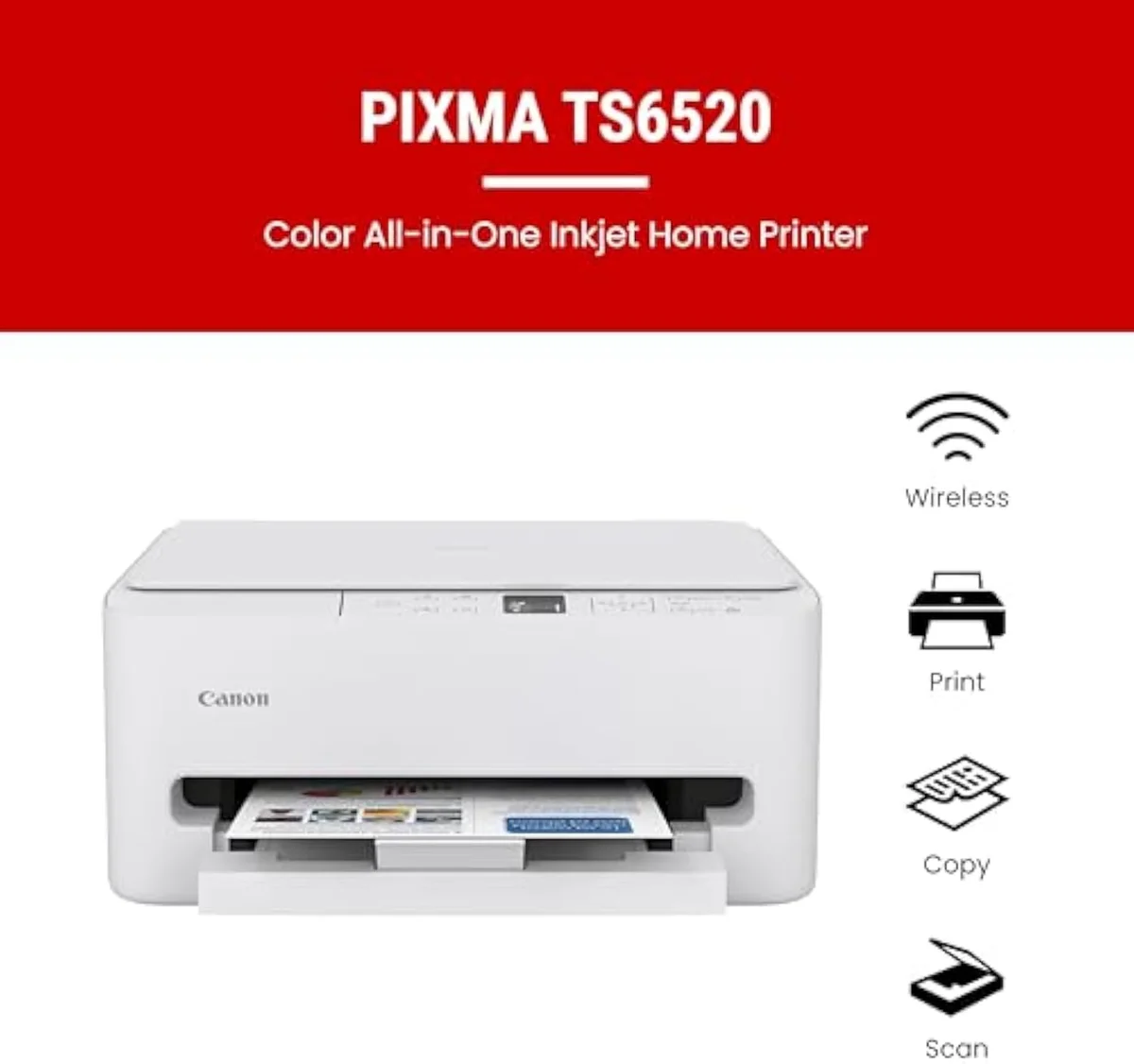
What the spec sheet says
The spec sheet is where the TS6520 quietly out-equips its price. Connectivity comes first: Canon's box copy promises
Then comes the feature the price class usually drops. Canon's listing leads with
It's a full color all-in-one, not a print-only box: a flatbed scanner and copier are on board, and it handles documents and photos
Pros & Cons
Pros
- Dual-band 2.4/5 GHz Wi-Fi survives a mesh router
- Automatic two-sided (duplex) printing, uncommon at this price
- Easy, intuitive setup owners praise
- Full color all-in-one with flatbed scan and copy
Cons
- Two-cartridge ink system gets costly for volume printers
- Canon online-account registration is slow during setup
- Color looks weak on cheap paper
Performance & Real-World Testing
Setup is the headline, and it's good
Here's the thing: the most consistent praise in the review set isn't the print quality — it's the setup. One owner sums up the camp plainly:
Several didn't expect it to be this easy.
The wireless holds up in real homes, not just the spec sheet. Another owner reports flatly that
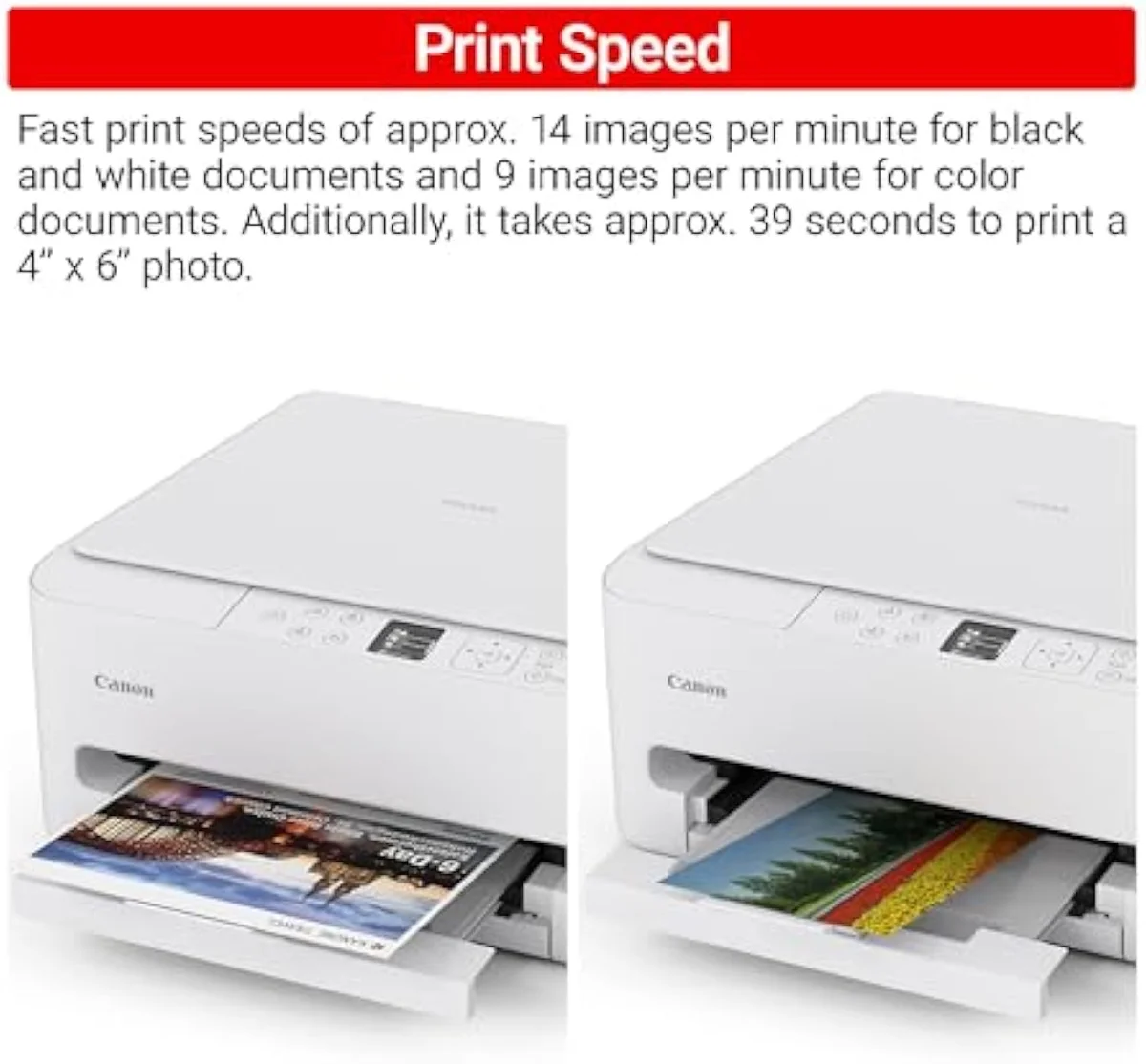
Where it trips: the account, not the printer
The single sharpest gotcha has nothing to do with hardware. The printer sets up fast; the Canon online account does not. As one owner put it,
The other trip is the router, and it's usually fixable. Some Canon PIXMA owners hit network setup pain, but the community answer is rarely "return it" — it's a settings tweak:
Print quality is where it should be for the class — good for documents, fair for photos. One owner adds the honest caveat:
Value Analysis
Cheap to buy, watch the cartridges
Here's where the cheap printer gets expensive. The TS6520 is a two-cartridge machine, and cartridge machines make their money after you've bought them. The community says it in one line:
The printer is the cheap part. The cartridges are the subscription nobody told you about.
Independent testing backs that gap. RTINGS' independent cost-per-print and page-yield testing puts cartridge cost-per-page many times higher than bottle ink, and Consumer Reports' inkjet running-cost and reliability testing reaches the same verdict. A cartridge model is cheaper to buy and dearer to feed; a refillable tank is the reverse. The month the two lines cross is the month the cheap printer stops being cheap.
The ink-cost runway
≈60 pages a month
How fast that crossover arrives is the whole decision, and it splits cleanly by volume. The Reddit threads cross-shopping this exact printer against a tank are blunt about it:
THE GAP The box counts pages; the wallet counts cartridges — at a couple hundred pages a standard cartridge, regular printing meets the next XL set fast.
The volume test decides it
So the value verdict splits by how much you print. Print rarely and the TS6520 is honestly cheap to own — and it does it with duplex and 5 GHz Wi-Fi most budget rivals skip. Print every day and it quietly becomes the expensive machine, the checkout savings gone by the third cartridge set. We run that cartridge-versus-tank fork across the whole catalog in our type-versus-type tradeoffs analysis.
What to Expect Over Time
Living with it: ink path and idle time
Two things shape life with the TS6520 past the first week: the ink it takes, and how often it sits idle.
The ink, because the two-cartridge hybrid is the long-term cost. Canon builds it as a
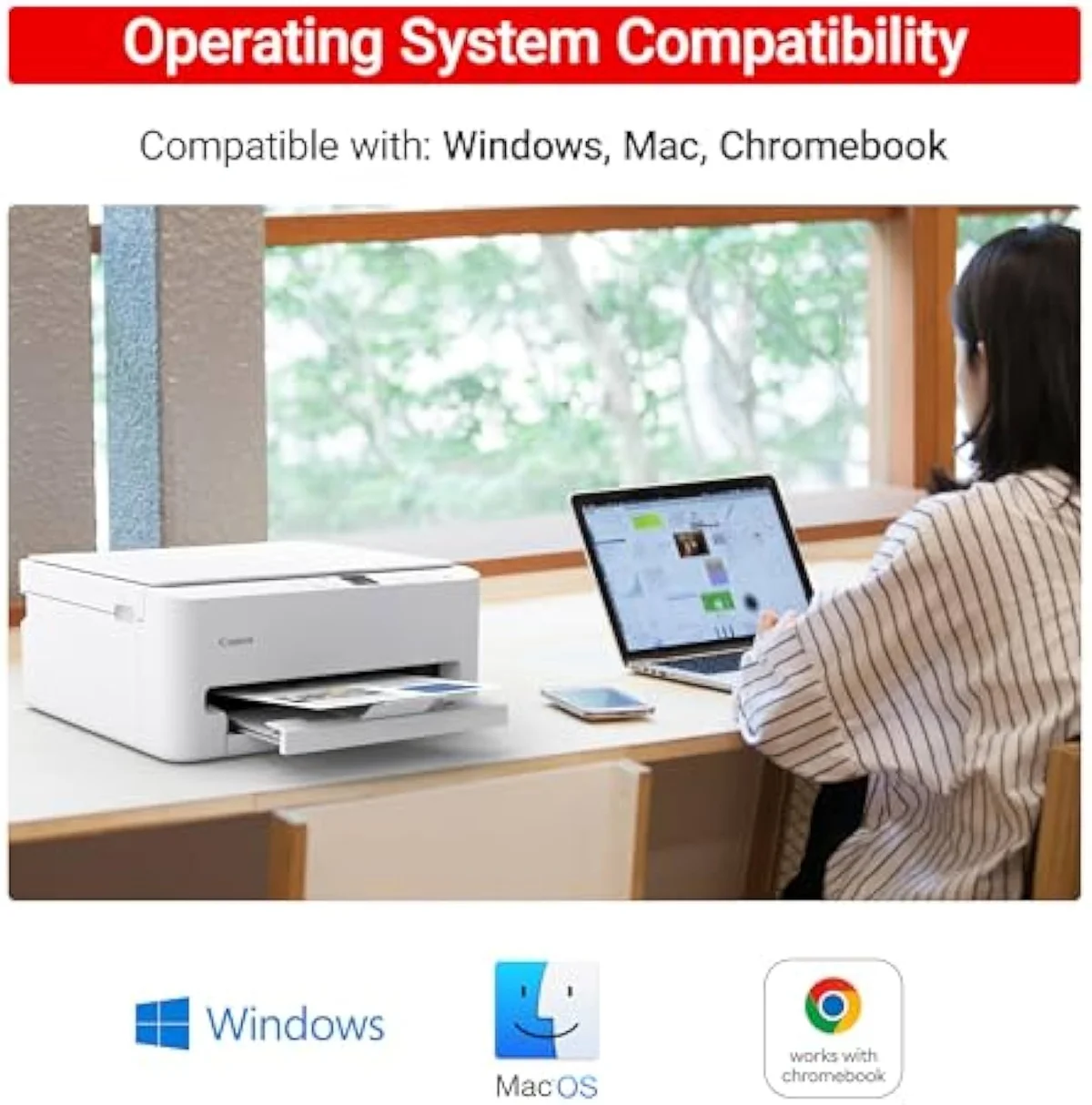
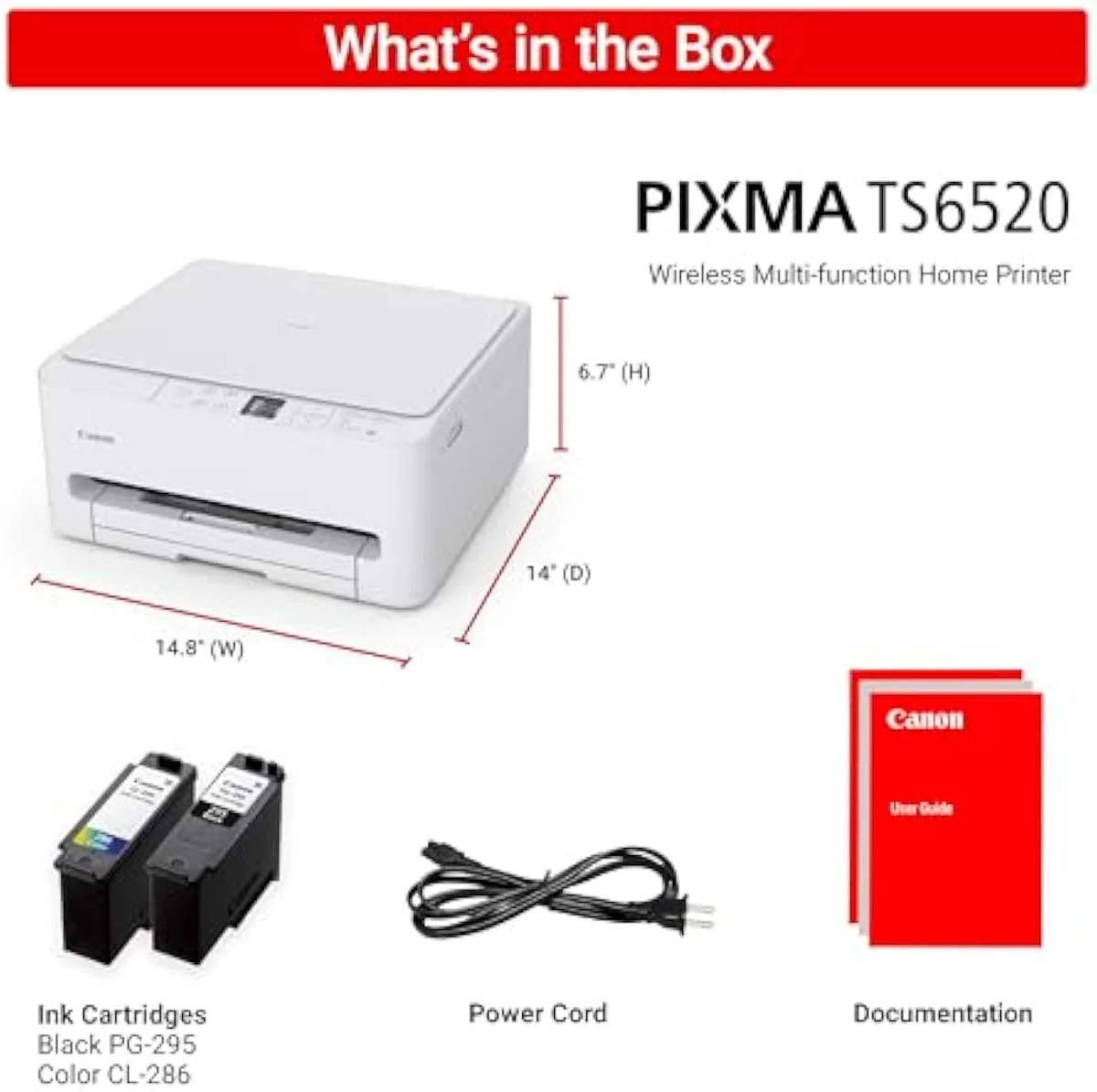
Idleness, because every inkjet has one failure mode a laser doesn't: liquid ink dries in the nozzles when the printer sits unused, and the machine spends ink on automatic cleaning cycles to clear it. A budget all-in-one bought for the occasional school run is, by definition, idle most of the month. Print something in color about once a week and it rarely bites; let it sit dark over the course of several weeks and the clog you meet is the evening you need a boarding pass.
The scan-and-copy side is the quiet long-term win, and one owner learned it the hard way on a previous machine:
Questions TS6520 buyers actually ask
The 9-review record clusters tightly: warm on setup and connectivity, with the cost question waiting in the long term. These are the questions buyers raise most.
Is the Canon PIXMA TS6520 any good?
For a low-to-moderate-volume home, yes — it earns its 4.4-star average, the highest of the budget all-in-ones we cover. Owners praise the easy setup, the dual-band Wi-Fi that joins a 5 GHz network where cheaper rivals can't, and automatic two-sided printing the price class usually skips. The one real catch isn't the hardware: it's a two-cartridge machine, so if you print most days the refill bill steadily outruns a refillable ink tank. Match it to your print rate, not the sticker.
Does the Canon PIXMA TS6520 print double-sided automatically?
Yes. It does automatic two-sided printing without you flipping pages by hand — a duplex feature that cuts paper use roughly in half on long documents and is uncommon at this price.
Canon PIXMA TS6520 or HP DeskJet — which is better?
Both are budget cartridge all-in-ones, and both feed on cheap printers' expensive ink. The TS6520's edge is connectivity and setup: dual-band Wi-Fi that survives a mesh router, automatic duplex, and a setup owners call intuitive — the HP DeskJet line frustrates more owners at the software stage and is often 2.4 GHz only. The DeskJet usually wins on sticker price. If you want the calmer first-run experience, the Canon is the safer pick.
What are the common problems with Canon PIXMA printers?
Three recur in the owner record. Network setup can stall on some routers — usually a router-side issue fixed with a DHCP reservation, not a printer fault. Registering a Canon online account during setup is slow enough that one owner said it took longer than the printer itself. And, as a two-cartridge machine, ongoing ink cost is the long-term complaint for anyone who prints in volume.
Is the TS6520 a good choice for occasional printing?
It's one of the better occasional-use picks, and that's exactly the cost trap working in your favour. At a few pages a month the cartridge math never catches up to you, while a supertank's higher entry price would sit wasted. The risk a light-use inkjet always carries is idle clogging — print something in color about once a week to keep the printhead clear.
Does the Canon PIXMA TS6520 print borderless photos?
It will, up to letter size with or without borders, but treat it as a document printer that also does photos — not a photo specialist. Owners note color looks weaker on cheap paper, so use a coated photo stock if photo quality matters.
Who should buy it
Match it to your print rate, not the sticker
A home printing low-to-moderate volume gets a genuinely calm all-in-one here — easy setup, dual-band Wi-Fi that survives a mesh router, and automatic duplex its price rivals skip, all at the top owner rating of the budget tier. Anyone printing most days should weigh a refillable tank first, because the cartridge bill is the number that grows.
Against the HP DeskJet 2855e, the TS6520 is the calmer machine — dual-band Wi-Fi where the DeskJet is often 2.4 GHz only, automatic duplex the DeskJet lacks, and a setup without HP's account-and-ink wall. Both are cartridge printers that feed on the same tax. If your print rate is climbing, the Epson EcoTank ET-2803 trades a higher entry price for bottle ink that lasts years and erases the cartridge math — the same crossover Canon's own MegaTank line is built to win. Read the full case in our guide to refillable tank printers.
The best-rated budget all-in-one we cover: dual-band Wi-Fi, automatic duplex, and an easy setup at a low sticker. But it is a two-cartridge machine, so match it to a low-to-moderate print rate or a refillable tank will cost far less to feed.
Best for: Low-to-moderate-volume homes wanting a no-drama all-in-one
How the Canon PIXMA TS6520 Wireless Color Inkjet Printer Duplex Printing compares
- Canon PIXMA TS6520 Wireless Color Inkjet Printer Duplex Printing vs Canon PIXMA TR4720 All-in-One Wireless Printer
Track the Canon PIXMA TS6520 Wireless Color Inkjet Printer Duplex Printing
We check the price daily and monitor availability. You hear from us when something changes.
Only when something changes. Unsubscribe anytime.
Citations
- [1]"Reliable Wireless Connectivity"https://www.amazon.com/dp/B0FMBTJLX6Captured June 3, 2026. Verified June 3, 2026.
- [2]"Save Time & Paper"https://www.amazon.com/dp/B0FMBTJLX6Captured June 3, 2026. Verified June 3, 2026.
- [3]"2-cartridge hybrid ink system"https://www.amazon.com/dp/B0FMBTJLX6Captured June 3, 2026. Verified June 3, 2026.
- [4]"1.42” Monochrome OLED screen"https://www.amazon.com/dp/B0FMBTJLX6Captured June 3, 2026. Verified June 3, 2026.
- [5]"up to 8.5” x 11”, with or without borders"https://www.amazon.com/dp/B0FMBTJLX6Captured June 3, 2026. Verified June 3, 2026.
- [6]"Canon PRINT App, Apple AirPrint, and Mopria"https://www.amazon.com/dp/B0FMBTJLX6Captured June 3, 2026. Verified June 3, 2026.
- [7]"A budget-friendly all-in-one"https://www.amazon.com/dp/B0FMBTJLX6Captured June 3, 2026. Verified June 3, 2026.
- [8]"We've been struggling and struggling with our (different name brand) printer, and finally decided to just move on."https://www.amazon.com/dp/B0FMBTJLX6Captured June 3, 2026. Verified June 3, 2026.
- [9]"Easy to set up, simple to use, intuitive"https://www.amazon.com/dp/B0FMBTJLX6Captured June 3, 2026. Verified June 3, 2026.
- [10]"Remote printing and Wi-Fi work great."https://www.amazon.com/dp/B0FMBTJLX6Captured June 3, 2026. Verified June 3, 2026.
- [11]"Setting up a Canon account at their website actually took longer than setting up the printer itself."https://www.amazon.com/dp/B0FMBTJLX6Captured June 3, 2026. Verified June 3, 2026.
- [12]"We also didn't realize when we bought our old printer that it didn't copy or scan, which proved to be a big issue."https://www.amazon.com/dp/B0FMBTJLX6Captured June 3, 2026. Verified June 3, 2026.
- [13]"Caveat - the color isn't wonderful"https://www.amazon.com/dp/B0FMBTJLX6Captured June 3, 2026. Verified June 3, 2026.
- [14]"You'd save an incredible amount of money if you go for a tank."https://reddit.com/r/printers/comments/1qhkl2s/which_canon_pixma/Captured June 3, 2026. Verified June 3, 2026.
- [15]"the megatank is a more reasonable choice because the refills for the first two are so expensive"https://reddit.com/r/printers/comments/1qhkl2s/which_canon_pixma/Captured June 3, 2026. Verified June 3, 2026.
- [16]"Most people with this issue solved it by going into their WiFi router's configuration, and set up a DHCP reservation"https://reddit.com/r/printers/comments/1egcsk1/never_buy_canon_ts_or_anything_canon/Captured June 3, 2026. Verified June 3, 2026.
- [17]"the cheaper the printer the more expensive the ink cartridges"https://reddit.com/r/australia/comments/196f3km/avoid_buying_the_canon_pixma_printer_currently_on/Captured June 3, 2026. Verified June 3, 2026.