Brother Work Smart 1360 Review: Office Hardware, Coin-Flip Setup
Updated
A budget cartridge all-in-one that buys real office hardware — auto-duplex, a document feeder, a 150-sheet tray — and runs cheap third-party ink. The 3.9 rating is a setup coin flip, not a quality fault. Print in volume and a refillable tank still feeds far cheaper.
| Best for | Budget home offices that want an ADF and refuse an ink subscription |
|---|---|
| Skip if | You print rarely, need Ethernet, or want a guaranteed easy setup |
| Ink | LC501 cartridges — takes cheap aftermarket ink |
| Connectivity | Wi-Fi or USB only (no Ethernet) |
| Owner rating | 3.9 / 5 across 13 reviews |
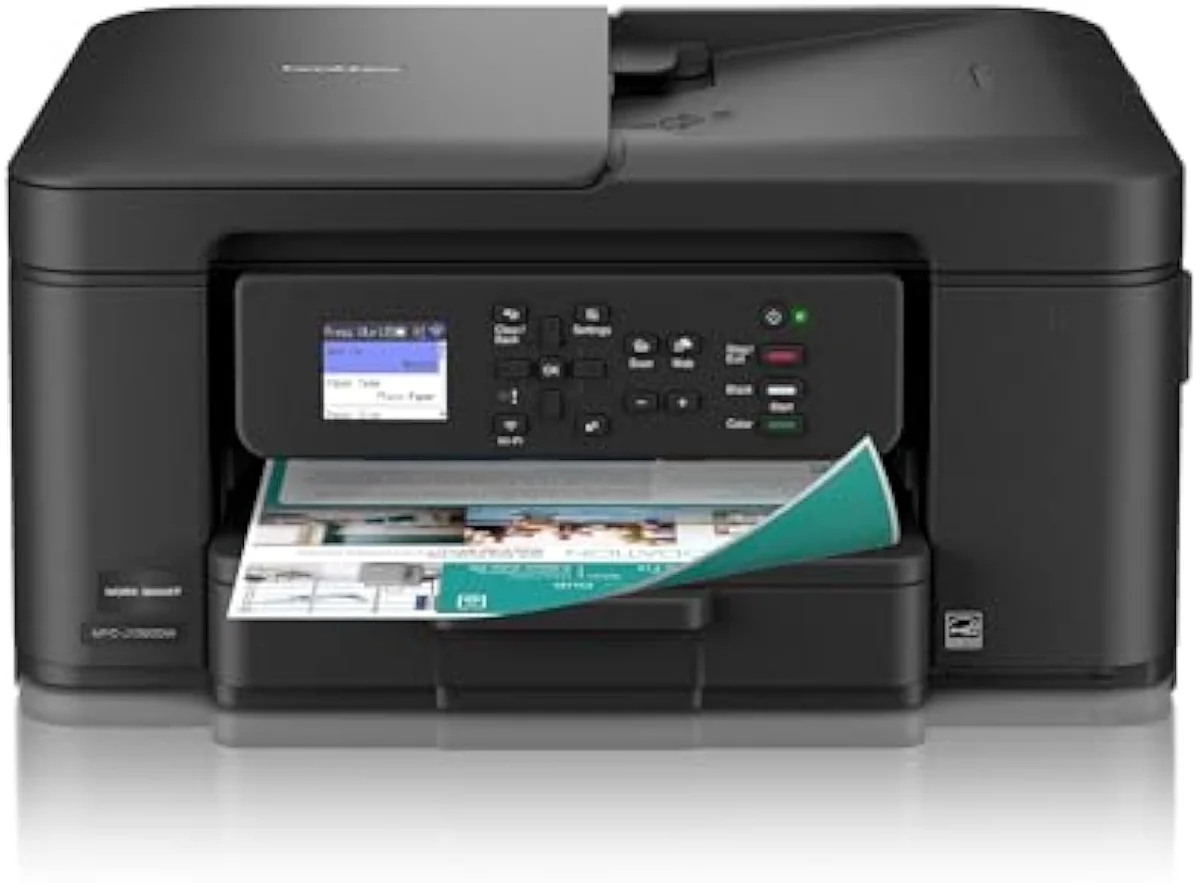
A budget cartridge all-in-one that buys real office hardware — auto-duplex, an ADF, a 150-sheet tray — and lets you run cheap third-party ink. The 3.9 rating is a setup coin flip, not a quality problem. Print in volume and a refillable tank still feeds far cheaper.
Amazon prices and availability are refreshed live and are subject to change. The price shown on Amazon at purchase applies.
Video Review
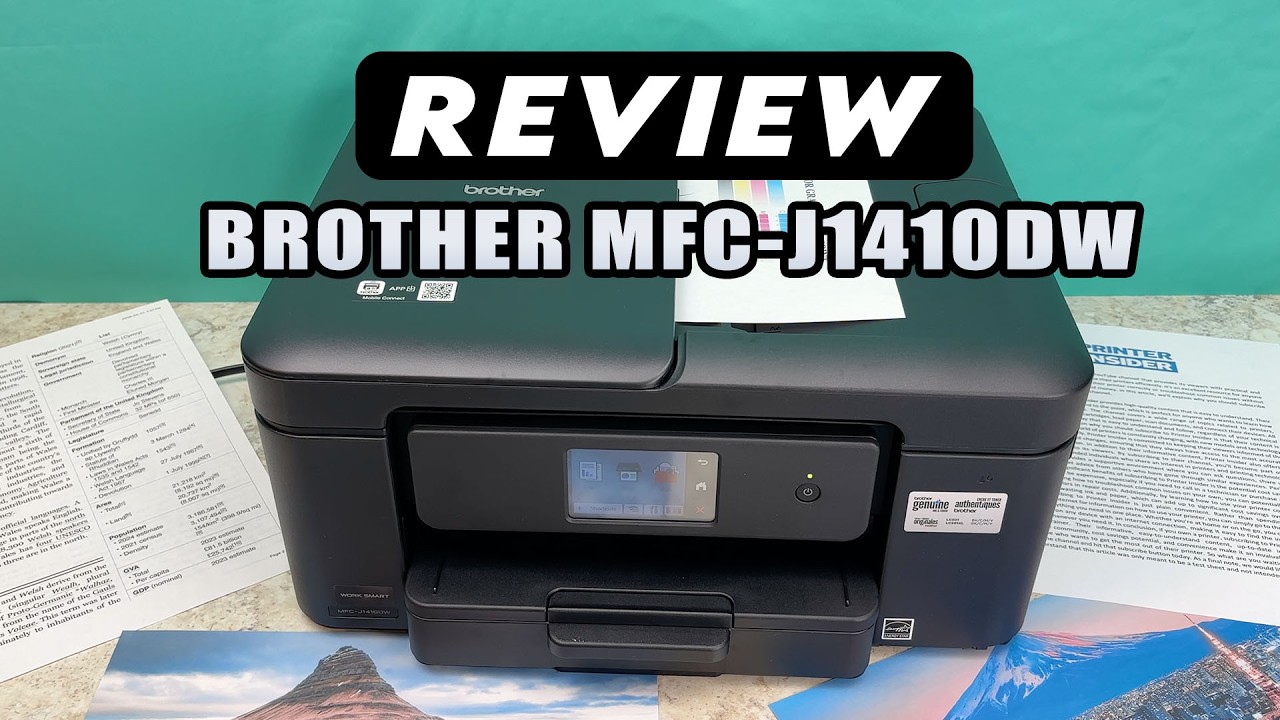
Our verdict here pulls together the 13 verified Amazon owner reviews of the Brother Work Smart 1360 (a 3.9-star average), the r/printers owner threads we mined, Brother's own published specifications, and independent printer testing from sources like RTINGS' lab-tested printer reviews. We don't run a print lab — we read the owner record closely and price the cost of ownership the box leaves off. We earn a commission if you buy through our links; it never changes the verdict. Read our full methodology →
Overview
A budget all-in-one with an office résumé
Most owners land on the Brother 1360 after one specific breaking point: an HP machine that quietly stopped taking aftermarket ink. The 1360 is a cheap cartridge all-in-one, yet it carries hardware the price class usually strips out —
The lens this site puts on every machine is the same one Brother's listing skips: not the sticker, but the cartridge-versus-tank math of what it actually costs to own over time. The 1360 is firmly pole-one ink — cheap to buy, paid for forever at the cartridge shelf — so the verdict turns on how much you print, not how it looks on the desk.
Across the 13 owner reviews, the split is sharp and it is not about output. One end sounds like this:
This is a great printer. Easy to set up, one owner writes. Another cannot make wireless setup finish and returns it the same day. Same machine — the difference is almost never the hardware.
Key Specifications
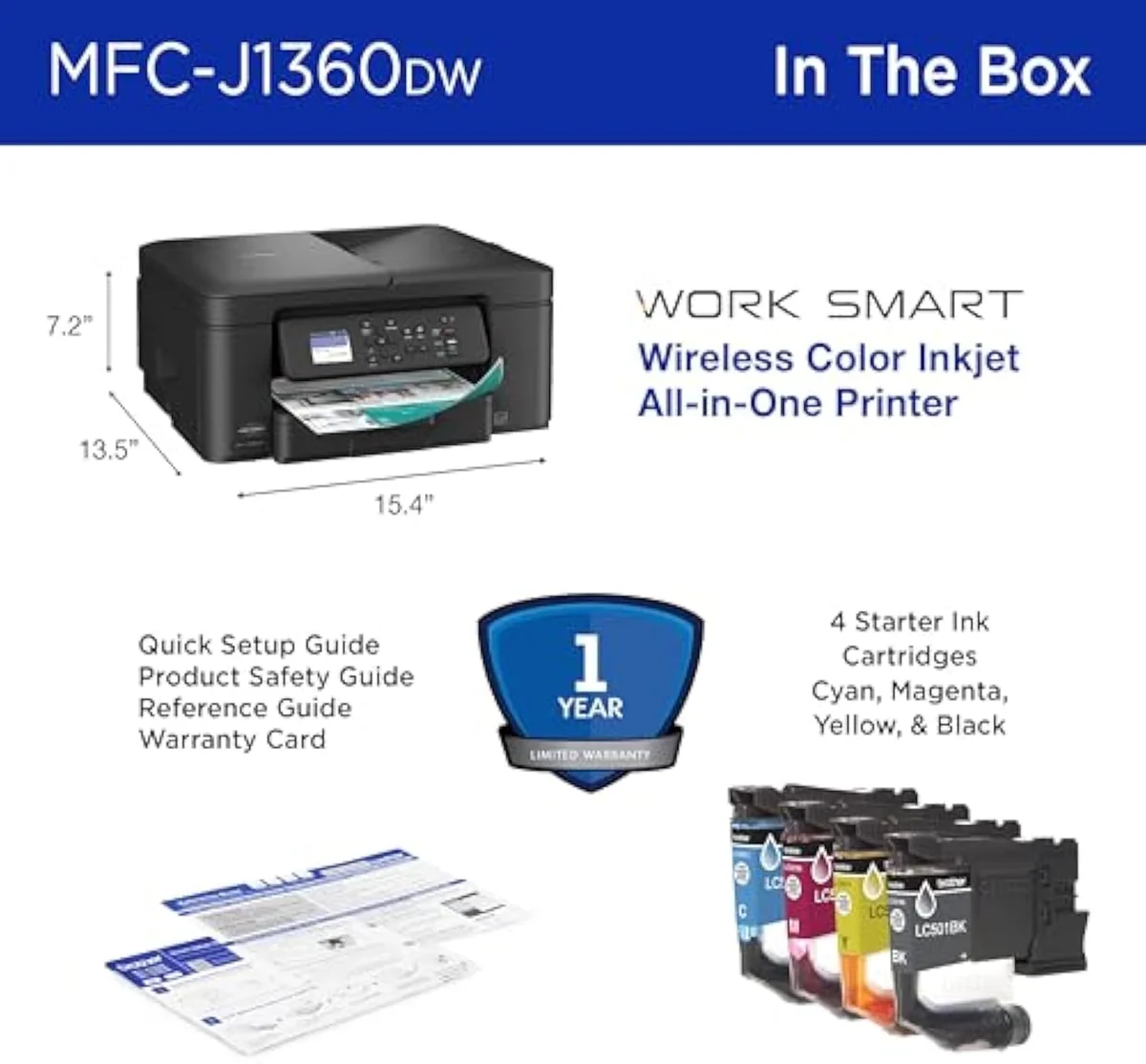
| Functions | Print, scan, copy, auto-duplex, 20-sheet ADF |
| Connectivity | Wireless or USB (no Ethernet), AirPrint, Mopria |
| Ink System | LC501 series cartridges |
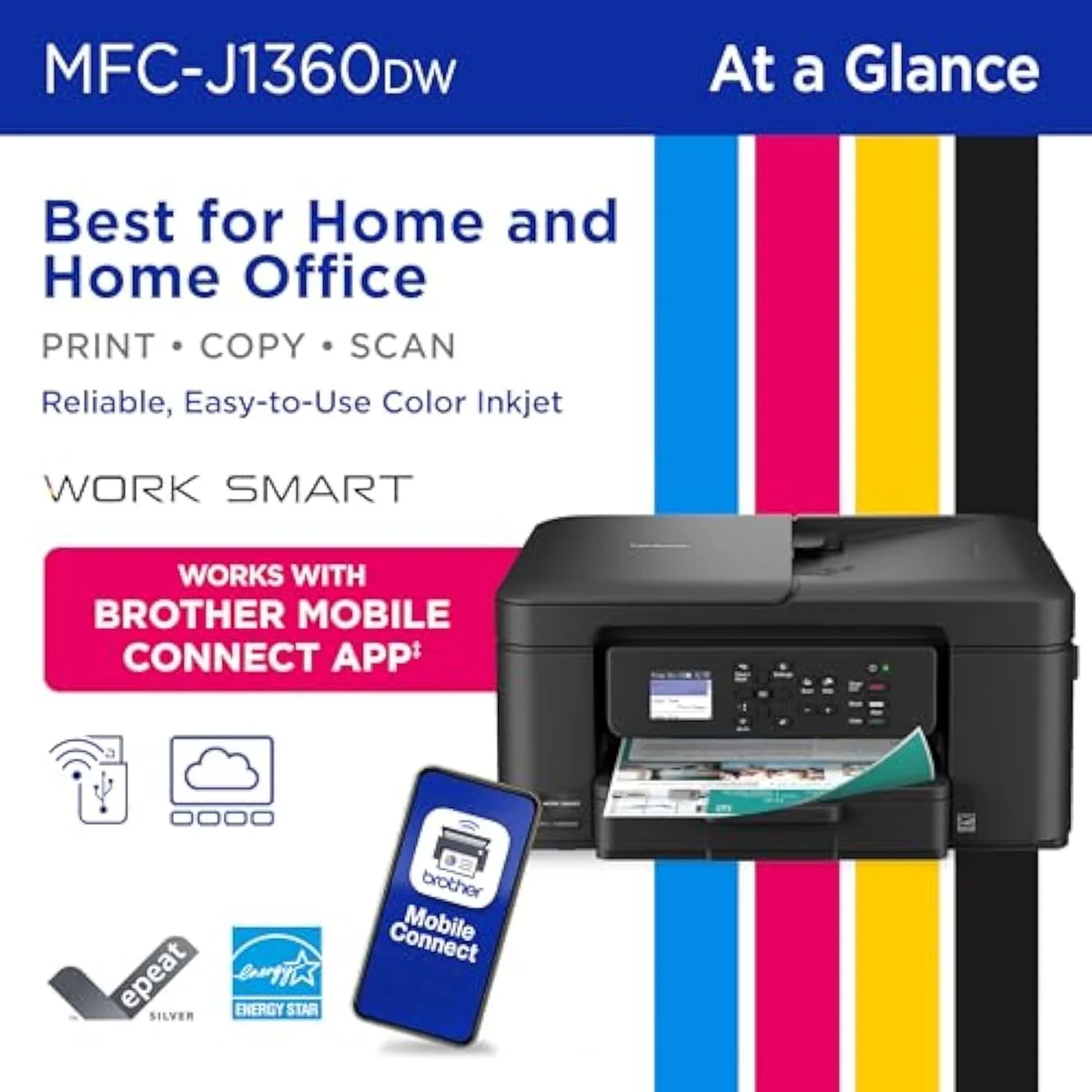
What the spec sheet actually buys
The headline numbers are honest for the class. Brother rates the 1360 for
The on-device side is better equipped than the price suggests. There is a 1.8-inch color display, plus print-to and scan-from cloud apps
One omission matters. Connectivity is
Pros & Cons
Pros
- Office hardware rare at the price: auto-duplex, a 20-sheet ADF, and a 150-sheet tray
- Takes cheap third-party cartridges — no firmware lock-out like HP
- LC501 cartridges are reasonably priced for branded ink
- Mobile scan-to-email and 1.8-inch color display
Cons
- Setup is a coin flip — a minority hit a hard wall and return it
- Cartridge ink still costs far more per page than a refillable tank
- Wi-Fi or USB only — no Ethernet port
- Android mobile printing needs Mopria plus iPrint&Scan installed first
Performance & Real-World Testing
When it prints, owners are happy
Print quality is the calm part of the record. One owner sums the machine up plainly:
The all-in-one half pulls real weight too. Several owners didn't expect to lean on the scanner and ended up using it constantly — one notes the convenience
Where it goes wrong: the setup coin flip
The 3.9 rating lives almost entirely here. Setup is bimodal. Most owners sail through; a minority hit a hard wall. The most common complaint is blunt —
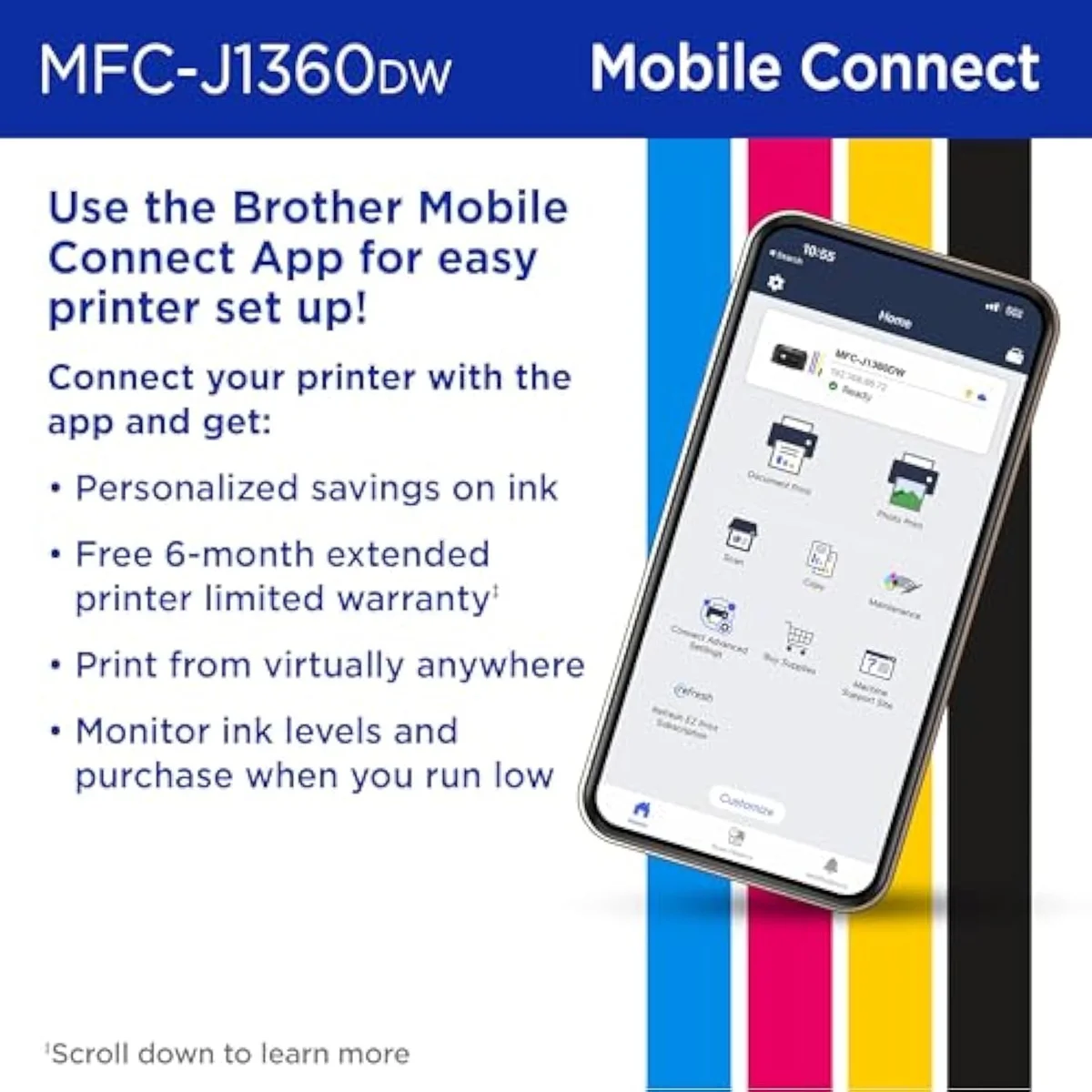
Mobile setup adds its own friction on one platform. The first-time gotcha is Android-specific: owners are told to install the
Value Analysis
Cheap to buy, cartridge-fed to keep
Here's the thing about a cheap cartridge printer: the sticker is the cheapest part. The 1360 is a cartridge machine, and cartridge machines earn their keep after you have paid for them — the razor-and-blades model, pointed at your desk. The LC501 sets are where the real cost lives.
Brother's real edge is what it does not do: it does not lock you in. One owner who switched specifically because
But freedom from a subscription is not the same as cheap-per-page. Independent testing is clear that cartridge ink costs far more per page than bottle ink — RTINGS' cost-per-print and page-yield testing puts the gap at several times over, and Consumer Reports' inkjet running-cost testing reaches the same verdict. A cartridge model is cheaper to buy and dearer to feed; a supertank is the reverse. We run that fork across the whole catalog in our type-versus-type tradeoffs analysis.
THE GAP The box counts speed; the wallet counts cartridges — a two-set machine meets the next LC501 set fast under regular use, and idle cleaning quietly adds to the tally.
The volume test
So the value verdict splits on one number: how much you print. Print regularly in a home office and the 1360 is honestly good value — real office features, no subscription, cheap aftermarket ink. Print every day in true volume and a refillable tank's flat bottle cost wins on the long run. We grade every machine against that running-cost case in our inkjet printers evidence hub.
What to Expect Over Time
Living with it: idle time and the subscription on-ramp
Two things shape life with the 1360 past the first week: idleness, and the subscription Brother slips in the box.
Idleness first, because every inkjet has one failure mode a laser doesn't. Liquid ink hardens in the nozzles when the printer sits unused, and the machine spends ink on automatic cleaning cycles to clear it. One owner is blunt about the cost:
The subscription is the second thread. The 1360 ships with a
The upside owners come back for is the one HP took away. One cable-bound owner frames it as the wireless upgrade
Questions Brother 1360 buyers actually ask
The 13-review record clusters tightly: praise for the printing and the ink freedom, frustration at the setup gamble. These are the questions buyers raise most.
Is the Brother Work Smart 1360 a good printer?
For a budget all-in-one, the hardware is strong — automatic duplex, a 20-sheet document feeder, and a 150-sheet tray that most printers at this price skip entirely. The 3.9-star average across 13 owner reviews is not a print-quality verdict; it's a setup verdict. Most owners get it running in minutes and call it a great little machine. A minority hit a wall during wireless setup and return it the same day. If you're comfortable troubleshooting a Wi-Fi connection, it earns its place. If you want a guaranteed plug-and-play first run, the odds here are worse than a dual-band Canon.
What are the most common problems with the Brother 1360?
Two recur. Wireless setup is bimodal — it goes smoothly for most, but a real subset cannot complete it and give up. And on Android, mobile printing is not automatic: owners are told to install the Mopria and Brother iPrint&Scan apps before phone printing works. Print quality itself draws almost no complaints.
Is the Brother 1360 better than an HP DeskJet?
On running cost, yes — and decisively. Brother does not firmware-lock its cartridges, so the 1360 takes cheap third-party ink; HP's Instant Ink machines block aftermarket cartridges and push a subscription. The 1360 also out-specs a basic DeskJet with auto-duplex and a document feeder. Where HP can win is the calmer setup software on a good day. For anyone who buys a printer specifically to escape HP's ink ecosystem, the Brother is the obvious pick.
Does the Brother 1360 connect over Ethernet?
No. It connects over Wi-Fi or a USB cable only — there is no Ethernet port. If you need a wired network printer, this is the wrong model.
Can you use cheap third-party ink in the Brother 1360?
Yes, and that's its quiet advantage. It uses LC501 cartridges, and owners report it isn't picky about aftermarket ink — one long-term owner says they've bought almost no Brother-branded cartridges. Branded LC501 sets are reasonably priced too, so you're not forced into a subscription to keep costs down.
Is the Brother 1360 a good choice for occasional printing?
Probably not. Every color inkjet runs automatic cleaning cycles that spend ink when it sits idle, and a machine bought for a few pages a month is idle most of the time. At that volume a cheap mono laser avoids the clog risk entirely. The 1360 rewards regular printing, not a printer that lives switched off.
Who should buy it
The verdict rides on the setup coin flip
A budget home office that prints regularly, wants a document feeder and auto-duplex, and refuses to be locked into an ink subscription gets a lot of machine here for very little money. Anyone who prints rarely, needs Ethernet, or wants a guaranteed easy first run should weigh the alternatives first — the setup coin flip is real.
Compared to the Canon PIXMA TS6520, the 1360 trades the Canon's calmer dual-band setup for genuine office hardware and cheaper third-party ink. Against the HP DeskJet 2855e, it is the anti-HP pick — no firmware lock, no account wall, more features. And if you print in real volume, the cartridge tax never goes away: a bottle-fed machine like the Epson EcoTank ET-2803 costs more up front and erases the per-page math over time.
A budget cartridge all-in-one that buys real office hardware — auto-duplex, an ADF, a 150-sheet tray — and lets you run cheap third-party ink. The 3.9 rating is a setup coin flip, not a quality problem. Print in volume and a refillable tank still feeds far cheaper.
Best for: Small-home-office buyers who want an ADF and auto-duplex on a budget and refuse an ink subscription
Track the Brother MFC-J1360DW
We check the price daily and monitor availability. You hear from us when something changes.
Only when something changes. Unsubscribe anytime.
Citations
- [1]"fast speeds of up to 16 pages"https://www.amazon.com/dp/B0FGC43YCLCaptured June 3, 2026. Verified June 3, 2026.
- [2]"automatic duplex (2-sided) printing"https://www.amazon.com/dp/B0FGC43YCLCaptured June 3, 2026. Verified June 3, 2026.
- [3]"including Google Drive, Dropbox"https://www.amazon.com/dp/B0FGC43YCLCaptured June 3, 2026. Verified June 3, 2026.
- [4]"Monitor your ink usage with"https://www.amazon.com/dp/B0FGC43YCLCaptured June 3, 2026. Verified June 3, 2026.
- [5]"on your wireless network or via USB"https://www.amazon.com/dp/B0FGC43YCLCaptured June 3, 2026. Verified June 3, 2026.
- [6]"Includes Refresh Subscription"https://www.amazon.com/dp/B0FGC43YCLCaptured June 3, 2026. Verified June 3, 2026.
- [7]"Uses LC501 Series Inks"https://www.amazon.com/dp/B0FGC43YCLCaptured June 3, 2026. Verified June 3, 2026.
- [8]"This printer checks all the boxes and doesn't break the bank."https://www.amazon.com/dp/B0FGC43YCLCaptured June 3, 2026. Verified June 3, 2026.
- [9]"This is a great printer."https://www.amazon.com/dp/B0FGC43YCLCaptured June 3, 2026. Verified June 3, 2026.
- [10]"Setup issues is the main reason"https://www.amazon.com/dp/B0FGC43YCLCaptured June 3, 2026. Verified June 3, 2026.
- [11]"Mopria and iprint&scan apps for android"https://www.amazon.com/dp/B0FGC43YCLCaptured June 3, 2026. Verified June 3, 2026.
- [12]"Ink cartridges are reasonably priced for Brother branded"https://www.amazon.com/dp/B0FGC43YCLCaptured June 3, 2026. Verified June 3, 2026.
- [13]"specially when scanning items to be emailed or saved"https://www.amazon.com/dp/B0FGC43YCLCaptured June 3, 2026. Verified June 3, 2026.
- [14]"Printer prints great and is loaded with great features."https://www.amazon.com/dp/B0FGC43YCLCaptured June 3, 2026. Verified June 3, 2026.
- [15]"with this Brother 1360 Wireless Inkjet"https://www.amazon.com/dp/B0FGC43YCLCaptured June 3, 2026. Verified June 3, 2026.
- [16]"it stopped accepting my aftermarket ink cartridges"https://www.amazon.com/dp/B0FGC43YCLCaptured June 3, 2026. Verified June 3, 2026.
- [17]"this thing burns through half its ink just sitting and cleaning itself"https://www.amazon.com/dp/B0FGC43YCLCaptured June 3, 2026. Verified June 3, 2026.
- [18]"it's not picky about 3rd party ink cartridges"https://www.amazon.com/dp/B0FGC43YCLCaptured June 3, 2026. Verified June 3, 2026.