Epson EcoTank ET-2803 vs ET-2400: The Newer Twin, and Why It Barely Matters
Updated
These are sibling generations, not rivals. The ET-2803 is the slightly newer one — a small color display, Micro Piezo branding, a couple seconds a page faster by owner accounts. But the ink system, the 4,500/7,500 in-box yield, and the cartridge-free bottles are identical, so the price gap between them is pocket change. Take the ET-2803 at an equal price; otherwise buy the cheaper number, and spend your real attention on whether a supertank suits how often you print.
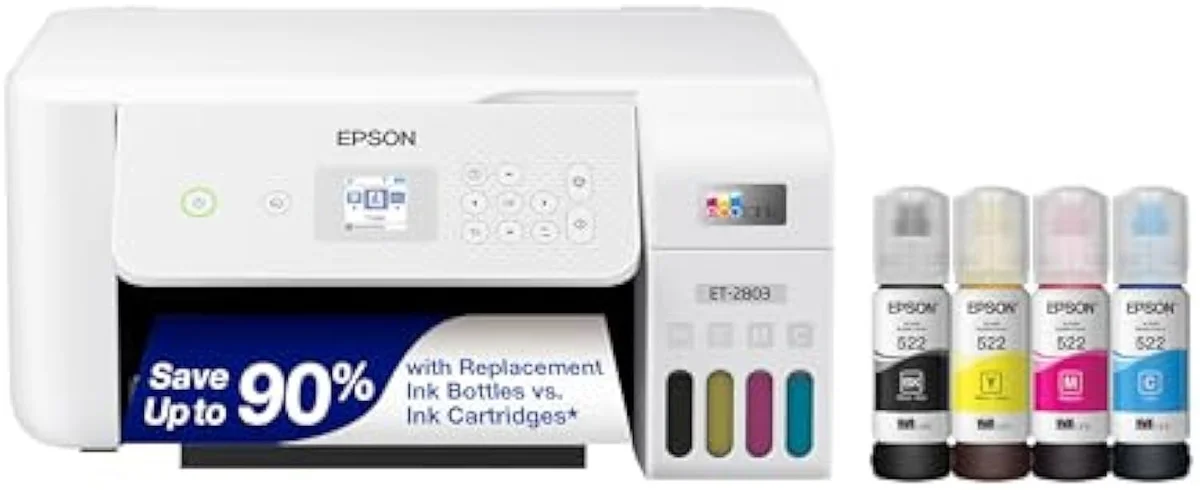
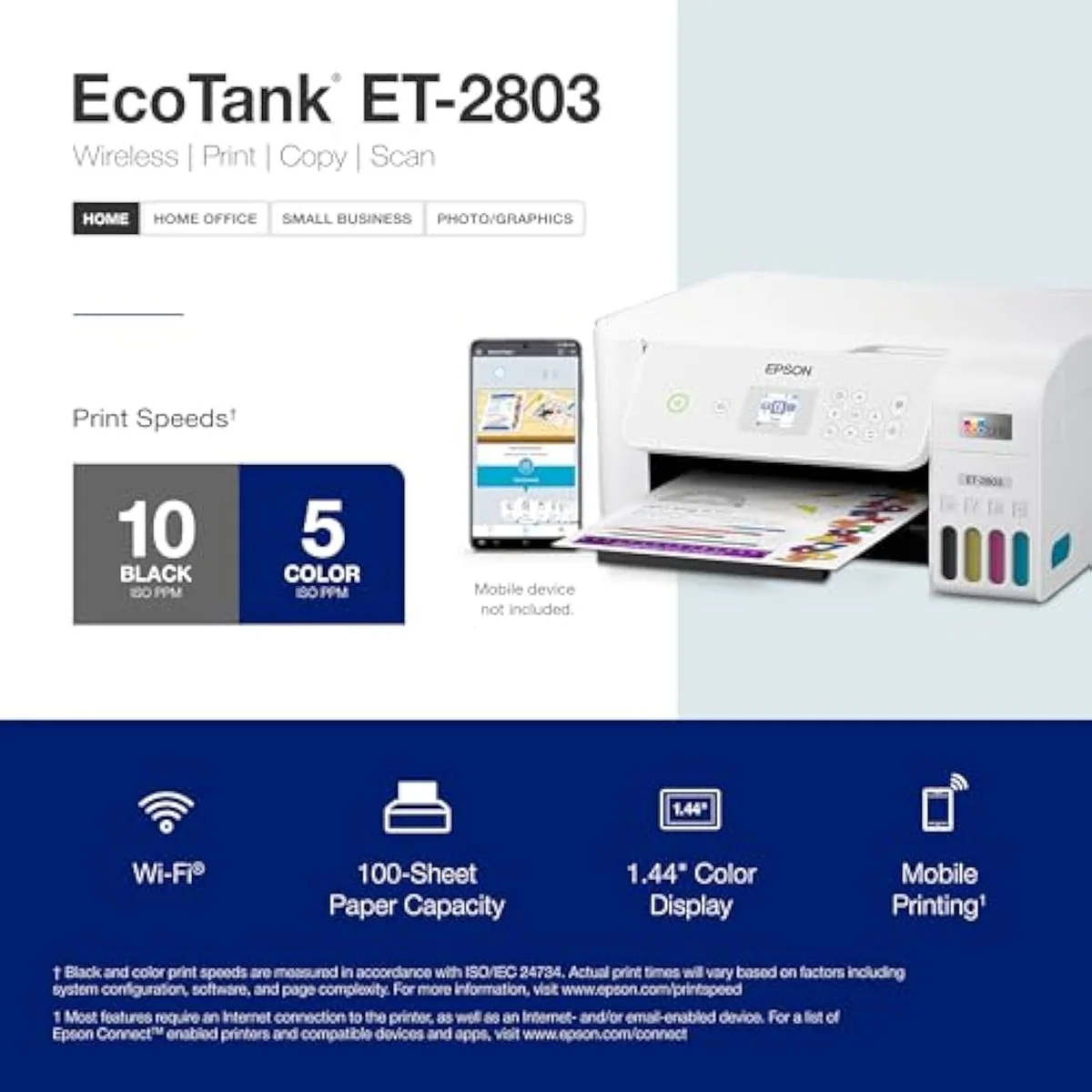
Epson EcoTank ET-2803
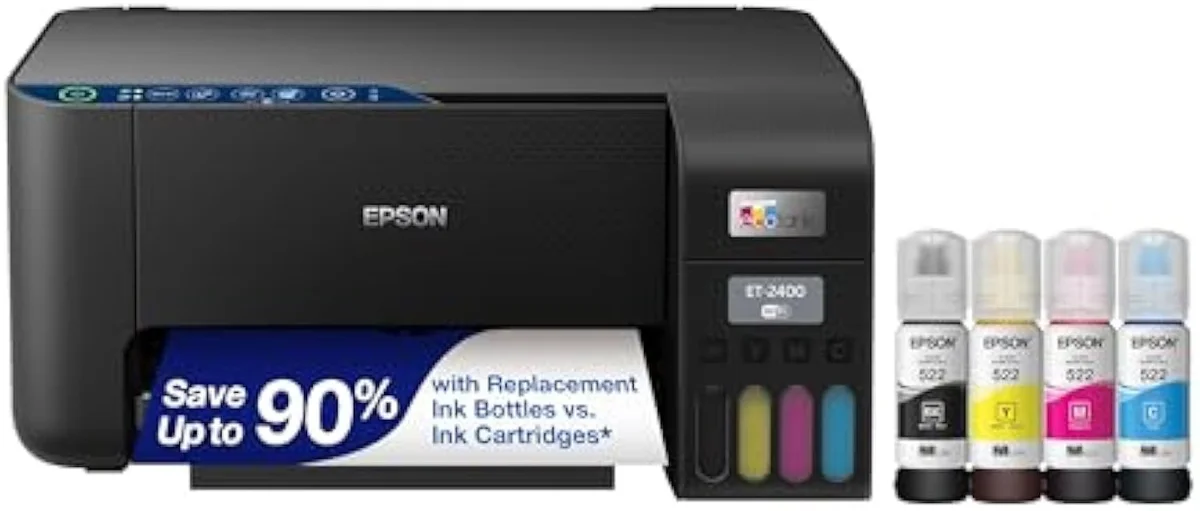
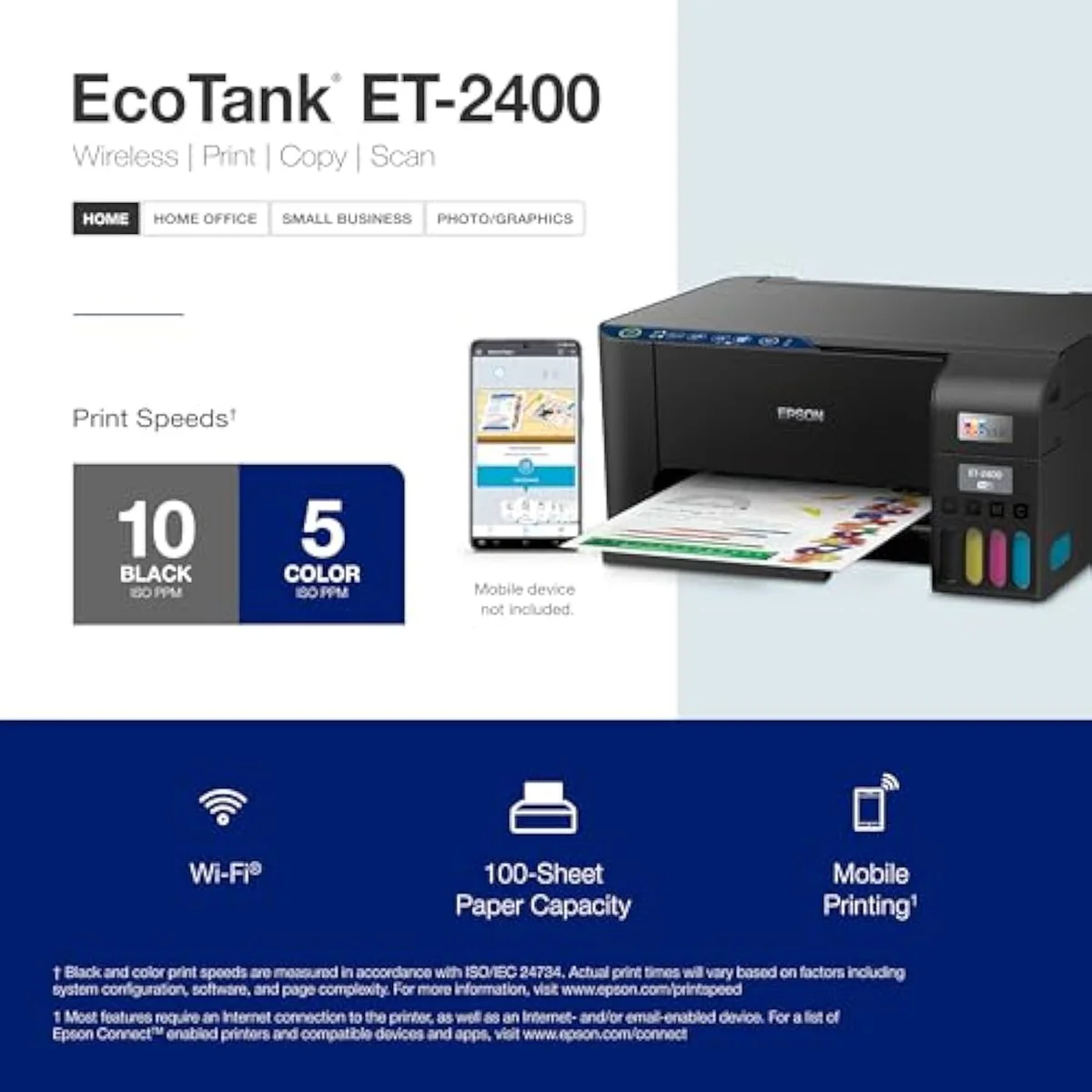
Epson® EcoTank ET-2400 Wireless Inkjet All-In-One Cartridge-Free Supertank Co…
The ET-2803 is the newer of two near-identical entry EcoTanks — a color display and a slight speed edge over the ET-2400. But they share the same ink system, the same 4,500/7,500 in-box yield, and the same idle-clog risk, so the gap is tiny. Take the ET-2803 at an equal price; the only decision that matters is supertank versus cartridge.
| What the ET-2803 adds | Color display, newer build, ~2 sec/page faster (owner reports) |
|---|---|
| Shared core | Same bottle ink, same 4,500/7,500 yield, same ~80-cartridge pitch |
| Shared weakness | Idle clogging + manual duplex, both |
| How to choose | Take the ET-2803 at an equal price; else the cheaper number |
| Skip both if | You print twice a year — clog risk outruns the ink savings |
This pair is a near-tie with a tiebreaker. The Epson EcoTank ET-2803 and the ET-2400 are sibling generations of the same entry supertank — both cartridge-free, both filling from bottles, both quoting the same in-box page yield. The ET-2803 is the slightly newer one, and that buys you a small color display and a touch more speed. So the literal pick is easy: at an equal price, take the ET-2803; you get the newer build for nothing.
Here's the thing, though: the gap is small enough that price should decide it, not the model number. Owners who cross-shopped these two at the same store say the only difference they could spot was a couple of seconds a page. The ink, the yield, the clog risk — all shared. Spend a minute on which twin; spend the rest on whether a bottle-fed supertank is the right buy for how often you actually print.
Epson EcoTank ET-2803
Epson® EcoTank ET-2400 Wireless Inkjet All-In-One Cartridge-Free Supertank Co…
At a Glance
| Feature | Editor's Pick Epson EcoTank ET-2803 Wireless Color All-in-One Cartridge-Free Supertank Printer | Epson® EcoTank ET-2400 Wireless Inkjet All-In-One Cartridge-Free Supertank Co… |
|---|---|---|
| Functions | Print, Scan, Copy (color all-in-one) | — |
| Connectivity | Wi-Fi, AirPrint, Epson Smart Panel app (no USB cable in box) | — |
| Ink System | Cartridge-free refillable EcoTank — ink rated up to 4,500 black / 7,500 color | — |
Two generations, one ink system
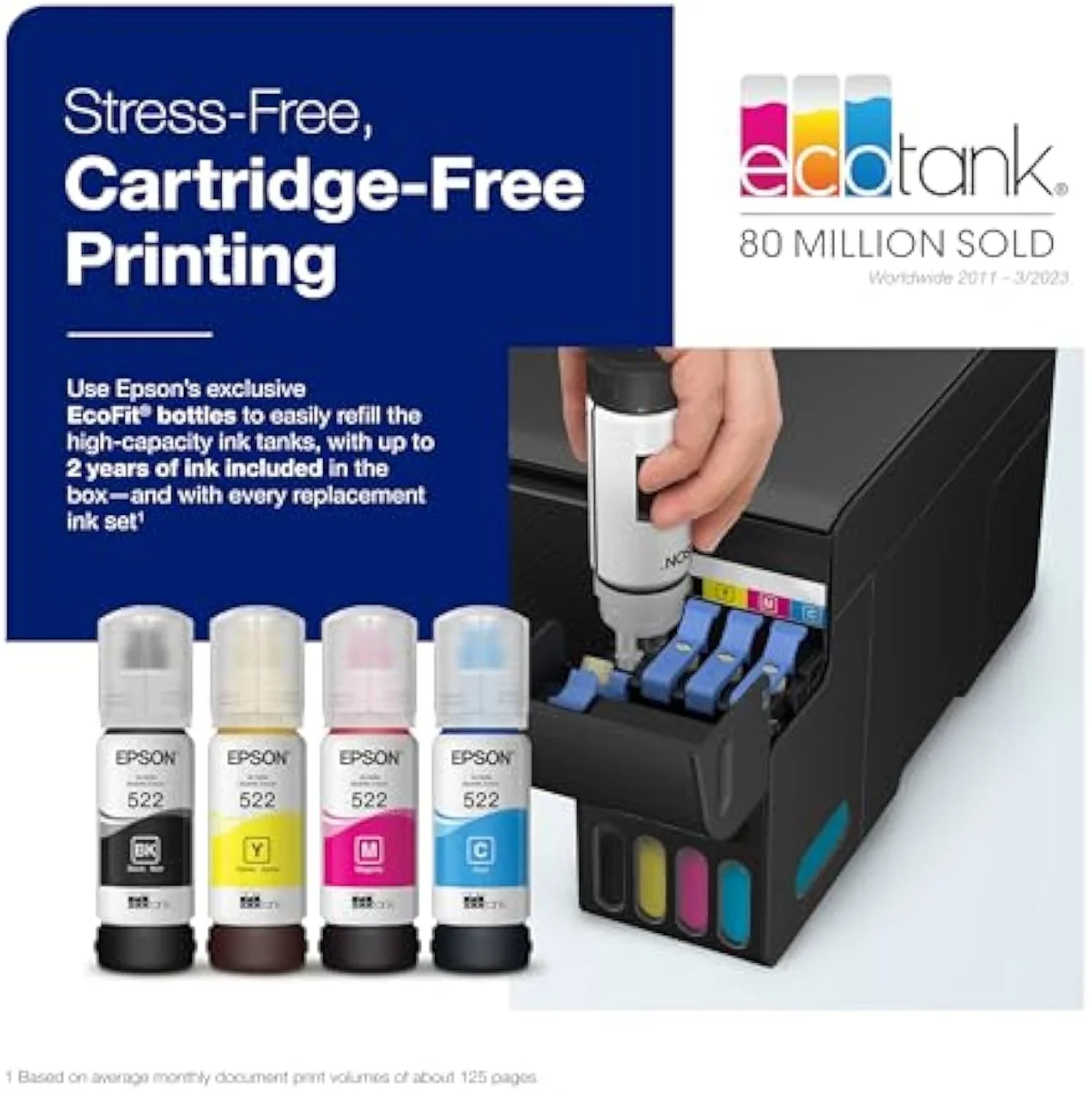
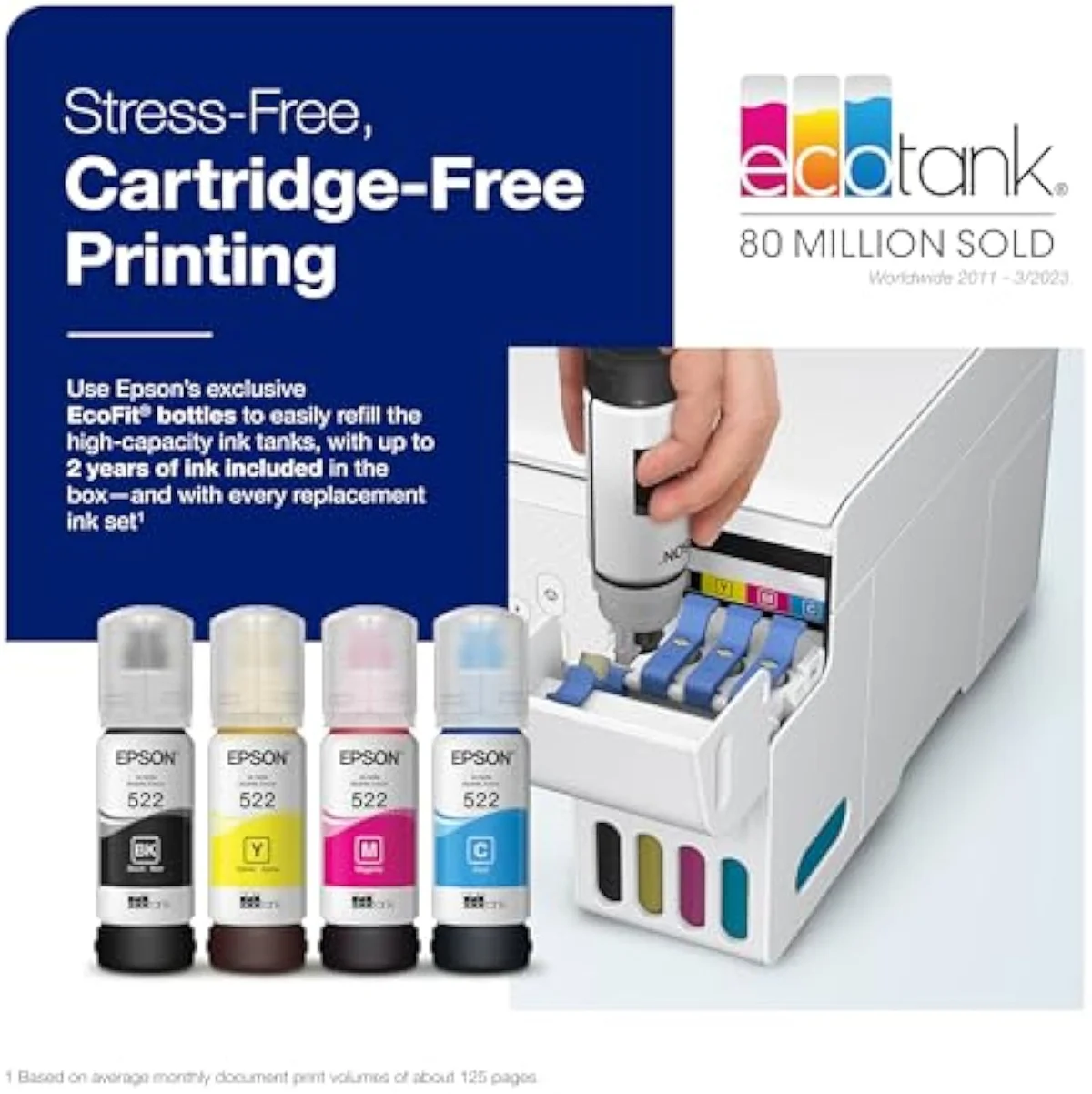
On the spine of any supertank — the ink economics — these two are the same machine. Both ship cartridge-free and quote the identical in-box rating. Epson prints, on each listing, that the included ink is
So where does the model number actually move? The ET-2803 is the newer build of the two. It carries Epson's
And the real-world difference owners notice is smaller still. Buyers who cross-shopped the pair at one store report the printers were the same price, with the only gap being that
One shared limit worth naming before you pick: neither does automatic two-sided printing. Epson's own note on the ET-2400 is that
The clog risk both share
Honestly, the tiebreaker between these two is the least interesting thing about them. The real comparison both face is supertank versus everything else — and the failure mode they share is idle clogging.
Liquid ink dries in the nozzles when an EcoTank sits unused. The community verdict is plain:
Print at least weekly and the clog risk rarely bites either model. Leave one dark for a month and you can meet a blocked head the evening you need a page — and the recovery spends ink on cleaning cycles you never asked for. That is the supertank tax: the savings are real for steady printers and a fiction for idle ones. We weigh that idle-resilience axis directly in our inkjet comparison criteria, and it is the line that should decide whether either of these belongs on your desk.
The running-cost case is the same for both, and it is strong against cartridges. RTINGS' cost-per-print and page-yield testing puts bottle ink far below cartridge cost-per-page, and Consumer Reports' inkjet running-cost testing reaches the same verdict. Epson's EcoTank page stakes both machines on that thousands-of-pages yield. The catch is the one above: that math only pays back if you keep the heads wet. Our guide to refillable inkjet printers walks through who that suits before you buy in.
Epson EcoTank ET-2803
Epson® EcoTank ET-2400 Wireless Inkjet All-In-One Cartridge-Free Supertank Co…
So which EcoTank — or neither?
Because the ET-2803 and ET-2400 are sibling generations of one supertank, "who buys which" comes down to price and newness — wrapped around the bigger question of whether a bottle-fed EcoTank suits you at all. If you're eyeing the ET-2400 to save a little, be honest that you're giving up only a display and a few seconds a page. If you're paying up for the ET-2803, accept that you're buying newness, not a different printer. Here is how it resolves.
Buy the ET-2803 if…
…the price is equal, or close. The newer Epson ET-2803 gives you the on-unit color display and the slight speed edge for little or nothing extra, and at the same sticker there is no reason to pick the older sibling. For cartridge refugees coming from an HP DeskJet and printing color weekly, the newer build is the easy default. You get the identical ink economics with a marginally fresher machine — read the full ownership picture, setup quirks, clog cadence, real yield, in our full review of the ET-2803 before you commit.
Buy the ET-2400 if…
…it is meaningfully cheaper where you shop. The Epson ET-2400 is the older, often lower-priced sibling, and it prints, scans, and sips ink at the same cost-per-page as the ET-2803. If you are considering the ET-2400 purely to save money, the gap on the shelf has to be more than pocket change to justify it — you lose a color display and a couple seconds a page, nothing that touches running cost. It best suits the buyer chasing the cheapest honest way into Epson's cartridge-free line.
Skip both if…
…you print rarely, or you need office features. A twice-a-year household should not buy either supertank — the clog risk outruns the ink savings, and a budget cartridge all-in-one is the calmer pick. If you need automatic duplex, an ADF, or steady office volume, neither of these has it; an Epson WorkForce or a color laser is the right room. For the whole cartridge-versus-tank fork, read our best supertank printers roundup, and to understand the Epson ecosystem before you buy in, see our Epson inkjet printer guide. The ET-2803 and ET-2400 are for the weekly-or-more home printer escaping the cartridge trap — at any lighter use, both are the wrong tool.
ET-2803 vs ET-2400: the questions cross-shoppers ask
Almost every question about these two boils down to "is the newer one worth more?" and "will it clog?" — so here are the straight answers, including the one that matters most.
Is the Epson ET-2803 better than the ET-2400?
Marginally, and only on the extras. The ET-2803 is the slightly newer sibling — it carries a small color display and Epson's Micro Piezo Heat-Free branding, and owners cross-shopping the two at the same store price report the only real-world gap is the newer model printing a couple seconds faster per page. The ink system, the in-box page yield, and the cartridge-free bottle refills are identical. "Better" here means a touch newer, not a different class.
Do the ET-2803 and ET-2400 cost the same to run?
Yes. Both quote the same in-box ink rated to 4,500 pages black and 7,500 color, and both pitch each bottle set as roughly 80 cartridges' worth of ink. Cost-per-page comes out level between them — neither is the cheaper printer to feed.
Which one wins at the same price?
The ET-2803 — you get the newer build and the slight speed edge for nothing extra.
Do they both clog if left idle?
Both do, and it is the single biggest risk with either. Liquid ink dries in the nozzles when an EcoTank sits unused, and the printer then spends ink on automatic cleaning cycles to clear it. One ET-2400 owner keeps a weekly alarm just to run the nozzles and head off clogs — advice that applies word-for-word to the ET-2803. Print in color at least once a week and neither bites; leave either dark for weeks and a clog is waiting the evening you need a page.
Does either one print double-sided automatically?
No. Neither the ET-2400 nor the ET-2803 has automatic duplex — you flip the paper by hand on both. If auto two-sided printing matters to you, look up the EcoTank line to a model that includes it rather than choosing between these two.
Are these EcoTanks good for photos?
They will print an acceptable photo, but neither is built for it. Both lay down clean document-grade color for a worksheet or a recipe; for saturated borderless prints, Epson's dedicated EcoTank Photo line is the right tool. Buy either of these for cheap everyday pages, not for a gallery wall.
Track Both Products
We'll email you if either price drops or availability changes.
Only when something changes. Unsubscribe anytime.
Read the Full Reviews
Citations
- [1]"that’s enough to print up to 4,500 pages black/7,500 color"https://www.amazon.com/dp/B0BHXNP6B1Captured June 3, 2026. Verified June 3, 2026.
- [2]"Unique Micro Piezo Heat Free technology produces sharp text"https://www.amazon.com/dp/B0BHXNP6B1Captured June 3, 2026. Verified June 3, 2026.
- [3]"High-resolution flatbed scanner and a color display"https://www.amazon.com/dp/B0BHXNP6B1Captured June 3, 2026. Verified June 3, 2026.
- [4]"If you don't print frequently, inktank printers will get their print heads clogged."https://www.amazon.com/dp/B0BHXNP6B1Captured June 3, 2026. Verified June 3, 2026.
- [5]"that’s enough to print up to 4,500 pages black/7,500 color"https://www.amazon.com/dp/B0BM9BFLMXCaptured June 3, 2026. Verified June 3, 2026.
- [6]"each ink bottle set is equivalent to about 80 individual ink cartridges"https://www.amazon.com/dp/B0BM9BFLMXCaptured June 3, 2026. Verified June 3, 2026.
- [7]"features a rear-feed input tray that accepts up to 100 sheets"https://www.amazon.com/dp/B0BM9BFLMXCaptured June 3, 2026. Verified June 3, 2026.
- [8]"it doesn't do automatic double-sided printing. You have to flip the paper manually"https://www.amazon.com/dp/B0BM9BFLMXCaptured June 3, 2026. Verified June 3, 2026.
- [9]"the newer model prints pages a couple seconds faster"https://www.amazon.com/dp/B0BM9BFLMXCaptured June 3, 2026. Verified June 3, 2026.