Refillable Inkjet Printers: When the Tank Pays Back
Updated
A refillable inkjet printer is a bet. You pay more at the till for a machine that promises to stop bleeding you at the cartridge shelf — and the only thing that settles whether the bet pays is how much you print. The category goes by three brand names, EcoTank, MegaTank, and Smart Tank, and they all sell the same trade: a steeper sticker price for ink that costs a fraction per page.
The pitch is real, and it is also where most buyers get the math wrong. An EcoTank or MegaTank front-loads its savings as a higher price, so the break-even lands roughly 6 to 9 months out at a steady 150-page month — and never for a household that prints a dozen.
So the honest question is never "is a supertank cheaper" — it is "cheaper after how many pages." For a steady home that crossover arrives within 6 months, the point where the cartridge machine's refill bills catch the tank's higher sticker.
What a refillable supertank really is
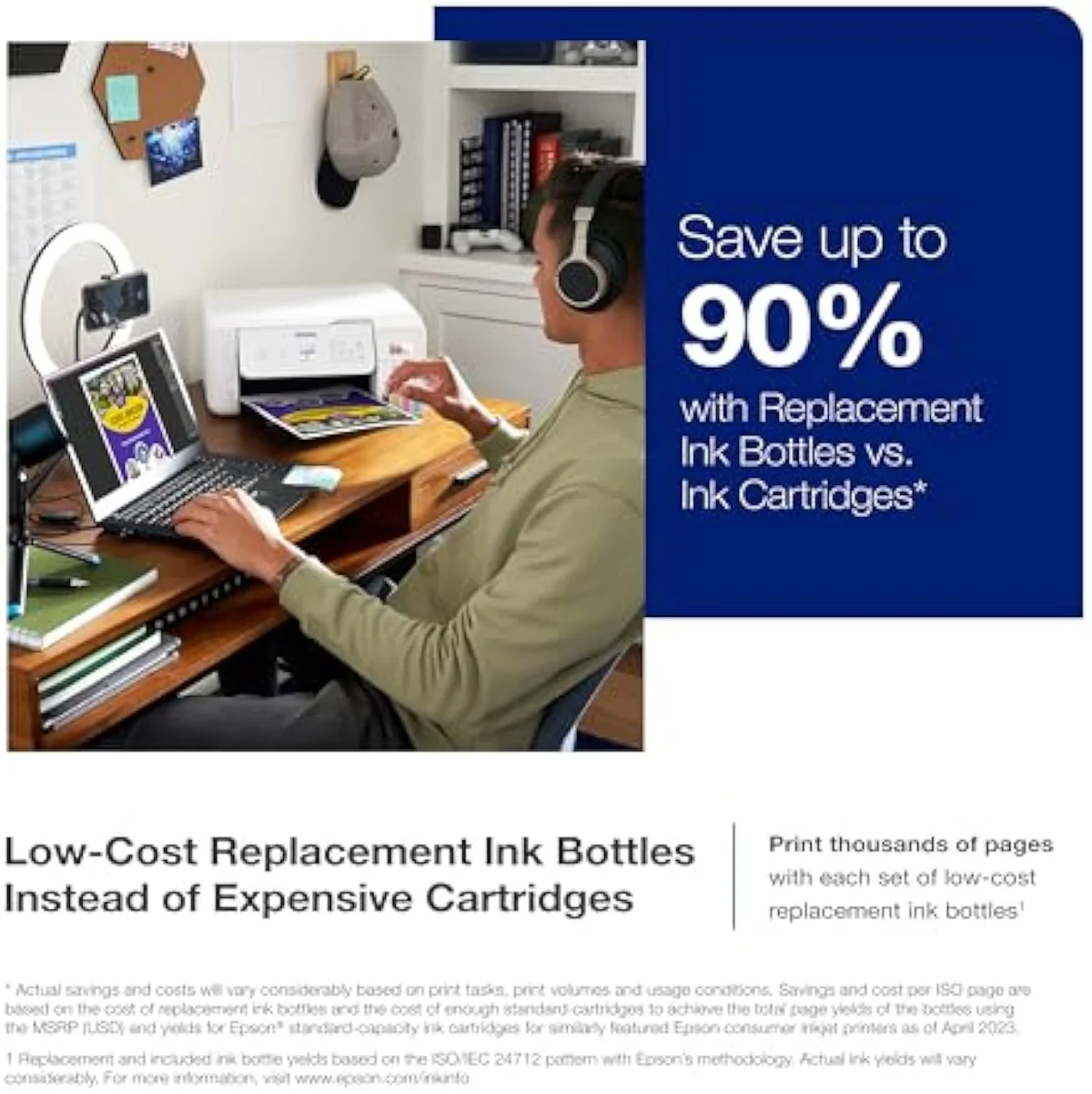
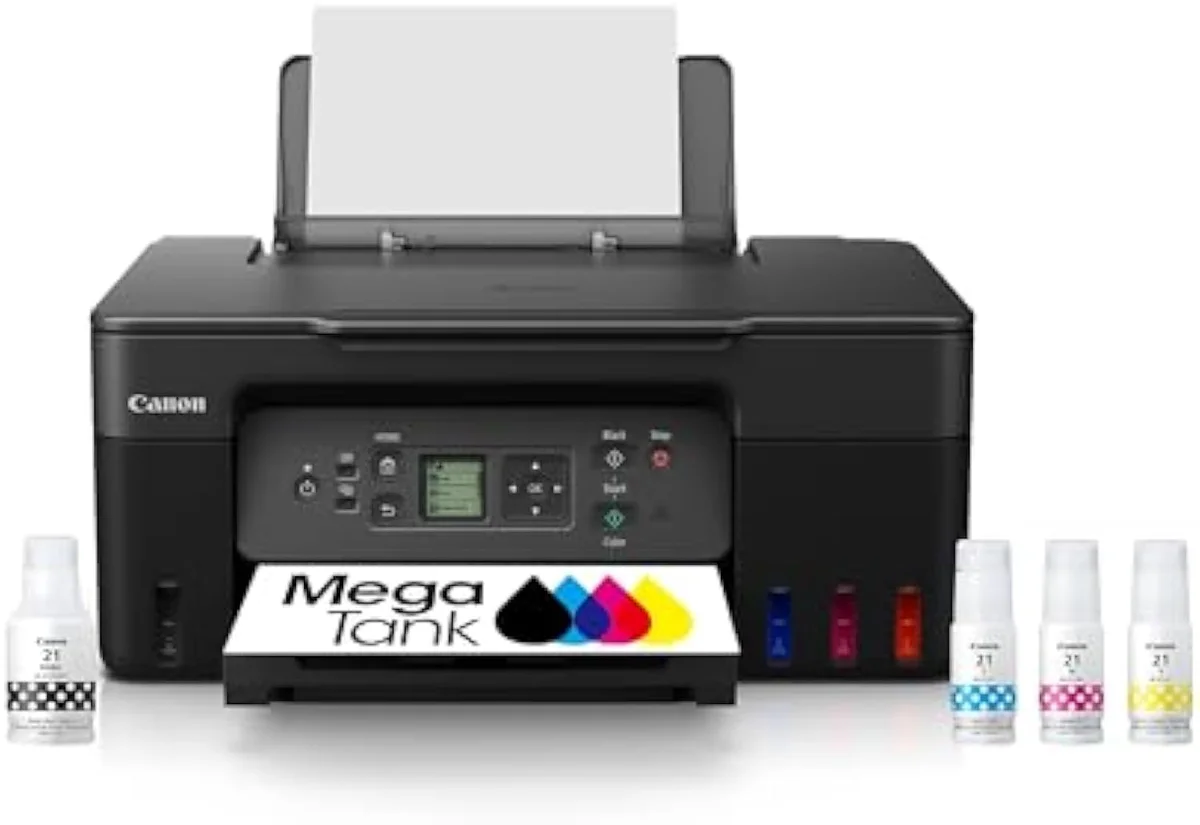
A refillable supertank — an Epson EcoTank, Canon MegaTank, or HP Smart Tank — is an inkjet that feeds a permanent printhead from large bottle-filled reservoirs instead of swap-in cartridges. You pour ink from cheap bottles into built-in tanks rather than swapping a cartridge every few hundred pages, which is the entire point.
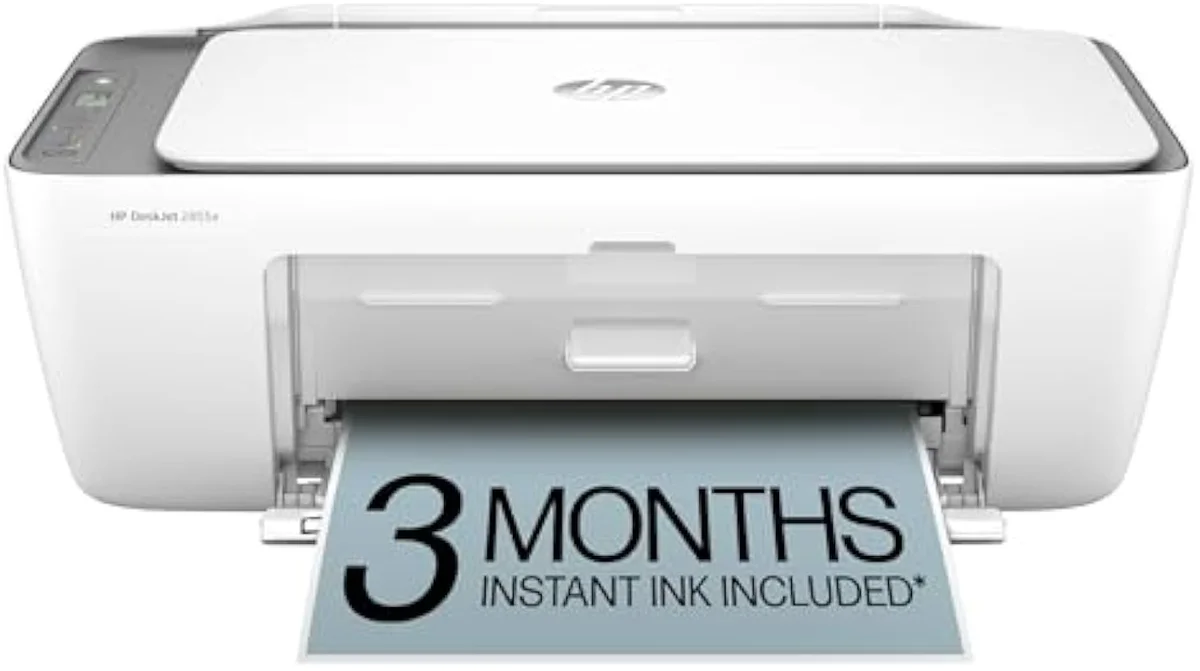
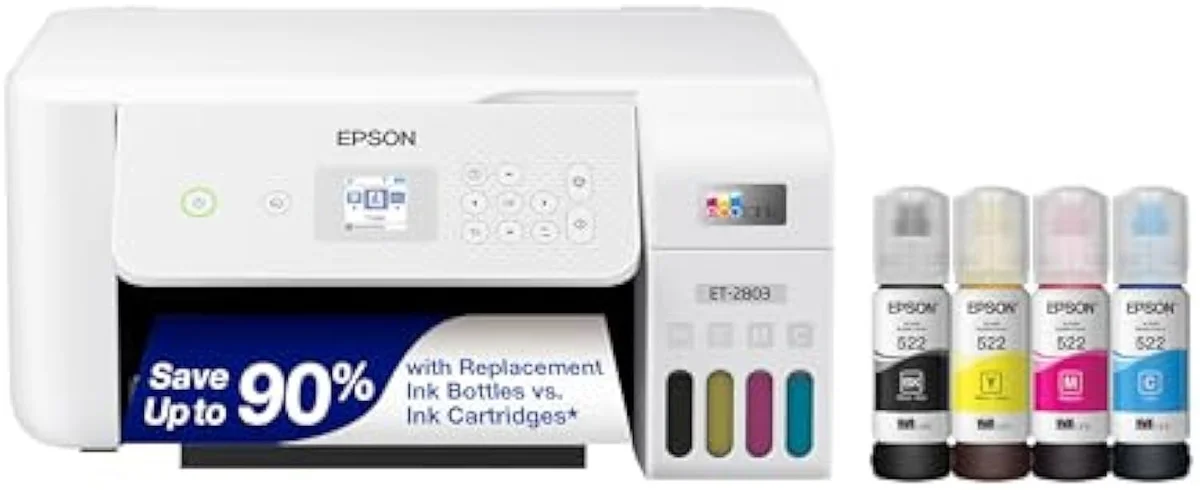
Mechanically it is a continuous ink system sold from the factory with a warranty, rather than a kit you bolt on later. Epson coined EcoTank for it; Canon answered with MegaTank, and HP with Smart Tank. Set a budget cartridge box like the HP DeskJet 2855e, whose XL set empties inside 200 to 300 pages, against the bottle-fed Epson EcoTank ET-2803 and the catalog reasoning behind those family names lives in our guide to the printer families and how they're structured. All three chase one number the brand pages bury in a footnote: cost-per-page.
Cartridge
Supertank
Read the reservoir before you read the price. A cartridge machine hides its real cost in the refill aisle; a supertank shows it once, up front, then nearly stops charging you. That difference is the whole category.
The number brands hide in a footnote
Page yield is where the tank earns its keep. An Epson EcoTank ships enough bottled ink to quote yields in the thousands of pages, and Canon makes the same claim for MegaTank — figures that dwarf the 200-to-300-page XL cartridges in a budget all-in-one.
Those yields follow the ISO/IEC 24711 page-yield standard, which prints a fixed test suite continuously, so the rating describes ideal use rather than a household that prints in bursts. Epson's own EcoTank cost-per-page claims are built on exactly that method. The reservoir does not change the physics of how ink dries — it changes how cheaply you replace what you use.
When the tank actually pays back
Here's the thing: a supertank only saves money you would otherwise have spent. Plot the cumulative cost of owning each system over two years and the verdict is a single crossing point — the month the cheap printer stops being cheap.
Independent cost-per-print testing at RTINGS, which has lab-tested 182 printers, puts bottle cost-per-page many times lower than cartridge ink. Against a budget cartridge rival at a steady 150 pages a month, the tank typically pulls ahead near month six, then the gap widens every month after. We break the full cartridge-versus-tank decision down across the catalog in our type-versus-type tradeoffs analysis.
The ink-cost runway
≈ 150 pages a month
Where a supertank is the wrong call
Low volume kills the case. The break-even sits a few thousand pages out, so a home printing a dozen pages a month would take the better part of a decade to clear the premium — by which point the machine is obsolete. If you print rarely, that sticker premium sits unrecovered and you have simply bought a dearer machine. A budget cartridge all-in-one, chosen with your eyes open, is the right answer for that household.
Idle time hurts twice over. A supertank that sits unused dries its nozzles like any inkjet, then spends bottled ink on cleaning cycles to recover — so the same low usage that fails the cost case also raises the clog risk. Consumer Reports' printer reliability testing repeatedly finds owner satisfaction tracks how well a machine matches its workload, not its spec sheet. The wrong volume turns the category's best idea into its worst buy.
The aftermarket route: refillable cartridges and CISS
There is a cheaper door into the same savings, and it comes with splinters. Refillable cartridges and a CISS — a continuous ink supply system kit — bolt external bottles onto a printer you already own through refill chips or tubes, chasing low cost-per-page without buying a new machine.
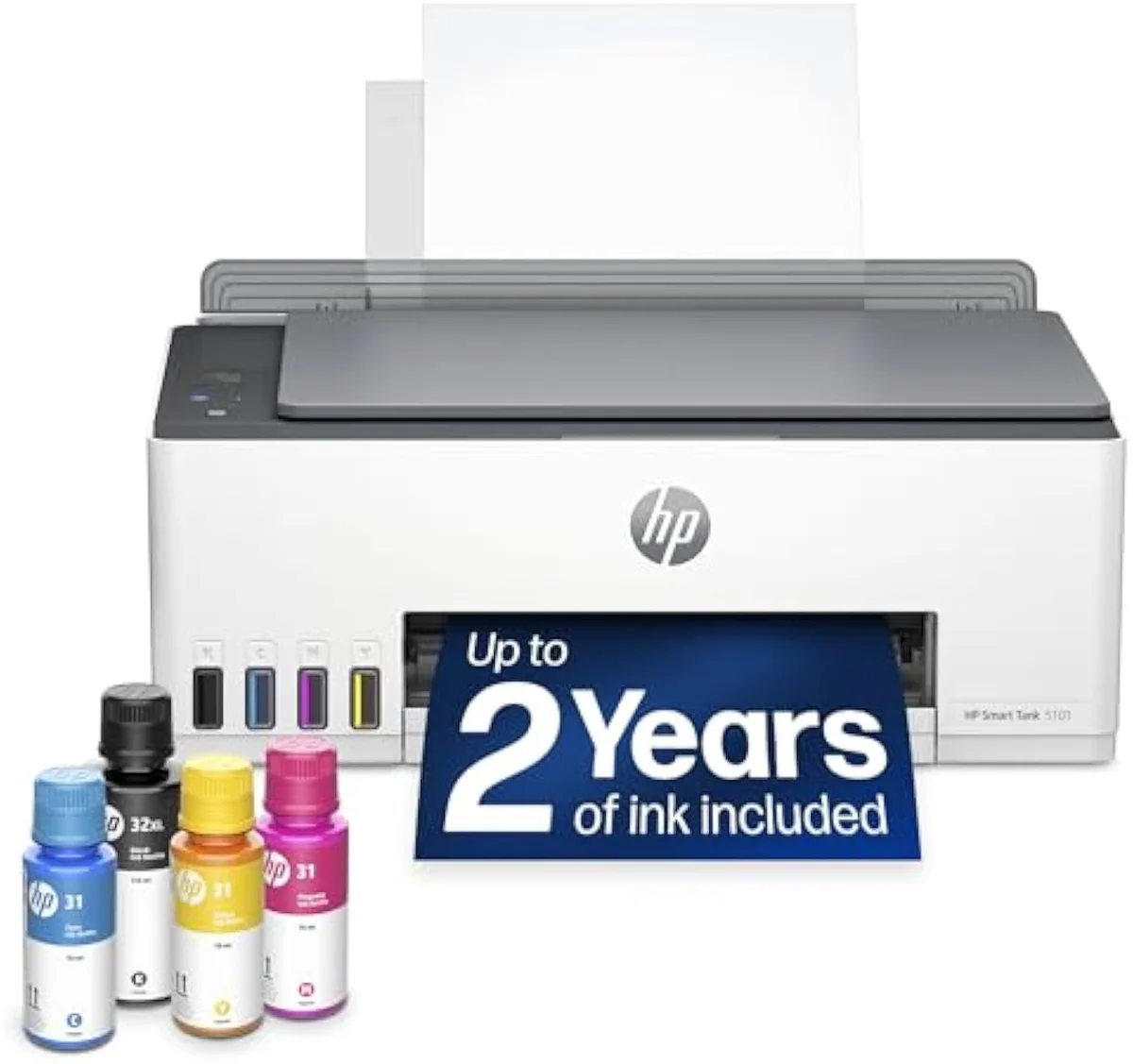
The catch is reliability and lock-in. Editorial cost analysis comparing ink-tank to cartridge systems notes aftermarket kits cut spend but trade away yield consistency and warranty coverage; OEM firmware on some HP and Canon machines outright rejects non-genuine ink chips, a lock-in pattern we track model by model in our safety and known-risks guidance. A factory supertank costs more up front and removes the leak, the chip war, and the voided warranty in one purchase. HP's own factory tanks are close enough that picking between them is a feature-and-reliability call, not a cost one — we lay it out in our HP Smart Tank 5101 vs 5000 comparison. Before you commit to that brand, our verdict on whether HP Smart Tank printers are worth it weighs the bottle-ink savings against the reliability record, and our breakdown of how long the ink lasts in the HP Smart Tank 5101 puts real numbers on the years-not-months supply. If you are eyeing an older listing, our take on whether the HP Smart Tank Plus 651 is any good explains why a fading model is a weaker bet than a current one.
The photo split inside the category
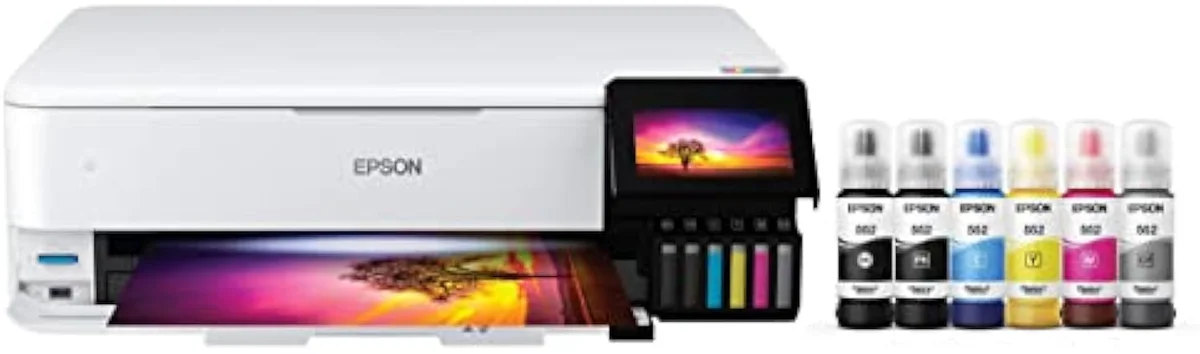
Not every supertank is built for pictures, and the brand badge will not tell you which is which. The document-class tanks — the EcoTank ET-2803, the MegaTank G3270 — run four-ink sets tuned for cheap text and graphics, not saturated photographs.
The photo machines are a separate sub-tier. PCMag's printer reviews single out the wide-format Epson EcoTank Photo ET-8550, which adds a six-ink bottle set for borderless prints up to 13 inches wide. Buy a four-ink document tank expecting gallery photos and you will be underwhelmed — one owner in our research said exactly that about a cheaper tank's saturation on glossy stock. The dye-versus-pigment ink split is real, and we stage every claim like it against owner reports in our inkjet printers evidence hub.
The clog risk that follows every liquid ink
A supertank runs liquid ink, so it shares the one failure mode lasers don't: the ink dries. Leave any inkjet idle for weeks and ink sets in the nozzles; the machine clears the clog with cleaning cycles that spend ink on nothing.
RTINGS scores risk-of-clogging as a first-class printer metric because it is the second-loudest owner complaint after running cost. The fix is free and identical for every brand and every reservoir type — print something in color at least once a week. A bottle-fed tank actually weathers this better than a cartridge machine, because it has a full reservoir to flush a clog rather than burning a half-empty cartridge to do it.
Choosing a refillable printer
Three checks settle it. Count your monthly pages, decide between documents and photographs, and confirm you will actually use the machine often enough to dodge the clog tax.
Where to start
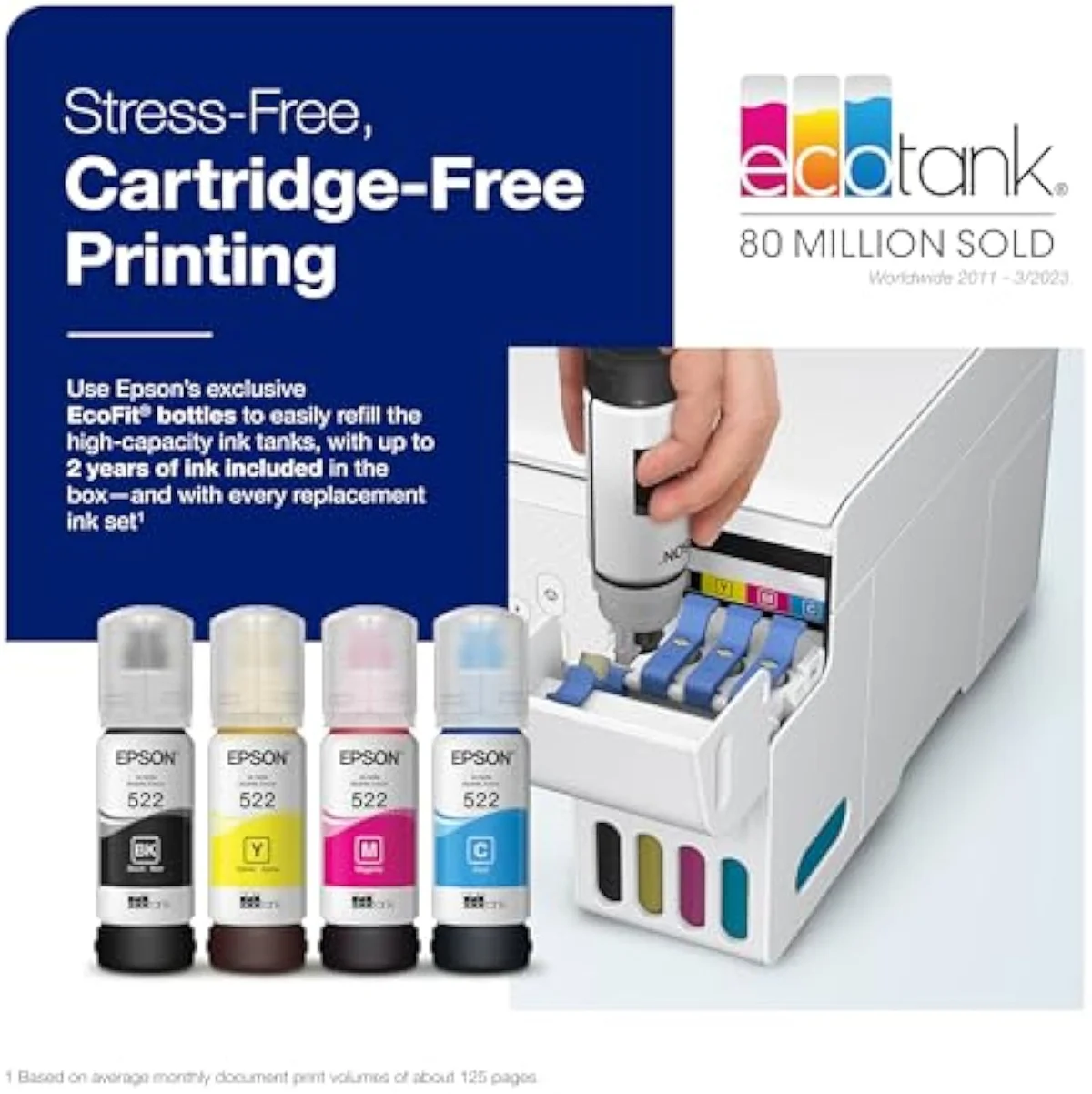
For steady document printing, the Epson EcoTank ET-2803 is the default refillable pick — four-ink bottles, a warranty-backed tank, and a running cost that clears its premium inside the first year of regular use. Step up to the wide-format EcoTank Photo ET-8550 only if you print photos on purpose, and skip the category entirely if you print rarely. The model-by-model reasoning lives in our research layer below.
Frequently Asked Questions
Refillable inkjet printers in one paragraph
Refillable inkjet printers — Epson EcoTank, Canon MegaTank, and HP Smart Tank — feed a permanent printhead from cheap bottle-filled reservoirs instead of swap-in cartridges, trading a higher sticker price for ink that costs a fraction per page; the bottle yields run into the thousands of pages where a budget cartridge set manages 200 to 300, so a steady home printing about 150 pages a month typically breaks even near month six, but at low volume the premium never returns and an idle tank clogs the same as any inkjet, which is why the right pick depends entirely on how much you actually print and on the split between documents and photos.
How many pages do you have to print before a supertank pays for itself?
Usually a few thousand. A supertank front-loads its savings as a higher sticker price, so the break-even is the point where the cartridge machine's refill bills catch up to that gap. An Epson EcoTank or Canon MegaTank quotes bottle yields in the thousands of pages where a budget cartridge set manages 200 to 300, so a household printing 150 pages a month typically crosses into profit somewhere between months six and nine. Print a dozen pages a month and you may never get there.
What is a CISS, and is it the same as a supertank?
Not quite. A factory supertank — EcoTank, MegaTank, Smart Tank — is built around its bottle reservoirs from the start, with a warranty that covers the ink system. A CISS, or continuous ink supply system, is an aftermarket kit that bolts external bottles onto an ordinary cartridge printer through tubes. The CISS chases the same cost-per-page win for less money up front, but it voids most printer warranties and is far fussier to keep running.
Do refillable supertanks clog more than cartridge printers?
No more than any inkjet, and often less. Every liquid-ink printer dries its nozzles if it sits idle, but a supertank keeps a permanent printhead fed from full bottles, so it has plenty of ink to clear a clog with a cleaning cycle. The risk is the same physics for both: skip printing for weeks and the head sets. RTINGS scores risk-of-clogging as a first-class metric precisely because it is brand-independent.
Are refillable cartridges worth it instead of buying a whole supertank?
Only if you accept the fuss. Third-party refillable cartridges and CISS kits cut cost-per-page on a printer you already own, but page-yield consistency drops, OEM firmware on some HP and Canon machines rejects non-genuine chips, and a leak can kill the printhead. A factory supertank costs more up front and removes all of that risk. For most households the bought-in tank is the cleaner long-run call.
Which is the best refillable printer for photos?
The wide-format Epson EcoTank Photo ET-8550. It runs a six-ink bottle set for borderless prints up to 13 inches wide, where the document-class four-ink tanks chase low cost-per-page rather than saturation. One owner of a cheaper four-ink tank told our research the color underwhelmed even on glossy paper — photo output is a separate buying axis, not a free bonus on any supertank.
Can a supertank still be a bad buy?
Yes. At very low print volume the sticker premium never returns, and a supertank that sits unused clogs the same as any inkjet. Buy one to save money you are not actually spending and it is just a dearer printer.
Read the Full Review
Want a deeper look at the Epson EcoTank ET-2803?
Take the cost case further
Two ad-free explainers that carry the supertank decision down to specific machines:
Sources
- Epson — EcoTank supertank cost-per-page and bottle page-yield claims
- RTINGS — printer test methodology, cost-per-print and risk-of-clogging scoring across 182 models
- Consumer Reports — inkjet reliability and owner-satisfaction testing
- Tech Gadgets Canada — ink-tank versus cartridge cost analysis
- Continuous ink system — how factory supertanks and aftermarket CISS kits work (Wikipedia)
- ISO/IEC 24711 — the standard page-yield measurement method (Wikipedia)
Inkjet Printers notes that actually mention the tradeoffs
Occasional updates on inkjet printers evidence, price movement, and buyer-fit changes.
Only when something changes. Unsubscribe anytime.