Inkjet Printer Features That Matter
Updated
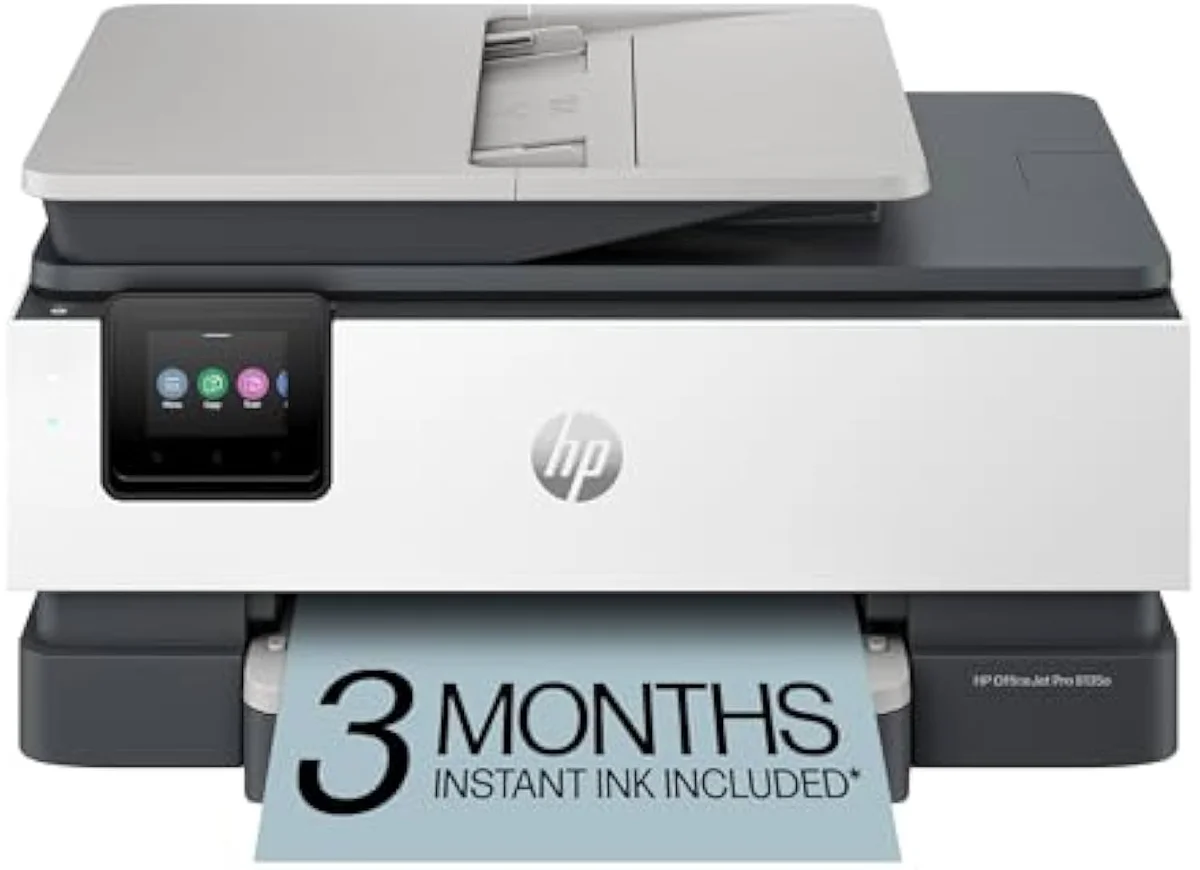
A printer spec sheet is built to sell, not to inform. It leads with a draft-mode speed number, a five-digit resolution, and a feature count, because those are easy to print and hard to argue with. None of them is the line that decides if you will regret the purchase.
We sorted every feature by one test: does it predict a happy owner six months later? The honest ranking barely resembles the box. One choice sits above all the rest, and the glamour specs sink to the bottom.
So here is the order that actually matters.
The ink system decides everything
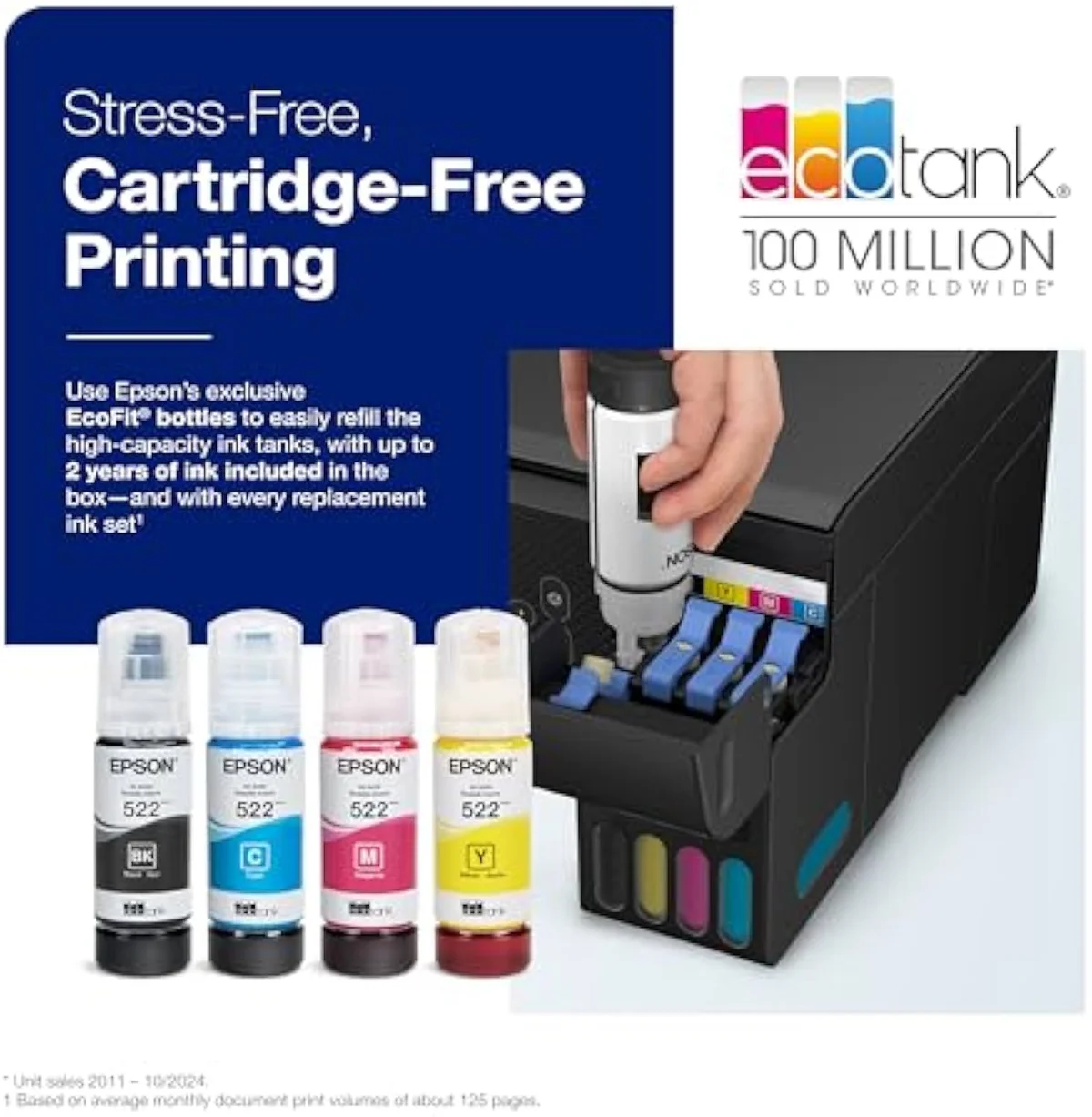
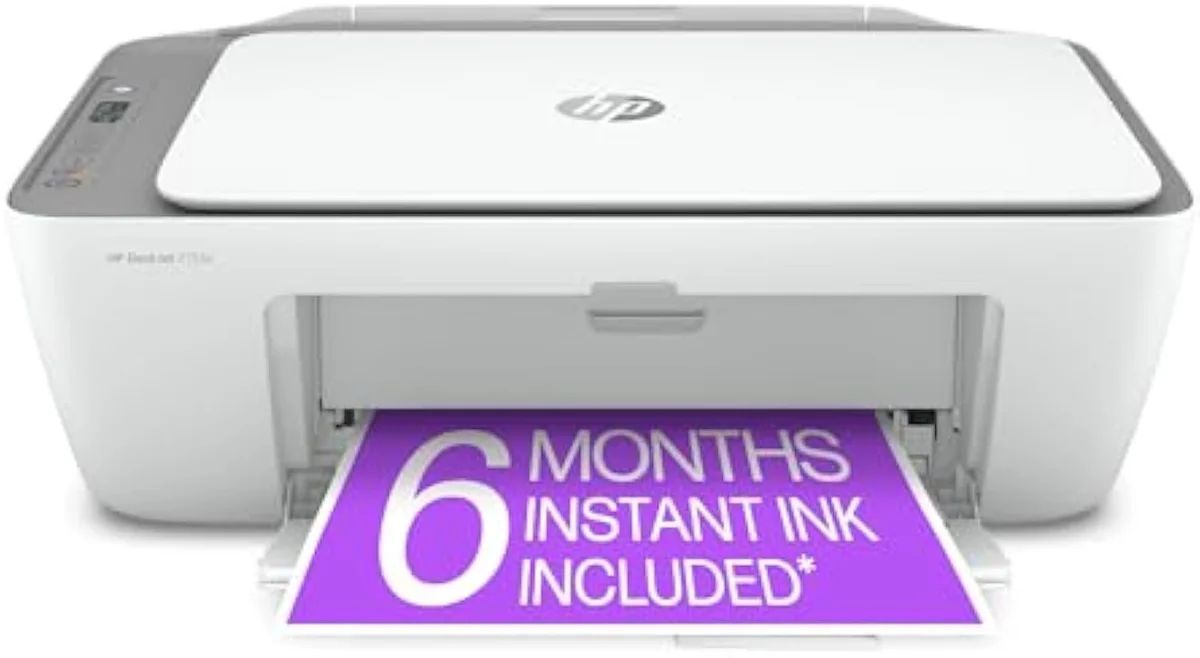
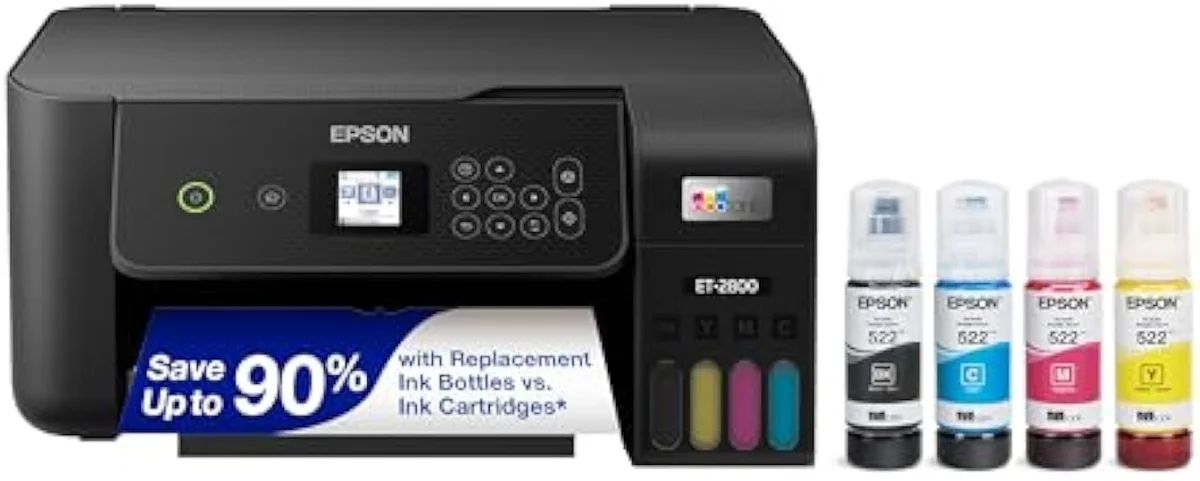
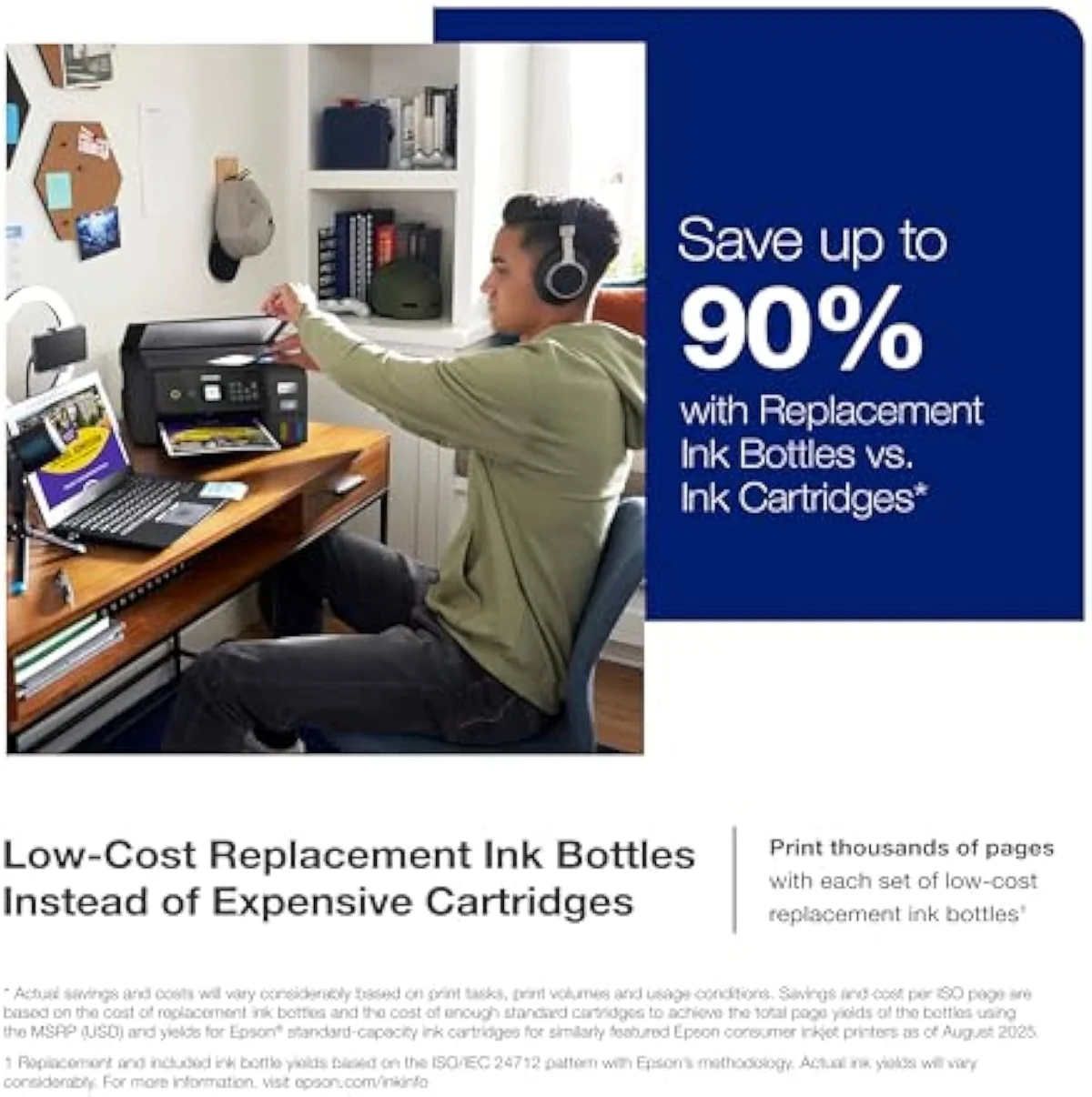
One feature outweighs every other on an inkjet printer: how it holds ink. A cartridge model is cheap to buy and dear to feed; a refillable supertank is dear to buy and cheap to feed. Same page, same quality — wildly different two-year bill.
The numbers are the whole story. A refillable tank quotes bottle yields in the thousands of pages, while a budget cartridge model rates 200 to 300 pages per XL cartridge — and a replacement set can approach the printer's own sale price. Independent cost-per-print testing at RTINGS, which has lab-tested 182 printers, puts cartridge cost-per-page many times higher than bottle ink. The crossover lands a single year of normal printing. Plot it and the choice is obvious; bury it in a footnote, as the brand pages do, and it disappears.
Cartridge
Supertank
This is the feature to settle first, because it sets your running cost before you weigh a single other spec. We run the cartridge-versus-tank math across the whole catalog in our type-versus-type tradeoffs analysis, and the lowest-entry supertank, the Epson EcoTank ET-2800 review, is where most cost-conscious buyers land.
The ink-cost runway
≈ 120 pages a month
Reliability outranks raw speed
Here's the thing: the second feature that predicts satisfaction is one the box never lists. Will it still work after sitting idle? An inkjet runs liquid ink, so the nozzles dry. Leave it three weeks and the printhead clogs; the machine clears it with cleaning cycles that spend ink on nothing — the exact waste that makes a rated yield look like a lie.
RTINGS scores risk-of-clogging as a first-class metric precisely because it is the second-loudest owner complaint after running cost. Permanent-printhead supertanks generally tolerate idle weeks better than disposable-head cartridge units, and printing something in color once a week protects either one for free. An intermittent printer should weigh clog resistance over a faster ISO ppm it will never use — we stage every claimed yield against synthesized owner reports in our inkjet printers evidence hub.
Connectivity that works without an account
Wireless is the feature owners fight with most: setup friction and Wi-Fi failure cluster at the top of one-star reviews across every major brand. The fix is not a faster radio — it is open standards. Look for built-in AirPrint for iPhone and iPad and Mopria for Android, both baked into the phone, so you print with nothing to install.
The anti-feature is the captive app. A printer that only prints through its own software, or walls first-run setup behind a manufacturer login, turns every print into a small negotiation — and the subscription-and-account backlash that sends buyers fleeing HP is exactly this friction. Editorial testing at PCMag repeatedly flags app-dependent setup as the weak point on otherwise capable machines. A printer that honors the open standard is the one you stop thinking about.
All-in-one functions you will use
Most inkjets sold are all-in-ones, and the function list is where overbuying happens. A flatbed scanner and copier cost little and earn their keep — nearly every household uses them. Past that, the value drops fast and depends entirely on your print diet.
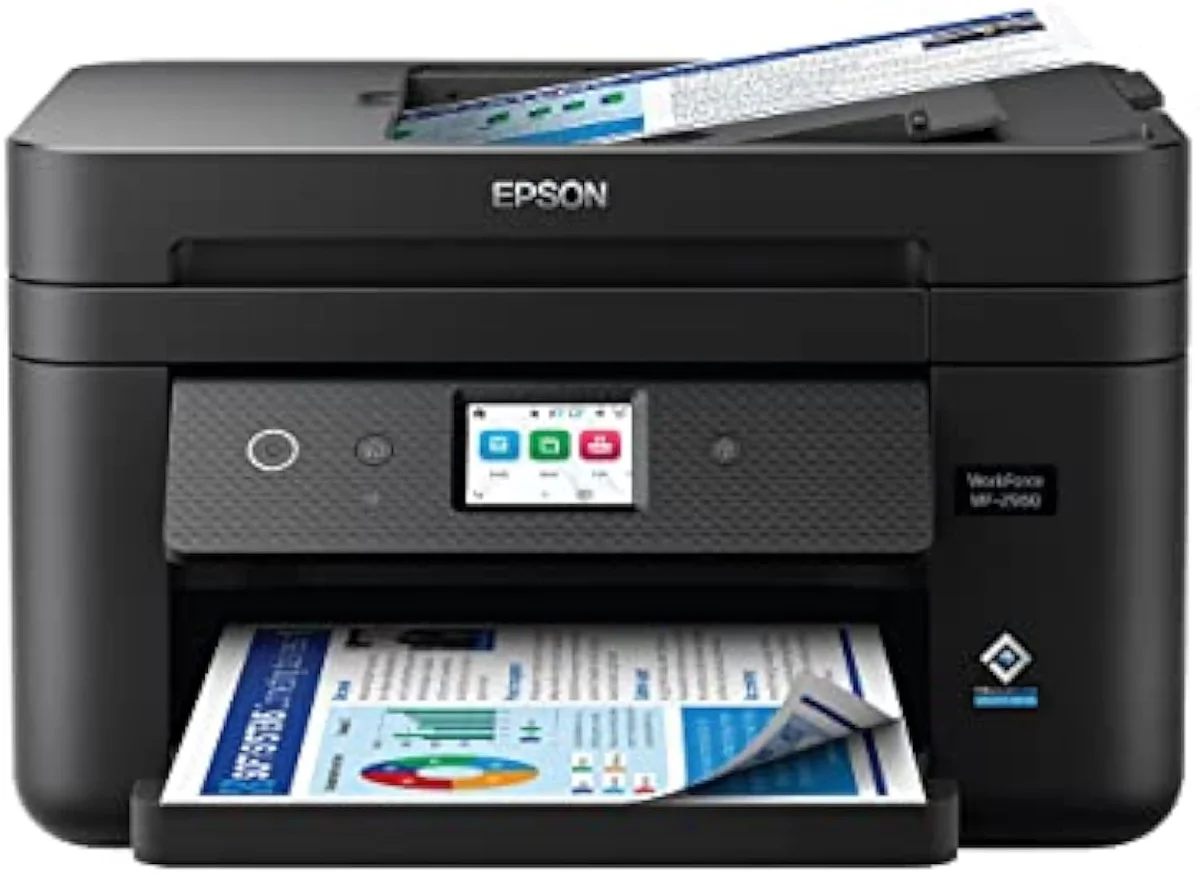
Auto duplex (two-sided printing) and an automatic document feeder matter only if you regularly feed multi-page stacks; an office model like the WorkForce-class machine below carries a 35-sheet ADF and earns it, while a light home printer with the same feature charges you for capacity you never use. Fax is dead weight for nearly everyone. Consumer Reports' inkjet reliability testing finds owner satisfaction tracks how well the basics work, not how long the feature list runs. Buy scan and copy, then add an ADF or duplex only if you will cash them in.
Paper handling and footprint
Size and fit hide a real feature: the paper path. Tray capacity sets how often you reload — a 60-to-100-sheet input is typical on home machines, while office units carry 250 sheets or a 500-sheet two-tray setup. More important is the feed direction, because it decides the desk space the printer actually claims.
A front cassette tray with a front paper exit keeps the machine's open footprint near its closed box — roughly 17 inches wide by 14 deep on a basic all-in-one. A rear vertical feed needs clearance above and behind, plus a flip-down output tray that eats desk in front; the printer that looks compact on a shelf can need a third more space in use. Confirm the sizes you print, too: most inkjets handle up to legal, but tabloid 11-by-17 is a wide-format feature on a handful of models — and on those, the same wide paper path serves two different jobs, as our Epson ET-8550 vs ET-15000 comparison lays out for photo output against office throughput. A wide paper path is also the whole draw of a cartridge photo model like the XP-15000, where the running cost decides the buy — we settle that in our take on whether the XP-15000 is worth buying. TechRadar's printer roundups note that desk fit, not headline size, is where buyers most often misjudge a machine. Measure the open footprint, not the carton.
Print quality specs and the fluff
Here is the honest line on the glamour numbers: most of them do not move your decision. The headline ppm is a draft-mode rate, the five-digit dpi is for glossy photos you may never print, and the feature count is padding. Two quality specs do matter, and only in narrow cases.
Read the ISO ppm, not the box ppm — the ISO/IEC 24734 standard rates printers on a fixed document suite and usually lands at less than half the marketing figure, which is the speed you will actually see. Resolution past 1200 dpi is invisible on plain paper; it only earns its keep for borderless photo output, where dye-versus-pigment ink and the paper stock decide the result more than the dpi headline. Everything else on the spec sheet — the big speed number, the auto-shutoff timer, the color touchscreen — is convenience, not a reason to buy. We rank features against owner outcomes in our comparison criteria.
Match features to your print diet
Settle the ink system first: print often and a refillable supertank pays back inside a year; print rarely and a cheap cartridge machine is the honest call, bought knowing the cartridge cost. Then weigh clog resistance and open-standard connectivity over the glamour specs, and add an ADF, duplex, or wide-format only if your real print diet uses them. The spec-sheet theater is loud; the features that matter are quiet, and the model-by-model reasoning lives in our research layer below.
Frequently Asked Questions
Inkjet printer features in one paragraph
The features that predict a happy inkjet owner are not the ones on the box: the ink system decides everything (a refillable supertank charges a fraction of a cartridge model's cost-per-page and crosses over inside a year of steady printing), reliability over intermittent use comes second (clog resistance outranks a headline ISO ppm the home printer never reaches), then connectivity built on open standards like AirPrint and Mopria rather than a captive app, the all-in-one functions you actually use (scan and copy always, ADF and duplex only if you feed stacks), and a paper path whose open footprint — not its shelf size — fits your desk; the draft-mode speed number, five-digit dpi, and color touchscreen the brands shout about are convenience, not reasons to buy.
What is the most important feature on an inkjet printer?
The ink system, by a wide margin. A cartridge machine and a refillable supertank can print the same page at the same quality, but one charges you a few cents a page and the other a few cents times ten. A supertank quotes bottle yields in the thousands of pages; a budget cartridge model rates 200 to 300 pages per XL cartridge. Nothing else on the spec sheet moves your two-year cost the way that one choice does.
Do printer speed numbers (ppm) actually matter?
Only the ISO ppm figure, and rarely. The big number on the box is a draft-mode marketing rate; the ISO/IEC 24734 rating is the honest one, and it is usually less than half the headline. For a home printer doing a few pages at a time, the difference between 10 and 20 ISO ppm is a couple of seconds you will not notice. Speed only earns its weight in a busy office running long jobs through an ADF.
Is a higher print resolution always better?
No. Past roughly 1200 dpi the gains are invisible on plain paper, where text is already crisp at far lower numbers. The 4800-by-1200 and 5760-by-1440 figures brands print matter only for borderless photos on glossy stock, and even there the ink chemistry (dye versus pigment) and the paper decide the result more than the dpi headline does.
Which connectivity features should you look for?
Built-in AirPrint for iPhone and iPad, and Mopria for Android. Both are standards baked into the phone, so you print without installing anything or making an account. Treat a printer that only works through its own captive app, or that walls setup behind a manufacturer login, as friction you have to live with every time you print.
What size printer fits a small desk?
A single-function or basic all-in-one footprint is roughly 17 inches wide and 14 deep, and most need a few inches of clearance behind for the rear feed and several above for the scanner lid. The trap is depth, not width: a model with a front cassette tray and front paper exit stays put, while a rear vertical feed needs headroom and a flip-down output tray that eats desk in front. Measure the open footprint, not the closed box.
Are all-in-one functions worth paying for?
A flatbed scanner and copier, almost always — they cost little and you will use them. An automatic document feeder and auto duplex are worth it only if you actually feed multi-page stacks or print double-sided; on a light home machine they add cost you never cash in. Fax is dead weight for nearly everyone. Buy the functions that match your real print diet, not the longest feature list.
Read the Full Review
Want a deeper look at the Epson EcoTank ET-2800?
Now that you know what matters
Take the feature ranking into the decision — two ad-free explainers that turn it into a pick:
Sources
- RTINGS — printer test methodology, cost-per-print and risk-of-clogging scoring across 182 models
- PCMag — inkjet and all-in-one printer reviews and setup notes
- Consumer Reports — inkjet reliability and owner-satisfaction testing
- TechRadar — best-printer roundups and desk-fit guidance
- ISO/IEC 24734 — the standard print-speed (ISO ppm) measurement method (Wikipedia)
- AirPrint — Apple's driverless printing standard (Wikipedia)
Inkjet Printers notes that actually mention the tradeoffs
Occasional updates on inkjet printers evidence, price movement, and buyer-fit changes.
Only when something changes. Unsubscribe anytime.