Epson EcoTank ET-4850 vs ET-4950: One Rung, One Difference
Updated
Same office EcoTank, one rung apart — and the rung buys you exactly one thing: speed. The ET-4950 rates 18/9 pages per minute to the ET-4850’s 15.5/8.5, adds a color touchscreen and a bigger tray, and posts the higher owner rating. The ink system and cost-per-page are identical, so the ET-4950 is the pick for a home office that actually prints volume. Choose the ET-4850 only when the price gap is wide and your stack is light — you lose pace, nothing else.
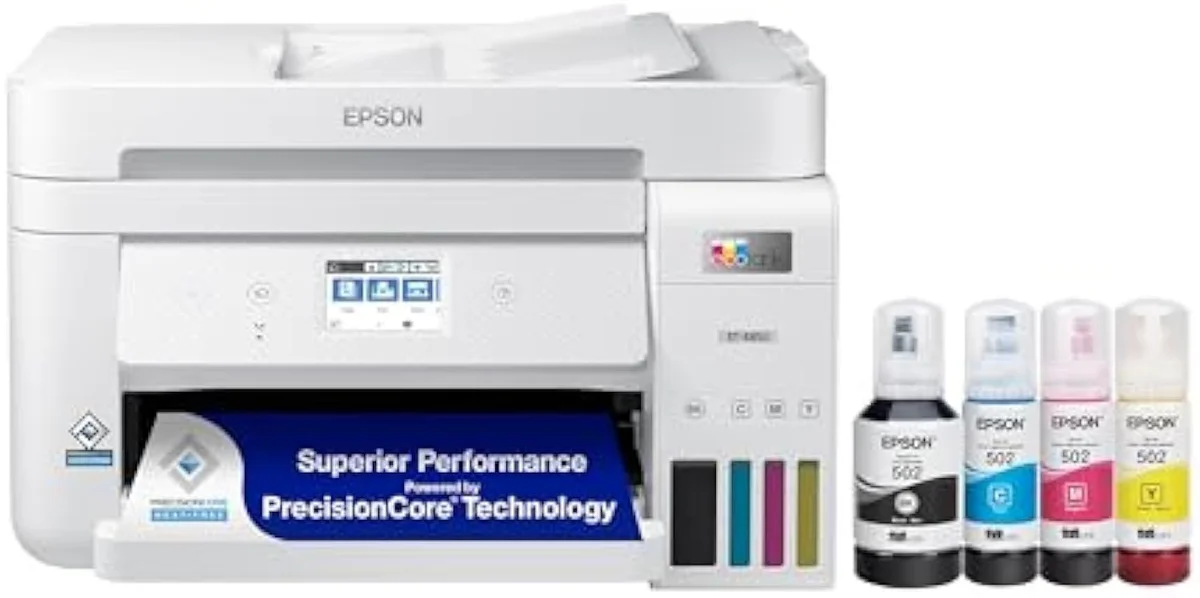
Epson EcoTank ET-4850
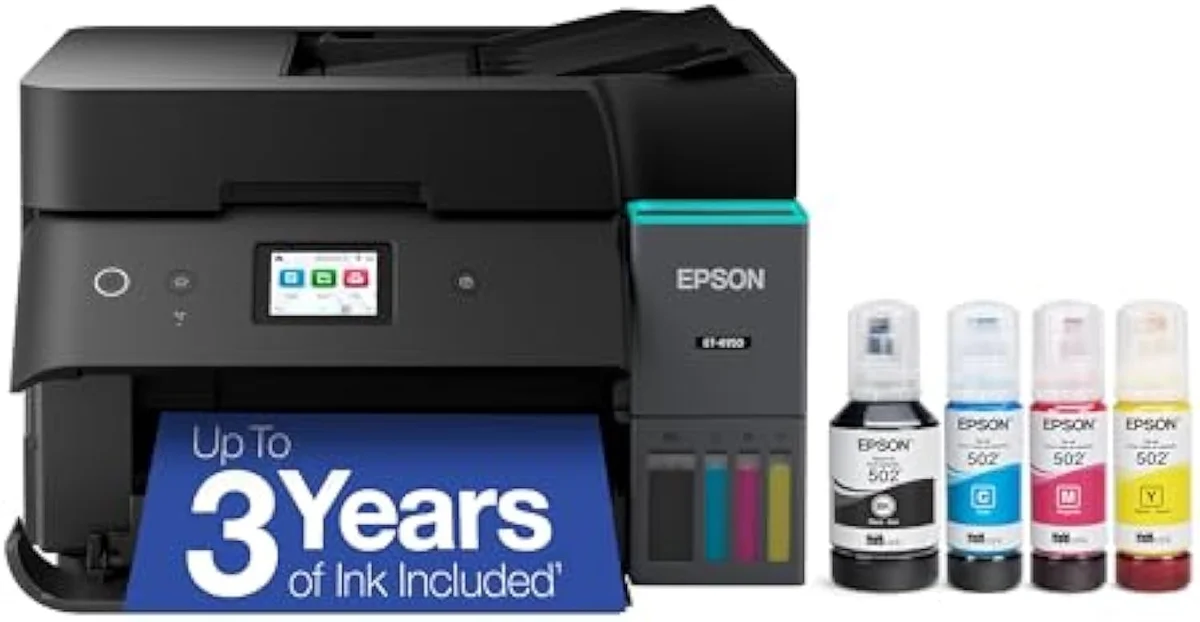
Epson EcoTank ET-4950
The ET-4850 and ET-4950 run the same bottle ink at the same cost-per-page. The step-up to the ET-4950 buys faster print speed, a color touchscreen, and a bigger tray — nothing about how cheaply it prints.
| Real difference | Speed + a color touchscreen, not running cost |
|---|---|
| Faster pick | ET-4950 — 18/9 ppm vs 15.5/8.5 ppm |
| Value pick | ET-4850 when the price gap is wide |
| Both best for | Home offices using the ADF, fax and Ethernet |
| Both skip if | You print twice a year — clog risk outweighs savings |
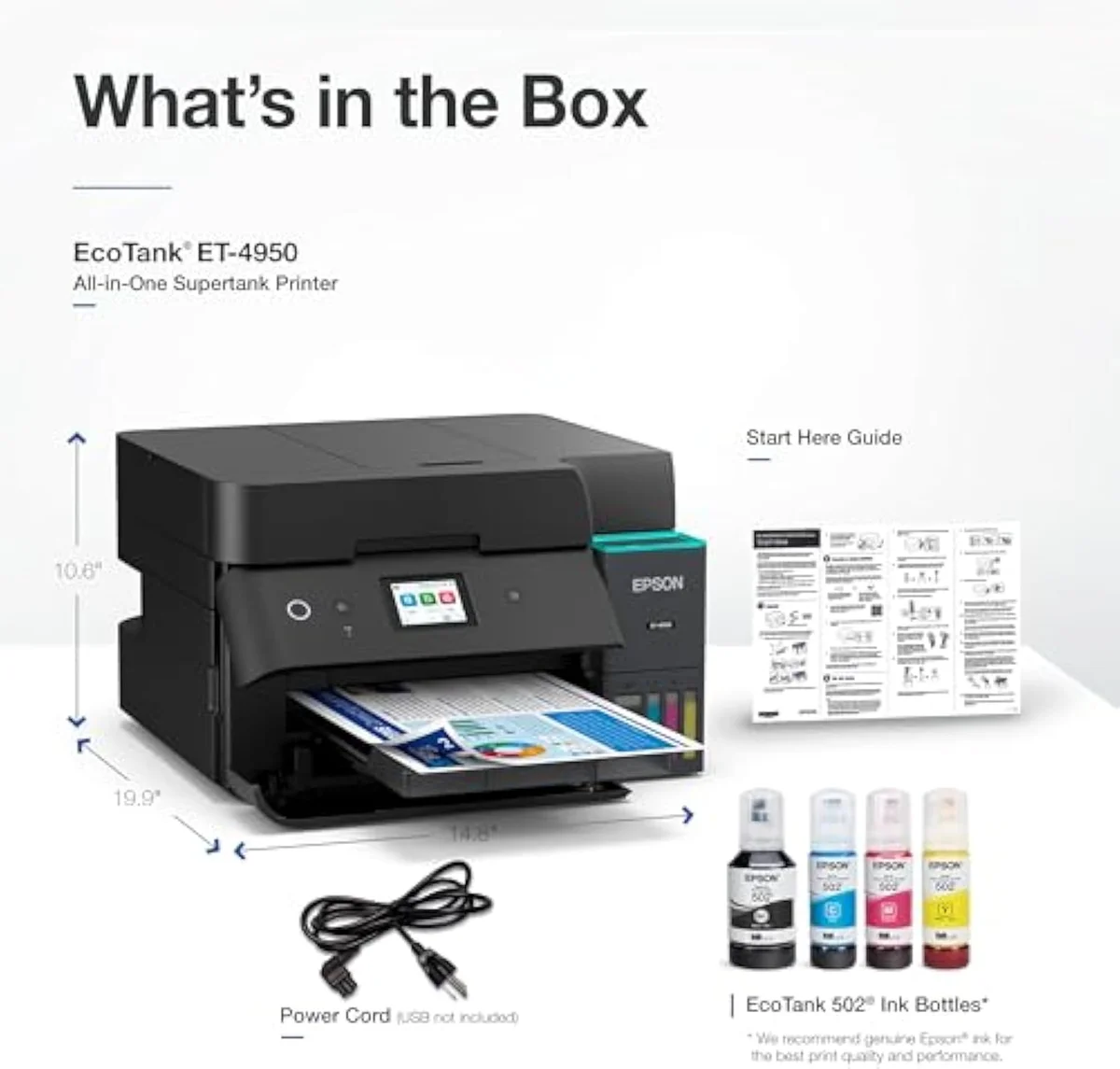
Put these two Epson office EcoTanks side by side and the spec sheets nearly overlap. Both are cartridge-free supertanks with an automatic document feeder, fax, auto duplex, and Ethernet; both fill from bottle ink; both print at the same cents-per-page. The ET-4950 is the newer, higher rung, and the rung buys one real thing — pace. It rates faster, carries a color touchscreen instead of a smaller panel, and holds a bigger paper tray. So the pick is clean: if your home office prints in volume, the faster ET-4950 earns its place; if your stack is light and the price gap is real, the ET-4850 does the identical job a little slower.
What the model jump does not buy is a cheaper page. That is the line that matters, because on a supertank the running cost is the entire reason you paid the higher sticker in the first place. Both machines quote bottle yields in the thousands and both pull from the same refill aisle. So this comparison spends its time on the only axis that actually splits them — speed against price — and on the failure mode they share no matter which one you carry home.
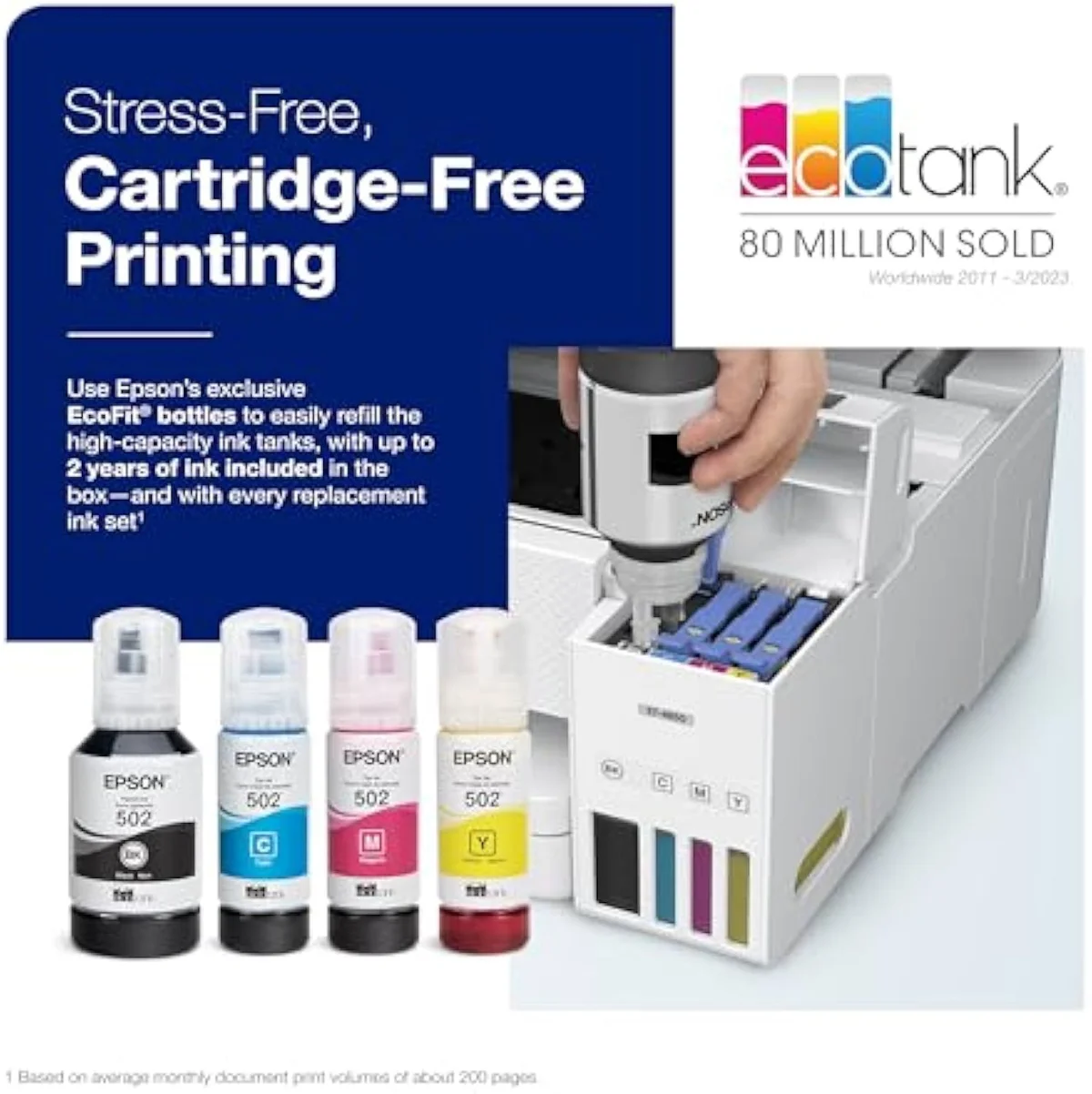
Epson EcoTank ET-4850
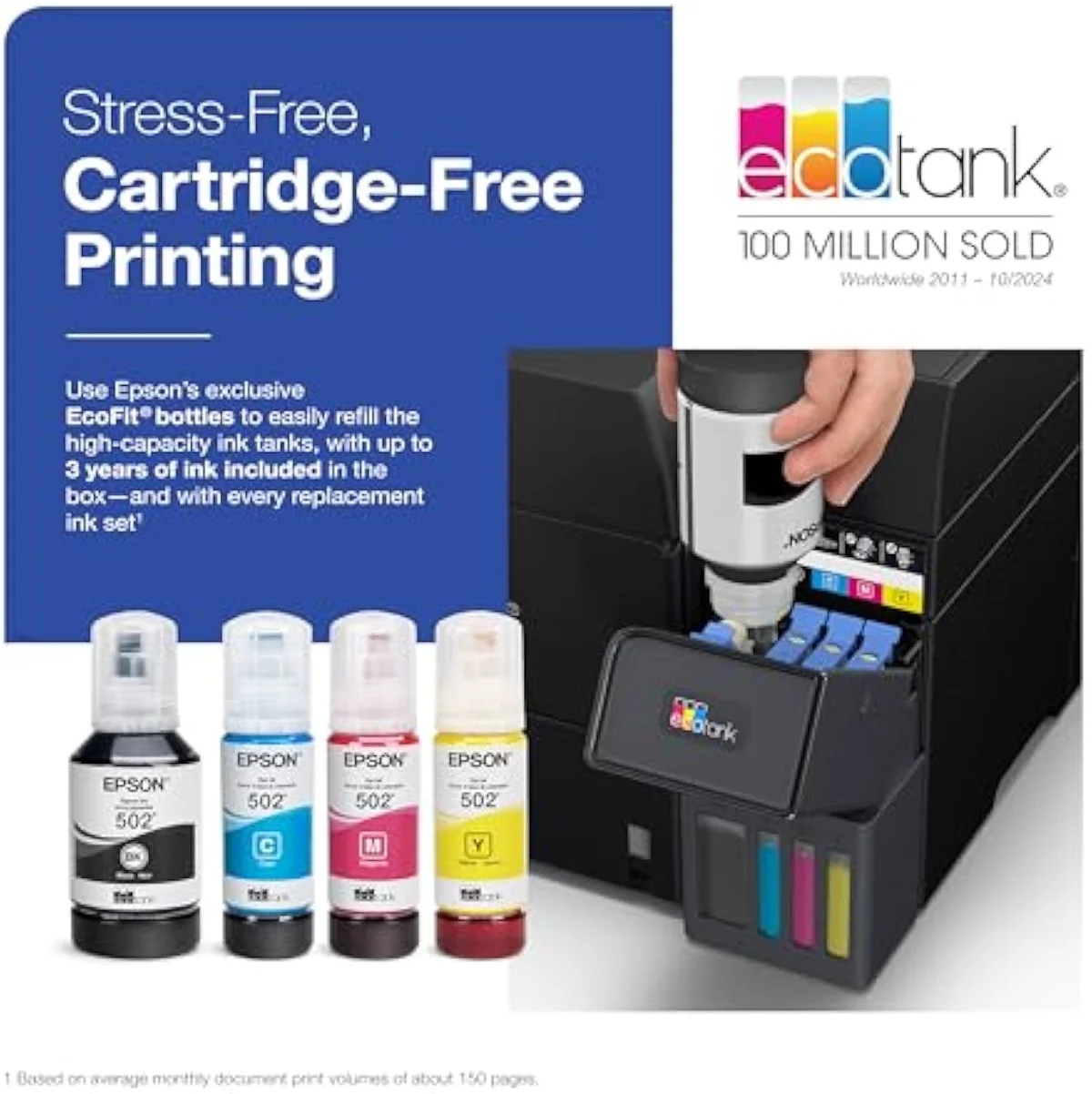
Epson EcoTank ET-4950
At a Glance
| Feature | Epson EcoTank ET-4850 Wireless All-in-One Cartridge-Free Supertank Printer | Editor's Pick Epson EcoTank ET-4950 Wireless All-in-One Color Supertank Printer |
|---|---|---|
| Live Price | $50–$100* | $50–$100* |
| Amazon Savings | Check Amazon | Check Amazon |
| Availability | Checking Amazon | Checking Amazon |
| Current Offer | Checking Amazon | Checking Amazon |
| Amazon Rating | ||
| Amazon Sales Rank | Check Amazon | Check Amazon |
| Live Data Refresh | Refresh pending | Refresh pending |
| Print Speed | Up to 15.5 ppm black / 8.5 ppm colour | — |
| Functions | Print, Scan, Copy, Fax with ADF | Print, Scan, Copy, Fax + ADF |
| Connectivity | Wi-Fi, Ethernet, AirPrint, Epson Smart Panel | Wi-Fi, AirPrint, Smart Panel app |
| Ink System | Cartridge-free refillable tanks | Cartridge-free refillable tanks |
| Two-Sided Printing | Auto 2-sided printing | — |
| Check Price | Check Price |
Amazon prices and availability are refreshed live and are subject to change. The price shown on Amazon at purchase applies.
Where the two machines are one machine
On the axis that matters most — the ink economics — these two are level. Both are cartridge-free, both fill from bottle ink, and both cost the same pennies per page. The step-up does not buy a cheaper page.
That tie is the most important fact on the page, so start there. Both quote yields that make a cartridge office printer look expensive. The ET-4950 leads with its in-box figure: Epson rates it to ship with
The office stack matches too. The ET-4850 is, in Epson’s own listing, an
Day-to-day ownership is the same trip. Both pull from cartridge-free EcoTank bottles, so restocking ink is one shopping run whichever you own; both run the same Epson drivers and Smart Panel app; and both carry the same fine print, where non-genuine ink can affect the printer’s warranty — the one ecosystem string attached to either box. There is no better-supported model to hold out for, and no cheaper page hiding in the newer one.
The one thing the rung actually buys: speed
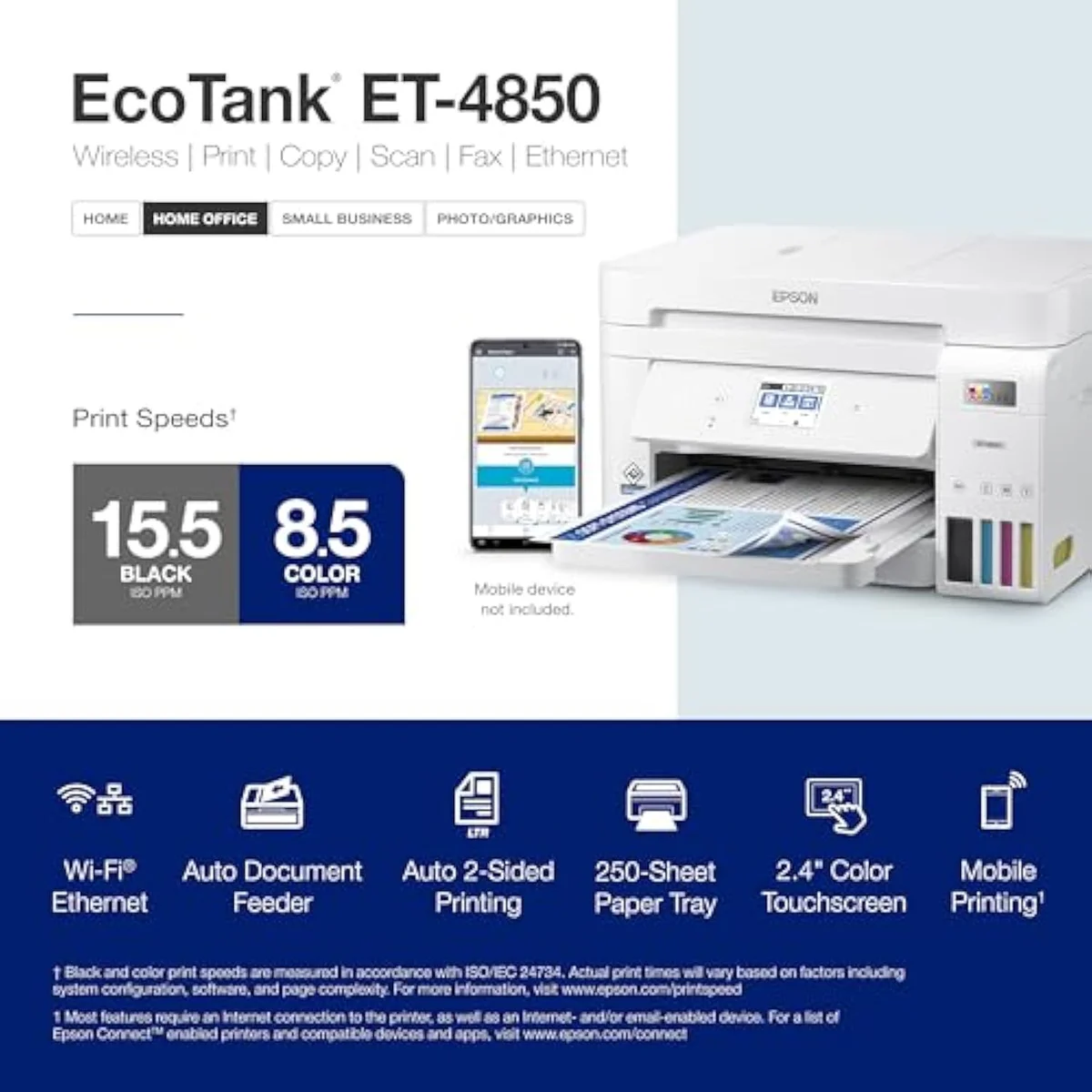
The step-up buys pace, and little else. The ET-4950 rates faster on paper and finishes a long job sooner. That is the whole case — weigh it against the price gap and how much you actually print.
Look at the numbers. The ET-4850 rates, in Epson’s words,
The control surface widens the same gap. The ET-4950 carries a 2.4-inch color touchscreen; the ET-4850 drives from a smaller, simpler panel. Walk-up copying, scanning, and setup are faster and less fiddly on the touchscreen, and the larger 250-sheet tray means fewer reload trips on a high-volume day. None of this is essential — your phone drives either printer over the app — but it is the difference between a home office machine and one that feels built for a busy one.
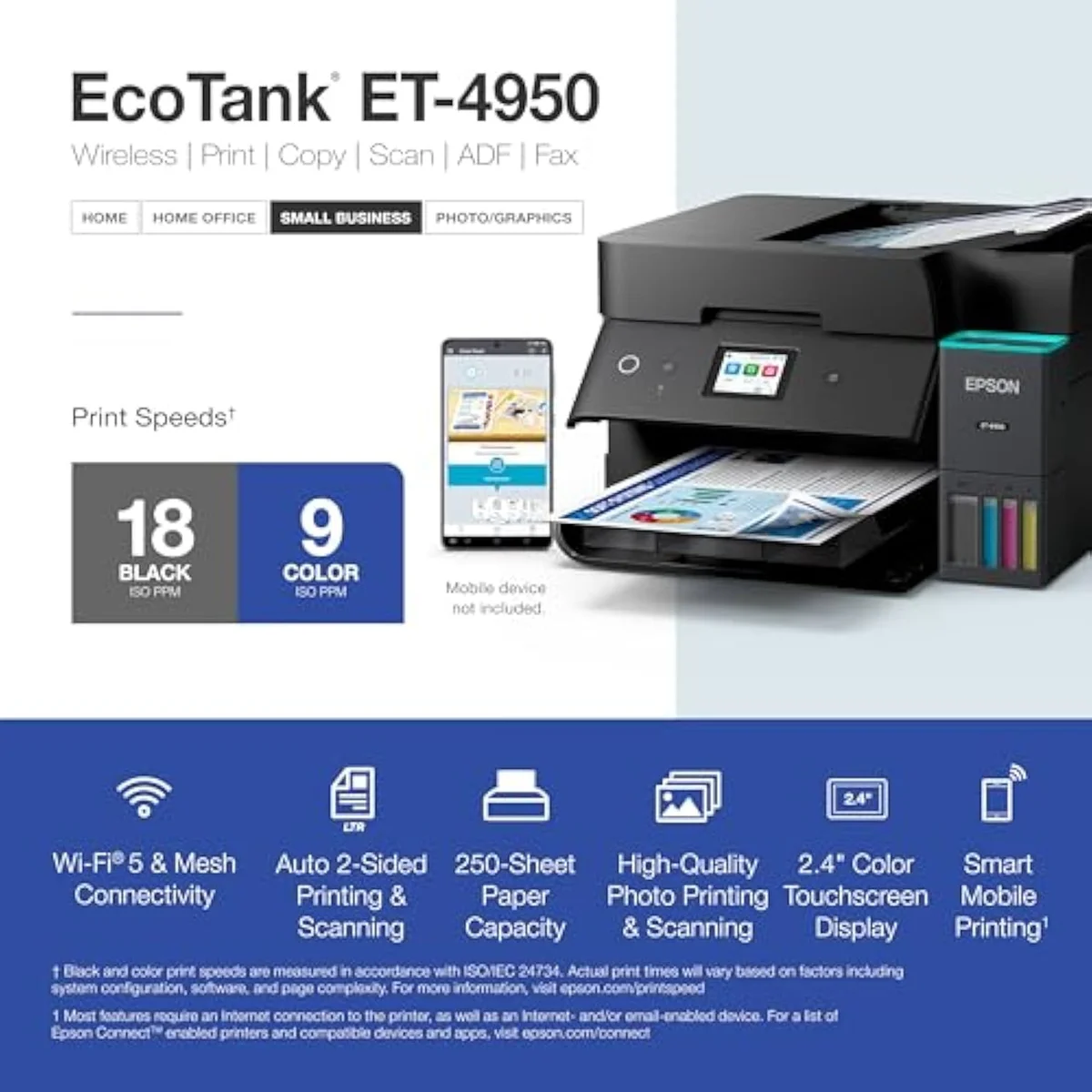
How much that speed is worth tracks your real volume, not your aspirations. A household or solo office that prints a handful of documents a day saves a few seconds it will never count, so the cheaper ET-4850 keeps the savings in your pocket. A shared office that runs steady stacks — invoices, contracts, homework sets — recovers the price step in minutes saved at the tray, and the touchscreen plus the bigger feeder compound it. The honest test is whether your printer ever forms a queue. If it does, the ET-4950 is the answer; if it never does, the ET-4850 is the same printer for less.
The trouble both rungs inherit
Paying more does not buy past the shared faults. Idle clogging and a weak scanner ride along on both, because they live in the engine, not the model number. Neither rung escapes them.
Start with the clog risk, the failure that lives in the technology rather than the model. Both run liquid ink, so both dry out if left alone. The ET-4850 owner record is blunt — buyers are warned
The scanner is the other shared disappointment, and it is worth saying plainly on a page that picks the more expensive model. The ET-4950 does add capability on paper — reviewers confirm
On the printed page itself, neither office EcoTank disappoints and neither separates from the other — same engine, same ink, same output. Owners of both describe the default color as a touch light and muted for marketing work, fixable in the driver, and crisp for the text and worksheets these machines are bought to print. Print quality simply is not where this decision lives; for the Epson EcoTank office line, cost-per-page is a tie and the fork is speed.
Epson EcoTank ET-4850
Epson EcoTank ET-4950
Which office EcoTank fits your stack?
Because the ink math is a tie, “who buys which” comes down to one question: does your office print enough that the ET-4950’s speed and touchscreen earn their price step? If you are coming from a clogged cartridge printer, either EcoTank is the upgrade, and the running-cost savings land the same on both. The split is purely about pace versus the gap.
Buy the ET-4950 if…
…your printer ever forms a queue. The faster ISO speed, the color touchscreen, and the 250-sheet tray are built for steady office volume — back-to-back reports, contract stacks, classroom sets. The higher owner rating reflects it. You pay more upfront and you do not get a better scanner or a cheaper page, but you get the same proven bottle economics on a machine that keeps up with a busy desk. For most buyers cross-shopping these two for real office work, this is the one.
Buy the ET-4850 if…
…your stack is light and the price gap is wide. The older office model gives you the identical ink system, the same auto duplex, the same ADF, fax, and Ethernet, and the same low cost-per-page — for less money. The only things you surrender are a few pages a minute and the nicer panel, and a home office that prints a handful of documents a day will feel neither. We weigh where the whole EcoTank office tier sits against the field in our best supertank printers roundup.
Skip both if…
…you print rarely, or you need true high-volume scanning. A printer that sits idle for weeks will fight either rung with clogs and wasted cleaning cycles — a color laser is the honest pick for sporadic use. And the scanner on both is a weak point, so an office that scans heavy stacks should look past this pair entirely. Neither is a photo printer, either; Epson’s EcoTank Photo line handles saturated color these office machines were never built for.
Is the faster EcoTank worth it? Straight answers
Almost every ET-4850-vs-ET-4950 question reduces to two things: “is one cheaper to run?” (no, they’re level) and “is the faster one worth it?” — so here are the straight answers, feature by feature.
Is the Epson ET-4950 worth the step up from the ET-4850?
If you print in steady volume, yes — but only for the speed. The ET-4950 rates 18 black / 9 color ISO pages per minute against the ET-4850’s 15.5 / 8.5, and it adds a 2.4-inch color touchscreen and a 250-sheet tray. The ink system, the bottle economics, and the cost-per-page are the same on both. So you are paying for pace and a nicer panel, not for cheaper printing. A low-volume home office that prints a few documents a day will barely feel the speed gap and should buy on price instead.
Do the ET-4850 and ET-4950 cost the same to run?
Effectively yes. Both are cartridge-free EcoTanks that fill from the same style of bottle ink, and the per-page cost is what makes either one cheaper than a cartridge office printer. The step-up does not buy you a lower cost-per-page — it buys you speed. On the number this site organizes around, these two are level.
What does the ET-4950 add that the ET-4850 does not have?
Three things: faster rated print speed, a 2.4-inch color touchscreen instead of the ET-4850’s smaller panel, and a higher-capacity 250-sheet paper tray. Both already share auto duplex, an automatic document feeder, fax, and Ethernet, so this is a refinement of the same office machine — not a different class of printer.
Which one scans better?
Neither is the reason to buy. Owners of both flag the scanner — the ET-4850’s document feeder is slow and jams, and ET-4950 buyers call the scanner disappointing, with crooked scans off the feeder. Use the flatbed for anything that matters.
Will either EcoTank clog when you barely print?
Both can, and this is the shared risk that has nothing to do with which model you pick. Liquid ink dries in the nozzles when the printer sits, and the machine then spends ink on cleaning cycles to clear it. Print in color at least weekly and the problem rarely bites; leave either model dark for weeks and you can meet a clog the evening you need it. The fix is identical on both and it is free.
Are these good for photo printing?
Treat both as document printers. They print color cleanly enough for worksheets and the occasional snapshot, but owners describe the default color as light and muted. For saturated borderless prints, Epson’s dedicated EcoTank Photo line is the right room — neither office model is built for it.
Track Both Products
We'll email you if either price drops or availability changes.
Only when something changes. Unsubscribe anytime.
Ready to Choose?
Citations
- [1]"Prints up to 15.5 pages per minute (ppm) in black"https://www.amazon.com/dp/B096N9JMXFCaptured June 4, 2026. Verified June 4, 2026.
- [2]"Epson EcoTank ET-4850 Wireless All-in-One Cartridge-Free Supertank with Scanner Copier, Fax, ADF and Ethernet"https://www.amazon.com/dp/B096N9JMXFCaptured June 4, 2026. Verified June 4, 2026.
- [3]"you want to avoid ink drying in the pipes if you print infrequently"https://www.amazon.com/dp/B096N9JMXFCaptured June 4, 2026. Verified June 4, 2026.
- [4]"takes forever to Scan (and jams more frequently than it scans)"https://www.amazon.com/dp/B096N9JMXFCaptured June 4, 2026. Verified June 4, 2026.
- [5]"Fast 18 black/9 color ISO ppm print speeds with zero warmup time"https://www.amazon.com/dp/B0FC5KYF71Captured June 4, 2026. Verified June 4, 2026.
- [6]"Epson EcoTank comes with enough ink to print up to 6,600 pages black/5,500 color"https://www.amazon.com/dp/B0FC5KYF71Captured June 4, 2026. Verified June 4, 2026.
- [7]"an Auto Document Feeder, fax, a high-capacity 250-sheet paper tray, auto duplex printing"https://www.amazon.com/dp/B0FC5KYF71Captured June 4, 2026. Verified June 4, 2026.
- [8]"The scanner is quite disappointing"https://www.amazon.com/dp/B0FC5KYF71Captured June 4, 2026. Verified June 4, 2026.