Inkjet Printer Setup and Maintenance: The Owner's Guide
Updated
The two things that wreck inkjet ownership are setup and clogs — not print quality. Run setup from the phone app on a 2.4GHz network, print a colour page weekly to keep the heads wet, and clean once after a nozzle check rather than stacking deep cleans. A bottle-fed supertank dodges the cartridge tax and the firmware ink-locks at the same time.
Here's the thing: the angriest inkjet reviews are almost never about print quality. They land on two failures — wireless setup that will not finish, and a printhead that clogged after the machine sat idle — a pattern that holds across all four major brands, with image-quality complaints a distant third per the Consumer Reports inkjet reliability survey. Fix those two and you have fixed ownership.
Most owners learn this the expensive way.
So this guide runs in the order the one-star reviews set, not the order the manual prints in. Across 6 stages — Wi-Fi, clog prevention, cleaning, cartridges and tanks, firmware locks, and the day a clog ends a machine — each step targets the two failures that sink ownership, not the print quality the box photo sells.
The single best defence against both is a refillable supertank like the Epson EcoTank ET-2803, which keeps its heads wet on roughly 2 years of included ink and locks out neither aftermarket bottles nor your wallet.

Win the Wi-Fi setup first
Wireless setup is the most-complained-about step across all four major brands, so drive it from the brand's phone app, never the printer's tiny panel. The single biggest cause of a failed first run is the network band: most home inkjets only join a 2.4GHz Wi-Fi network, not 5GHz.
A router broadcasting 5GHz-only — or a "smart" mesh that hides the band — leaves the printer unable to connect at all. The 2.4GHz requirement is stated plainly in the Epson printer wireless setup support pages, and it is the first thing to check when pairing stalls.
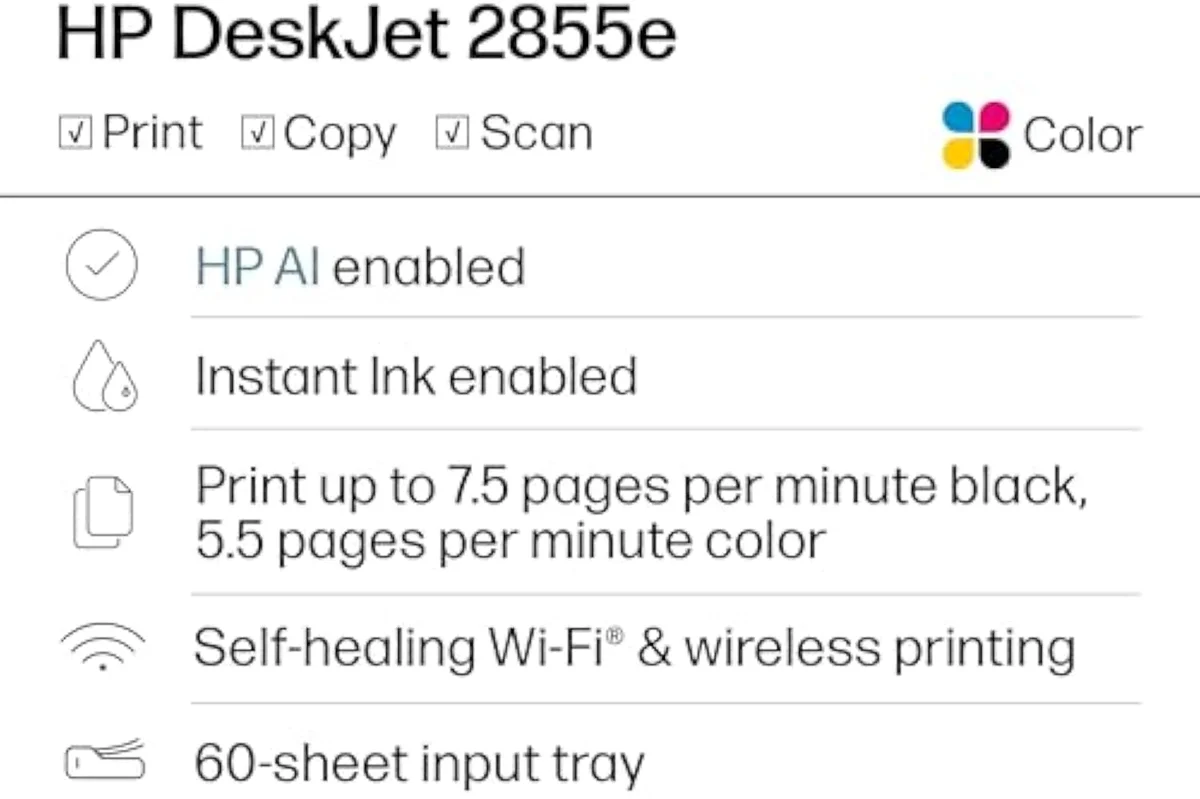
Put the ink in before you connect. A printer with empty tanks or no cartridges often refuses to finish pairing, which owners then misread as a Wi-Fi fault. Fill the tanks or seat the cartridges, let the one-time charging or alignment finish, and connect last. Budget models like the HP DeskJet 2855e lean hardest on the app, so a clean phone-led setup matters most there.
Keep the printhead from clogging
Idle time, not heavy use, is what kills inkjets.
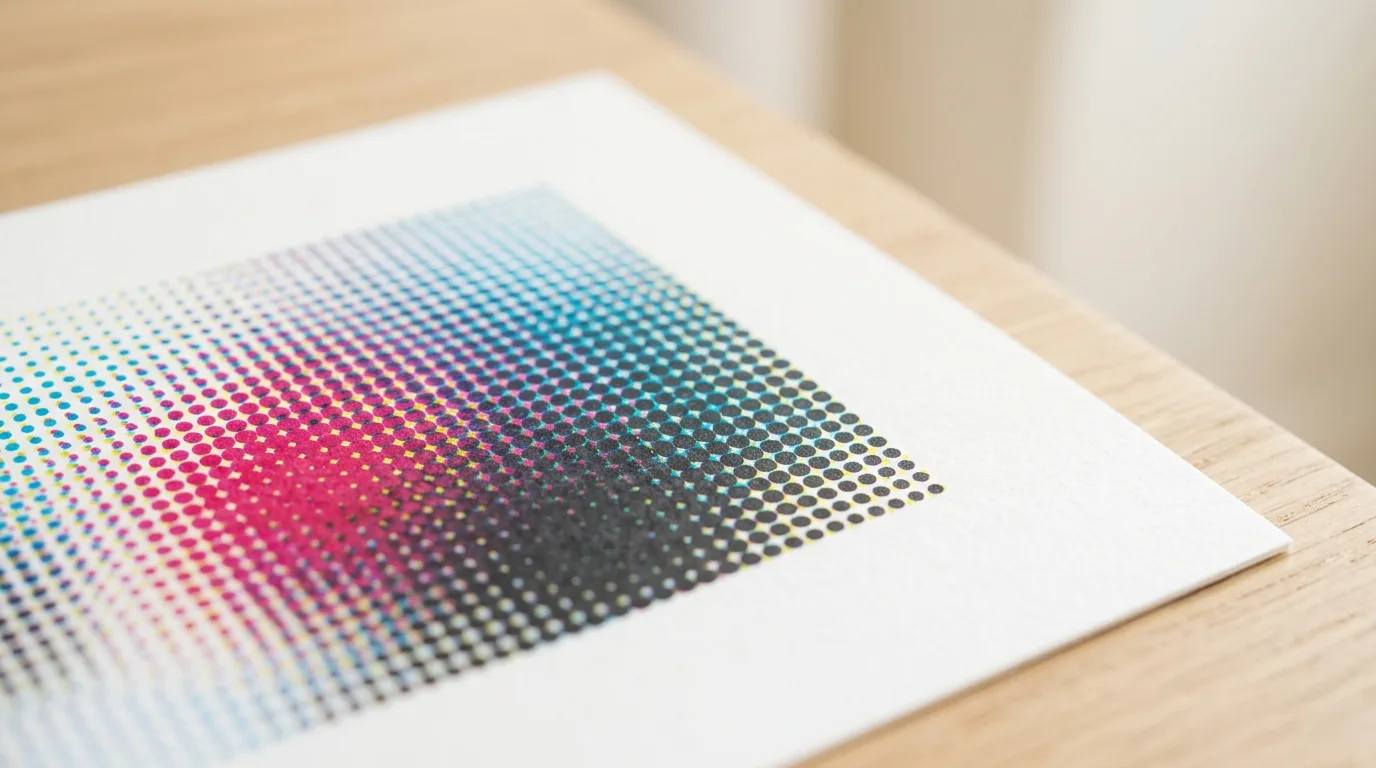
Liquid ink can set inside the nozzles during long idle stretches, and a dried channel is what owners call a clog. The defence is simple: print one page in colour at least once a week. A colour page fires every channel, so the colour heads never get the chance to dry that a black-only page would leave them. The drying mechanism is documented in Wikipedia's inkjet printing entry, and it is why a machine left dark for 2 to 3 weeks is the real risk, not one used a few times a month.
Run cleaning cycles without burning ink
A single deep clean can spend up to 3% of a cartridge, so do not stack them.
Each cleaning cycle flushes ink through the nozzles to clear them, so 3 deep cleans in a row can drain a meaningful slice of a cartridge for nothing — the same ink-waste pattern that independent testing at RTINGS, which has lab-tested 182 models, factors into its running-cost scores.

Work the ladder instead. Print a nozzle-check pattern from the maintenance menu and read which colours show gaps. Run a single standard clean — not a deep clean — then print a colour page to pull fresh ink through. Repeat once if needed. Only escalate to a deep clean after a standard clean plus a print job has failed twice. A supertank like the refillable inkjet family makes this far less painful, because the ink a clean spends comes from cheap bottles rather than a dear cartridge.
Handle cartridges and ink tanks right
Cartridges and bottle-fed tanks demand opposite upkeep, and the gap is wide.
Cartridges have the printhead built into them on many budget models, which is a hidden upside: a failed head is fixed by a fresh cartridge, not a repair bill. The downside is cost — a full XL replacement set can approach the printer's own sale price, the most-repeated complaint owners voice, and one that bites inside the first 12 months of regular printing.
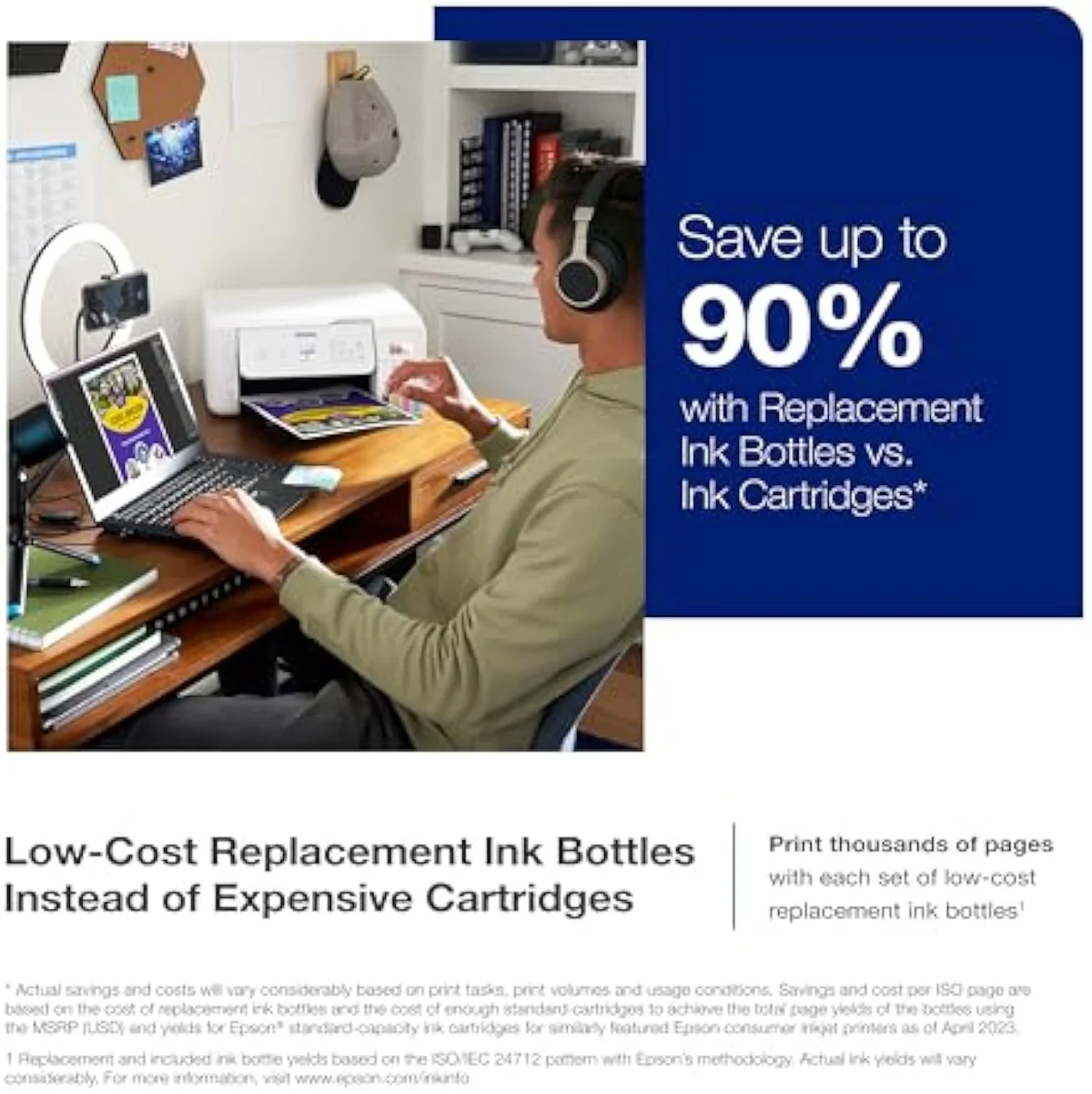
Tanks invert it. A refillable supertank fills from bottles that print thousands of pages, and Epson quotes its EcoTank line at black and colour bottle yields in the thousands per the Epson EcoTank page-yield specs. The maintenance cost is care, not money: fill to the line and never past it, keep the tank caps seated, and let the printer finish its one-time ink-charging on first fill before you expect a clean page. We track per-model ink behaviour in our evidence hub.
Watch the firmware and the ink-lock
Liquid ink invites lock-in, and a firmware update can spring it on you.
Several cartridge lines run firmware that rejects non-OEM cartridges, and a "security" update has more than once disabled third-party ink that worked the week before. Owners feel it as betrayal, not a footnote — one thread we synthesized put it plainly: "I'm absolutely sick of HP and their dumb printers. Who makes the best printers for personal use that don't require a subscription or an account on their site?" If aftermarket ink freedom matters, turn off automatic firmware updates on a cartridge model, and read the third-party-ink and subscription risks we record in our safety and known-risks layer.
The cleaner answer is to refuse the fight. A bottle-fed supertank has no cartridge chip to reject and no subscription to cancel — you buy ink outright. That single decision removes both the cartridge tax and the firmware lock from the maintenance you ever have to think about.
Know when a clog means it's done
Some clogs are not worth another drop of ink. Be decisive.
On a budget Canon or HP cartridge model where the head rides on the cartridge, a stubborn clog is cheap to fix — swap the cartridge and the head goes with it. On a printer with an integrated head, the calculation changes fast.
Here is the rule. If the printhead is built into the printer, you have run a full clean cycle plus print jobs three or four times, and the page still streaks, stop. A replacement integrated head — where it is even sold separately — routinely costs more than a new machine, so spending another cleaning cycle is throwing ink after a lost cause. Community threads are blunt about decisive skip-this calls, and the maintenance verdict deserves the same honesty: replace the unit, and buy the next one as a supertank so the clog risk and the cartridge tax both shrink. Start that shortlist head-to-head in our best supertank printers roundup, then narrow it with the matchups in our type-versus-type tradeoffs analysis.
The lowest-maintenance pick
A refillable supertank all-in-one is the calmest inkjet to own — its heads stay wet through normal home use on roughly two years of included ink, its cleaning cycles spend cheap bottle ink rather than a dear cartridge, and it has no firmware chip or subscription to fight. It is the default recommendation for anyone who wants setup and upkeep to stay quiet; the reasoning and the rest of the shortlist sit below.
Frequently Asked Questions
Inkjet setup and maintenance in one paragraph
Set an inkjet printer up from the brand phone app on a 2.4GHz network with the ink loaded first, print one colour page a week to keep the printhead from clogging, and clean with a nozzle check then a single standard clean rather than stacked deep cleans that burn ink — and because cartridges carry both a high ink cost and firmware locks, a refillable supertank is the lowest-maintenance machine for most homes.
How do you set up a new wireless inkjet printer?
Drive it from the brand app on your phone, not the printer panel. Put the printer and the phone on the same 2.4GHz Wi-Fi band — most home inkjets cannot see a 5GHz-only network, which is the single biggest cause of failed first-run setups. Then add the cartridges or fill the tanks, run the one-time alignment the app prompts, and only then connect. Setup that starts with the ink and the right band almost always finishes.
Why does an inkjet printer keep going offline?
Nine times out of ten it is the network, not the printer. A dual-band router that hands the printer a 5GHz address it later loses, a changed Wi-Fi password, or a router channel hop will all drop the connection. Lock the printer to the 2.4GHz band, give it a static IP in the router, and the offline cycle usually stops.
How often should you run an inkjet printer to stop it clogging?
Print something in colour at least once a week. Liquid ink can set in the nozzles during long idle stretches, and a colour page keeps every channel wet — a black-only page lets the colour heads dry. A modern inkjet printed weekly rarely clogs; the danger window is weeks of sitting dark, not days.
Do printhead cleaning cycles waste ink?
Yes, and a lot of it. Each cleaning cycle flushes ink through the nozzles to clear them, so a printer that needs repeated cleans burns ink you never put on paper. Run a nozzle check first, clean once if it shows gaps, then print a colour page — do not stack three deep cleans in a row hoping for a miracle.
When is a clogged inkjet printer not worth fixing?
When the printhead is built into the printer, three or four deep cleans have not cleared it, and a replacement head costs more than a new machine. On budget cartridge models the head often lives on the cartridge, so a fresh cartridge can revive it cheaply. On an integrated-head printer that still streaks after a full clean cycle, stop spending ink on it and replace the unit.
Can you use third-party ink in an inkjet printer?
Sometimes — and the firmware decides, not you. Several cartridge lines run firmware that rejects non-OEM cartridges, and a "security" update can disable third-party ink that worked the week before. A refillable supertank avoids the fight entirely: you buy bottles outright, with no chip to reject and no subscription to cancel.
Our Top Recommendation
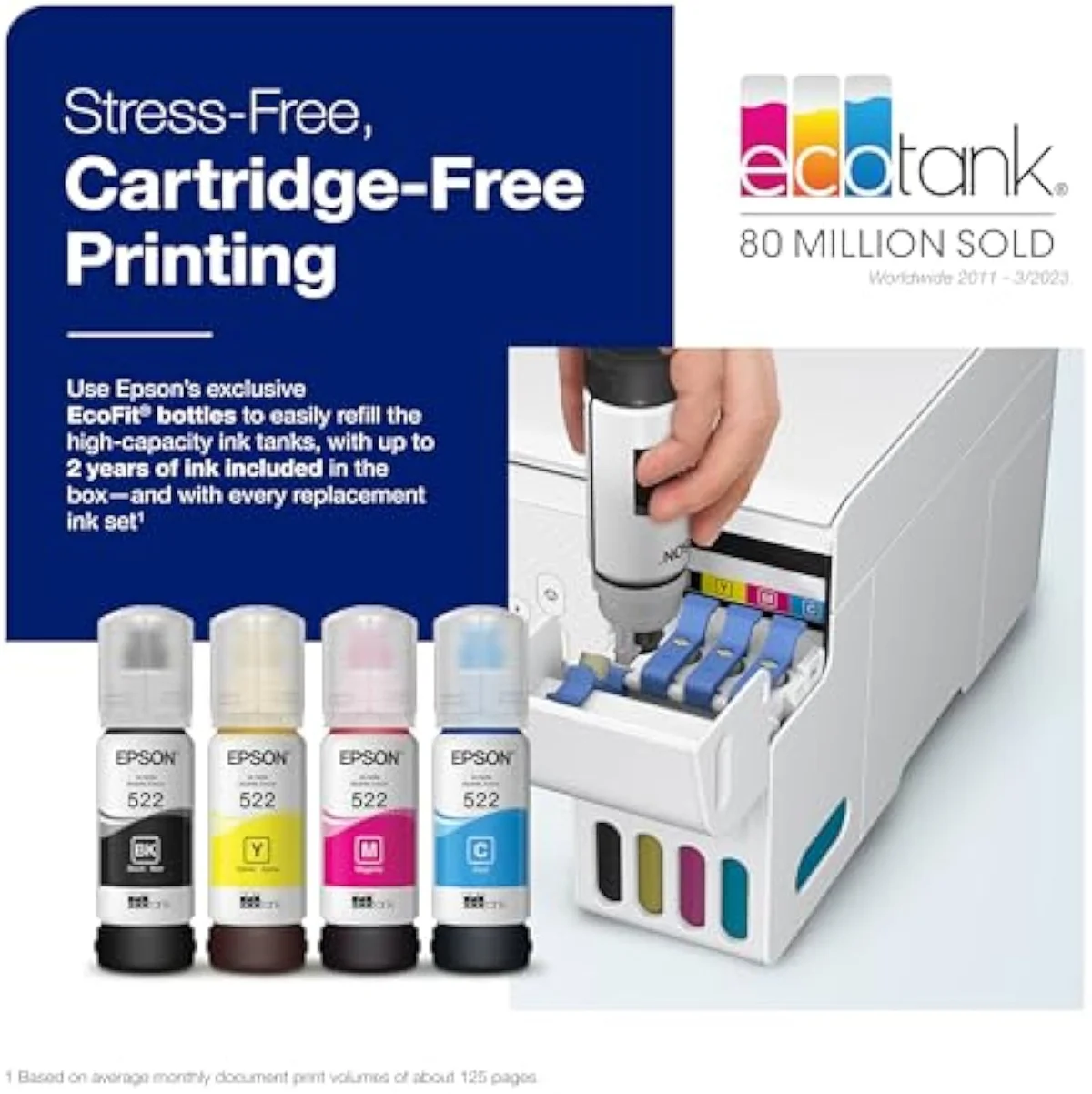
Based on our research, the Epson EcoTank ET-2803 is our top pick — households or hobbyists printing weekly or more — roughly 100 to 200 pages a month — who want to stop buying cartridges and will run enough pages to keep the nozzles wet..
Keep reading
Take the decision deeper, ad-free, before you shortlist a machine:
Sources
- Consumer Reports — inkjet reliability and owner-satisfaction surveys
- Epson — wireless setup support and 2.4GHz network guidance
- Inkjet printing — liquid-ink technology and printhead overview (Wikipedia)
- RTINGS — printer test methodology and cost-per-print scoring
- Epson EcoTank — bottle page-yield specifications
Get Our Top 3 Picks
Get our top 3 picks for your budget — one email, then only updates.
Only when something changes. Unsubscribe anytime.