HP OfficeJet Pro 8125e Review: Good Hardware, HP+ Strings Attached
Updated
Real small-office hardware — a 225-sheet tray, an ADF, auto-duplex, dual-band Wi-Fi — wrapped in HP's most contentious ink machinery. The output is good. The 3.7 rating is about cartridge validation and the Instant Ink trap, not print quality. Buy it only with the HP+ terms accepted.
| Best for | Home offices over 100 pages a month that accept HP Instant Ink |
|---|---|
| Skip if | You want third-party ink, refuse a subscription, or print rarely |
| Ink | HP cartridges with HP+ Dynamic Security DRM |
| Speed | Up to 20 ppm black, 10 ppm color |
| Owner rating | 3.7 / 5 across 13 reviews |
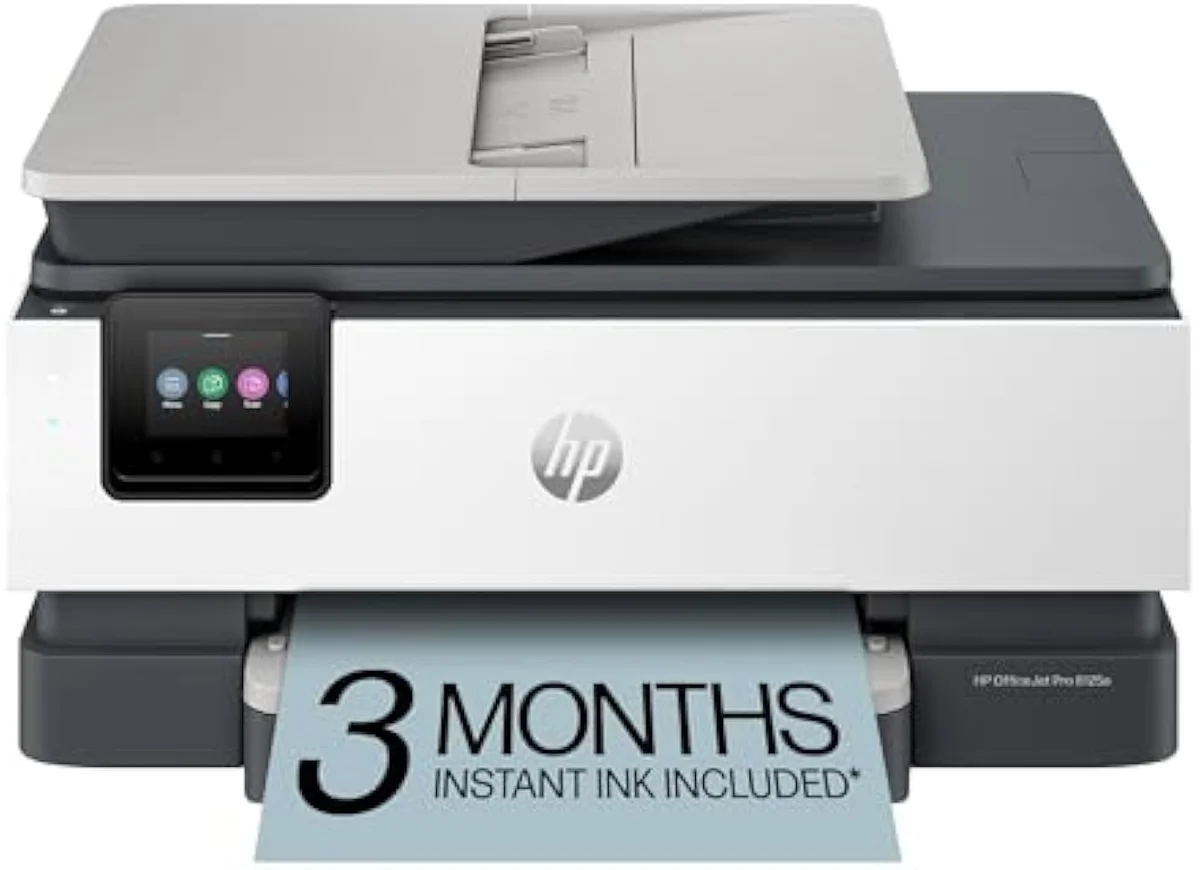
Capable office hardware and good output, hated for the HP+ apparatus that surrounds it. The 8125e earns a cautious verdict: buy it only if you accept HP Instant Ink and online cartridge validation with eyes open. For ink freedom, a supertank is the honest alternative.
Amazon prices and availability are refreshed live and are subject to change. The price shown on Amazon at purchase applies.
Video Review

Our verdict here pulls together the 13 verified Amazon owner reviews of the HP OfficeJet Pro 8125e (a 3.7-star average), the r/printers owner threads we mined, HP's own published specifications and Instant Ink terms, and independent printer testing from sources like RTINGS' lab-tested printer reviews. We don't run a print lab — we read the owner record closely and price the cost of ownership the box leaves off. We earn a commission if you buy through our links; it never changes the verdict. Read our full methodology →
Overview
The office step up from a budget DeskJet
The 8125e is the printer a home worker buys when the cheap all-in-one stops being enough. It is faster than HP's DeskJet line — HP rates it at
It even fixes the one that breaks HP's cheaper printers on modern routers. The 8125e ships with
The lens this site puts on every OfficeJet Pro is the one HP's listing skips: not the sticker, but what it costs to own over time. And on the 8125e, the cost story is not really the cartridge price. It is everything HP attaches to the cartridge through HP+ and Instant Ink.
The hardware draws praise and the machine still lands at 3.7 across 13 reviews. The gap between those two facts is the whole review — and it is not about the pages it prints.
Key Specifications
| Functions | Print, scan, copy, auto-duplex, ADF |
| Connectivity | Dual-band Wi-Fi, USB, AirPrint, HP Smart app |
| Ink System | HP cartridges with HP+ Dynamic Security (e-model DRM) |
What the spec sheet actually buys
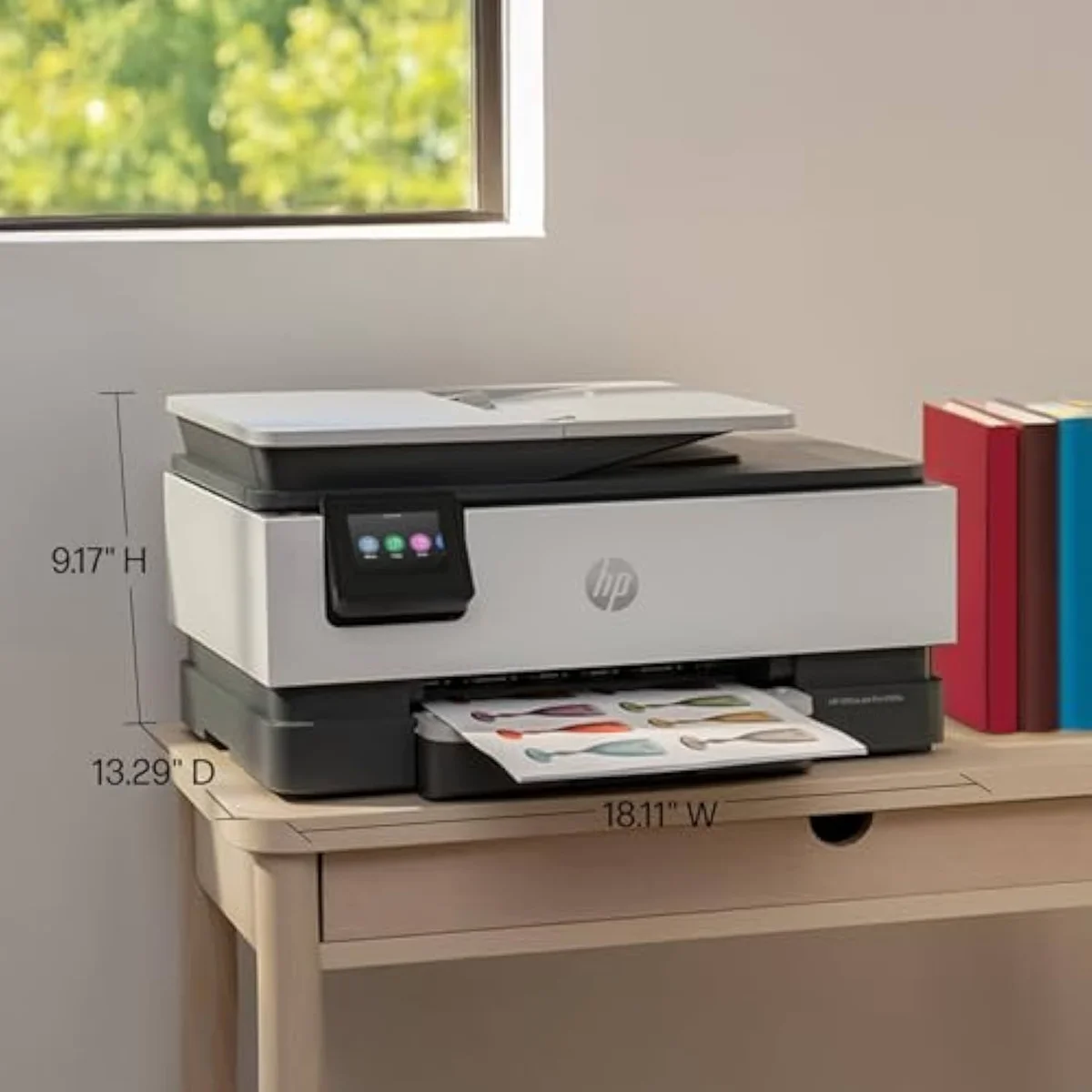
The numbers are honest office-class numbers. Twenty pages a minute in black is quick for an inkjet at this price, the 225-sheet tray means fewer refills, and the ADF plus auto-duplex turn it into a real document machine rather than a homework printer. HP also markets a software flourish — an AI auto-format feature where
Mobile and scan workflow is a quiet strength. The HP Smart app handles print, scan, copy and fax from a phone or tablet, and several owners lean on the scanner more than they expected. One owner sums up the value in a single line:
So the hardware is not the problem. Set up cleanly, the OfficeJet Pro 8125e does its job at up to 20 ppm, with features the price class rarely includes. The trouble starts at the cartridge bay.
Pros & Cons
Pros
- Real small-office hardware — 225-sheet tray, ADF, auto-duplex
- Dual-band Wi-Fi fixes the mesh-router problem of cheaper HP models
- Print quality is repeatedly praised across owner reviews
- Faster than HP DeskJet line at up to 10 ppm color, 20 ppm black
Cons
- HP+ Dynamic Security DRM rejects most third-party cartridges
- Instant Ink trial cartridges brick when you cancel the subscription
- Cartridge-validation failures and mid-job errors drag the rating to 3.7
- Replacement cartridges are reported expensive and hard to find
Performance & Real-World Testing
When it prints, owners are happy
Print quality is the calm part of the record, and it cuts against the rating. The pages come out clean; the complaints almost never mention them. The bitter shape of the 8125e's reviews is a machine whose output people like and whose behaviour they don't — despite its excellent print, the failures sting precisely because the page that finally lands is so good. That is the contradiction that defines this printer, and it has nothing to do with resolution.
Where it goes wrong: the reliability tail
The 3.7-star rating lives here. The most common reliability complaint about the OfficeJet Pro 8125e is blunt: an owner reports that
Worse, some failures arrive before the first page ever prints. The most damning owner report is a cartridge-validation wall on a brand-new unit:
It is not universal, and the record is honest about that. A unit that
Value Analysis
The real cost is the ink lock, not the sticker
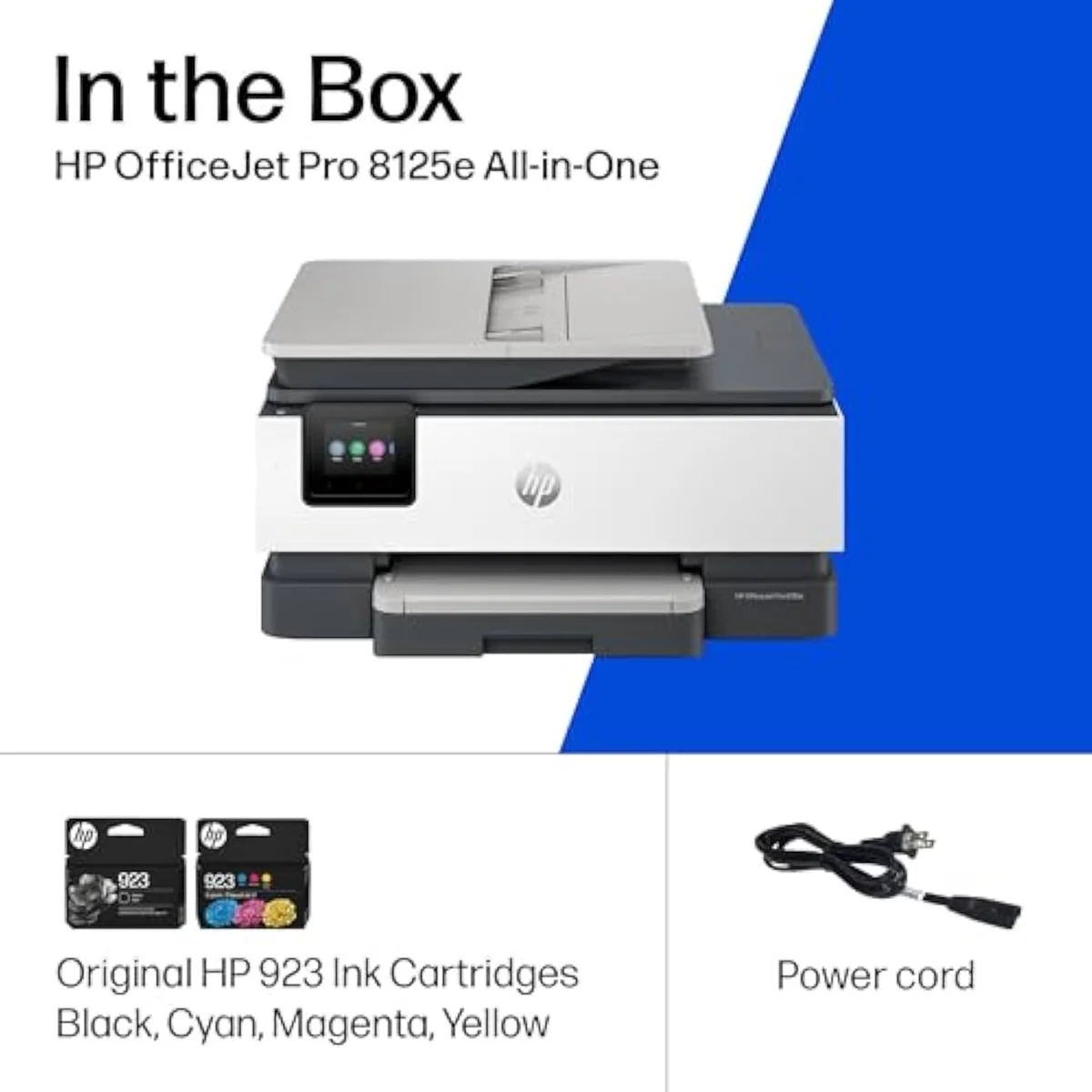
Here's the thing about an 'e'-model HP: the cartridge price is the smaller trap. The 8125e is a cartridge machine, and one owner already flags the obvious cost —
The 'e' adds a second layer on top. The defining warning in the r/printers community is the firmware lock: the e-models are
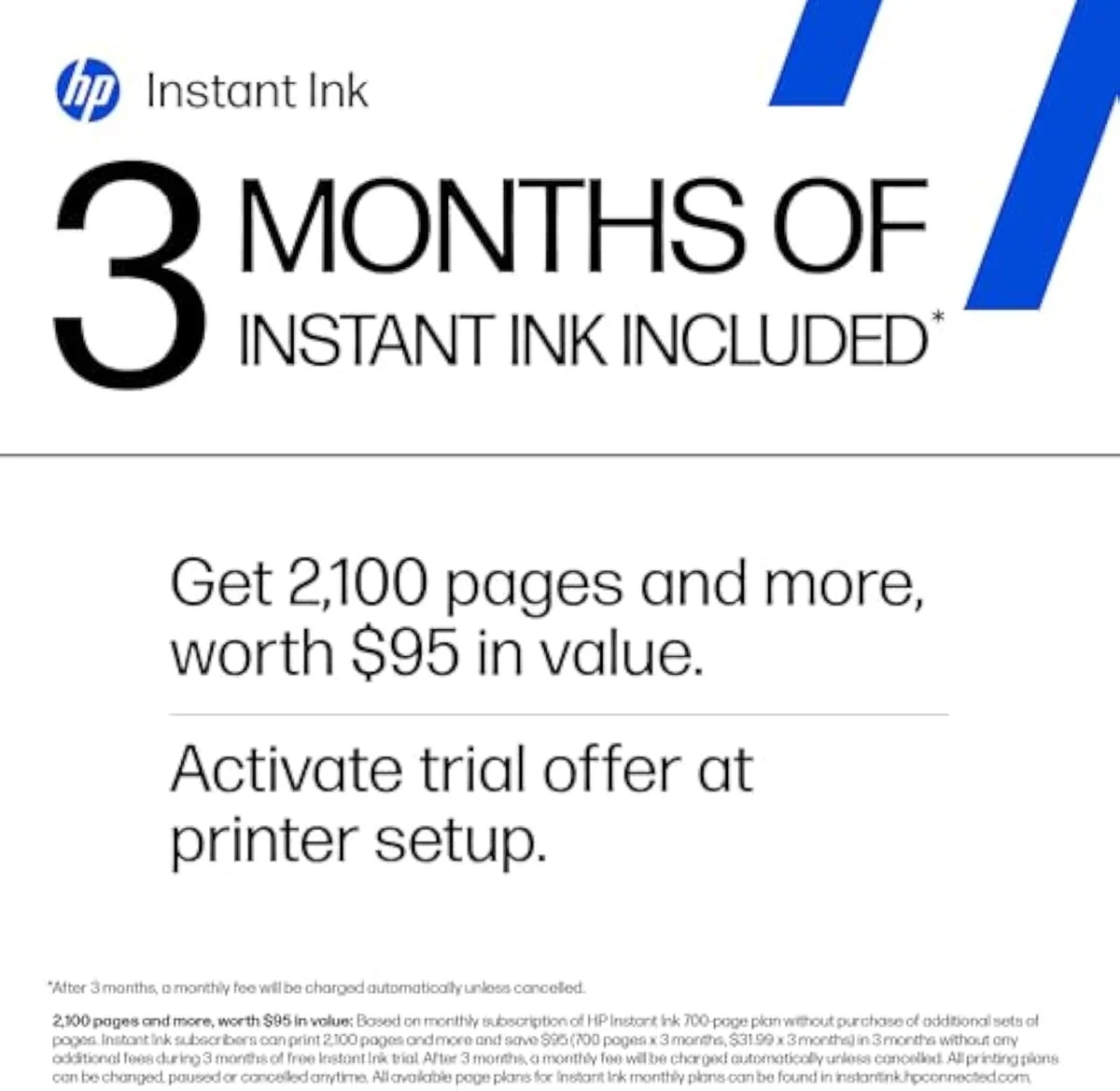
Then there is the subscription itself. The 8125e ships with a 3-month Instant Ink trial, and HP's terms note that
THE GAP The box counts pages per minute; the wallet counts the HP+ lock — expensive genuine cartridges, online validation, and a subscription whose cartridges die on cancel.
The ecosystem test
So the value verdict does not split on volume the way a normal cartridge printer's does — it splits on one yes-or-no question: do you accept HP's terms? Accept Instant Ink and genuine cartridges and the 8125e is a competent office machine. Want ink freedom and it is the wrong purchase at any price. We grade every machine against that running-cost and lock-in case in our inkjet printers evidence hub.
What to Expect Over Time
Living with it: validation, supply, and idle time
Two failure modes shape life with the OfficeJet Pro 8125e past the first week, and both trace to the same HP+ lock.
The first is the supply chain HP controls. The convenience can break at the source — one owner found
The second is the failure mode every inkjet shares but the lock makes worse. Liquid ink hardens in the printhead when the machine sits unused, and it spends ink on automatic cleaning cycles to clear it — and because HP guidance puts
One honest counter-note keeps the picture fair. Third-party ink isn't always blocked outright: an owner of an e-model OfficeJet Pro reports they
Questions HP 8125e buyers actually ask
The 13-review record clusters tightly: praise for the printing, frustration with HP's ink lock and the reliability tail. These are the questions buyers raise most.
Is the HP OfficeJet Pro 8125e a good printer?
The hardware is good; the ecosystem is where it loses owners. It is a real small-office machine — up to 20 ppm black, a 225-sheet tray, an automatic document feeder, and auto-duplex — and print quality draws steady praise. But the 3.7-star average across 13 owner reviews is dragged down by HP's apparatus around it: cartridge-validation failures, mid-job errors, and an Instant Ink subscription people resent. Buy it if you accept HP's ink terms. Skip it if you want third-party-cartridge freedom.
What are the most common problems with the HP OfficeJet Pro 8125e?
Two clusters recur, and neither is print quality. The first is reliability: owners report it erroring out on the first page of a short document, and a brand-new unit refusing to validate HP's own cartridges enough to print at all. The second is the ink business model — the Instant Ink trial cannot be cancelled cleanly, and subscription cartridges stop working the moment you stop paying. The pages it produces are the calm part of the record.
Should you buy the HP 8125e or step up to the 8135e?
The 8135e is the higher-yield sibling in the same OfficeJet Pro 8100 family — faster rated speeds and a larger paper path aimed at heavier monthly volume. The 8125e is the lighter, cheaper entry. Both share the same HP+ Dynamic Security DRM and Instant Ink machinery, so stepping up does not buy you out of the cartridge-lock problem — it only buys more capacity. If your volume is comfortably over 100 pages a month, the 8135e earns its premium; below that, the 8125e is the right size of the two.
Is HP discontinuing its "e" series printers?
No. The 8125e is a current model — the "e" marks HP+ and Instant Ink eligibility, not end-of-life. It also marks the Dynamic Security firmware that ties the printer to genuine HP cartridges, which is the part owners actually want a warning about.
Can you use third-party ink in the HP OfficeJet Pro 8125e?
It is a gamble, not a guarantee. The 'e' designation enables HP+ Dynamic Security, which is built to reject remanufactured and third-party cartridges and needs an internet connection to enforce the lock. Some owners of e-model OfficeJet Pros do get non-OEM ink printing after a one-time warning; others watch the printer validate cartridges for days and never print again. If running cheap aftermarket ink is the whole point of your purchase, a Brother or a supertank is the safer bet.
Is the HP OfficeJet Pro 8125e overkill for light home use?
Probably. HP positions the OfficeJet Pro line for offices printing over 100 pages a month, and below that volume you are paying for an ADF and a 225-sheet tray you will rarely fill — while still carrying the idle-clog risk every inkjet has. For a few pages a week, a cheaper all-in-one or a mono laser fits better.
Who should buy it
The verdict turns on the ink terms
A busy home office that prints well over 100 pages a month, wants a fast ADF machine with dual-band Wi-Fi that actually joins a mesh network, and is fine inside HP Instant Ink gets a lot of capable hardware here. Anyone who refuses an ink subscription, wants third-party-cartridge freedom, or prints only occasionally should weigh the alternatives first — the HP+ lock and the reliability tail are both real.
Compared to the HP DeskJet 2855e, the 8125e is the genuine office upgrade — faster, a real tray, an ADF, and the dual-band Wi-Fi the DeskJet lacks — but it inherits the same Instant Ink machinery. Against the Canon PIXMA TS6520, it trades the Canon's account-free calm for more office capacity. If you're weighing the higher-yield step-up — the HP OfficeJet Pro 8135e — our 8125e vs 8135e comparison works out whether the fax line and touchscreen are worth the premium. And if your real goal is escaping the cartridge lock entirely, a bottle-fed machine like the Epson EcoTank ET-2803 costs more up front and erases both the per-page tax and the DRM. For ink freedom over office speed, that is the honest pick.
Capable office hardware and good output, hated for the HP+ apparatus that surrounds it. The 8125e earns a cautious verdict: buy it only if you accept HP Instant Ink and online cartridge validation with eyes open. For ink freedom, a supertank is the honest alternative.
Best for: Home offices over 100 pages a month that accept HP Instant Ink and cartridge validation
Track the HP OfficeJet Pro 8125e Wireless All-in-One Color Inkjet Printer
We check the price daily and monitor availability. You hear from us when something changes.
Only when something changes. Unsubscribe anytime.
Citations
- [1]"Print speeds up to 10 ppm color"https://www.amazon.com/dp/B0CT8ZJ7ZCCaptured June 3, 2026. Verified June 3, 2026.
- [2]"auto 2-sided printing"https://www.amazon.com/dp/B0CT8ZJ7ZCCaptured June 3, 2026. Verified June 3, 2026.
- [3]"Stay connected with our most"https://www.amazon.com/dp/B0CT8ZJ7ZCCaptured June 3, 2026. Verified June 3, 2026.
- [4]"After 3 months, monthly fee applies"https://www.amazon.com/dp/B0CT8ZJ7ZCCaptured June 3, 2026. Verified June 3, 2026.
- [5]"HP AI easily removes unwanted content"https://www.amazon.com/dp/B0CT8ZJ7ZCCaptured June 3, 2026. Verified June 3, 2026.
- [6]"The HP OfficeJet Pro 8125e is"https://www.amazon.com/dp/B0CT8ZJ7ZCCaptured June 3, 2026. Verified June 3, 2026.
- [7]"my document can be a few pages long, and it will error out on the first one."https://www.amazon.com/dp/B0CT8ZJ7ZCCaptured June 3, 2026. Verified June 3, 2026.
- [8]"It just won’t validate their own cartridges to actually be able to print."https://www.amazon.com/dp/B0CT8ZJ7ZCCaptured June 3, 2026. Verified June 3, 2026.
- [9]"It’s not a trial period if you do not have the option of cancelling after the trial period is over."https://www.amazon.com/dp/B0CT8ZJ7ZCCaptured June 3, 2026. Verified June 3, 2026.
- [10]"original repacement cartridges are really expensive and not easy for find"https://www.amazon.com/dp/B0CT8ZJ7ZCCaptured June 3, 2026. Verified June 3, 2026.
- [11]"My new printer worked fine for a few months."https://www.amazon.com/dp/B0CT8ZJ7ZCCaptured June 3, 2026. Verified June 3, 2026.
- [12]"The HP automatic ink replacement option lists a supplier who shows item is not available"https://www.amazon.com/dp/B0CT8ZJ7ZCCaptured June 3, 2026. Verified June 3, 2026.
- [13]"tied into HP’s print services and will refuse to work without genuine HP supplies."https://www.amazon.com/dp/B0CT8ZJ7ZCCaptured June 3, 2026. Verified June 3, 2026.
- [14]"They also require online access at all times to print to enforce their cartridge DRM"https://www.amazon.com/dp/B0CT8ZJ7ZCCaptured June 3, 2026. Verified June 3, 2026.
- [15]"the subscription cartridges are only usable with an active subscription"https://www.amazon.com/dp/B0CT8ZJ7ZCCaptured June 3, 2026. Verified June 3, 2026.
- [16]"It went forever (were talking days) into validating cartridges on the printer’s screen and never worked again."https://www.amazon.com/dp/B0CT8ZJ7ZCCaptured June 3, 2026. Verified June 3, 2026.
- [17]"got a 2 pack non-OEM ink set from Vine a couple of months ago that works great."https://www.amazon.com/dp/B0CT8ZJ7ZCCaptured June 3, 2026. Verified June 3, 2026.
- [18]"The sweet spot for OfficeJet Pro"https://www.amazon.com/dp/B0CT8ZJ7ZCCaptured June 3, 2026. Verified June 3, 2026.
- [19]"Great printer for a great price."https://www.amazon.com/dp/B0CT8ZJ7ZCCaptured June 3, 2026. Verified June 3, 2026.