How to Choose an Inkjet Printer: A Cost-First Buyer's Guide
Updated

Choose on cost per page, not sticker price. Print weekly? Buy a refillable supertank — it clears its higher price inside a year and feeds from cheap bottles. Print rarely? A budget cartridge model is the honest call. Then match duplex, an ADF, and borderless to the jobs you actually do.
Here's the thing: the cheapest inkjet printer to buy is usually the most expensive one to own. A budget machine ambushes you at the cartridge shelf, where a full XL set can approach the printer's own sale price; a dearer supertank pays itself back over months. So the first choice is not a brand or a feature — it is the ink system, and the figure that decides it is cost per page.
That one number is buried on purpose.
Manufacturer pages lead with a glossy hero shot and a low entry price, then footnote the page yield in the spec sheet. We invert that order. This guide walks the six axes that actually decide the bill — running cost, idle reliability, the text-versus-photo split, setup friction, all-in-one functions, and ink lock-in — in the order they matter.
For most homes, the right answer is a refillable supertank all-in-one.
Start with cost per page
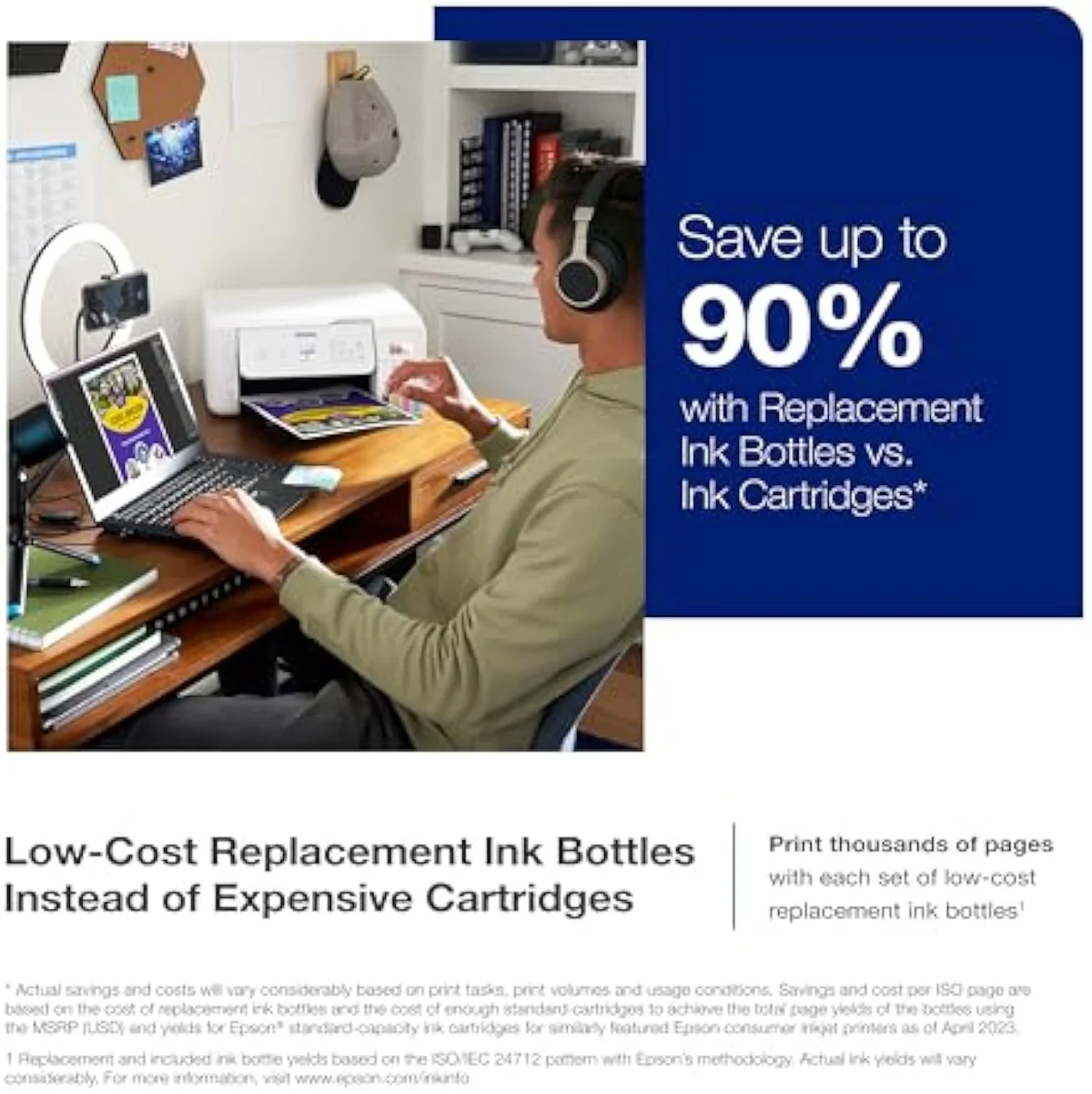
Decide what an inkjet costs you over its life before you look at anything else. Independent RTINGS inkjet printers cost testing, drawn from 182 lab-tested models, scores tested cost-per-print as a first-class metric, and it puts cartridge ink many times dearer per page than bottle ink. Plot the two over time and the gap is the whole decision.
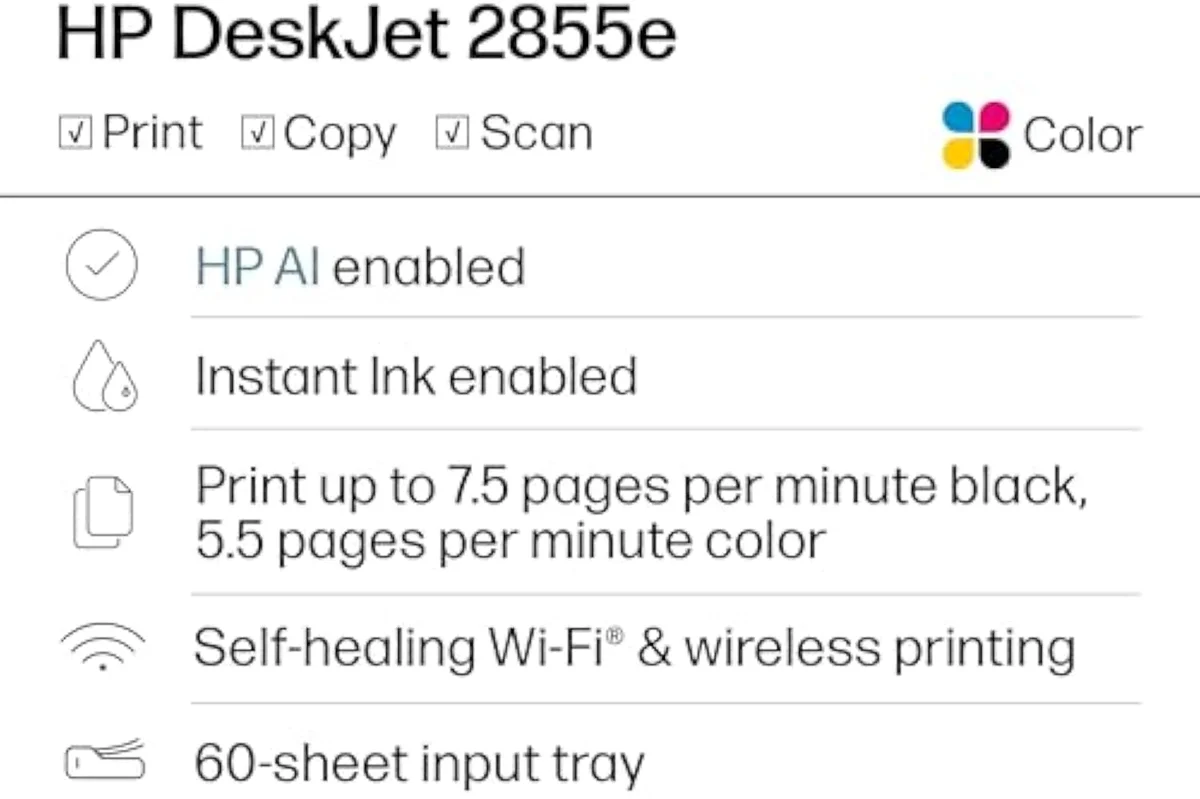
A budget cartridge model like the HP DeskJet 2855e is cheap to buy and dear to feed — a full set of replacement XL cartridges can approach the printer's own sale price. A refillable supertank costs more up front, then refills from bottles: Epson quotes the EcoTank ET-2800 line at black and color bottle yields in the thousands of pages, per the Epson inkjet printers page-yield specs. The runway below shows where the cartridge line overtakes the tank — around month 10 at roughly 80 pages a month.
The ink-cost runway
about 80 pages a month
Then weigh how often you print
Buyers forget idle time until the printhead clogs.
Idle time is the second axis. Liquid ink can set in the nozzles during long idle stretches; the printer then spends ink on cleaning cycles to recover. The mechanism is documented in Wikipedia's inkjet printing entry, and it is why "my printer clogged after sitting" is a top owner complaint.
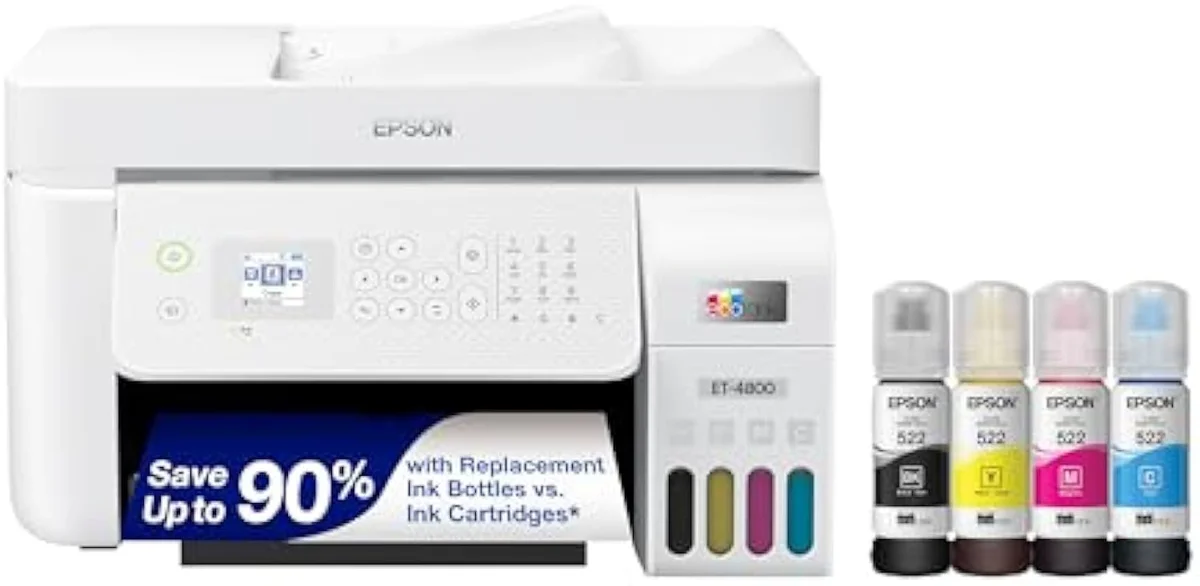
Print in color even once a week and a modern inkjet rarely clogs — the heads stay wet and the cleaning cycles stay short. A printer left dark for several weeks at a time is the one case where a mono laser, whose dry toner never dries out, is the safer buy. For anyone printing regularly, idle risk is a footnote, and an all-in-one supertank like the refillable inkjet family handles intermittent home use without drama. A supertank ships with enough ink for roughly 2 years of typical home printing, so its tanks rarely run dry between sessions.
Match the print quality to your real jobs
Inkjet splits two ways, and the split decides which model. A document-leaning all-in-one prints crisp black text and color graphics fast; a photo-leaning inkjet lays down saturated, borderless prints on glossy stock. Buy for the job you do most, not the demo that looks best in the store.
Owner threads are blunt about where cheap photo output falls down — one we synthesized called a Canon supertank "super underwhelmed by saturation even on a glossy paper." If photos matter, a dedicated photo inkjet earns its keep; if they are occasional, a supertank all-in-one covers them without a second machine. We break the feature splits down in our features that matter guide.
Check the setup and the functions you'll use
Wireless setup friction dominates the angriest reviews, so the first-run experience is worth weighting. Past that, a short feature list separates a machine that fits your week from one that fights you. Buy for the jobs you do, not the spec with the biggest number.
- Wi-Fi / AirPrint — the first-run setup is the single most-complained-about step. Favor a model whose app and wireless pairing owners actually praise.
- Duplex — automatic two-sided printing. Halves your paper and a chunk of your ink on text documents.
- ADF — an automatic document feeder for scanning and copying multi-page stacks. The line between a home printer and a home office.
- ISO ppm — the standardized pages-per-minute rating, the only speed figure worth comparing across brands. Few homes print fast enough to feel the difference.
- Borderless photo — edge-to-edge prints on photo paper, standard on photo-leaning inkjets. Non-negotiable if you print photos.
Most homes want the scan-and-copy of an all-in-one for almost no extra outlay; an ADF only earns its place if you feed multi-page stacks. Our all-in-one wireless inkjet explainer covers which functions are worth paying for.
Refuse the ink lock-in
Lock-in is a buying axis, not a footnote.
Liquid ink invites it. Some cartridge lines push subscription ink plans and run firmware that rejects third-party ink. A bottle-fed supertank simply has none of those strings: you buy ink outright, with no account and nothing to cancel.
Owners feel it sharply. One thread we synthesized put it plainly: "I'm absolutely sick of HP and their dumb printers. Who makes the best printers for personal use that don't require a subscription or an account on their site?" If freedom from subscriptions matters to you, weight it heavily and lean toward a refillable tank. We track the subscription and firmware risks per model in our evidence hub, and map the buyer tradeoffs in the how to choose an inkjet printer evidence layer.
So which should you buy?
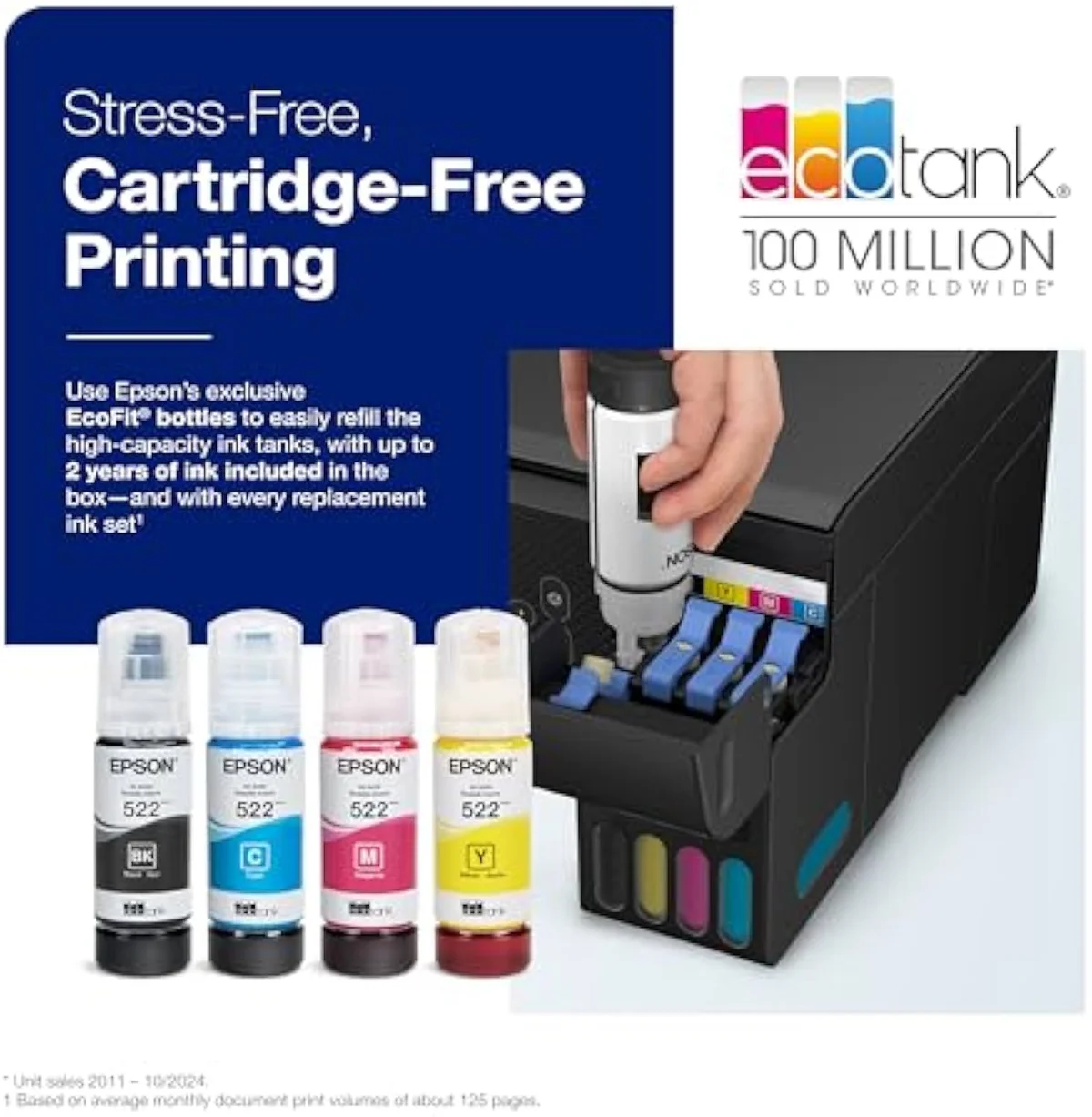
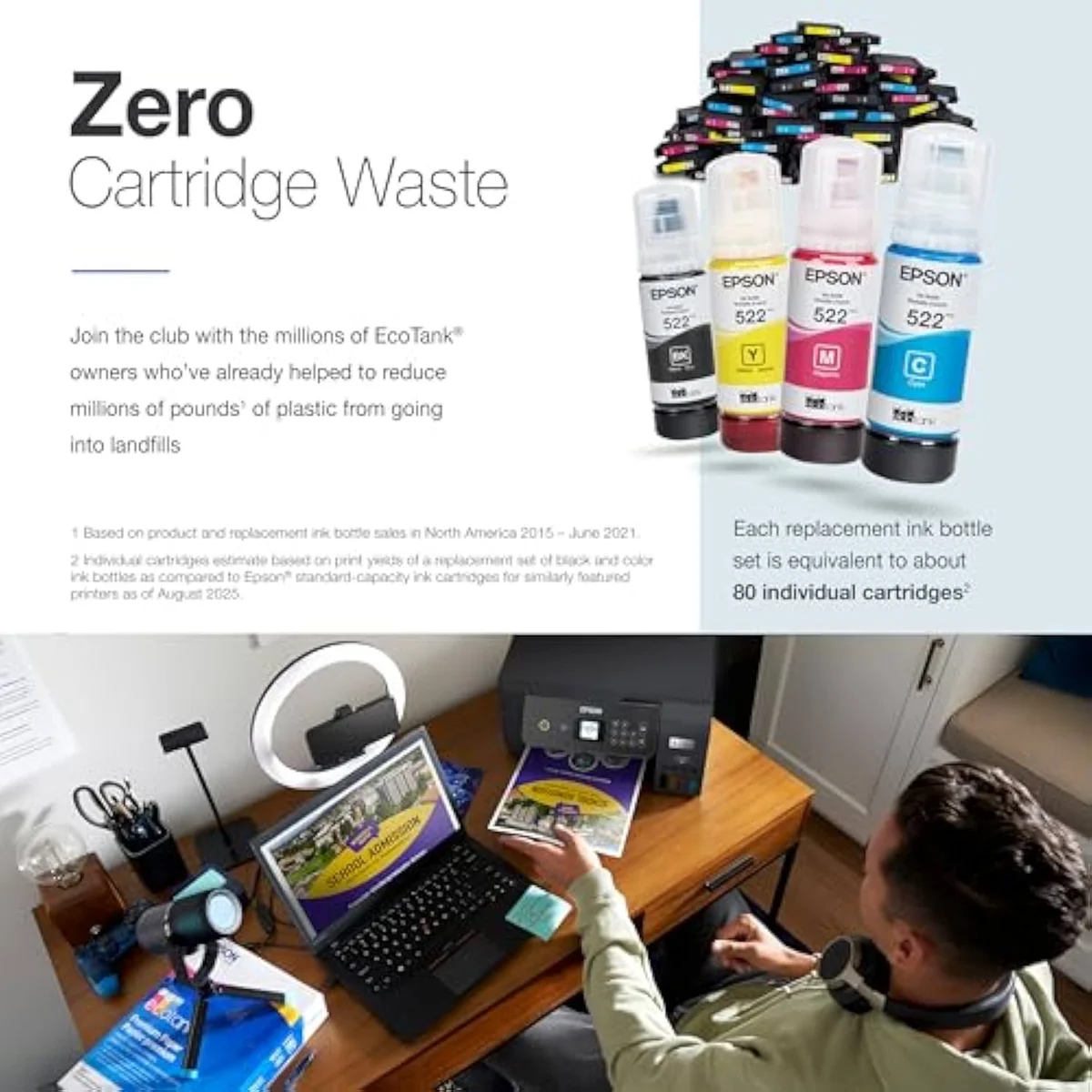
For the overwhelming majority of homes: a supertank all-in-one inkjet, and the Epson EcoTank ET-2803 is our value pick of that field. It prints color and photos a laser cannot, swallows a mixed household diet, and beats cartridge inkjets on cost per page once you print regularly. It is the safest default for a buyer who prints weekly and wants the bill to stay flat — far calmer to own than a cheap cartridge model like the HP DeskJet 2855e. There is no single best printer for everyone, though; the answer forks by what you print, and our breakdown of what the best inkjet printer is names the winner for each use.
Buy a budget cartridge all-in-one only if you print rarely enough that the cheap sticker wins — and if that is you, our best budget inkjet printers roundup ranks the cheap field with the cartridge tax priced in. Buy a dedicated photo inkjet only if saturated prints are the main job — our best photo inkjet printers roundup ranks the six-ink field on print quality and cost per print. Buy an office all-in-one only if you push document volume with an ADF and duplex — our best office inkjet printers roundup ranks that field on throughput against ink lock-in. Everyone else: start with the supertank field, head-to-head, in our best supertank printers roundup, then narrow it with the matchups in our type-versus-type tradeoffs analysis.
Our pick for most homes
A refillable supertank all-in-one is the default recommendation — it absorbs photos, color, and the everyday pile at bottle-ink rates, sidesteps subscription lock-in, and clears its higher sticker inside the first year of regular printing. The reasoning, and the rest of the shortlist, lives below.
Frequently Asked Questions
How to choose an inkjet printer in one paragraph
Choose an inkjet printer by running cost first: pick a refillable supertank if you print weekly and a budget cartridge model only if you print rarely, then match duplex, an ADF, and borderless to your real jobs, weight the wireless setup experience, and avoid firmware ink-lock and subscription ink — which for most homes lands you on a supertank all-in-one.
How do you choose the right inkjet printer?
Start with running cost, not sticker price. Decide how much you print a month, then pick the ink system that fits: a refillable supertank if you print weekly, a cheap cartridge model only if you print a handful of pages. After that, match the rest to your jobs — duplex and an ADF for a home office, borderless if you print photos, and a brand with no firmware ink-lock if you want freedom to buy aftermarket ink.
What is the most important spec when buying an inkjet printer?
Cost per page. It is the single figure that decides what the printer costs you over its life, and it is the one number the manufacturer pages bury in a footnote. A cheap printer with dear cartridges costs more to own than a pricier supertank within the first year of regular printing.
Cartridge printer or a refillable supertank — which is better?
Supertank if you print regularly — it costs three to four times more up front, then refills from bottles that print thousands of pages, so it clears its premium fast. Cartridge only if you print a few pages a month and never recover that premium. Volume is the deciding line, not brand.
Do cheap inkjet printers clog if you do not use them?
Liquid ink can set in the printhead nozzles during long idle stretches, and the printer then runs ink-spending cleaning cycles to clear them. Print in color even once a week and a modern inkjet rarely clogs. Buy a laser instead only if the machine will sit dark for weeks at a time.
Is an all-in-one inkjet worth it over a plain printer?
An all-in-one adds a scanner and copier in one footprint for very little extra outlay, so most homes buy one by default. Add an automatic document feeder only if you scan multi-page stacks. A single-function printer makes sense only for a tight desk that never scans.
How can you avoid printer ink subscription lock-in?
Skip the lines that gate third-party ink behind firmware, and skip subscription ink plans unless you have done the math. A refillable supertank sidesteps the problem entirely — you buy bottles outright and there is no account, no subscription, and nothing to cancel.
Our Top Recommendation
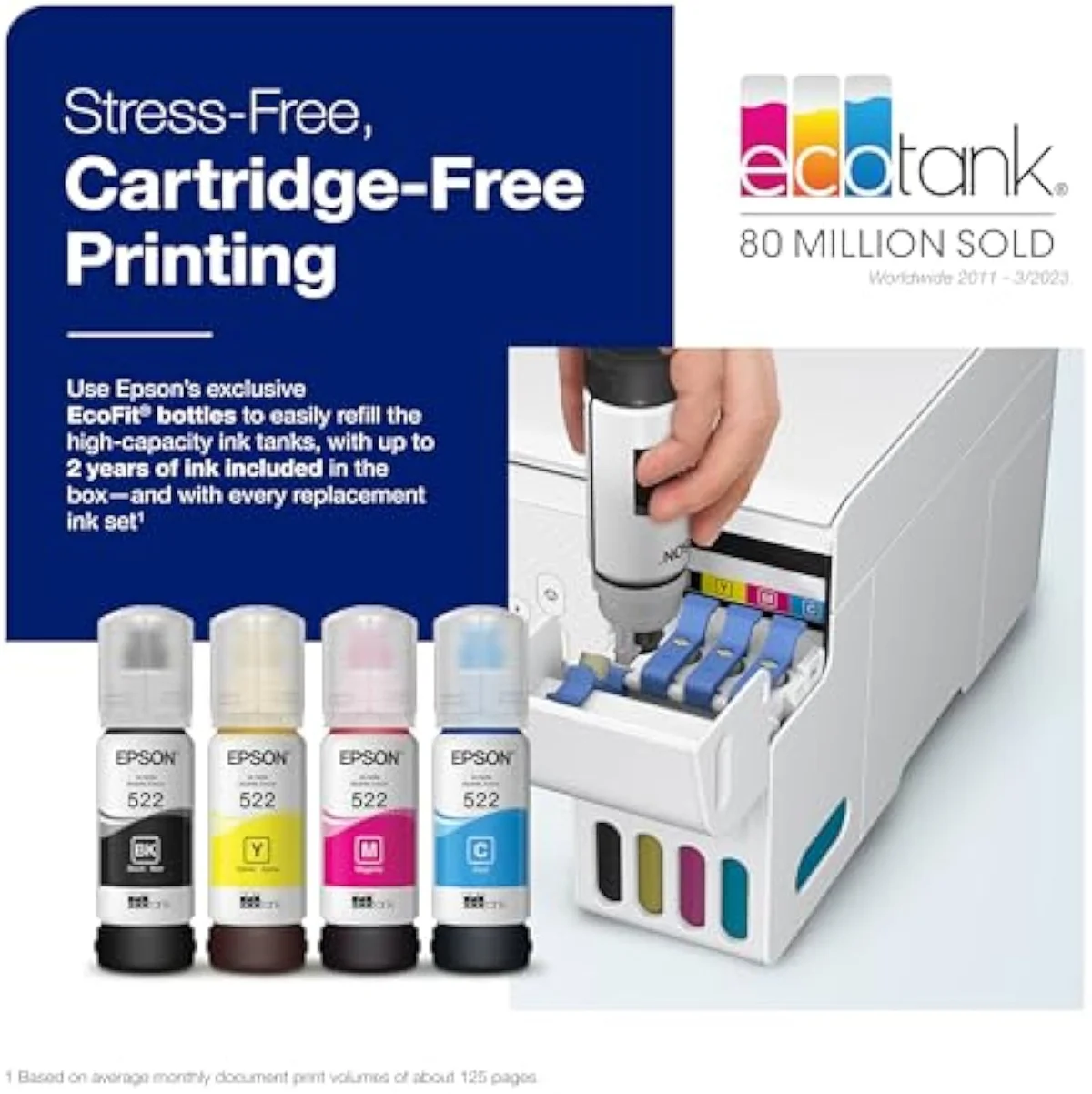
Based on our research, the Epson EcoTank ET-2803 is our top pick — households or hobbyists printing weekly or more — roughly 100 to 200 pages a month — who want to stop buying cartridges and will run enough pages to keep the nozzles wet..
Keep reading
Take the decision deeper, ad-free, before you shortlist a machine:
Sources
Get Our Top 3 Picks
Get our top 3 picks for your budget — one email, then only updates.
Only when something changes. Unsubscribe anytime.