Epson EcoTank ET-2803 vs ET-2800: The Same Printer, Two Boxes
Updated
Functionally these are one EcoTank — same heat-free print engine, same bottle-ink system, same in-box yield, same missing document feeder. The model number tracks the retail channel, not the capability. Buy whichever is cheaper the day you check, and spend your real attention on whether a supertank suits how often you actually print.
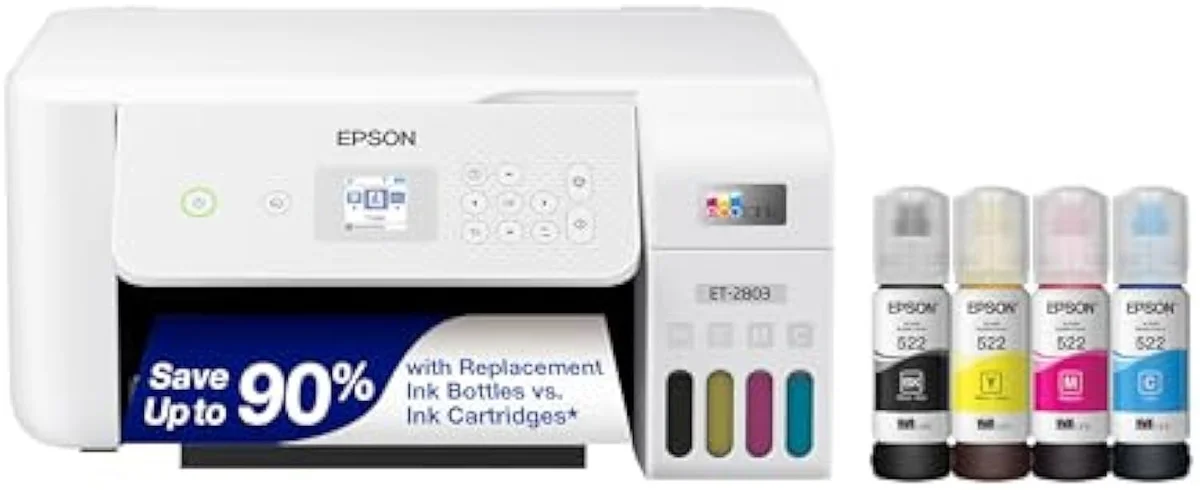
Epson EcoTank ET-2803
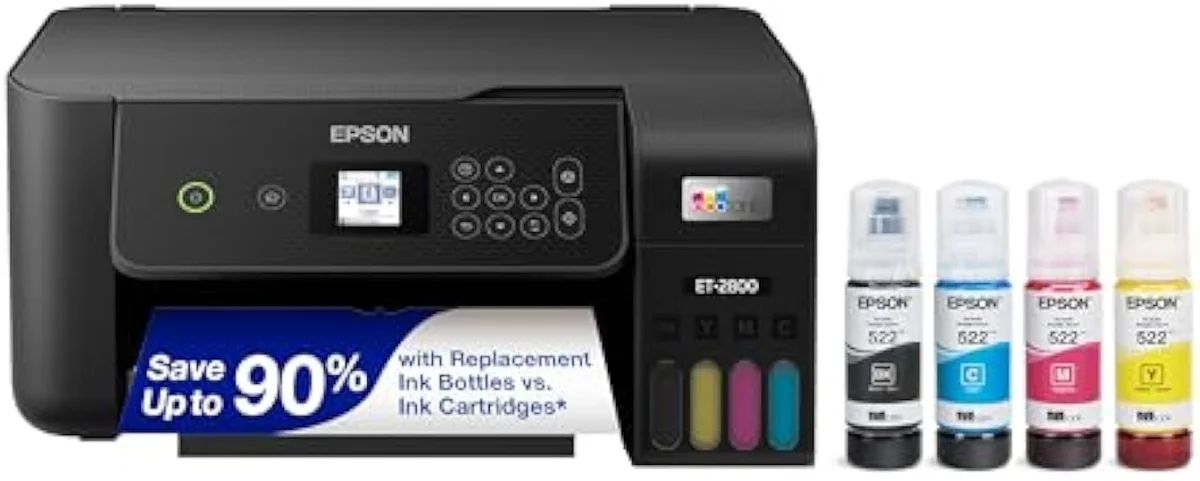
Epson EcoTank ET-2800
The ET-2803 and ET-2800 are the same EcoTank in two boxes — identical engine, ink system, and page yield. Buy whichever is cheaper; the only decision that matters is supertank versus cartridge.
| Real difference | Retail channel + in-box bundle, not capability |
|---|---|
| How to choose | Buy the cheaper SKU in stock |
| Both best for | Weekly-or-more printers escaping cartridges |
| Both skip if | You print twice a year (clog risk) or need an ADF |
| In-box yield | Rated 4,500 black / 7,500 color (identical) |
Search “Epson ET-2803 vs ET-2800” and you brace for a contest. There isn’t one. The EcoTank ET-2803 and the ET-2800 are the same printer — the same heat-free print engine, the same refillable bottle tanks, the same roughly two-years-of-ink-in-the-box pitch, the same flatbed scanner, the same absent document feeder. So our pick is blunt: choose whichever one costs less the day you check, because nothing in how they print, scan, or sip ink separates them. The model number is a retail-channel label wearing a spec sheet’s clothes.
That is the whole answer to the literal question. If you’re looking at an ET-2803 on a warehouse-club shelf and an ET-2800 sitting in an Amazon cart, you are cross-shopping one machine — the two SKUs exist because Epson sells the same hardware through different channels, sometimes with a slightly different ink bundle in the box. The harder, more useful question is the one the model number hides: is a bottle-fed supertank right for you at all? That is where this page spends its time.
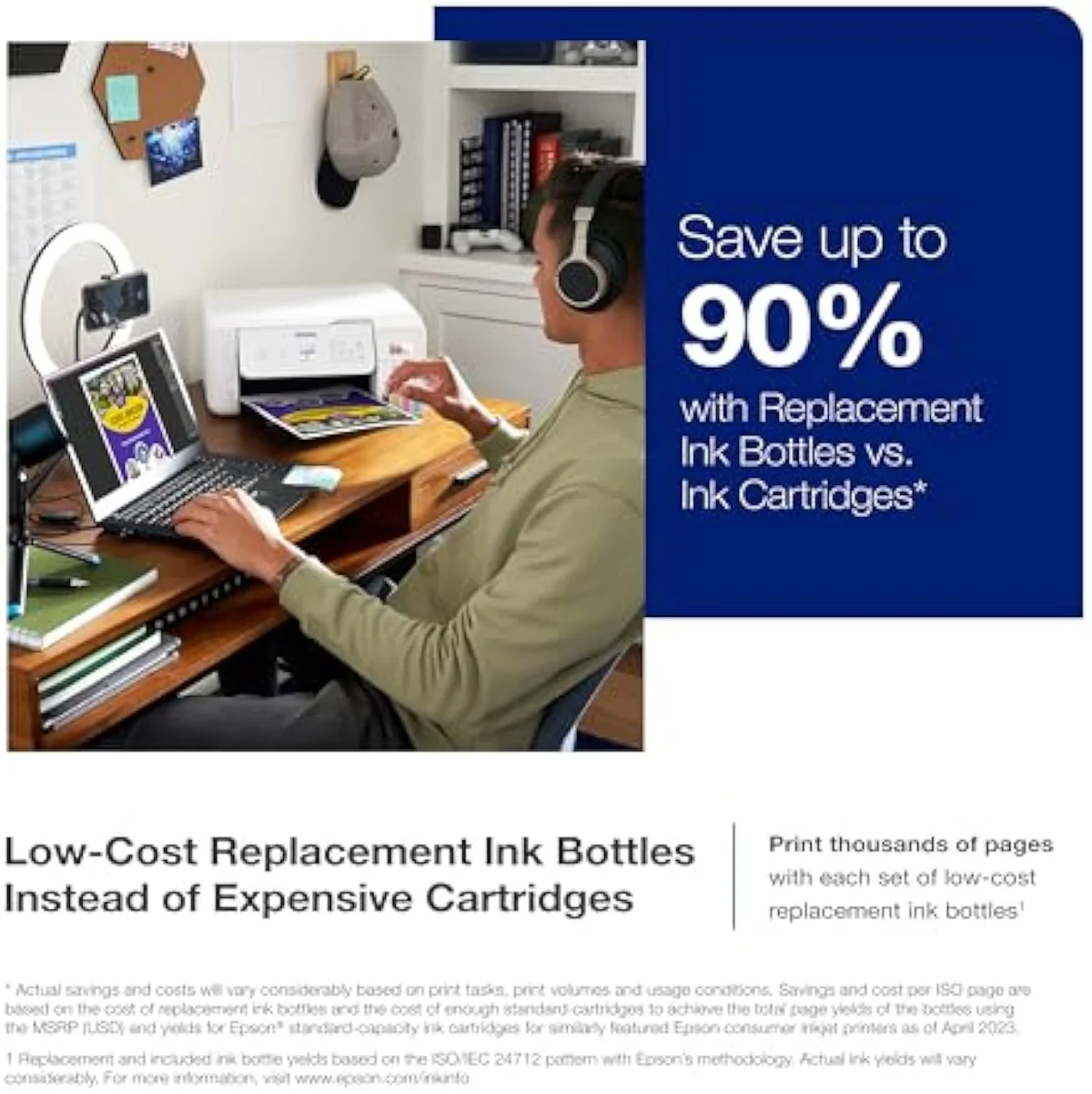
Epson EcoTank ET-2803
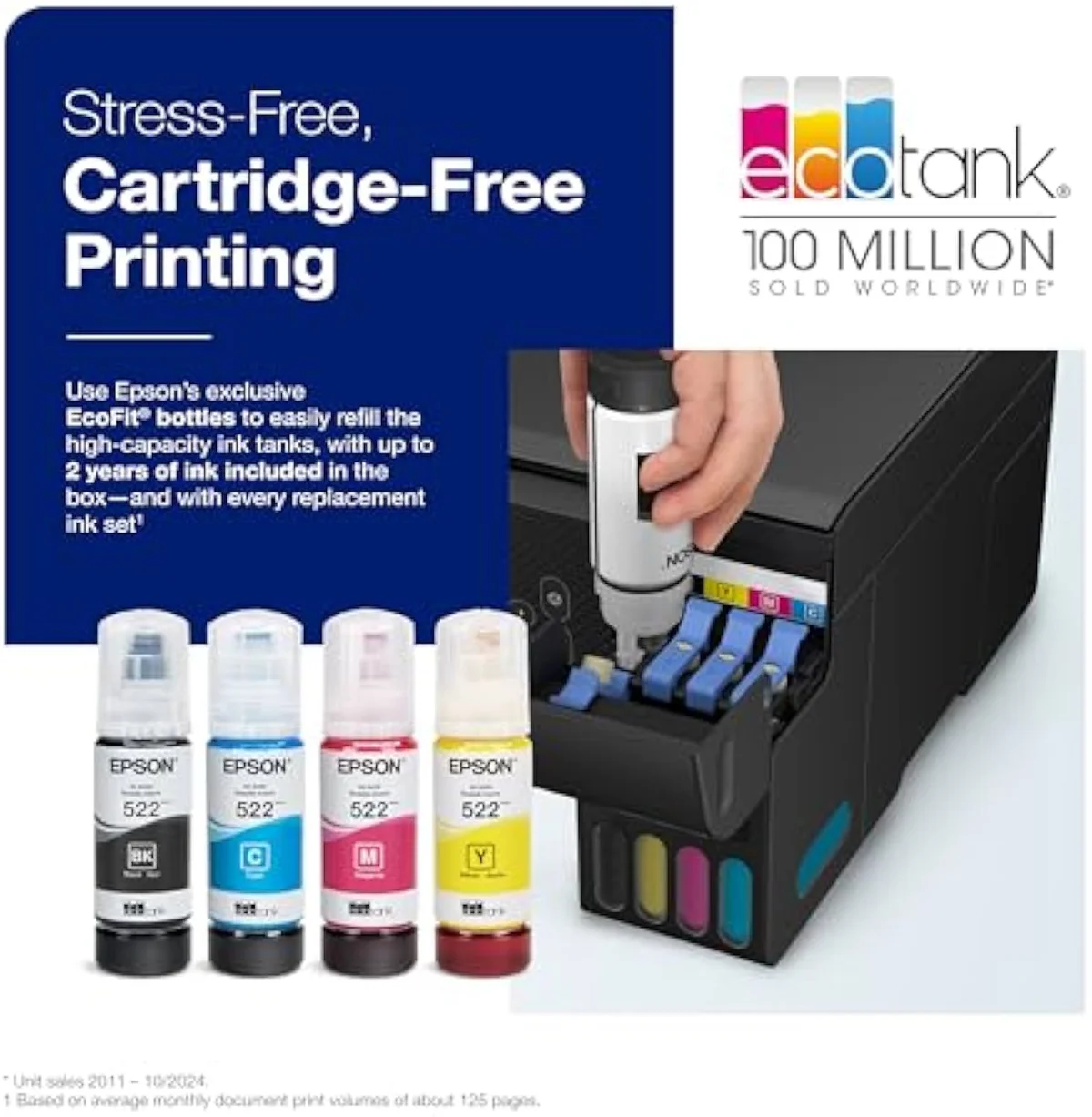
Epson EcoTank ET-2800
At a Glance
| Feature | Epson EcoTank ET-2803 Wireless Color All-in-One Cartridge-Free Supertank Printer | Epson EcoTank ET-2800 Wireless Color All-in-One Cartridge-Free Supertank Printer |
|---|---|---|
| Live Price | $100–$250* | $50–$100* |
| Amazon Savings | Check Amazon | Check Amazon |
| Availability | Checking Amazon | Checking Amazon |
| Current Offer | Checking Amazon | Checking Amazon |
| Amazon Rating | ||
| Amazon Sales Rank | Check Amazon | Check Amazon |
| Live Data Refresh | Refresh pending | Refresh pending |
| Print Speed | — | Up to 10 ppm black |
| Functions | Print, Scan, Copy (color all-in-one) | Print, Scan, Copy |
| Connectivity | Wi-Fi, AirPrint, Epson Smart Panel app (no USB cable in box) | Wi-Fi, AirPrint, Smart Panel app |
| Ink System | Cartridge-free refillable EcoTank — ink rated up to 4,500 black / 7,500 color | Cartridge-free refillable tanks |
| Check Price | Check Price |
Amazon prices and availability are refreshed live and are subject to change. The price shown on Amazon at purchase applies.
Identical where it counts
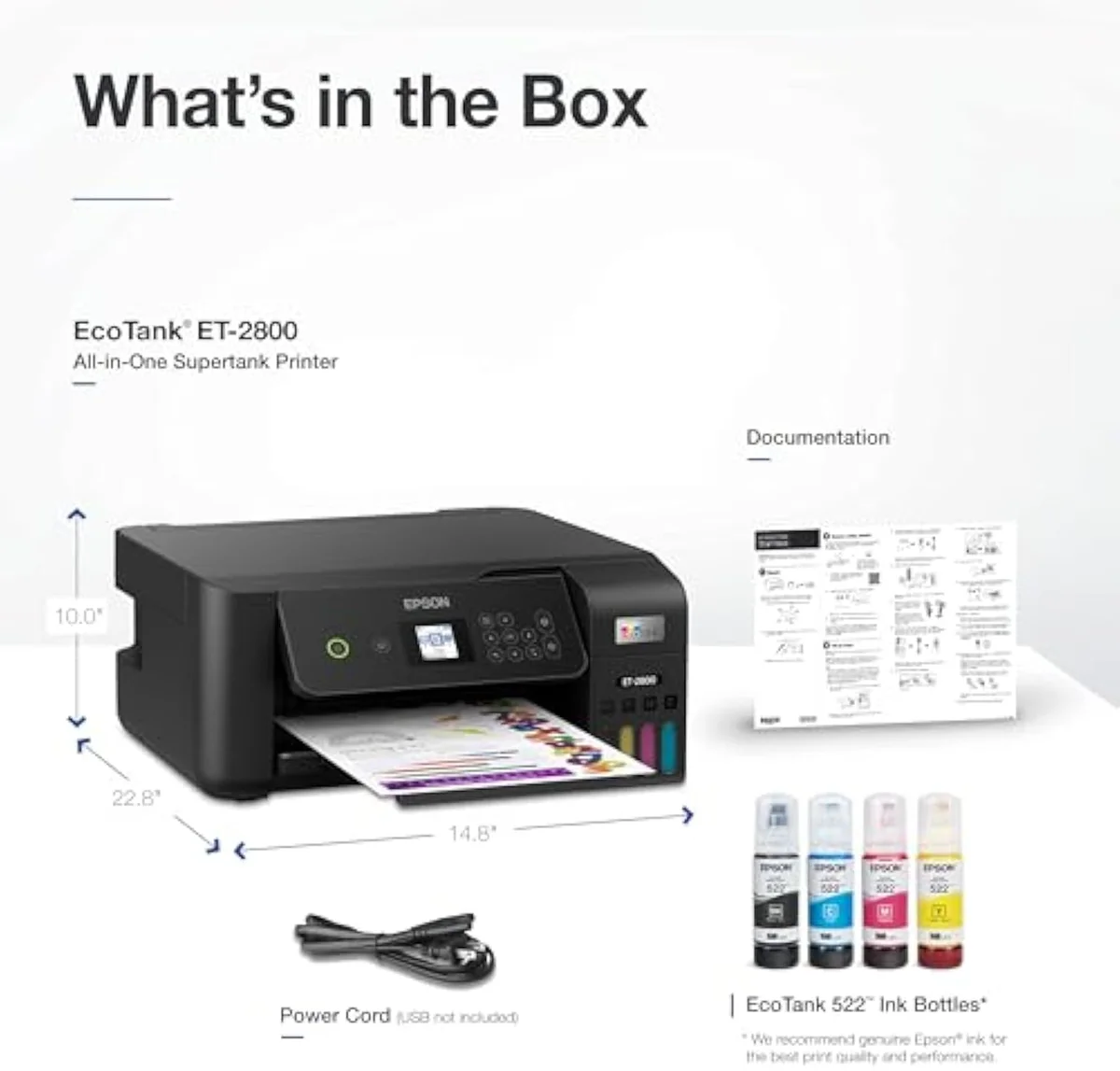
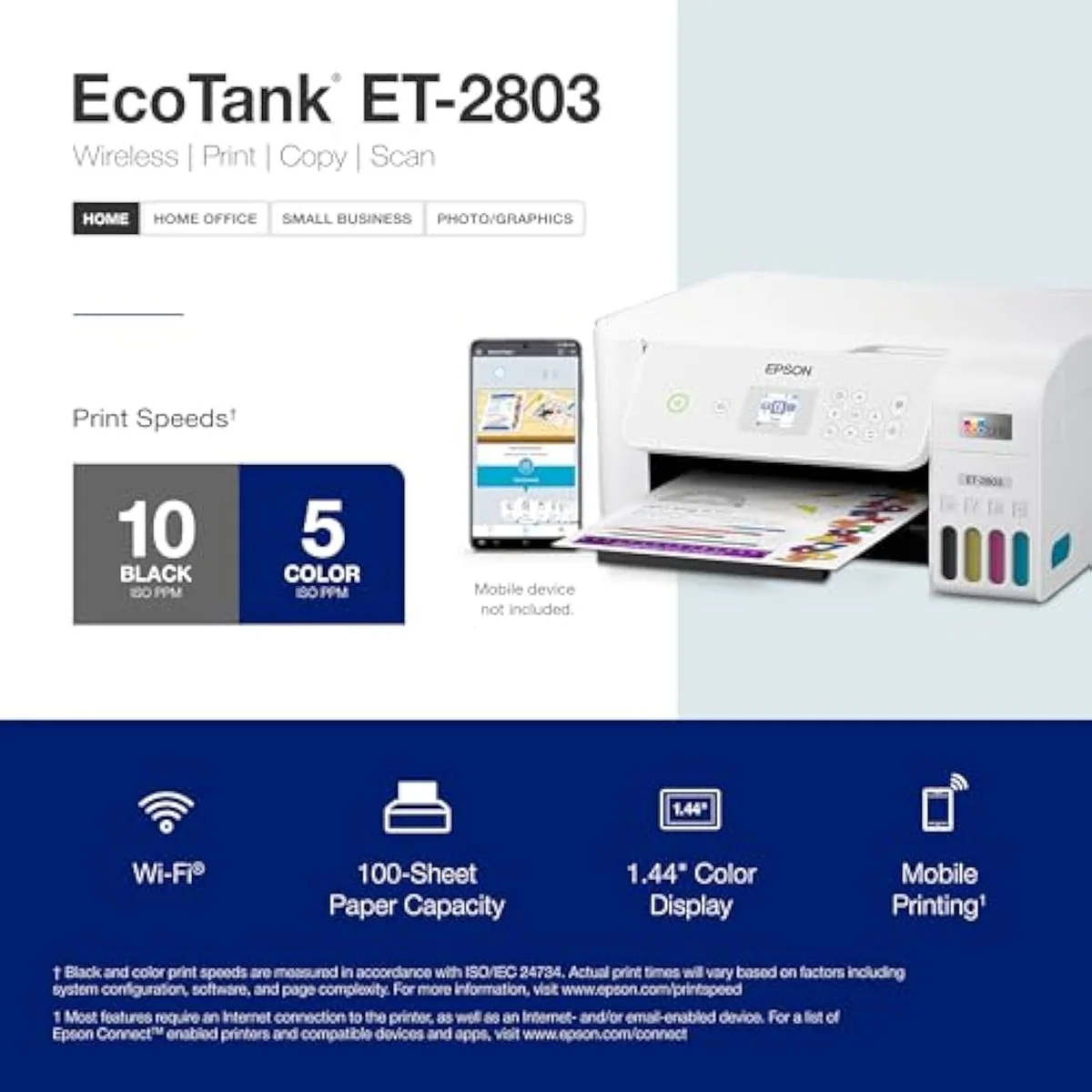
On every spec that decides a printer, these two are one machine: the same Micro Piezo heat-free engine, the same refillable bottle tanks, the same in-box yield, the same flatbed scanner, and the same missing document feeder. The “At a Glance” table above reads as two copies of one column.
Start with the spine of any supertank: the ink economics. Both ship cartridge-free, filling from bottles, and both quote the same headline. Epson rates the in-box ink as, in its own words,
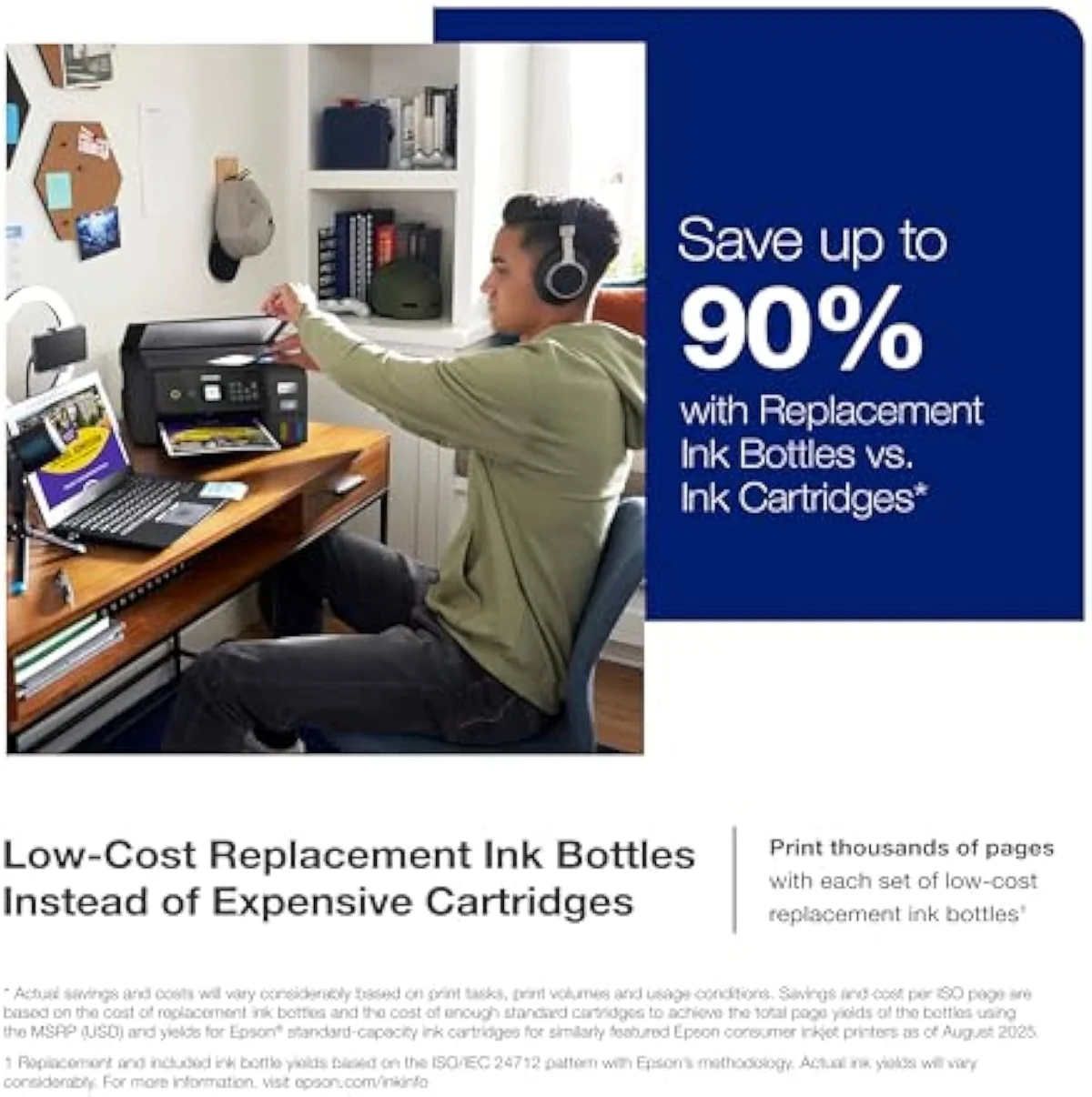
The print engine matches too: Epson’s Micro Piezo Heat-Free mechanism, rated near 10 pages per minute in black on both. Both are true print-scan-copy all-in-ones with a flatbed scanner and a status display; both connect over Wi-Fi with AirPrint and Epson’s Smart Panel app; and both leave out the same things — no automatic document feeder, no fax, no second tray.
Day-to-day ownership is identical right down to the refill aisle. Both the ET-2803 and ET-2800 pull from the same cartridge-free EcoTank bottles, so restocking ink is one shopping trip whichever you own; both run the same Epson drivers and Smart Panel app; and both carry the same fine print — Epson warns that non-genuine ink can void the printer’s limited warranty, the one ecosystem string attached to either box. There is no “better-supported” model to choose between.
The 4,500-black / 7,500-color yield Epson prints on both EcoTanks is the one number owners distrust most, and rightly — a supertank’s real yield depends entirely on how you use it.
The only real difference is the box
The difference is the carton and the sales channel, not the printer. The ET-2803 commonly appears through warehouse-club and bundle listings; the ET-2800 is the standard retail SKU. The in-box ink set can vary a little between them. Nothing on the spec sheet changes.
That single fact frees you to shop on price and stock alone — there is no “better model” to hold out for. We grade both against the full owner record in our inkjet printers evidence hub, and the two records sit on top of each other. If the ET-2803 is the cheaper number where you shop, buy the ET-2803; if you’re already eyeing the ET-2800 at a lower price, buy that. You can read each one up close in our full ET-2803 review and our ET-2800 review, but no capability splits them.
The decision the model number hides
The choice that actually moves money isn’t 2803 versus 2800 — it’s supertank versus cartridge, and how often you print. A bottle-fed EcoTank front-loads its savings: you pay more at checkout, and the math only pays back if you print enough to keep the heads wet.
For a cartridge refugee coming from an HP DeskJet and printing weekly, that break-even arrives fast. Independent testing backs the gap: RTINGS’ cost-per-print and page-yield testing puts bottle ink far below cartridge cost-per-page, and Consumer Reports’ inkjet running-cost testing reaches the same verdict. We map the full cartridge-versus-tank fork in our type-versus-type tradeoffs analysis.
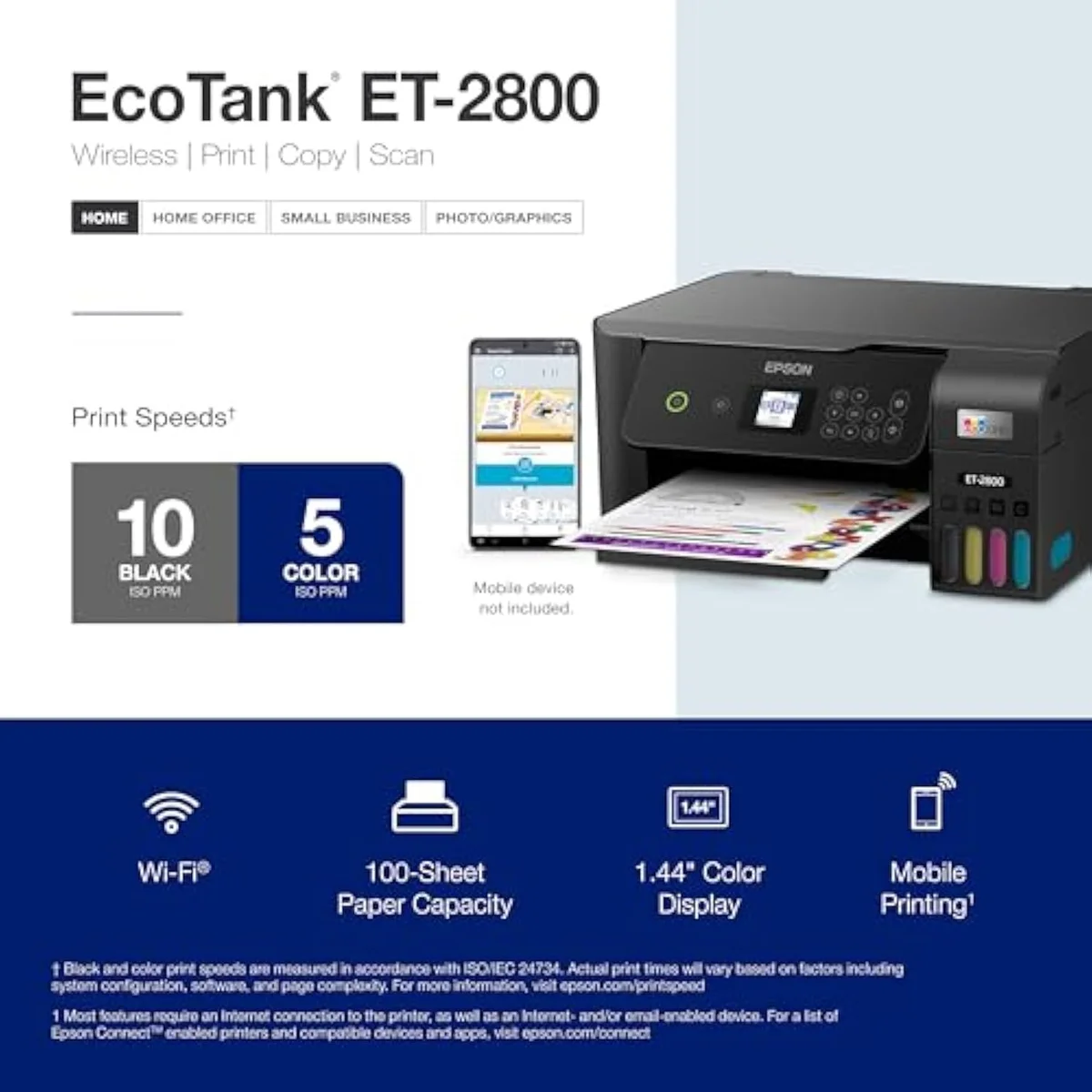
How fast either EcoTank pays back tracks your color volume. A household printing color worksheets or photos every week burns through what would have been several cartridge sets a year, and the in-box bottles — Epson’s rated thousands of pages — simply outlast them. Print mostly black text a few times a month and the gap narrows, because cheap black cartridges are the one place a budget HP or Canon stays competitive. Both the ET-2803 and ET-2800 reward color volume most, and neither rewards a printer left idle.
But the supertank carries one failure mode a cartridge softens and a laser avoids: idle clogging. Ink dries in the nozzles when the ET-2800 or ET-2803 sits, and it spends ink on cleaning cycles to recover. The owner record on this exact machine is candid — one buyer reports
On the page itself, neither EcoTank disappoints and neither separates from the other. Owners of both the ET-2803 and ET-2800 report sharp text and saturated color, with photo output that comes off clean rather than smudged — good results for a budget all-in-one, if not a dedicated photo printer. Print quality simply isn’t where this decision lives; for the Epson EcoTank line, cost-per-page and clog risk are.
Epson EcoTank ET-2803
Epson EcoTank ET-2800
So which box do you actually buy?
Because the ET-2803 and ET-2800 are one machine, “who should get which” collapses into a price decision wrapped around a single real question — are you a supertank buyer at all? Here is how that resolves.
Buy the ET-2803 if…
…it is the cheaper number where you’re shopping. If you’re in a warehouse club or looking at a bundle listing and the Epson ET-2803 undercuts the ET-2800, take it — you’re getting the identical EcoTank, and the only thing to confirm is that the in-box ink set is the one you expected.
Buy the ET-2800 if…
…it is the cheaper or in-stock number instead. For most online buyers the Epson ET-2800 is the easier SKU to find, and at an equal or lower price it’s the default. You lose nothing in capability versus the ET-2803, and the owner reports of this EcoTank lasting a year-plus on the in-box ink apply equally.
Skip both if…
…you print rarely, or you need office features. A twice-a-year household should not buy a supertank at all — the clog risk outweighs the ink savings, and a budget cartridge all-in-one is the honest pick. If you need an automatic document feeder, a fax line, or duplex for steady office volume, neither of these has it; an Epson WorkForce or a color laser is the right room. The ET-2803 and ET-2800 are for the weekly-or-more home printer who wants out of the cartridge trap — and at that job, they’re the same good answer.
What buyers keep asking about these two
Nearly every question about the ET-2803 and ET-2800 is really one question — “are they the same?” — asked five ways. They are. Here is the version of that answer each phrasing needs.
Is the Epson ET-2803 the same as the ET-2800?
Functionally, yes. The ET-2803 and ET-2800 share the same heat-free print engine, the same refillable bottle tanks, the same in-box page yield, the same flatbed scanner, and the same lack of an automatic document feeder. The model number tracks the retail channel and what ships in the box, not what the printer can do. Treat them as one machine with two SKUs.
What is the actual difference between the ET-2803 and ET-2800?
The box and the channel, not the printer. The ET-2803 commonly turns up through warehouse-club and bundle listings while the ET-2800 is the standard retail SKU, and the in-box ink bundle can differ slightly between them. Print quality, speed, ink system, and connectivity are identical.
Which one is cheaper?
Whichever is in stock where you shop. Neither the ET-2803 nor the ET-2800 is reliably cheaper than the other — the price swaps depending on retailer, bundle, and promotion. Buy the lower number on the shelf that day.
Will an EcoTank like the ET-2800 or ET-2803 clog if you barely print?
It can, and this is the real risk with both. Liquid ink dries in the nozzles when a printer sits idle, and the machine then spends ink on automatic cleaning cycles to clear it. One owner saw misprints every few hundred pages early on and kept the printer right only by running a print-head cleaning regularly. Print in color at least weekly and the problem rarely bites; leave either model dark for weeks and you can meet a clog the evening you need it.
Do they use the same ink?
Yes — the same cartridge-free EcoTank refill bottles fit both the ET-2803 and the ET-2800.
Are the ET-2800 and ET-2803 good for photos?
They will print a decent photo, but neither is a photo printer. Both are text-and-document all-in-ones; for saturated borderless prints, Epson’s dedicated EcoTank Photo line handles color far better.
Track Both Products
We'll email you if either price drops or availability changes.
Only when something changes. Unsubscribe anytime.
Ready to Choose?
Citations
- [1]"that’s enough to print up to 4,500 pages black/7,500 color"https://www.amazon.com/dp/B0BHXNP6B1Captured June 3, 2026. Verified June 3, 2026.
- [2]"Misprinting occurred every 500 or so pages at the start"https://www.amazon.com/dp/B0BHXNP6B1Captured June 3, 2026. Verified June 3, 2026.