Inkjet vs Laser: Which One Is Actually for You
Updated
Before you compare models, you pick a side: liquid ink or fused powder. Inkjet sprays microscopic drops of ink onto the page. Laser melts dry toner onto it with heat. Everything people argue about — color, running cost, reliability — falls out of that one mechanical choice.
Here's the thing: about 8,100 people a month search "inkjet printers vs laser," and most of the answers they land on frame it as a spec contest. It isn't. It's a question about what you print and how often — and across the 59 models we track, the honest answer for most homes lands on one side.
Pick the technology first.
The model is the easy part.
Liquid ink versus fused powder
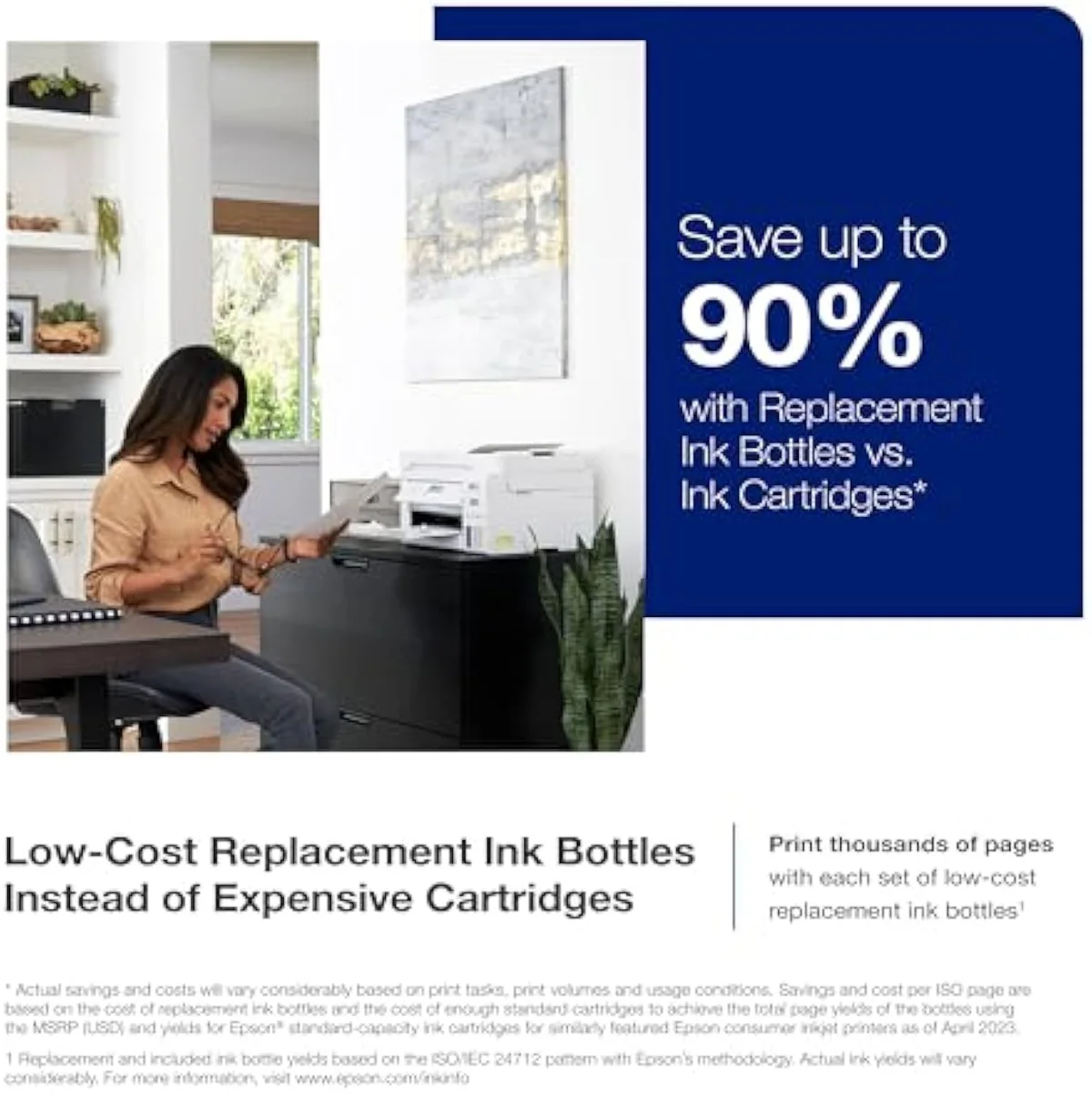
An inkjet fires liquid ink through nozzles, drop by drop, which is why it renders saturated color and continuous photo tone. A laser charges a drum, dusts it with powdered toner, and fuses that toner to the paper with a hot roller — fast, crisp black text and nothing liquid to dry out.
That is the whole fork. Inkjet printing trades higher running cost for color and photographs; laser printing trades color for cheap, fast text and a printer that never clogs. Neither is "better" in the abstract. One of them is better for your specific print diet, and most buyers misjudge which by anchoring on the sticker price instead of the year that follows it.
Where laser flat-out wins
Give laser its due, because for one buyer it is unbeatable: the person who prints plain black text, in volume, and little else. Shipping labels, invoices, school readers, legal documents.
A mono laser's cost-per-page on text sits well below a cartridge inkjet's — independent cost-per-print testing at RTINGS, which has lab-tested 182 models, puts toner pages many times cheaper than budget cartridge ink. It prints faster, the toner doesn't dry, and a laser left untouched for 3 months wakes up and prints on the first try. As TechRadar's printer coverage frames it, the inkjet-versus-laser call is really a question of what you print, not which brand you trust. If your honest answer is "black text, and that's it," buy the laser and don't look back.
Where inkjet is the only answer
Now the other buyer — the far more common one. The moment your printing includes color, photos, school projects, craft media, or anything on glossy stock, laser is out of the conversation. Toner physically cannot lay down saturated color or continuous photo tone at a home budget; a color laser that gets close costs several times the price and still trails a mid-range inkjet on photos.
A real household prints a mixed diet: a recipe, a homework sheet with a color diagram, a return label, a birthday photo. That is inkjet's whole territory. The only question left is which inkjet — and that is a cost-of-ownership decision, not a technology one. We sort the catalog by exactly that fork in our guide to the inkjet printer families and how they're structured.
It goes further than photos. Inkjet's liquid ink is also what lets it print onto craft and specialty media that toner simply skips — iron-on transfer paper for T-shirts, printable vinyl for stickers, sublimation ink for mugs, glossy and matte photo stock. A laser fuses toner at high heat, which warps or scorches many of those materials; an inkjet lays cool liquid ink onto whatever you feed it. For a household that prints anything beyond plain documents, that flexibility is the deciding factor before running cost ever enters the conversation.
Cartridge inkjet
Supertank inkjet
Running cost: the line that actually decides it
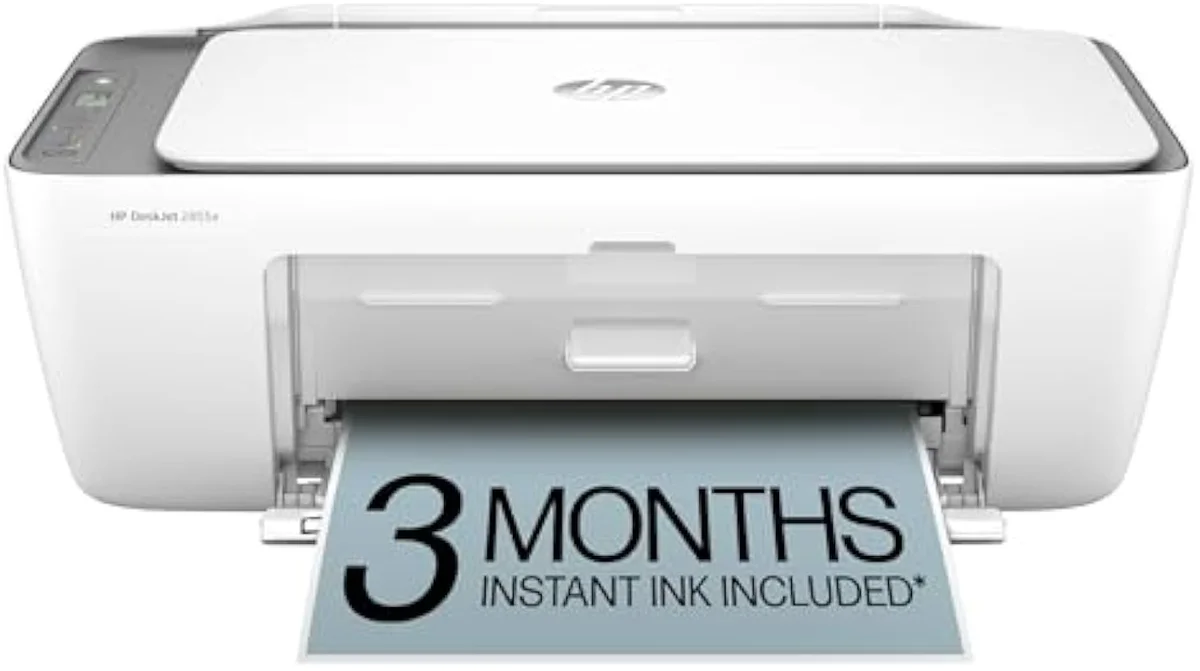
Here is the comparison the brand sites refuse to put next to the price. Plot the cumulative cost of OWNING each machine over 2 years of regular text printing, and the budget cartridge inkjet's apparent bargain evaporates. A full set of XL cartridges can approach the cheap printer's own sale price, and at steady volume a set doesn't last long. The mono laser starts a little dearer to buy and then barely moves.
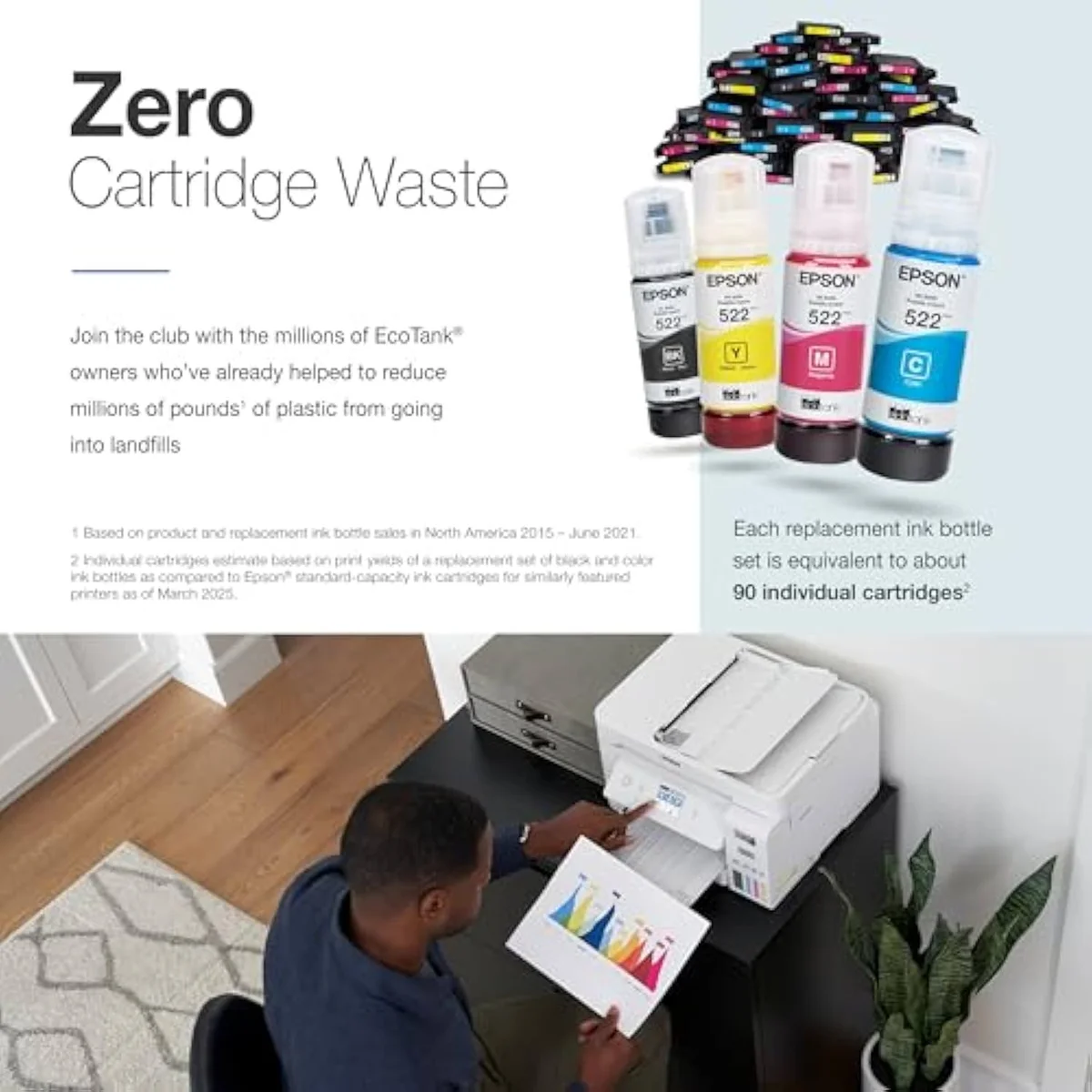
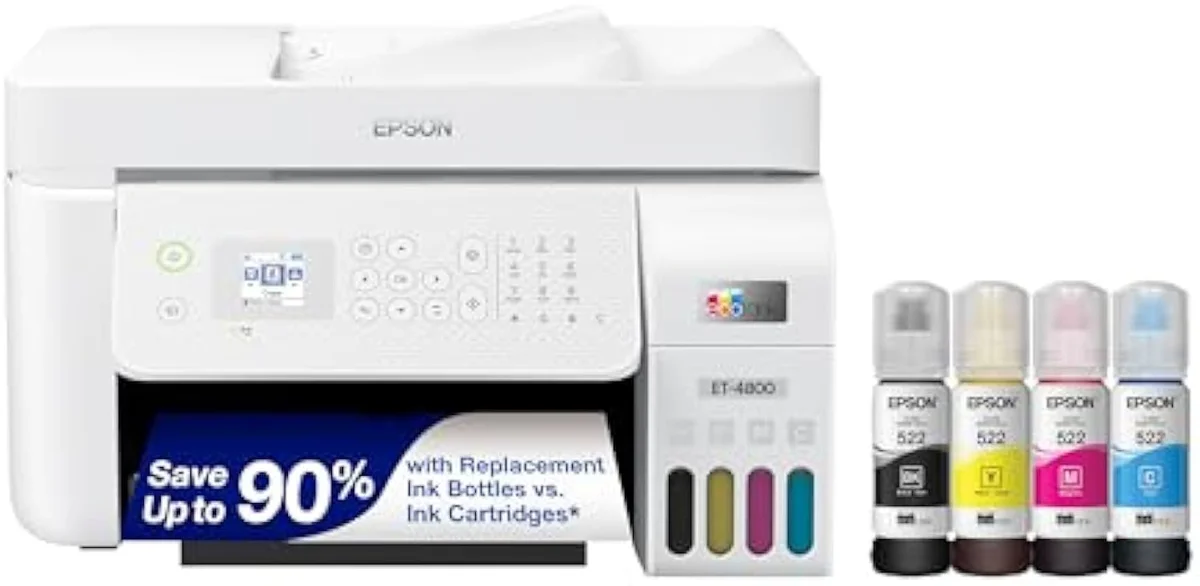
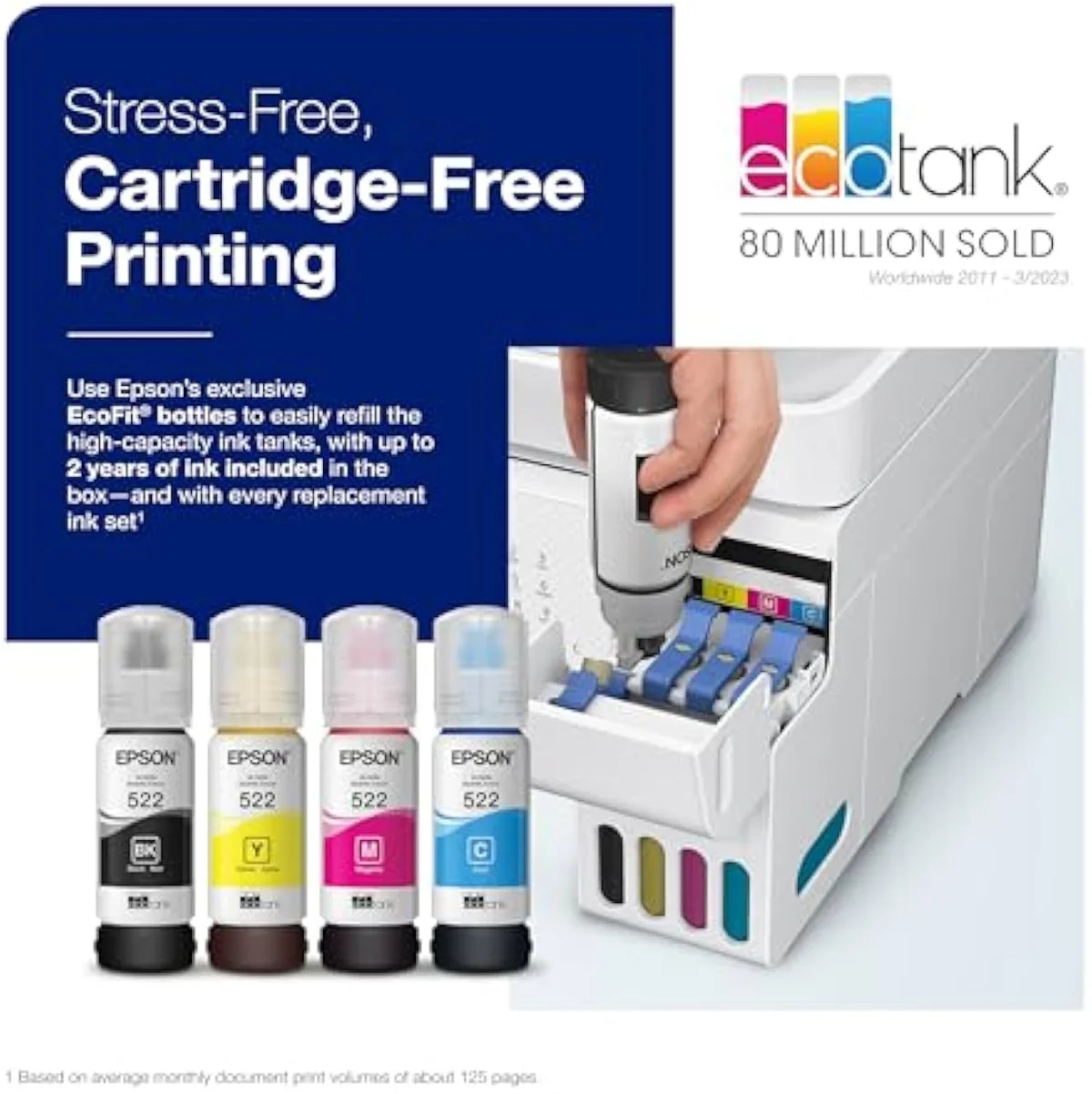
The third line worth drawing isn't on this chart at all. A supertank office all-in-one like the Epson EcoTank ET-4800 refills from bottles rated for thousands of pages, so its running-cost line would sit almost as flat as the laser's — within a hair of it on text — while still printing the color a laser can't touch. That is the machine a color-printing home actually wants, and it crosses below the cartridge model inside the first year.
The ink-cost runway
≈ 200 text pages a month
The clog tax inkjet pays and laser doesn't
Inkjets have one failure mode lasers simply don't have: the ink dries. Leave an inkjet idle and liquid ink sets in the nozzles; the machine then spends ink on automatic cleaning cycles to clear the clog — ink burned printing nothing. RTINGS scores risk-of-clogging as a first-class printer metric precisely because it is the second-loudest owner complaint after running cost.
A laser has no liquid, so it has no clog. Consumer Reports' printer reliability surveys consistently rate laser machines as the lower-maintenance choice over years of light use. If your printer is going to sit dark for weeks between jobs — a guest-room machine, a tax-season-only printer — that idle reliability is a genuine point for laser, and a risk we track for every inkjet in our safety and known-risks guidance.
The exposure isn't equal across inkjets, either. Permanent-printhead supertanks run those cleaning cycles automatically on a schedule, so an idle EcoTank or MegaTank can quietly drain ink it never put on paper. Cartridge models that pair the printhead with the cartridge are more forgiving — a fresh cartridge brings a fresh head — but you pay for that in cartridge cost. Either way, the weekly-use habit above is the real safeguard.
This is the trade in one sentence. Inkjet asks for a little use to stay healthy; laser asks for nothing but gives you no color in return.
So which one is for you?
Strip it to the print diet. Match the machine to what you actually put on paper in a typical month, not the printer you imagine using.
Where to start
For most homes the answer is inkjet, because most homes print color. Once you're there, skip the budget cartridge trap and look at a supertank all-in-one — it absorbs the full mixed diet at bottle-ink rates that rival a laser, and clears its higher sticker inside the first year of regular use. Reserve a mono laser for the genuinely text-only desk. The model-by-model reasoning lives in our research layer below.
Frequently Asked Questions
Inkjet versus laser in one paragraph
An inkjet sprays liquid ink and a laser fuses dry toner, and that single difference decides the rest: inkjet owns color and photos but costs more to feed and can clog when idle, while a mono laser prints plain text fast and cheap and never clogs but can't do color at home prices — so across the 59 models we track, a color home wants an inkjet (a supertank like the EcoTank ET-4800 to keep running cost near a laser's), and a pure-text desk wants the laser.
What is the difference between inkjet and laser printers?
An inkjet sprays microscopic drops of liquid ink onto the page; a laser fuses dry powder toner with heat. That one mechanical difference sets everything else — inkjets own color and photos and cost more to feed; lasers print plain black text fast and cheap but can’t do saturated color at home prices, and they never clog because there is no liquid to dry.
Is a laser printer cheaper to run than an inkjet?
For plain black-and-white text at volume, yes — a mono laser’s cost-per-page sits well under a cartridge inkjet’s. The catch is the word "mono": a color laser that matches an inkjet’s output costs several times more up front. A refillable supertank inkjet closes most of the text-cost gap on bottle ink while keeping color the laser can’t print.
Which is better for a home printer, inkjet or laser?
Inkjet for most homes. Homework, recipes, return labels, school projects and the occasional photo are a color, mixed-media diet, and a supertank inkjet handles all of it at near-laser running cost. Choose a mono laser only if you print plain text and truly nothing else.
Do laser printers clog like inkjets?
No. Clogging is a liquid-ink problem — ink dries in the nozzles when an inkjet sits idle, and the machine spends ink on cleaning cycles to clear it. Toner is a dry powder, so a laser left dark for a month still prints the moment you wake it. For a printer that sits unused for long stretches, that is laser’s strongest single argument.
Is inkjet or laser better for photos?
Inkjet, with no real contest. Liquid ink lays down continuous tone and saturated color on photo stock; toner cannot. Any printer sold for photo output is an inkjet.
Can a laser printer print in color?
Some can — color lasers exist — but the consumer ones are expensive and their color and photo output still trails a mid-range inkjet. For color at a home budget, inkjet is the category that does it well. Laser’s home sweet spot stays plain text.
Compare the Top Picks
See how the Epson EcoTank ET-4800 Wireless All-in-One Cartridge-Free Supertank Printer wi… stacks up against the rest of the field.
Keep reading
Two ad-free explainers that take the decision past the technology fork, across all 59 models we track:
Sources
Inkjet Printers notes that actually mention the tradeoffs
Occasional updates on inkjet printers evidence, price movement, and buyer-fit changes.
Only when something changes. Unsubscribe anytime.