Inkjet Printer Safety & Risks
Updated
Definitions
A printhead clog is the single most consequential inkjet risk, and it is a reliability problem rather than a health one: dried ink blocks the nozzle grid after the printer sits idle, and recovery wastes ink or can damage the head, which is why independent labs score risk-of-clogging directly (RTINGS).
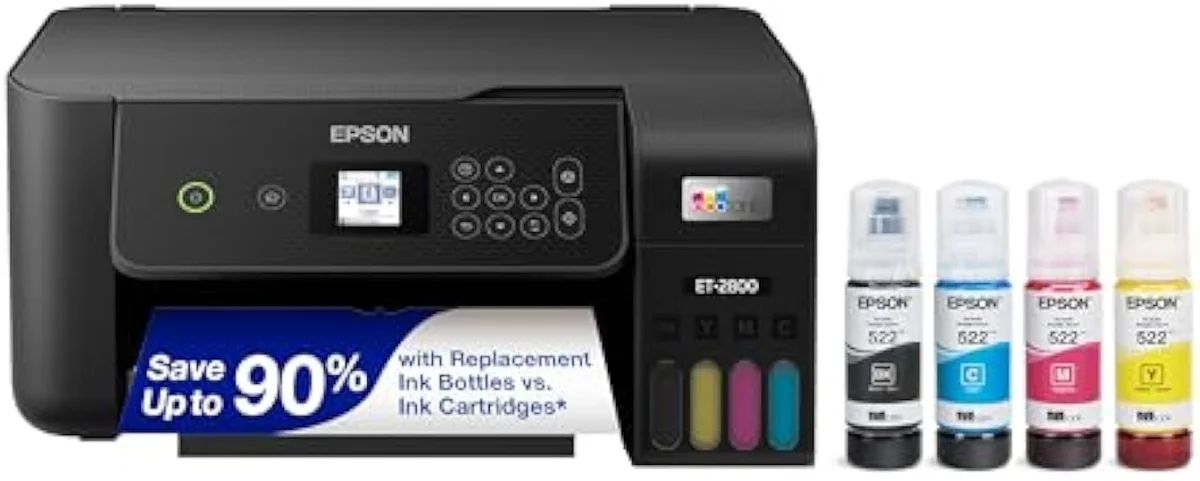
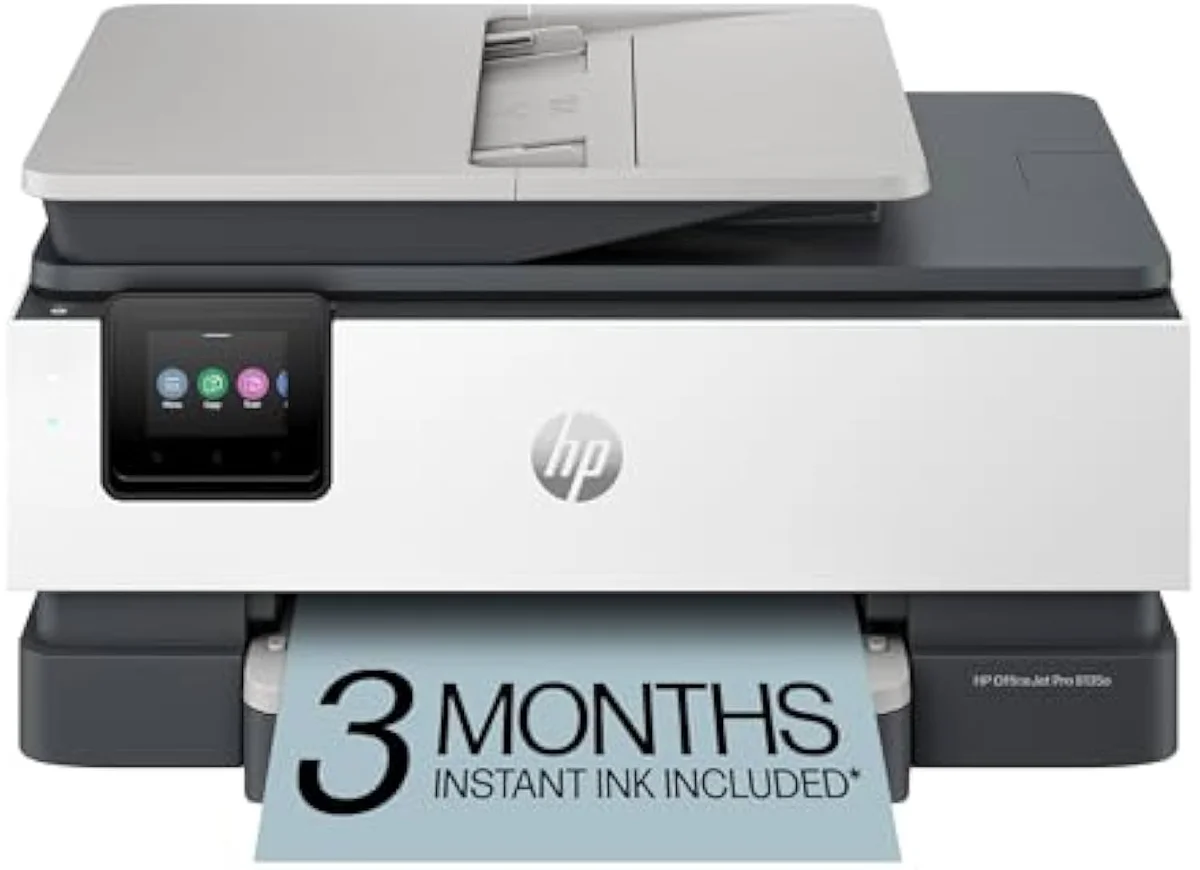
Risk is a function of design as well as use: a cartridge model like the HP DeskJet 2855e and a supertank like the Epson ET-2800 share the same hazard profile but differ in how much a recovery cycle costs, a contrast independent testing makes explicit (RTINGS).
- Inkjet ink (water-based)
- Inkjet ink is a water-based fluid of dye or pigment colorant, the low-toxicity formulation that makes the practical hazard staining rather than poisoning (Wikipedia).
- Printhead clog
- A clog is dried ink blocking the nozzle grid after idle weeks; it is the number-one owner reliability issue, and recovery runs a cleaning cycle that consumes ink (RTINGS).
- Cleaning cycle
- A cleaning cycle is the automatic nozzle-flush a printer runs to clear a clog; on supertanks the wasted ink is cheap, while on cartridge models it can burn through a costly set (Tech Gadgets Canada).
- Dye vs pigment ink
- Dye ink is water-based for vivid color, while pigment ink sits on the paper surface for sharper, more water-resistant text; both are low-toxicity consumer inks (Wikipedia).
- Continuous ink system (supertank)
- A continuous ink system replaces cartridges with refillable reservoirs and bottles; the practical handling note is that filling a tank is the one routine moment ink can spill (Wikipedia).
- Safety data sheet (SDS)
- A safety data sheet is the manufacturer document that lists an ink's composition and handling guidance; ink and cartridge packaging point owners to it, and editorial reviewers treat ink as a routine consumable (PCGuide).
- Product-safety certification
- Product-safety certification is the electrical-safety mark a mains-powered printer carries — commonly UL listing against the IEC 62368-1 standard for audio/video and IT equipment. It is a general consumer-electronics requirement, not an inkjet-specific one.
- Electromagnetic compatibility (EMC)
- EMC is the limit on radio-frequency emissions a device may produce; a wireless printer is certified under the FCC Part 15 rules for unintentional and intentional radiators. This too is a general electronics requirement.
- Duty cycle
- Duty cycle is the maximum pages a printer is rated to handle per month — near 1000 pages on budget models. Printing far above it stresses the mechanism and is a reliability limit, not a safety one.
Applicable standards and certifications
An inkjet printer carries the same product-safety, emissions, energy, and materials certifications as any mains-powered consumer electronic; there is no inkjet-specific safety standard. The table names the widely-known real ones and what each governs.
The pattern holds across the 59 models we track: a budget Canon PIXMA G3270 and an Epson ET-2803 carry the same general marks, because the certifications are tied to the mains electronics, not the ink (PCGuide).
| Standard / mark | What it governs | How it applies to a printer | Inkjet-specific? |
|---|---|---|---|
| UL listing / IEC 62368-1 | Electrical and fire safety for AV and IT equipment | The mains power supply and internal electronics are tested and listed | No — general electronics |
| FCC Part 15 | Radio-frequency emission limits (EMC) | The Wi-Fi radio and digital circuitry must stay within emission limits | No — general electronics |
| ENERGY STAR | Energy-efficiency in active, sleep, and off modes | Many printers carry the label; it caps idle and standby draw | No — general appliance |
| RoHS | Restriction of hazardous substances (lead, mercury, cadmium) | Restricts hazardous materials in the device's components | No — general electronics |
| Ink SDS (safety data sheet) | Composition and handling guidance for the ink itself | Ships with or is referenced on the cartridge or bottle packaging | Ink consumable, not the device |
Models this guidance applies to
The guidance is class-wide because the risk profile follows the inkjet mechanism, not the badge. The table lists representative families.
| Family | Representative models | Ink format | Dominant practical risk |
|---|---|---|---|
| Budget cartridge all-in-one | HP DeskJet 2855e, Canon TR4720 | Starter cartridges | Clog after idle weeks; costly cleaning cycles |
| Mid-range cartridge all-in-one | HP Envy 6555e, Canon TS6420, Epson XP-5200 | XL cartridges | Clog risk; cartridge handling and disposal |
| Office workhorse | HP OfficeJet Pro 8025, Epson WF-4820, Epson WF-2960 | High-yield cartridges | Paper jams under volume; mains care |
| Refillable supertank | Epson ET-2800, Epson ET-4850, Canon G3270, Canon G6020 | Refill bottles | Ink spill at the fill point; staining |
| Photo supertank | Epson ET-8550, Epson ET-5800, Canon G7020 | Six-bottle dye sets | Ink staining; head care between sessions |
Practical safety considerations
The genuine inkjet risks are practical and avoidable, and they cluster on handling and reliability rather than exposure. Each row pairs the real issue with the simple mitigation.
None of this changes with model tier. An office WorkForce Pro WF-4820 follows the same handling rules, and hands-on testing treats it as an ordinary appliance within its roughly 1000 pages per month duty rating (TechGearLab).
| Consideration | What actually happens | Severity | Mitigation |
|---|---|---|---|
| Idle printhead clog | Dried ink blocks nozzles after 2 to 3 weeks unused; recovery wastes ink | High (reliability) | Print a colour page every 1 to 2 weeks; keep the printer powered for auto-maintenance |
| Ink staining | Spills when filling a supertank or handling a leaking cartridge stain skin and surfaces | Low (cosmetic) | Fill over a tray; wash with soap and water; ink is low-toxicity, not poisonous |
| Paper jams | Misfed sheets stall the feed path; forcing them can bend rollers | Low | Power off, pull the sheet slowly in the feed direction, clear torn scraps |
| Electrical care | Standard mains-appliance risk — damaged cord, wet location, overloaded outlet | Standard for any device | Use the supplied adapter, keep dry, do not daisy-chain power strips |
| Child and pet safety | Ink is messy and low-toxicity if a small amount is ingested, but not a poison | Low | Store bottles and cartridges out of reach; follow SDS first-aid guidance |
| Ink and cartridge disposal | Empty cartridges and bottles are recyclable; landfill is the wasteful default | Low (environmental) | Use maker take-back or retailer recycling; do not pour ink down a drain |
Owner compliance and safety checklist
A safe inkjet setup is the result of housekeeping, not protective gear. The ordered checklist below is the routine that prevents the practical risks above.
- Plug into the supplied adapter and a dry, non-overloaded outlet — standard mains care.
- Print a light colour page every 1 to 2 weeks to keep the printhead from drying.
- After 30 days idle, run a nozzle check and a single cleaning cycle before a big job.
- Leave the printer powered so it can run its own low-ink maintenance cycles.
- Fill supertank reservoirs over a tray and wipe spills before they set.
- Clear paper jams with the power off, pulling sheets in the feed direction.
- Keep ink bottles and cartridges out of reach of children and pets.
- Check the ink SDS on the packaging for handling and first-aid guidance.
- Recycle empty cartridges and bottles through a take-back or retailer scheme.
Ink-contact first response
Because the ink is low-toxicity, contact calls for ordinary cleanup, not emergency care; the SDS on the packaging is the reference for any ink.
- Skin contact
- Wash promptly with soap and warm water; a faint stain may persist and fades over a day or two.
- Eye contact
- Rinse with clean water for several minutes; seek advice if irritation continues.
- Clothing or surfaces
- Blot, do not rub; treat with a stain remover before the ink dries and sets.
- Small ingestion
- Rinse the mouth and drink water; consumer ink is low-toxicity, so follow the SDS first-aid line rather than treating it as poisoning.
- Spill at the fill point
- Wipe with a damp cloth before it dries; cover the work surface next time to keep refills clean.
Known risks by type and severity
The honest ranking is the inverse of a hazardous device: reliability at the top, exposure at the bottom. The clog is the one genuine reliability threat, so the table sorts it first.
| Risk | Type | Likelihood | Consequence |
|---|---|---|---|
| Printhead clog from idle use | Reliability | Common on low-volume use | Wasted ink, failed prints, possible head replacement |
| Cleaning-cycle ink waste | Reliability / cost | Common after a clog | Costly on cartridge models, cheap on supertanks |
| Paper jam | Mechanical | Occasional | Stalled print, bent rollers if forced |
| Ink stain | Cosmetic | Occasional during refills | Stained skin or surface; washes off |
| Electrical fault | Standard appliance | Rare with normal care | Same as any mains device |
| Ink ingestion | Health | Rare | Low-toxicity; follow SDS first-aid, not an emergency poison |