Epson EcoTank ET-2800 vs ET-2850: What the Step-Up Actually Buys
Updated
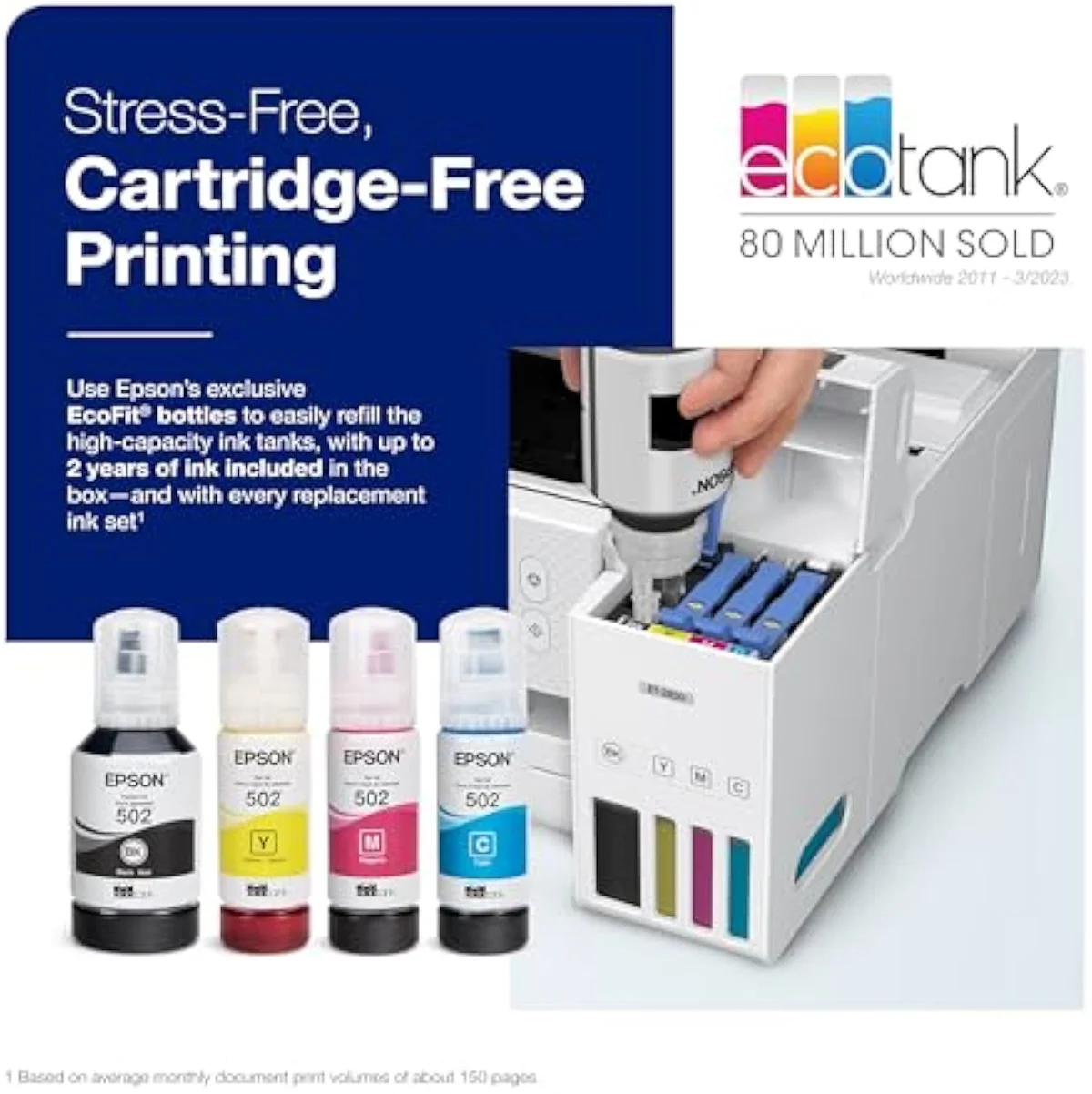
Same ink, one rung apart. The ET-2800 and ET-2850 pour from the same EcoTank bottles, claim the same page yield, and ship with the same roughly two years of ink — so on cost-per-page, the number this site cares about most, they are a tie. The ET-2850 takes the matchup because its price step buys hardware you actually touch: automatic two-sided printing the ET-2800 lacks, a color LCD in place of the base model’s monochrome panel, and a marginally quicker engine. Buy the ET-2850 if you print duplex or want a real screen; pocket the difference with the ET-2800 only when the gap is wide and you never print double-sided. Either way you have walked out of the cartridge tax — that decision is already made.
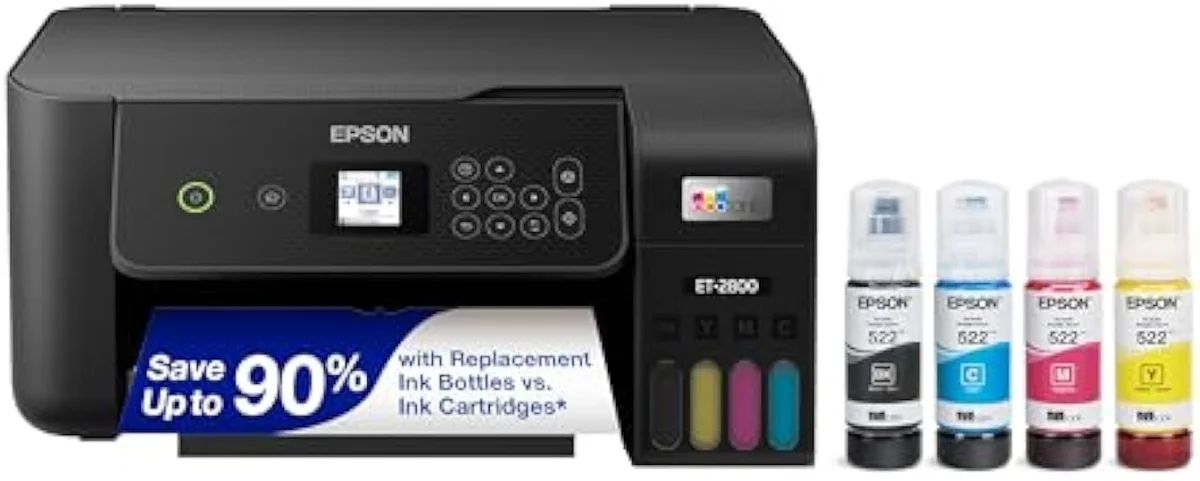
Epson EcoTank ET-2800
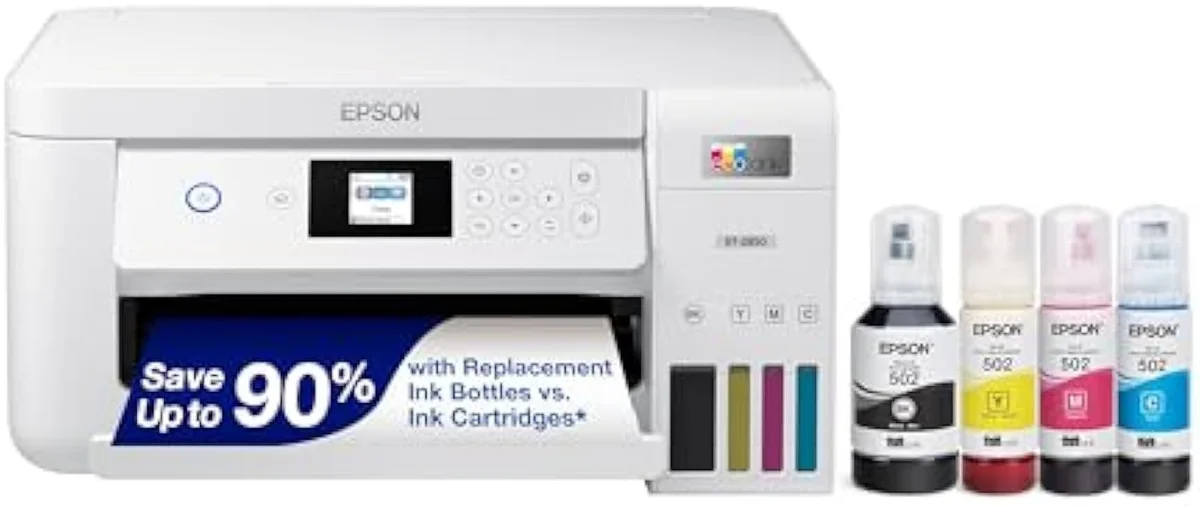
Epson EcoTank ET-2850
These are two rungs of one Epson 28-series ladder, not two different printers. They share the bottle-ink system, the page-yield rating, and the two-years-of-ink box, so cost-per-page is a tie. Our pick is the ET-2850, which wins for most buyers: its price step adds automatic two-sided printing and a color LCD the base ET-2800 does without. Pay up for the ET-2850 if you print duplex or want a real screen; keep the ET-2800 if the gap is wide and you never flip a page.
| Shared core | Same bottle tanks, rated yield, two years of in-box ink |
|---|---|
| ET-2850 adds | Automatic duplex + color LCD + a touch more speed |
| ET-2800 keeps | Single-sided only + a monochrome panel |
| Cost-per-page | Identical — neither rung is cheaper to feed |
| Shared catch | Idle-clog risk on both — print weekly or it gums up |
Look, for most buyers the ET-2850 wins this one, and not because it is cheaper to run. The base Epson EcoTank ET-2800 and the step-up Epson EcoTank ET-2850 sit on the same 28-series ladder: refillable bottle tanks, the same headline page yield, the same roughly two-years-of-ink pitch in the box. Whichever you choose, you have already walked out of the cartridge tax that drives most printer regret. So the question is never which one saves you more on ink — they save the same — but whether the dearer rung’s extra hardware earns its price step, and for the ET-2850 it usually does.
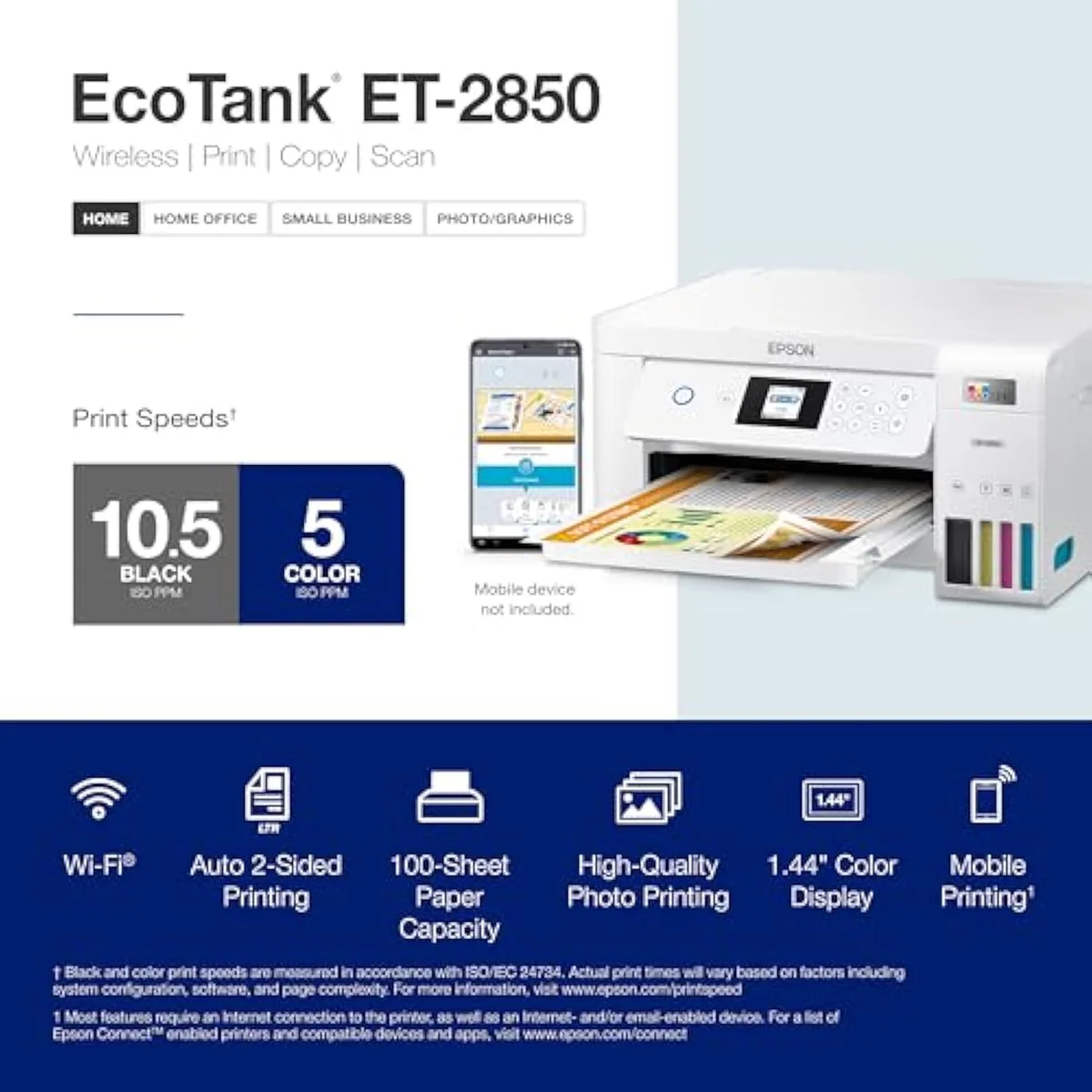
The split is short and concrete. The ET-2850 prints on both sides by itself and shows a color screen; the ET-2800 flips pages by hand and runs off a monochrome panel. That is most of the gap. The rest of this page is about whether those upgrades — duplex and a real screen — are worth paying for, because on the cost math that decides most supertank buys, there is nothing to choose between them.
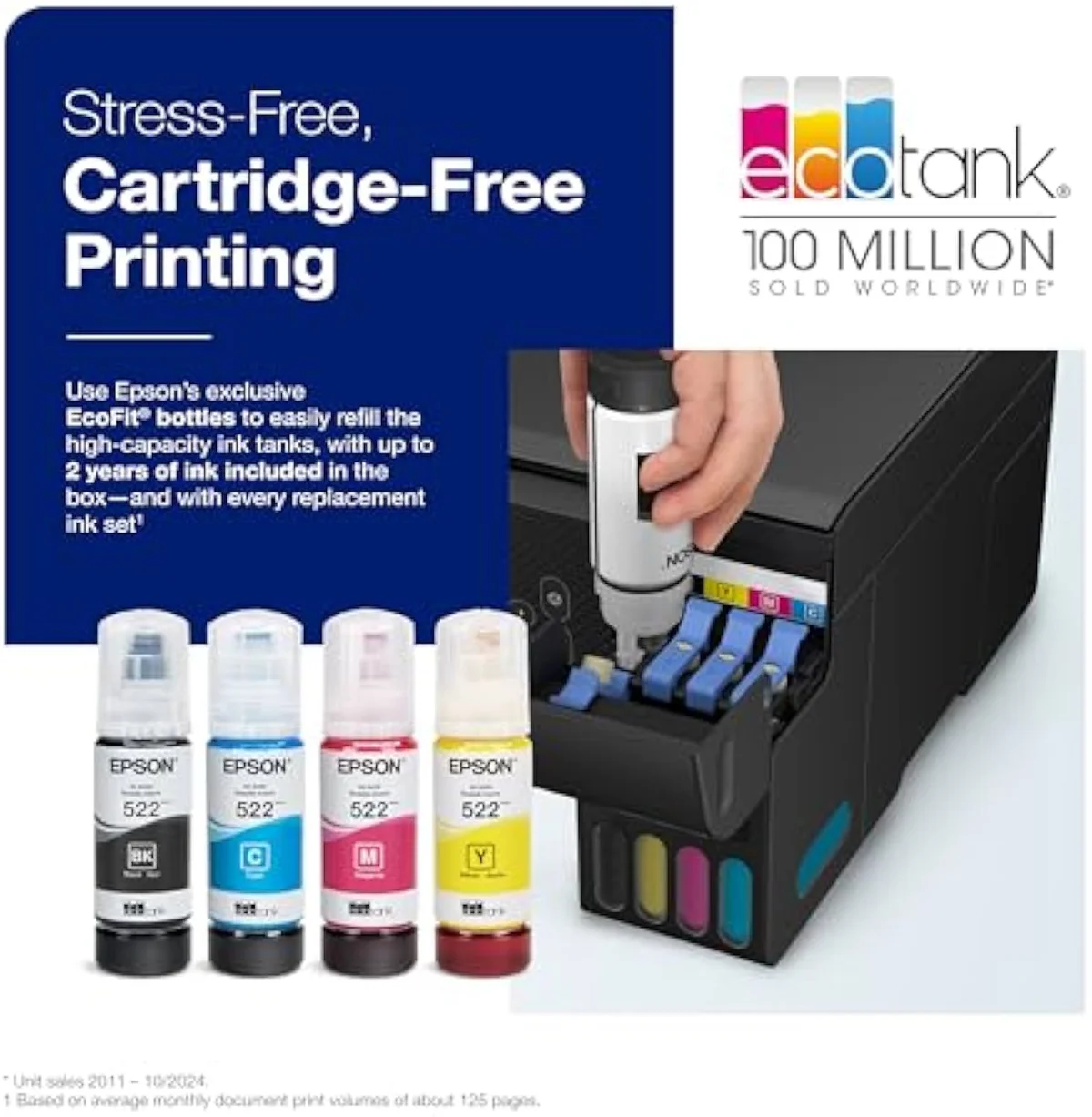
Epson EcoTank ET-2800
Epson EcoTank ET-2850
At a Glance
| Feature | Epson EcoTank ET-2800 Wireless Color All-in-One Cartridge-Free Supertank Printer | Editor's Pick Epson EcoTank ET-2850 Wireless Color All-in-One Cartridge-Free Supertank Printer |
|---|---|---|
| Live Price | $50–$100* | $50–$100* |
| Amazon Savings | Check Amazon | Check Amazon |
| Availability | Checking Amazon | Checking Amazon |
| Current Offer | Checking Amazon | Checking Amazon |
| Amazon Rating | ||
| Amazon Sales Rank | Check Amazon | Check Amazon |
| Live Data Refresh | Refresh pending | Refresh pending |
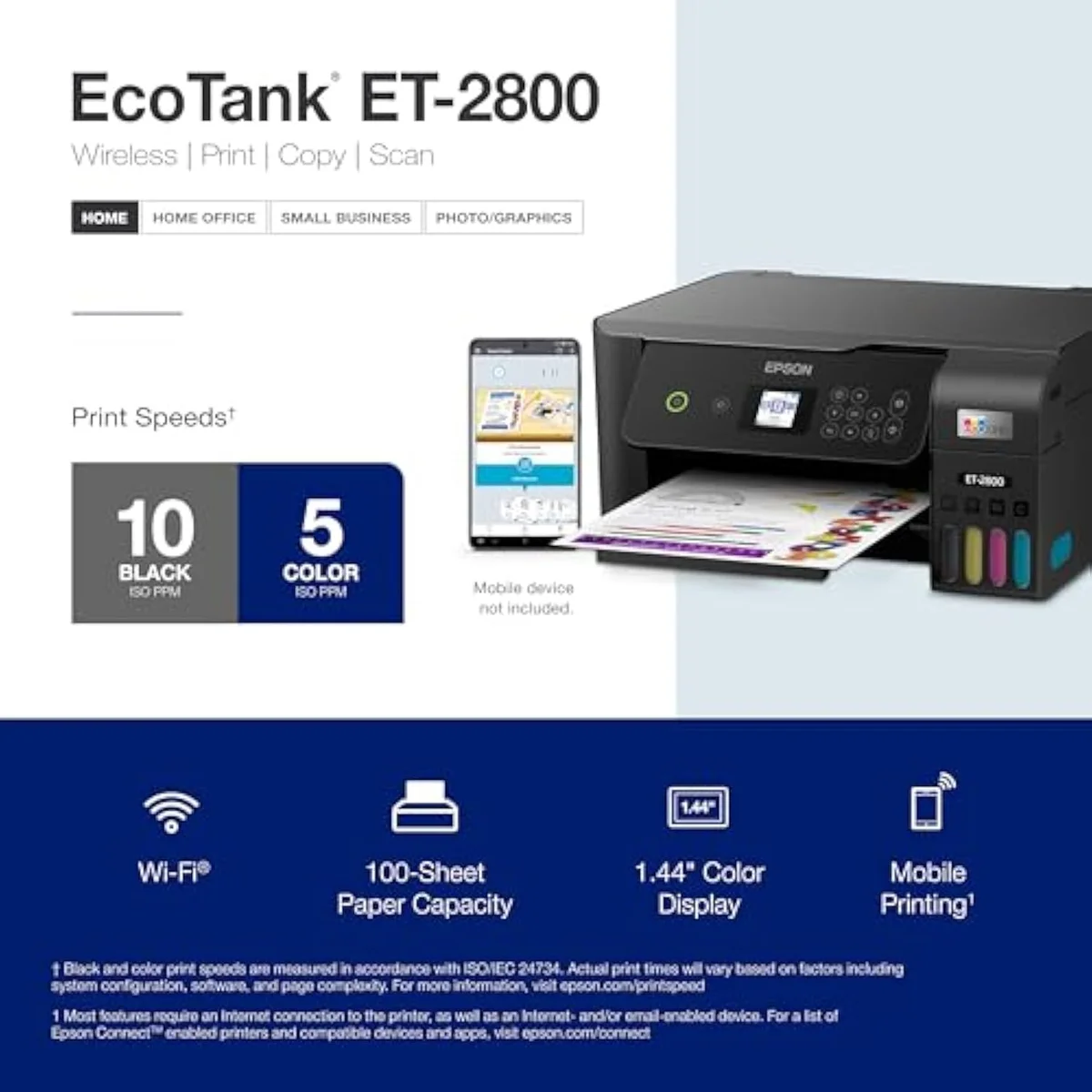
| Print Speed | Up to 10 ppm black | Up to 10.5 ppm black / 5 ppm color |
| Functions | Print, Scan, Copy | Print, Scan, Copy |
| Connectivity | Wi-Fi, AirPrint, Smart Panel app | Wi-Fi, AirPrint, Smart Panel app |
| Ink System | Cartridge-free refillable tanks | Cartridge-free refillable tanks |
| Check Price | Check Price |
Amazon prices and availability are refreshed live and are subject to change. The price shown on Amazon at purchase applies.
The ink math is a dead tie
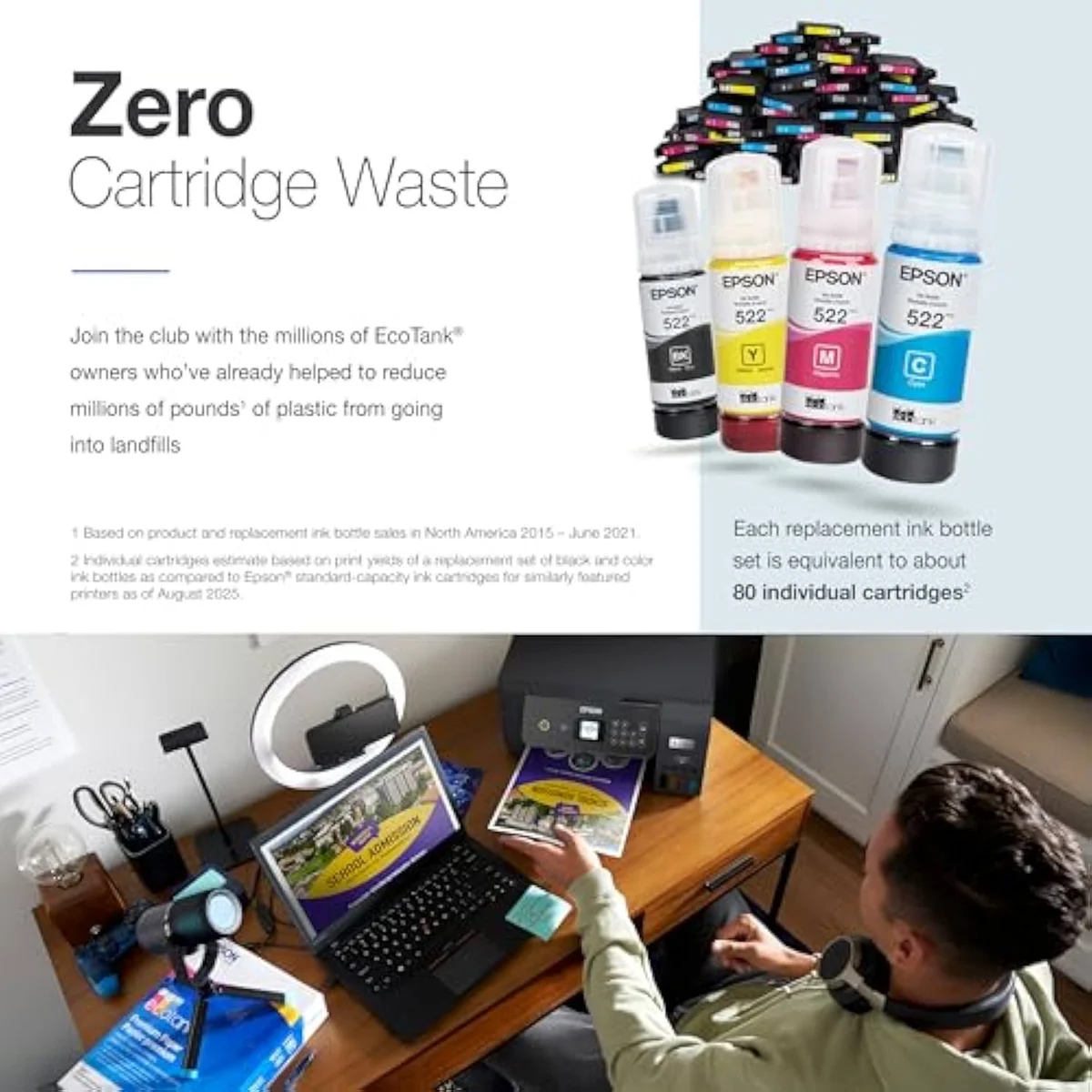
Here’s the thing: the reason to read an EcoTank-versus-EcoTank comparison is not to find the cheaper printer to feed. They cost the same to feed. The expensive printer is the cartridge machine neither of these is.
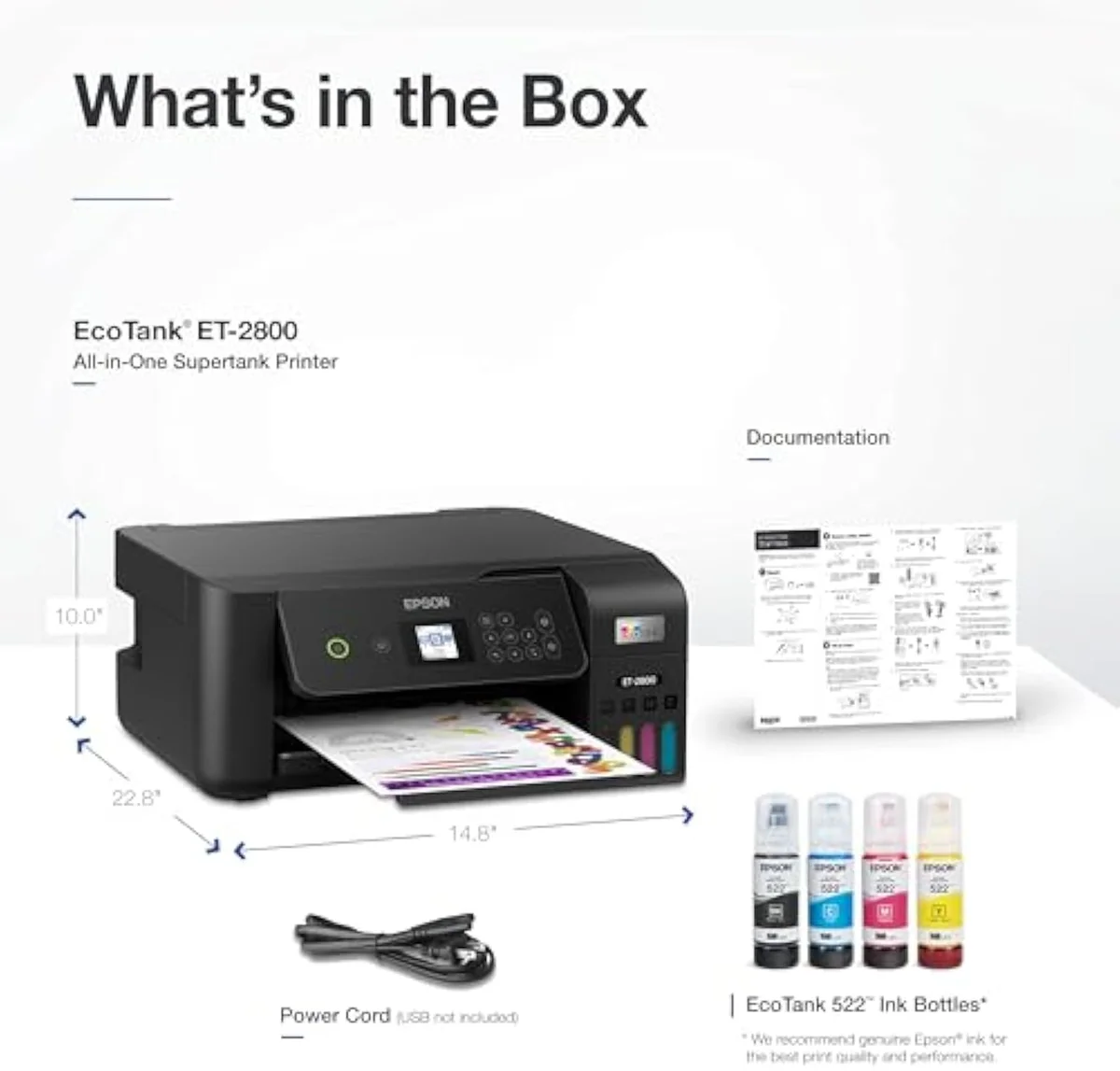
Both escape cartridges by the identical route. Epson builds the ET-2800 around
So spend your attention on the hardware, because that is where these two actually differ — and where the price step goes. The cost-per-page line is flat between them.
Where the step-up earns its price
With cost off the table, the differences are the duplex unit, the screen, and a touch more speed. From the ET-2850 you get the gear you walk up and touch; from the ET-2800 you get the same engine for less money and a plainer front panel.
The clearest split is two-sided printing. The ET-2850 does
Then speed and the screen. On paper the ET-2850
The clog risk both rungs share
One failure mode ignores the price tag entirely: these are the same family, so they inherit the same trouble. This is the part no EcoTank buyer escapes by paying more.
Both run liquid ink, so both dry out if left alone. The community is blunt about the mechanism —
Speed is the other shared caveat, and it lands harder on the duplex you paid up for. One ET-2850 owner times
On the page itself, neither EcoTank disappoints, and neither separates from the other. Both are full print-scan-copy all-in-ones — the ET-2800 is a
Epson EcoTank ET-2800
Epson EcoTank ET-2850
So which EcoTank — base rung or pay up?
Because the ink math is a tie, “who buys which” comes down to one question: are the ET-2850’s upgrades — automatic duplex and a color screen — worth its price step for how you print? If you’re coming from a clogged or bricked cartridge printer, either EcoTank is the upgrade, and the cost savings land the same on both. The split is purely about features versus the gap.
Buy the Epson ET-2850 if…
…you print double-sided, or you want a real control screen. If you’re considering the cheaper ET-2800 to save the price step, the automatic duplex unit is the feature most likely to pull you up a rung — every back-to-back document prints unattended instead of forcing you to flip the stack. The color LCD makes copy, scan, and setup faster than nudging a monochrome panel with buttons, and the rated 10.5 ppm is a touch quicker. You pay more upfront, but you get the same proven EcoTank ink economics with the hardware most home offices actually want. For most buyers cross-shopping these two, this is the one.
Buy the Epson ET-2800 if…
…the price gap is wide and you never print double-sided. If you’re already looking at the ET-2850 for its auto-duplex but rarely print two pages back to back, the ET-2800 gives you the identical rated yield, the same roughly two years of in-box ink, and the same low cost-per-page for less money — the only things you surrender are auto-duplex and the color screen. If you flip the rare duplex page by hand without complaint and drive the printer from your phone, the cheaper rung is honest money saved. Its even-cheaper warehouse-club twin, the same machine in a different box, is the Epson EcoTank ET-2803 if you find it for less.
Skip both if…
…you print rarely, or you need office volume features neither has. A printer that sits idle for weeks will fight you on either rung — a color laser is the honest pick for sporadic use. And neither of these entry EcoTanks carries an automatic document feeder or a second paper tray, so a busy office that scans stacks or runs high volume should step up the line. For the full cross-brand running-cost picture, weigh both against the field in our best supertank printers roundup.
ET-2800 vs ET-2850: the upgrade questions buyers ask
Almost every ET-2800-vs-ET-2850 question reduces to two things: “is one cheaper to run?” (no, they’re level) and “is the step-up worth it?” — so here are the straight answers, feature by feature.
Epson ET-2800 or ET-2850 — is the step-up worth it?
For most buyers, yes — the ET-2850. The two share the exact EcoTank ink economics: the same refillable bottle tanks, the same rated page yield, the same roughly two years of ink in the box. So the running-cost case that makes a supertank worth owning is a dead tie between them; neither is cheaper to feed. The price step buys hardware you use, not ink you save — automatic two-sided printing the ET-2800 simply does not have, a color LCD where the base model shows a monochrome panel, and a slightly quicker engine. If you print double-sided or want a real screen, the ET-2850 earns its gap. Stay on the ET-2800 only when the price difference is wide and you never print duplex.
Is the ET-2850 just an ET-2800 with duplex?
Duplex is the headline, but not the whole story. The ET-2850 adds automatic two-sided printing — the ET-2800 is single-sided, so you flip every duplex page by hand — plus a color LCD instead of the 2800’s monochrome panel and a marginally faster rated speed. The cartridge-free tank system, the bottle ink, and the page-yield rating carry over unchanged, which is why neither model has a cost-per-page edge.
Do they both cost the same to run?
Yes. Both pour the same refillable EcoTank bottle ink at the same rated yield, so cost-per-page is identical — the step-up is a feature buy, not a savings buy.
Will either EcoTank clog if you barely print?
Both can, and this is the risk they share. Liquid ink dries in the nozzles when an inkjet sits idle, and the printer then spends ink on cleaning cycles to clear it — the ET-2850 inherits this from the same family as the ET-2800. Print in color at least once a week and the problem rarely bites; leave either model dark for weeks and you can meet a clog the evening you need a page. Paying up for the ET-2850 buys you duplex and a screen, not immunity from idle clogging.
Are the ET-2800 and ET-2850 good for photos?
Neither is a photo printer. Both are text-and-document all-in-ones that print a decent color page but lack photo-grade inks; owner threads steer photo buyers to Epson’s dedicated EcoTank Photo line or a Canon PIXMA G-series instead.
Do they use the same ink bottles?
Yes — both the ET-2800 and the ET-2850 refill from the same cartridge-free EcoTank bottles, so restocking is one shopping trip whichever you own, and neither carries a subscription.
Track Both Products
We'll email you if either price drops or availability changes.
Only when something changes. Unsubscribe anytime.
Ready to Choose?
Citations
- [1]"Innovative cartridge-free printing"https://www.amazon.com/dp/B096N8DN2HCaptured June 4, 2026. Verified June 4, 2026.
- [2]"Includes up to 2 years of ink in the box"https://www.amazon.com/dp/B096N8DN2HCaptured June 4, 2026. Verified June 4, 2026.
- [3]"Features Micro Piezo Heat-Free Technology"https://www.amazon.com/dp/B096N8DN2HCaptured June 4, 2026. Verified June 4, 2026.
- [4]"Epson EcoTank ET-2800 5760 x 1440 dpi 10ppm"https://www.amazon.com/dp/B096N8DN2HCaptured June 4, 2026. Verified June 4, 2026.
- [5]"Wireless Color All-in-One Cartridge-Free Supertank with Scan and Copy"https://www.amazon.com/dp/B096N8DN2HCaptured June 4, 2026. Verified June 4, 2026.
- [6]"ink tank printers are still inkjet printers, and thus are subject to the heads drying out if not run often."https://reddit.com/r/printers/comments/1jddelm/in_need_of_inexpensive_printer_i_love_the_epson/Captured June 4, 2026. Verified June 4, 2026.
- [7]"Auto 2-sided printing helps save"https://www.amazon.com/dp/B096N85ZHWCaptured June 4, 2026. Verified June 4, 2026.
- [8]"Prints up to 10.5 pages per minute"https://www.amazon.com/dp/B096N85ZHWCaptured June 4, 2026. Verified June 4, 2026.
- [9]"Prints at a 4800 x 1200 resolution"https://www.amazon.com/dp/B096N85ZHWCaptured June 4, 2026. Verified June 4, 2026.
- [10]"Offers mobile printing options, including the Epson Smart Panel"https://www.amazon.com/dp/B096N85ZHWCaptured June 4, 2026. Verified June 4, 2026.
- [11]"It does double sided just changing the settings"https://reddit.com/r/printers/comments/1ah8qq3/is_it_worth_getting_an_epson_et2850_over_my/Captured June 4, 2026. Verified June 4, 2026.
- [12]"double-sided printing if you want a 6 page job to complete within 20 minutes"https://reddit.com/r/printers/comments/1ah8qq3/is_it_worth_getting_an_epson_et2850_over_my/Captured June 4, 2026. Verified June 4, 2026.
- [13]"No subscription is required, you can just use the ink bottles"https://reddit.com/r/printers/comments/1ah8qq3/is_it_worth_getting_an_epson_et2850_over_my/Captured June 4, 2026. Verified June 4, 2026.