HP OfficeJet Pro 8125e vs 8135e: What the Fax Line Actually Costs You
Updated
Same office engine, same cartridge trap, one cheaper answer. The 8125e and 8135e share the print mechanism, the document feeder, the duplex, and the HP+ ink lock — so the step-up 8135e buys you a fax modem, a touchscreen, and a lower owner rating, not a better printer. Take the 8125e unless you actually need to send faxes. Either way, walk in knowing both refuse third-party ink.
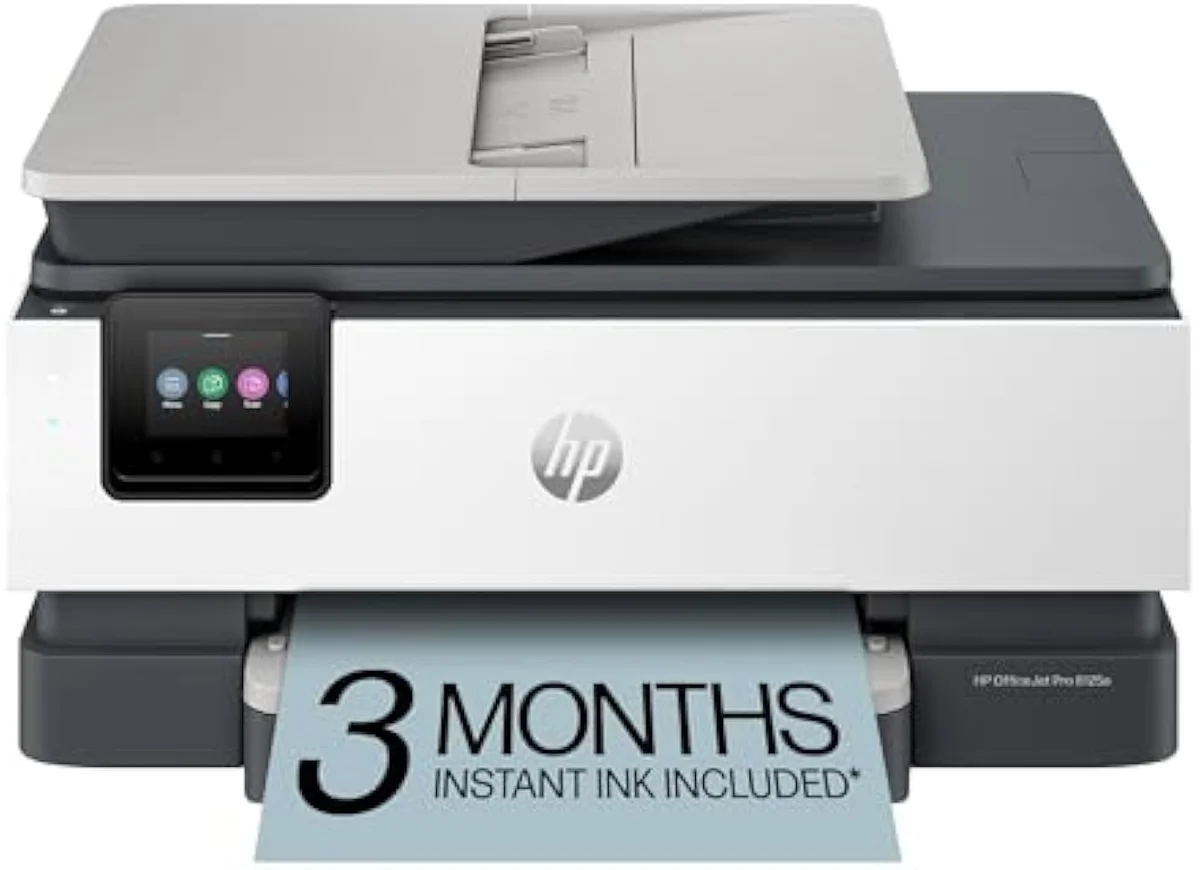
HP OfficeJet Pro 8125e Wireless All-in-One Color Inkjet Printer
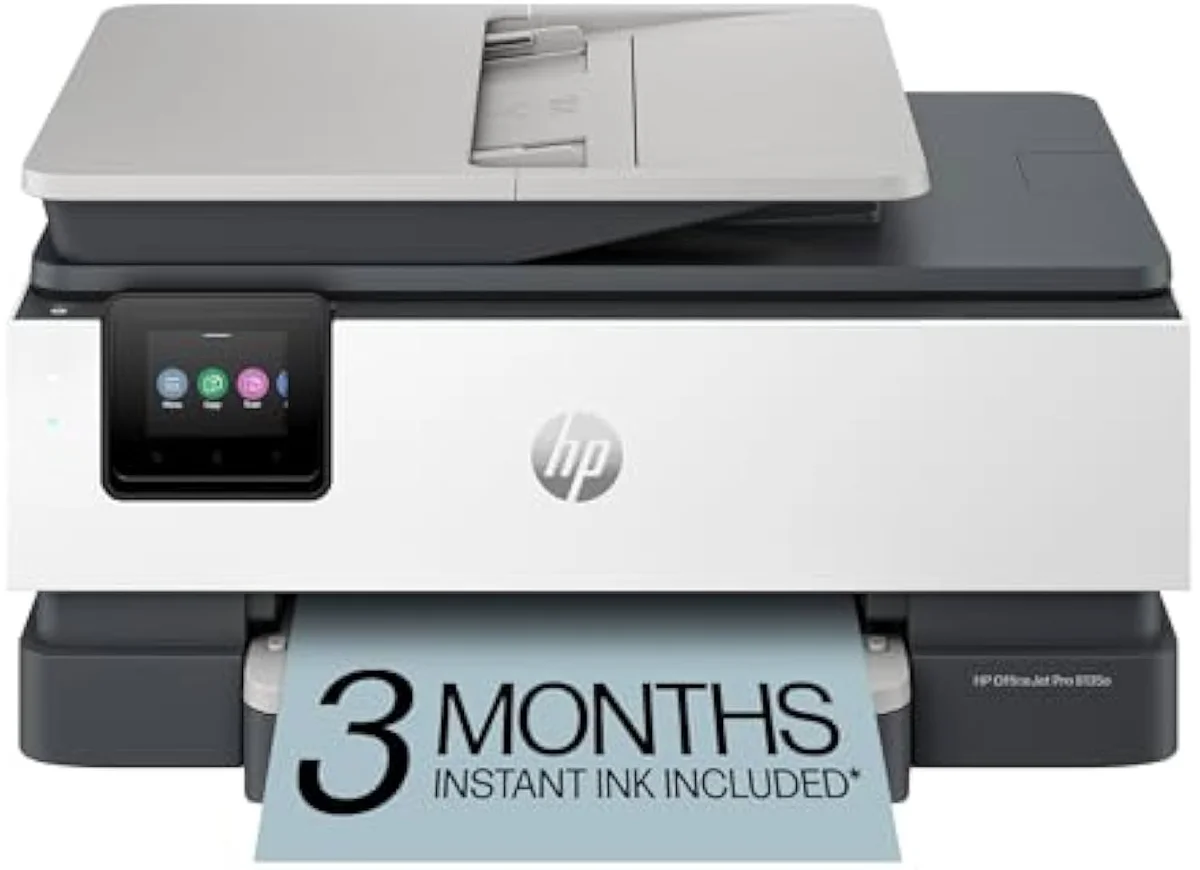
HP OfficeJet Pro 8135e Wireless All-in-One Color Inkjet Printer
The 8125e and 8135e are the same OfficeJet Pro engine with the same ADF, duplex, and HP+ cartridge lock. The 8135e adds a fax line and a touchscreen — and a lower owner rating. Take the cheaper 8125e unless you specifically need fax; the cartridge tax is identical on both.
| What the 8135e adds | Fax modem, 2.7-inch touchscreen, Wolf security |
|---|---|
| Shared core | Same engine, ADF, auto-duplex, 225-sheet tray |
| Shared trap | HP+ DRM blocks third-party ink; Instant Ink trial |
| How to choose | 8125e by default; 8135e only if you need fax |
| Skip both if | You print under ~100 pages a month |
Search "HP 8125e vs 8135e" and the model numbers suggest a clear upgrade path. The reality is narrower. The OfficeJet Pro 8125e and 8135e are siblings built on one office engine — same print mechanism, same document feeder, same auto-duplex, same 225-sheet tray. The 8135e steps up by adding a fax line, a bigger touchscreen, and extra network security. So our pick is blunt: take the cheaper 8125e unless you have a specific reason to pay for fax, because nothing in how these two print, scan, or sip ink separates them.
The higher number buys features, not a better printer.
That answer holds whichever side you start from. If you're looking at the 8125e because the price caught your eye, you are not settling for a lesser printer — you are skipping a fax modem and a touchscreen, full stop. And if the 8135e caught your eye for feeling like the "pro" choice, the harder question is whether its extras justify a higher sticker and a worse owner record. The bigger trap, the one the model number hides, is shared: both are HP "e" printers locked to genuine HP ink. That is where this page spends its time.
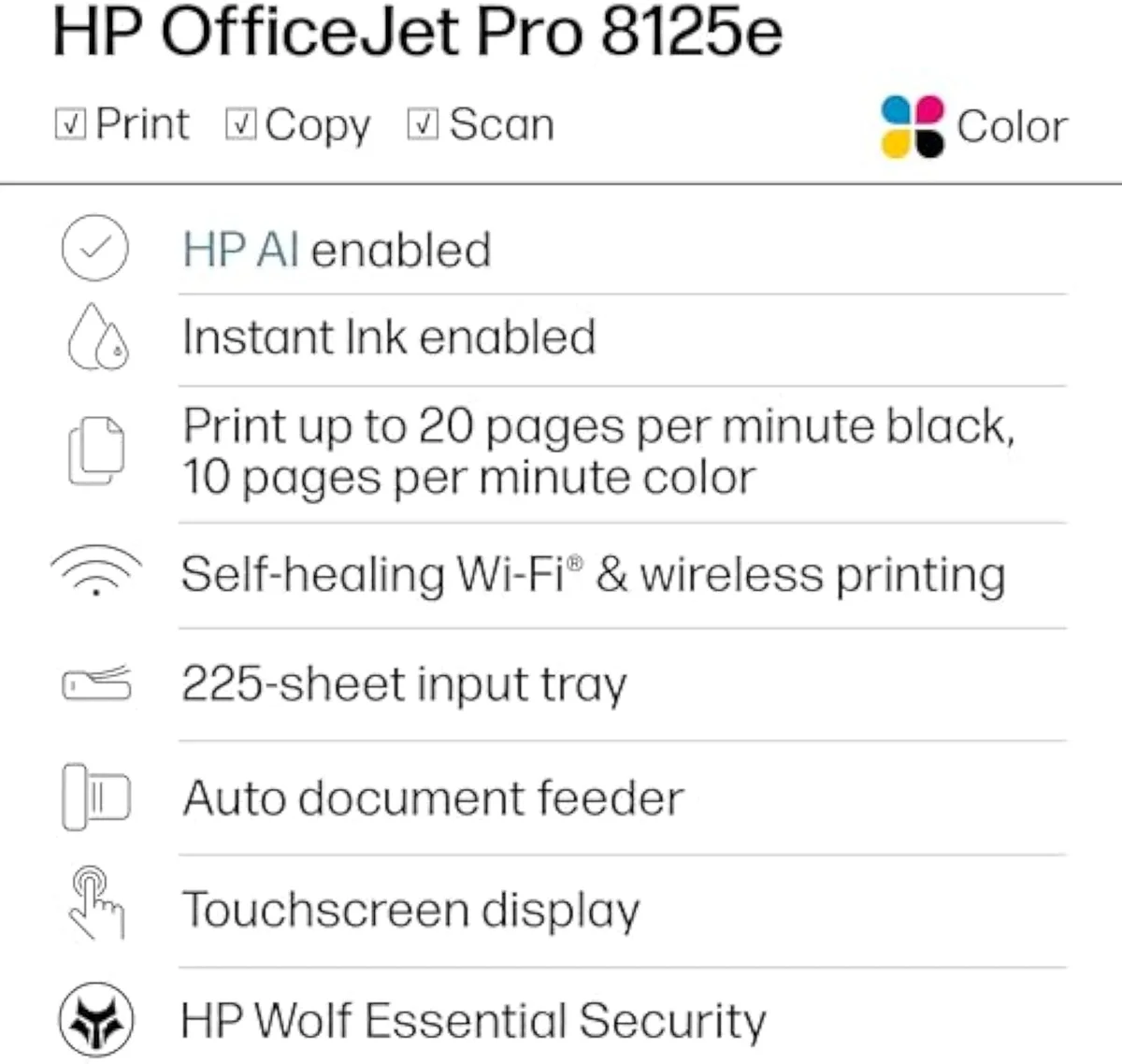
HP OfficeJet Pro 8125e Wireless All-in-One Color Inkjet Printer
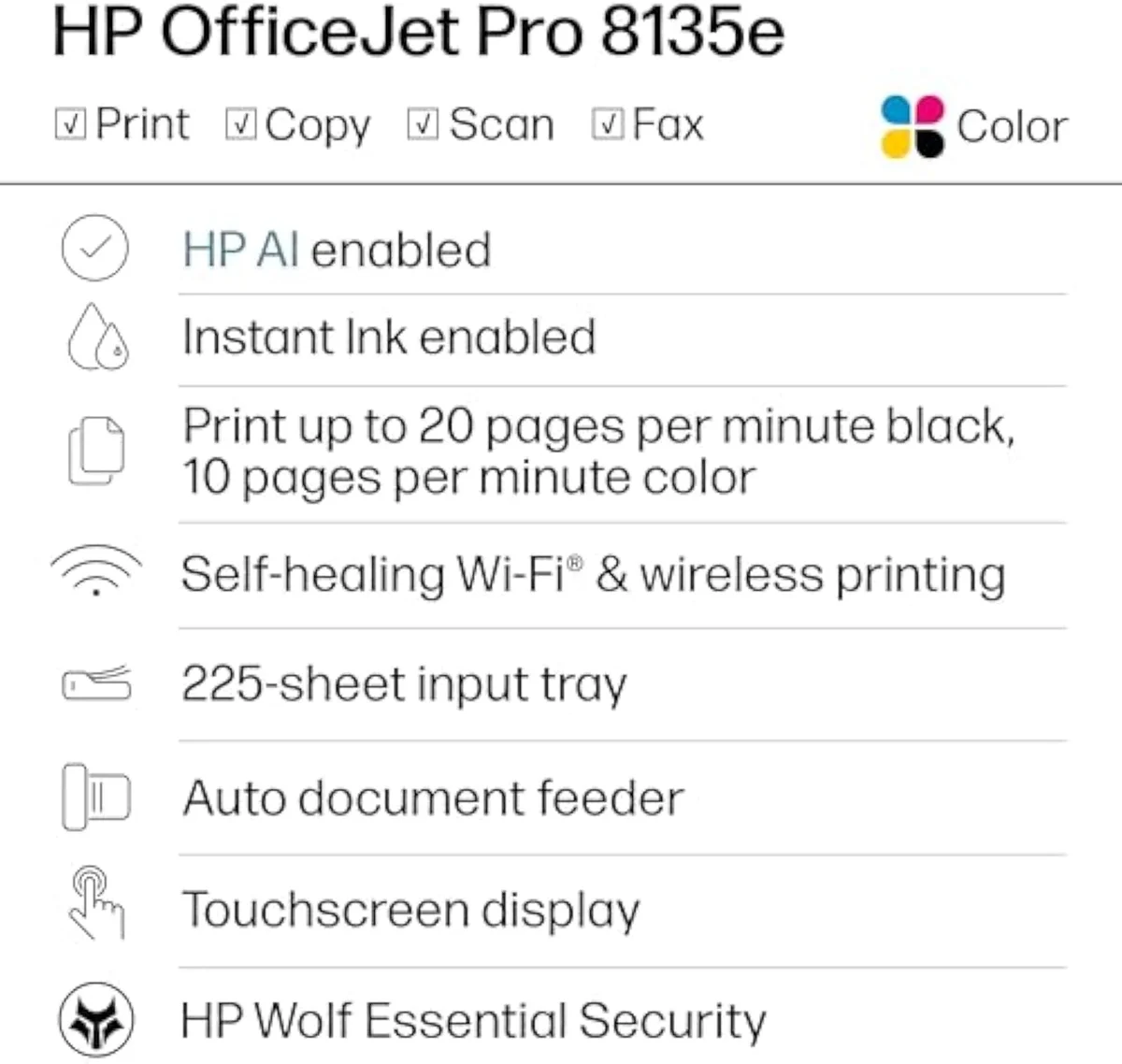
HP OfficeJet Pro 8135e Wireless All-in-One Color Inkjet Printer
At a Glance
| Feature | Editor's Pick HP OfficeJet Pro 8125e Wireless All-in-One Color Inkjet Printer | HP OfficeJet Pro 8135e Wireless All-in-One Color Inkjet Printer |
|---|---|---|
| Live Price | $100–$250* | $50–$100* |
| Amazon Savings | Check Amazon | Check Amazon |
| Availability | Checking Amazon | Checking Amazon |
| Current Offer | Checking Amazon | Checking Amazon |
| Amazon Rating | ||
| Amazon Sales Rank | Check Amazon | Check Amazon |
| Live Data Refresh | Refresh pending | Refresh pending |
| Functions | Print, scan, copy, auto-duplex, ADF | Print, scan, copy, fax, auto-duplex, ADF |
| Connectivity | Dual-band Wi-Fi, USB, AirPrint, HP Smart app | Self-healing dual-band Wi-Fi, AirPrint, HP Smart app |
| Ink System | HP cartridges with HP+ Dynamic Security (e-model DRM) | HP cartridges, firmware-locked to HP chips |
| Check Price | Check Price |
Amazon prices and availability are refreshed live and are subject to change. The price shown on Amazon at purchase applies.
Same office engine, top to bottom
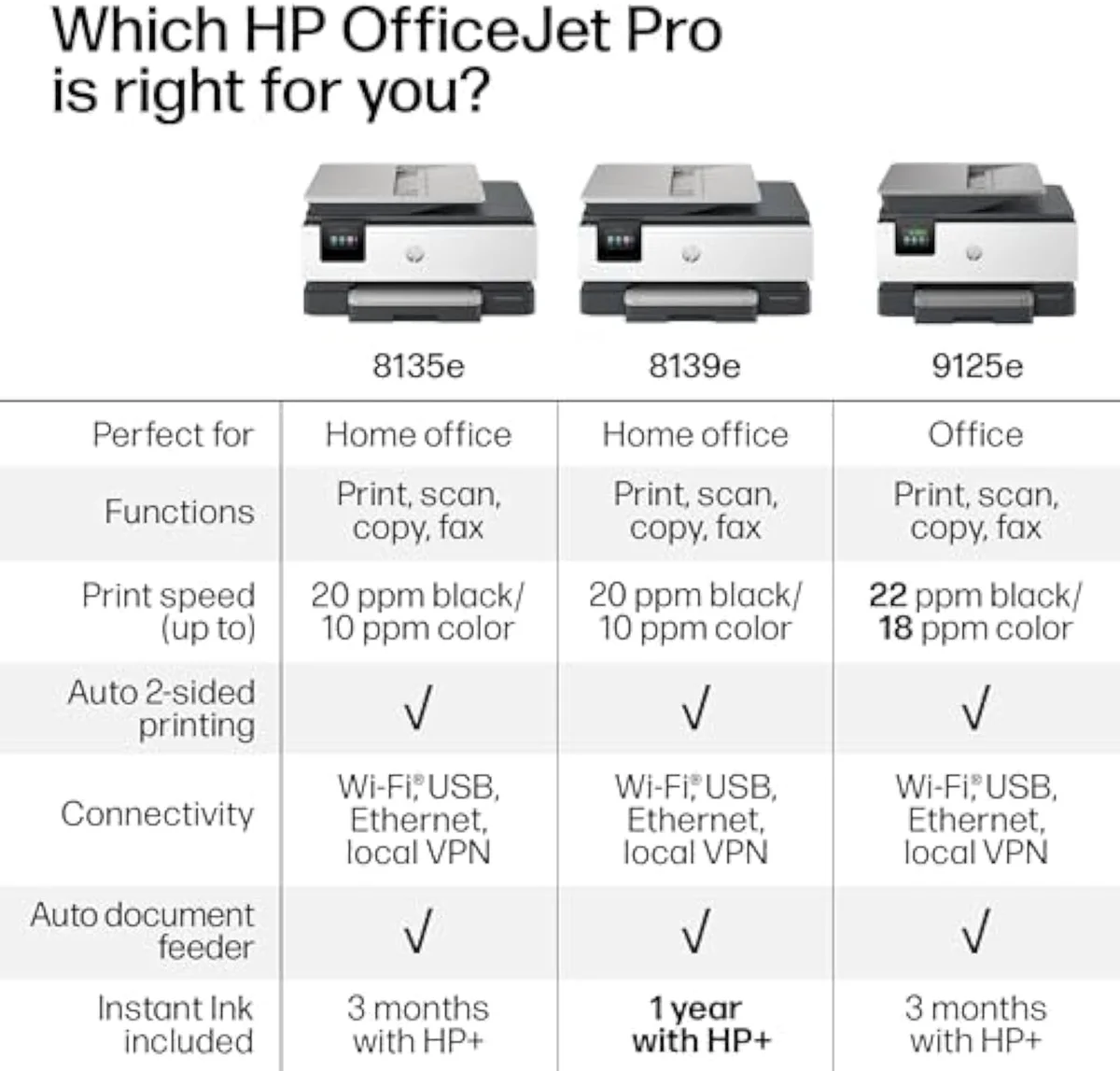
On the specs that decide an office printer, these two are one machine. The 8125e is rated at
Same engine, same speed rating, same scan-copy core.
Start with the things a home office actually leans on every week. The 8125e ships with
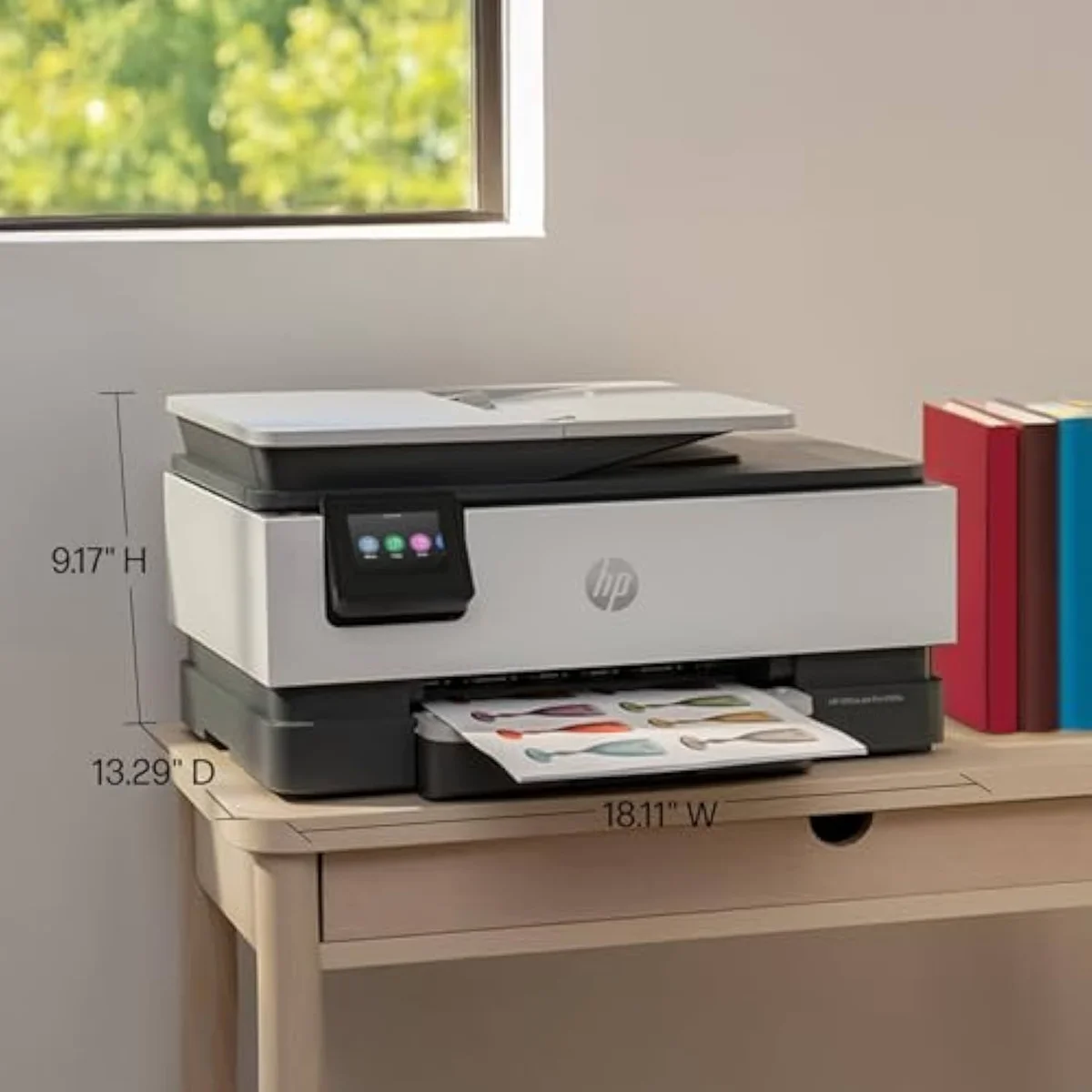
So where does the higher number earn its price? The 8135e adds three things. It brings a fax modem the 8125e lacks. It swaps in a larger interface — HP pitches it as a way to
The owner record then tilts hard the other way. HP's own marketplace data for the cheaper sibling reads
The cartridge trap they both spring
Honestly, the fax-versus-no-fax choice is the least important thing about these two. The decision that actually moves money is the one stamped on the back of both: the "e" in OfficeJet Pro 8125e and 8135e means HP+ cartridge DRM. Both are
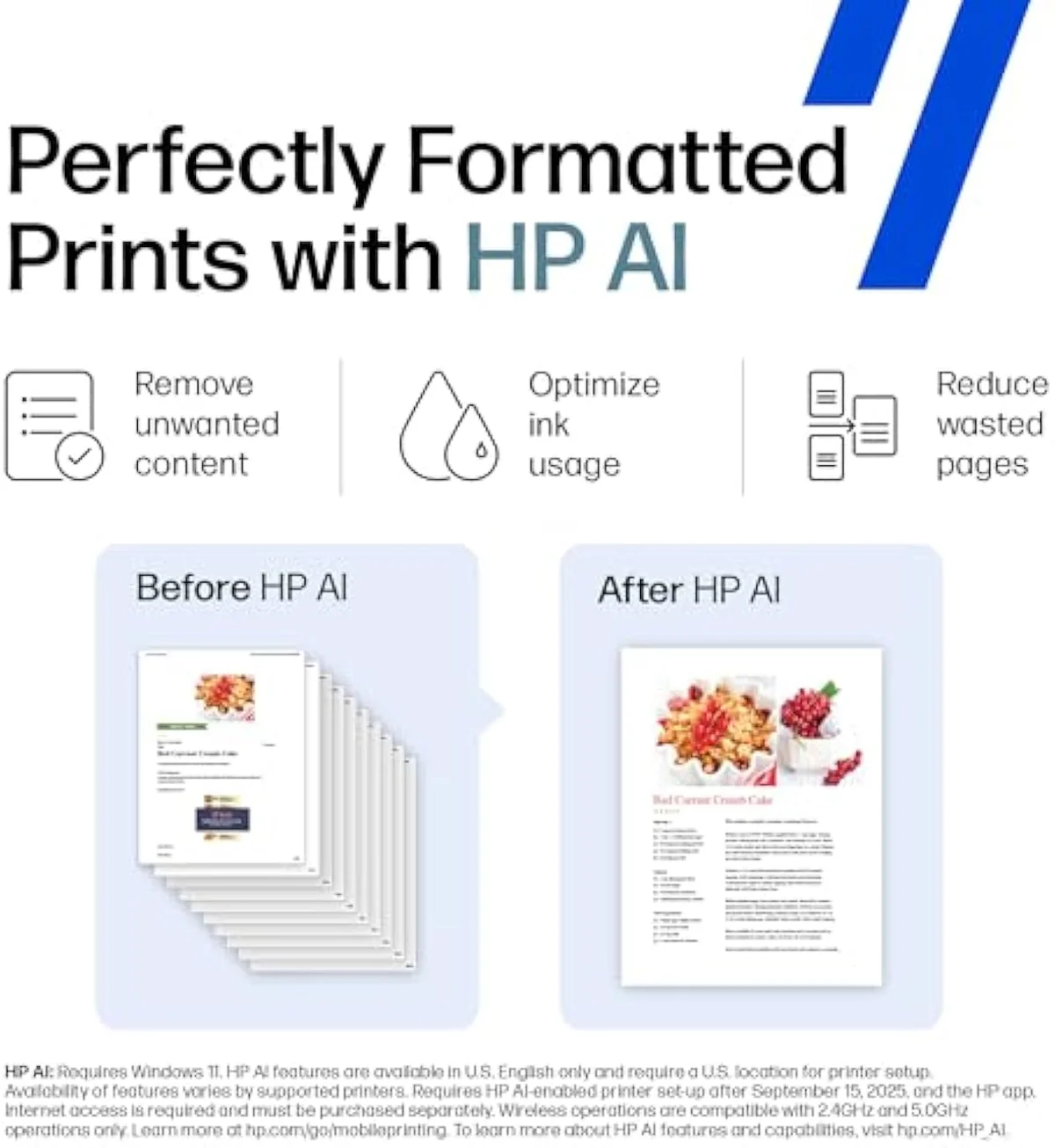
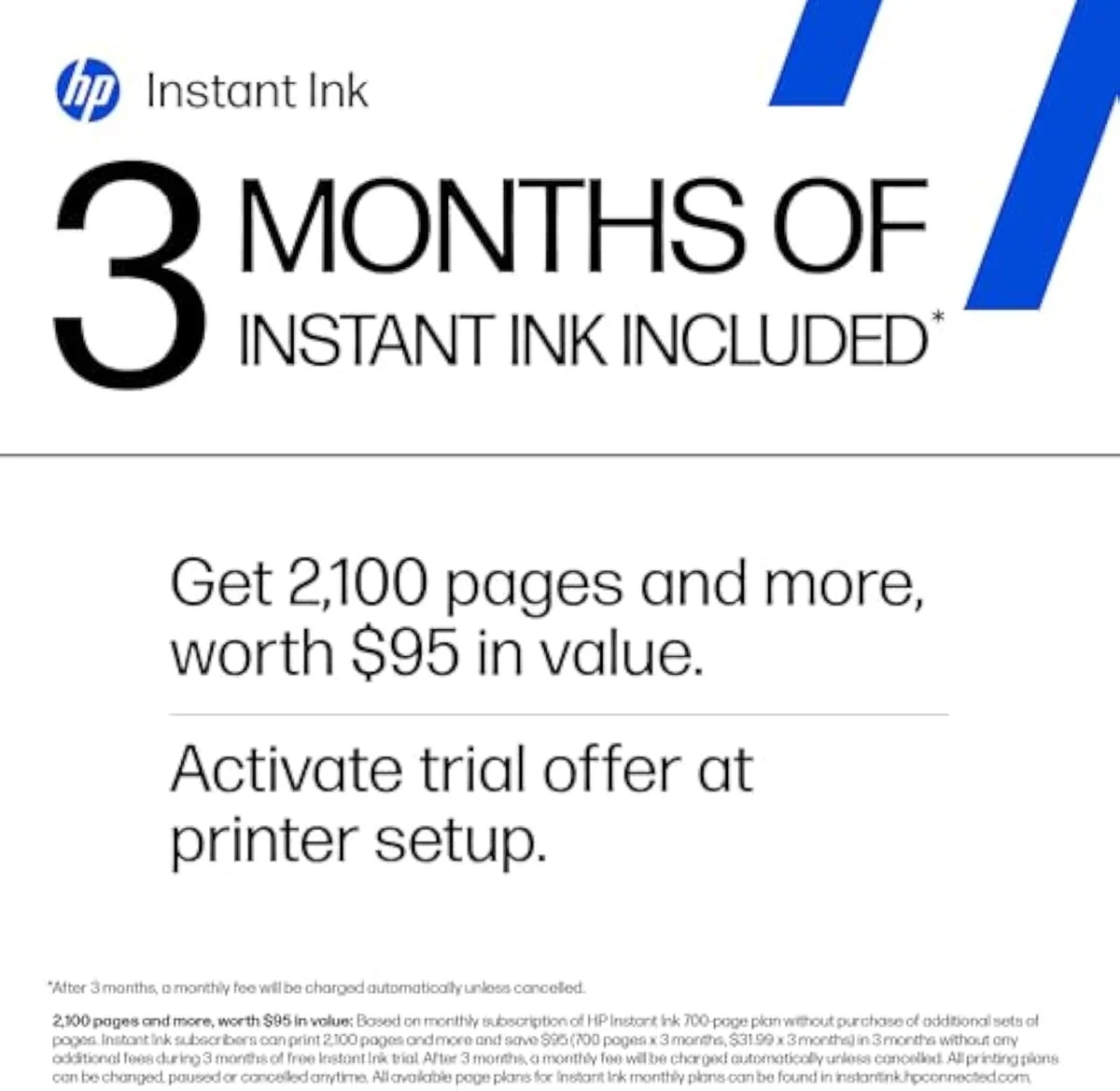
The subscription side compounds it. Both ship on an HP Instant Ink trial that becomes a monthly fee unless you cancel, and the catch owners hit is that
Independent testing keeps the focus where it belongs. RTINGS' cost-per-print and reliability testing treats running cost and clogging risk as first-class printer scores, and Consumer Reports' inkjet running-cost testing reaches the same conclusion: the ink model, not the feature checklist, decides what a printer costs over years. HP's own positioning agrees on fit — its OfficeJet Pro line is aimed at higher-volume homes and offices, and
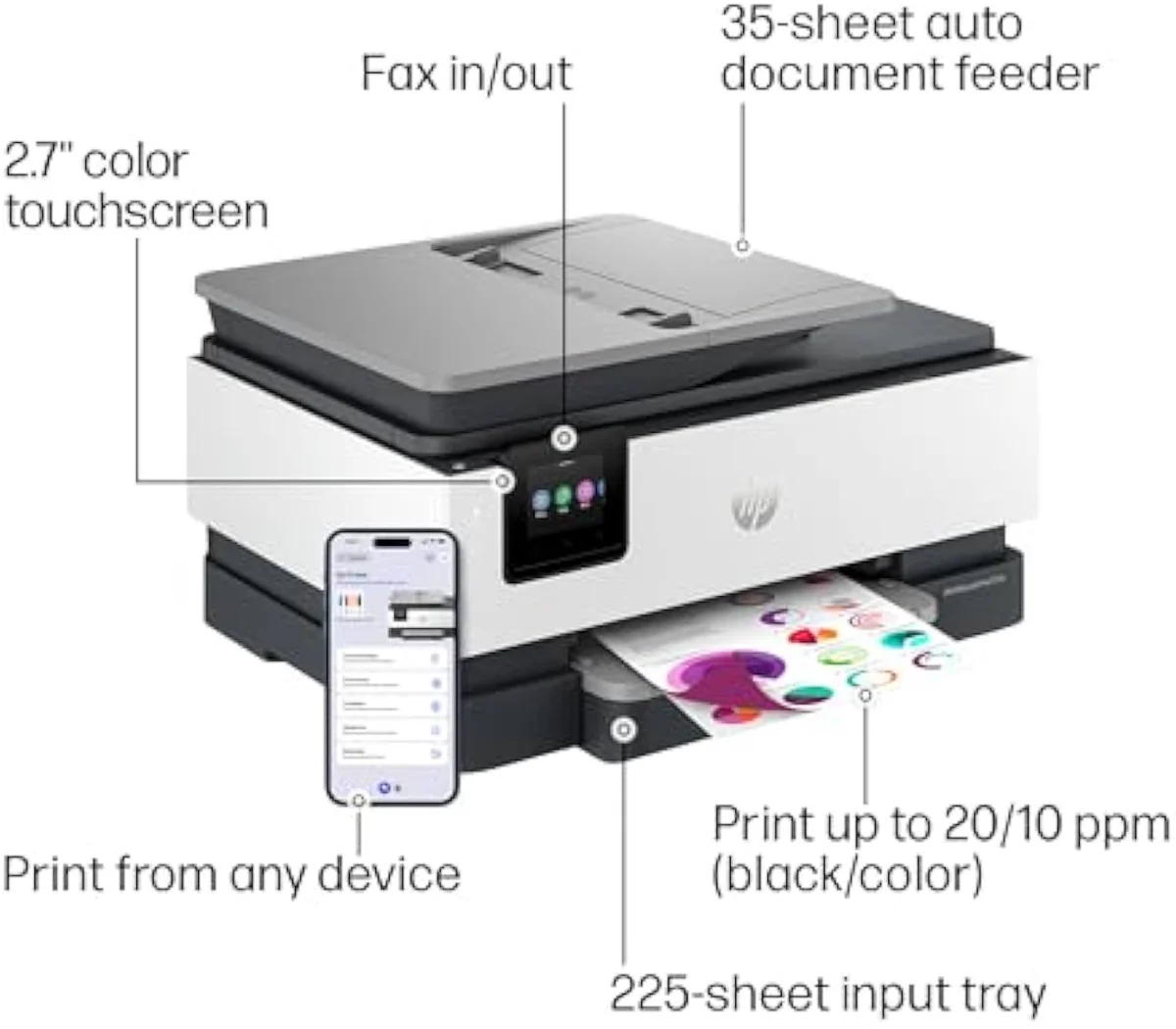
Two more marks against the pricier model, both from owner reports. A documented complaint on the 8135e is that
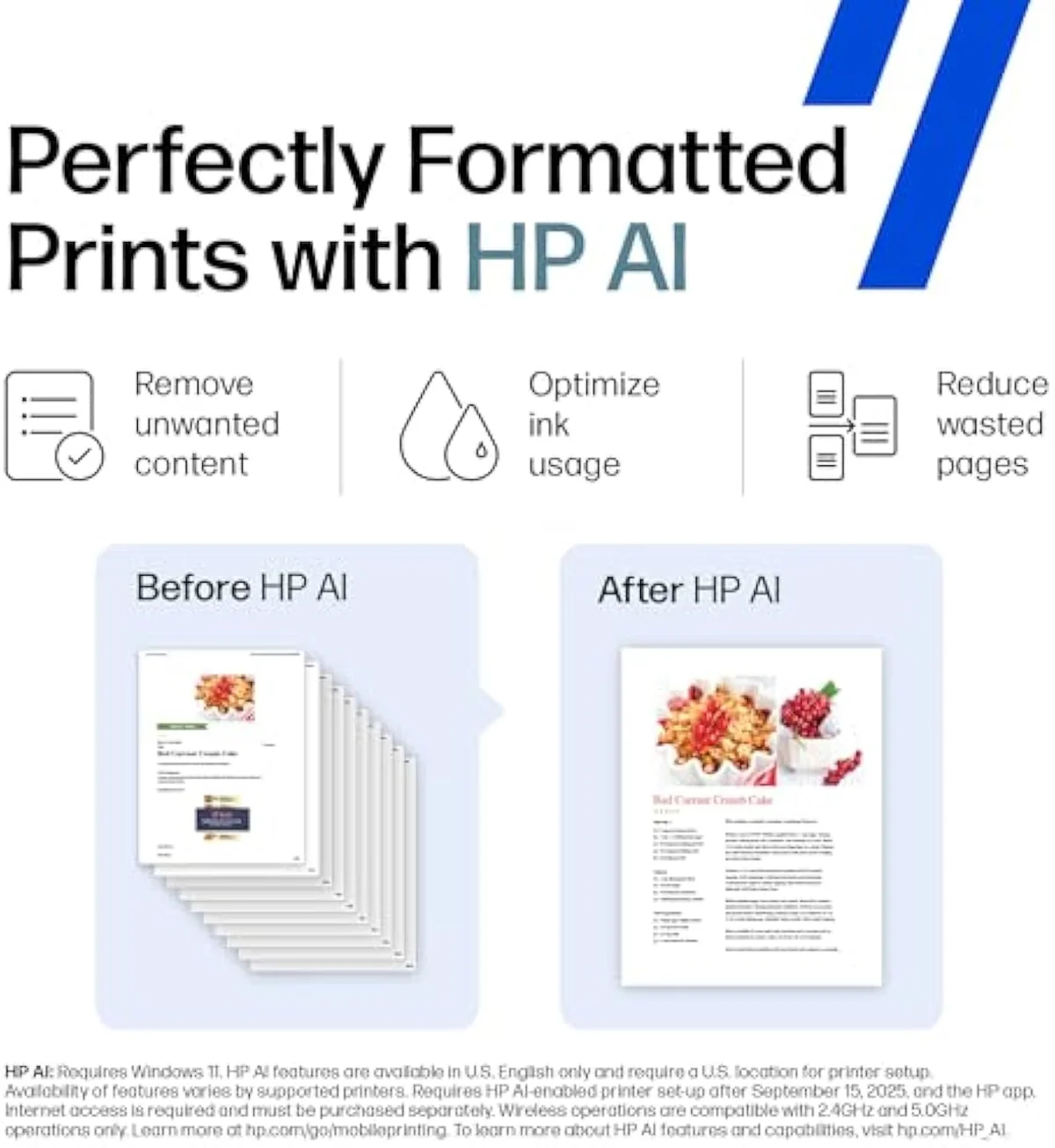
On the page itself, neither HP disappoints, and neither separates from the other — the print engine is shared, so output quality is too. Print quality simply isn't where this decision lives. For the OfficeJet Pro 8125e and 8135e, the decision is fax-or-no-fax wrapped around an ink lock both carry. Our guide to HP inkjet printers lays out that HP+ ecosystem in full before you commit to either.
So the spec sheet hands you a clean read: one fax line and a touchscreen apart, the same printer twice.
HP OfficeJet Pro 8125e Wireless All-in-One Color Inkjet Printer
HP OfficeJet Pro 8135e Wireless All-in-One Color Inkjet Printer
So which OfficeJet Pro — or neither?
Because the 8125e and 8135e are one office engine with a fax line and a touchscreen between them, "who buys which" comes down to a single feature question — wrapped around the bigger one of whether an ink-locked OfficeJet Pro suits you at all. If you're coming from the 8125e side because the price caught your eye, you're giving up only fax and a touchscreen, nothing in the core workload. If you're already in the 8135e camp drawn to the "pro" badge, be sure you'll actually use what the higher number buys before you pay for it.
Same machine, one fax line apart — so the answer is mostly about price and one feature.
Buy the 8125e if…
…you want the office workload without the fax line. The HP OfficeJet Pro 8125e is the default pick for most home offices: it has the same document feeder, the same auto-duplex, and the same 225-sheet tray as its pricier sibling, and it arrives with a far larger and warmer owner review base. You lose nothing in everyday print-scan-copy versus the 8135e, and you skip the worse rating and the paper-tray reports. Read the full ownership picture — the cartridge-validation quirks, the Instant Ink terms, real-world reliability — in our HP OfficeJet Pro 8125e review before you commit.
Buy the 8135e if…
…you specifically need fax, or want the touchscreen. The HP OfficeJet Pro 8135e is the only one of the two with a built-in fax modem, and its larger color touchscreen makes on-unit navigation easier — genuine value if your work still moves over a fax line. Just go in clear-eyed: you are paying more for a printer with a thinner, lower owner rating and at least one documented tray complaint, and you get the same cost-per-page and the same ink lock as the cheaper model. The deeper look at how it holds up is in our HP OfficeJet Pro 8135e review.
Skip both if…
…you print lightly, or you want freedom from HP ink. Neither OfficeJet Pro is built for a few pages a week — below roughly a hundred monthly, you are paying for an ADF and a fax modem you will rarely touch, and a budget cartridge all-in-one or a supertank is the honest pick. And if your whole plan is cheap third-party ink, both of these "e" models block it; a Brother or an Epson EcoTank outside HP+ is the right room. For the wider field, see our best office inkjet printers roundup. The 8125e and 8135e are for the steady home office that prints real volume and accepts the HP ecosystem — at any lighter use, both are the wrong tool.
8125e vs 8135e: what buyers weigh before paying up
Almost every question about these two comes down to "is the 8135e worth more?" and "are they both locked to HP ink?" — so here are the straight answers, including the one that should decide it.
Which is better, the HP 8125e or the 8135e?
For most home offices, the 8125e. The two share the same print engine, the same automatic document feeder, the same duplex, and the same 225-sheet tray, so they handle the same workload. The 8135e adds a fax line, a 2.7-inch touchscreen, and extra security — useful to a few buyers, irrelevant to most — and it carries a lower Amazon rating than the far better-reviewed 8125e. Pay up for the 8135e only if you specifically need to send faxes or want the touchscreen.
What does the 8135e add over the 8125e?
Three things, mainly: a built-in fax modem, a larger 2.7-inch color touchscreen instead of a smaller panel, and HP Wolf security on the network side. The print mechanism, the scan-copy-ADF-duplex feature set, and the 225-sheet tray are the same on both. None of the step-up features lowers what the printer costs to feed.
Do the 8125e and 8135e cost the same to run?
Yes — same cartridge family, same cost-per-page. Neither is cheaper to feed.
Are both the 8125e and 8135e locked to HP cartridges?
Both are. These are HP "e" printers, which means HP+ cartridge DRM ties them to genuine HP ink and blocks remanufactured or third-party cartridges, and both arrive on an Instant Ink trial that turns into a monthly fee unless you cancel it. Buyers who plan to run cheap aftermarket ink should know that going in: on either model, the firmware can refuse a non-HP cartridge, and the included subscription ink stops printing the moment you end the subscription. The cartridge tax is identical across the pair.
Does the 8135e have a paper tray problem?
Some owners report one. A documented complaint on the 8135e is that the input tray does not hold letter-size paper securely lengthwise, so sheets shift when you slide the tray out. The 8125e draws fewer of those reports. It is one more small reason the cheaper model is the safer default unless you need the 8135e's extra features.
Is either one a good fit for low-volume home use?
Not really — both are built for steady offices. HP positions the OfficeJet Pro line for households and offices printing more than about a hundred pages a month, and below that an entry cartridge all-in-one or a supertank is the calmer buy. If you print a few pages a week, you are paying for an ADF, a fax modem, and duplex you will rarely use on either model.
Track Both Products
We'll email you if either price drops or availability changes.
Only when something changes. Unsubscribe anytime.
Ready to Choose?
Citations
- [1]"Print speeds up to 10 ppm color, 20 ppm black"https://www.amazon.com/dp/B0CT8ZJ7ZCCaptured June 3, 2026. Verified June 3, 2026.
- [2]"auto 2-sided printing, auto document feeder, and a 225-sheet input tra"https://www.amazon.com/dp/B0CT8ZJ7ZCCaptured June 3, 2026. Verified June 3, 2026.
- [3]"tied into HP's print services and will refuse to work without genuine HP supplies."https://www.amazon.com/dp/B0CT8ZJ7ZCCaptured June 3, 2026. Verified June 3, 2026.
- [4]"the subscription cartridges are only usable with an active subscription"https://www.amazon.com/dp/B0CT8ZJ7ZCCaptured June 3, 2026. Verified June 3, 2026.
- [5]"The sweet spot for OfficeJet Pro is over 100 monthly."https://www.amazon.com/dp/B0CT8ZJ7ZCCaptured June 3, 2026. Verified June 3, 2026.
- [6]"Fast color printing, scan, copy, fax, auto 2-sided printing, auto document feeder, and a 225-sheet input tray"https://www.amazon.com/dp/B0CFM7BTW8Captured June 4, 2026. Verified June 4, 2026.
- [7]"Quickly navigate your printer with a large color touchscreen and a phone-like user interface"https://www.amazon.com/dp/B0CFM7BTW8Captured June 4, 2026. Verified June 4, 2026.
- [8]"rating: 3.8"https://www.amazon.com/dp/B0CFM7BTW8Captured June 4, 2026. Verified June 4, 2026.
- [9]"The first printer lasted approximately 5 months before failing with WIFI not being recognized"https://www.amazon.com/dp/B0CFM7BTW8Captured June 4, 2026. Verified June 4, 2026.
- [10]"HP OfficeJet Pro 8125e Wireless Color All-in-One Printer — 1500 reviews, rated 4.2/5"https://www.amazon.com/dp/B0CFM7BTW8Captured June 4, 2026. Verified June 4, 2026.
- [11]"The paper tray has a design flaw where it does not secure"https://www.amazon.com/dp/B0CFM7BTW8Captured June 4, 2026. Verified June 4, 2026.