HP Inkjet Printers: Instant Ink and the Real Cost
Updated

HP is the brand people own by default and the brand they rage about. Search the question and the loudest voice in the room is an owner "absolutely sick of HP and their dumb printers," asking who makes one that does not need a subscription or an account. That anger is not about print quality — it is about cost and control.
The problem is that "HP inkjet printer" describes two opposite machines. A cheap DeskJet is the cartridge tax in physical form; the Smart Tank is HP's answer to the EcoTank that finally kills it.
So the only honest way to judge HP is line by line, over time.
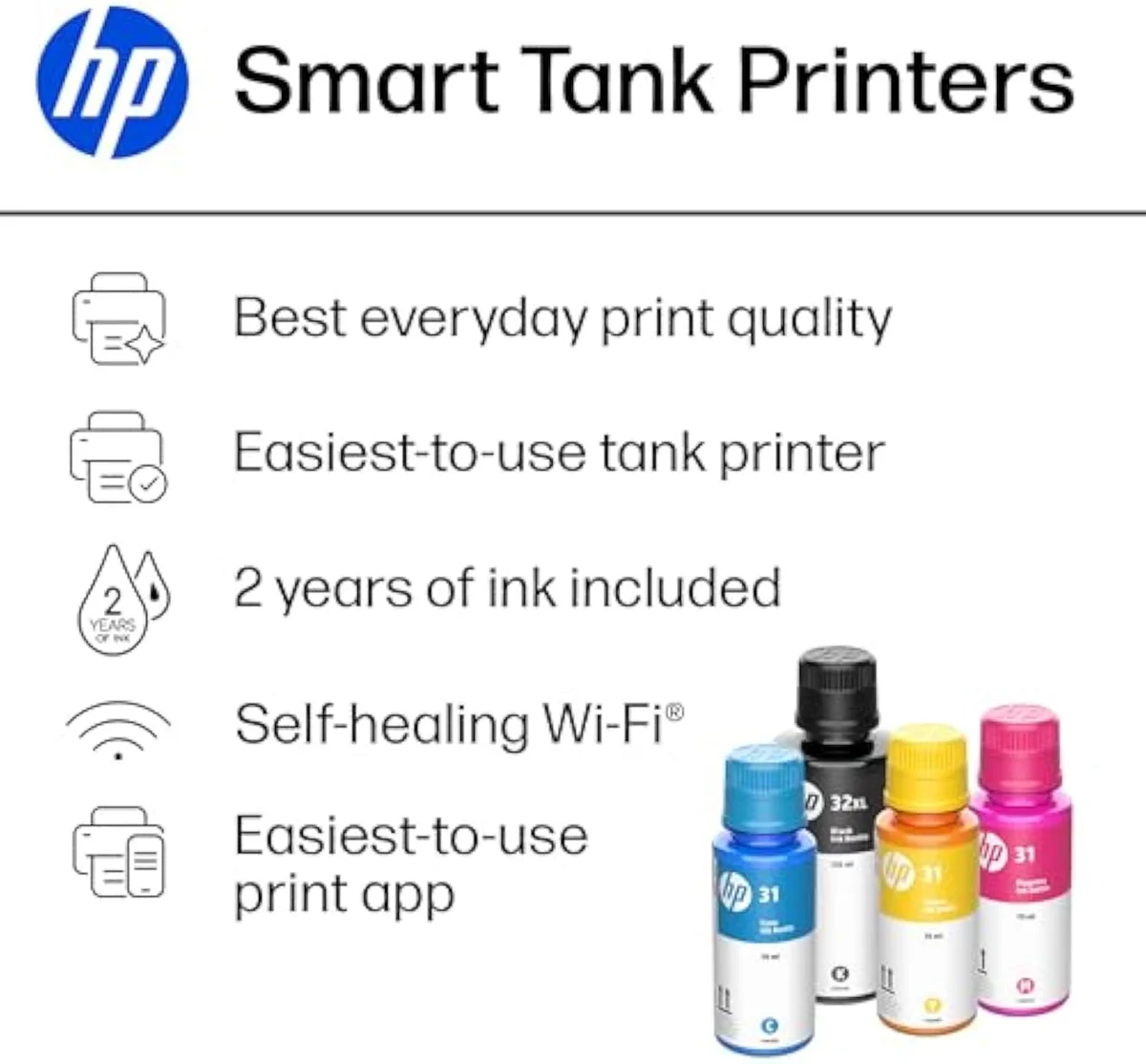
The four HP lines, decoded
HP sells inkjets in four families: the budget DeskJet, the home-photo ENVY, the office OfficeJet Pro, and the refillable Smart Tank. The badge on the box decides your running cost more than the price does — DeskJet and ENVY feed on cartridges, while the Smart Tank pours ink from bottles like a supertank.
The split is the whole story. A DeskJet 2855e and an ENVY use small standard cartridges that the brand rates near 200 pages each, so cost-per-page stays high no matter how cheaply you bought the machine. The OfficeJet Pro adds duplex, an ADF, and faster ISO ppm for documents but still runs cartridges. Only the Smart Tank breaks the model. RTINGS, which has lab-tested 182 printers and scores cost-per-print directly, puts cartridge ink many times dearer per page than bottle ink — the gap the Smart Tank exists to close.
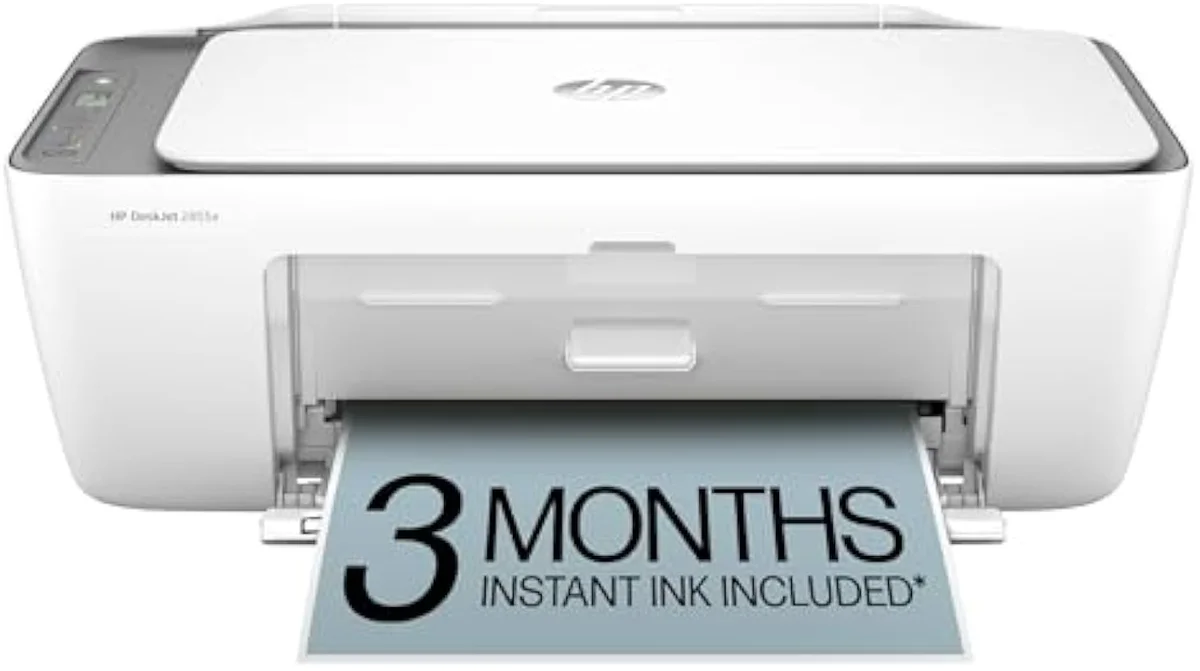
DeskJet
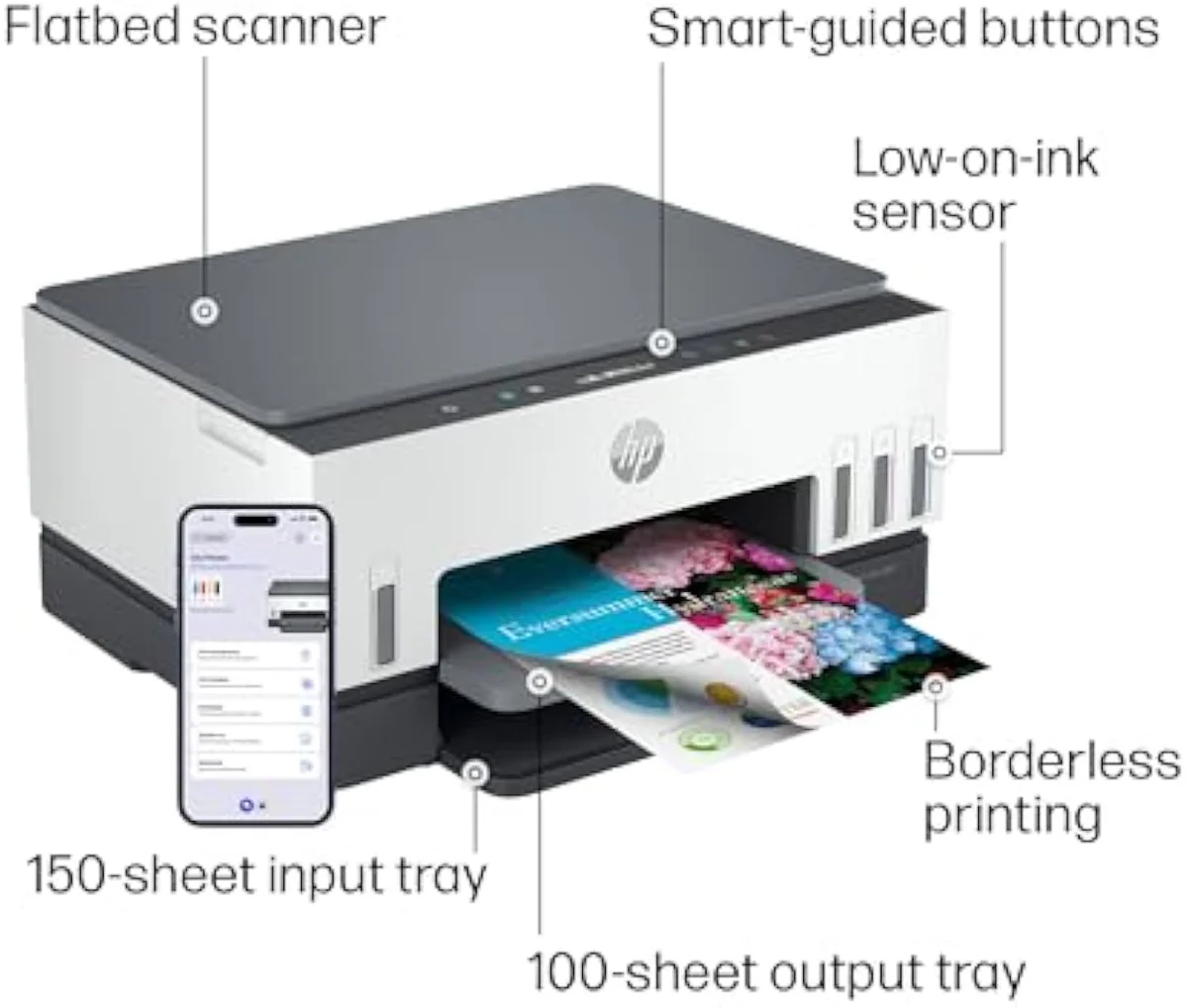
Smart Tank
Read the family name before the sticker. We sort the whole HP catalog and its rivals by exactly this kind of fork in our guide to the printer families and how they're structured.
The DeskJet cartridge tax
A budget HP DeskJet is the textbook case of cheapest-to-buy, dearest-to-own. The machine sells for less than a tank of fuel; the replacement cartridge set can approach the printer's own sale price, and those cartridges run dry near 200 pages.
Plot the cumulative cost of owning a DeskJet against a Smart Tank over two years and the trap is visible. The DeskJet line climbs steeply with every cartridge swap; the Smart Tank starts higher — you pay the supertank buy-in up front — then barely moves, because a Smart Tank 6001 ships enough bottle ink in the box to cover thousands of pages before its first refill. Editorial testing at PCMag rates ink-tank printers the clear long-run value for any household that prints regularly, which is precisely the buyer a cheap DeskJet punishes.
The ink-cost runway
≈ 150 pages a month
This is the whole reason InkVerdict exists: to put running cost next to the price, where the brand pages won't. We break the cartridge-versus-tank decision down across the catalog in our type-versus-type tradeoffs analysis.
Instant Ink is a deal and a trap
Here's the thing: Instant Ink is a monthly subscription, not a requirement. You pay per page printed, HP ships cartridges before you run dry, and for a predictable mid-volume printer it can lower cost-per-page below buying cartridges retail. The convenience is real. HP's own Instant Ink terms tie the cheapest plans to a monthly page allowance, with overage and rollover rules that reward steady, predictable volume — and punish the printer that sits idle.
The trap is the exit. On HP+ models the plan ties into a mandatory HP account, setup nags relentlessly to enroll, and owners report that canceling strips printer features — the machine downgrades the moment you stop paying. That cancellation friction, not the monthly fee, is what drives the "sick of HP" threads we synthesized. We track ink-lock and subscription behavior model by model in our safety and known-risks guidance.
Dynamic Security and your ink
HP's Dynamic Security is firmware that reads each cartridge chip and can refuse non-HP ink. HP has shipped updates that disabled working third-party and refilled cartridges mid-life, and the practice drew a class-action settlement in the United States — the most concrete reason a cost-conscious buyer distrusts the brand. It is one of several recurring HP complaints we break down in the common problems with an HP printer.
The Smart Tank route dodges the whole fight. You refill from HP bottles, so there is no third-party cartridge chip for firmware to block, and aftermarket-ink risk drops to zero. HP's own ink-program history shows the company has leaned harder on subscription and cartridge control over time, not less — so on a cartridge HP, assume you are locked to HP ink.
Where HP still wins
HP is not a brand to write off.
Two things it does better than anyone: casual photo printing and sheer ubiquity. The dye-ink ENVY and ENVY Photo lines lay down saturated, glossy color for snapshots and craft prints at a price no supertank matches. The catch is the cartridge tax and the firmware that comes with it, which we catalog in the common problems with the HP Envy. Shoppers often stall on the near-identical ENVY model numbers, which is why we settle the difference between the HP Envy 6155e and 6165e — the short version is that they are one printer under two store badges.
The ubiquity is the quiet advantage. HP drivers ship with every operating system, its cartridges sit on every drugstore shelf, and AirPrint and HP Smart make first-run wireless setup the smoothest in the category — and Wi-Fi setup is the single loudest one-star complaint across all four major brands, per the owner reviews we synthesized. For a household that prints a few photos and the occasional return label, an ENVY is a defensible buy — we name exactly who that buyer is in our verdict on whether the HP Envy printer is any good. We weigh that against running cost across brands in our inkjet printers evidence hub.
HP also owns the battery-powered corner of the market. The OfficeJet 200 and 250 are the rare printers built to run off a charge in a backpack, and shoppers cross-shopping the pair stall on the same model-number question every time — we settle the difference between the HP OfficeJet 200 and 250 mobile printer, where the whole answer is whether you need to scan and copy on the road.
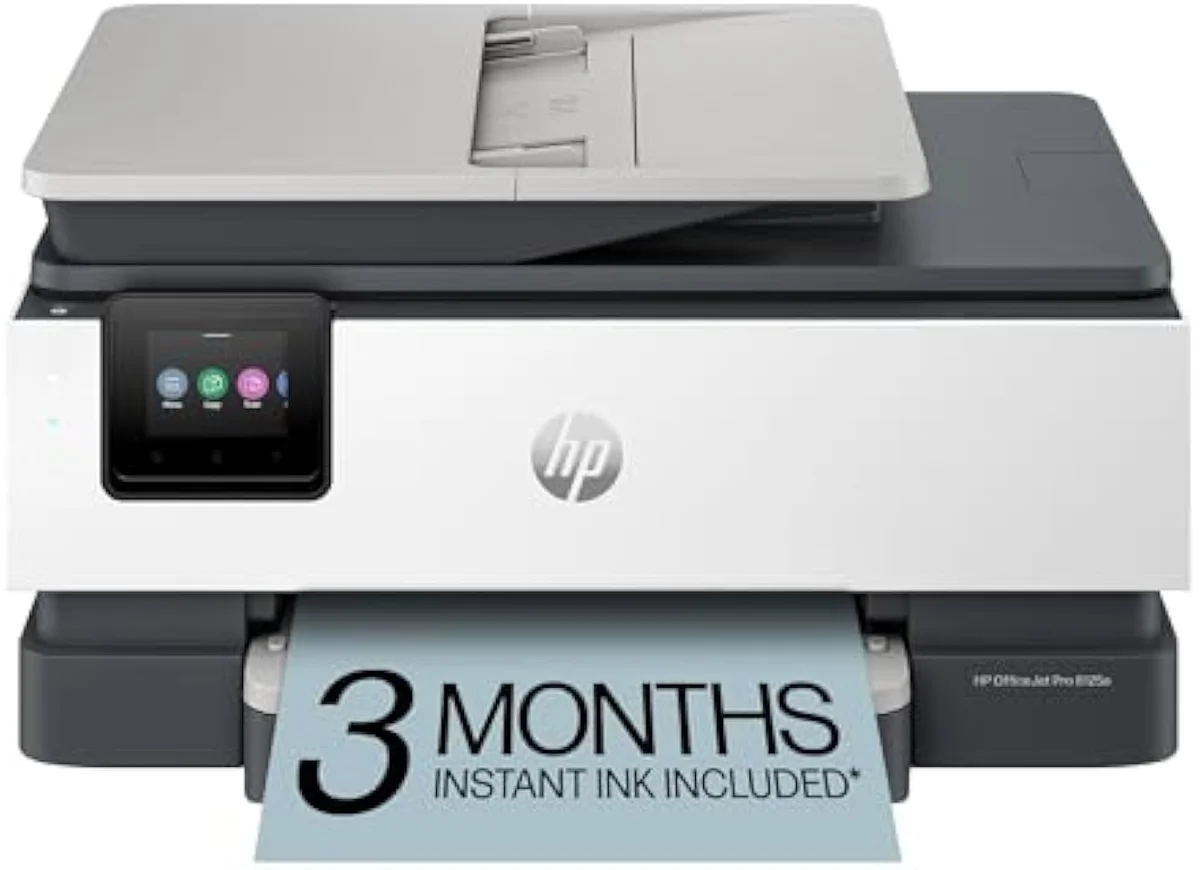
The faster 91xx tier sits above this one and splits the same way internally — a base box and a step-up that adds a second paper tray and a little speed on the identical cartridge lock. If you are weighing those two, our HP OfficeJet Pro 9125e vs 9135e comparison shows exactly what the extra tray buys and who can skip it.
The clog risk every inkjet shares
Every HP inkjet runs liquid ink, so it has the one failure mode lasers do not: the ink dries. Leave the printer idle for weeks and ink sets in the nozzles; the machine clears the clog with cleaning cycles that spend ink on nothing.
RTINGS scores risk-of-clogging as a first-class printer metric because it is the second-loudest owner complaint after running cost. The fix is free and the same for every brand — print something in color at least once a week. The same idle weeks that clog a DeskJet nozzle are what make its small cartridges drain fastest, so regular use protects both the printhead and the cost case at once.
Choosing an HP inkjet
Match the model to your real print diet, then read the family name. Volume decides if the Smart Tank's buy-in is worth it, and the line decides if the cartridge tax and Dynamic Security come with it at all.
Where to start
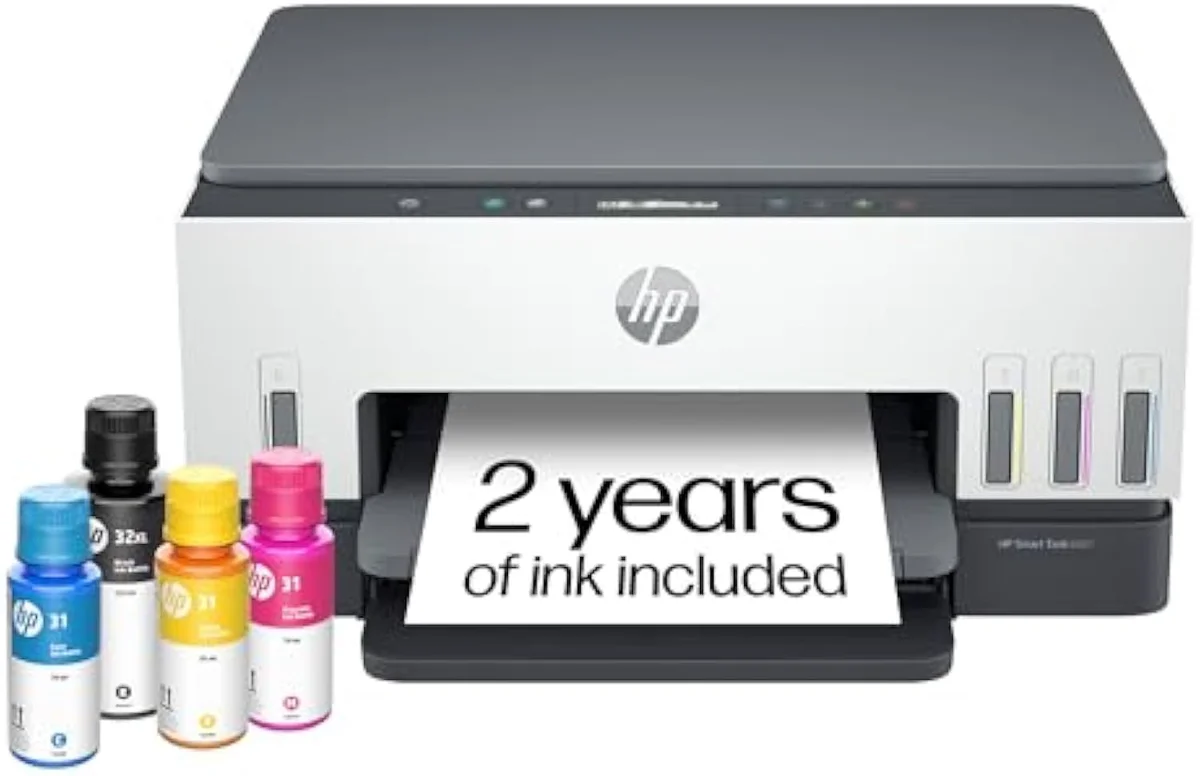
For a steady home that prints weekly, the Smart Tank 6001 is the default HP — bottle ink, no Dynamic Security cartridge block, and a running cost that clears its premium inside the first year. Drop to a cheap DeskJet only if you print rarely and accept the cartridge cost going in, and reach for a dye-ink ENVY when casual photo output matters more than cents-per-page. The model-by-model reasoning lives in our research layer below.
Frequently Asked Questions
HP inkjet printers in one paragraph
HP inkjet printers split into a cheap-to-buy cartridge side — DeskJet, ENVY, OfficeJet Pro — and a cheap-to-feed refillable Smart Tank that answers Epson's EcoTank; the budget DeskJet is the cartridge tax in physical form, running small near-200-page cartridges under Dynamic Security firmware that can reject aftermarket ink, while Instant Ink lowers per-page cost but ties HP+ models to an account that is a known pain to cancel, so the right HP depends on how much you print: the Smart Tank for weekly volume, a cheap DeskJet only for rare use, and a dye-ink ENVY when casual photos beat cost-per-page.
Are HP inkjet printers good?
Some are, some are a trap — the line decides. A cheap HP DeskJet prints fine but feeds on tiny 200-to-300-page cartridges, so it is among the most expensive inkjets to own per page. The Smart Tank line is the opposite — a refillable supertank quoting bottle yields in the thousands of pages. Both wear the same logo; their running costs are not in the same league.
Do you have to subscribe to Instant Ink with HP?
No. Instant Ink is a monthly cartridge-delivery plan, not a requirement, and you can run any HP printer on cartridges you buy outright. The friction is that setup on HP+ models nags hard to enroll, and canceling later is a known headache — owners report the plan downgrading their printer features on the way out. Decline it at setup if you want a printer that just prints.
What is HP Dynamic Security?
It is firmware that checks the chip on every cartridge and can refuse to print with non-HP ink. HP has pushed updates that bricked third-party and refilled cartridges mid-life, which is why "HP rejected my aftermarket ink" is a recurring complaint across owner forums. The Smart Tank line sidesteps the issue — you pour HP ink from a bottle, so there is no third-party cartridge to block.
Which is better, HP or Brother?
For documents without subscription pressure, Brother. It sells an optional Refresh plan but never ships firmware that blocks third-party ink the way HP's Dynamic Security has. HP still wins for casual photo printing on its dye-ink ENVY models and for sheer ubiquity — drivers, cartridges, and AirPrint support are everywhere. Match the brand to the job.
Is the HP Smart Tank worth it?
For a household that prints weekly, yes. The Smart Tank is HP's answer to Epson's EcoTank — a refillable bottle tank, not a cartridge, so a Smart Tank 6001 ships enough ink in the box to cover thousands of pages before a refill. The catch is the higher purchase price; print only a dozen pages a month and that buy-in never pays back.
Why does my HP printer use so much ink?
Two reasons. A budget DeskJet runs small standard cartridges and burns a measurable share of every one on automatic printhead-cleaning cycles, which fire whether or not you print. And if you let it sit idle for weeks, it cleans more aggressively to clear dried nozzles — so light, sporadic use is the worst case for ink cost on any HP cartridge model.
Compare the Top Picks
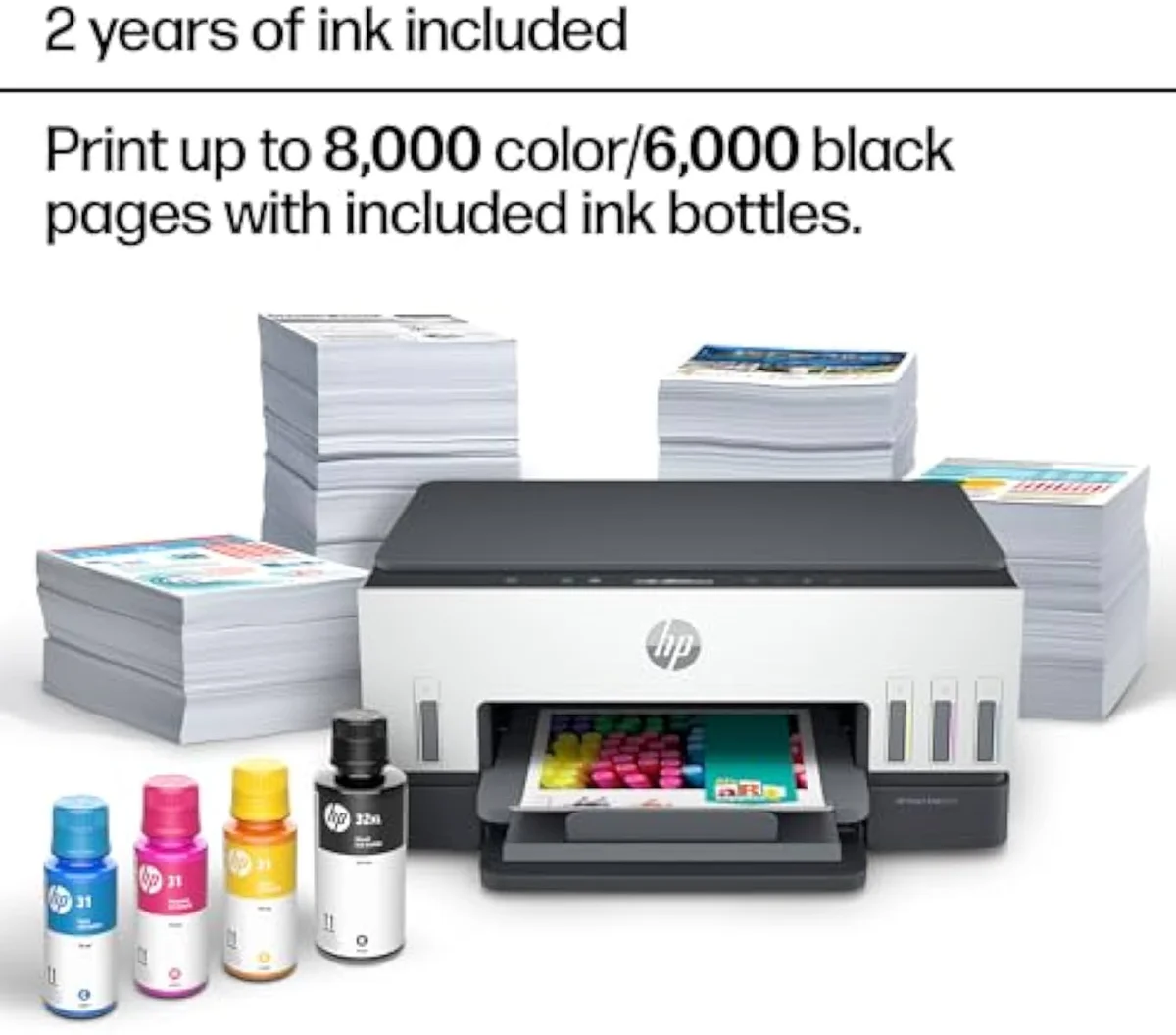
See how the HP Smart Tank 6001 Wireless All-in-One Ink Tank Printer stacks up against the rest of the field.
Keep reading
Two ad-free explainers that take the cost-of-ownership case deeper, model by model:
Sources
Inkjet Printers notes that actually mention the tradeoffs
Occasional updates on inkjet printers evidence, price movement, and buyer-fit changes.
Only when something changes. Unsubscribe anytime.