What is the difference between HP Envy 6155e and 6165e?
Updated
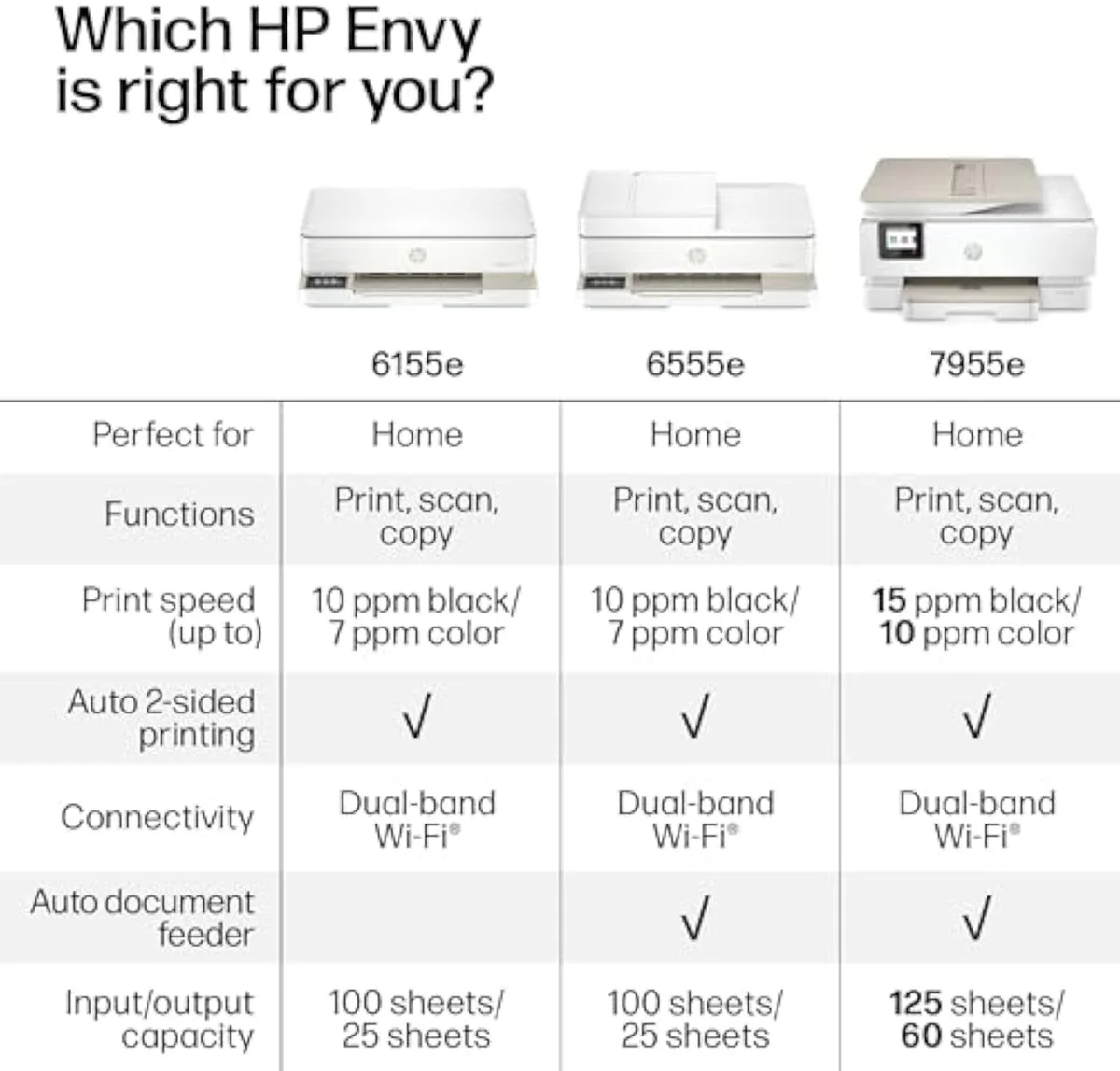
Effectively nothing — and naming that saves you from paying a premium for the higher number. The HP Envy 6155e and 6165e are the same Envy 61xx all-in-one under different retailer and bundle SKUs, sharing the whole printing core:
- Price + stock between the two badges the only real decider
- Cost-per-page — small ink, firmware lock identical on both
- Instant Ink + HP+ push at setup identical on both
- Which bundle / colour the SKU ships cosmetic
- Print / copy / scan / duplex core the same engine
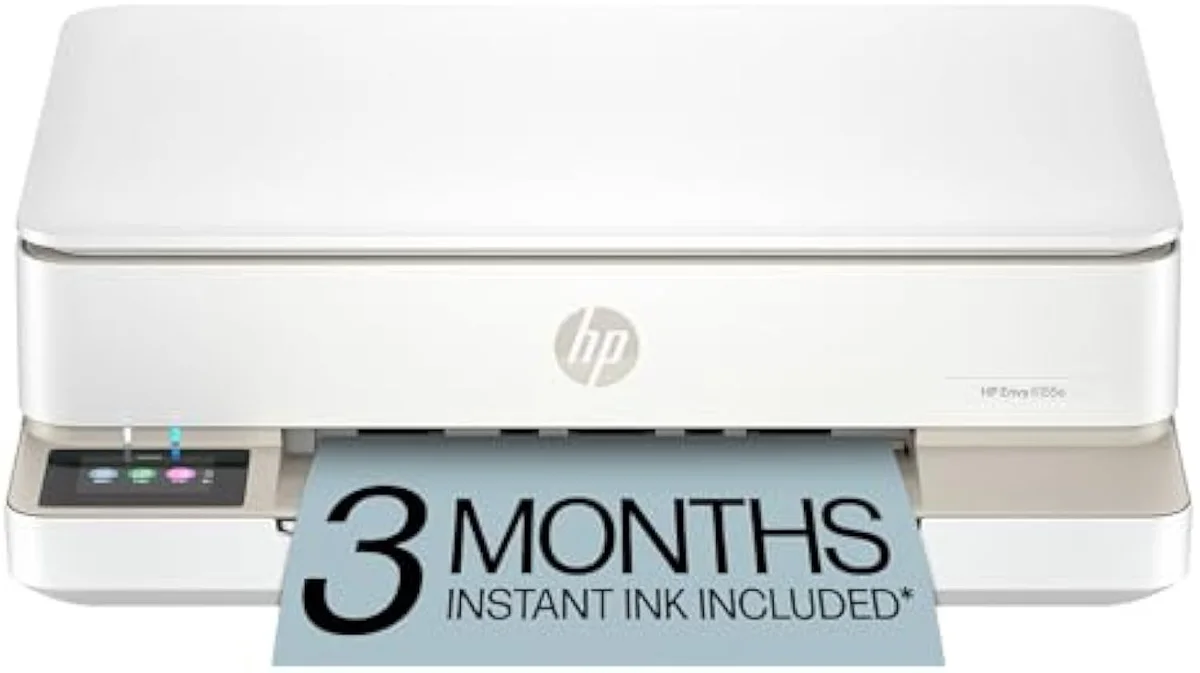
Start with the honest framing, because it changes what you should compare. The 6165e is not a newer or better Envy — it is the same machine wearing a different store badge, differing by colour, bundle, and which retailer stocks it. HP's Envy all-in-one inkjet printer line-up lists the family these badge variants belong to, and the printing hardware underneath is shared. So the cleanest read is to judge either one by the reviewed 6155e and anchor the decision to running cost, not the fourth digit.
The model number on the box is the least useful part of this choice.
The reviewed twin
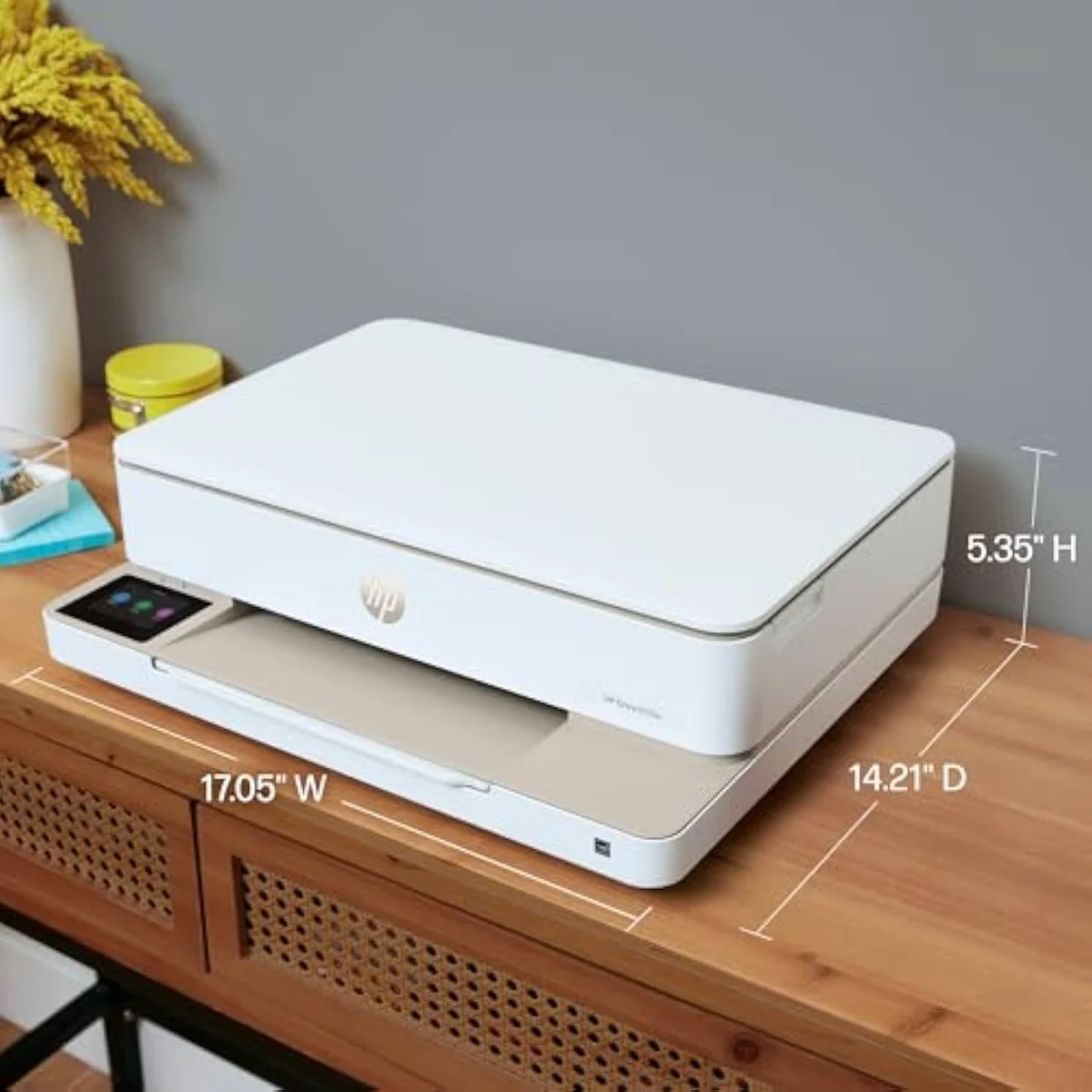
Compact body
What stays the same is everything that matters to how it prints. Both badges run the same engine at
The cost-of-ownership math reaches the same verdict from a different angle. Both SKUs are firmware-locked — HP says it
Is the HP Envy 6155e a good printer?
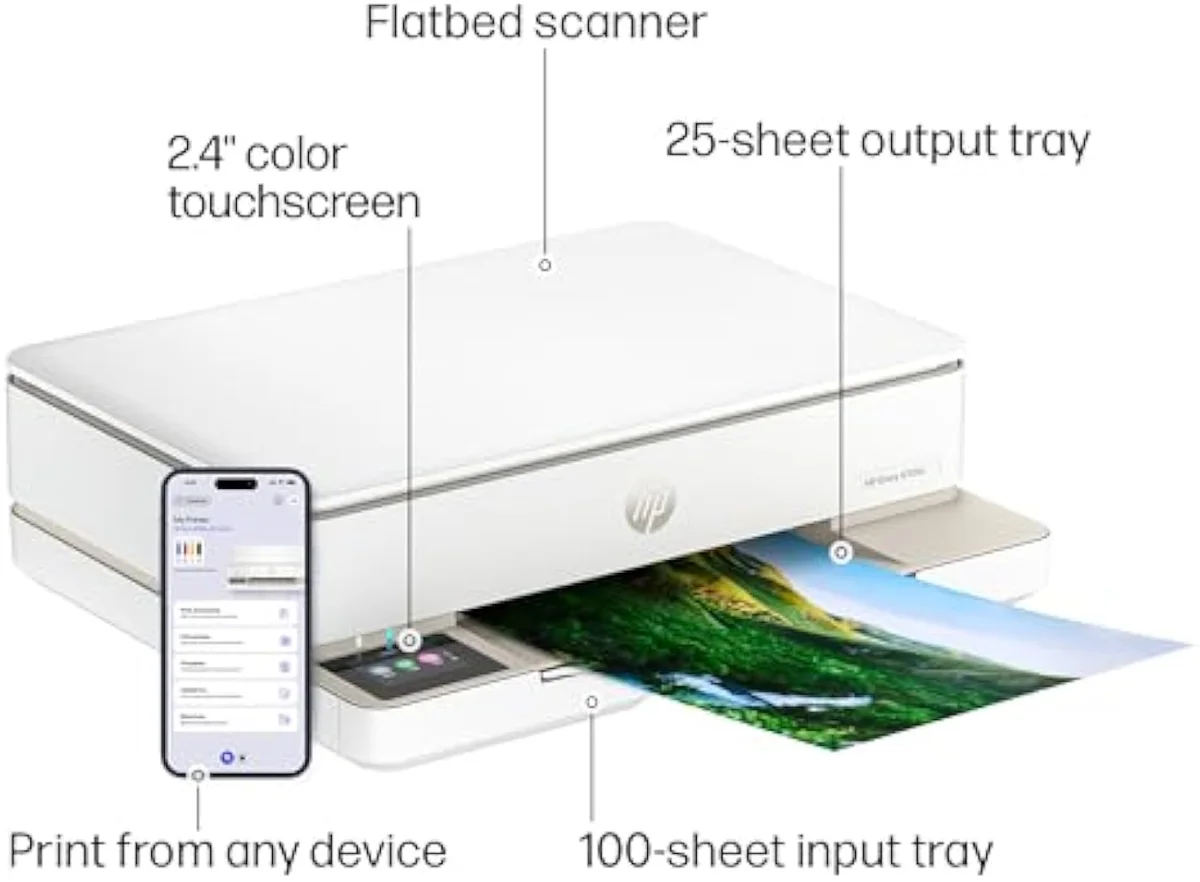
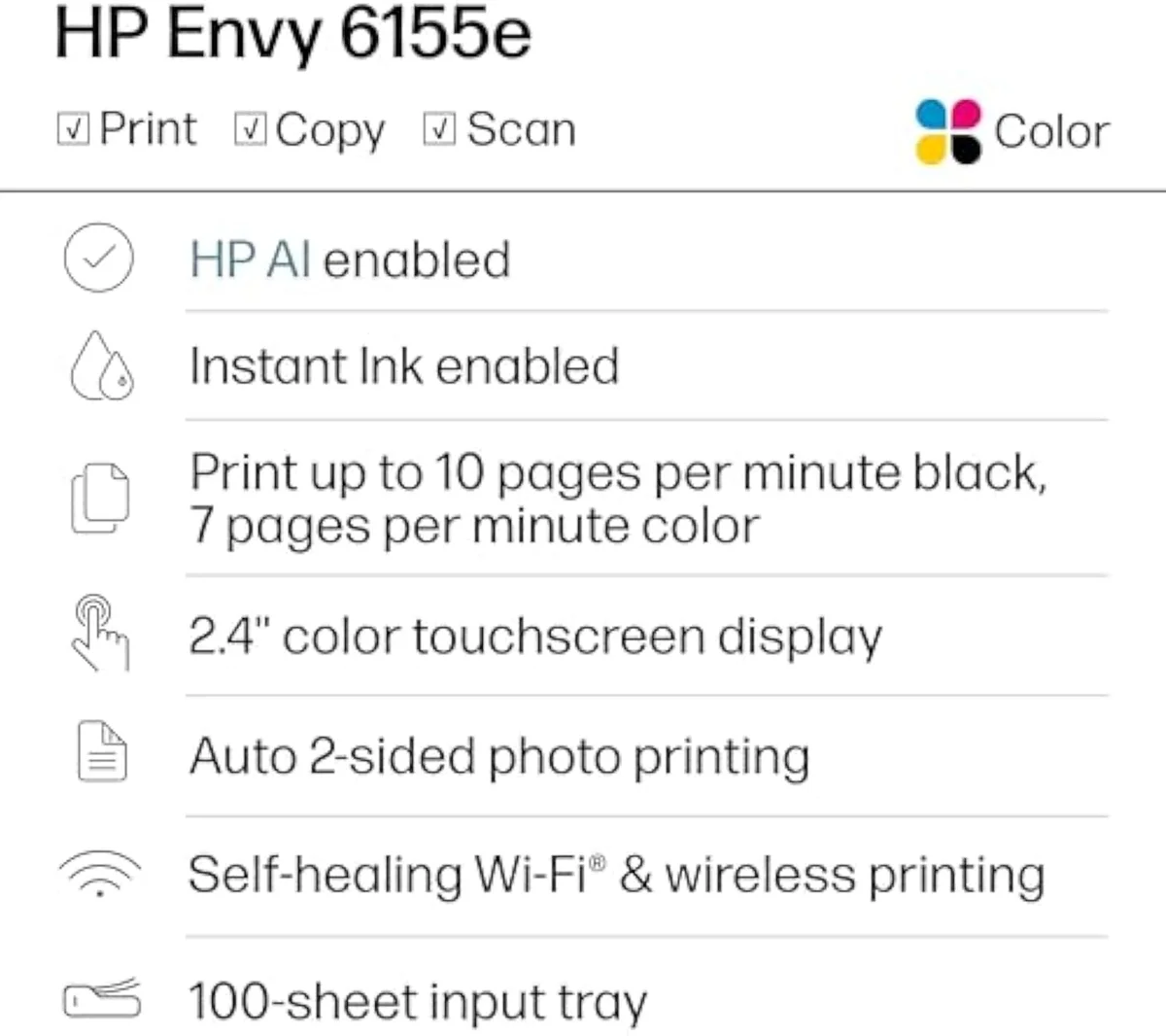
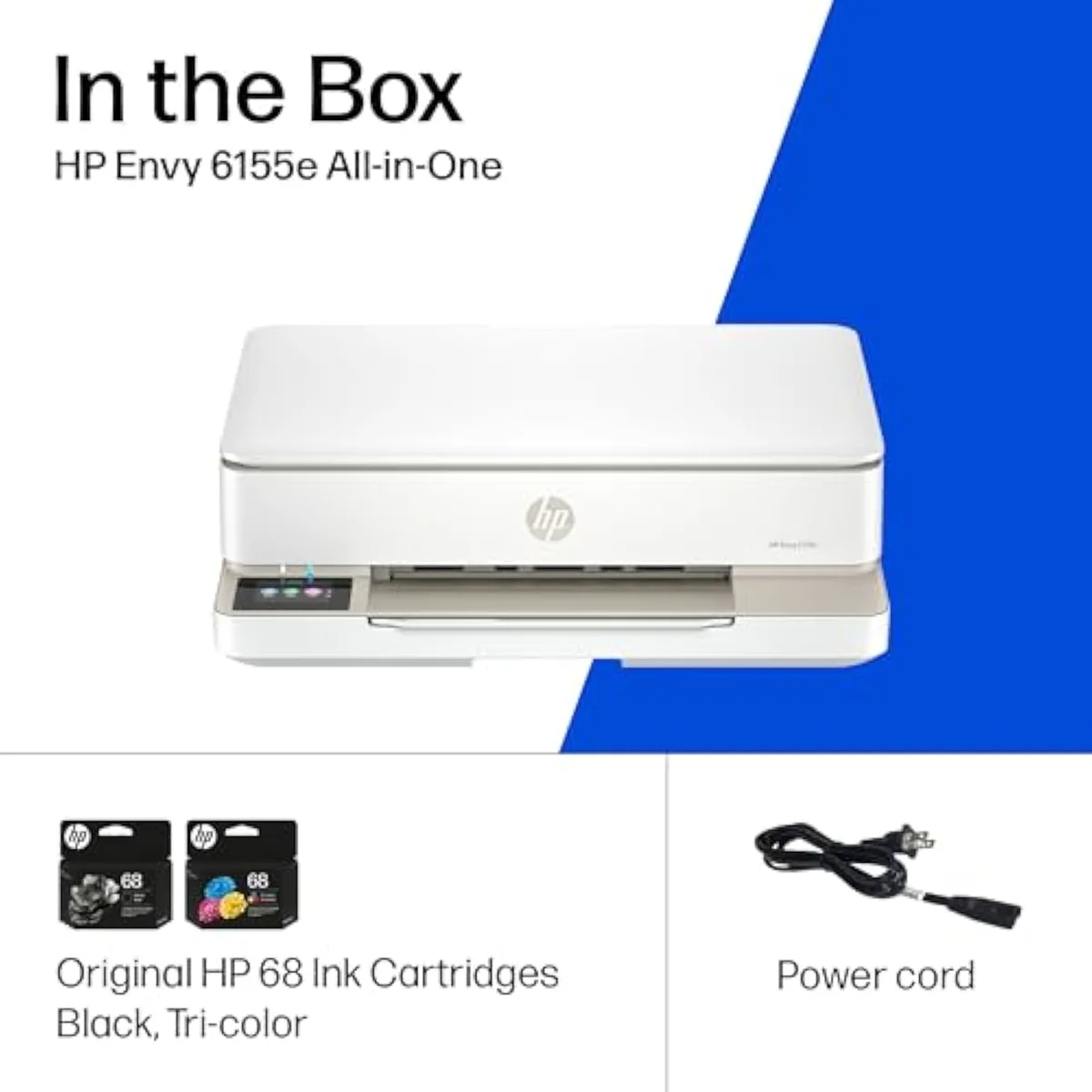
For light home printing, yes — and the 6165e is the same machine, so the verdict carries. It is a competent compact all-in-one that prints, copies, scans and duplexes, with a color touchscreen and decent everyday output. The catch is running cost: firmware-locked cartridges, an Instant Ink push, and small starter ink that make the cheap sticker price an expensive one to feed.
Take the praise and the pushback together, because both are fair and both apply to either badge. On the plus side, one reviewer past setup said simply
Is the HP Envy printer discontinued?
No — the Envy 6155e / 6165e line is current, which is part of why the two SKUs co-exist on shelves. HP sells the same Envy 61xx all-in-one under several retailer and region badges at once, so a buyer often sees both numbers listed new. Stock and price move independently between badges, which is the only practical reason to prefer one digit over the other.
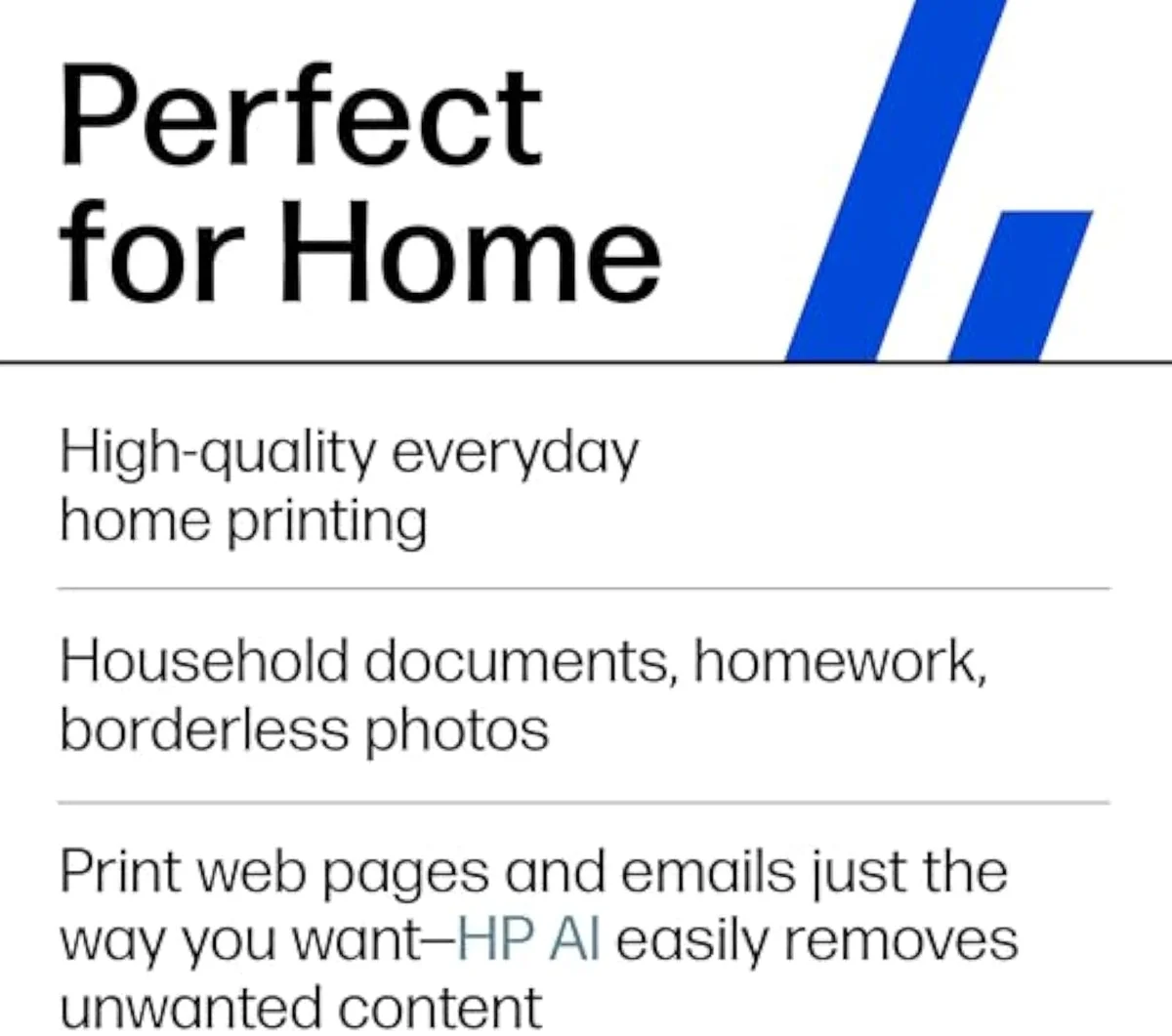
Honestly, the co-existing badges are what spawn this whole question, so it is worth stating plainly. HP runs the same Envy hardware out to different retailers under nearby model numbers, and according to HP's current Envy inkjet printer range the line is active, not retired. Owners cross-shopping the two even surface it in community threads — one asks bluntly whether to "return HP 6165e" after meeting the same Instant Ink setup the 6155e is known for, a reminder that the experience travels between badges. For a cross-shopper the rule is unglamorous: take whichever badge is cheaper and in stock right now, and do not read the higher number as the newer or better machine. The fuller range map lives in our guide to HP inkjet printers.
Color touchscreen
Scan lid
What are the common problems with HP Envy?
Three recur in the owner record, and they hit both SKUs equally. Setup friction is loudest — owners say declining the Instant Ink and HP+ enrollment is deliberately obstructive. Running cost is second: small starter ink and firmware-locked cartridges that refuse cheaper third-party refills. Third is idle clogging — left a month, an HP cartridge head tends to dry out. The print engine itself is rarely the complaint.
The hardware is fine; the terms around it are where it bites — on either badge. The setup gate lands first: one owner reported that
Cartridge bay
Paper tray
It is the setup and the ink, not the spray head, that earn the one-star reviews.
The idle-use failure mode is the third recurring problem, and it is the inkjet tax no HP badge escapes. One longtime owner put the rule starkly:
Can you still use the printer if you cancel HP Instant Ink?
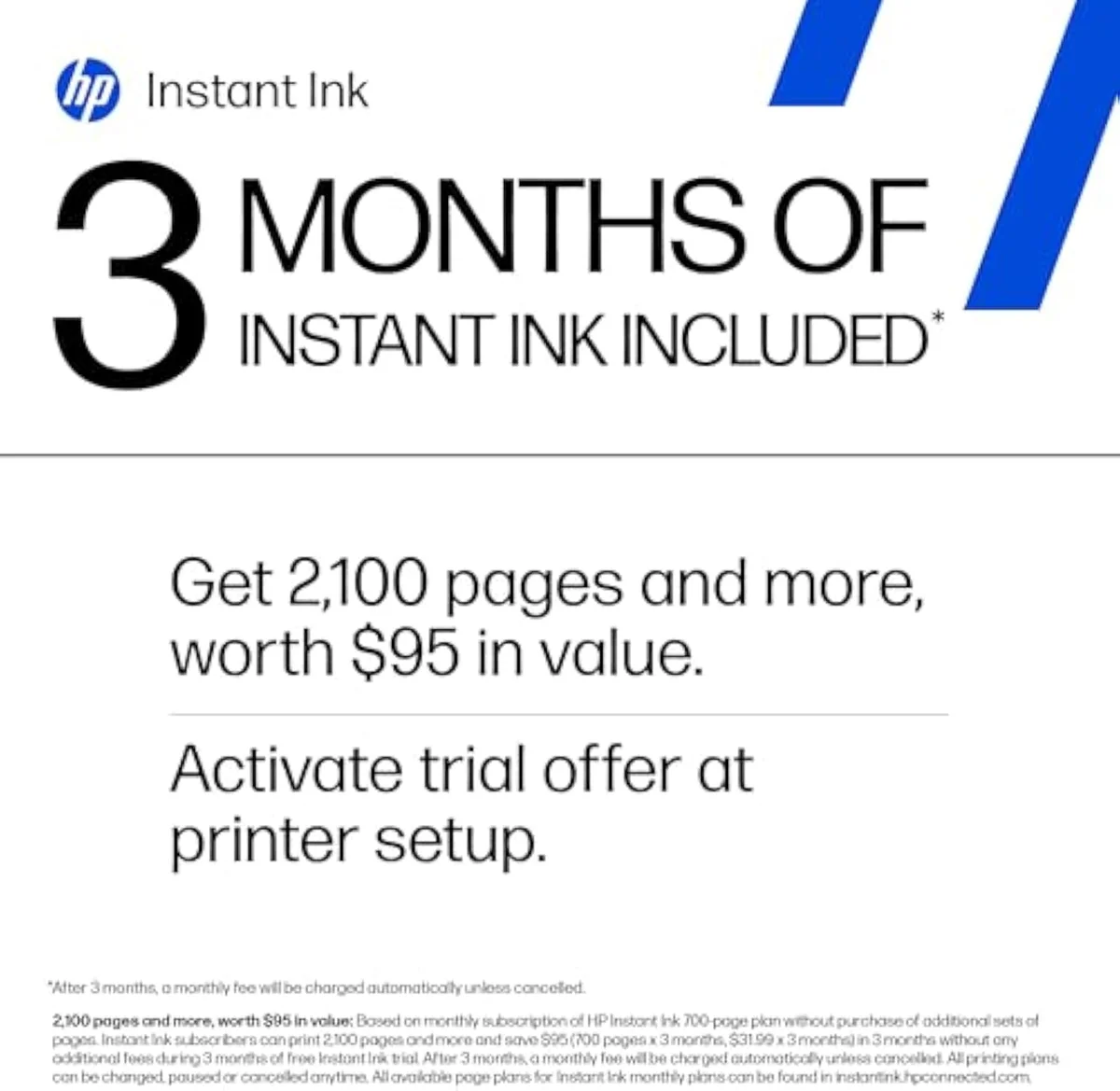
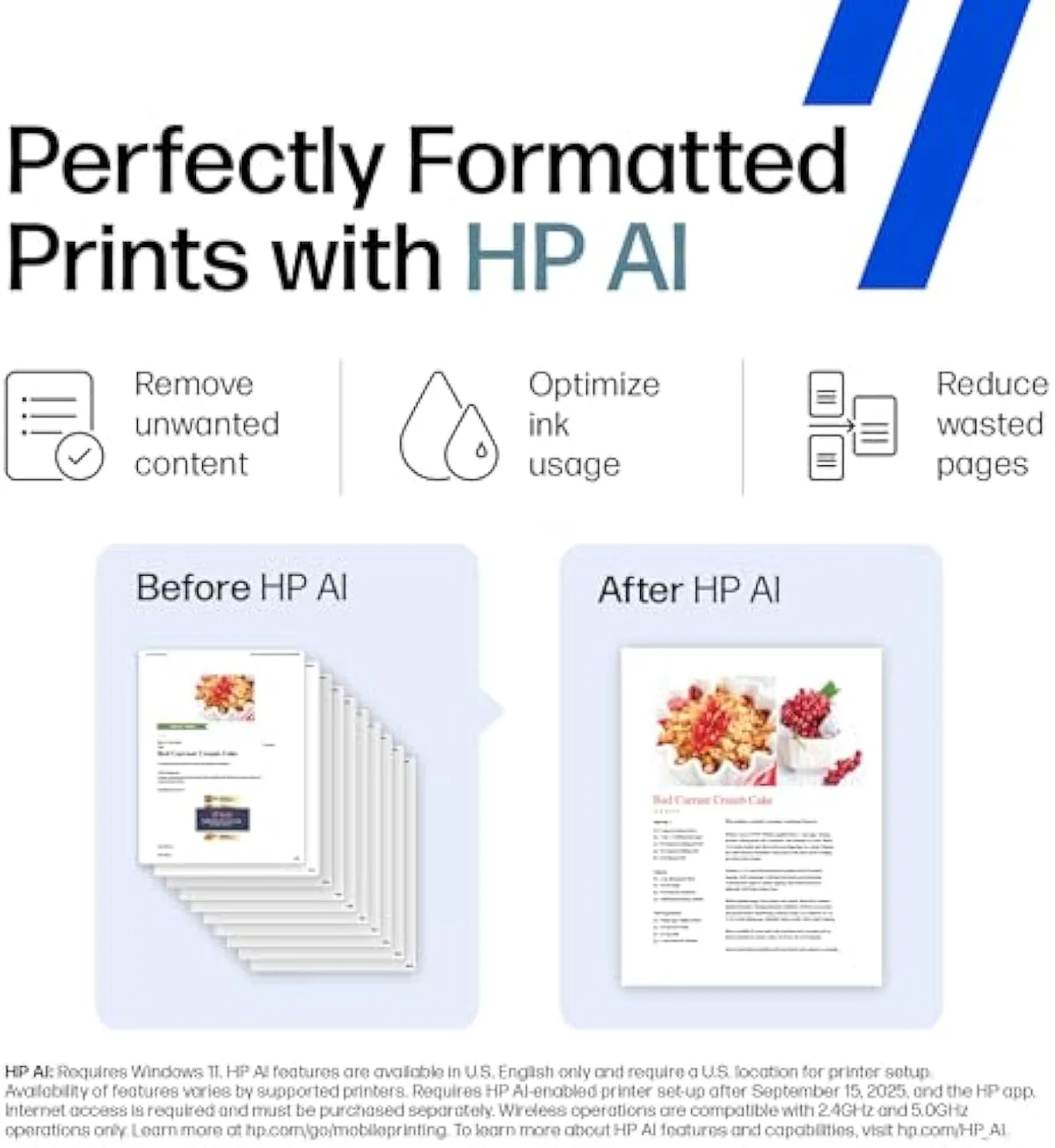
Only with cartridges you own outright. The Instant Ink starter cartridges that ship in the box are tied to the active subscription — cancel and they stop working, so you must swap to standard HP cartridges to keep printing. That lock is identical on the 6155e and 6165e, and it is the term to price in before you accept the trial on an occasional-use printer.
Here's the thing: the trial is the trap, not the cartridges you later buy at the shelf. Owners warn that
Setup screen
Connectivity
So the verdict is blunt, not hedged.
Add it up and the 6155e-versus-6165e question answers itself: there is barely a printer to compare. The two numbers are the same HP Envy 61xx all-in-one wearing different store badges — same engine, same color touchscreen, same auto-duplex, same firmware-locked cartridges, same Instant Ink push. No cost-per-page gap, no feature that reshapes the decision. So the right move is the unglamorous one: buy whichever badge is cheaper and in stock, decline the subscription, and own your ink. And if your real problem is expensive pages rather than which digit to pick, stop comparing badges and buy a cheaper-to-feed machine instead — that one distinction, running cost versus model number, settles every part of this comparison.
Get Our Top 3 Picks
Get our top 3 picks for your budget — one email, then only updates.
Only when something changes. Unsubscribe anytime.
Citations
- [1]"Print speeds up to 7 ppm color, 10 ppm black."https://www.amazon.com/dp/B0D7JS7S2PCaptured June 3, 2026. Verified June 3, 2026.
- [2]"KEY FEATURES – Color print, copy and scan, plus auto 2-sided printing and a 100-sheet input tray"https://www.amazon.com/dp/B0D7JS7S2PCaptured June 3, 2026. Verified June 3, 2026.
- [3]"Print documents and photos that look as vibrant as they do on your screen with HP's P3 technology"https://www.amazon.com/dp/B0D7JS7S2PCaptured June 3, 2026. Verified June 3, 2026.
- [4]"HP'S MOST INTUITIVE COLOR TOUCHSCREEN"https://www.amazon.com/dp/B0D7JS7S2PCaptured June 3, 2026. Verified June 3, 2026.
- [5]"After 3 months, monthly fee applies unless cancelled."https://www.amazon.com/dp/B0D7JS7S2PCaptured June 3, 2026. Verified June 3, 2026.
- [6]"will block cartridges using non-HP chips or circuitry"https://www.amazon.com/dp/B0D7JS7S2PCaptured June 3, 2026. Verified June 3, 2026.
- [7]"our most reliable dual-band Wi-Fi, which automatically detects and resolves connection issues"https://www.amazon.com/dp/B0D7JS7S2PCaptured June 3, 2026. Verified June 3, 2026.
- [8]"Quality of print is great."https://www.amazon.com/dp/B0D7JS7S2PCaptured June 3, 2026. Verified June 3, 2026.
- [9]"This is a nice compact 3 in 1 home printer that does the job for what is was designed."https://www.amazon.com/dp/B0D7JS7S2PCaptured June 3, 2026. Verified June 3, 2026.
- [10]"The blacks are more of a dark gray and the colors are muted."https://www.amazon.com/dp/B0D7JS7S2PCaptured June 3, 2026. Verified June 3, 2026.
- [11]"the barriers one has to get around to decline HP Instant Ink and HP+ are ridiculous."https://www.amazon.com/dp/B0D7JS7S2PCaptured June 3, 2026. Verified June 3, 2026.
- [12]"if you take the program and you cancel, you need to be prepared to change cartridges since the ones provided are now useless"https://www.amazon.com/dp/B0D7JS7S2PCaptured June 3, 2026. Verified June 3, 2026.
- [13]"expensive ink cartridges you will drop $50 for on replacements."https://www.amazon.com/dp/B0D7JS7S2PCaptured June 3, 2026. Verified June 3, 2026.
- [14]"Once you go a month or more of idle time with an HP printer something WILL be wrong with it."https://www.amazon.com/dp/B0D7JS7S2PCaptured June 3, 2026. Verified June 3, 2026.