What are the common problems with HP Envy?
Updated

The HP Envy problems trace to one root cause: HP controls both the ink and the firmware. From that flow the cartridge tax, an Instant Ink subscription that is easy to join and hard to leave, Dynamic Security firmware that
- Cartridge tax — small carts, fast drain the Envy headline
- Instant Ink / HP+ lock-in + cancel trap easy in, hard out
- Dynamic Security blocks third-party ink
- Wi-Fi setup & dropped connection loudest one-star theme
- Streaky prints / idle-clog over time worse on low-use desks
Start with the money, because the Envy is a cartridge machine wearing a photo printer's coat. It sells cheap, then feeds on small cartridges that drain fast — one 6155e owner found the

Envy 6155e
Cartridge bay
The second problem is the subscription, and it is built to be sticky. Registering a 6155e can opt you in without a click —
Third is Dynamic Security, the firmware that reads each cartridge chip. Consumer Reports has tracked HP firmware updates that disabled working third-party cartridges, a practice that drew a class-action settlement in the United States — the most concrete reason a cost-conscious buyer distrusts the Envy. On HP+ "e" Envy models the lock is always on: they
Fourth is connection. Wi-Fi setup is the single loudest one-star theme across the line per the owner reviews we synthesized — one 6155e
What is the most common problem with HP printers?
On the Envy line the loudest single problem is ink cost. The Envy is a cartridge machine, not a refillable tank, so it feeds on small standard cartridges that empty fast — and the firmware blocks the cheaper third-party carts that would soften the bill. Cost-per-page, not print quality, is what most Envy owners end up fighting.
The pattern is consistent, and it is about who controls the ink.
An Envy 6555e owner ran the math out loud —
Is the HP Envy printer discontinued?
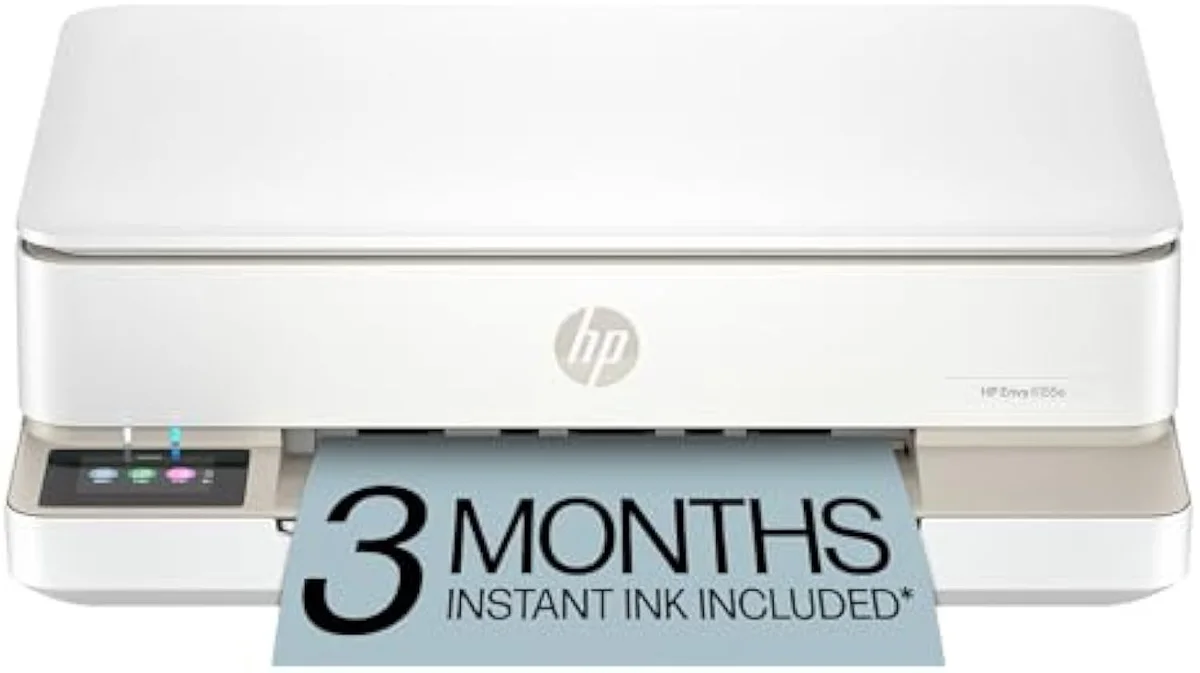
No. HP still sells the Envy as a current line, including HP+ "e" models like the 6155e and 6555e. The "e" suffix is the catch — it marks HP+ enrollment, which bundles an HP account, an Instant Ink trial, and always-on cartridge DRM. The non-subscription Smart Tank line is the cleaner HP route if you want none of that apparatus.
Here's the thing: the "e" model is the most locked printer HP sells, so the confusion is understandable. The same firmware that enforces the subscription is the firmware that blocks aftermarket ink, and on an "e" Envy it is always on — lose internet and the printer can refuse to print. HP has not retired the Envy; it has leaned into the enrolled version. The escape is the family name, not the model year: a Smart Tank drops the account, the subscription nag, and the cartridge block in one move, and our best budget inkjet printers roundup lines up the cost-per-page alternatives if you want out of the Envy entirely.

Control panel
Envy 6155
Are HP Envy printers any good?
For a household that prints weekly and stays inside HP's ink ecosystem, the Envy prints clean documents and decent borderless photos. For a cost-conscious or low-use buyer, it is a hard sell: the cartridge tax, the subscription nag, and the idle-clog risk all push the real running cost well past the sticker. Match it to how you actually print.
So the honest verdict splits by buyer, not by model.
The quality complaints are specific. Some owners get muted output — one reviewer reported
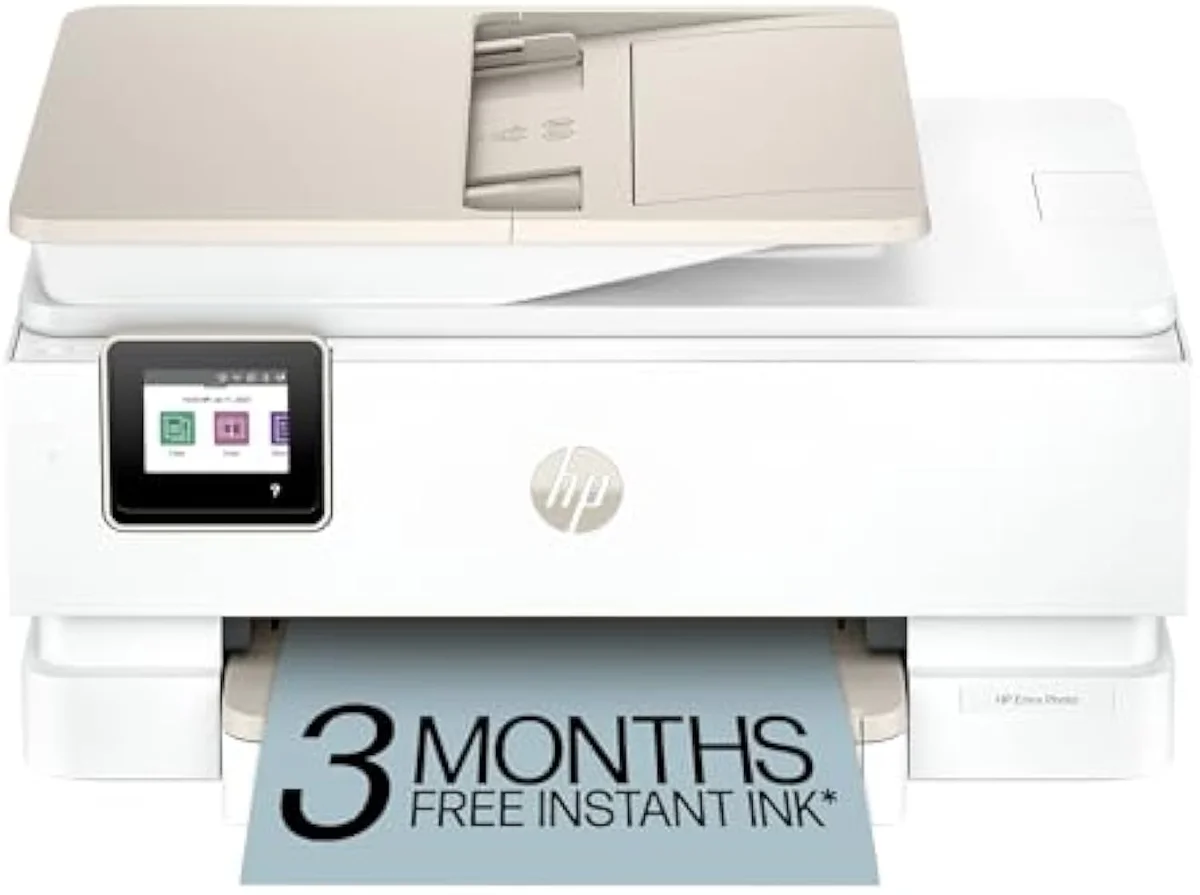
What kind of ink does the HP Envy Photo 7975 use?
The Envy Photo 7975 runs HP's standard tri-color-plus-black cartridge set (65/67-class consumables, sold as standard and XL), not refillable bottles. Even the XL carts are small for a photo-leaning printer, so cost-per-photo stays high, and the same firmware that polices cartridges on the rest of the line applies here too.
Photo printing is exactly where small cartridges hurt most, and the 7975 proves it. One owner found the
Add it up and HP Envy's common problems are one problem wearing five hats: the company controls the ink and the firmware, and that control costs you. The cartridge tax, the Instant Ink lock-in, the Dynamic Security block, the Wi-Fi friction, and the idle streaking all trace back to a business model built on selling ink, not printers. The way out is the same for all five: buy an HP that pours ink from a bottle, or buy a brand that does not police your cartridges. Either choice settles every problem on this page.
Get Our Top 3 Picks
Get our top 3 picks for your budget — one email, then only updates.
Only when something changes. Unsubscribe anytime.
Citations
- [1]"Starter ink is roughly 20 pages and you have to purchase more."https://www.amazon.com/dp/B0D7JS7S2PCaptured June 3, 2026. Verified June 3, 2026.
- [2]"HP Envy 6555e is a cheap cartridge printer, will cost you a kidney in ink replacement"https://www.amazon.com/dp/B0D7KCJT3WCaptured June 3, 2026. Verified June 3, 2026.
- [3]"high print costs with ink that costs like 3x my printer is crazy work."https://www.amazon.com/dp/B0D7KCJT3WCaptured June 3, 2026. Verified June 3, 2026.
- [4]"The included ink cartridges were out of ink just after EIGHT printed pictures"https://www.amazon.com/dp/B0FDL1LS3BCaptured June 3, 2026. Verified June 3, 2026.
- [5]"After 3 months, monthly fee applies unless cancelled."https://www.amazon.com/dp/B0D7JS7S2PCaptured June 3, 2026. Verified June 3, 2026.
- [6]"When you register your printer you are automatically signed up for Instant Ink."https://www.amazon.com/dp/B0D7JS7S2PCaptured June 3, 2026. Verified June 3, 2026.
- [7]"the barriers one has to get around to decline HP Instant Ink and HP+ are ridiculous."https://www.amazon.com/dp/B0D7JS7S2PCaptured June 3, 2026. Verified June 3, 2026.
- [8]"if you take the program and you cancel, you need to be prepared to change cartridges since"https://www.amazon.com/dp/B0D7JS7S2PCaptured June 3, 2026. Verified June 3, 2026.
- [9]"will block cartridges using non-HP chips or circuitry"https://www.amazon.com/dp/B0D7JS7S2PCaptured June 3, 2026. Verified June 3, 2026.
- [10]"They also require online access at all times to print to enforce their cartridge DRM"https://www.amazon.com/dp/B0D7KCJT3WCaptured June 3, 2026. Verified June 3, 2026.
- [11]"The printer drops off the network every day, sometimes more than once"https://www.amazon.com/dp/B0D7JS7S2PCaptured June 3, 2026. Verified June 3, 2026.
- [12]"They appear highly sensitive to band steering and mixed 2.4 GHz/5 GHz environments"https://www.amazon.com/dp/B0D7JS7S2PCaptured June 3, 2026. Verified June 3, 2026.
- [13]"took me three hours to set this printer up and it still will not print."https://www.amazon.com/dp/B0GMKRR64PCaptured June 3, 2026. Verified June 3, 2026.
- [14]"The blacks are more of a dark gray and the colors are muted."https://www.amazon.com/dp/B0D7JS7S2PCaptured June 3, 2026. Verified June 3, 2026.
- [15]"Once you go a month or more of idle time with an HP printer something WILL be wrong with it."https://www.amazon.com/dp/B0D7JS7S2PCaptured June 3, 2026. Verified June 3, 2026.