Is the HP DeskJet 2852e wireless all-in-one color inkjet printer good?
Updated

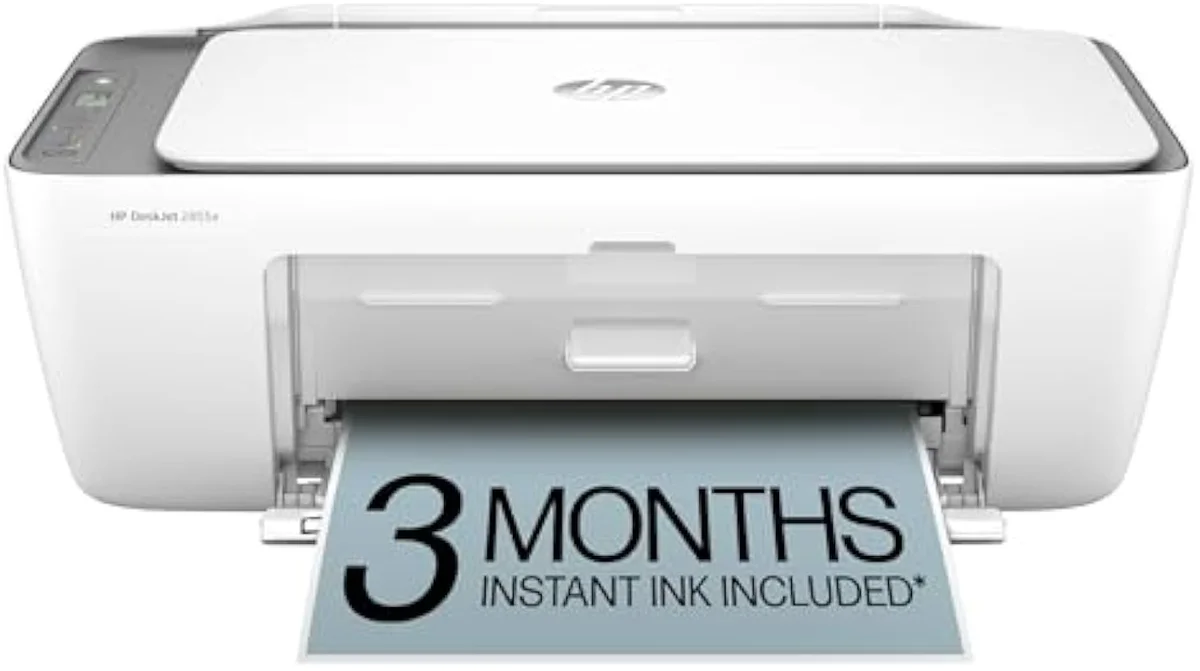
For light home printing, yes — but read it as the HP DeskJet 2855e under a different store badge before you pay. It is a capable cheap colour all-in-one that owners say will
- Cost-per-page — small cartridges, the cartridge tax the real decider
- Instant Ink + HP account lock at setup priced in before you accept
- 2.4 GHz-only Wi-Fi on mesh-router homes a common setup wall
- Idle-clog risk on an occasional-use printer wastes ink on cleaning
- Crisp text + scan/copy for the sticker price the genuine upside
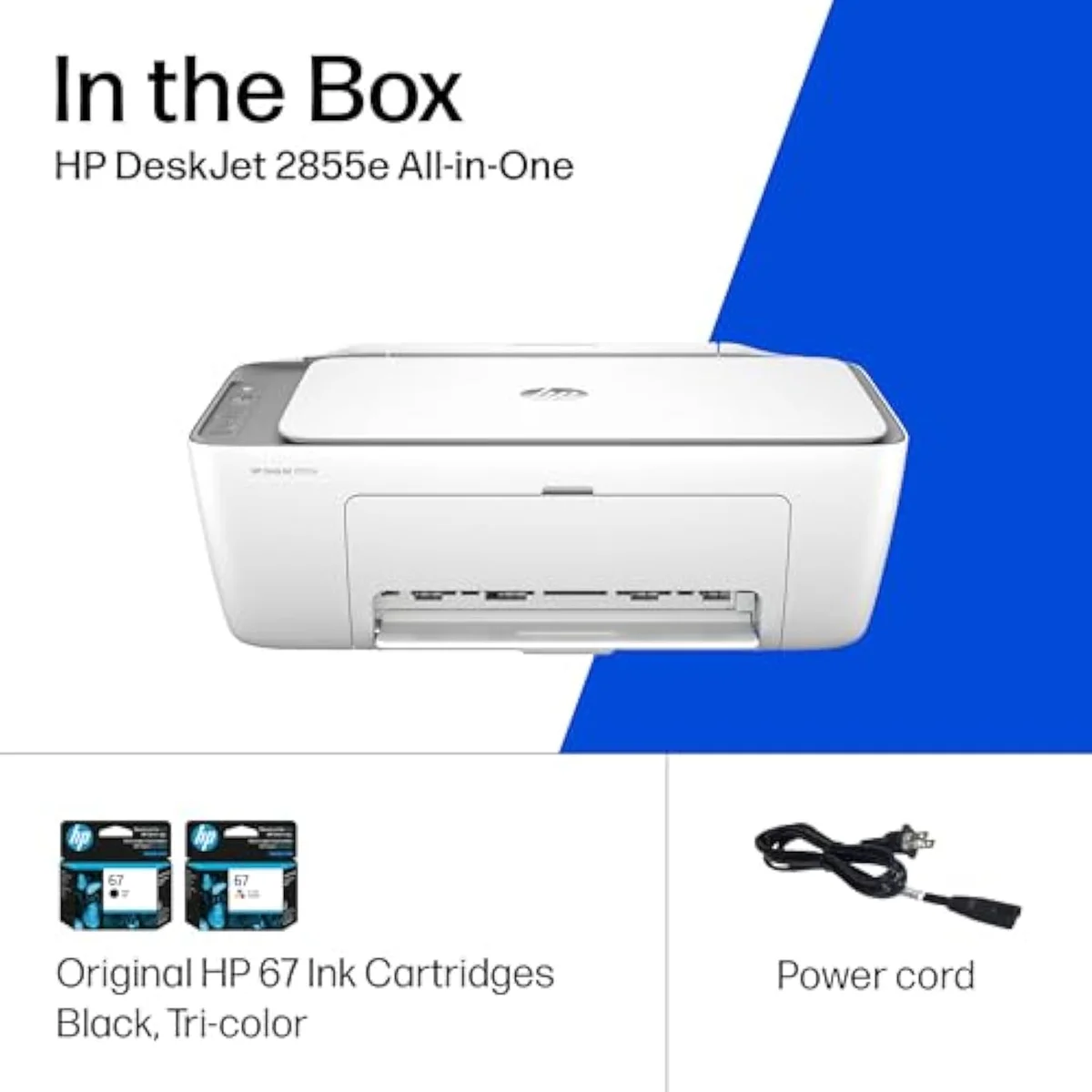
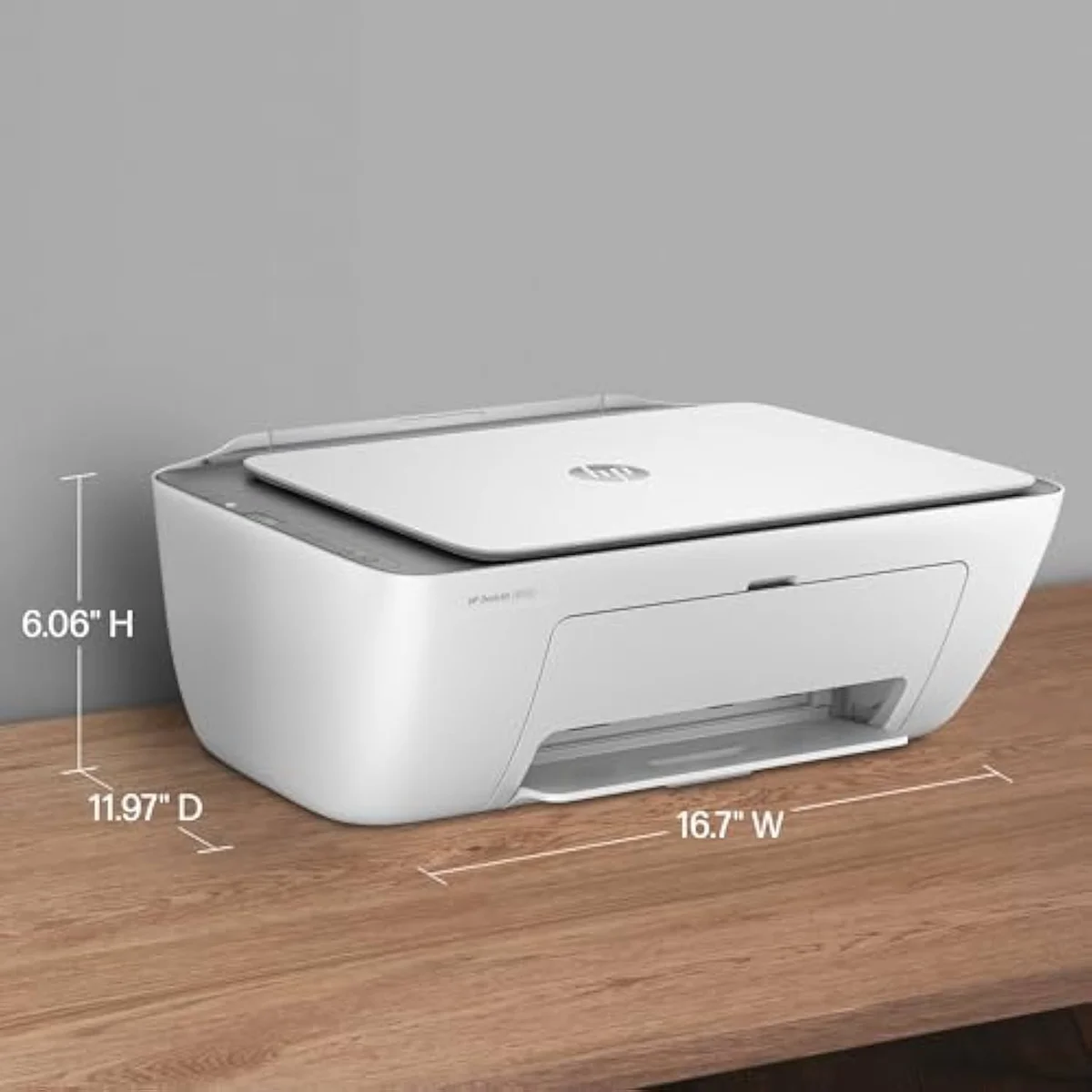
Start with the honest framing, because it changes what you should compare. The 2852e is not a separate product line — it is a retailer variant of the same entry DeskJet all-in-one, differing by colour, bundle, and which store stocks it. HP's DeskJet all-in-one printer line-up lists the family these badge variants belong to, and the printing hardware underneath is shared. So the cleanest read is to judge the machine by its reviewed twin, the 2855e, and anchor the decision to running cost rather than the model digits.
The model number on the box is the least useful part of this choice.
The cost case is the whole story, so name it plainly. A budget DeskJet feeds on tiny tri-colour and black cartridges, and a replacement set can climb toward the printer's own sale price — the pattern owner threads repeat more than any other. RTINGS, which has lab-tested 182 printers and scores cost-per-print directly, puts cartridge ink many times dearer per page than the bottle ink a supertank pours, so the cheapest printer to buy is usually the most expensive one to own. We break that math down across the catalog in our type-versus-type tradeoffs analysis.
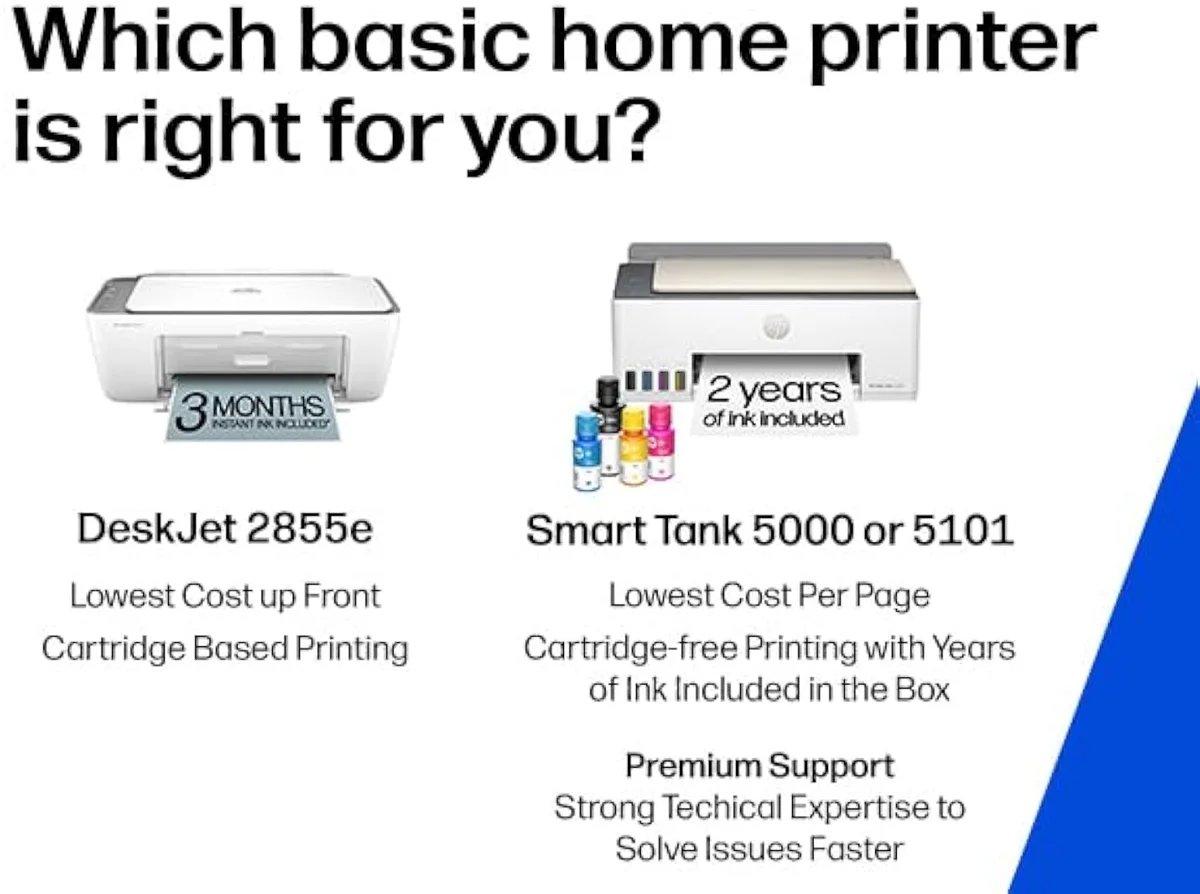
The reviewed twin
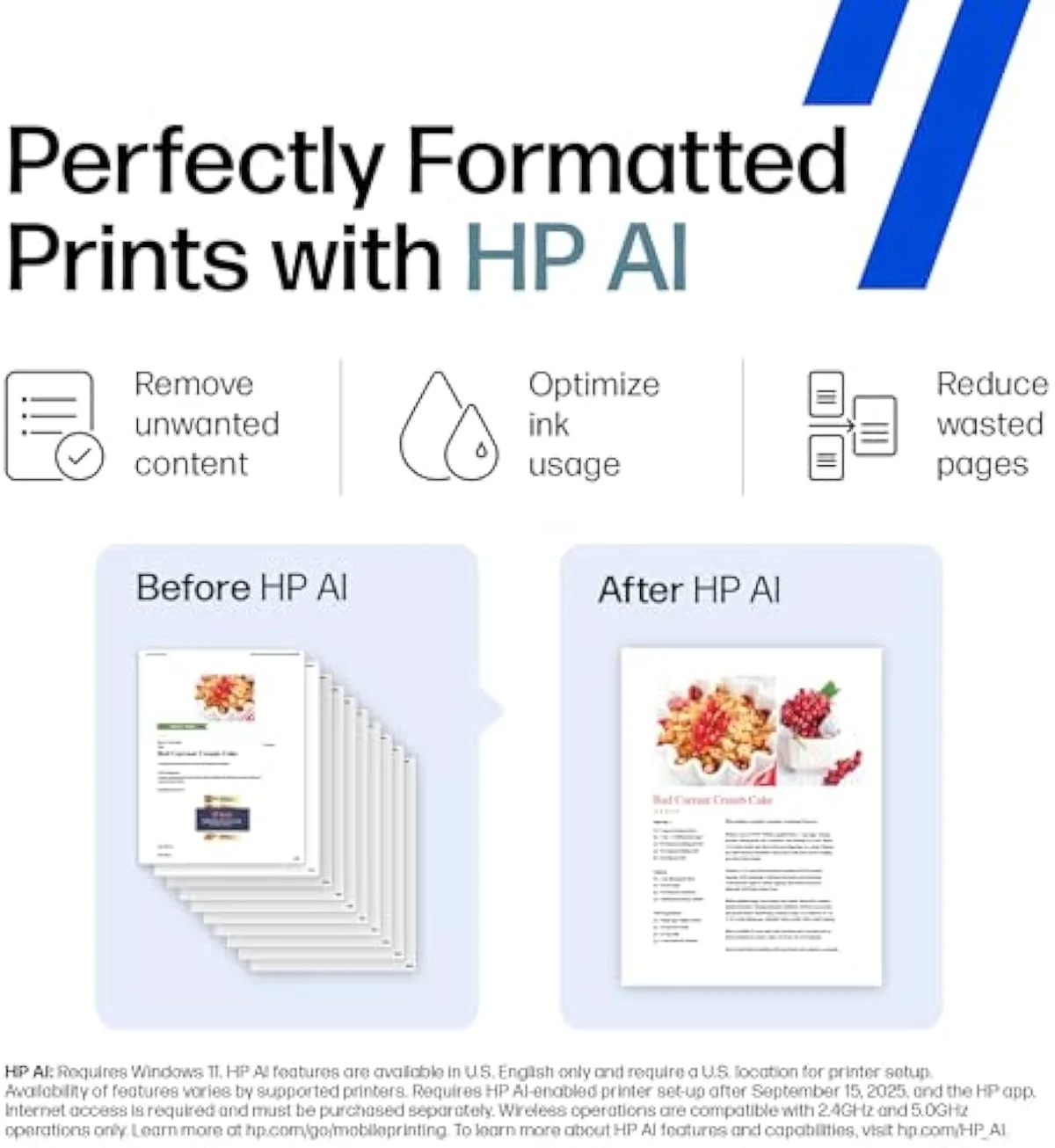
Compact body
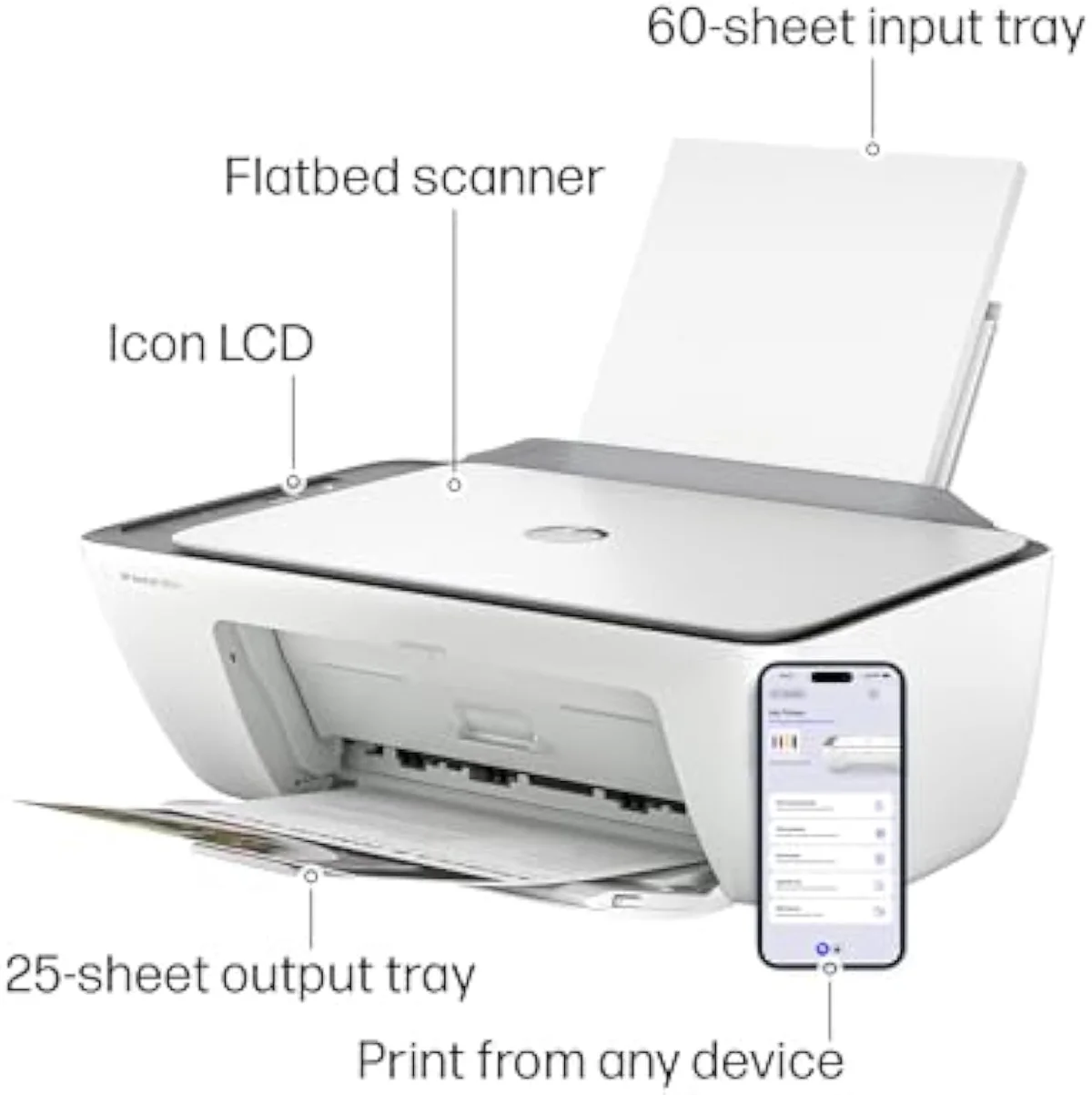
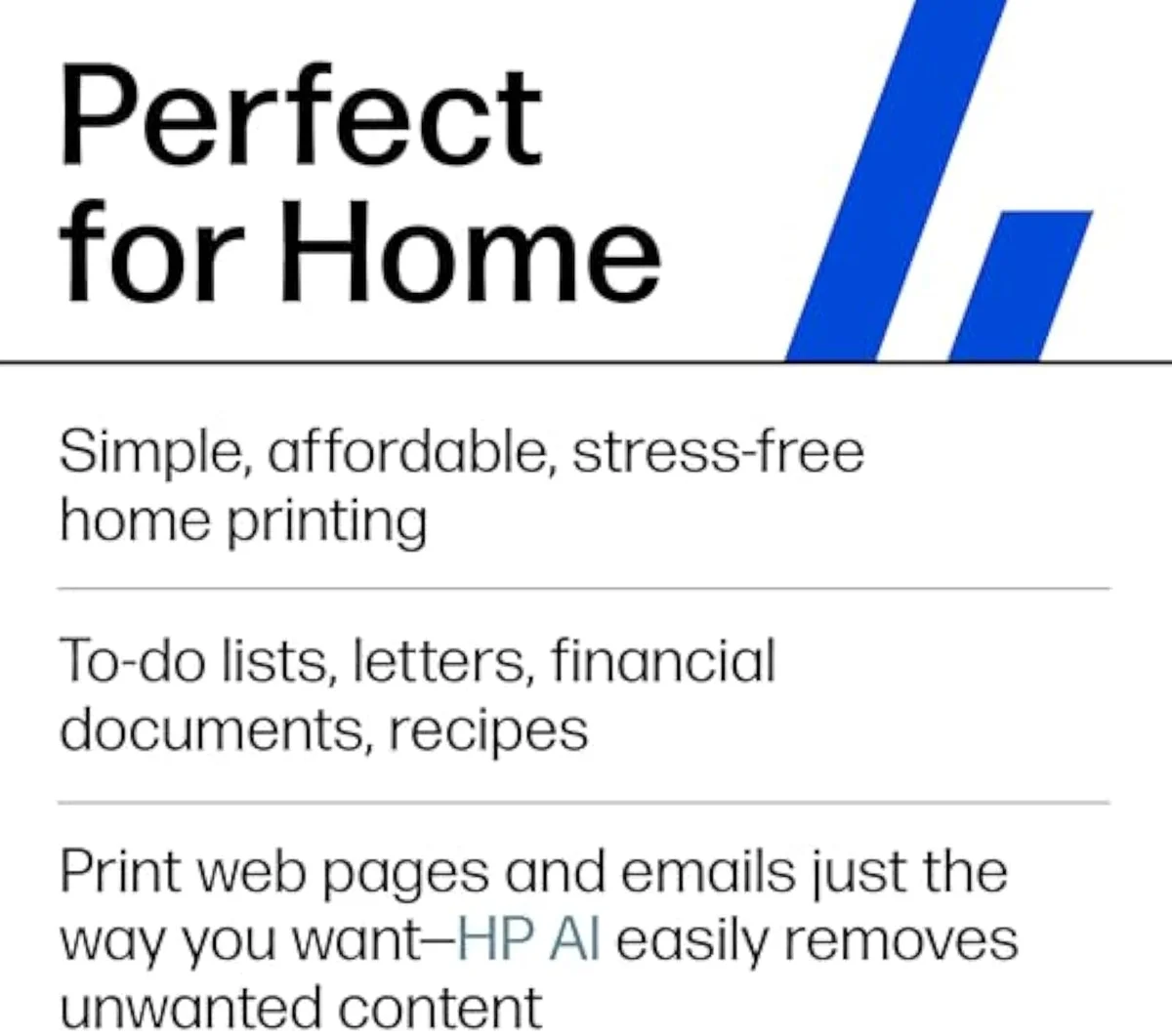
What the machine does well is real, and worth crediting. HP positions it for everyday home work — owners agree it suits
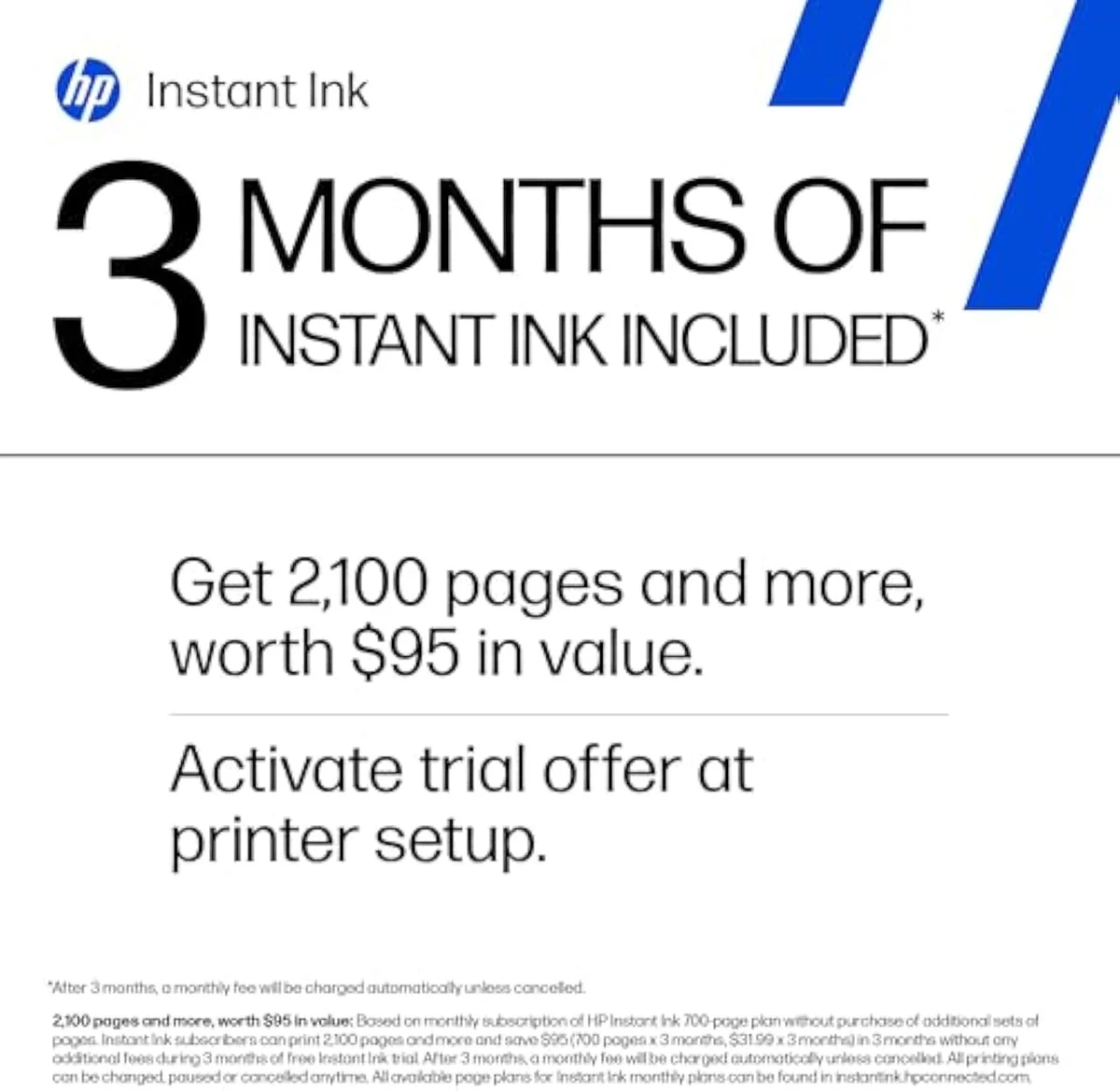
The ink lock is the part to price in before you buy, not after. Setup pushes a three-month Instant Ink trial that
What is the difference between the HP DeskJet 2852e and 2855e?
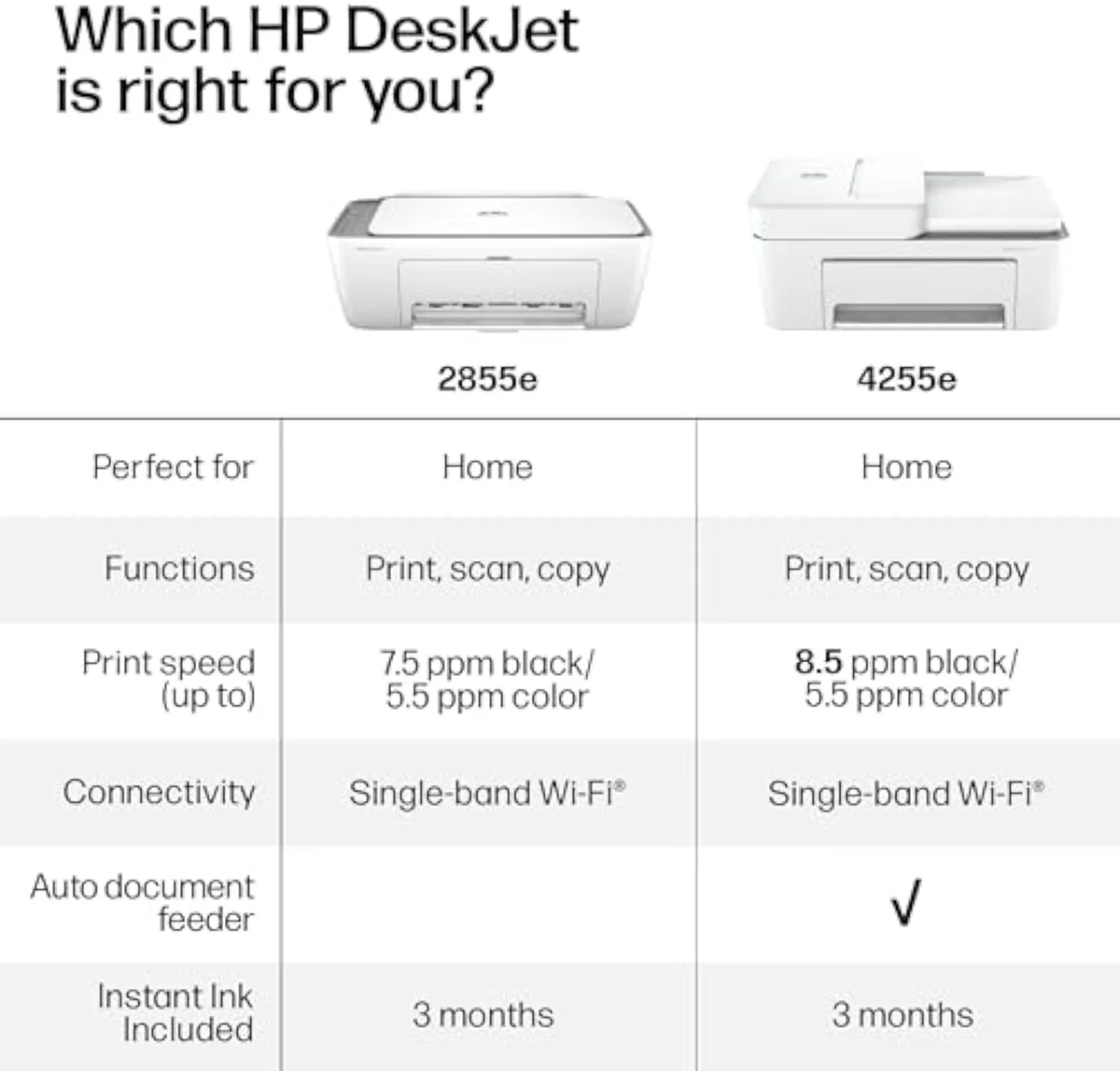
Almost nothing that affects how it prints. The 2852e and 2855e are the same entry DeskJet all-in-one under different retailer SKUs — same compact body, same 2.4 GHz-only Wi-Fi, same small cartridges, same HP+ account and Instant Ink setup. The split is colour, box, and store. There is no cost-per-page gap to weigh, so the reviewed 2855e stands in for both.
Honestly, cross-shopping these two numbers is the wrong frame, so it is worth stating plainly. Both print at
What are the disadvantages of DeskJet printers?
The running cost is the headline disadvantage. A small DeskJet runs on tiny cartridges rated near 100-200 pages, so cost-per-page is high and a replacement set can near the printer's own price — the cartridge tax. The connection caps at 2.4 GHz, setup pushes an HP account and an Instant Ink trial, and idle weeks risk a printhead clog that wastes ink. It is a buy-cheap, pay-later machine.
The downside is not the printing; it is the bill that follows. A budget DeskJet's small tri-colour cartridge drains fast, and the cost-per-page gap against a bottle-fed supertank is the single most-cited complaint in the owner record we synthesized — close to 100% of the running-cost gripes point here, not at print quality. Consumer Reports, which tracks inkjet running cost and owner satisfaction, flags cartridge cost-per-page as the buried number budget shoppers miss at the sticker, and reviewers there put bottle-fed supertanks many times cheaper per page. There is a real upside to set against it — the all-in-one covers scan and copy, and the text output is clean — but for a household that prints weekly, the cheaper-to-own answer is a different machine. We rank the cartridge tax in honestly in our best budget inkjet printers roundup.
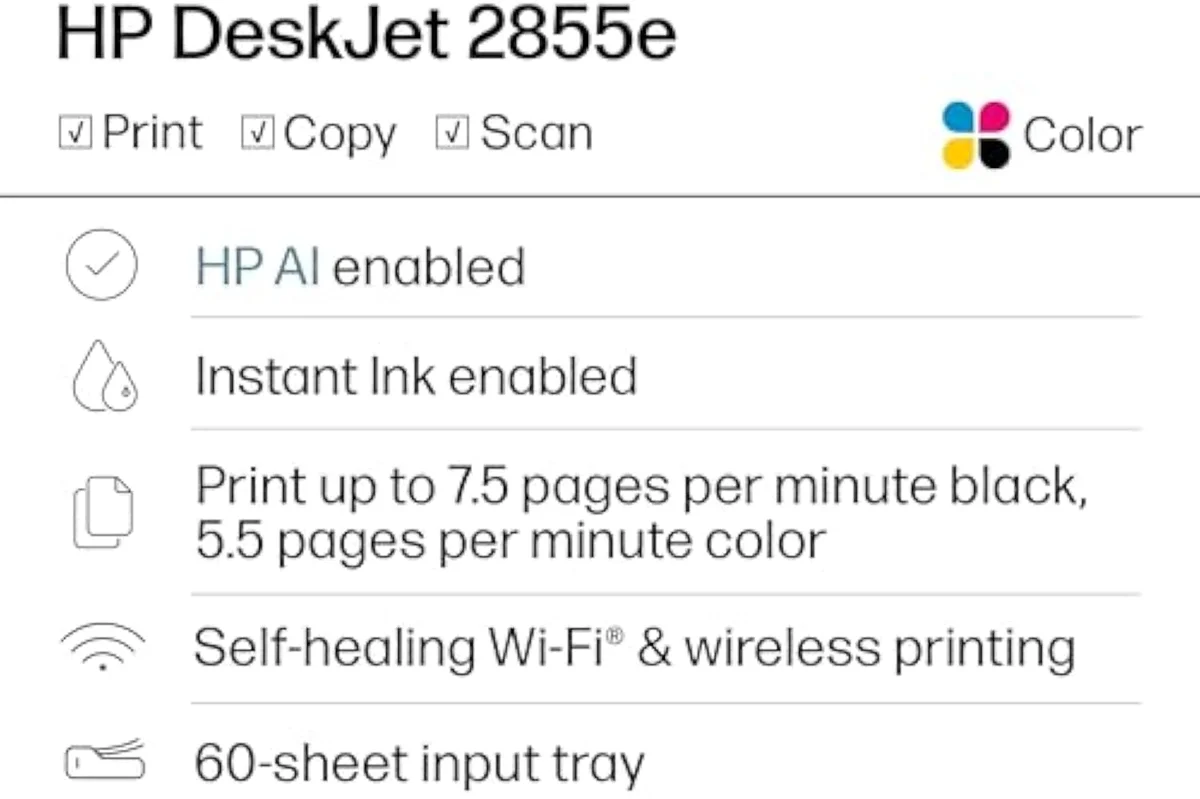
Cartridge bay
Scan lid
What are the common problems with HP DeskJet printers?
Three recur in the owner record. Wi-Fi setup is loudest — the 2.4 GHz-only radio trips up homes on mesh routers, and the app forces an account before it will print. Software friction is second: owners describe being made to sign up for ink services twice. Third is idle clogging, the inkjet problem no brand escapes. The print engine itself is rarely the complaint.
The hardware is fine; the setup is where it bites. One owner put it bluntly —
It is the software, not the spray head, that earns the one-star reviews.
Setup app

Wi-Fi radio
Plenty of buyers clear setup without a hitch, to be fair. One reported that
Can you still use the printer if you cancel HP Instant Ink?
Only with non-subscription cartridges. Instant Ink cartridges stop working the moment the plan lapses — they are tied to the active subscription, not to you. To keep printing after you cancel, you buy standard HP cartridges outright. The trial runs 3 months before it bills, so that is the lock to price in early on the idle, occasional-printing home this DeskJet is built for.
Here's the thing: the trial is the trap, not the cartridges you buy at the shelf. An Instant Ink cartridge is leased — it goes dark when the subscription ends — so the safe move on an occasional-use printer is to decline the plan and run standard cartridges you own. The math is the reason. This DeskJet best suits households that print only a few times a month, exactly the profile HP's Instant Ink plan terms penalise, since low-volume plans still bill monthly whether you print or not. For a light printer, owning the ink beats renting it. The fuller picture of who the machine fits is in our HP DeskJet 2855e review.
Control panel
Paper tray
What's the difference between laser and inkjet printers?
A laser fuses toner powder onto the page; an inkjet like the 2852e sprays liquid ink. Laser wins on fast, cheap mono text at volume and never clogs from sitting idle. Inkjet wins on colour, photos, and a low sticker price, at a higher cost per page on small cartridges. For a home that prints a few black pages a month, a mono laser is often the cheaper long-run answer.
The fork matters here because it can settle the whole decision. A budget colour inkjet like this DeskJet earns its place when you actually need colour — homework, recipes, the odd photo — and it covers scan and copy in one cheap box. But if your printing is mostly black text and the machine sits idle between jobs, the inkjet's two weaknesses bite: high cost-per-page on small cartridges and the clog risk that wastes ink on cleaning cycles. A mono laser dodges both. The honest verdict, then, depends on what you print, not on which is "better" in the abstract — and we weigh that fork in full in our type-versus-type tradeoffs analysis.
Colour inkjet
Output path
So the verdict is not a flat yes.
Add it up and the 2852e question resolves into a buying instruction. The printer is fine — a cheap colour all-in-one that prints clean text, scans, copies, and suits a home that prints only a few times a month — and it is the HP DeskJet 2855e under a different store badge, so judge it by that reviewed twin. The catch is the one this site exists to expose: small cartridges and an Instant Ink push make the cheapest HP to buy an expensive one to own. Buy it only if you print rarely, decline the subscription, and own your ink. For a household that prints weekly, the cheaper-to-own answer sits in the budget roundup, not in a fourth-digit variant.
Get Our Top 3 Picks
Get our top 3 picks for your budget — one email, then only updates.
Only when something changes. Unsubscribe anytime.
Citations
- [1]"KEY FEATURES – Color printing, copy, scan, and a 60-sheet input tray"https://www.amazon.com/dp/B0CT2R7199Captured June 3, 2026. Verified June 3, 2026.
- [2]"Print speeds up to 5.5 ppm color, 7.5 ppm black"https://www.amazon.com/dp/B0CT2R7199Captured June 3, 2026. Verified June 3, 2026.
- [3]"The DeskJet 2855e is perfect for homes printing to-do lists, letters, financial documents"https://www.amazon.com/dp/B0CT2R7199Captured June 3, 2026. Verified June 3, 2026.
- [4]"After 3 months, monthly fee applies unless cancelled"https://www.amazon.com/dp/B0CT2R7199Captured June 3, 2026. Verified June 3, 2026.
- [5]"This printer is only 2.4 ghz capable."https://www.amazon.com/dp/B0CT2R7199Captured June 3, 2026. Verified June 3, 2026.
- [6]"The printer itself is completely fine, but the program written by HP is a complete mess."https://www.amazon.com/dp/B0CT2R7199Captured June 3, 2026. Verified June 3, 2026.
- [7]"The printer does have an Ethernet port (cable NOT provided) but the setup app only offered"https://www.amazon.com/dp/B0CT2R7199Captured June 3, 2026. Verified June 3, 2026.
- [8]"THEY MAKE YOU SIGN UP FOR INK SERVICES 2 TIMES, YOU NEED TO MAKE AN ACCOUNT"https://www.amazon.com/dp/B0CT2R7199Captured June 3, 2026. Verified June 3, 2026.
- [9]"Setup was quick and easy, print quality is great, and the Wi-Fi connection works perfectly."https://www.amazon.com/dp/B0CT2R7199Captured June 3, 2026. Verified June 3, 2026.
- [10]"Text documents come out crisp, sharp, and perfectly legible"https://www.amazon.com/dp/B0CT2R7199Captured June 3, 2026. Verified June 3, 2026.
- [11]"As a homeschooling parent, the HP DeskJet 2855e has been a very helpful addition to our"https://www.amazon.com/dp/B0CT2R7199Captured June 3, 2026. Verified June 3, 2026.
- [12]"Great printer for someone who only uses it a few times a month."https://www.amazon.com/dp/B0CT2R7199Captured June 3, 2026. Verified June 3, 2026.