What is the common problem of an HP printer?
Updated

The most common HP printer problem is cost and control of the ink: small cartridges that drain fast, Instant Ink subscriptions that are easy to join and hard to leave, and Dynamic Security firmware that can
- Cartridge cost — the cartridge tax the headline complaint
- Instant Ink / HP+ subscription lock-in easy to join, hard to cancel
- Dynamic Security firmware blocks third-party ink
- Wi-Fi setup friction loudest one-star theme
- Mid-job reliability / errors a smaller but real gripe
The pattern is consistent, and it is about money. A cheap HP DeskJet sells for less than a tank of fuel, then feeds on small standard cartridges rated near 200 pages, so cost-per-page stays high no matter how cheaply you bought the machine. RTINGS, which has lab-tested 182 printers and scores cost-per-print directly, puts cartridge ink many times dearer per page than bottle ink — which is why the cartridge tax tops every HP complaint list. We break the cartridge-versus-tank math down across the catalog in our type-versus-type tradeoffs analysis.
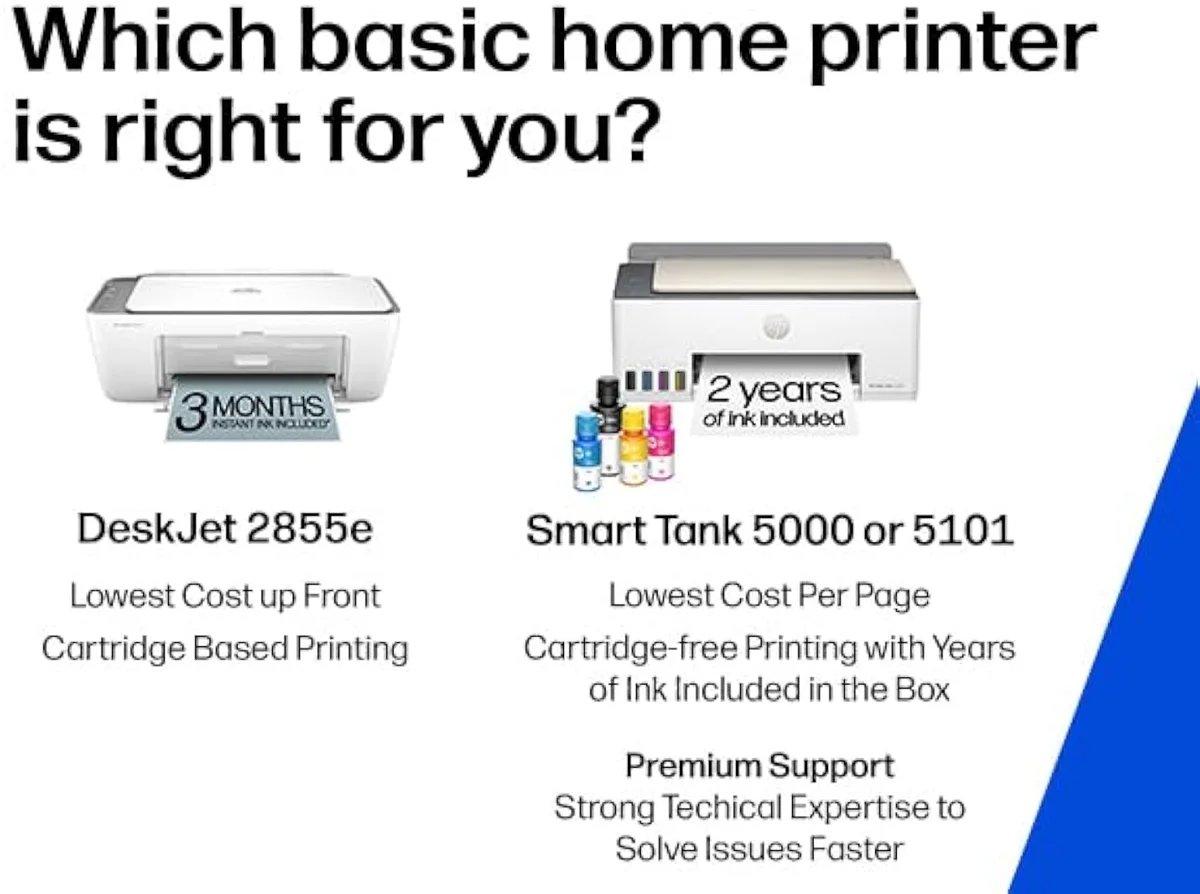
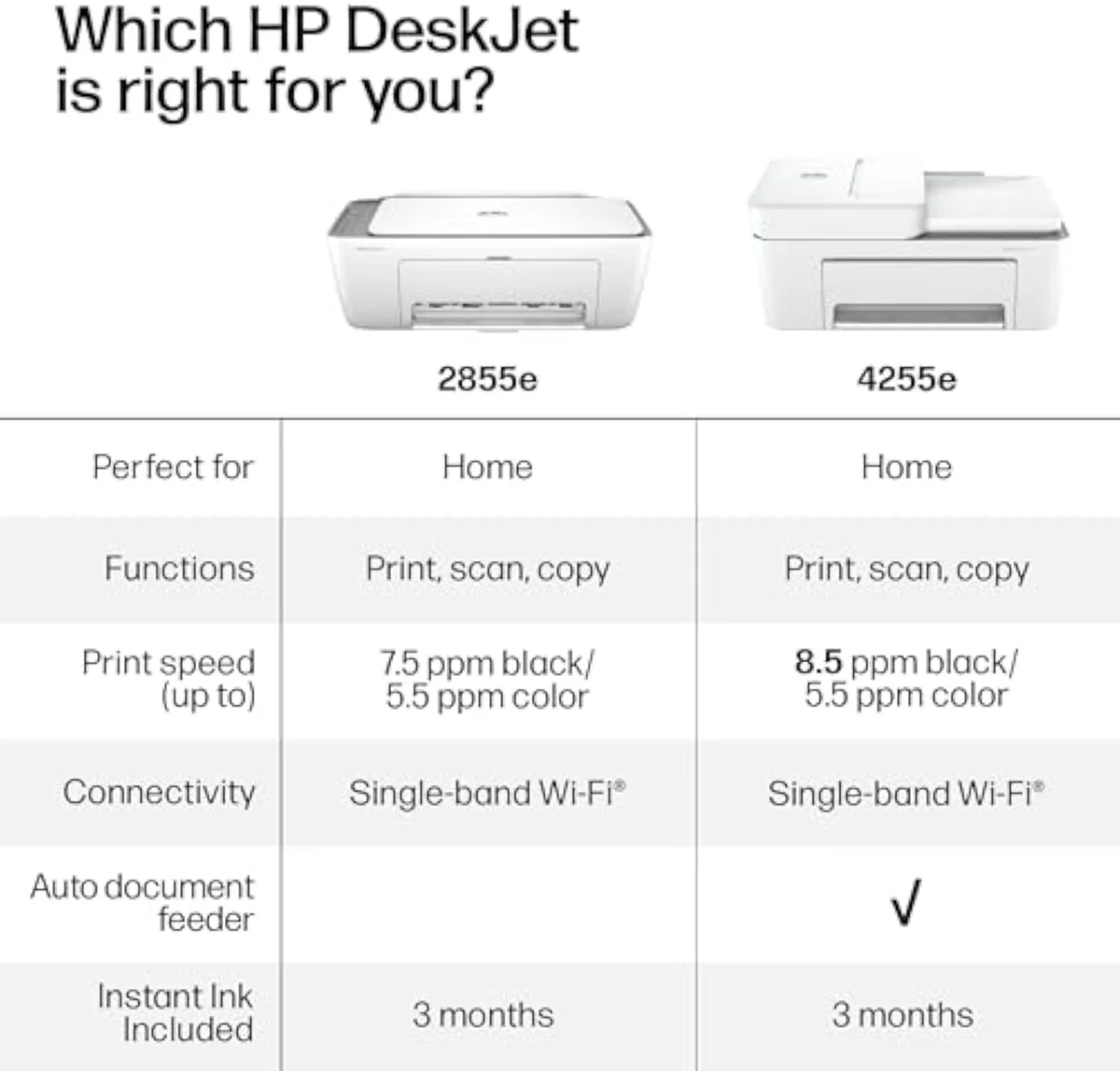
DeskJet 2855e
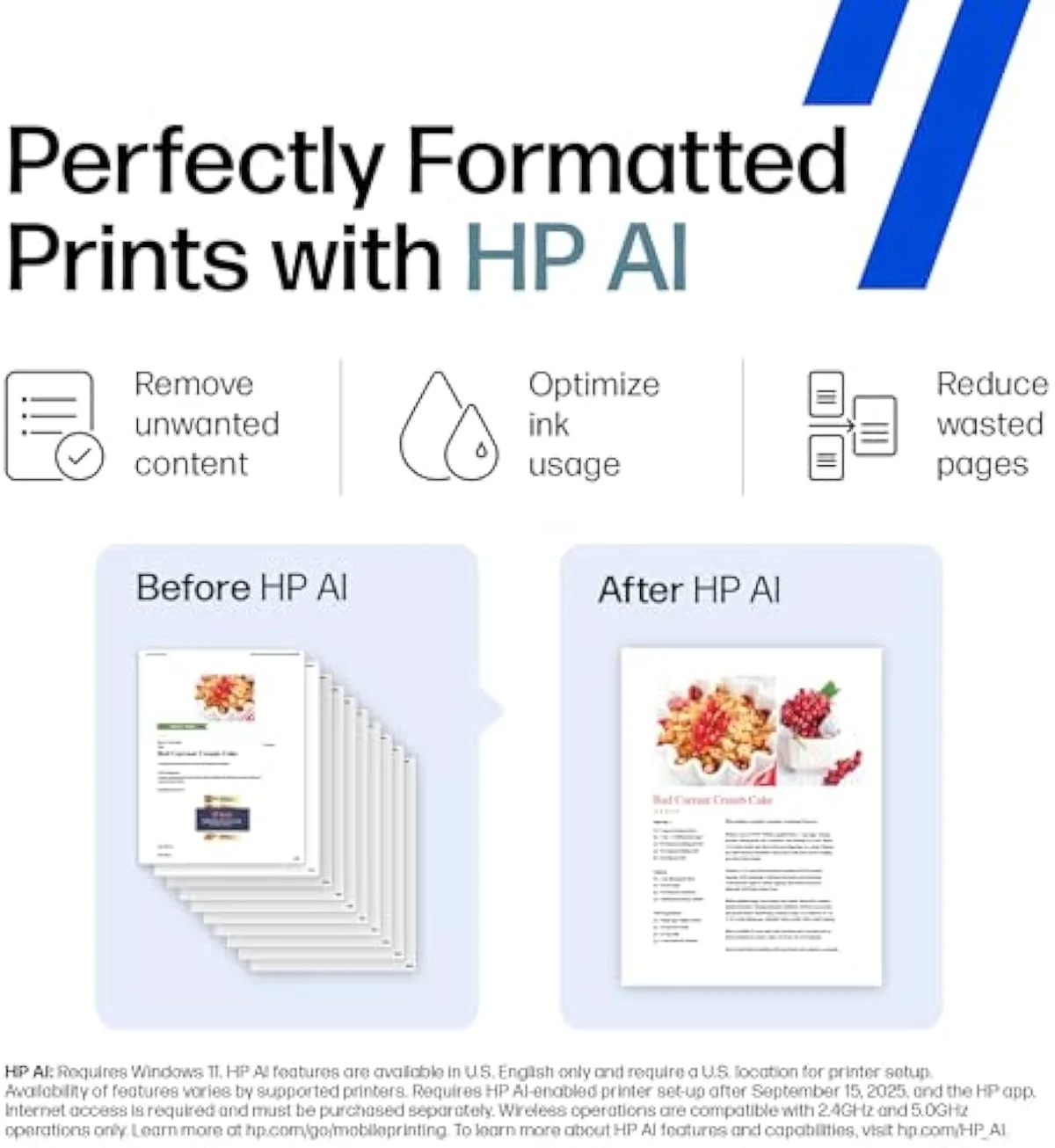
Cartridge bay
The second problem is the subscription. Instant Ink can lower per-page cost for steady mid-volume printers, but on HP+ models it ties into a mandatory account and is a known headache to leave. The trial itself is the bait — the budget DeskJet ships a 3-month Instant Ink trial, and according to HP's own setup terms,
Third is Dynamic Security, the firmware that reads each cartridge chip. Consumer Reports has tracked HP firmware updates that disabled working third-party cartridges, and the practice drew a class-action settlement in the United States — the most concrete reason a cost-conscious buyer distrusts the brand. The "e" models lean on it hardest:
The fourth recurring problem is connection and reliability. Budget HP models like the DeskJet 2855e ship with
What are the common problems with HP OfficeJet Pro printers?
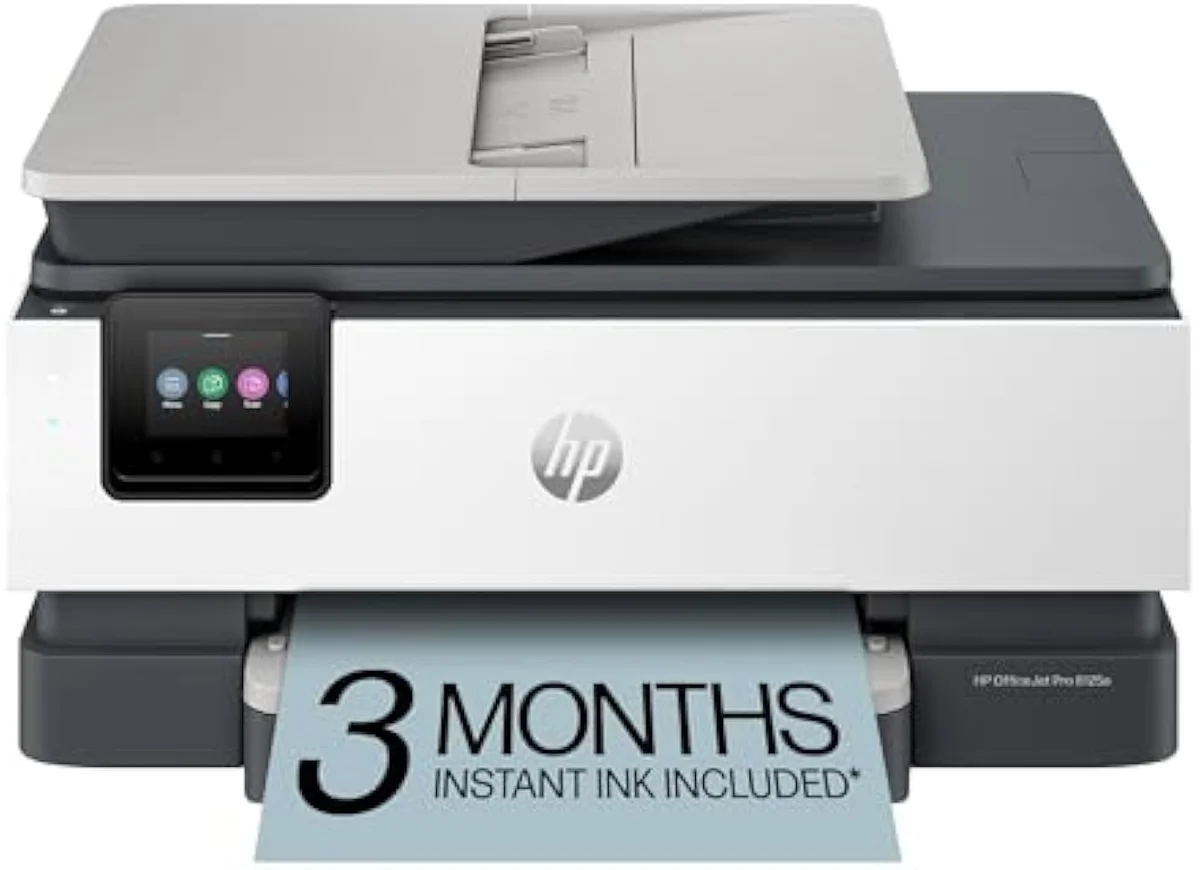
The OfficeJet Pro line prints fast and well, but its complaints cluster on reliability and ink control. Owners report it erroring out partway through a short job, the dual-band Wi-Fi dropping after a few months, and the HP+ firmware refusing non-HP cartridges. The 8135e sits at just 3.8 stars on Amazon — low for a home-office printer.
The reliability knock is specific, and it stings on a machine rated up to 10-20 ppm for documents. One 8125e owner described how
What are the common problems with HP DeskJet printers?
The budget DeskJet line trades reliability extras for a low sticker. Its top complaints are 2.4 GHz-only Wi-Fi that struggles on mesh routers, a setup flow that forces an HP account and multiple ink-service signups, and HP software owners call a mess. Add small cartridges the brand rates at 200-300 pages and the cheap DeskJet is one of the dearest HP machines to own per page.
Honestly, the DeskJet's problems are the budget tradeoff made literal. The connection ceiling is real — the band limit above breaks setup on the mesh networks most homes now run, and the forced account plus double ink-service enrollment turns a five-minute job into a chore. None of it touches print quality, which owners call crisp; the friction is all software and supply.
For a buyer who prints weekly, the honest answer is to skip the cartridge tax entirely — our HP DeskJet 2855e review names who the cheap machine actually suits, and our best budget inkjet printers roundup lines up the cost-per-page alternatives.
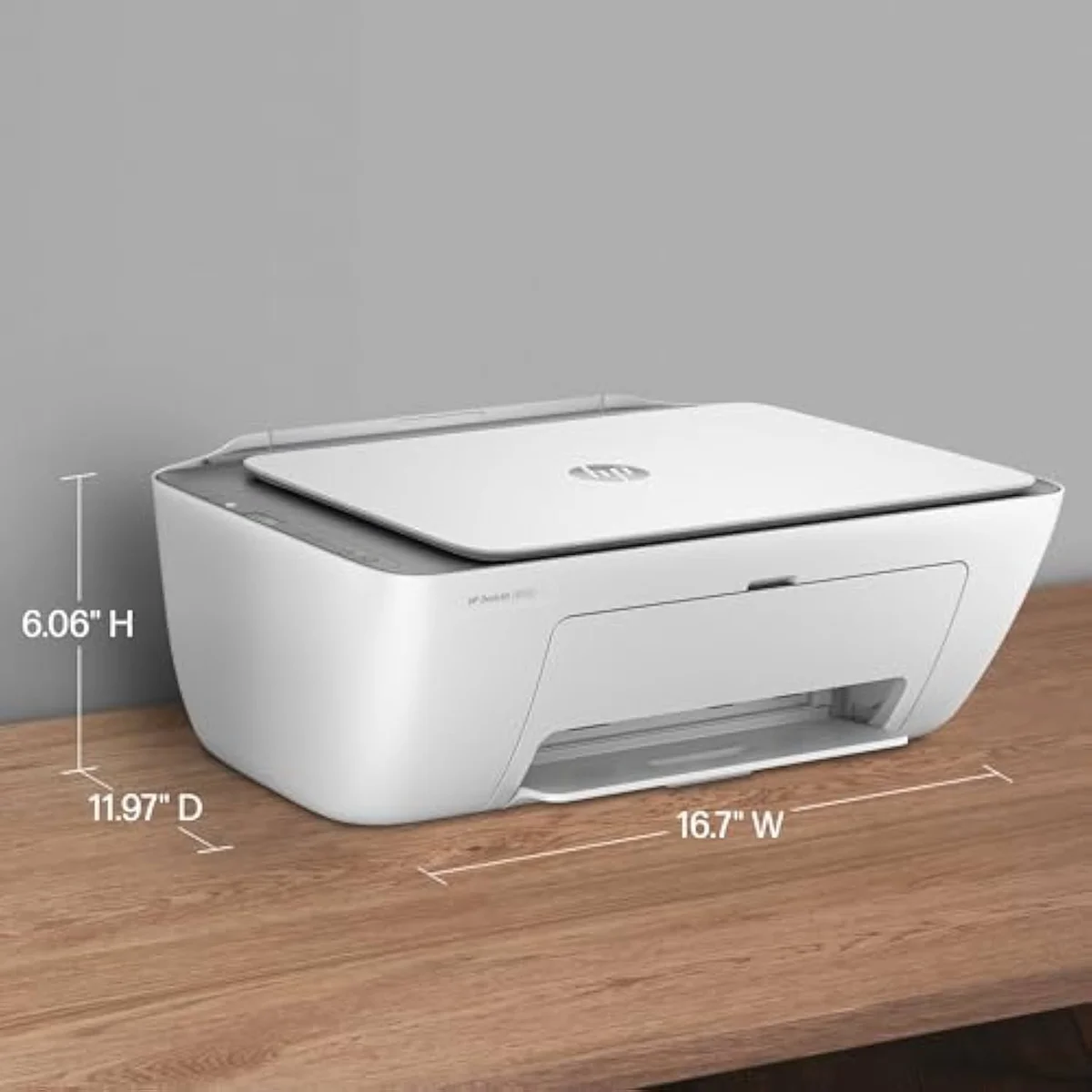
Control panel
Paper tray
Is HP discontinuing e-printers?
No. The "e" suffix marks HP+ enrollment models, not a discontinued line — HP still sells DeskJet, ENVY and OfficeJet Pro "e" printers. The catch is what the "e" buys: an HP account, an Instant Ink push at setup, and cartridge DRM that needs online access. If you want a printer free of that apparatus, the non-subscription Smart Tank line is the cleaner HP route.
The confusion is understandable, because the "e" model is the most locked HP sells.
The same firmware that enforces the subscription is the firmware that blocks aftermarket ink, and it is always on — an "e" printer that loses internet can stop printing. HP's own Instant Ink terms tie the cheapest plans to a monthly page allowance with overage rules that reward steady volume and punish the idle printer. HP has not retired the "e" line; it has leaned into it. The escape is the family name, not the model year — choose a Smart Tank and the account, the subscription nag, and the cartridge block all disappear.
What are common problems with HP mini printers?
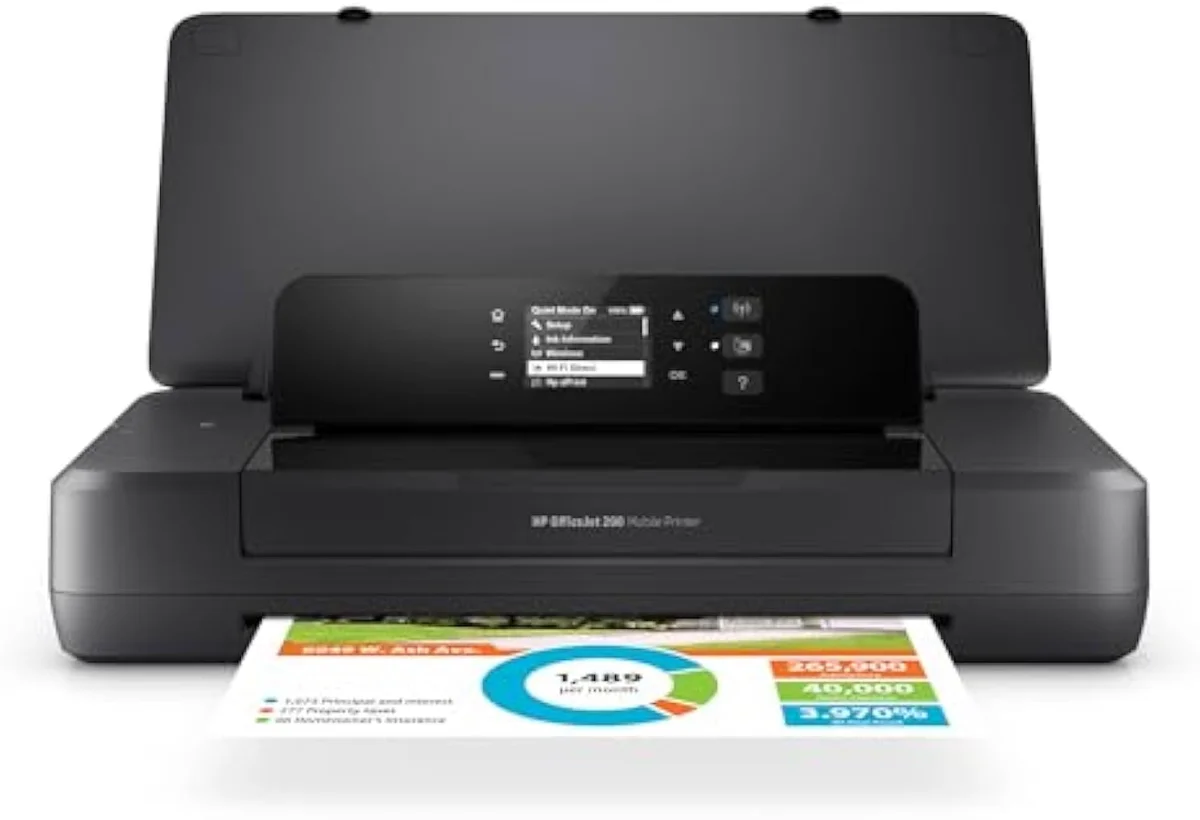
HP's compact and mobile printers — the portable OfficeJet 200 and 250 — inherit the same ink-control problems as their desktop siblings, plus the tradeoffs of small machines: slower speeds, tiny paper capacity, and higher cost per page on small cartridges. The Instant Ink push and firmware cartridge checks apply here too, so a mini HP is convenient to carry but no cheaper to feed.
The appeal of HP's OfficeJet 200 and 250 mobile printers is portability, and that is exactly where the compromises live.
The small cartridges that make the body pocketable are the same small cartridges that keep cost-per-page high, so the cartridge tax travels with the machine. Wi-Fi and app setup carry the same friction owners report on the desktop line, and the firmware lock does not relax just because the printer is small. For a mobile worker the convenience can justify the running cost; for a home that wants cheap pages, a mini HP is the wrong tool — a stationary supertank quoting bottle yields in the thousands of pages is the cost answer every time.
Add it up and HP's common problems are one problem wearing four hats: the company controls the ink, and the control costs you. The cartridge tax, the Instant Ink lock-in, the Dynamic Security block, and even the reliability complaints all trace back to a business model built on selling ink, not printers. One owner's experience captures the reliability tail —
Get Our Top 3 Picks
Get our top 3 picks for your budget — one email, then only updates.
Only when something changes. Unsubscribe anytime.
Citations
- [1]"tied into HP's print services and will refuse to work without genuine HP supplies."https://www.amazon.com/dp/B0CT8ZJ7ZCCaptured June 3, 2026. Verified June 3, 2026.
- [2]"the subscription cartridges are only usable with an active subscription"https://www.amazon.com/dp/B0CT8ZJ7ZCCaptured June 3, 2026. Verified June 3, 2026.
- [3]"After 3 months, monthly fee applies unless cancelled"https://www.amazon.com/dp/B0CT2R7199Captured June 3, 2026. Verified June 3, 2026.
- [4]"This printer is only 2.4 ghz capable."https://www.amazon.com/dp/B0CT2R7199Captured June 3, 2026. Verified June 3, 2026.
- [5]"The printer does have an Ethernet port (cable NOT provided) but the setup app only offered the option to set up by wifi"https://www.amazon.com/dp/B0CT2R7199Captured June 3, 2026. Verified June 3, 2026.
- [6]"my document can be a few pages long, and it will error out on the first one."https://www.amazon.com/dp/B0CT8ZJ7ZCCaptured June 3, 2026. Verified June 3, 2026.
- [7]"It just won’t validate their own cartridges to actually be able to print."https://www.amazon.com/dp/B0CT8ZJ7ZCCaptured June 3, 2026. Verified June 3, 2026.
- [8]"They also require online access at all times to print to enforce their cartridge DRM"https://www.amazon.com/dp/B0CT8ZJ7ZCCaptured June 3, 2026. Verified June 3, 2026.
- [9]"The printer itself is completely fine, but the program written by HP is a complete mess."https://www.amazon.com/dp/B0CT2R7199Captured June 3, 2026. Verified June 3, 2026.
- [10]"THEY MAKE YOU SIGN UP FOR INK SERVICES 2 TIMES, YOU NEED TO MAKE AN ACCOUNT"https://www.amazon.com/dp/B0CT2R7199Captured June 3, 2026. Verified June 3, 2026.
- [11]"original repacement cartridges are really expensive and not easy for find"https://www.amazon.com/dp/B0CT8ZJ7ZCCaptured June 3, 2026. Verified June 3, 2026.
- [12]"will block cartridges using non-HP chips or circuitry"https://www.amazon.com/dp/B0CFM7BTW8Captured June 4, 2026. Verified June 4, 2026.
- [13]"The first printer lasted approximately 5 months before failing with WIFI not being recognized"https://www.amazon.com/dp/B0CFM7BTW8Captured June 4, 2026. Verified June 4, 2026.