HP OfficeJet Pro 9125e vs 9135e: What the Second Tray Really Buys
Updated
Same office engine, same cartridge lock, one cheaper answer. The 9125e and 9135e share the print mechanism, the document feeder, the duplex, and the HP+ ink trap — so the step-up 9135e buys a second paper tray, a bigger touchscreen, and a few more pages a minute, not a better printer. Take the 9125e unless you print high volume across two paper sizes. Either way, walk in knowing both refuse third-party ink.
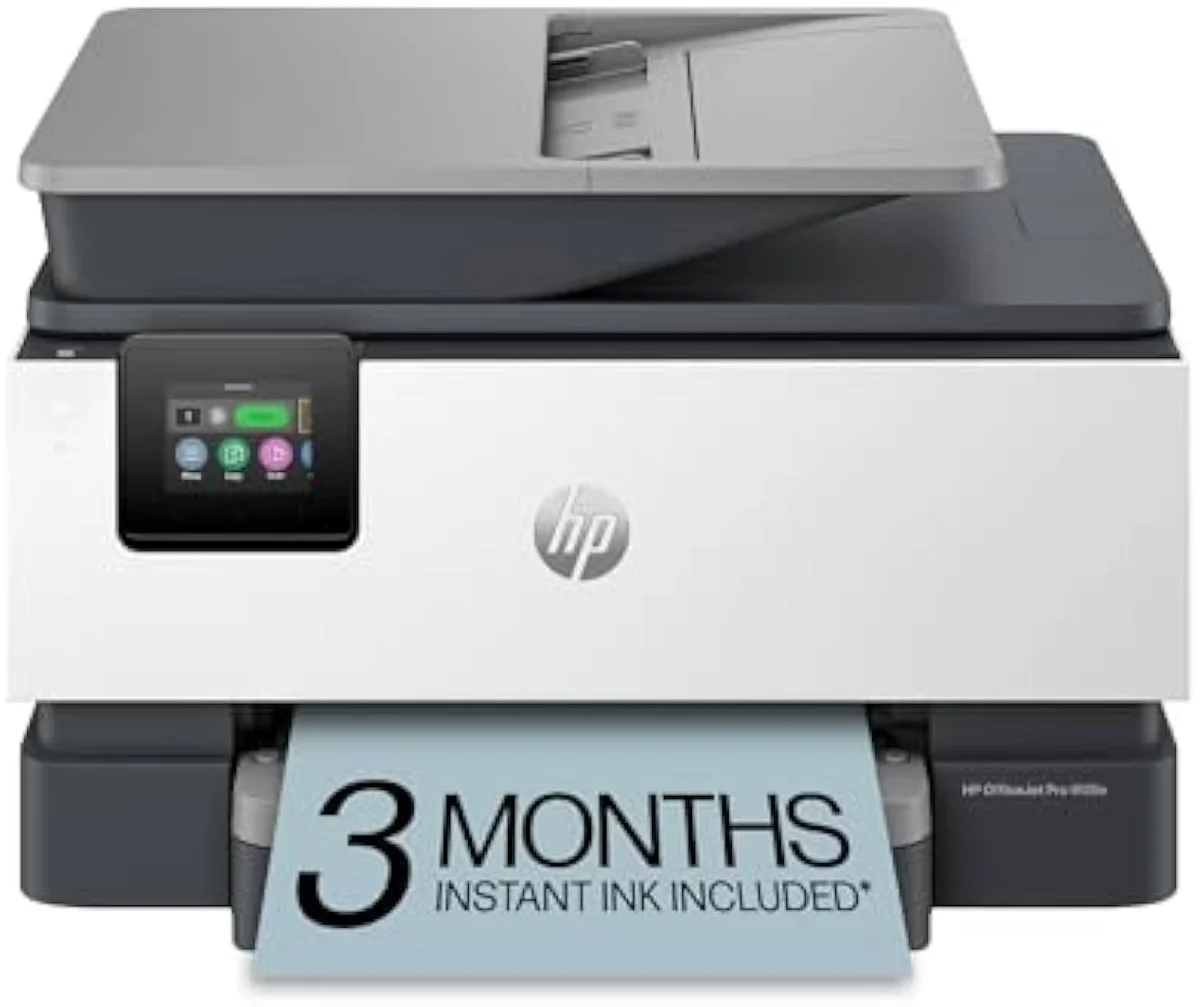
HP OfficeJet Pro 9125e Wireless All-in-One Color Inkjet Printer
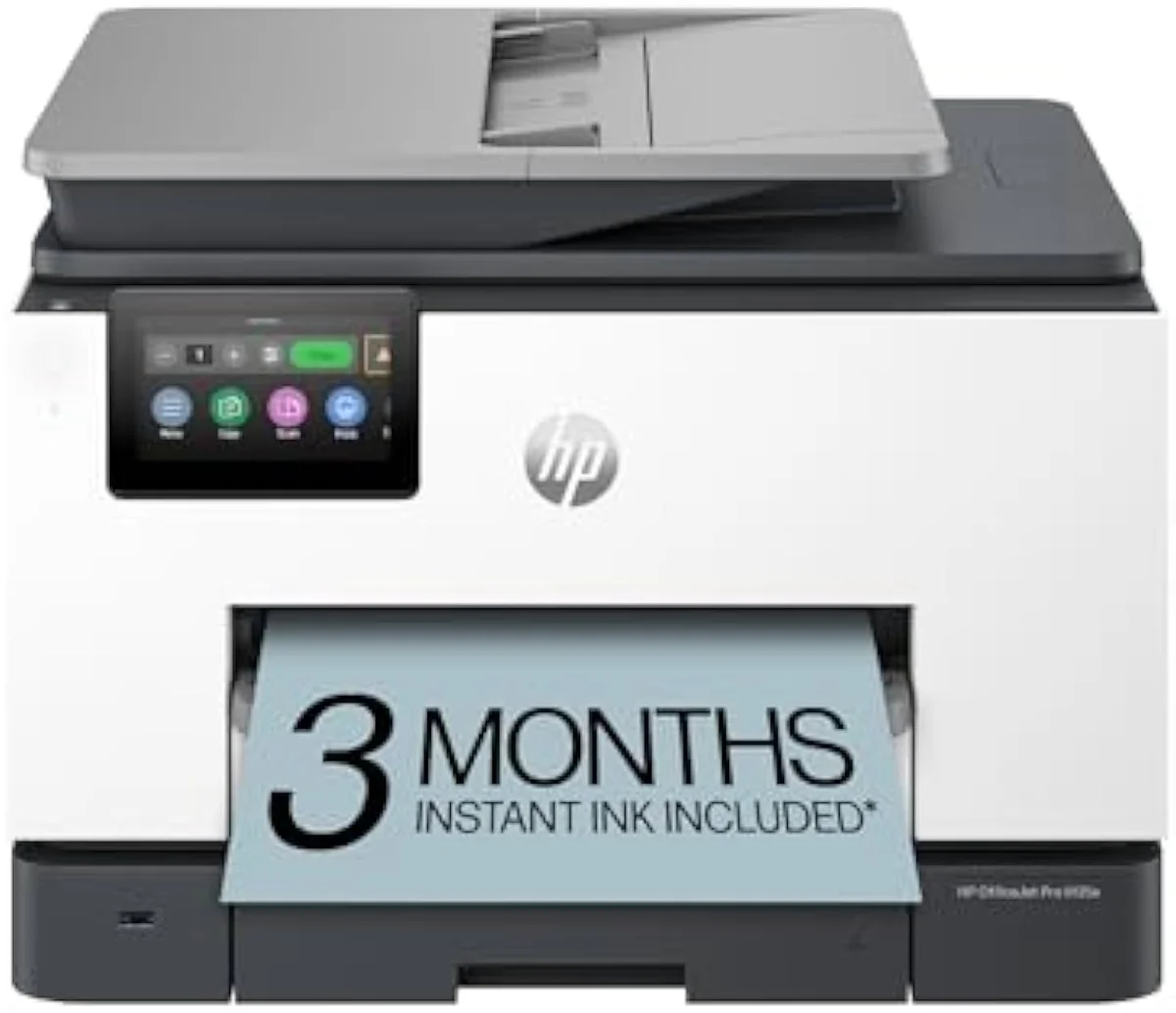
HP OfficeJet Pro 9135e Wireless All-in-One Color Inkjet Printer
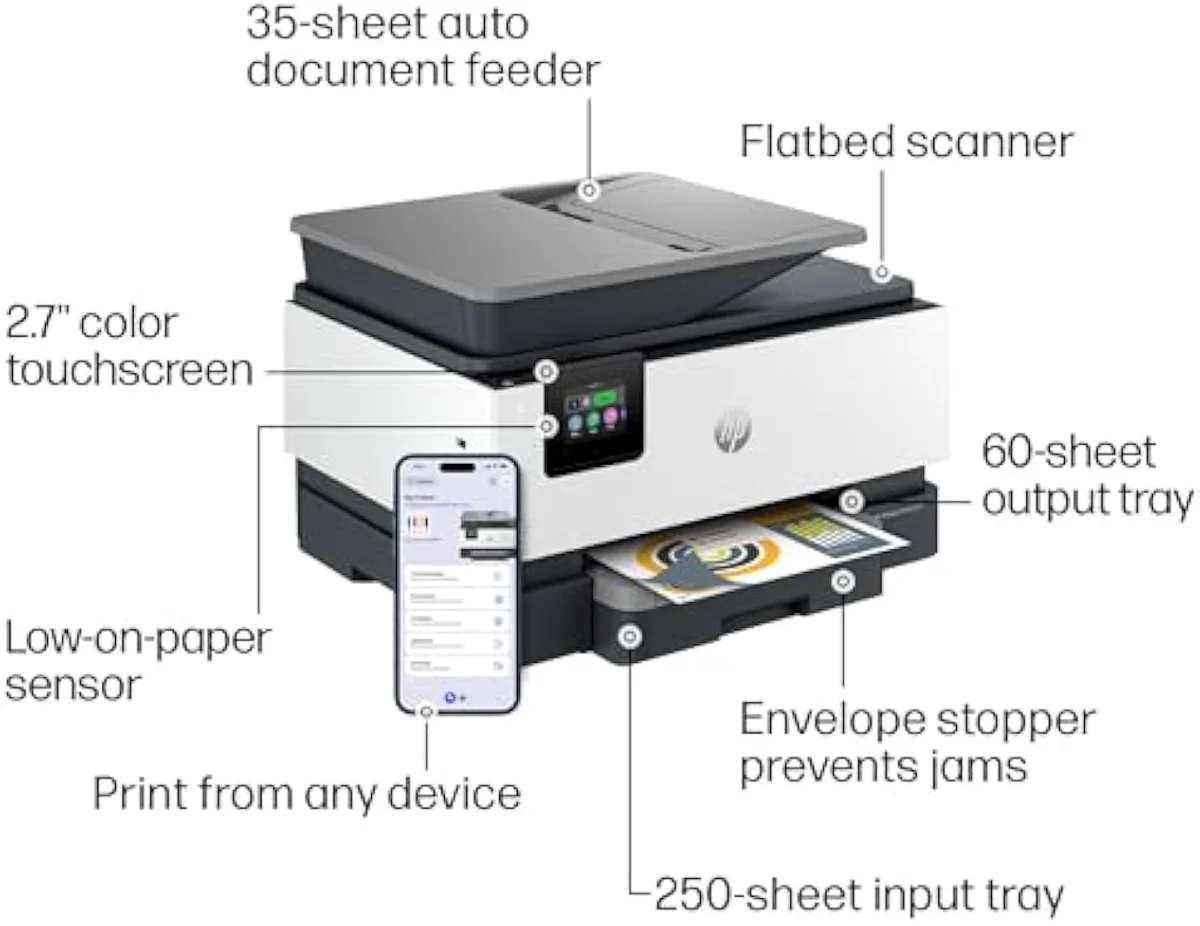
The 9125e and 9135e are one OfficeJet Pro engine with the same ADF, duplex, and HP+ cartridge lock. The 9135e adds a second 250-sheet tray, a 4.3-inch touchscreen, and a little speed. Take the cheaper 9125e unless you genuinely print high volume across two paper sizes; the cartridge tax is identical on both.
| Real difference | Second paper tray + a faster engine, not capability |
|---|---|
| How to choose | 9125e for most; 9135e for two-tray volume |
| Both best for | Offices printing 100+ pages a month |
| Both skip if | You print lightly or want third-party ink |
| Cost to run | Identical HP cartridge family on both |
Cross-shop the 9125e and 9135e and the model numbers promise a ladder. There is one, but a short one. HP markets the 9125e as the office workhorse —
Everything that decides how an office printer feels to own — the print engine, the automatic document feeder, the duplex, the cartridge family, the HP+ ink lock — is shared. So the literal 9125e-versus-9135e question collapses fast, and the useful one takes its place: does your print volume justify a second paper tray, and can you live with HP's cartridge terms at all? That second question matters more than the first, and this page spends most of its time there.
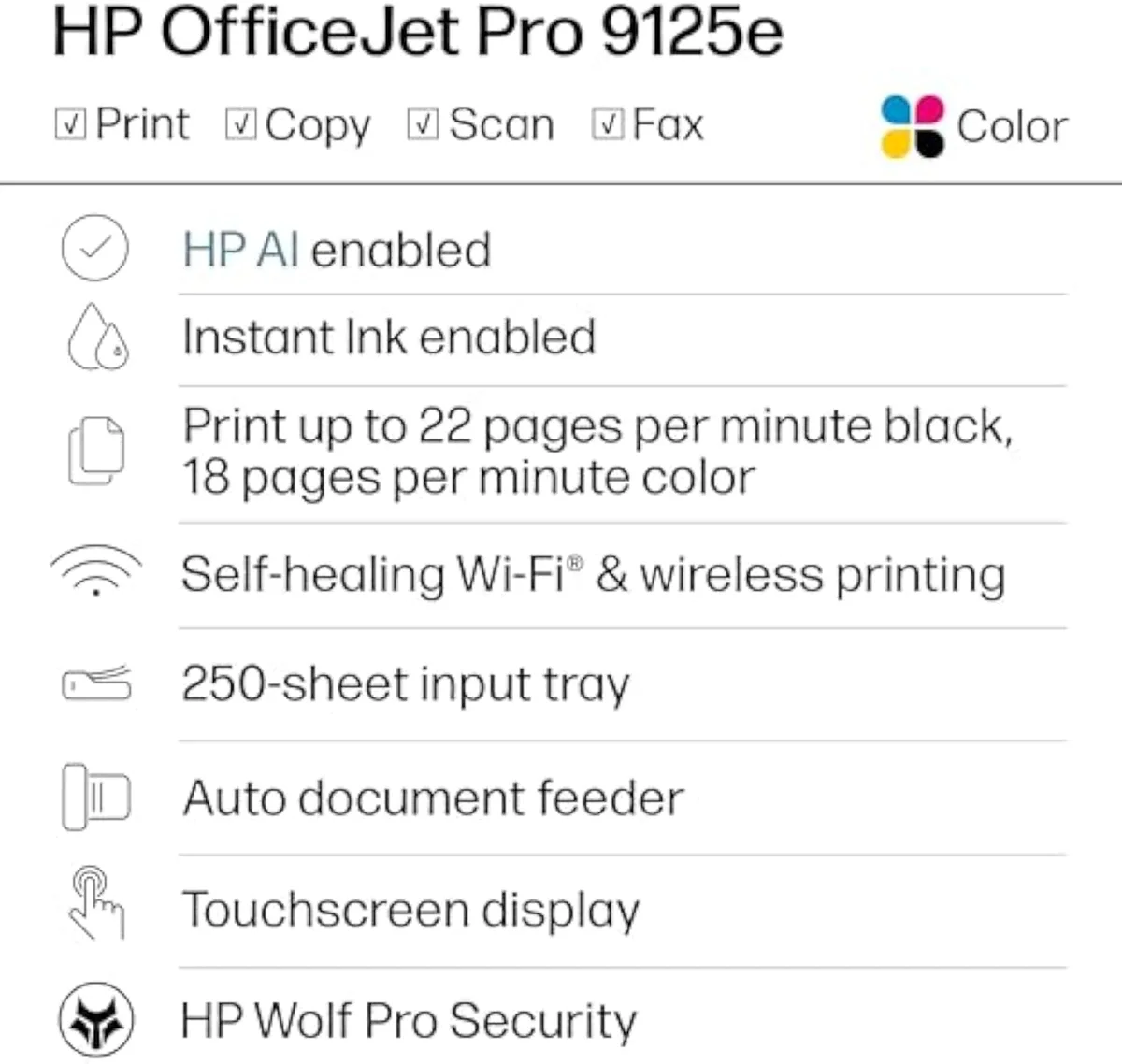
HP OfficeJet Pro 9125e Wireless All-in-One Color Inkjet Printer
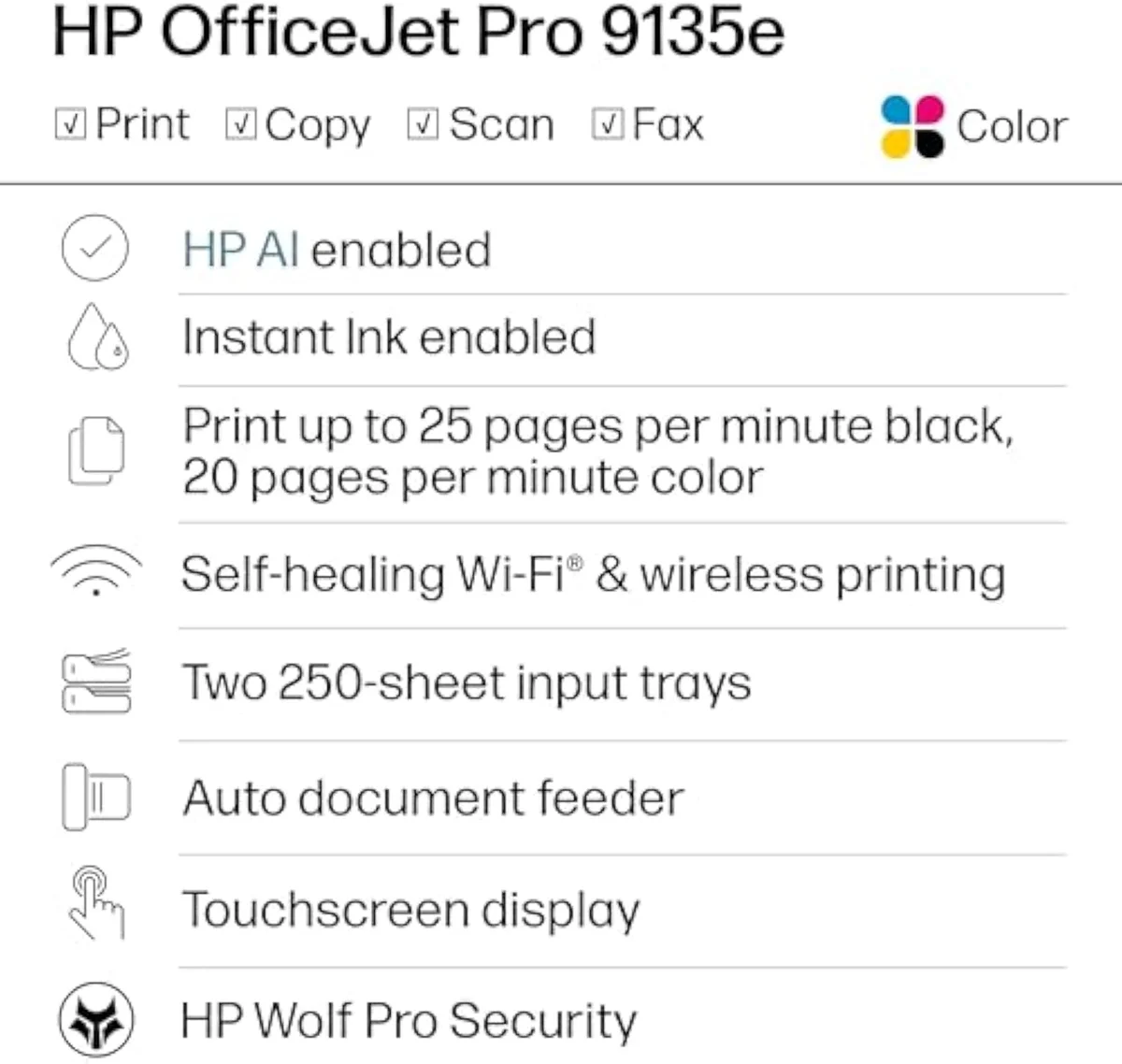
HP OfficeJet Pro 9135e Wireless All-in-One Color Inkjet Printer
At a Glance
| Feature | Editor's Pick HP OfficeJet Pro 9125e Wireless All-in-One Color Inkjet Printer | HP OfficeJet Pro 9135e Wireless All-in-One Color Inkjet Printer |
|---|---|---|
| Live Price | $100–$250* | $250–$500* |
| Amazon Savings | Check Amazon | Check Amazon |
| Availability | Checking Amazon | Checking Amazon |
| Current Offer | Checking Amazon | Checking Amazon |
| Amazon Rating | ||
| Amazon Sales Rank | Check Amazon | Check Amazon |
| Live Data Refresh | Refresh pending | Refresh pending |
| Capacity | — | 26 lb |
| Weight | — | 26 lb |
| Check Price | Check Price |
Amazon prices and availability are refreshed live and are subject to change. The price shown on Amazon at purchase applies.
One office engine, two trim levels
The 9135e changes two things over the 9125e: it carries two paper trays instead of one, and it runs a few pages a minute faster. Same engine, same feature set otherwise.
On the parts that print, scan, and feed paper, these two are the same machine. The 9125e is a full all-in-one —
Speed is the second thing that moves, and only a little. HP rates the faster box at
Step back and the shape of the decision is clear. The 9135e is not a tier above the 9125e the way a supertank is above a cartridge printer; it is the same printer with more paper capacity and a faster gait. If you run two paper sizes — letter in one tray, legal or letterhead in the other — the second feed saves real swaps over a workday. If you print one size from one tray, it sits empty and you have paid for it.
The cartridge lock they both spring
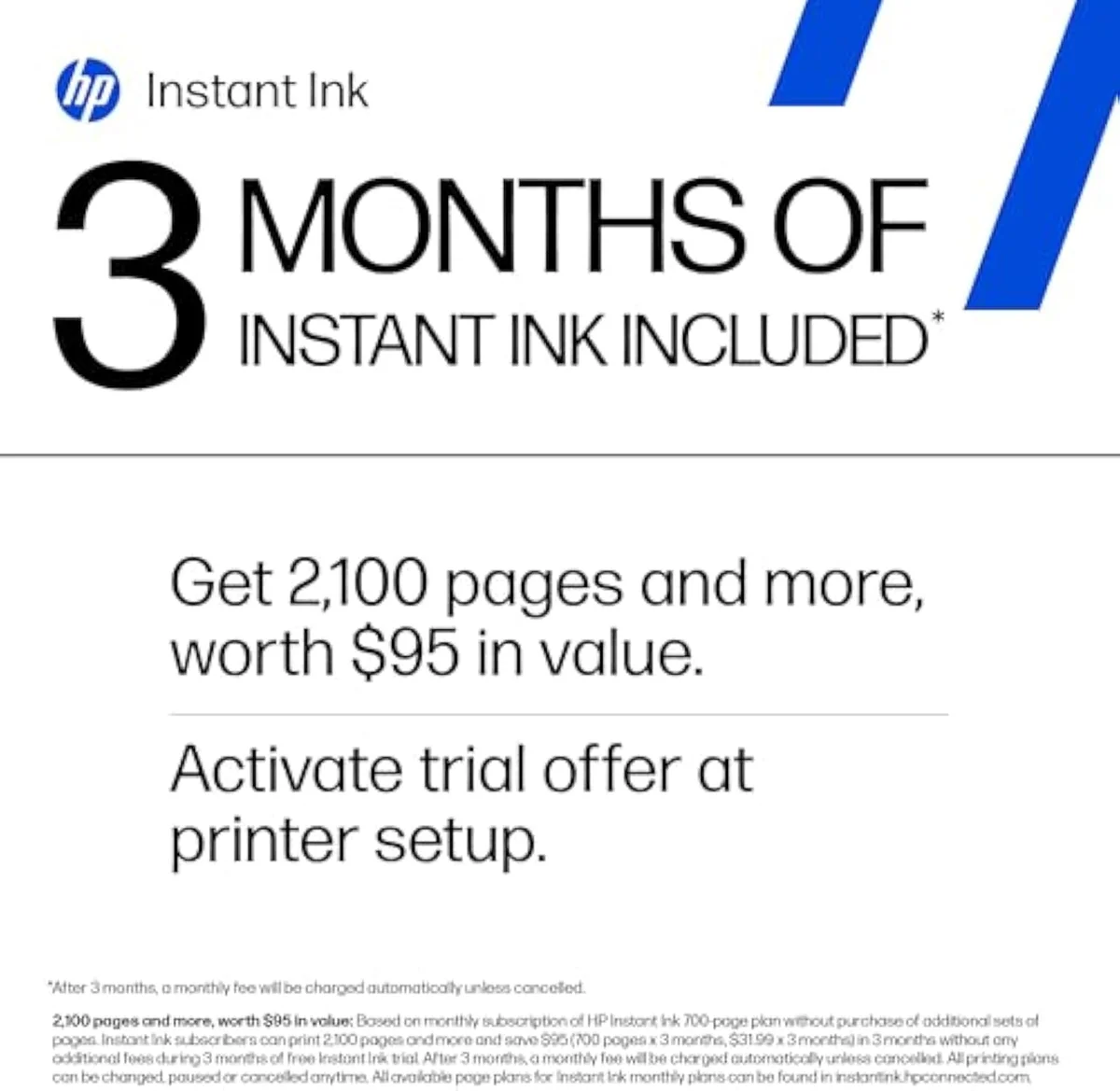
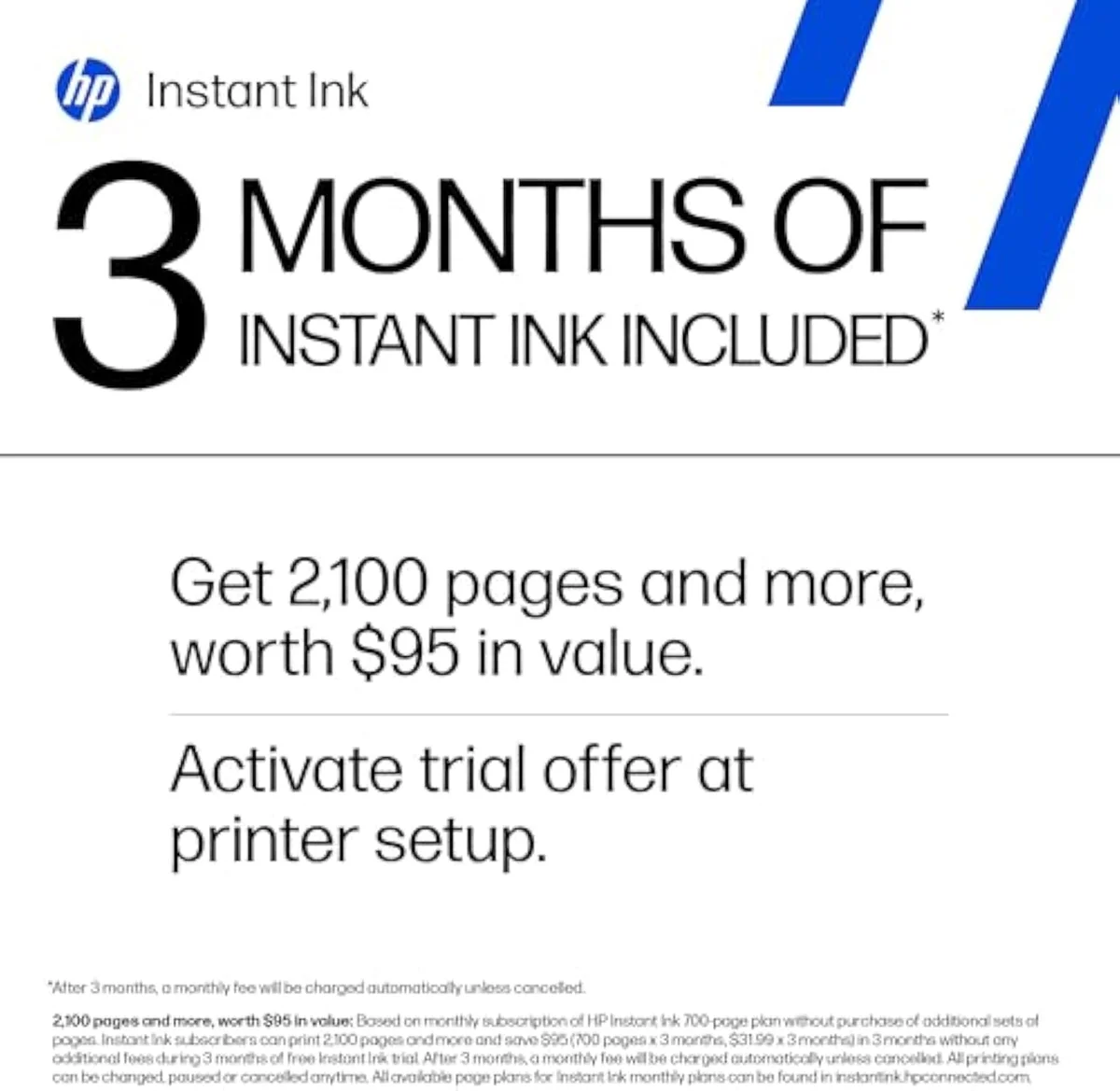
Both boxes are locked to genuine HP cartridges, and both push a 3-month Instant Ink trial that becomes a monthly fee. The lock is identical, so it cannot break the tie between them — but it should weigh on the decision to buy either at all.
Here is where the 91xx line stops being a printer story and becomes a cost story — and where both boxes are identical. These are HP "e" machines: the firmware ties them to genuine HP ink. On the 9125e the fine print is blunt —
The subscription side compounds it. Both arrive on a 3-month Instant Ink trial that turns into a monthly fee unless cancelled, and the trap is what cancelling does. A Reddit explainer on this line reframes the deal honestly:
So the cartridge tax is the same number whichever box you buy, and it is the number that dominates the cost of owning either over a couple of years. Choosing the faster, dual-tray 9135e does nothing to lower it. That is the strongest argument for not overpaying: you are spending more upfront on capacity, while the recurring cost that actually empties your wallet stays put.
Where both stumble
Neither earns a clean reliability pass, and the faults split by design. The 9125e's quirk is a 60-page output bin under a heavy-duty engine; the 9135e draws phantom errors and dual-tray jams. Both are heavy boxes near 26 lb.
The failure modes split by design across the pair. The 9125e's odd one is its output: an owner flags that
If you are coming from an older HP, the 9125e is the natural landing spot — an owner notes
HP OfficeJet Pro 9125e Wireless All-in-One Color Inkjet Printer
HP OfficeJet Pro 9135e Wireless All-in-One Color Inkjet Printer
So which OfficeJet Pro — or neither?
Because the 9125e and 9135e are one engine in two trims, "who should get which" turns on a single hardware question — do you need the second tray? — wrapped around a bigger one: are HP's cartridge terms tolerable for you at all? Here is how that resolves.
Buy the 9125e if…
…you print one paper size and want the office stack for less. For most home offices the 9125e is the right answer: the same ADF, duplex, scan, and fax as the step-up, the same color quality, and a lower price. You give up only the second tray and a few pages a minute — capacity and pace you will not miss on a single-size workload. It is also the cleaner upgrade path from an older OfficeJet.
Buy the 9135e if…
…you run real volume across two paper sizes. The dual 250-sheet feed is the one feature worth paying up for, and only when you use it — letter in one tray, legal or letterhead in the other, printing enough that swapping drawers mid-day is a genuine cost. The extra rated speed and the bigger touchscreen come along for the ride. If those conditions describe your desk, the 9135e earns its premium; if they do not, it is an empty tray.
Skip both if…
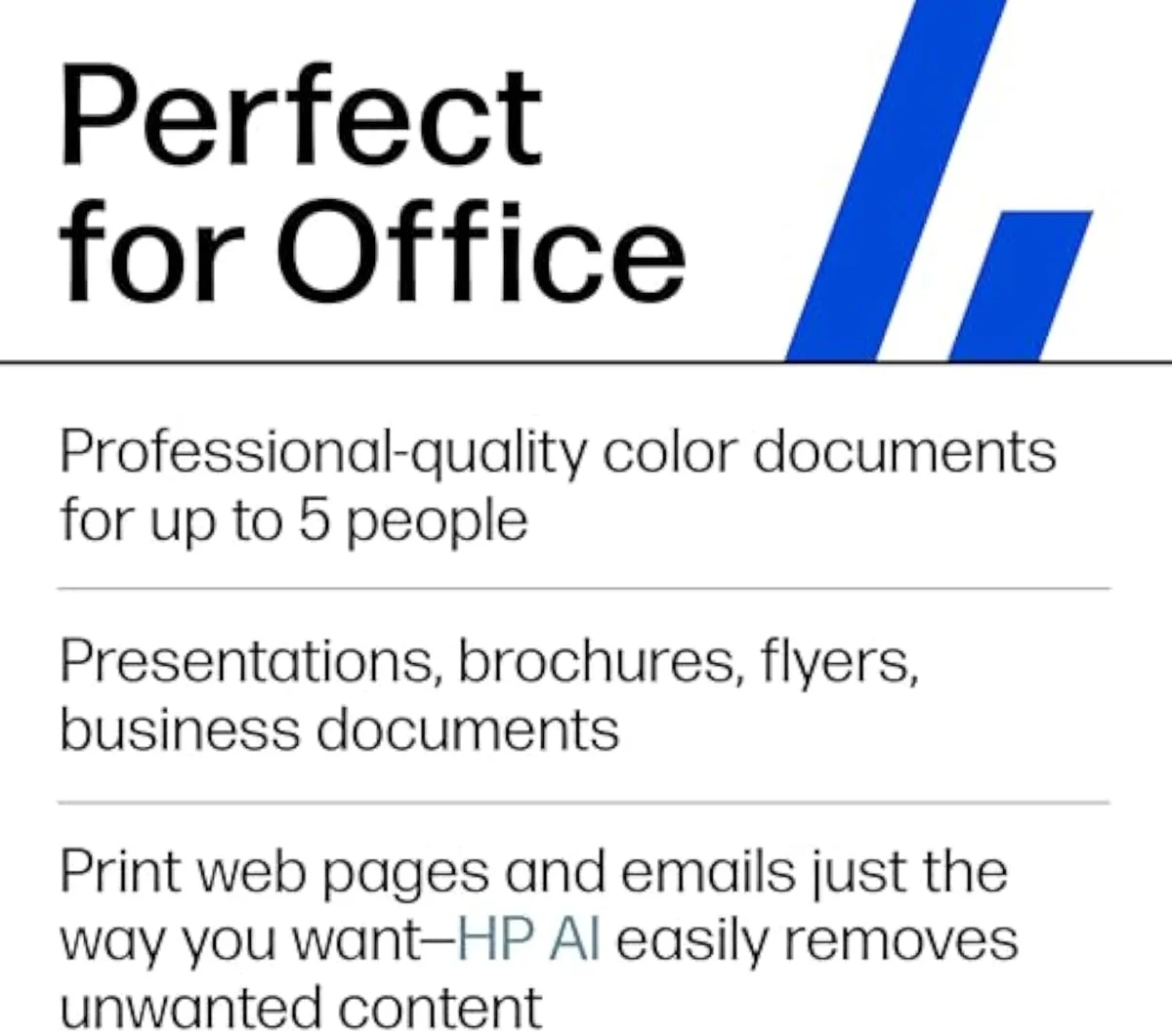
…you print lightly, or you want freedom from HP's ink. A few pages a week does not justify an OfficeJet Pro at all — an entry cartridge all-in-one or a refillable supertank is the calmer, cheaper buy, and we map that fork in our type-versus-type tradeoffs analysis. And if you plan to run aftermarket ink, neither of these will let you: the HP+ lock is identical across the pair. The 9125e and 9135e are for the steady office that prints over a hundred pages a month and accepts HP's cartridge terms — at that job, the cheaper 9125e is the default and the 9135e is the two-tray exception.
9125e vs 9135e: the questions before you pay up
Almost every 9125e-vs-9135e question reduces to two things: "is the step-up worth it?" (only for two-tray volume) and "do they cost the same to run?" (yes — same cartridge tax). Here are the straight answers, feature by feature.
Is the step up to the 9135e worth it over the 9125e?
For most home offices, no. The two run the same HP+ office engine, the same scan-copy-fax-ADF stack, and the same auto-duplex, so they do the same jobs and cost the same per page to feed. The 9135e buys you a second 250-sheet tray, a larger 4.3-inch touchscreen, and a few pages-per-minute more speed — real if you print high volume across two paper sizes, wasted if you do not. Pay the premium only when the second tray earns its keep.
What does the 9135e actually add over the 9125e?
Capacity and pace, not a different printer. The 9135e carries two 250-sheet input trays where the 9125e has one, runs a little faster on the rated spec, and swaps the 9125e's 2.7-inch panel for a bigger 4.3-inch touchscreen. The print mechanism, the ADF, the duplex, the cartridge family, and the HP+ ink lock are the same on both, so neither the running cost nor the output quality moves.
Do the 9125e and 9135e cost the same to run?
Yes — same HP cartridge family, same cost-per-page. The faster box is not the cheaper one to feed.
Are both the 9125e and 9135e locked to HP ink?
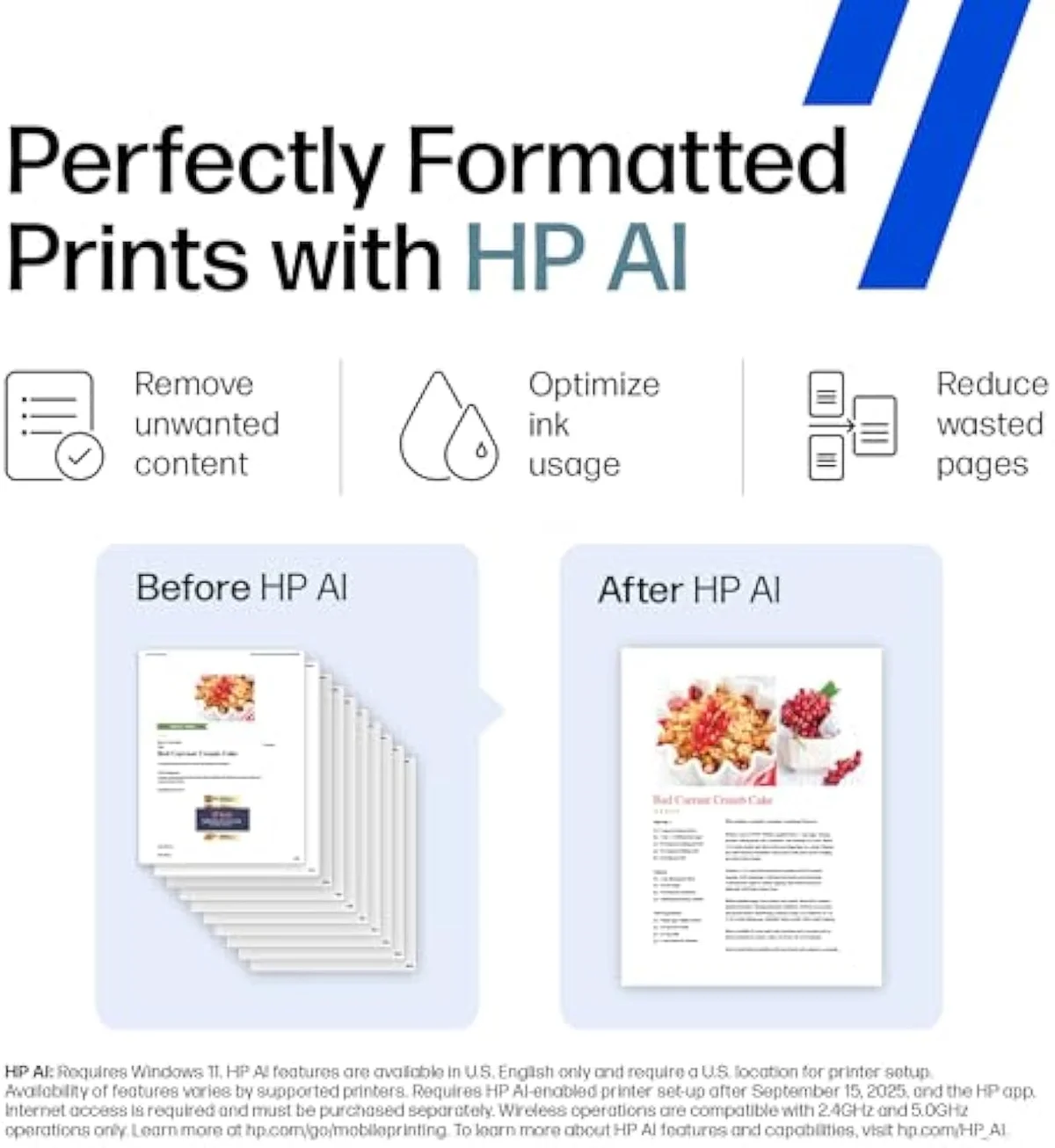
Both are, and this is the cost story that outweighs the spec gap. These are HP "e" printers, so HP+ cartridge DRM ties them to genuine HP ink and the firmware can refuse a remanufactured or third-party cartridge; both arrive on a 3-month Instant Ink trial that becomes a monthly fee unless you cancel it. Worse, the subscription cartridges stop printing the moment you end the plan — owners on this exact line report that cancelling strands ink you thought you owned. A buyer planning to run cheap aftermarket cartridges should skip the whole 91xx series, because the lock is identical across the pair and the second tray does nothing to soften it.
Is either one overkill for a low-volume home?
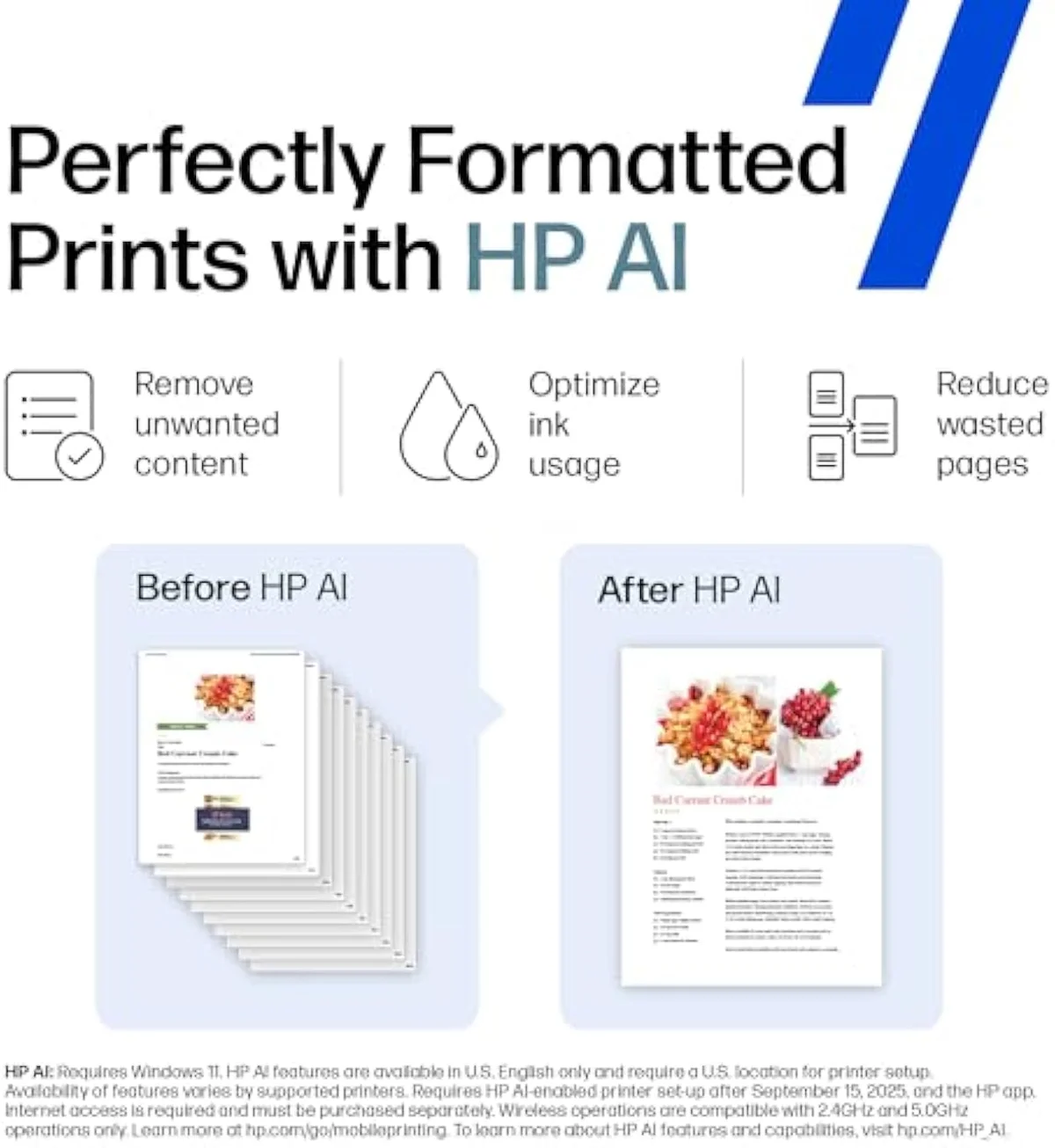
Both are. HP positions the OfficeJet Pro line for offices printing more than about a hundred pages a month, and under that an entry cartridge all-in-one or a supertank is the calmer, cheaper buy. If you print a few pages a week you are paying for an ADF, fax, and duplex you will rarely touch — and on the 9135e, for a second tray you will never fill.
Which prints faster, the 9125e or the 9135e?
The 9135e, by a margin most home users will not notice. HP rates the 9135e a few pages per minute quicker than the 9125e in both black and color, and an owner accepts it runs a touch slower on duplex color but still keeps pace. On a single page or a short job the gap is invisible; on a long unattended run across both trays it is where the step-up earns part of its price.
Track Both Products
We'll email you if either price drops or availability changes.
Only when something changes. Unsubscribe anytime.
Ready to Choose?
Citations
- [1]"The OfficeJet Pro 9125e is perfect for offices printing professional-quality color documents"https://www.amazon.com/dp/B0CFM82NS2Captured June 3, 2026. Verified June 3, 2026.
- [2]"Fast color printing, copy, fax, auto 2-sided printing and scanning, auto document feeder, and a 250-sheet input tray"https://www.amazon.com/dp/B0CFM82NS2Captured June 3, 2026. Verified June 3, 2026.
- [3]"This printer is intended to work only with cartridges with HP chips or circuitry"https://www.amazon.com/dp/B0CFM82NS2Captured June 3, 2026. Verified June 3, 2026.
- [4]"The paper output tray only accommodates 60 pages"https://www.amazon.com/dp/B0CFM82NS2Captured June 3, 2026. Verified June 3, 2026.
- [5]"an OfficeJet Pro 9125 is the most direct successor to your 8715"https://www.amazon.com/dp/B0CFM82NS2Captured June 3, 2026. Verified June 3, 2026.
- [6]"the subscription cartridges stop working if you cancel"https://www.amazon.com/dp/B0CFM82NS2Captured June 3, 2026. Verified June 3, 2026.
- [7]"Print speeds up to 20 ppm color, 25 ppm black"https://www.amazon.com/dp/B0CFM7VJNKCaptured June 3, 2026. Verified June 3, 2026.
- [8]"auto 2-sided printing and scanning, auto document feeder, and two 250-sheet input trays"https://www.amazon.com/dp/B0CFM7VJNKCaptured June 3, 2026. Verified June 3, 2026.
- [9]"The 9135 adds a second tray and is a little faster."https://www.amazon.com/dp/B0CFM7VJNKCaptured June 3, 2026. Verified June 3, 2026.
- [10]"Then random error messages every now and then which halt any action"https://www.amazon.com/dp/B0CFM7VJNKCaptured June 3, 2026. Verified June 3, 2026.
- [11]"you are paying for pages, not cartridges"https://www.amazon.com/dp/B0CFM7VJNKCaptured June 3, 2026. Verified June 3, 2026.
- [12]"The sweet spot for OfficeJet Pro is over 100 monthly."https://www.amazon.com/dp/B0CFM7VJNKCaptured June 3, 2026. Verified June 3, 2026.