What is the difference between HP OfficeJet 200 and 250 mobile printer?
Updated

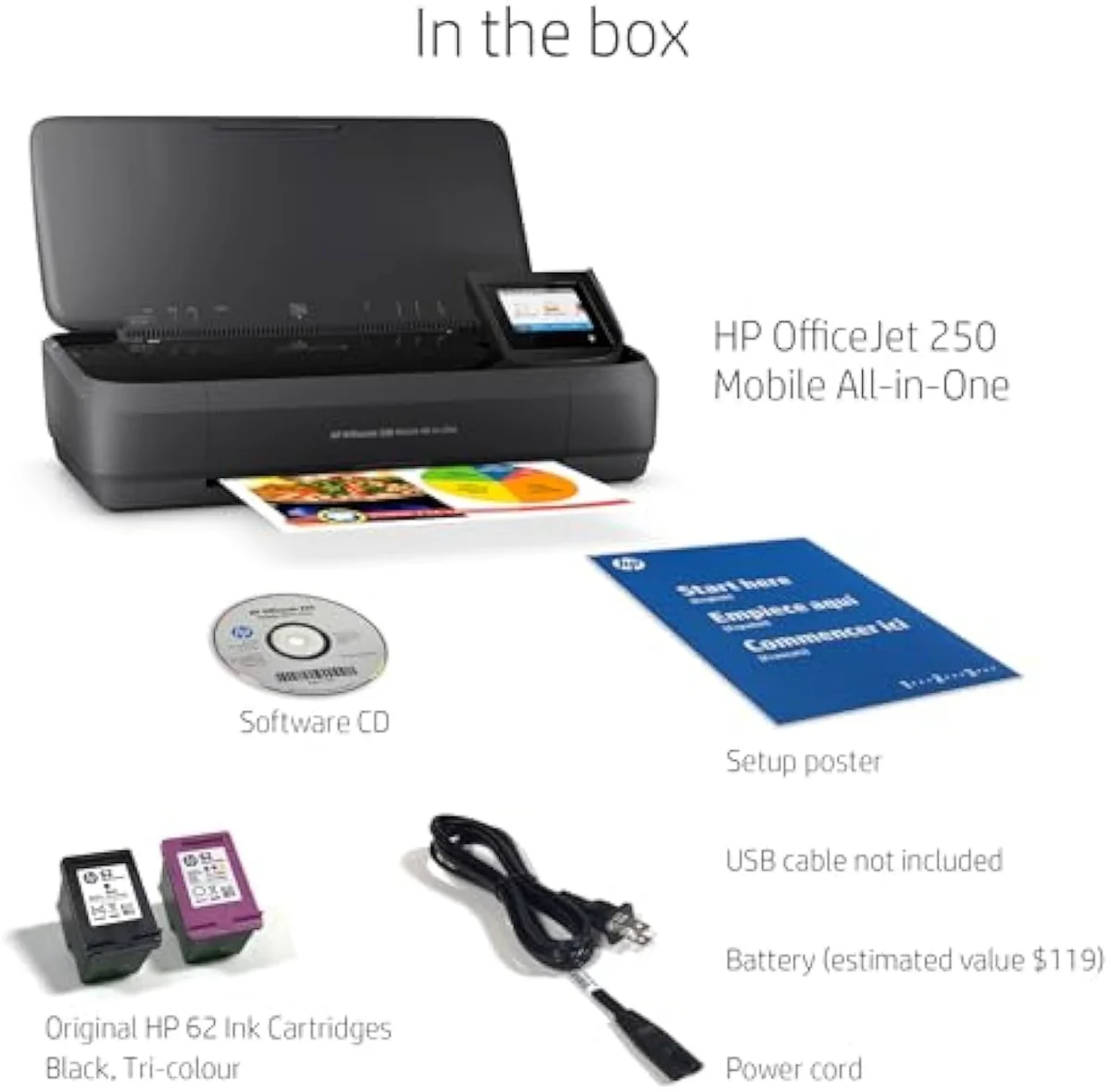
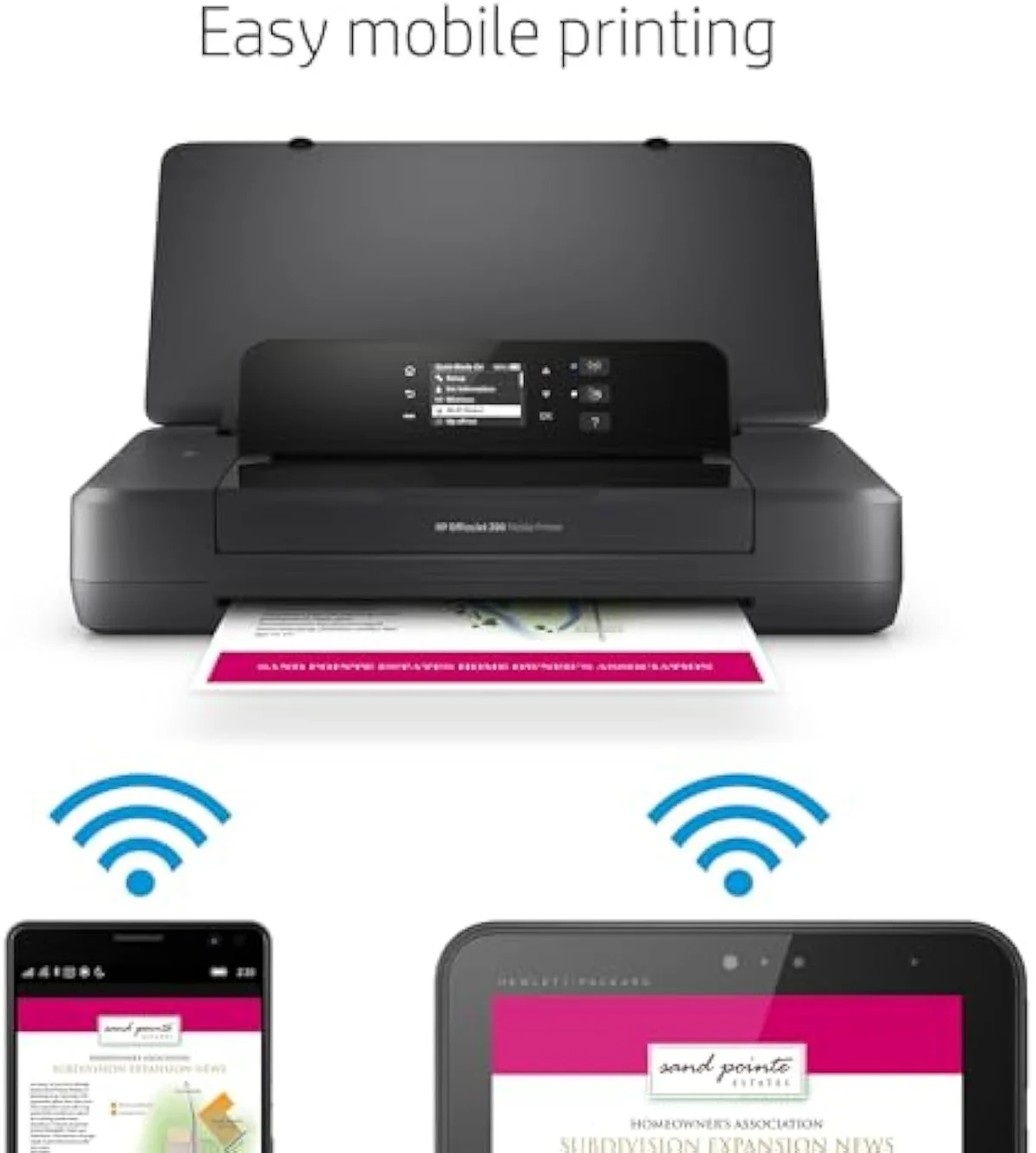
One function — and naming it settles the whole decision. The OfficeJet 200 is print-only, while the OfficeJet 250 is the all-in-one version of the same battery printer:
- Scan + copy — the 250 has them, the 200 does not the real decider
- 10-page automatic document feeder (250 only) multi-page scan/copy
- Colour touchscreen vs the 200’s small mono panel control, not capability
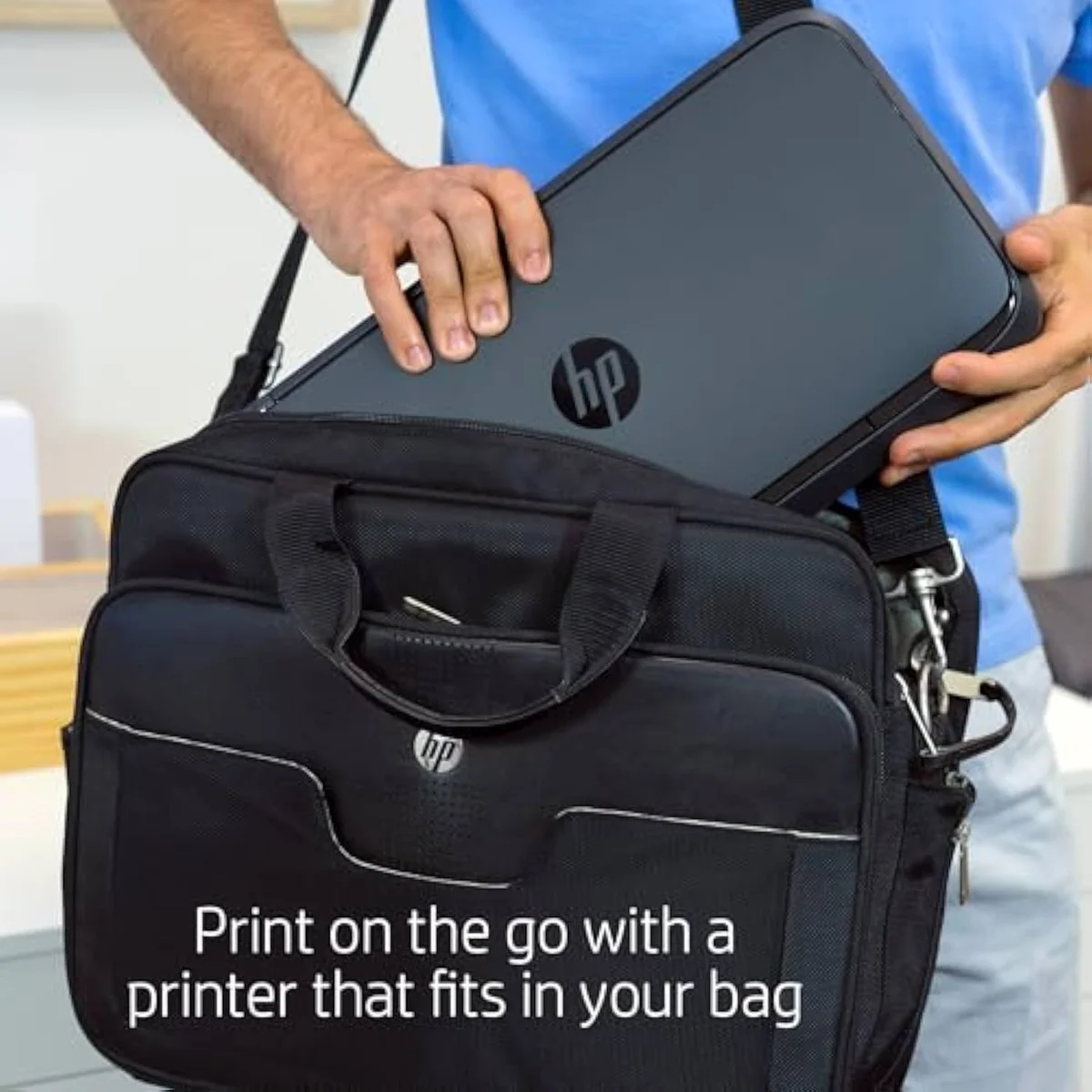
- Size + weight — the 200 is the smaller, lighter body the print-only payoff
- HP 62 cartridge running cost identical on both
Most model-number pairs hide a murky mix of small changes. This one does not, and that is the useful part. According to HP's OfficeJet mobile printer specifications, the 200 is a single-function printer and the 250 is a print-scan-copy all-in-one, both running off the same in-box battery and the same Original HP 62 cartridge line. The shared base is real — HP pitches the 250 as a printer that lets you
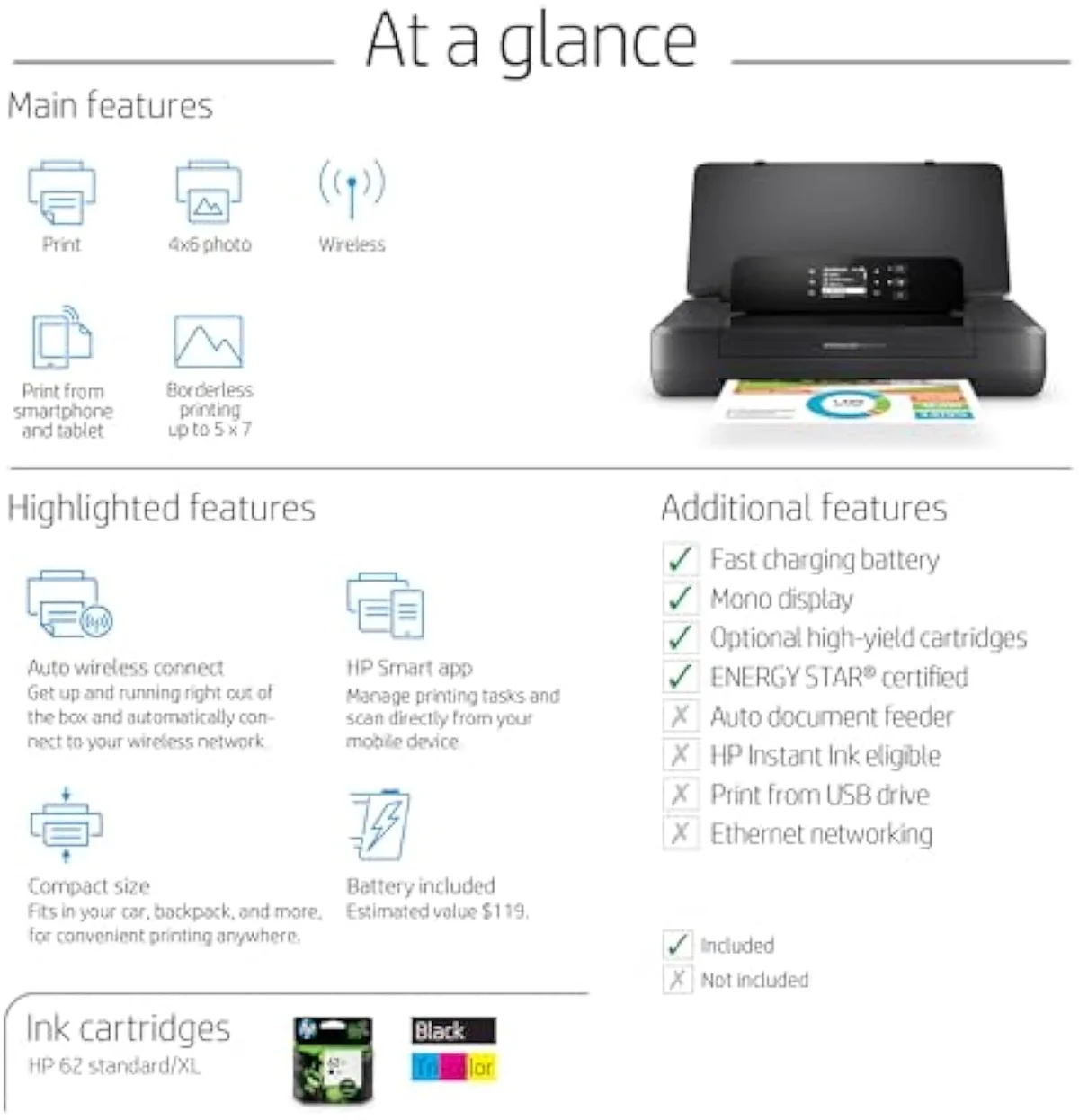
OfficeJet 200 — print-only
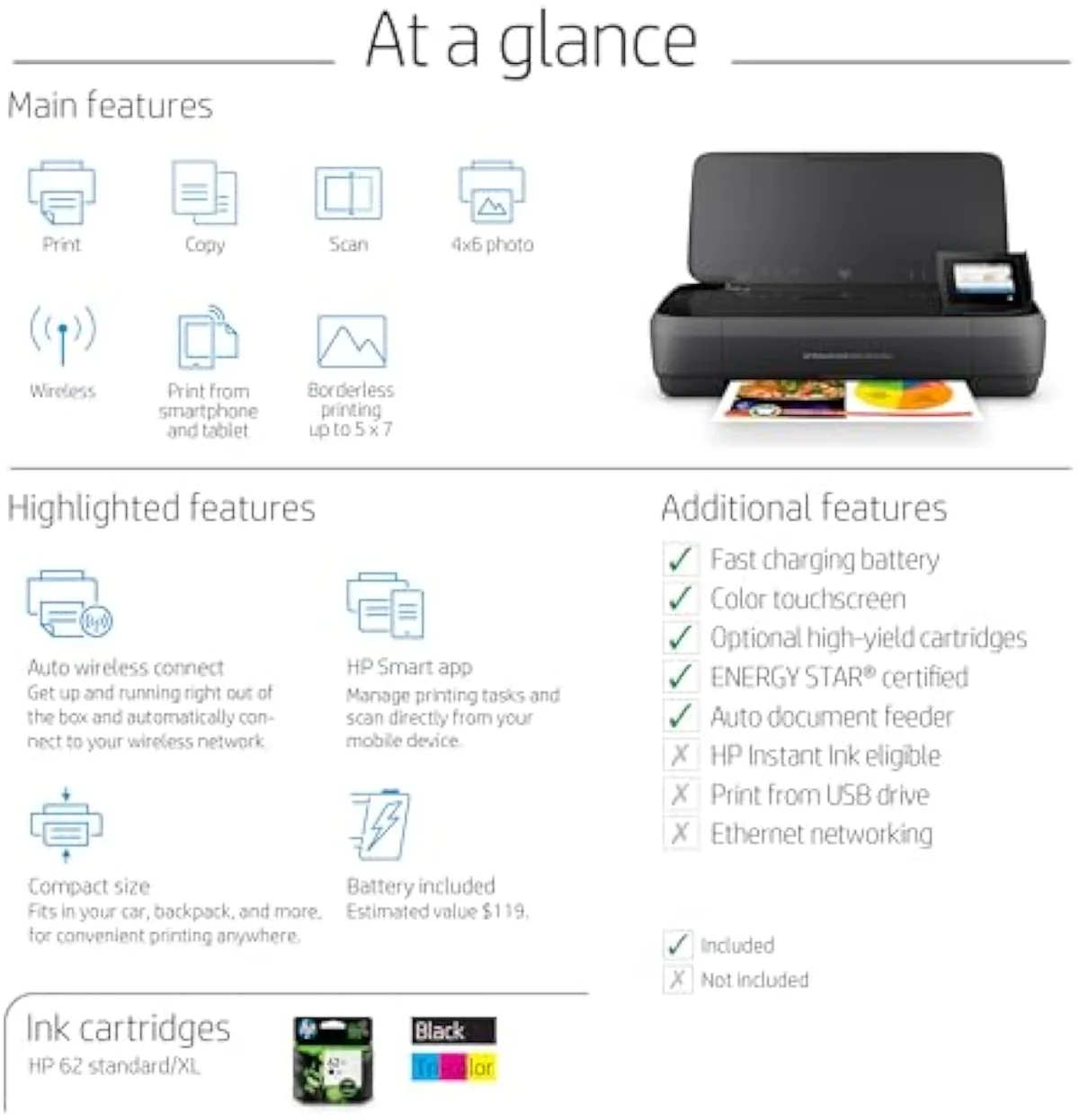
OfficeJet 250 — all-in-one
What stays the same is what fixes the cost-per-page on both: the cartridges. Owners and HP agree the supply line carries over —
What is the difference between HP mobile printer 200 and 250?
The 250 scans and copies; the 200 does not. Both are battery printers on the same HP 62 platform with the same travel body, but the 250 bolts a flatbed scanner, a copier, a 10-page document feeder, and a larger colour touchscreen onto that base. The 200 strips all of that out to stay smaller, lighter, and cheaper. Nothing else of substance separates them.
One model scans and copies while the other only prints, and that single line is the entire difference.
Read the two model names as one base printer with a removable feature set. The 200 is, in HP's own framing,
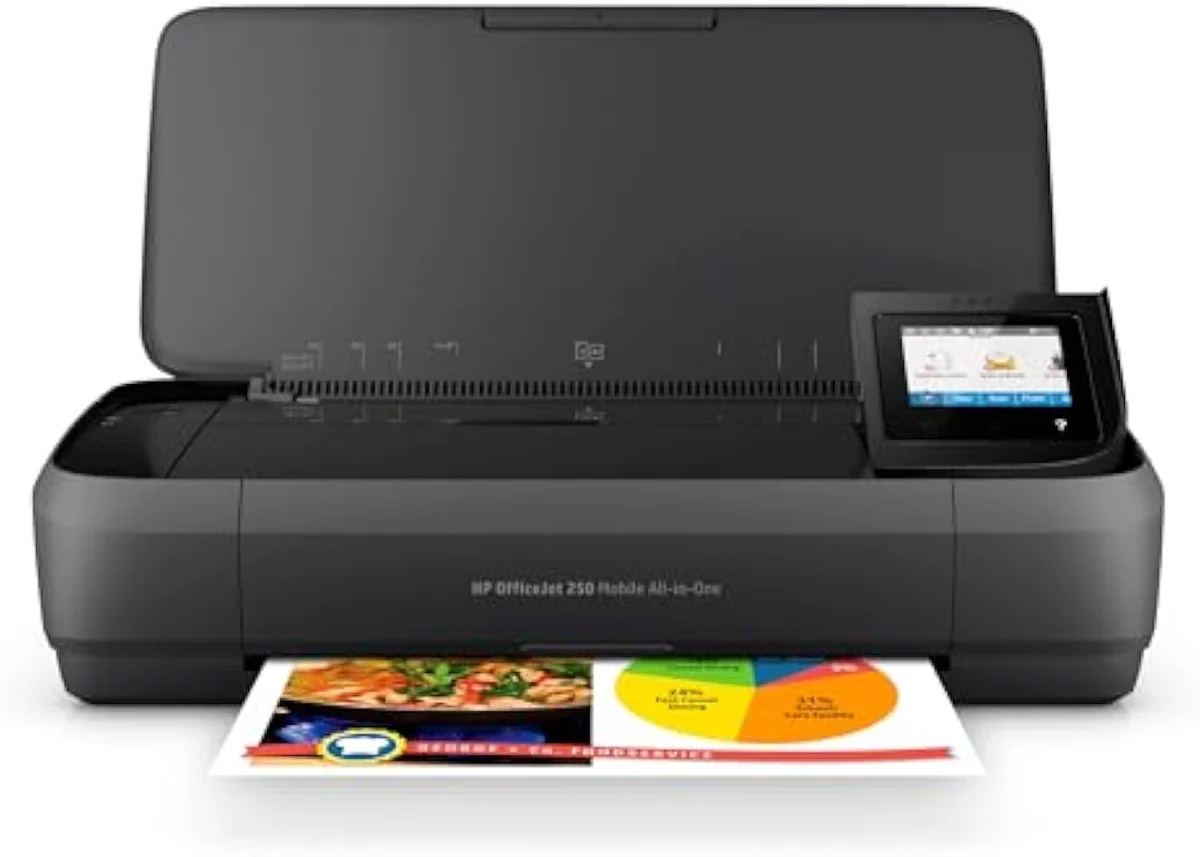
Is the HP OfficeJet 250 a good printer?
For one buyer, yes: a mobile worker who must print, scan, and copy off a battery and cannot find another printer that does all three. Reviewers praise printing from phone and laptop anywhere. The catches are HP-grade setup friction, a battery that drains in days if left in, and cartridge-validation errors. As a travel all-in-one it earns its place; as a home printer it is dear to feed.
Take the praise and the pushback together, because both are fair. The headline win is mobility: one always-on-the-go owner says
The power story is the same on both models, and it is the part a desk buyer underrates: HP rates the in-box battery to
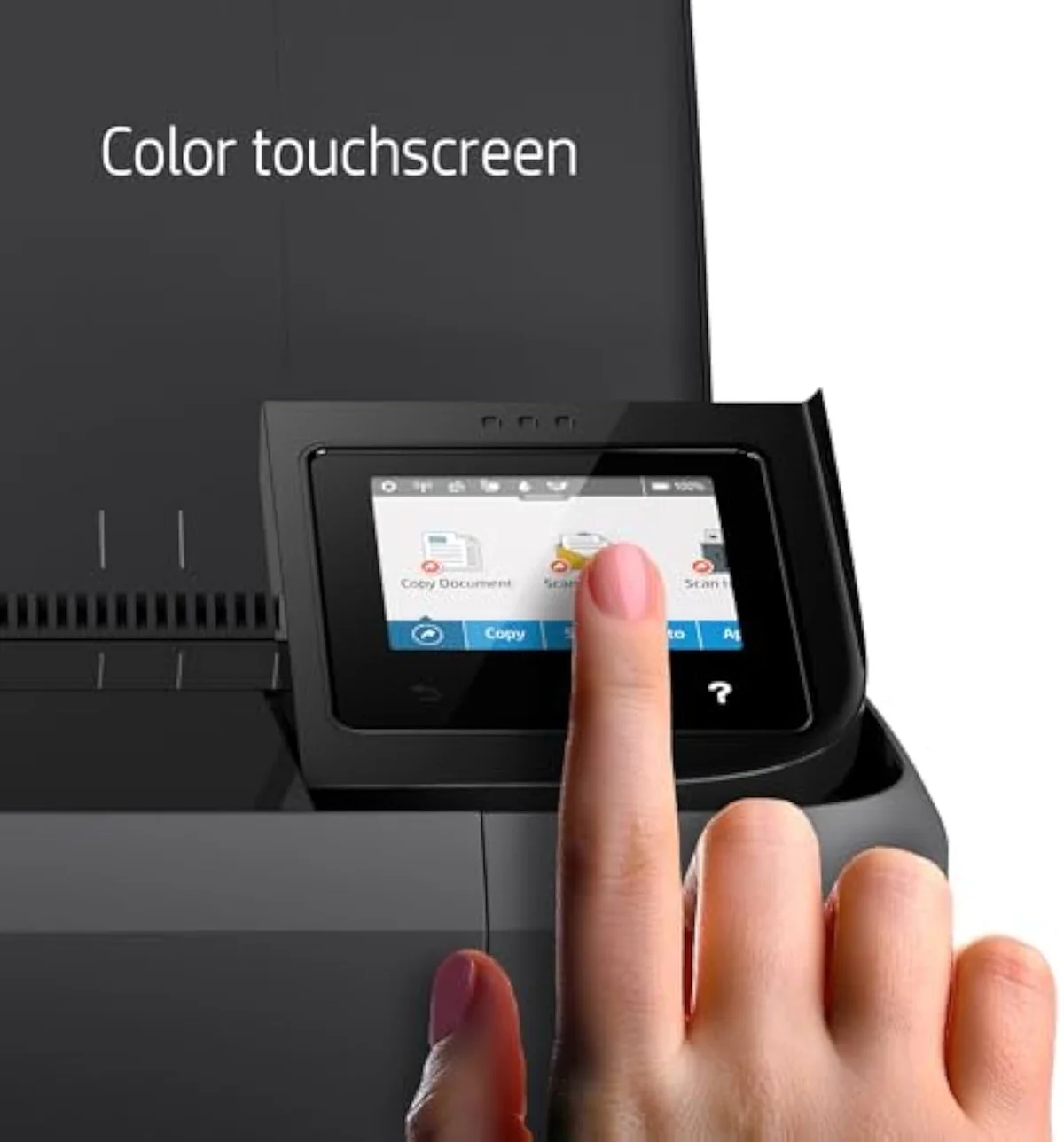
Touchscreen
Battery body
What ink cartridge for HP OfficeJet 250 mobile printer?
The HP 62 series — standard HP 62 or the higher-yield HP 62XL, in a black cartridge and a tri-colour cartridge. The print-only OfficeJet 200 takes the same HP 62 supplies, which is why running cost is identical across the pair. These compact cartridges are dear per page, so a mobile HP is a travel tool, not a cheap-to-feed home printer.
Two HP 62 cartridges feed both models, and that is the whole ink answer.
Honestly, the cartridge is the part that ties the two models together and the part that should temper the buy. Both the 200 and the 250 run the same line —
Is the HP 250 worth buying?
It is worth buying only for genuine on-the-road scan-and-copy work, where it has almost no rival. If you only print on the move, the cheaper OfficeJet 200 does that same job for less. And if the printer mostly sits on a desk, neither mobile HP is the right buy — a desktop all-in-one scans and copies for far less per page and does not drain a battery between jobs.
Here's the thing: the worth-it question is really a where-do-you-print question. The 250 justifies its premium over the 200 only when you actually scan or copy somewhere without a desk — a job site, a client's office, a car. For that narrow brief it is close to unmatched, which is why its owners keep it. The moment the work is print-only, the math flips: the 200 is
200 — print path
200 — compact body
Add it up and the OfficeJet 200-versus-250 question answers itself with one feature. The 250 is the 200 plus a scanner, a copier, a 10-page feeder, and a touchscreen, on the same battery, the same body, and the same HP 62 cartridges — so they print the same pages at the same cost-per-page. Need scan and copy on the road and the 250 is the obvious buy; print only and the 200 is the smaller, cheaper one to carry. And if the printer is really going to live on a desk, both are the wrong shape — a desktop all-in-one is cheaper to feed and built to stay put. That one distinction — mobile scan-and-copy versus mobile print-only versus a desk machine — settles every part of this comparison.
Get Our Top 3 Picks
Get our top 3 picks for your budget — one email, then only updates.
Only when something changes. Unsubscribe anytime.
Citations
- [1]"Use your laptop, tablet, or smartphone to print on the go, without having to connect to a network"https://www.amazon.com/dp/B01HGD8T9MCaptured June 3, 2026. Verified June 3, 2026.
- [2]"The OJ 200 is a true mobile printer."https://www.amazon.com/dp/B01HGD8T9MCaptured June 3, 2026. Verified June 3, 2026.
- [3]"Use your laptop, tablet, or smartphone to print, scan, and copy on the go, without having to connect to a network"https://www.amazon.com/dp/B01HGD8R5SCaptured June 3, 2026. Verified June 3, 2026.
- [4]"The 10-page document feeder has been a time-saver for me"https://www.amazon.com/dp/B01HGD8R5SCaptured June 3, 2026. Verified June 3, 2026.
- [5]"This printer uses Original HP 62 series cartridges that deliver the highest in-class page yields"https://www.amazon.com/dp/B01HGD8R5SCaptured June 3, 2026. Verified June 3, 2026.
- [6]"Print business documents anytime, anywhere, with a compact, portable all-in-one printer that fits into your car, backpack, or br"https://www.amazon.com/dp/B01HGD8R5SCaptured June 3, 2026. Verified June 3, 2026.
- [7]"The 2-inch display makes it easy to control"https://www.amazon.com/dp/B01HGD8T9MCaptured June 3, 2026. Verified June 3, 2026.
- [8]"the 2.65-inch touchscreen makes it simple to use"https://www.amazon.com/dp/B01HGD8R5SCaptured June 3, 2026. Verified June 3, 2026.
- [9]"the ability to print from both my phone and laptop has been a game changer"https://www.amazon.com/dp/B01HGD8R5SCaptured June 3, 2026. Verified June 3, 2026.
- [10]"No special driver or app needed."https://www.amazon.com/dp/B01HGD8R5SCaptured June 3, 2026. Verified June 3, 2026.
- [11]"it discharges battery in a few days if it is not removed from the printer"https://www.amazon.com/dp/B01HGD8R5SCaptured June 3, 2026. Verified June 3, 2026.
- [12]"a message like "Cartridge problem, check the specified cartridge""https://www.amazon.com/dp/B01HGD8R5SCaptured June 3, 2026. Verified June 3, 2026.
- [13]"One downside is the manual duplex printing."https://www.amazon.com/dp/B01HGD8T9MCaptured June 3, 2026. Verified June 3, 2026.
- [14]"The 50-sheet input tray is also a bit small for high-volume printing"https://www.amazon.com/dp/B01HGD8T9MCaptured June 3, 2026. Verified June 3, 2026.