HP OfficeJet Pro 8135e Review: Capable Hardware, Locked-Down Ink
Updated
A feature-dense home-office all-in-one — print, scan, copy, fax, ADF, auto-duplex — in a smaller body than the spec sheet suggests. The catch is control: firmware blocks non-HP-chip ink and the lock needs the printer online. The 3.8 rating is about that lock, a wobbly paper tray, and noise — not the pages. Buy only if HP's ink terms are acceptable.
| Best for | Home offices fine inside the HP Instant Ink ecosystem |
|---|---|
| Walk if | You want third-party ink, refuse a subscription, or print offline |
| Ink | HP cartridges, firmware-locked to HP chips |
| Speed | Up to 20 ppm black, 10 ppm color |
| Owner rating | 3.8 / 5 across 13 reviews |
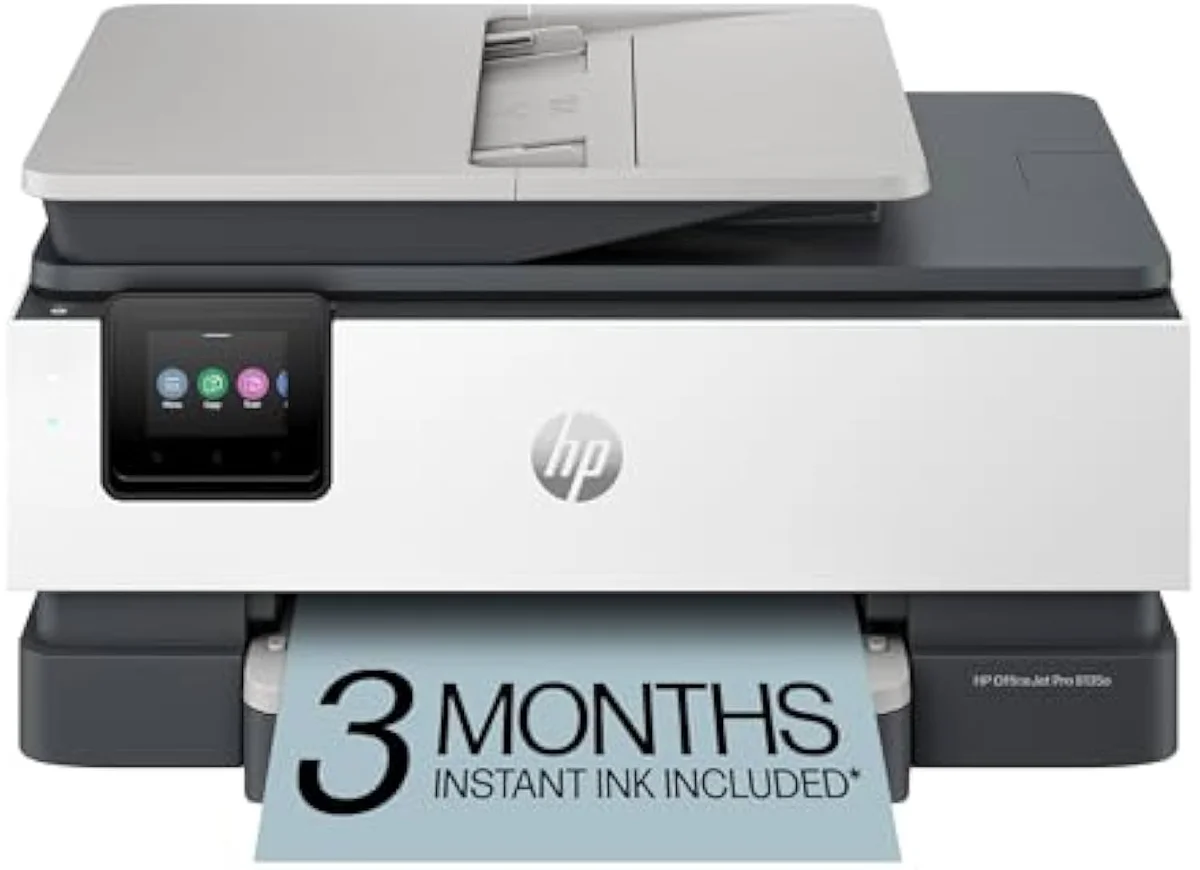
Capable home-office hardware wrapped in exactly the cartridge lock-in cost-conscious buyers come here to escape. The 8135e earns a conditional verdict: buy it only if HP Instant Ink and HP-chip-only cartridges are acceptable. For ink freedom, route to a bottle-fed supertank instead.
Amazon prices and availability are refreshed live and are subject to change. The price shown on Amazon at purchase applies.
Video Review

This verdict pulls together the 13 verified Amazon owner reviews of the HP OfficeJet Pro 8135e (a 3.8-star average), the r/readbeforebuying owner thread we mined, HP's own published specifications and Instant Ink terms, and independent printer testing from sources like RTINGS' lab-tested printer reviews. We don't run a print lab — we read the owner record closely and price the cost of ownership the box leaves off. We earn a commission if you buy through our links; it never changes the verdict. Read our full methodology →
Overview
The lock is the headline, not the spec sheet
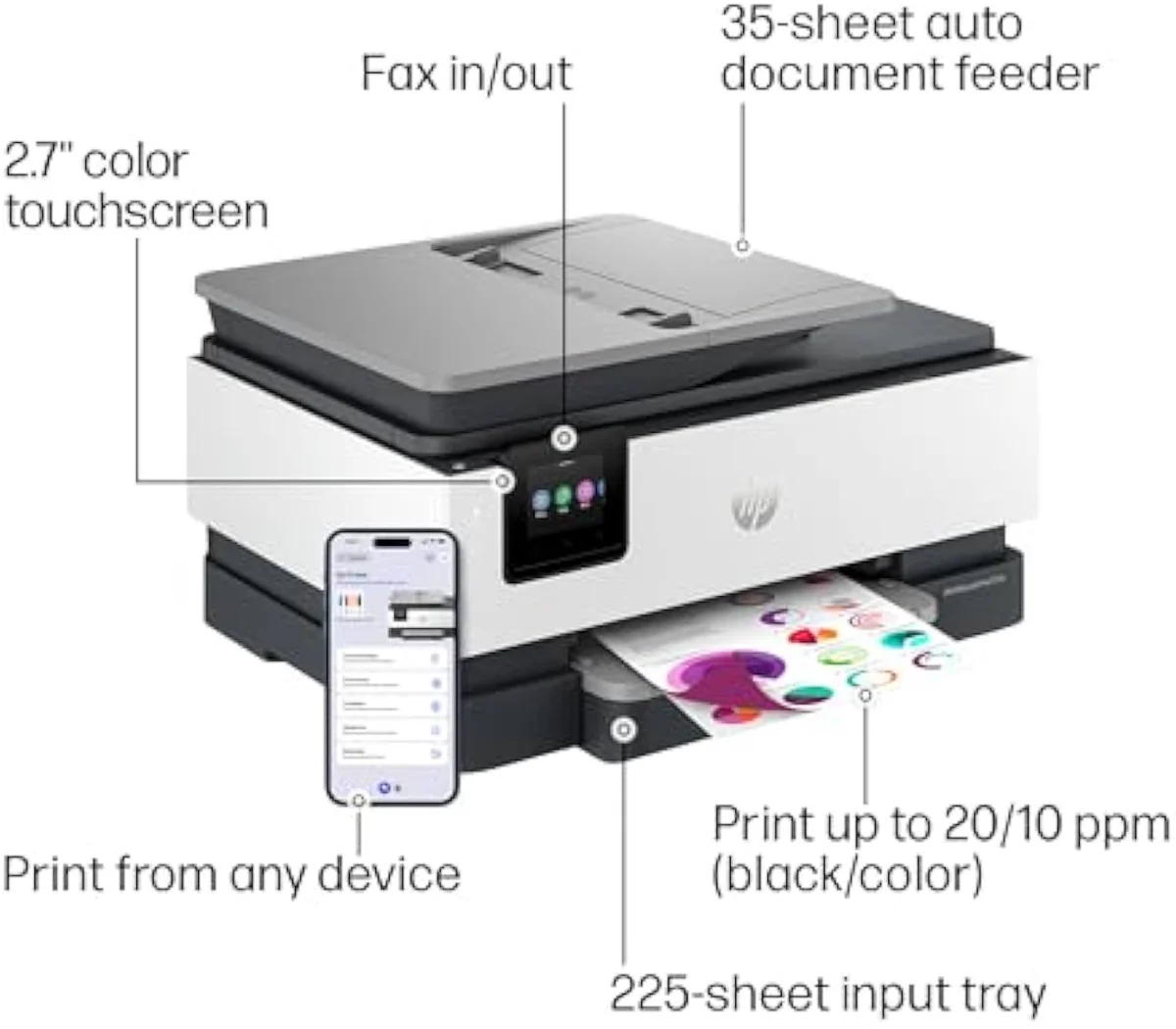
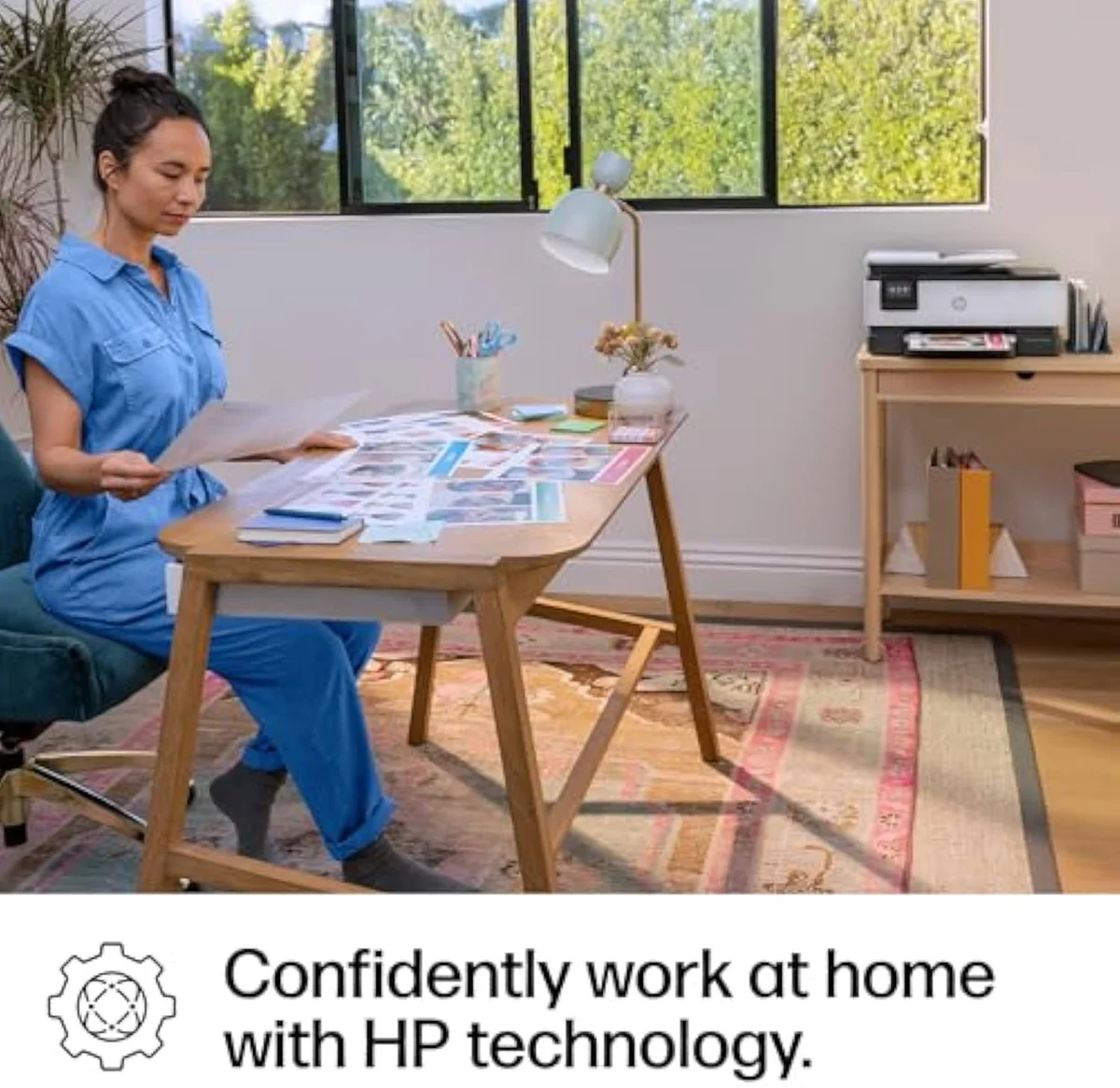
Look past the glamour shot and the OfficeJet Pro 8135e tells two stories at once. The first is a good one: a small-office all-in-one that does more than its footprint promises. One owner expecting a larger footprint was pleasantly surprised to find the feature-packed printer smaller than anticipated — it is a true all-in-one with print, scan, copy, fax, auto 2-sided printing, an automatic document feeder, and a 225-sheet input tray, all in a body that tucks onto a home-office desk.
The second story is the one HP's listing buries, and it is the reason this page exists. The 8135e is firmware-locked: HP's own copy states the printer
The split in the reviews follows that fault line.
Owners praise the hardware and the machine still lands at 3.8 across 13 reviews — low for a home-office printer. The gap between "good machine" and that rating is the whole review, and almost none of it is about print quality.
Key Specifications
| Functions | Print, scan, copy, fax, auto-duplex, ADF |
| Connectivity | Self-healing dual-band Wi-Fi, AirPrint, HP Smart app |
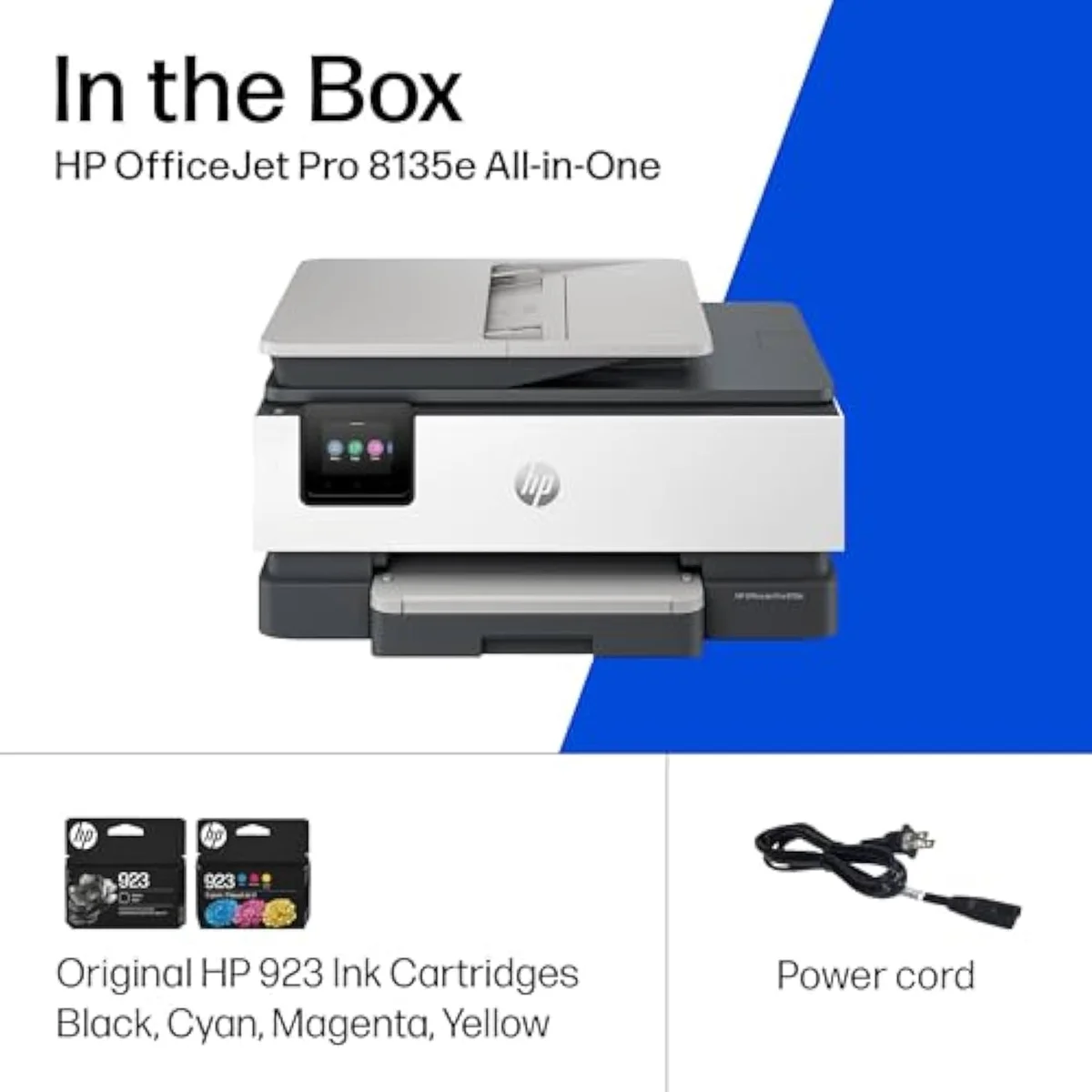
| Ink System | HP cartridges, firmware-locked to HP chips |
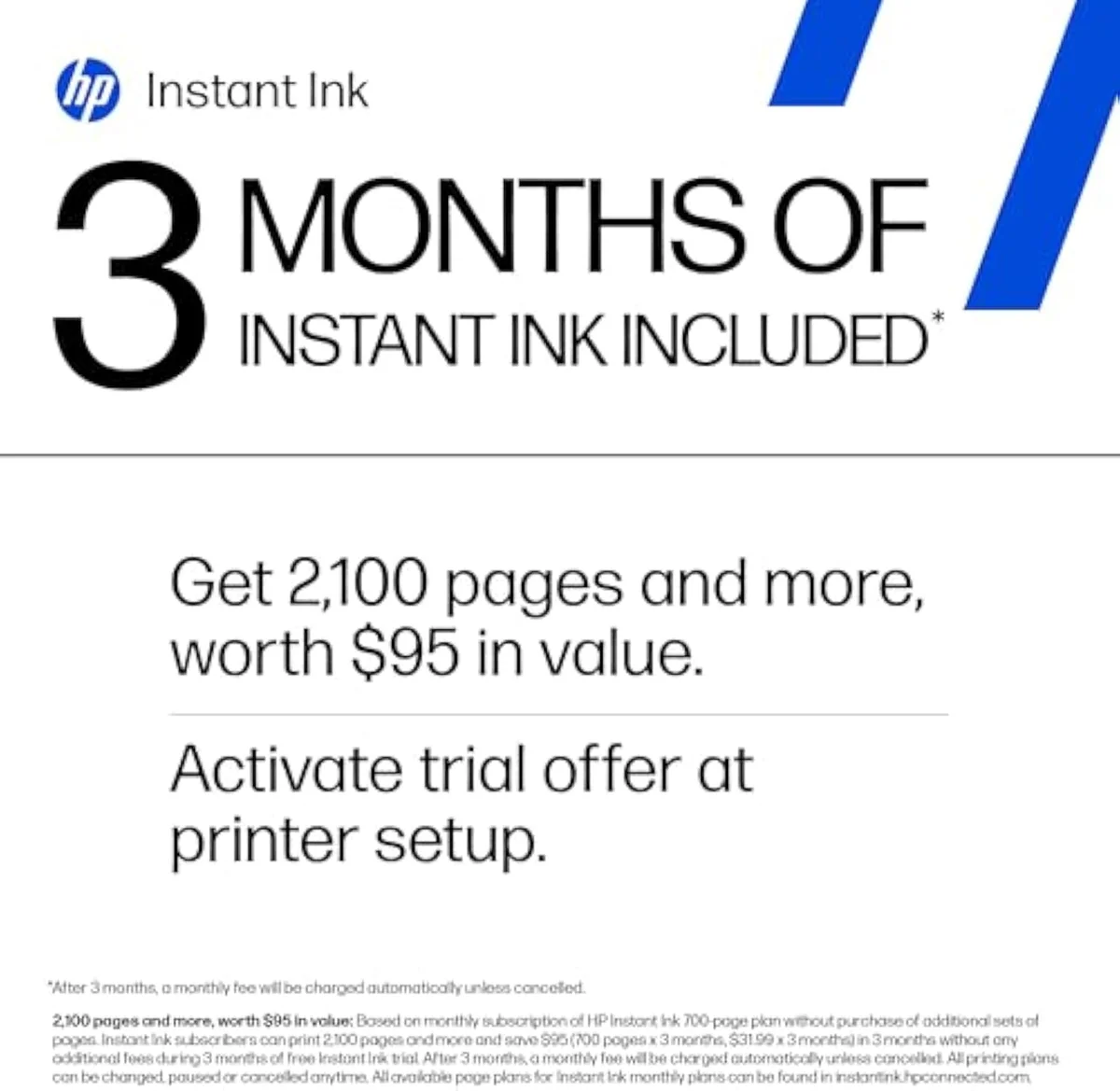
What the hardware gets right
Credit where it is due: the spec sheet is a real office spec sheet. HP rates it at
The interface is a quiet upgrade too. It carries a 2.7-inch color touchscreen — HP's pitch is to
So the hardware is not where this printer loses people. Set up cleanly, it does its job. The trouble starts at the cartridge bay, and at the tray.
Pros & Cons
Pros
- All-in-one with print, scan, copy, fax, auto-duplex and a 225-sheet tray
- Smaller footprint than owners expect for the feature set
- 2.7-inch color touchscreen with a phone-like interface
- Self-healing dual-band Wi-Fi that auto-resolves connection issues
Cons
- Firmware blocks non-HP-chip cartridges, so third-party ink is locked out
- Paper tray will not secure letter paper lengthwise, so sheets shift
- Owners report it is loud while printing
- Thin plastic build and a 3.8 owner rating below its OfficeJet Pro siblings
Performance & Real-World Testing
Print quality is the calm part of the record
Here is the irony that defines the 8135e: the pages are good, and the rating is bad. Owners report clean output for professional documents, and the complaints almost never mention resolution. The honest caveat is photos — one owner notes that
Everything dragging the score sits around the printing, not in it.
The physical annoyances owners hit first
Before the firmware ever bites, two hardware niggles set the tone. The build feels cheap to some — multiple reviewers call it a terrible printer, with one finding the plastic so thin it felt ready to break during ink loading. And the paper handling has a real flaw: an owner reports
Then there is the noise. Quiet it is not —
Value Analysis
The real cost is the ink lock, not the sticker
Here's the thing about an 'e'-model HP: the cartridge price is the smaller trap. Cartridge ink already runs far dearer per page than bottle ink — RTINGS' cost-per-print and page-yield testing puts the gap at several times over, and Consumer Reports' inkjet running-cost testing reaches the same place. That is the baseline cartridge tax every cartridge printer charges. The 8135e adds two layers on top of it.
The first layer is the lock itself. The defining warning in the r/readbeforebuying thread is blunt:
The second layer is the subscription. Cancel HP Instant Ink and the catch lands at the exit, not the entrance: the community warns that
THE GAP The box counts pages per minute; the wallet counts the HP+ lock — HP-chip-only cartridges, always-online validation, and a subscription whose cartridges die on cancel.
The control question, not the volume question
A normal cartridge printer's value splits on how much you print. The 8135e's splits on something simpler: do you accept HP deciding what goes in the cartridge bay? Say yes and you get a competent, well-featured office machine. Say no and there is no print volume that makes the lock worth it. We grade every machine against that running-cost and lock-in case in our inkjet printers evidence hub.
What to Expect Over Time
Living with it: the firmware never sleeps
Two failure modes shape life with the OfficeJet Pro 8135e past the first week, and both trace to the same software-first design.
The first is reliability you can't predict, because the failures are digital. One owner's unit died after 5 months of use:
The second is the failure mode every inkjet shares, made worse by the always-online lock. Liquid ink hardens in the printhead when the machine sits unused, and it spends ink on automatic cleaning cycles to clear it. A home office that idles the printer for a week is courting a clog — and with the 8135e, that idle machine still needs an internet connection just to validate its cartridges before it can print at all. We track that idle-clog risk in our safety and known-risks guidance, and the brand-specific picture in our guide to HP inkjet printers.
The community verdict is not subtle about where all this lands. In the same thread, commenters call HP
What HP 8135e buyers ask before they commit
The 13-review record clusters tightly: respect for the features, frustration with the lock and the tray. These are the questions buyers raise most before committing.
What are the most common problems with the HP OfficeJet Pro 8135e?
Three keep recurring across the owner record, and only one is about printing. The biggest is ink control — firmware that blocks non-HP-chip cartridges and needs the printer online to enforce it. The second is a paper tray that won't lock letter-size sheets lengthwise, so paper shifts when you pull the tray. The third is noise: owners describe it as loud while it runs. A 3.8-star average across 13 reviews is the sum of those frustrations, not a verdict on the pages it produces.
What is the difference between the HP 8135e and the 8125e?
Same OfficeJet Pro 8100 family, two yield points. The 8125e is the lighter, cheaper entry; the 8135e is the higher-yield step up priced a tier above it, aimed at a heavier monthly page count. Both carry identical HP+ firmware that locks them to HP-chip cartridges, so paying more for the 8135e buys capacity, not ink freedom.
Is HP discontinuing its "e" series printers?
No. The 8135e is a current model — the "e" marks HP+ and Instant Ink eligibility, not end-of-life. It also marks the firmware that ties the printer to genuine HP cartridges, which is the part owners actually want a warning about before they buy.
Can you use third-party ink in the HP OfficeJet Pro 8135e?
It is built to refuse it. HP's listing states the printer will block cartridges using non-HP chips, and the community confirms the 'e' models reject remanufactured and third-party ink and need an internet connection to enforce the lock. One Vine reviewer reports a non-OEM ink set working on a related 8034e after a not-genuine-HP warning, so some third-party ink slips through — but that is the exception, not the rule. If cheap aftermarket ink is the whole point of your purchase, this is the one machine in the family designed to stop you.
Should you buy the HP 8135e or the HP ENVY Photo 7975 for photos?
For photos, neither is ideal, but the ENVY Photo 7975 is the closer fit — it is built around photo output, while the 8135e is a document machine that owners say loses some quality on photos. If your printing is mostly home-office paperwork with the odd photo, the 8135e is the better all-rounder. If saturated borderless prints are the job, a dedicated photo printer or a six-ink supertank beats both.
How long does the HP OfficeJet Pro 8135e last?
It depends on your luck with the firmware. One owner reports a unit failing at about five months when the Wi-Fi stopped being recognized, and a sibling 9135e bricked on a routine cartridge swap with a false ink-leak error HP had no fix date for. Those are tail cases, not the norm — but a printer whose failure mode is its own software is harder to predict than one that simply wears out.
The buy-or-walk line
Capable machine, one disqualifying string
The OfficeJet Pro 8135e is good hardware. A home office that prints steadily, wants a real ADF-and-duplex machine in a small footprint, and is honestly fine inside HP Instant Ink gets a capable all-in-one with a nice touchscreen and self-healing Wi-Fi. For that buyer, this is a fair pick. For the buyer who came here to escape the cartridge tax, it is the wrong one at any price — the HP-chip lock and the always-online DRM are the exact trap they are trying to leave.
Compared to the cheaper sibling, the
Capable home-office hardware wrapped in exactly the cartridge lock-in cost-conscious buyers come here to escape. The 8135e earns a conditional verdict: buy it only if HP Instant Ink and HP-chip-only cartridges are acceptable. For ink freedom, route to a bottle-fed supertank instead.
Best for: Home offices that accept the HP+ ecosystem and want a feature-packed all-in-one in a small footprint
Track the HP OfficeJet Pro 8135e Wireless All-in-One Color Inkjet Printer
We check the price daily and monitor availability. You hear from us when something changes.
Only when something changes. Unsubscribe anytime.
Citations
- [1]"Print speeds up to 10 ppm color"https://www.amazon.com/dp/B0CFM7BTW8Captured June 4, 2026. Verified June 4, 2026.
- [2]"Fast color printing, scan, copy"https://www.amazon.com/dp/B0CFM7BTW8Captured June 4, 2026. Verified June 4, 2026.
- [3]"Quickly navigate your printer"https://www.amazon.com/dp/B0CFM7BTW8Captured June 4, 2026. Verified June 4, 2026.
- [4]"automatically detects and resolves connection issues"https://www.amazon.com/dp/B0CFM7BTW8Captured June 4, 2026. Verified June 4, 2026.
- [5]"Made with more than 45% recycled plastic"https://www.amazon.com/dp/B0CFM7BTW8Captured June 4, 2026. Verified June 4, 2026.
- [6]"HP AI easily removes unwanted content"https://www.amazon.com/dp/B0CFM7BTW8Captured June 4, 2026. Verified June 4, 2026.
- [7]"will block cartridges using non-HP chips or circuitry"https://www.amazon.com/dp/B0CFM7BTW8Captured June 4, 2026. Verified June 4, 2026.
- [8]"HP Wolf Essential Security bolsters security"https://www.amazon.com/dp/B0CFM7BTW8Captured June 4, 2026. Verified June 4, 2026.
- [9]"through the step by step setup guide in the app"https://www.amazon.com/dp/B0CFM7BTW8Captured June 4, 2026. Verified June 4, 2026.
- [10]"The first printer lasted approximately 5 months before failing with WIFI not being recognized"https://www.amazon.com/dp/B0CFM7BTW8Captured June 4, 2026. Verified June 4, 2026.
- [11]"Some quality is lost in photo printing, but again, this is not a dedicated photo printer."https://www.amazon.com/dp/B0CFM7BTW8Captured June 4, 2026. Verified June 4, 2026.
- [12]"when it prints, it is L-O-U-D!"https://www.amazon.com/dp/B0CFM7BTW8Captured June 4, 2026. Verified June 4, 2026.
- [13]"The ones with an 'e' at the end are tied into HP’s print services and will refuse to work without genuine HP supplies."https://www.amazon.com/dp/B0CFM7BTW8Captured June 4, 2026. Verified June 4, 2026.
- [14]"They also require online access at all times to print to enforce their cartridge DRM"https://www.amazon.com/dp/B0CFM7BTW8Captured June 4, 2026. Verified June 4, 2026.
- [15]"the subscription cartridges are only usable with an active subscription"https://www.amazon.com/dp/B0CFM7BTW8Captured June 4, 2026. Verified June 4, 2026.
- [16]"The paper tray has a design flaw where it does not secure 8 1/2 x 11“ paper lengthwise."https://www.amazon.com/dp/B0CFM7BTW8Captured June 4, 2026. Verified June 4, 2026.
- [17]"Error that the ink cartridge is leaking. It is not."https://www.amazon.com/dp/B0CFM7BTW8Captured June 4, 2026. Verified June 4, 2026.
- [18]"They are the most anti-consumer"https://www.amazon.com/dp/B0CFM7BTW8Captured June 4, 2026. Verified June 4, 2026.
- [19]"HP OfficeJet Pro 8125e Wireless Co"https://www.amazon.com/dp/B0CFM7BTW8Captured June 4, 2026. Verified June 4, 2026.
- [20]"HP OfficeJet Pro 9135e Wireless Al"https://www.amazon.com/dp/B0CFM7BTW8Captured June 4, 2026. Verified June 4, 2026.