HP DeskJet 2855e vs 4255e: One Adds a Feeder, Both Keep the Ink Trap
Updated
The 4255e is the better of the two — it adds an automatic document feeder and auto-duplex the 2855e doesn't have, for a small black-speed bump. But these are siblings, not rivals: both lock you to HP cartridges and gate on an Instant Ink trial, and that cartridge tax costs far more over a year than the feature gap between them. Step up to the 4255e if you copy or print double-sided; skip both for a supertank if you print every week.
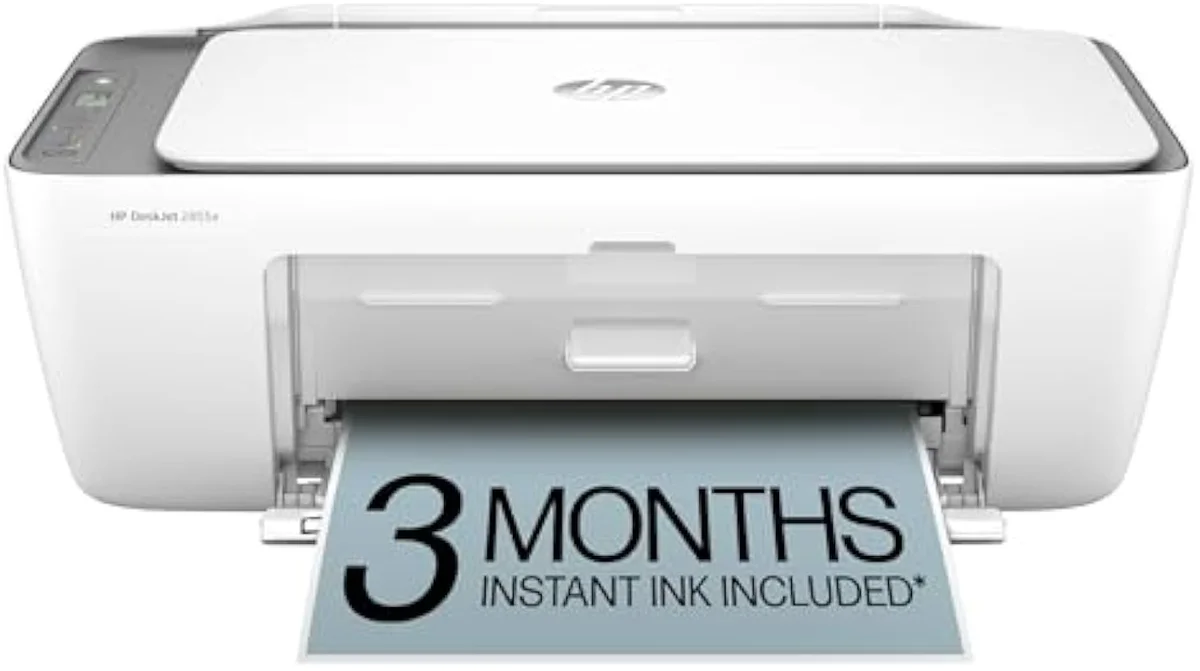
HP DeskJet 2855e
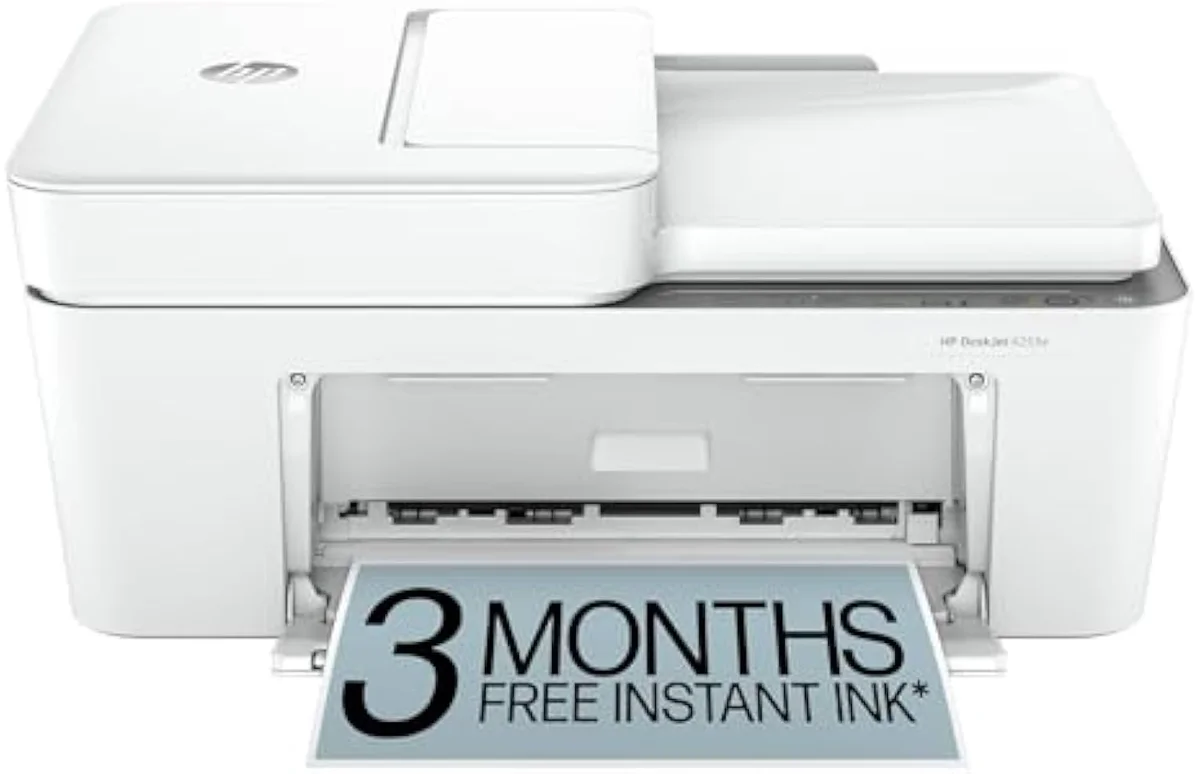
HP DeskJet 4255e Wireless All-in-One Color Inkjet Printer
The 4255e wins on features — an automatic document feeder and auto-duplex the 2855e lacks. But both are budget HP cartridge DeskJets locked to genuine HP ink, and that running cost outweighs the gap between them. Step up to the 4255e for copying and double-sided printing; skip both for a supertank if you print weekly.
| Real upgrade (4255e) | Auto document feeder + auto two-sided printing |
|---|---|
| Speed edge | 4255e 8.5 ppm black vs 2855e 7.5 ppm |
| Shared trap | HP-chip cartridge lock + Instant Ink trial, both |
| Both best for | Light home printing of a few pages a month |
| Skip both if | You print weekly — a supertank costs less to run |
These two are siblings, not rivals. The HP DeskJet 2855e and the 4255e come off the same budget line: the same compact body, the same 60-sheet input tray, the same 2.4 GHz-only radio, and the same HP cartridge system carrying an Instant Ink trial. The model number buys you one real thing — the 4255e adds an automatic document feeder and automatic two-sided printing the 2855e doesn't have. So the pick is straightforward: if you copy stacks of paper or print double-sided, the 4255e is worth the step up; if you don't, the 2855e does the rest identically.
That answers the literal question. The more honest one sits underneath it. Both of these are "e" printers — the suffix that ties them into HP's print services and refuses third-party cartridges — so whichever you pick, the cartridge shelf is where the money goes. HP designs the low purchase price to recover later in ink, and owner reviews on both models say so in plain language. Spend a minute on the feature gap; spend the rest on whether a cartridge DeskJet is the right buy at all.
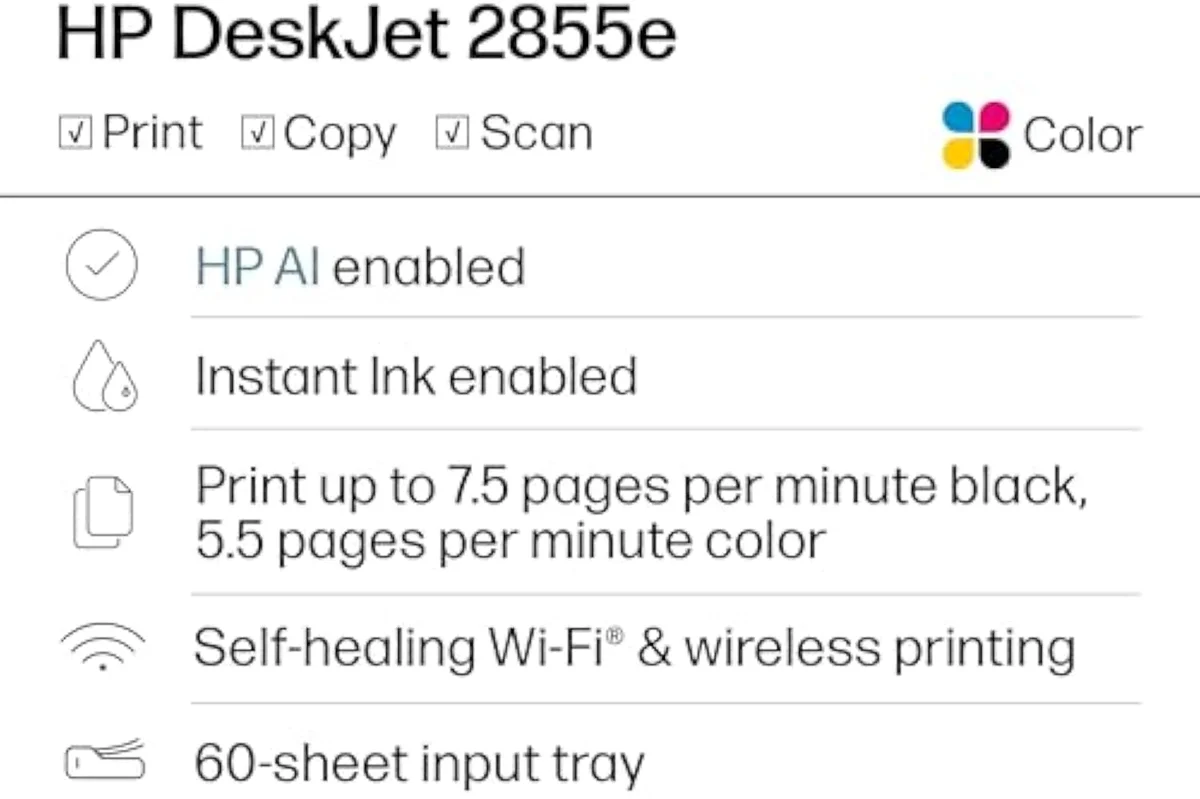
HP DeskJet 2855e
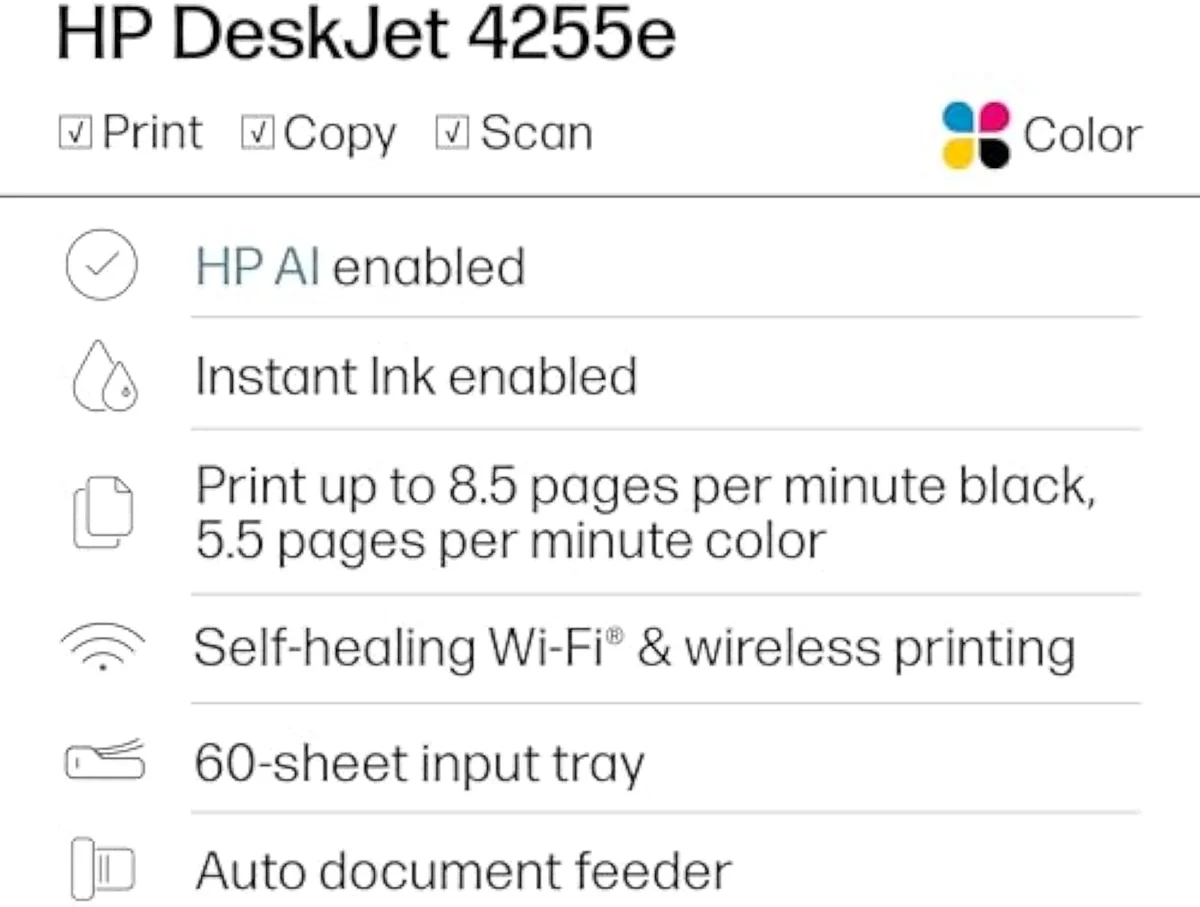
HP DeskJet 4255e Wireless All-in-One Color Inkjet Printer
At a Glance
| Feature | HP DeskJet 2855e Wireless All-in-One Color Inkjet Printer | Editor's Pick HP DeskJet 4255e Wireless All-in-One Color Inkjet Printer |
|---|---|---|
| Live Price | $50–$100* | $50–$100* |
| Amazon Savings | Check Amazon | Check Amazon |
| Availability | Checking Amazon | Checking Amazon |
| Current Offer | Checking Amazon | Checking Amazon |
| Amazon Rating | ||
| Amazon Sales Rank | Check Amazon | Check Amazon |
| Live Data Refresh | Refresh pending | Refresh pending |
| Print Speed | Up to 5.5 ppm color, 7.5 ppm black | — |
| Functions | Print, scan, copy (color all-in-one) | — |
| Connectivity | Wi-Fi 2.4 GHz only — Ethernet port, but Wi-Fi-only setup | — |
| Ink System | Cartridge; 3-month Instant Ink trial included | — |
| Paper Capacity | 60-sheet input tray | — |
| Check Price | Check Price |
Amazon prices and availability are refreshed live and are subject to change. The price shown on Amazon at purchase applies.
One feeder apart, otherwise twins
On paper these printers are near-identical, and the "At a Glance" table above reads as two copies of one column with a single row that differs. Start with that difference, because it is the only reason to pay more.
The 4255e's headline addition is the feeder. HP lists its

Speed barely moves. The 2855e is rated for
Everything else is shared hardware. Both carry a flatbed scanner, both print-scan-copy from one compact unit, and both run the same HP Smart app for setup and mobile printing. If you never copy a multi-page document and never print double-sided, the 2855e gives you the identical machine for less.
So the feature math is settled in a sentence: pay more for the 4255e only if you copy stacks or print double-sided.
The cost that dwarfs the feature gap
Here's the thing: the feeder is the small story. Both printers are cheap to buy and expensive to feed, and the gap between buying the 2855e and the 4255e is pocket change next to what either one costs to keep in ink. That is the real comparison.
The ink is where HP makes its money back, not the printer.
Both are firmware-locked to HP cartridges. The 4255e's own listing states it is
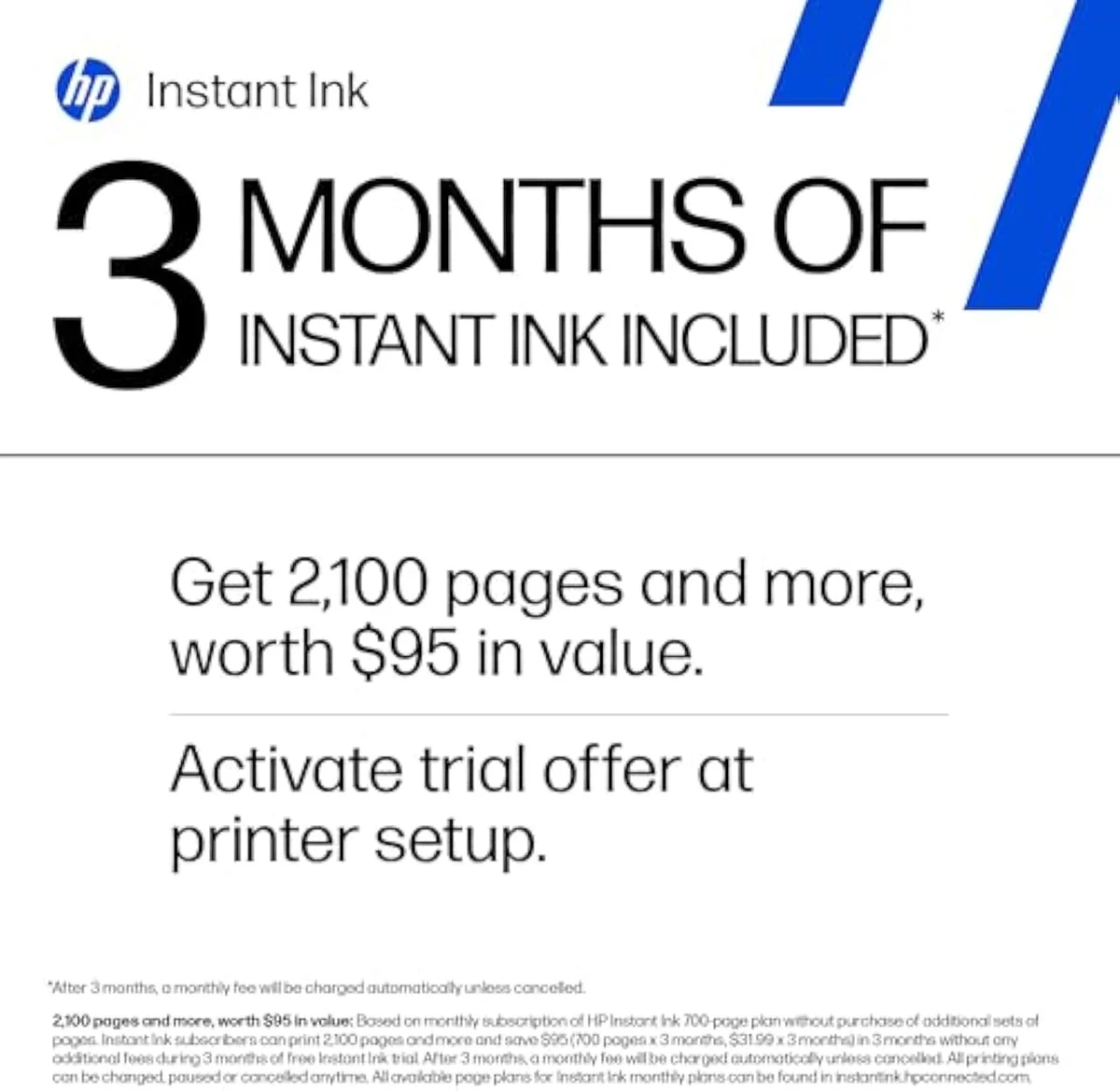
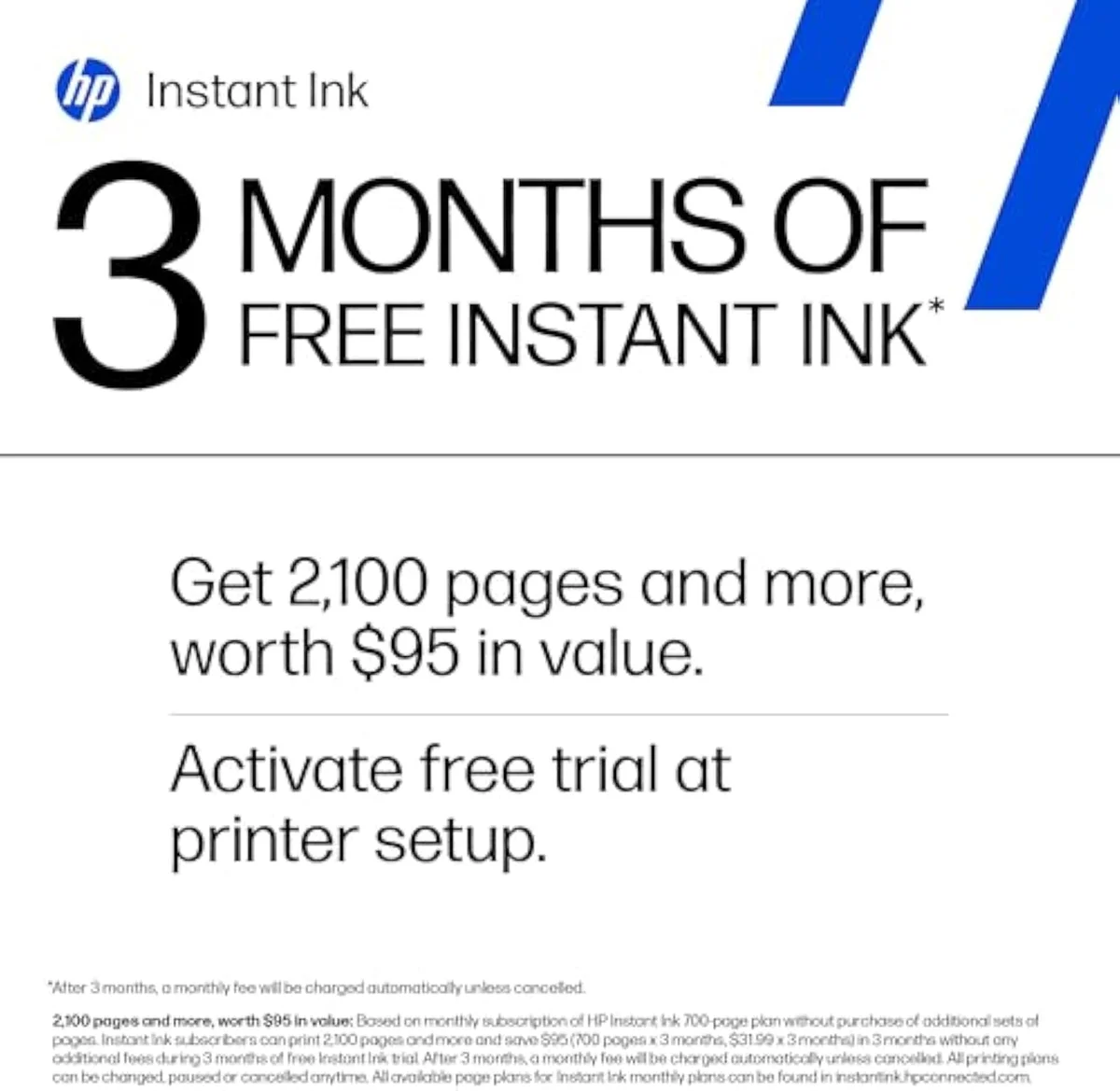
The subscription adds a second string. Both bundle a three-month Instant Ink trial, and the 2855e listing spells out the catch:
Then there is the radio both share. The 2855e is, per HP,
HP DeskJet 2855e
HP DeskJet 4255e Wireless All-in-One Color Inkjet Printer
So which DeskJet — or neither?
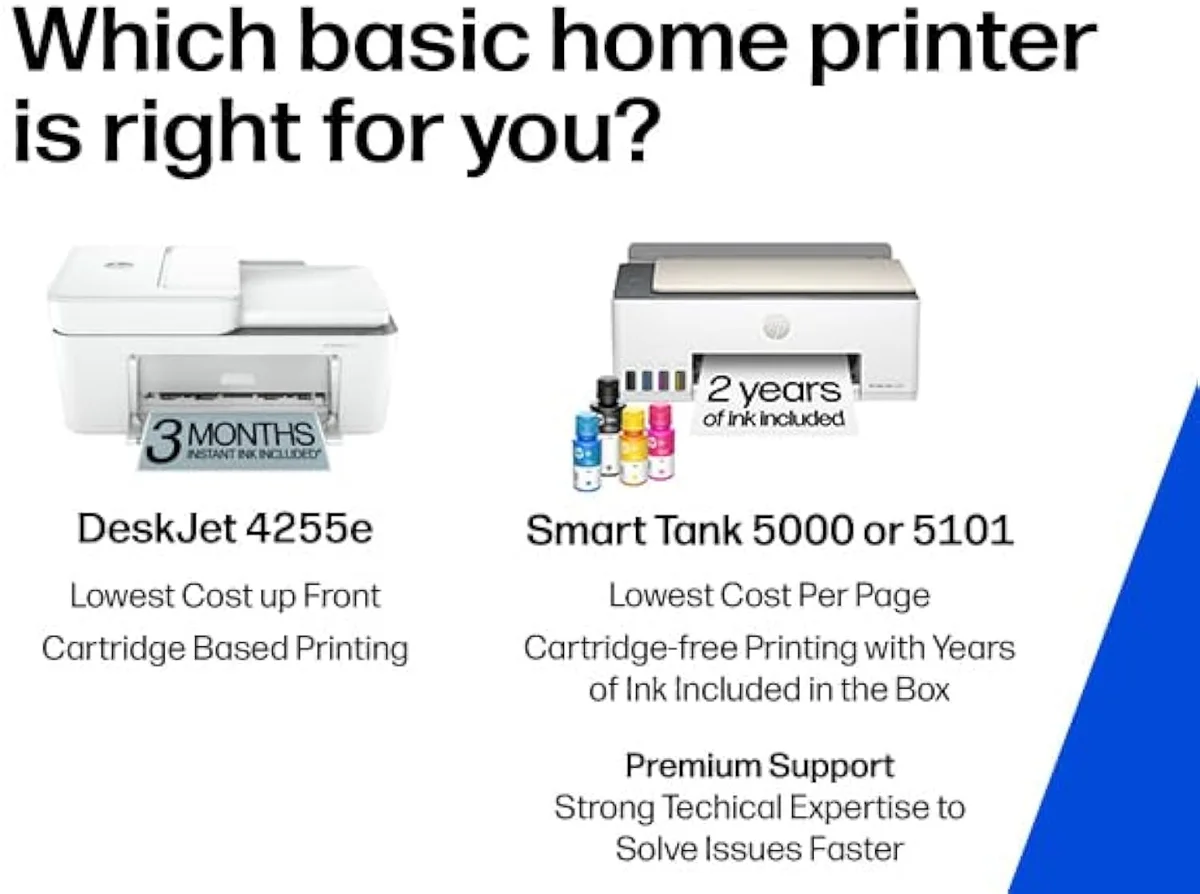
Because these two share everything but a feeder, "who buys which" comes down to one habit — do you copy and print double-sided — wrapped around a bigger question about whether a cartridge DeskJet suits you at all. If you're looking at the 2855e to save a few dollars, be honest about how often you'll miss the feeder; if you're considering the 4255e for its ADF, be honest about the ink bill you're signing up for. For light-printing households either works; for HP loyalists upgrading from an older model, the 4255e is the closer match to what you had.
Buy the 4255e if…
…you copy multi-page documents or print double-sided. The automatic document feeder and auto-duplex are the 4255e's whole reason to exist, and for a home office that scans paperwork or prints reports they save real time every week. You also get the marginally faster 8.5 ppm black. Going in, accept the ink lock — you're paying for the feeder, not an escape from HP cartridges.
Buy the 2855e if…
…you only print the occasional single page and want to spend less. With no feeder and manual duplex, the 2855e is the lighter-duty sibling, and for printing a homework sheet or a return label now and then it does the identical job for less money. It best suits the household that, in HP's own framing, prints a few times a month — not the office that copies stacks. We cover its real-world setup and ownership quirks in our full review of the 2855e.
Skip both if…
…you print weekly, or you refuse to be locked to one ink brand. A regular printer should not buy either of these — the cartridge tax outruns the savings on the sticker, and a refillable supertank is the honest pick. Read the full case in our best supertank printers roundup, and weigh the whole cartridge-versus-tank fork in our all-in-one wireless printer guide. The 2855e and 4255e are for light home use only — at any real volume, both are the expensive answer.
2855e vs 4255e: the questions buyers actually ask
Most questions about these two come down to "is the 4255e worth more?" and "can I avoid the ink lock?" — so here are the straight answers, including the one HP would rather you didn't ask.
What is the difference between the HP DeskJet 2855e and 4255e?
Two things, really: the 4255e adds an automatic document feeder and automatic two-sided printing; the 2855e has neither. Black speed nudges up too — the 4255e is rated 8.5 pages per minute black against the 2855e's 7.5. Everything else is shared: the same compact chassis, the same 60-sheet input tray, the same 2.4 GHz-only Wi-Fi, and the same HP cartridge ecosystem with its Instant Ink trial and firmware lock.
Is the 4255e worth more than the 2855e?
If you copy multi-page documents or print double-sided, yes — the ADF and auto-duplex earn their keep daily, and they are the whole reason to step up. If you only print the odd single page, the 2855e does that identically for less.
Do both printers need an HP ink subscription?
Both ship with a 3-month Instant Ink trial that turns into a monthly charge unless you cancel it, and both refuse non-HP cartridge chips by firmware. You can buy genuine HP cartridges outright and skip the subscription, but neither machine will run on the cheap third-party ink that makes a cartridge printer affordable. That ink lock is the single biggest cost in owning either one.
Will these printers work on a 5 GHz mesh network?
No. Both the 2855e and 4255e are 2.4 GHz-only, and a mesh router that defaults to 5 GHz is a top cause of one-star setup reviews on both. Split out a 2.4 GHz band before you start setup.
Which one prints photos better?
Neither is a photo printer. Both lay down adequate document-grade color for a school worksheet or a recipe, but owners moving from a higher-end HP find the output a clear step down. For saturated borderless photos, a dedicated photo model is the right tool.
Should a heavy printer buy either of these?
No — buy a supertank instead. The cheap purchase price on a cartridge DeskJet is the trap; the cartridges cost the real money. Print weekly and a refillable ink-tank printer pays back its higher sticker fast.
Track Both Products
We'll email you if either price drops or availability changes.
Only when something changes. Unsubscribe anytime.
Ready to Choose?
Citations
- [1]"Print speeds up to 5.5 ppm color, 7.5 ppm black"https://www.amazon.com/dp/B0CT2R7199Captured June 3, 2026. Verified June 3, 2026.
- [2]"This printer is only 2.4 ghz capable."https://www.amazon.com/dp/B0CT2R7199Captured June 3, 2026. Verified June 3, 2026.
- [3]"After 3 months, monthly fee applies unless cancelled"https://www.amazon.com/dp/B0CT2R7199Captured June 3, 2026. Verified June 3, 2026.
- [4]"Text documents come out crisp, sharp, and perfectly legible"https://www.amazon.com/dp/B0CT2R7199Captured June 3, 2026. Verified June 3, 2026.
- [5]"Print speeds up to 5.5 ppm color, 8.5 ppm black"https://www.amazon.com/dp/B0CT2QHQVFCaptured June 3, 2026. Verified June 3, 2026.
- [6]"KEY FEATURES – Color printing, copy, scan, auto document feeder"https://www.amazon.com/dp/B0CT2QHQVFCaptured June 3, 2026. Verified June 3, 2026.
- [7]"This printer is intended to work only with cartridges with HP chips or circuitry"https://www.amazon.com/dp/B0CT2QHQVFCaptured June 3, 2026. Verified June 3, 2026.
- [8]"This printer might seem like a good deal at first, but it’s really just a ploy to lock you"https://www.amazon.com/dp/B0CT2QHQVFCaptured June 3, 2026. Verified June 3, 2026.
- [9]"4255e lets you print on both sides of paper"https://www.amazon.com/dp/B0CT2QHQVFCaptured June 3, 2026. Verified June 3, 2026.