Are HP Smart Tank printers worth it?
Updated

For a home that prints most weeks and is happy inside HP, a Smart Tank is worth it: it swaps the cartridge tax for bottle ink and a two-year in-box supply, and owners back the math —
- Running cost — bottle ink kills the cartridge tax the reason to buy
- Bimodal reliability — perfect or bricked the worth-it risk
- HP Smart app + cloud dependence no network, no printing
- Idle clog if left under a week every inkjet tank
- Setup gotcha — wrong tank bricks it one-time, permanent
The case for a Smart Tank reduces to one number HP finally moved on its own machines: cost-per-page. The whole line is pitched on it — the 5101 box reads
It is a real bargain, on real conditions.
Start with the upside, because it is genuine. The savings come from the tank, not a plan —
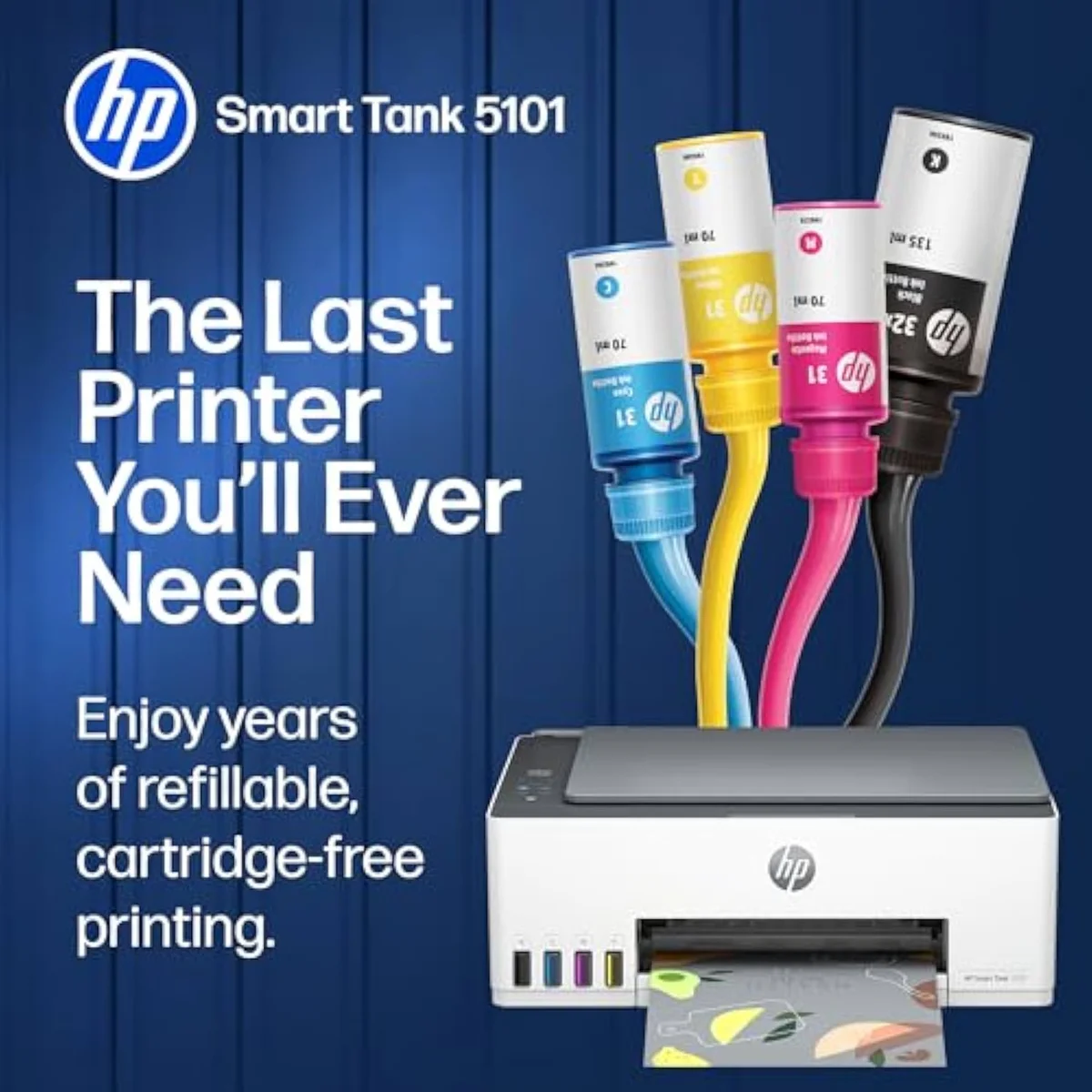
Smart Tank 5101
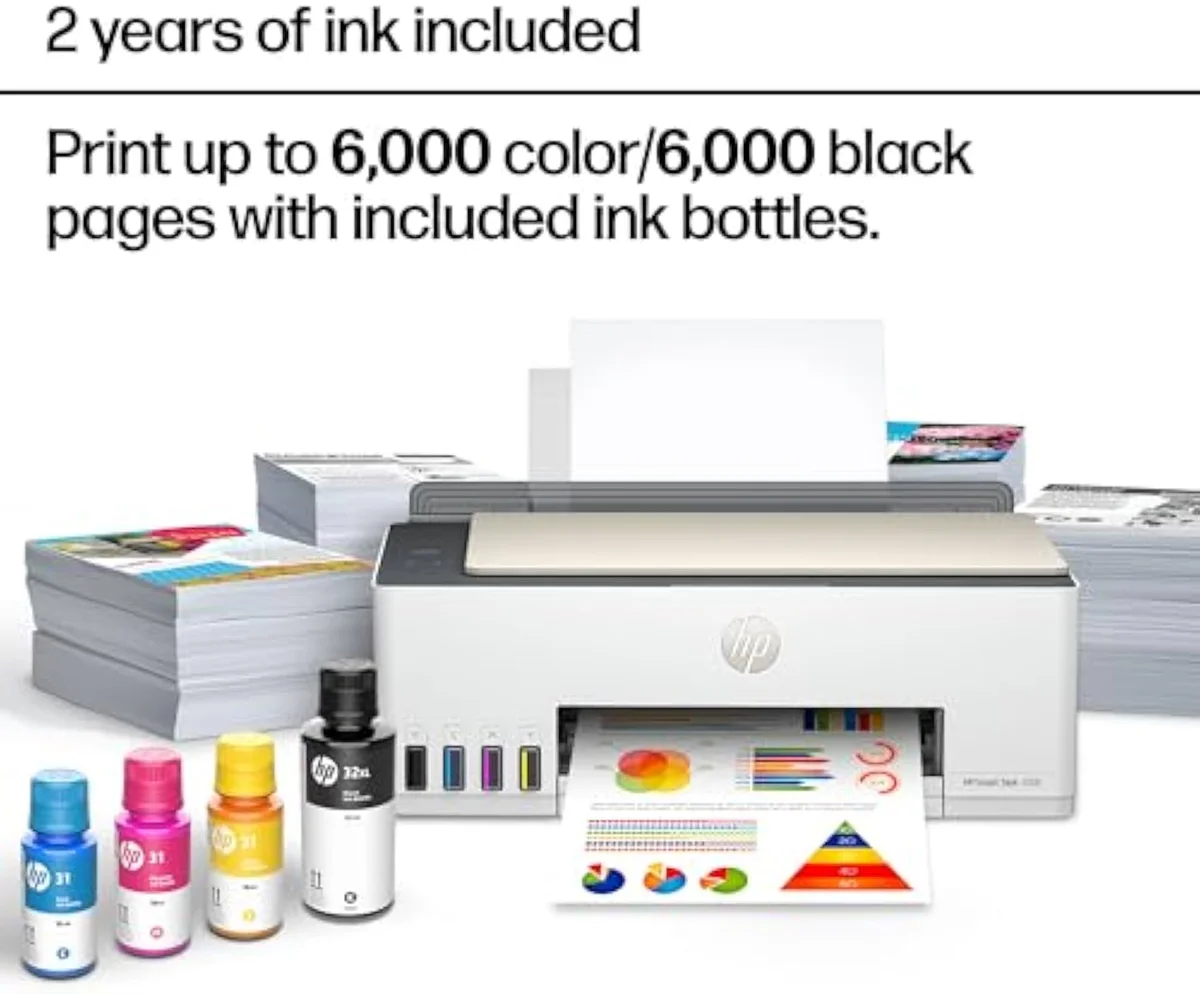
Smart Tank 5000
Now the catch, because it is the part that decides worth-it. The reliability record is bimodal — the kind of split Consumer Reports tests inkjet reliability and owner satisfaction captures. Alongside the happy owners sits a blunt headline —
The second string is the app. A Smart Tank carries HP's cloud dependence into the tank line — lose the network and one 5000 owner reports
Is the HP Smart Tank worth it?
Worth it for one buyer: a home that prints most weeks. HP loads up to 2 years of ink and up to 6,000 pages in the box, gutting the cartridge tax. It is not worth it for a desk that prints once a month — the head clogs inside 1 week idle — or for anyone wanting a tank with a longer reliability record, where the Epson EcoTank wins.
Honestly, the answer hinges less on the printer than on how often you actually print.
Match it to your volume and the verdict falls out. Print weekly and the bottle ink pays the machine back fast, the way the 5000's fans describe; print twice a year and you have bought a clog. According to the owner reviews we synthesized, most units run for years, but the dead-on-arrival tail is real enough that the 2-3 year warranty matters more here than on a cartridge printer. If you want the same bottle-ink economics on a line with a deeper track record, our best supertank printers roundup lines up the tank picks by who actually suits them.
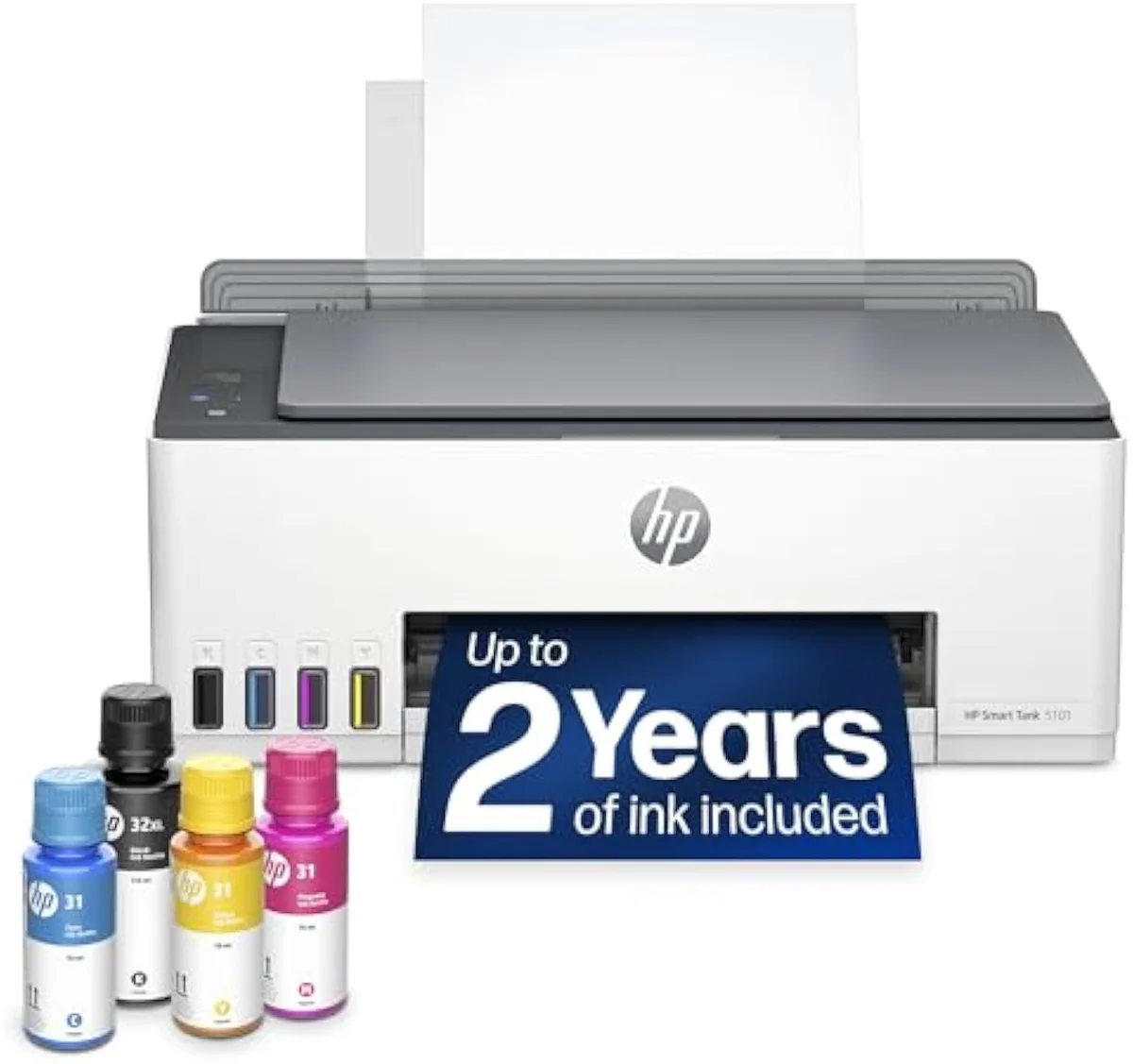
Does the HP Smart Tank 5000 require a subscription?
No. The 5000 is a refillable tank carrying up to 2 years of in-box ink, not an Instant Ink cartridge machine, so there is no monthly plan to cancel — that is the point. The string is different: the HP Smart app and an internet connection. Lose the network and owners report 0 printing, scanning, or copying. The workaround is the basic HP driver that skips the app.
Here's the thing: dropping the subscription does not drop the lock-in, it changes its shape. There is no Instant Ink plan on a tank model, so the cartridge tax and the auto-renew trap are gone — a clear win for the buyer who fled HP over ink billing. What replaces them is the cloud: the HP Smart app wants an account and a connection, and without one the printer can stall on basic jobs. The fix owners trade is the bare-metal driver — install it once and the printer works on the local network without the app along for the ride.
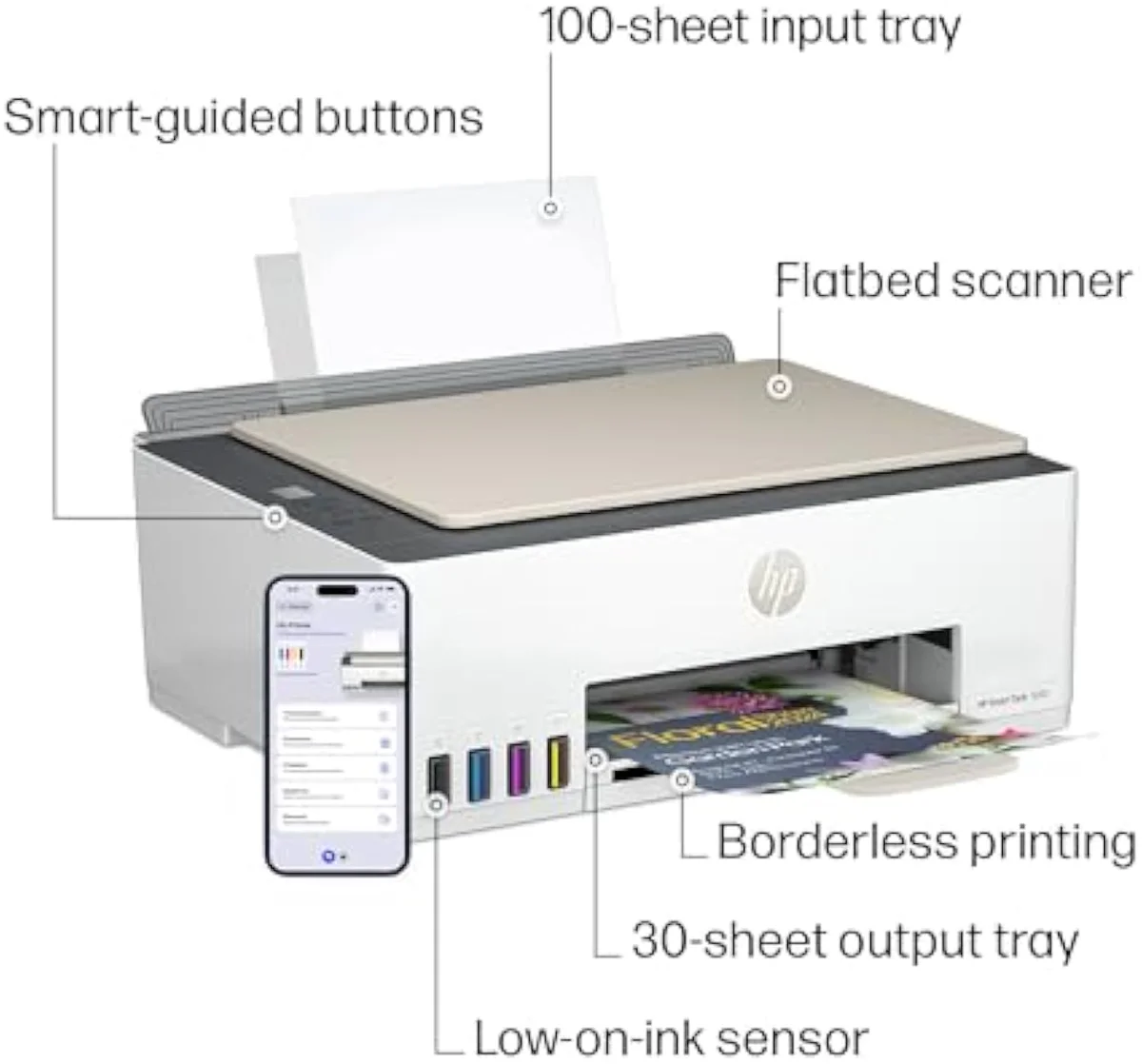
Smart Tank 5000
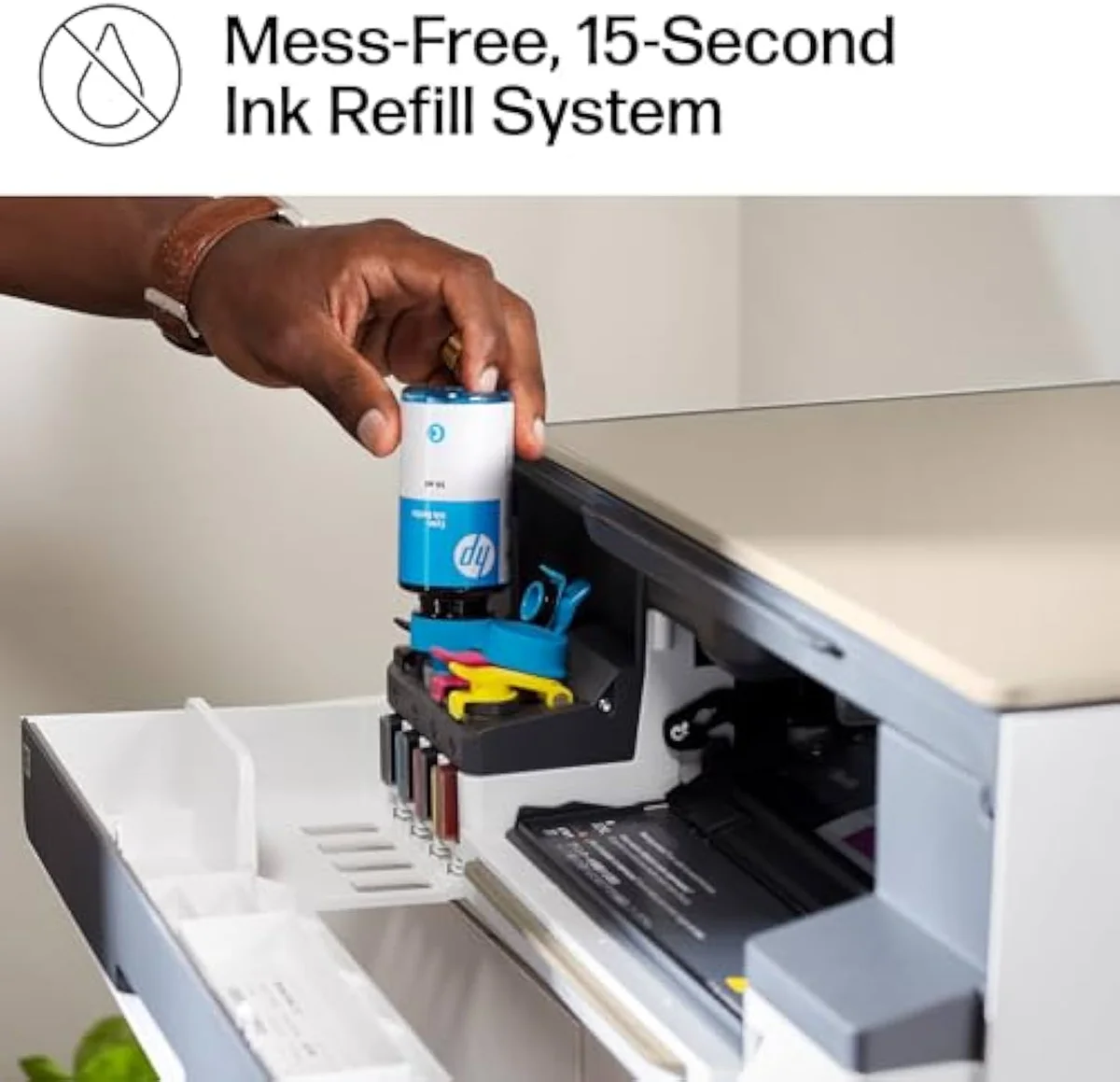
Refill tanks
What are the cons of using HP tank printers?
Three. A bimodal reliability record — units that run for years sit next to dead-on-arrival reports. The idle-clog rule every inkjet tank carries: skip 1 week and the next job wastes ink self-cleaning. And the HP-app cloud dependence plus a setup gotcha where 1 wrong-tank pour can permanently brick the printer. The cheap cost-per-page is real; so are the strings.
Take the clog first, because it is the cost the savings hide. A tank rewards a steady habit and punishes idle weeks — one 5000 owner's
Stack those against the savings and the picture is honest, not damning. None of the cons touch the running cost — that part delivers. They are conditions of ownership: print on a schedule, fill the right tank, keep a fallback driver, and accept that a small share of units arrive faulty. For a buyer who can live with that, the cheap ink wins. For one who cannot, the gentler answer is a tank brand with a longer reliability record — read who that is in our Epson EcoTank ET-2803 review.
Which is better, an ink tank or a smart tank?
They are the same idea — Smart Tank is HP's brand of refillable bottle-ink tank, 1 of 3 alongside Epson EcoTank and Canon MegaTank. So the real question is which brand to trust. On cost-per-page they are close; on reliability record and freedom from a required app, Epson EcoTank leads most homes. HP earns its place if you prefer the HP Smart app and print weekly.
The phrasing trips people up, but there is no third category. A "smart tank" is just HP's marketing name for a continuous-ink tank printer — bottle-fed reservoirs feeding the head, the same mechanism Epson and Canon sell. So the comparison is brand against brand, not technology against technology. Epson's pitch is the proven one, and reviewers back it:
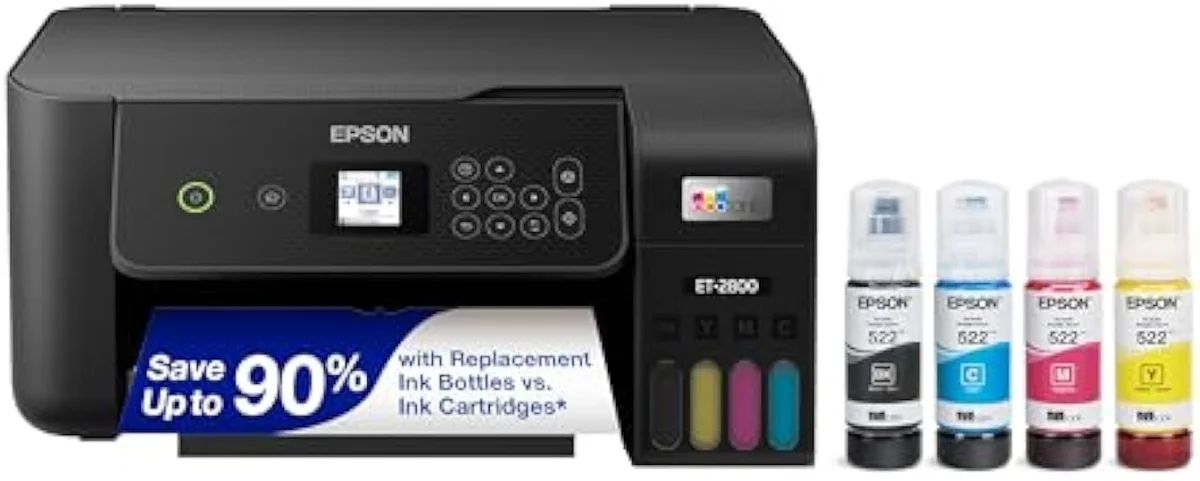
One rule binds both brands, and it is worth stating plainly:
So the verdict is conditional, not a flat yes or no.
Add it up and the worth-it question has a clean shape. A Smart Tank is HP finally answering the cartridge tax with bottle ink, and for a household that prints weekly and is happy inside the HP app, it is a genuine bargain — cheap to feed, with output that holds up for everyday work. The price of that bargain is a reliability lottery, a required-app cloud dependence, and the same idle-clog rule every tank carries. Print often, stay in HP, and lean on the warranty: it is worth it. Print rarely, or want the safer tank with the longer track record, and the proven Epson EcoTank is the smarter buy. Match the machine to how you actually print, and the choice answers itself.
Get Our Top 3 Picks
Get our top 3 picks for your budget — one email, then only updates.
Only when something changes. Unsubscribe anytime.
Citations
- [1]"The HP Smart Tank 5000 is a fantastic all-in-one printer that really stands out for its efficiency, low operating cost, and ease of use."https://www.amazon.com/dp/B0CC7TVR2FCaptured June 3, 2026. Verified June 3, 2026.
- [2]"Instead of constantly replacing cartridges, you get refillable tanks"https://www.amazon.com/dp/B0CC7TVR2FCaptured June 3, 2026. Verified June 3, 2026.
- [3]"FULLY LOADED WITH SAVINGS – Best for low-cost, high-volume printing"https://www.amazon.com/dp/B0BL466Y41Captured June 3, 2026. Verified June 3, 2026.
- [4]"THE LAST PRINTER YOU'LL EVER NEED."https://www.amazon.com/dp/B0BL466Y41Captured June 3, 2026. Verified June 3, 2026.
- [5]"KEEPS PRINTING WELL AFTER COMPETITORS HAVE QUIT. No complex maintenance."https://www.amazon.com/dp/B0BL466Y41Captured June 3, 2026. Verified June 3, 2026.
- [6]"Color prints are vibrant and consistent"https://www.amazon.com/dp/B0CC7TVR2FCaptured June 3, 2026. Verified June 3, 2026.
- [7]"It's perfectly fine for my personal and family printing needs"https://www.amazon.com/dp/B0CC7TVR2FCaptured June 3, 2026. Verified June 3, 2026.
- [8]"A Nightmare in a Box: The HP Smart Tank 5101 is a Total Fail"https://www.amazon.com/dp/B0BL466Y41Captured June 3, 2026. Verified June 3, 2026.
- [9]"the system threw up errors suggesting a spooling issue."https://www.amazon.com/dp/B0BL466Y41Captured June 3, 2026. Verified June 3, 2026.
- [10]"Paper, labels, card stock, doesn't matter thick or thin,"https://www.amazon.com/dp/B0BL466Y41Captured June 3, 2026. Verified June 3, 2026.
- [11]"it's a useless paperweight that has caused nothing but frustration"https://www.amazon.com/dp/B0BL466Y41Captured June 3, 2026. Verified June 3, 2026.
- [12]"the print job just sat in the queue with a status of"https://www.amazon.com/dp/B0CC7TVR2FCaptured June 3, 2026. Verified June 3, 2026.
- [13]"it's IMPOSSIBLE to print, scan a document, or even make a simple photocopy."https://www.amazon.com/dp/B0CC7TVR2FCaptured June 3, 2026. Verified June 3, 2026.
- [14]"HP fortunately still makes regular old drivers that don't require HP Smart."https://www.amazon.com/dp/B0BL466Y41Captured June 3, 2026. Verified June 3, 2026.
- [15]"only downside is you have to print in every 4/5 days otherwise ink might get dried up in tubes."https://www.amazon.com/dp/B0CC7TVR2FCaptured June 3, 2026. Verified June 3, 2026.
- [16]"an ink tank printer is not good for someone who isn't planning to print"https://www.amazon.com/dp/B0BL466Y41Captured June 3, 2026. Verified June 3, 2026.
- [17]"If you pour ink into the wrong tank"https://www.amazon.com/dp/B0CC7TVR2FCaptured June 3, 2026. Verified June 3, 2026.
- [18]"You'll hear it from the living room during wireless printing"https://www.amazon.com/dp/B0CC7TVR2FCaptured June 3, 2026. Verified June 3, 2026.
- [19]"High-capacity ink bottles provide a high page yield, allowing you to print thousands"https://www.amazon.com/dp/B096N8DN2HCaptured June 4, 2026. Verified June 4, 2026.
- [20]"ink tank printers are still inkjet printers, and thus are subject to the heads drying out"https://www.amazon.com/dp/B096N8DN2HCaptured June 4, 2026. Verified June 4, 2026.