Epson Inkjet Printers: Which Line Fits You
Updated
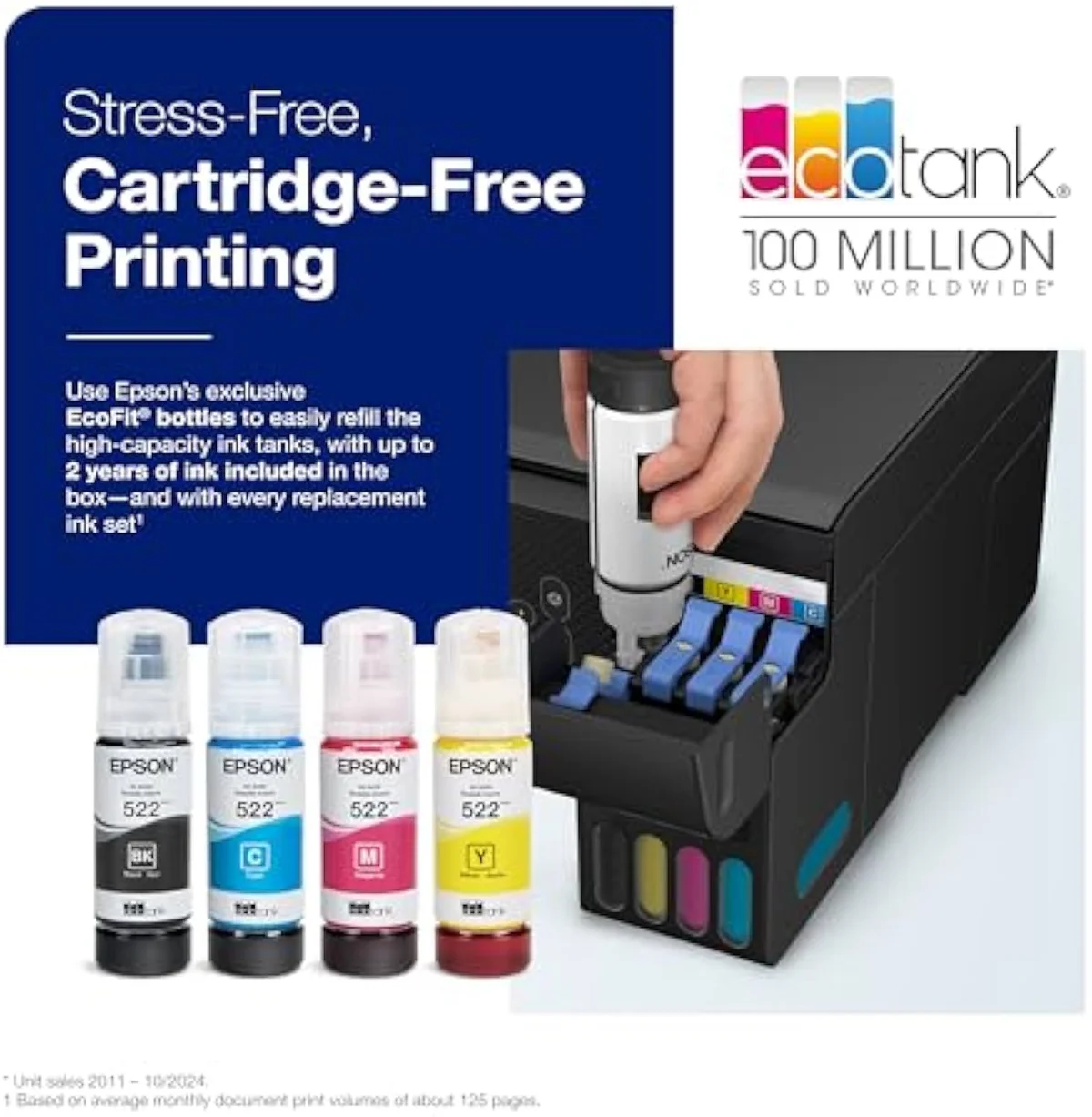
Most people meet Epson through one pitch: the EcoTank, the supertank that promised to end the cartridge tax with bottles instead of cartridges. It is the most on-message printer this whole site exists to talk about. But Epson sells four different lines under one logo, and only one of them is that EcoTank — pick the wrong line for how you print and you either overpay forever or pay a supertank premium you never earn back.
EcoTank is the bottle-fed supertank. Expression is the cheap cartridge machine. WorkForce is the office workhorse. SureColor is the photo and craft specialist. Same brand, four cost structures.
So, as always here, the only honest way to judge them is over time.
Epson's four inkjet lines, sorted
Epson runs four inkjet families: EcoTank refills from bottles for the lowest cost-per-page, Expression Home and Expression Photo are small-cartridge machines, WorkForce and WorkForce Pro are office all-in-ones built for speed and document duty, and SureColor covers wide-format photo and dye-sublimation work. The line you buy decides your running cost far more than the price on the shelf.
EcoTank is the one that matters most to a cost-conscious buyer, and it is Epson's name for a continuous-ink supertank. A continuous ink system trades a higher purchase price for a far lower cost-per-page, because you pour ink from cheap bottles into built-in reservoirs instead of buying a cartridge every few hundred pages. Epson's own EcoTank range leads with bottle yields in the thousands for exactly that reason. We sort the whole catalog by this kind of fork in our guide to the printer families and how they're structured.
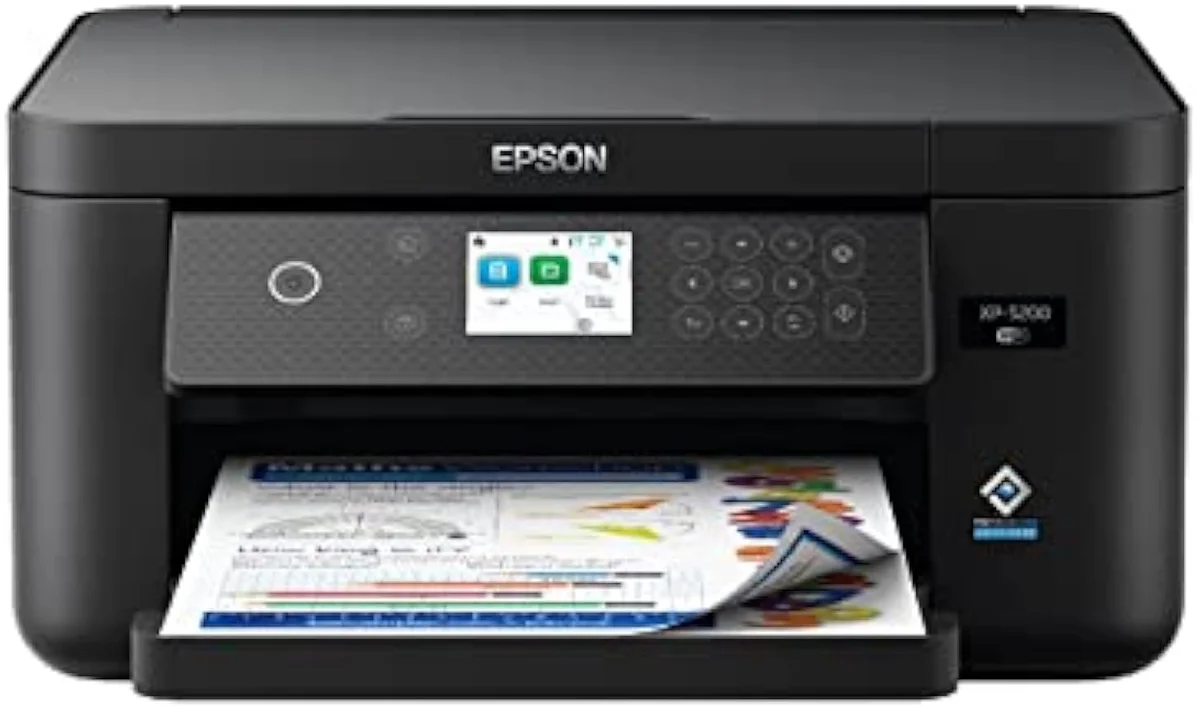
Expression (cartridge)
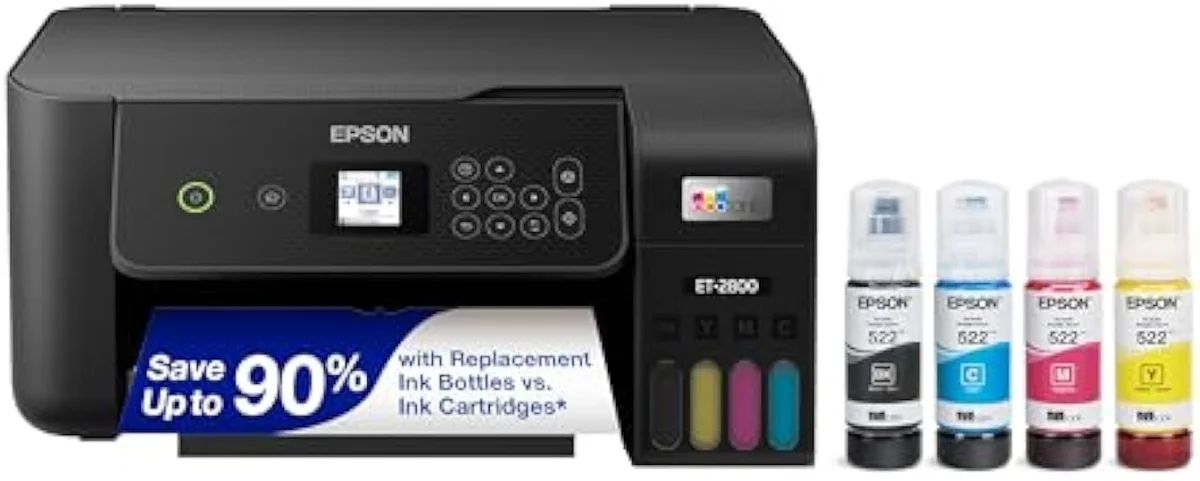
EcoTank (bottle)
Read the line name before you read the price. An Expression number is a cartridge machine; an ET or ET-Pro number is a bottle-fed EcoTank; a WF number is a WorkForce. The whole running-cost case turns on which one you carry home.
Why EcoTank is the whole pitch
EcoTank exists for one reason: to make the cartridge tax disappear. An Expression cartridge bill repeats every few hundred pages forever; an EcoTank charges its ink almost entirely up front, then nearly stops.
Picture two lines over two years. An Expression climbs steeply as XL cartridge sets get replaced; an EcoTank starts higher because the machine costs more and ships full of bottle ink, then flattens hard because one bottle set covers thousands of pages. Independent cost-per-print testing at RTINGS, which has lab-tested 182 printers, puts cartridge cost-per-page many times higher than bottle ink — and of the three supertank brands, EcoTank's bottle pricing is among the lowest. Against a cheap Expression, the ET-2800 pays back fast for a household that prints weekly.
The ink-cost runway
≈ 150 pages a month
This is the whole reason InkVerdict exists: to put running cost next to the price, where the brand pages won't. That cost gap is also what settles the brand fight most buyers ask about — we lay out the bottle-ink case in our breakdown of whether HP or Epson is better, and we break the cartridge-versus-tank decision down across the catalog in our type-versus-type tradeoffs analysis. Cross-shopping the two cheapest EcoTanks against each other is the same exercise in miniature — we settle it in our look at the difference between the Epson ET-2400 and ET-2800.
WorkForce Pro is the office answer
Honestly, the home shopper barely needs WorkForce — but a home office that prints stacks of documents does. This is the line built for throughput, not the lowest ink cost.
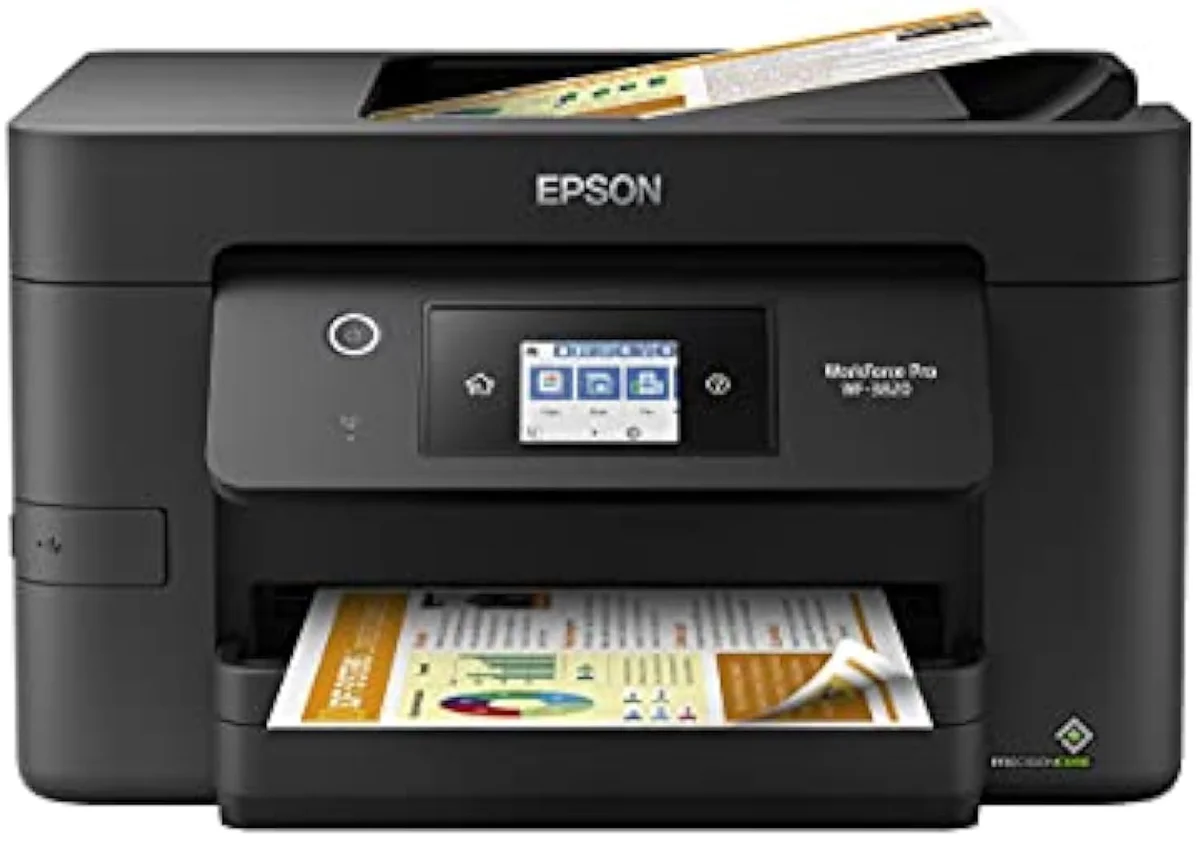
A WorkForce Pro like the WF-3820 or WF-4820 leads with office hardware: faster ISO pages-per-minute than a home EcoTank, automatic duplex, a 35-to-50-sheet automatic document feeder, and larger paper trays. The Pro line runs pigment ink for crisp, water-resistant text, while the wide-format WF-7840 pushes up to 13x19 printing. Editorial testing at PCMag rates Epson's WorkForce office machines well for document and home-office duty — the exact ground a busy desk is shopping. Some newer machines even pair WorkForce speed with an EcoTank reservoir, so check whether your WF model is cartridge-fed or bottle-fed before you decide on running cost.
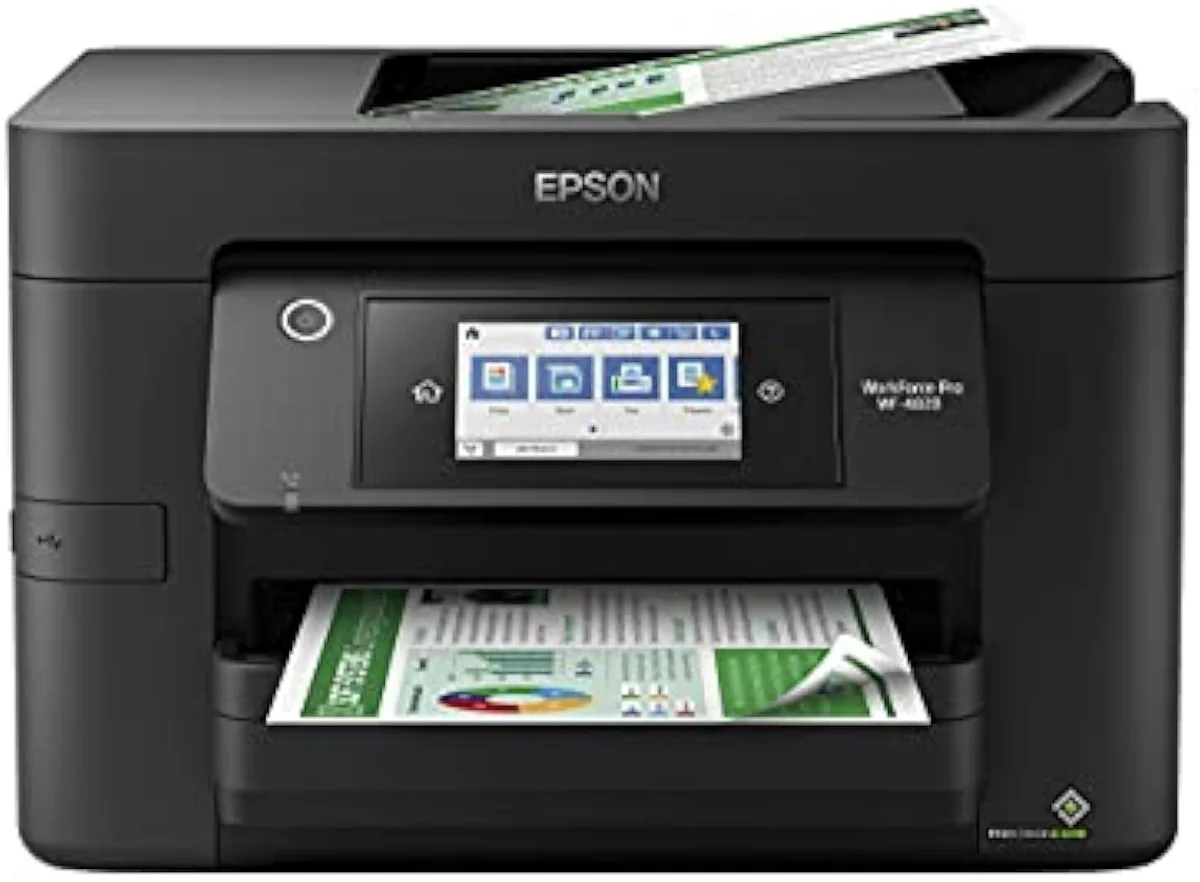
See how Epson's bottle tanks and cartridge machines stack up against laser toner, side by side:
Compare cartridge vs tank vs laser →Expression is for light use only
The Expression line is where buyers get ambushed, because it sits inches from the EcoTank on the same shelf at a tempting lower price.
An Expression Home is a small-cartridge machine. Buy it for the wrong reasons and you bought the cartridge tax Epson built EcoTank to kill.
An Expression Home XP-5200 is cheap on day one and runs ordinary cartridges that empty around a few hundred pages, with replacement sets costing a large fraction of the printer's own sale price. There is exactly one buyer it suits: someone who prints rarely and wants the lowest possible buy-in. The cartridge-level detail — the numbered 212/302/522 families, standard versus XL versus XXL yields, and the firmware ink trap — lives in our Epson ink cartridge guide, because for an Expression that recurring ink bill is the whole story.
Claria dye and DURABrite pigment, in use
Epson runs two ink chemistries across its lines, and which one your machine uses shapes what it is good at. The split is not marketing — it is physics.
Claria is Epson's dye ink, tuned for vivid, saturated color on photo paper; DURABrite is its pigment ink, tuned for sharp, smudge-proof, water-resistant text on plain paper. The dye-versus-pigment distinction is why one machine rarely excels at both: photo-leaning Expression and EcoTank Photo models lean on dye color, while WorkForce Pro office machines run DURABrite pigment so a printed invoice survives a coffee spill. Match the chemistry to the job — pictures or paperwork — not to the brand on the box.
SureColor for photo and sublimation
SureColor is the specialist line, and it is where Epson stops competing on document cost and starts competing on output. Two jobs live here: serious photo printing and dye-sublimation craft.
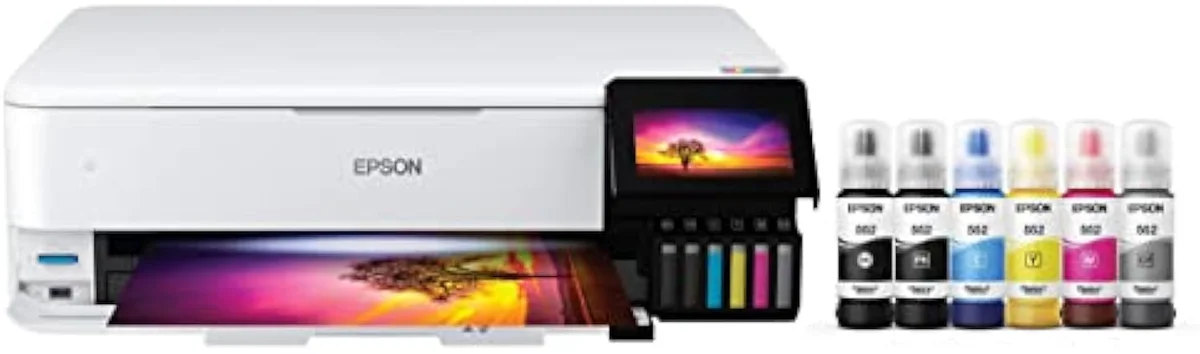
For photos, the six-ink EcoTank Photo ET-8550 and the wider SureColor photo machines add extra dye inks beyond the four a standard office tank carries, reaching saturation and tonal range a four-ink EcoTank cannot. For craft, the SureColor F170 is a compact dye-sublimation printer — it prints onto transfer paper that heat-presses into polyester fabric and coated mugs, a different process entirely from putting ink on plain paper. Dye-sublimation printing is a niche most home buyers never need, which is exactly why you should not buy a SureColor unless that craft or photo work is your actual goal.
The idle-clog tax every Epson pays
Epson runs liquid ink, so it shares the one failure mode lasers don't: the ink dries. Leave any Epson idle and ink sets in the nozzles; the machine clears the clog with cleaning cycles that spend ink on nothing.
RTINGS scores risk-of-clogging as a first-class printer metric because it is the second-loudest owner complaint after running cost. EcoTank feels the sting hardest in one specific way: its permanent printhead is not a cheap swap-out, and the cleaning cycles burn the bottle ink you bought it to save. The fix is free and the same for every brand — print something in color at least once a week. The same idle weeks that clog a nozzle make an EcoTank's rated yields look like a lie, so regular use protects both the printhead and the cost case at once. We track clog behavior model by model in our safety and known-risks guidance.
How Epson page yields really behave
Every brand quotes page yield the same flattering way, and Epson is no exception. An EcoTank bottle rated for thousands of pages is a real number that describes an ideal Epson never ships you.
Page-yield figures follow the ISO/IEC 24711 standard, which prints a fixed test suite continuously — so a yield in the thousands assumes back-to-back printing, not a household that prints in bursts. Idle weeks trigger the cleaning cycles above, so real-world yield lands below the box. That gap between claimed and lived yield is the category's core trust problem, and it is why we stage every claimed number against synthesized owner reports in our inkjet printers evidence hub.
Choosing an Epson line
Match the line to your real print diet, then check the name. Volume decides whether EcoTank is worth it at all, and the line name tells you which deal you are getting: bottles, cartridges, office speed, or photo output. The full family breakdown sits in our printer family structure guide.
Where to start
For a steady household, the EcoTank ET-2800 is the default Epson — bottle ink, an all-in-one body, and a running cost that clears its premium inside the first year of regular use. Choose a WorkForce Pro WF-4820 if your home office needs speed, duplex, and a document feeder; reach for the six-ink EcoTank Photo ET-8550 or a SureColor only when photos or craft are the real goal; and pick a cheap Expression Home only if you print rarely. The model-by-model reasoning lives in our research layer below.
Frequently Asked Questions
Epson inkjet printers in one paragraph
Epson splits inkjets into four lines with four cost structures: EcoTank supertanks refill from bottles for the lowest cost-per-page and pay back their higher buy-in inside a year of weekly printing; Expression Home cartridge machines are cheap to buy and dear to feed, suited only to light use; WorkForce and WorkForce Pro lead with office speed, automatic duplex, and document feeders rather than the lowest ink cost; and SureColor plus the six-ink EcoTank Photo handle serious photo and dye-sublimation work — so the right Epson is the line that matches your print diet, and the costly mistake is buying an Expression off the same shelf when an EcoTank was the machine you actually came for.
Which Epson printer is best for home use?
For most homes that print weekly, an EcoTank like the ET-2800 — it refills from bottles instead of cartridges, so a single set of bottles is rated in the thousands of pages and the cartridge tax never starts. Reach for an Expression Home cartridge model only if you print a few pages a month and want the lowest possible buy-in, and step up to a WorkForce Pro if you need office speed and a document feeder. The EcoTank is the default because weekly homework, labels, and recipes are exactly the diet its bottle ink was built for.
Is an Epson EcoTank worth the higher price?
If you print regularly, yes — EcoTank front-loads its ink savings into the purchase price, then almost stops charging you. Independent cost-per-print testing puts bottle ink many times cheaper per page than cartridges, so an ET-2800 clears its premium over a cheap cartridge machine inside the first year of steady printing and keeps saving for years after. Print a dozen pages a month and the premium never returns; that is the one case where a cheap Expression is the smarter buy.
What is the difference between EcoTank and WorkForce?
EcoTank is about ink cost; WorkForce is about office throughput. EcoTank machines refill from bottles for the lowest cost-per-page, but most are built for home volume. WorkForce and WorkForce Pro lead with office hardware — faster ISO ppm, automatic duplex, a 35-to-50-sheet automatic document feeder, and bigger paper trays — and the Pro line uses pigment ink for sharp, water-resistant documents. Some recent machines blur the line by pairing WorkForce-grade speed with an EcoTank reservoir, but the classic split is cheap-to-feed versus fast-at-the-desk.
Do Epson EcoTank printers clog easily?
No more than any liquid-ink printer, but they punish neglect. An EcoTank rewards regular use — its permanent printhead stays healthy when ink moves through it. Leave one idle for weeks and the nozzles dry, and the recovery cleaning cycles spend bottle ink you were trying to save. The free fix is the same for every inkjet: print something in color at least once a week.
Are Epson EcoTank printers good for photos?
A standard four-ink EcoTank like the ET-2800 prints fine everyday color but is built for low-cost documents, not gallery prints. Epson sells the answer separately: the six-ink EcoTank Photo ET-8550 and the wide-format SureColor photo line use extra dye inks for the saturation and tonal range a four-ink office tank cannot reach. If self-printed photos are the whole point, buy a six-ink model on purpose.
Does Epson block third-party ink with firmware?
On cartridge models, Epson can — firmware updates have rejected some compatible cartridges, which is the cartridge-level trap we cover in detail on our Epson ink cartridge guide. EcoTank sidesteps the whole fight: you pour ink from bottles into the tank, so there is no cartridge chip to reject. It is one more reason the supertank is the cleaner long-term buy.
Read the Full Review
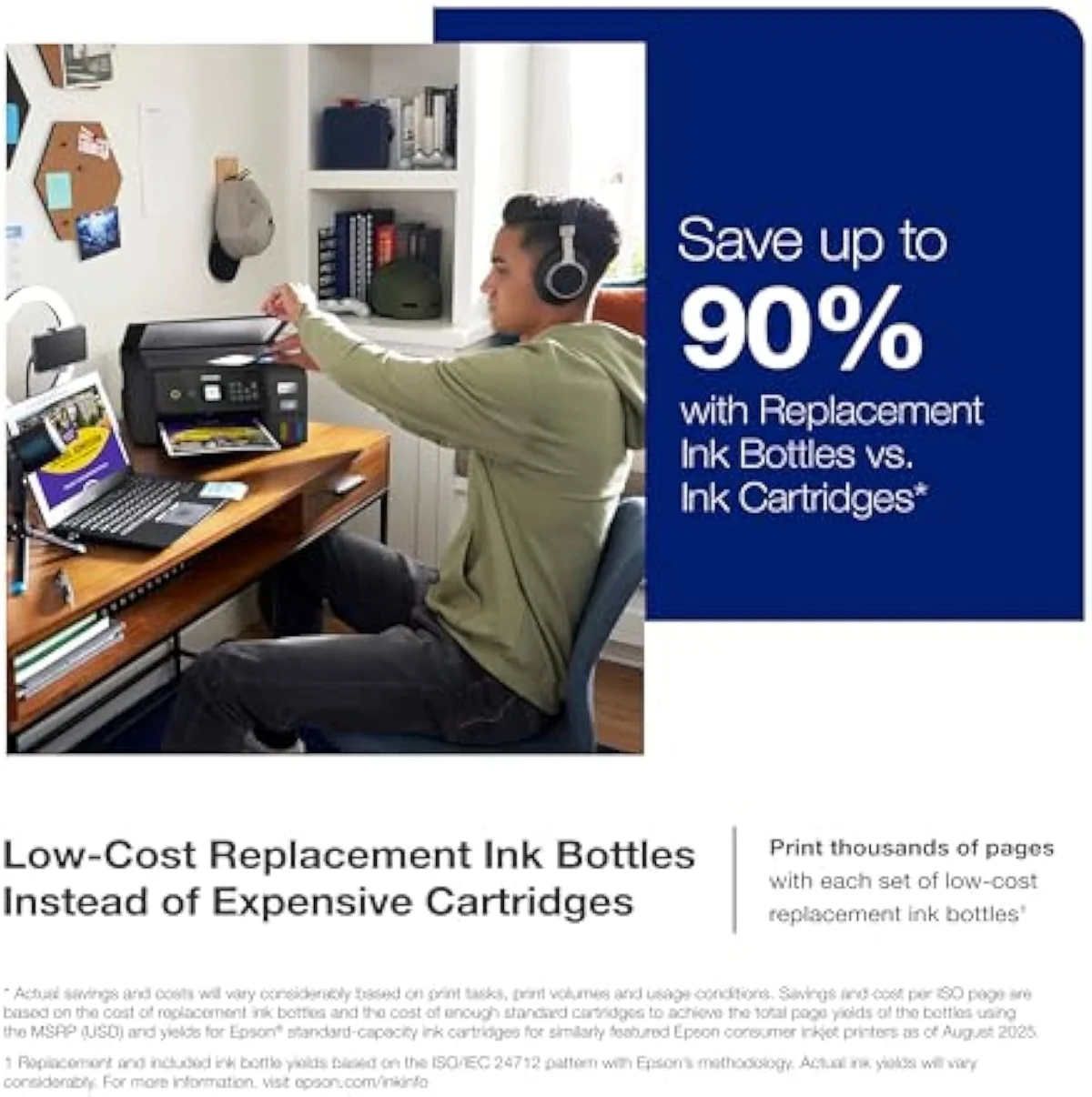
Want a deeper look at the Epson EcoTank ET-2800?
Keep reading
Two ad-free explainers that take the cost-of-ownership case deeper, line by line:
Sources
- Epson — EcoTank supertank range and bottle page-yield claims
- RTINGS — printer test methodology, cost-per-print and risk-of-clogging scoring across 182 models
- PCMag — inkjet, WorkForce, and all-in-one printer reviews
- ISO/IEC 24711 — the standard page-yield measurement method (Wikipedia)
- Inkjet printing — dye versus pigment ink and printhead concepts (Wikipedia)
- Dye-sublimation printing — how SureColor craft transfer works (Wikipedia)
Inkjet Printers notes that actually mention the tradeoffs
Occasional updates on inkjet printers evidence, price movement, and buyer-fit changes.
Only when something changes. Unsubscribe anytime.