Which one is better, HP or Epson?
Updated

For cost of ownership and ink freedom, an Epson usually beats an HP. Epson's EcoTank pours ink from refillable bottles — Epson's own pitch is
- Running cost — Epson EcoTank (bottle ink) the decisive axis
- Ink freedom — Epson (no firmware block) source your own ink
- Low entry price — HP DeskJet cheapest sticker, dearest per page
- App + ecosystem polish — HP Smart slick, but ties you in
- Clog resistance over idle weeks — neither both clog; a laser does not
The whole question reduces to one number nobody puts on the box: cost-per-page. That is where the brands split, and it is the complaint owner threads return to. RTINGS, which has lab-tested 182 printers and scores cost-per-print directly, puts cartridge ink many times dearer per page than bottle ink. Epson built the EcoTank line on exactly that gap; HP built the DeskJet line on the opposite — a low purchase price paid back through small cartridges. One axis decides most of the buyers who ask.
It is rarely a tie, and it is rarely close.
Start with Epson's edge, because it is the reason people switch. The tank design is cartridge-free by design — Epson leads with
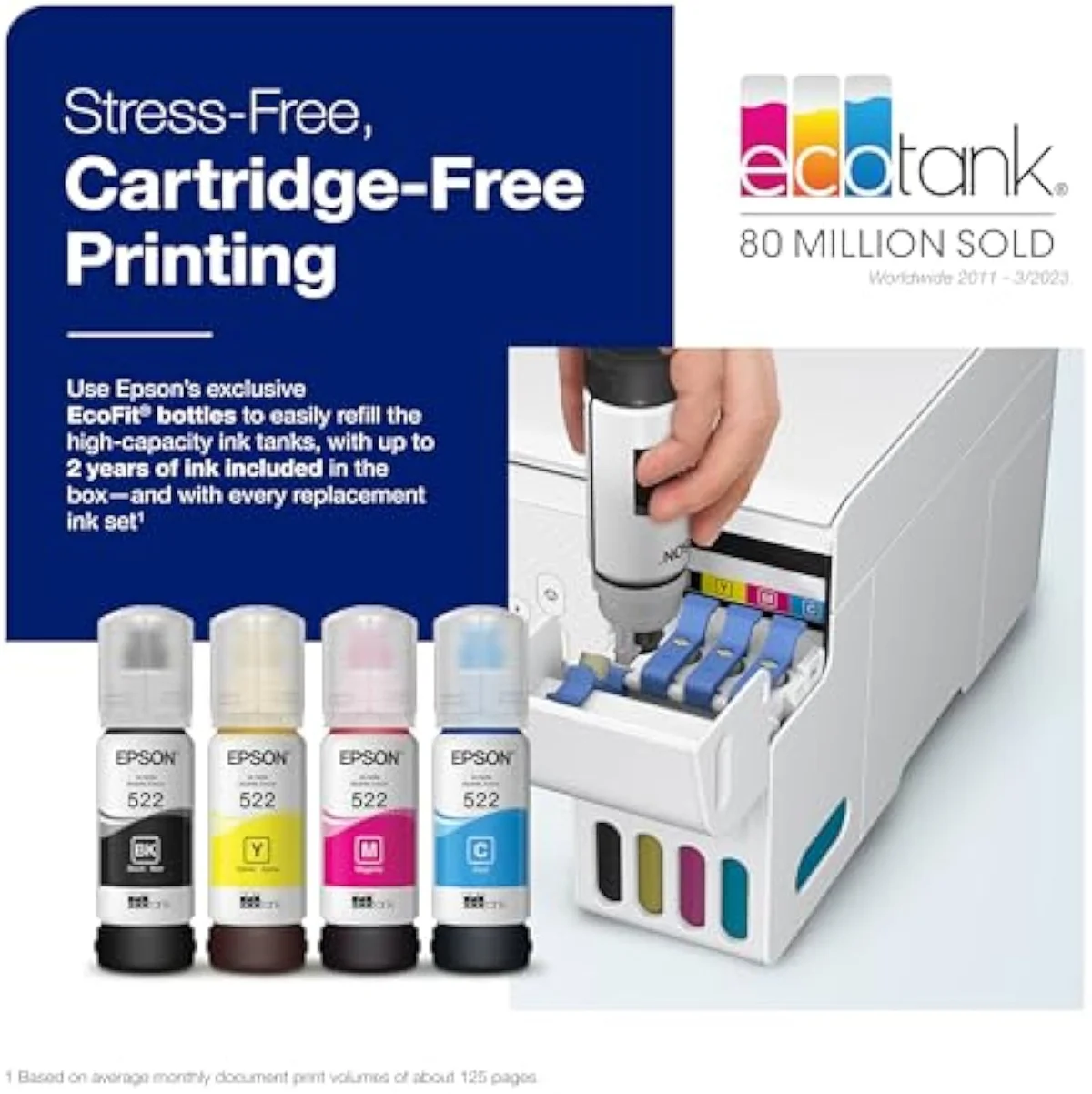
Epson EcoTank ET-2803
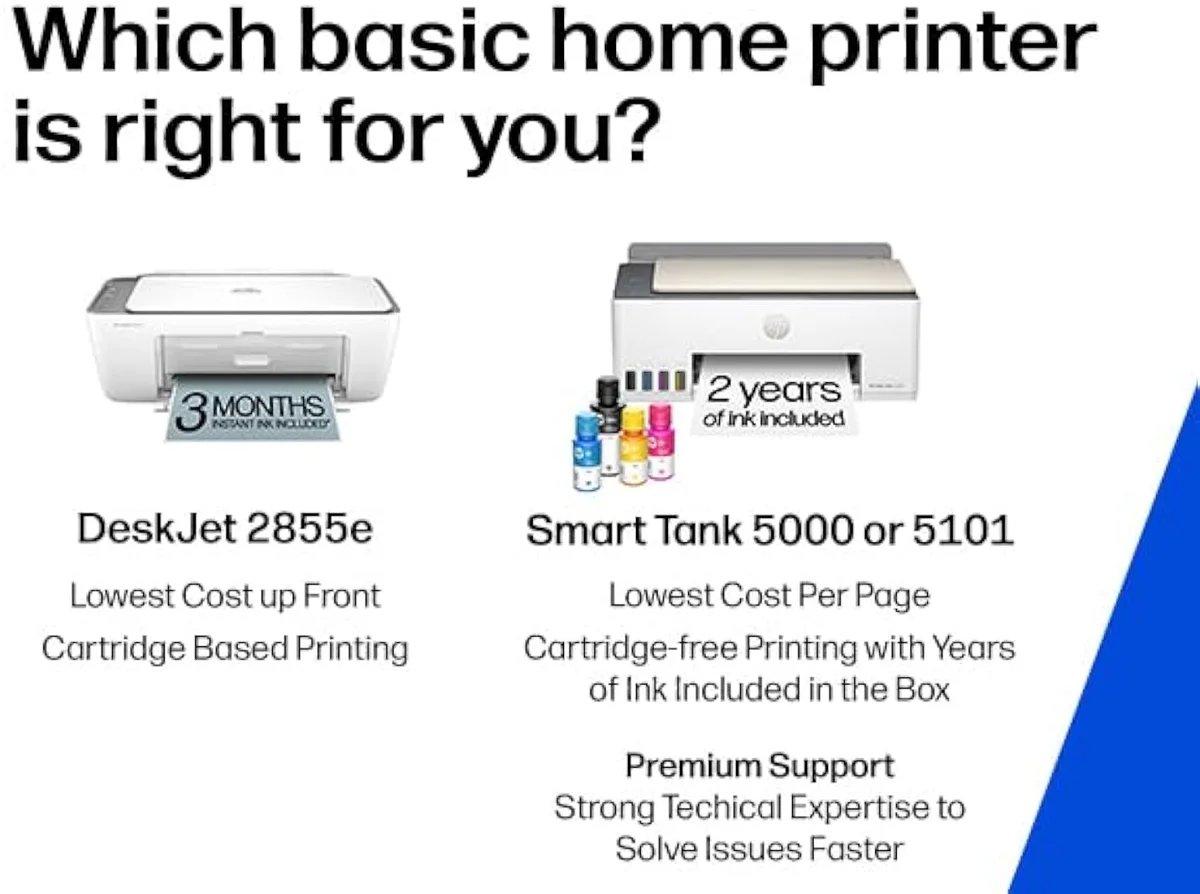
HP DeskJet 2855e
Now the HP side, because the firmware block is the dealbreaker for cost-conscious buyers. The cheap DeskJet really does print well — owners say
That apparatus is what Consumer Reports has tracked across HP firmware updates that disabled working third-party cartridges — the practice that drew a US class-action settlement and the clearest reason a value buyer distrusts the brand. None of it exists on the EcoTank side of the aisle, where the bottle you buy is yours. We track ink-lock behaviour model by model in our safety and known-risks guidance.
What are the downsides of Epson EcoTank?
One downside dominates: idle clogging. An EcoTank is still an inkjet, so a head left dark for weeks dries and wastes ink on recovery. Two, it costs more up front than a cartridge HP, because the savings sit in the bottles. Three, the cheapest models bury a non-replaceable maintenance box. Running cost is not on the list.
Be honest about the clog risk, because it is the one thing that sinks the cost case. The community is blunt:
The refill itself is a non-issue — an owner calls it
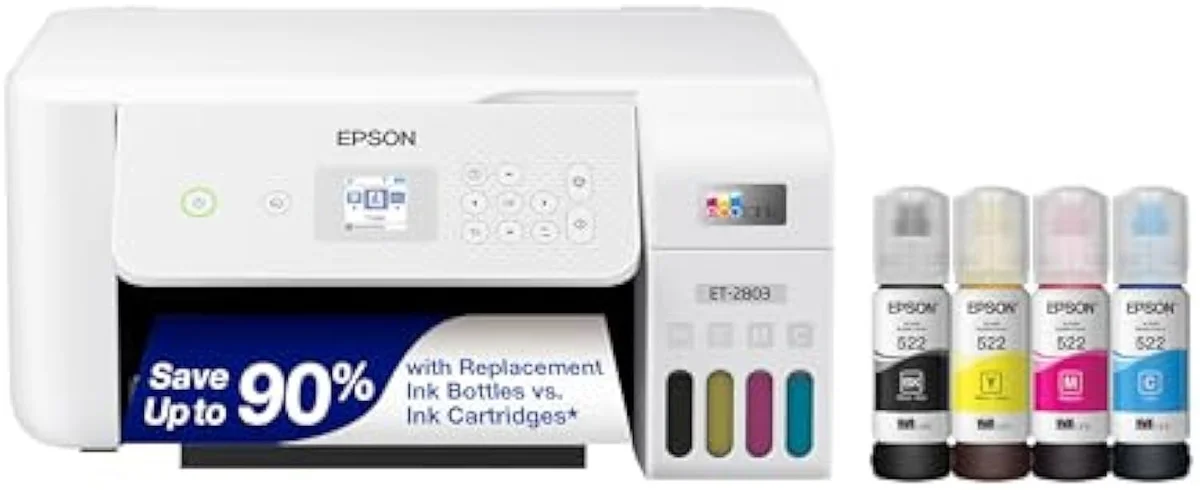
What is the common problem of an HP printer?
Cost and control of the ink. HP sells cheap hardware, then small cartridges keep cost-per-page high, Instant Ink is easy to start and a chore to cancel, and Dynamic Security firmware can reject third-party cartridges. Wi-Fi setup is the next loudest complaint. An EcoTank answers all three by pouring ink from bottles you source yourself.
The supply lock is the headache that sends people shopping. The cartridges are part of the trap on top of the firmware — an OfficeJet Pro owner reports the
Set the same buyer in front of an EcoTank and every one of those problems disappears, because the ink is theirs and the price is paid once. The narrow case for HP is the household that prints a handful of pages a month and wants the Smart app — read who that cheap machine actually suits in our HP DeskJet 2855e review.
What are the common problems with Epson printers?
The big one is shared by every inkjet: heads dry and clog if the machine sits unused, and Epson tank models spend ink self-cleaning to recover. The fix is a habit, not a brand — print a page every few days. Beyond that, EcoTank buyers pay more up front and the cheapest units bury a non-replaceable maintenance box. Output and running cost rarely make the list.
Here's the thing: Epson's flaws are use-pattern flaws, not design flaws.
Match the line to how you print and most of them vanish. Community advice is direct about the fit —
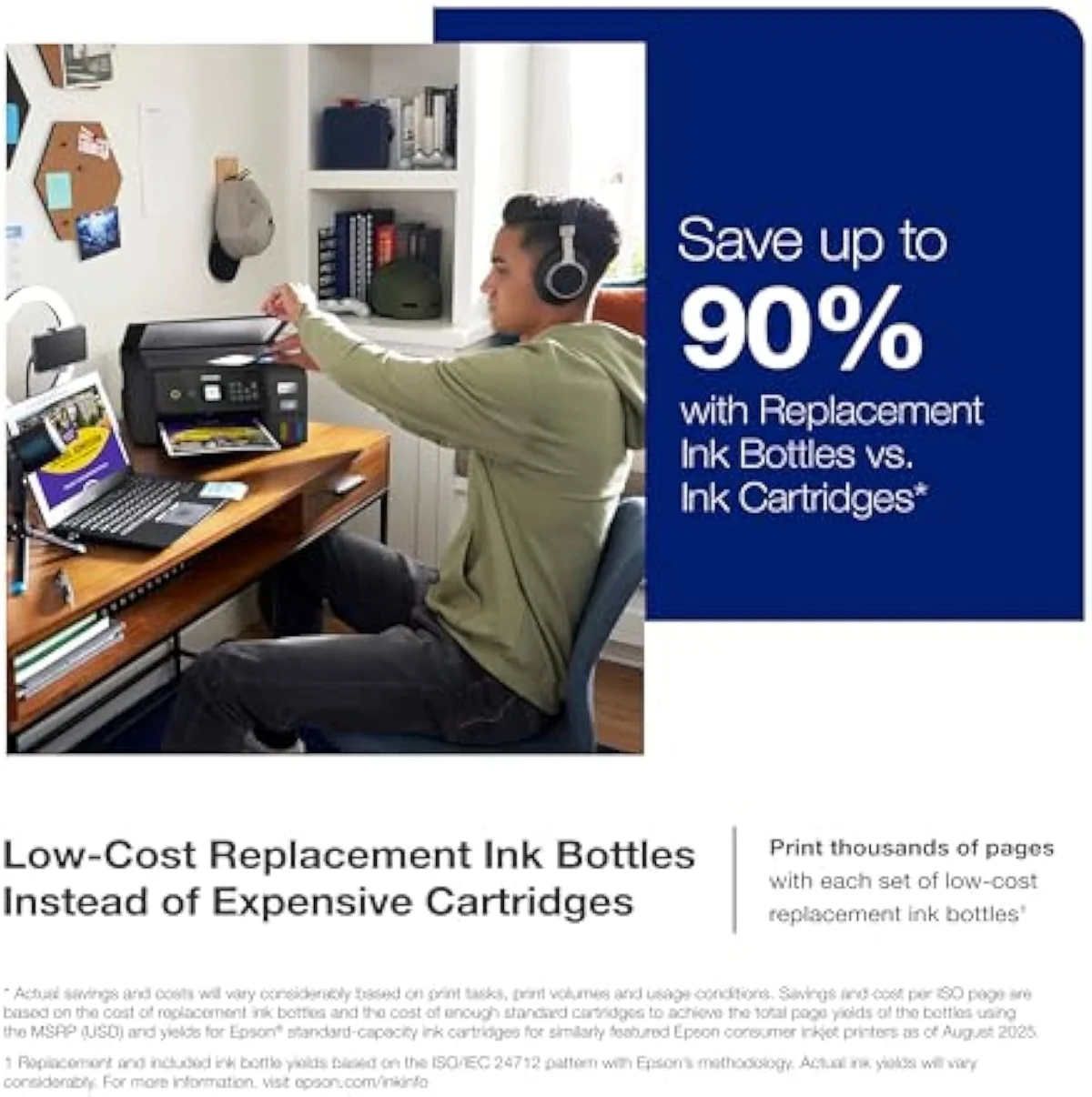
EcoTank ET-2800
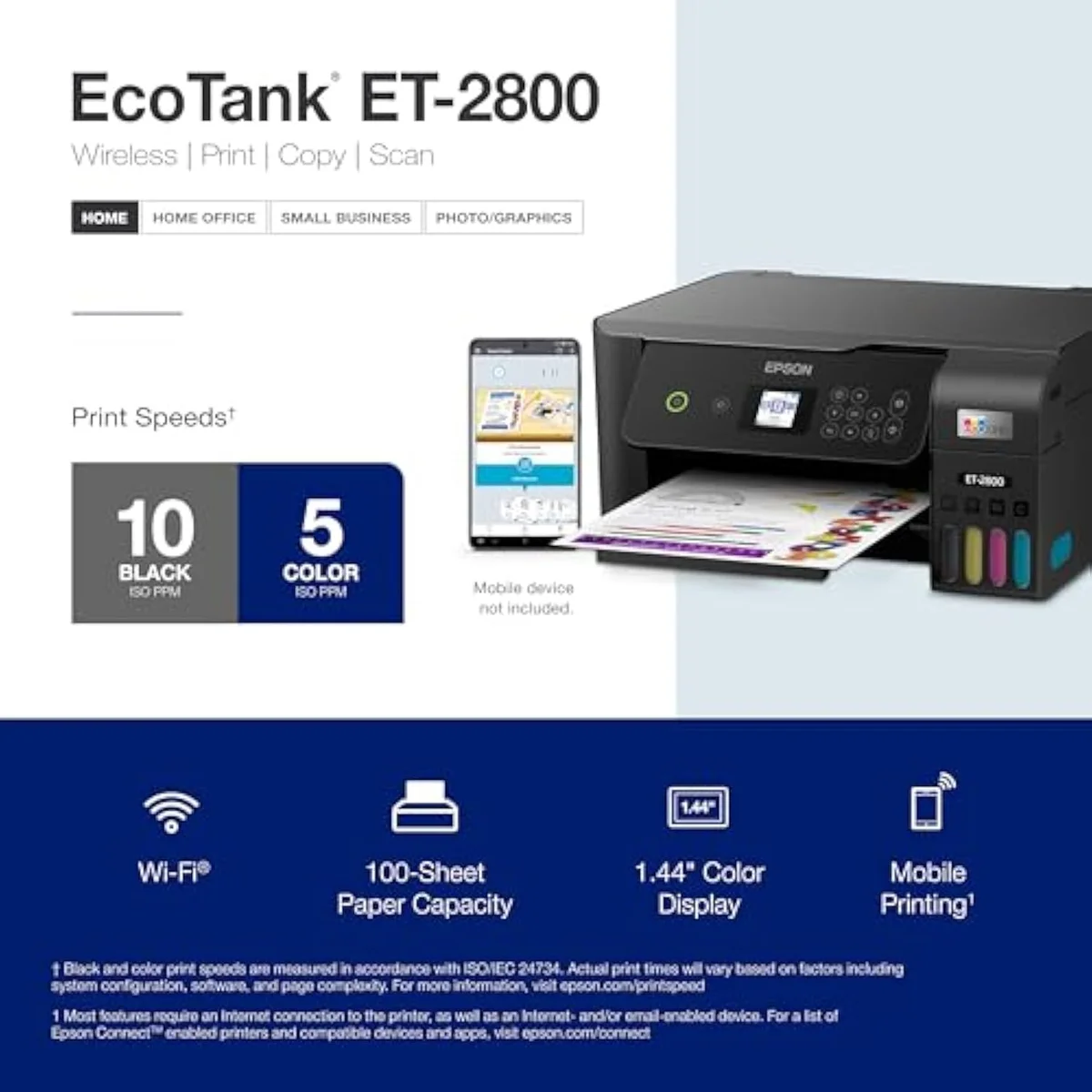
Refill bottles
The cheaper tank models settle the question for most homes. Compare the entry supertank against the budget cartridge field — including HP's own — in our Epson EcoTank ET-2800 review and our best budget inkjet printers roundup, which weighs sticker price against the cost-per-page that follows it.
Is the ET-8550 good for home use?
For a home that prints photos as well as documents, yes — the wide-format ET-8550 supertank pairs borderless photo output with bottle-ink economics, so per-print cost stays low. The same EcoTank caveat applies: it is a poor fit for a once-a-month household, because the head will clog. For plain document homes, the cheaper ET-2800 or ET-2803 makes more sense than a photo supertank.
The photo supertank is where Epson's case against HP is strongest. HP's photo answer means cartridges and, on "e" models, the same lock; Epson's means bottles, so a wall of borderless prints does not bankrupt you at the ink shelf. That is the whole reason the photo-and-craft crowd lands on the wide-format EcoTank rather than a cartridge HP ENVY.
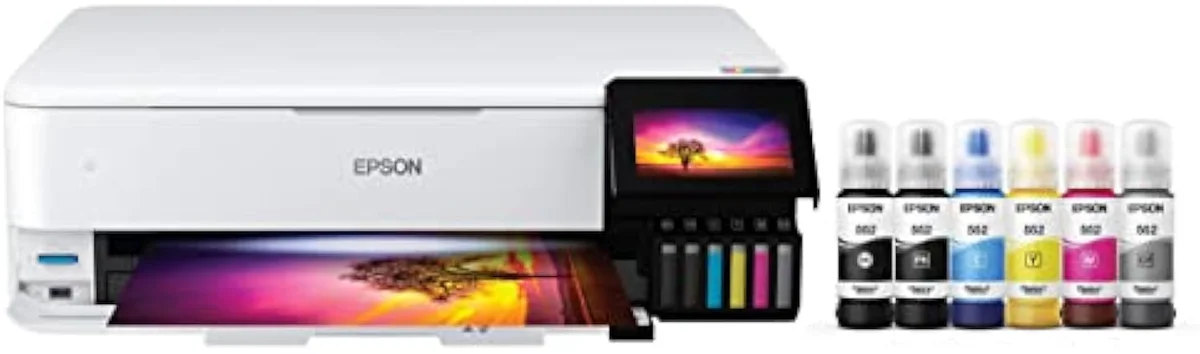
Right-size it to your output, though. A document-only home is paying for photo hardware it will not use; the plain ET-2800 or ET-2803 delivers the same bottle-ink running cost for less. The ET-8550 earns its premium only when borderless photos are a real part of the job — and even then, the print-often rule still applies.
Which is better, EcoTank or WorkForce?
For pure running cost, EcoTank — bottle ink undercuts the WorkForce cartridge tax over any real volume. WorkForce earns its keep on speed, a bigger duty cycle, and office hardware like a faster ADF, so a high-volume small office that replaces cartridges often may still prefer it on convenience. For a cost-watching home, the bottle-fed EcoTank is the cheaper machine to own.
This is the in-house version of the HP question, and the answer rhymes. WorkForce is Epson's cartridge line, so it carries the cartridge tax that the EcoTank exists to kill. The case for WorkForce is the same case for HP's OfficeJet Pro — raw office throughput in the 10-20 ppm class. HP's machine is fast, rated at
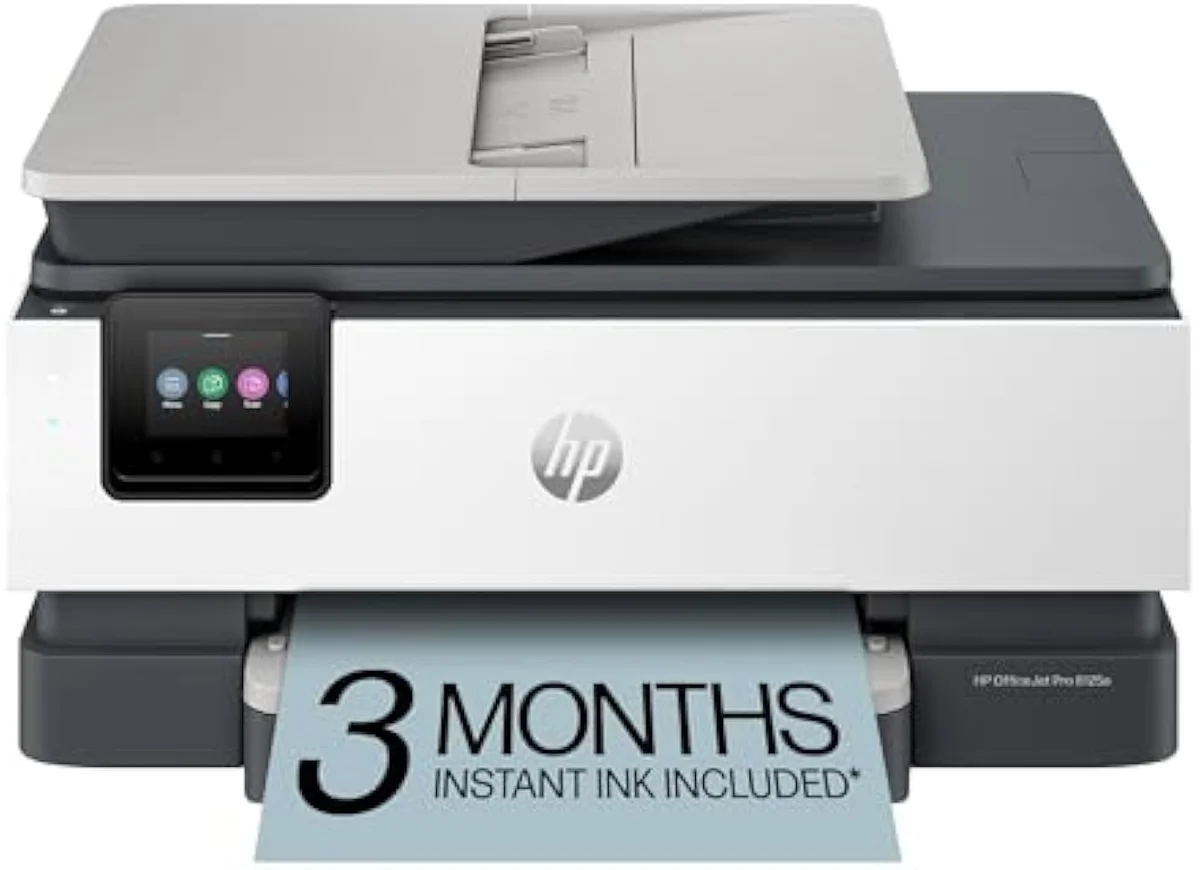
But speed is not the bill most homes actually pay. For weekly document-and-photo printing that watches cost-per-page, the bottle-fed EcoTank wins the same way it wins against HP — the ink is cheap and yours. The HP DeskJet earns its narrow place too, for the rare-printing home that wants the app and accepts the terms: it is
So the verdict is not a coin toss.
Add it up and the HP-versus-Epson question has a clean shape. HP sells a low sticker and a slick app, then sets your running cost for you through small cartridges, a subscription, and a firmware lock. Epson sells a dearer machine that pays itself back in bottle ink you control — its only real catch is the clog risk a regular printing habit defeats. For a home that prints weekly and watches the bill, that is Epson's question to win, and it usually does. HP's narrow case is the once-a-month household that loves the Smart app. Match the brand to how you actually print, and the choice answers itself.
Get Our Top 3 Picks
Get our top 3 picks for your budget — one email, then only updates.
Only when something changes. Unsubscribe anytime.
Citations
- [1]"No more tiny, expensive ink cartridges"https://www.amazon.com/dp/B0BHXNP6B1Captured June 3, 2026. Verified June 3, 2026.
- [2]"that’s enough to print up to 4,500 pages black/7,500 color"https://www.amazon.com/dp/B0BHXNP6B1Captured June 3, 2026. Verified June 3, 2026.
- [3]"Innovative cartridge-free printing"https://www.amazon.com/dp/B096N8DN2HCaptured June 4, 2026. Verified June 4, 2026.
- [4]"High-capacity ink bottles provide a high page yield, allowing you to print thousands"https://www.amazon.com/dp/B096N8DN2HCaptured June 4, 2026. Verified June 4, 2026.
- [5]"we got 3 years out of our black ink"https://www.amazon.com/dp/B096N8DN2HCaptured June 4, 2026. Verified June 4, 2026.
- [6]"It is very easy and surprisingly satisfying to fill the ink tank."https://www.amazon.com/dp/B0BHXNP6B1Captured June 3, 2026. Verified June 3, 2026.
- [7]"If you don't print frequently, inktank printers will get their print heads clogged."https://www.amazon.com/dp/B0BHXNP6B1Captured June 3, 2026. Verified June 3, 2026.
- [8]"ink tank printers are still inkjet printers, and thus are subject to the heads drying out"https://www.amazon.com/dp/B096N8DN2HCaptured June 4, 2026. Verified June 4, 2026.
- [9]"If you can print atleast one purge sheet each day, you can get the ecotank."https://www.amazon.com/dp/B0BHXNP6B1Captured June 3, 2026. Verified June 3, 2026.
- [10]"Epson printers are ideal for small offices."https://www.amazon.com/dp/B096N8DN2HCaptured June 4, 2026. Verified June 4, 2026.
- [11]"After 3 months, monthly fee applies unless cancelled"https://www.amazon.com/dp/B0CT2R7199Captured June 3, 2026. Verified June 3, 2026.
- [12]"Text documents come out crisp, sharp, and perfectly legible"https://www.amazon.com/dp/B0CT2R7199Captured June 3, 2026. Verified June 3, 2026.
- [13]"Great printer for someone who only uses it a few times a month."https://www.amazon.com/dp/B0CT2R7199Captured June 3, 2026. Verified June 3, 2026.
- [14]"This printer is only 2.4 ghz capable."https://www.amazon.com/dp/B0CT2R7199Captured June 3, 2026. Verified June 3, 2026.
- [15]"tied into HP's print services and will refuse to work without genuine HP supplies."https://www.amazon.com/dp/B0CT8ZJ7ZCCaptured June 3, 2026. Verified June 3, 2026.
- [16]"They also require online access at all times to print to enforce their cartridge DRM"https://www.amazon.com/dp/B0CT8ZJ7ZCCaptured June 3, 2026. Verified June 3, 2026.
- [17]"original repacement cartridges are really expensive and not easy for find"https://www.amazon.com/dp/B0CT8ZJ7ZCCaptured June 3, 2026. Verified June 3, 2026.
- [18]"Print speeds up to 10 ppm color, 20 ppm black"https://www.amazon.com/dp/B0CT8ZJ7ZCCaptured June 3, 2026. Verified June 3, 2026.
- [19]"auto 2-sided printing, auto document feeder, and a 225-sheet input tra"https://www.amazon.com/dp/B0CT8ZJ7ZCCaptured June 3, 2026. Verified June 3, 2026.