Epson Ink Cartridges: Decode the Cost First
Updated

Here's the thing about a budget Epson: the printer is the cheap part. The expensive part arrives at the cartridge shelf, where a full four-tank replacement set for an Expression Home can ring up close to what the machine cost. That gap is the whole reason to read the ink before you buy.
Epson does one thing no other brand does at scale, though. Its own answer to the cartridge tax is a different product line — the bottle-fed EcoTank — so the escape from expensive Epson ink is an Epson. The trick is knowing when to take it.
So we judge an Epson by what it costs to feed, then check whether the tank version costs less to own.
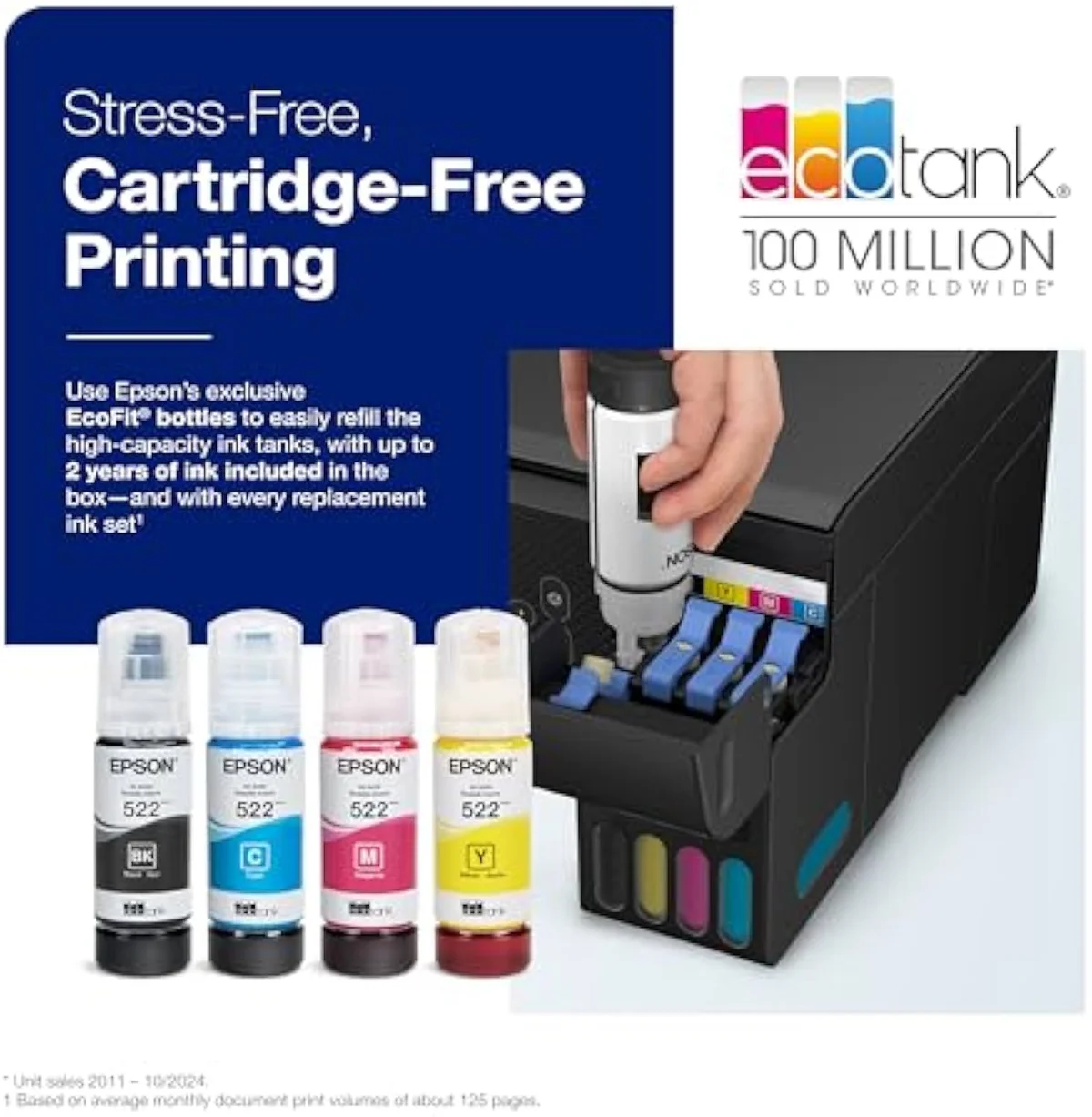
Two Epson ink systems, decoded
Epson sells ink two completely different ways. Most Expression Home and WorkForce printers take four single cartridges — black, cyan, magenta, yellow — in a numbered series; the EcoTank line drops cartridges entirely for refillable bottles feeding a permanent printhead. The system, not the model, decides your running cost.
That split is the most important thing a buyer can learn. A cartridge Epson is cheap to buy and dear to feed, because four tanks empty independently and each carries the razor-and-blades margin. An EcoTank is dear to buy and cheap to feed, because a single bottle is rated in the thousands of pages. The EcoTank line exists precisely to undercut Epson's own cartridge math, which is an unusual thing for a brand to build against itself. We sort the whole catalog by exactly this fork in our guide to the printer families and how they're structured.
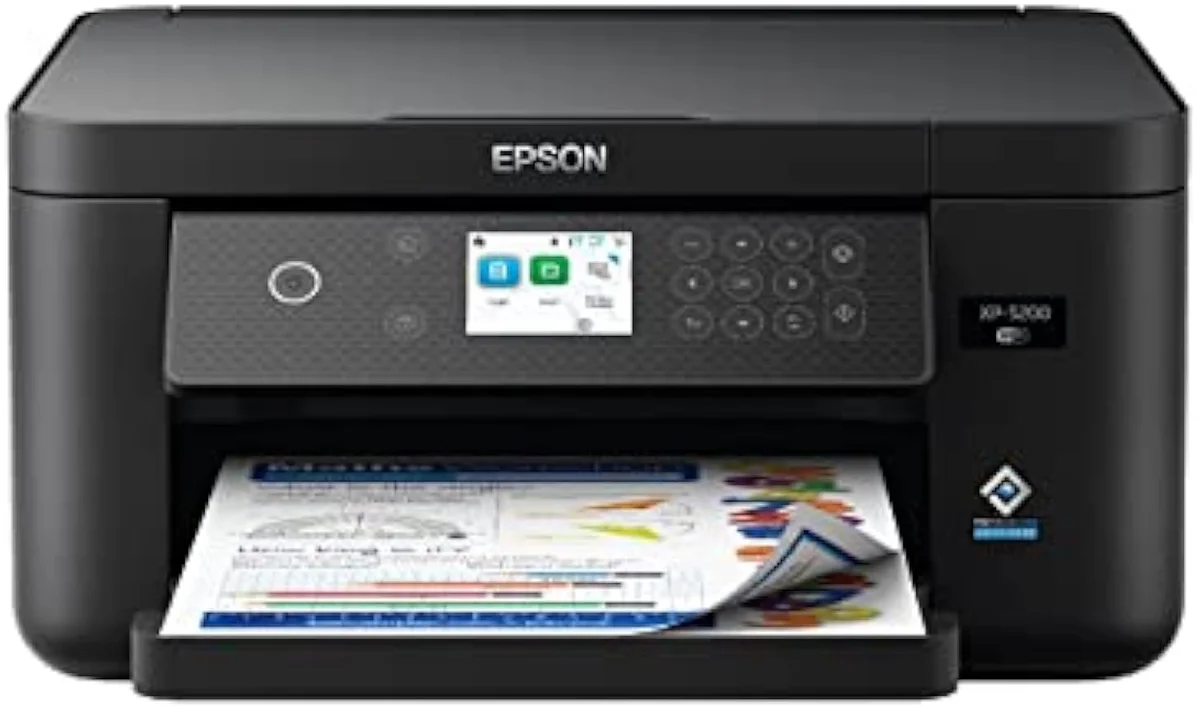
212-series cartridges
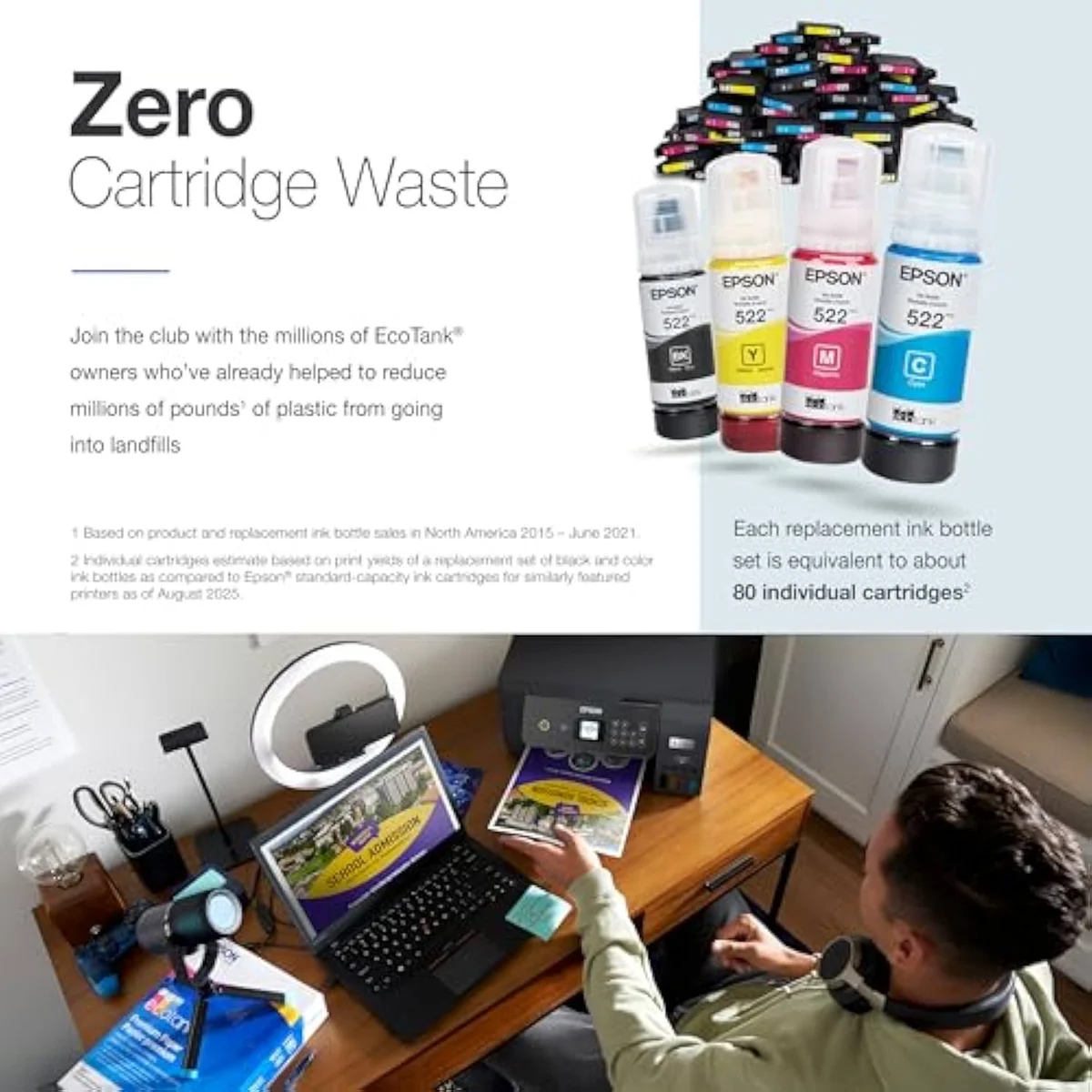
EcoTank bottles
Across Epson's range the buy price and the run price move in opposite directions. The cheapest Expression carries the dearest ink per page; the EcoTank carries the cheapest. The brand pages never print those two numbers side by side, so we do — and break the cartridge-versus-tank decision down in our type-versus-type tradeoffs analysis.
Reading Epson's numbered cartridge families
Epson does not use letter prefixes the way Canon's PG/CL system does. It uses numbered families, and the number is the whole identity of the cartridge — buy the wrong series and it physically will not fit.
Get the series number wrong and you own four cartridges that snap into nothing.
The Expression Home line spans the small numbers: an XP-5200 takes the 212 series, an XP-4200 the 232, and older units the 288, 702, or 822. WorkForce document machines run higher pigment series — the WF-2960 uses 232, the WF-3820 uses 812, the WF-7840 uses 822. Every series ships four single tanks plus an XL and sometimes XXL capacity of each. Epson's own cartridge lookup matches each printer to its supported numbers, and the figure is printed on the spent cartridge. Buy by the number, never by the picture on the box.
Standard, XL, and XXL yields
Most Epson cartridges come in two or three capacities at the same physical size — the only difference is how much ink is inside, and the cost-per-page gap between them is the easiest money an Epson owner ever saves.
A standard 212 black is rated near 200 pages; the 212XL roughly doubles it, and where Epson offers a 288XXL or 220XXL it climbs higher again, each step costing far less than the extra yield it buys. Those numbers follow the ISO/IEC 24711 standard, which prints a fixed test pattern continuously, so the rating assumes back-to-back printing rather than a household working in bursts. The math runs one direction only: higher capacity always costs less per page, because the four cartridge bodies and the printer's onboard head cost the same whether they hold a little ink or a lot.
The ink-cost runway
≈ 150 pages a month
Putting that running-cost math next to the price is the whole point of InkVerdict — the brand pages will not. We weigh the cartridge-versus-tank-versus-laser decision across the catalog in our guide to how we judge a printer.
Genuine, compatible, and the firmware trap
A third-party Epson cartridge costs a fraction of genuine and drops into most Expression and WorkForce models. The savings are real — but Epson firmware is the string that brands like Canon do not pull as hard.
One overnight firmware update can turn working aftermarket ink into a rejected chip.
Run a non-Epson cartridge and the printer flags it: a non-genuine ink message and a disabled ink-level monitor, the same friction every brand applies. Epson goes one step further — an automatic firmware update has, on certain models, begun rejecting third-party chips the printer previously accepted, the way HP's Dynamic Security works. RTINGS, which has lab-tested 182 printers, scores cost-per-print as a first-class metric precisely because aftermarket ink is how owners attack a high cartridge running cost — and firmware that blocks it changes the math overnight. If you rely on compatible ink, decline firmware updates and accept the print-quality risk. We track ink-lock and firmware behavior model by model in our safety and known-risks guidance.
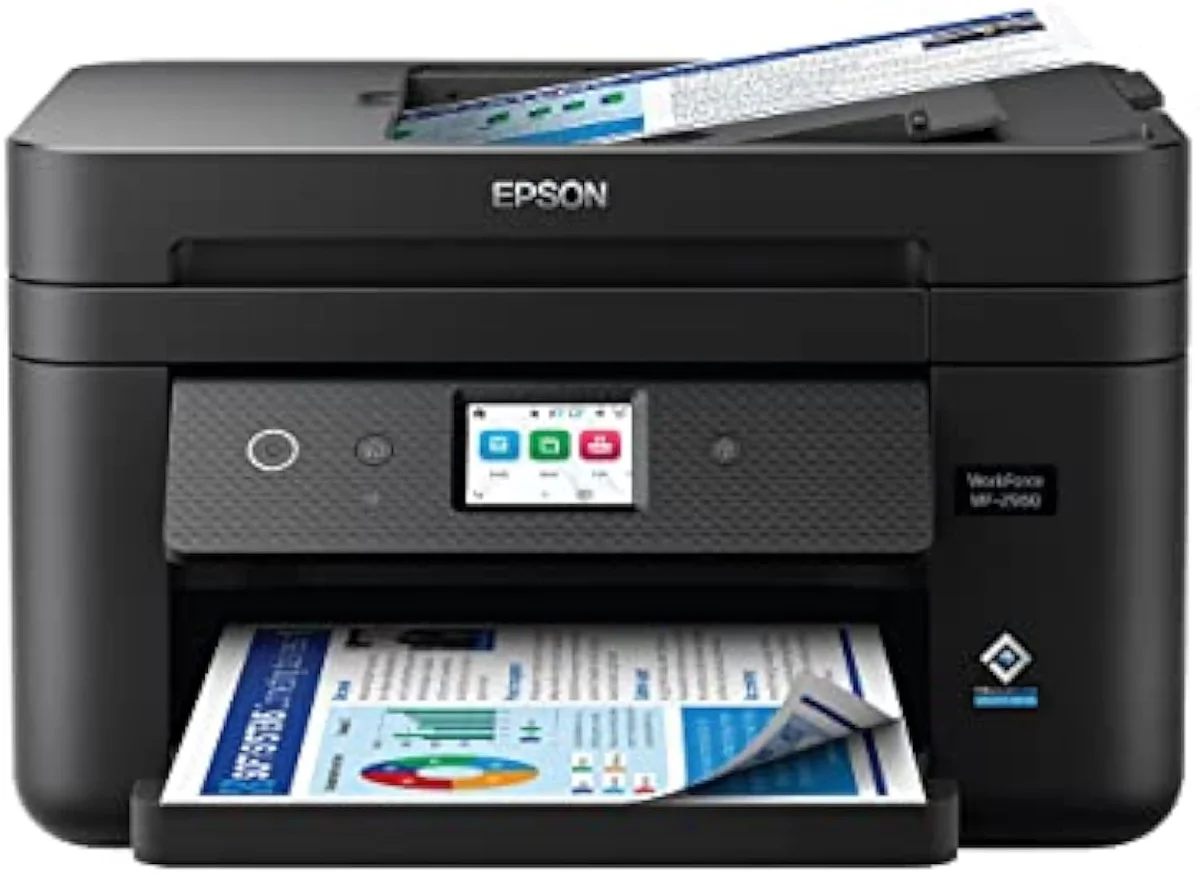
Claria photo dye versus DURABrite pigment
Epson does not put the same ink in every machine, and the brand name on the cartridge tells you what the printer is for. The split explains why one Epson prints crisp invoices and another prints glossy photos.
DURABrite Ultra is a pigment ink — particles that sit on the paper surface for sharp, smudge-resistant, water-resistant text — which is why it ships in document-first WorkForce models. Claria is a dye ink absorbed into the sheet for smooth, saturated color, used in Expression Home and Photo printers for borderless prints. Because each color is its own tank, a single empty cartridge stops the printer until you swap just that one — better than a tri-color, but still four things to track. Editorial testing at PCMag consistently notes that Epson's single-tank layout wastes less ink than a combined color cartridge for this exact reason. Match the ink to the job: DURABrite for paperwork, Claria for pictures.
When cartridge Epson stops paying
There is a print volume past which no numbered-series cartridge makes sense, XL or not — and Epson sells the answer to it under its own brand.
Above a few hundred pages a month, the cumulative cartridge bill on an Expression or WorkForce overtakes the higher sticker price of an EcoTank, where ink arrives in bottles rated in the thousands of pages and per-page cost collapses to a small fraction of cartridge math. TechRadar's printer testing reaches the same verdict: for steady, heavy volume the supertank wins outright, and the cartridge machine only looks cheap on the shelf. The decision is a clean volume crossover — light printers stay on XL cartridges, heavy printers buy the tank. We rank the bottle-fed machines that win this trade, EcoTank included, in our best supertank printers roundup.
How to buy Epson ink
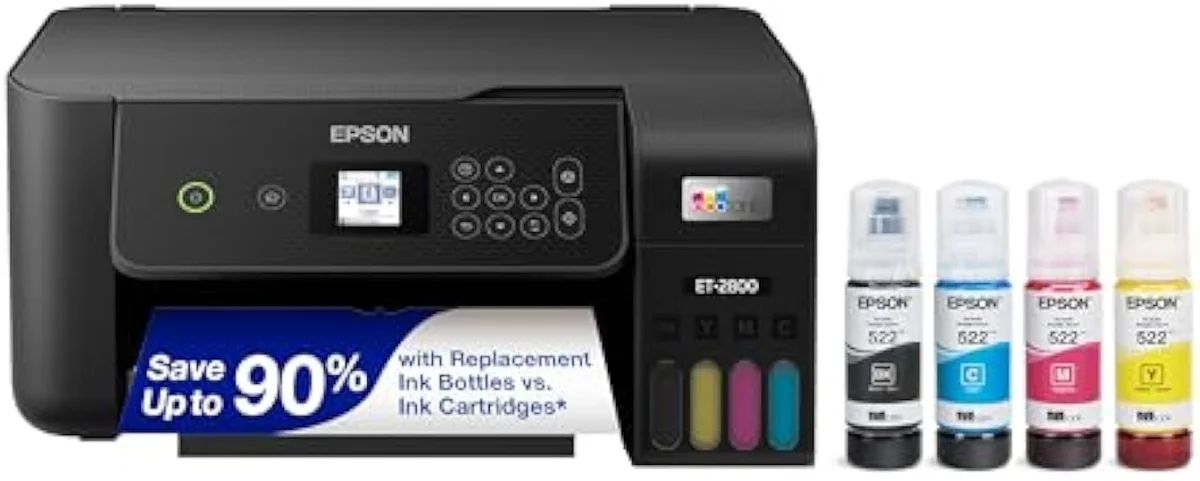
Start with the number on the cartridge: it names the series your printer takes, and the capacity tier tells you how to buy it. For light printing, standard cartridges avoid wasted ink; for steady use, XL or XXL is always cheaper per page; for heavy volume, the cartridge math loses to an EcoTank like the ET-2800 — Epson's own escape from its cartridge tax. The model-by-model reasoning lives in our research layer below.
Frequently Asked Questions
Epson cartridges in one paragraph
Epson home printers split ink into four single cartridges in a numbered series — the 212 set on an Expression Home XP-5200, 232 on an XP-4200 or WorkForce WF-2960, 812 on a WF-3820 — using dye-based Claria ink for photos and pigment DURABrite Ultra for water-resistant documents; the standard cartridge is the most expensive way to print because XL and XXL versions of the same tank always cost less per page, third-party and remanufactured ink saves more but triggers a non-genuine warning and can be blocked by an automatic firmware update, and past a few hundred pages a month even XL cartridges lose the cost crossover to Epson's own bottle-fed EcoTank, which is why the right answer always depends on how much you actually print.
How do you find the right cartridge for your Epson printer?
Read the number, not the model. Epson sells cartridges in numbered families and each printer takes exactly one. An Expression Home XP-5200 runs the 212 series; an XP-4200 takes 232; older Expression units use 288 or 702. WorkForce machines run higher pigment series — the WF-2960 uses 232, the WF-3820 uses 812. The number prints on the spent cartridge and inside the access door, and four single tanks make a full set: black, cyan, magenta, yellow.
What is the difference between Claria and DURABrite ink?
They are built for different jobs. Claria is Epson's dye-based photo ink — used in Expression Home and Photo models — tuned for saturated, smooth color on glossy stock. DURABrite Ultra is a pigment ink that sits on the page surface for sharp, smudge- and water-resistant text, which is why it ships in document-first WorkForce machines. Pick by what you print: Claria for pictures, DURABrite for paperwork.
Should you buy XL or XXL Epson cartridges?
For almost any real print volume, yes. A standard 212 black is rated near 200 pages; the 212XL roughly doubles that, and where Epson offers a 220XXL or 288XXL it climbs higher again — all for a price that rises far slower than the yield. Cost-per-page only ever drops as capacity rises, because four separate tanks and the printhead in the machine cost the same whatever volume of ink you load. The lone exception is a printer that sits idle for weeks, where ink can stale before you reach the higher yield.
Can you use third-party ink in an Epson printer?
Yes, and Epson is more forgiving than HP about it — but firmware is the catch. Compatible and remanufactured cartridges drop into most Expression and WorkForce models at a fraction of genuine cost. Epson flags them with a non-genuine warning and disables ink-level monitoring, and an automatic firmware update has, on some models, started rejecting third-party chips it previously accepted. Decline firmware updates if you rely on aftermarket ink, and own the print-quality risk that comes with it.
Why is Epson ink so expensive on a cartridge printer?
Because the printer is sold below cost and the ink carries the margin — the razor-and-blades model the category runs on. A full four-tank Epson set can approach the sale price of the budget Expression it feeds. That is the cartridge tax, and it is exactly why Epson built EcoTank: bottles instead of cartridges, with per-page ink cost a small fraction of the numbered-series math.
Is EcoTank cheaper than buying Epson cartridges?
Over time, decisively. An EcoTank like the ET-2800 ships with enough bottled ink for thousands of pages and refills cost a fraction of a cartridge set, so its per-page running cost lands far below any Expression or WorkForce on cartridges. It costs more on the shelf and pays that premium back only at steady volume. The crossover is print volume — a heavy printer should buy the tank, a rare printer should not.
Read the Full Review
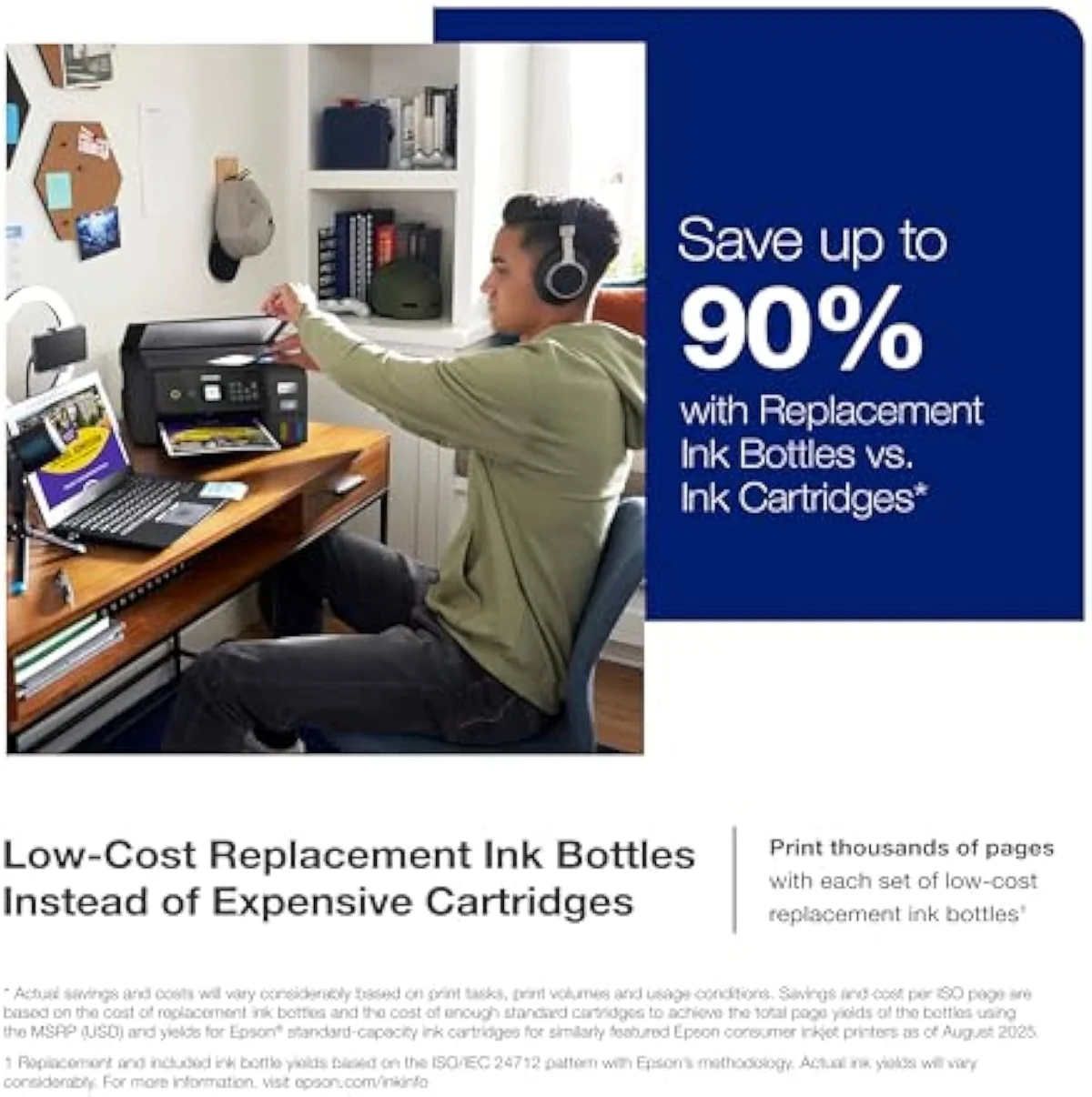
Want a deeper look at the Epson EcoTank ET-2800?
Take the next step
Carry the cost-of-ownership case forward — the cartridge-versus-EcoTank crossover, model by model:
Sources
- Epson — ink cartridge lookup and numbered-series compatibility by model
- RTINGS — printer test methodology and cost-per-print scoring across 182 models
- PCMag — inkjet and all-in-one printer reviews
- TechRadar — best printers testing and inkjet running-cost guidance
- ISO/IEC 24711 — the standard page-yield measurement method (Wikipedia)
Inkjet Printers notes that actually mention the tradeoffs
Occasional updates on inkjet printers evidence, price movement, and buyer-fit changes.
Only when something changes. Unsubscribe anytime.