What are the common problems with Canon printers?
Updated

Canon’s problems sort by model, not by one flaw. The refillable MegaTank supertanks clog if left idle —
- MegaTank clog when idle the supertank headline
- Wi-Fi setup & stay-connected loudest one-star theme
- Cartridge tax on budget PIXMAs cheap printer, dear ink
- Flat photo saturation (dye G-series) fixable in software
- Paper-feed faults on cheap models
Start with the clog, because it is the problem unique to Canon’s best value. A MegaTank feeds from refillable bottles, so its ink is cheap — but the heads still dry when the printer sits. RTINGS, which lab-tests printers and scores risk-of-clogging directly, flags this as a structural supertank weakness, not a Canon defect. The community remedy is blunt for heavy idlers:
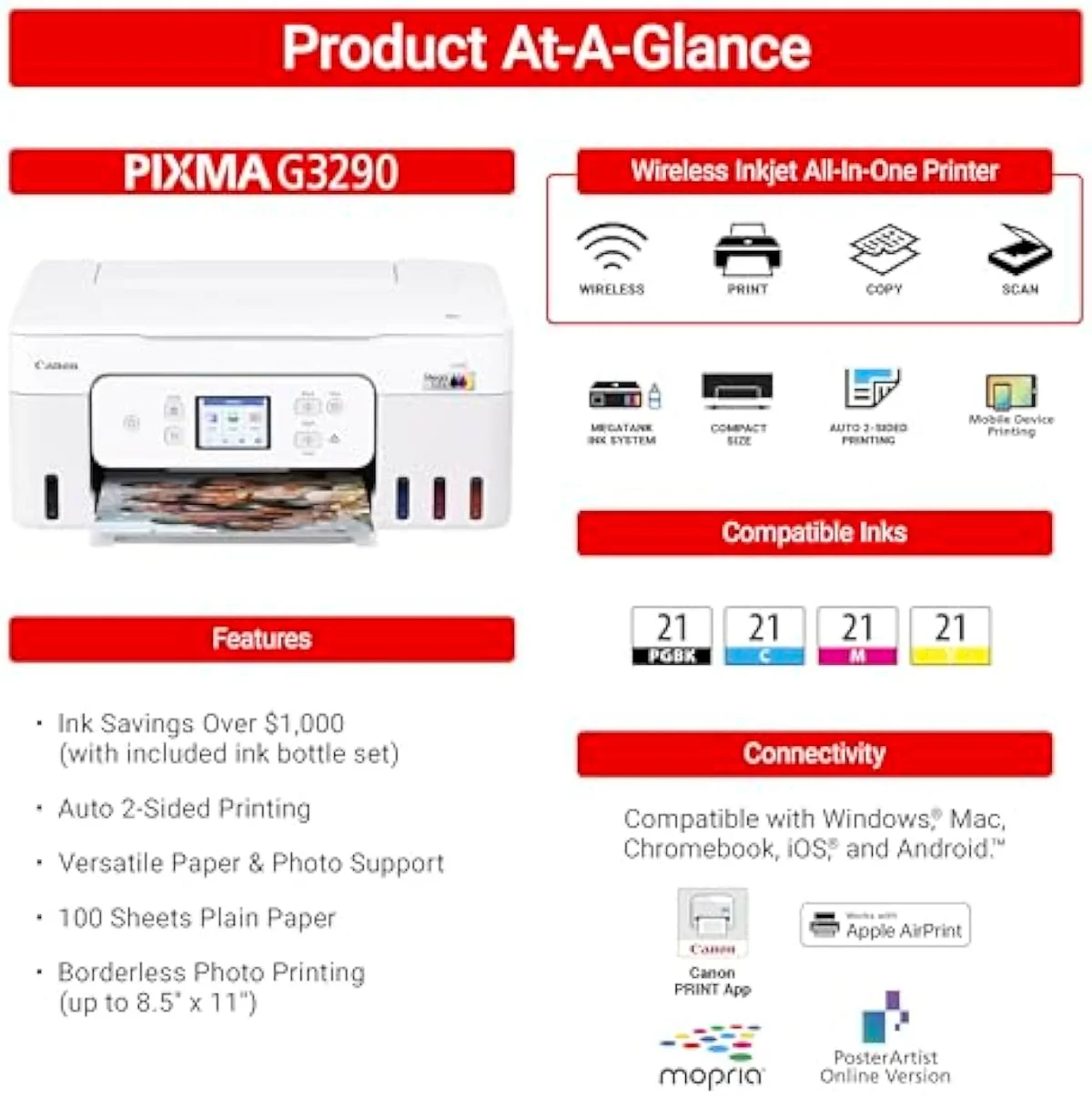
MegaTank G3290
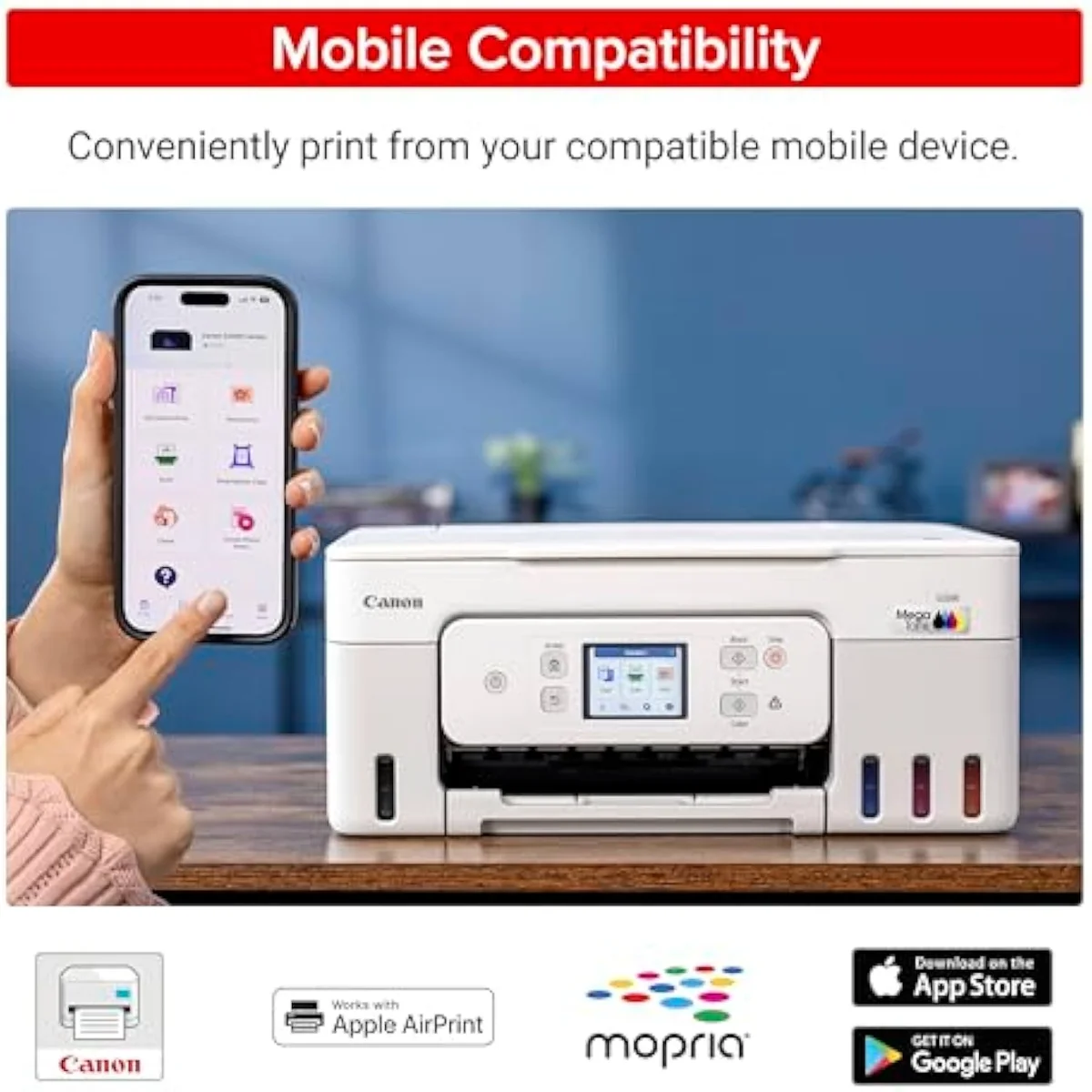
Refillable tanks
The second problem is connection. Wi-Fi setup is the loudest one-star theme across the PIXMA line per the owner reviews we synthesized — one MegaTank owner called the printer’s ability to
Third is the cartridge tax on the cheap PIXMAs. A budget Canon all-in-one sells for less than a tank of fuel, then feeds on small two-cartridge sets — and one MG3620 owner caught the trap that
The fourth cluster is plain reliability on the entry machines, the price of buying down. Consumer Reports tracks inkjet reliability and owner satisfaction, and the cheap PIXMAs are where Canon’s record frays: one MG3620 owner reported that
What are the disadvantages of MegaTank?
The MegaTank supertanks trade cheap bottle ink for one hard rule: print regularly or pay for it. Sit one idle for weeks and the printhead nozzles dry, so the next job runs a cleaning cycle that spends the ink you bought it to save. The other gripes are minor — opaque ink windows, fiddly Wi-Fi — but the clog risk is the one that catches idle owners out.
Honestly, that one clause hides under the bottle-ink savings until the day a job comes out streaked.
The irony is sharp. A MegaTank like the G3290 exists to stop you wasting money at the cartridge shelf, then quietly wastes it on cleaning cycles if you leave it dark. The remedy is a habit, not a different machine — run a colour page about once a week and the heads stay wet. For a household that prints in steady bursts, the disadvantages are footnotes against years of cheap ink. For a desk that prints twice a year, every footnote becomes the headline, and a color laser is the honest answer.
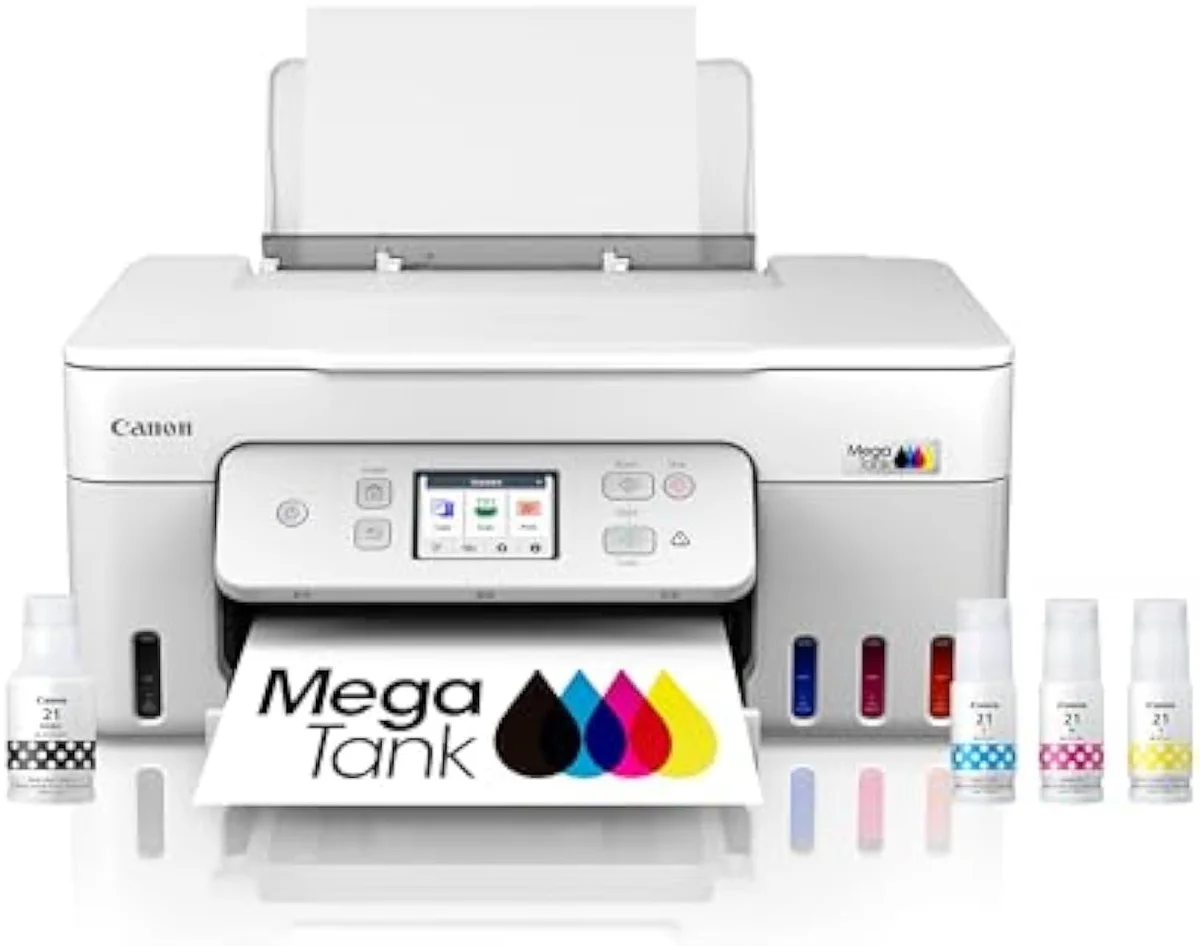
Is the Canon G620 a good printer?
For the photo hobbyist who colour-manages, yes; for plug-and-print, with a caveat. The G620 is a six-colour dye MegaTank that earns praise for vibrant prints on the right paper — and complaints that out-of-the-box saturation runs flat. The fix is a software step, not a return. Treat it as a printer that rewards calibration, not one that nails colour untouched.
So the honest verdict splits by buyer: a calibrating hobbyist gets lab-grade prints, a casual user gets flat ones.
The complaint is specific, and the cause is the paper. The six-colour G620 runs cheap — Canon rates it at roughly 2.5 cents per 4×6 photo — yet the biggest hidden gotcha reviewers flag is
How to connect a Canon PIXMA printer to Wi-Fi?
Wi-Fi setup is the single loudest Canon one-star theme, so expect friction. Use the Canon PRINT app, but if the printer keeps dropping offline, the durable fix owners report is to bind it to one access point by MAC address in the router. A wired fallback works too. Budget setup time — the Canon account registration alone can outlast the hardware setup.
Here’s the thing: the connection itself is rarely the printer’s fault so much as how it roams between bands and access points. One G3270 owner stabilised a flaky link by the manual route —
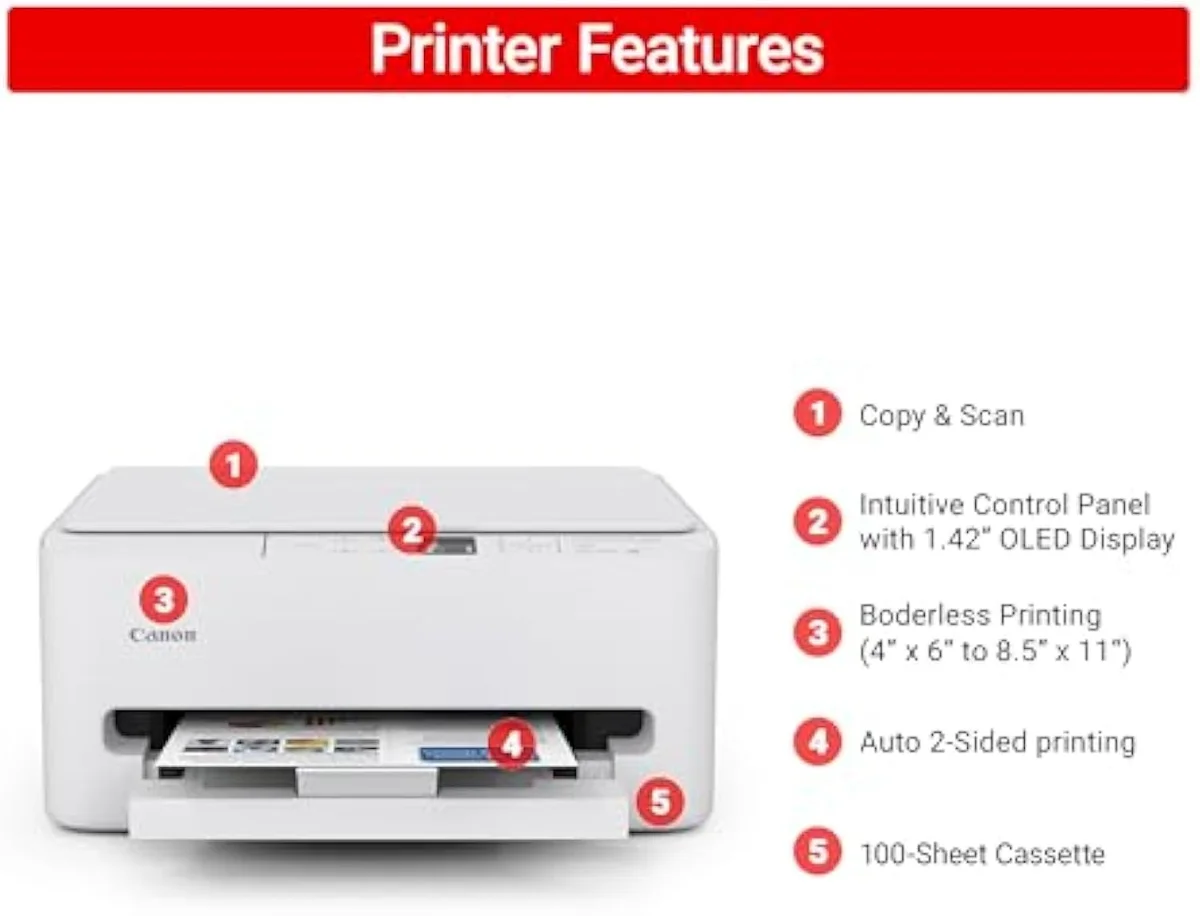
PIXMA TS6520
Control panel
Which Canon printers are AirPrint compatible?
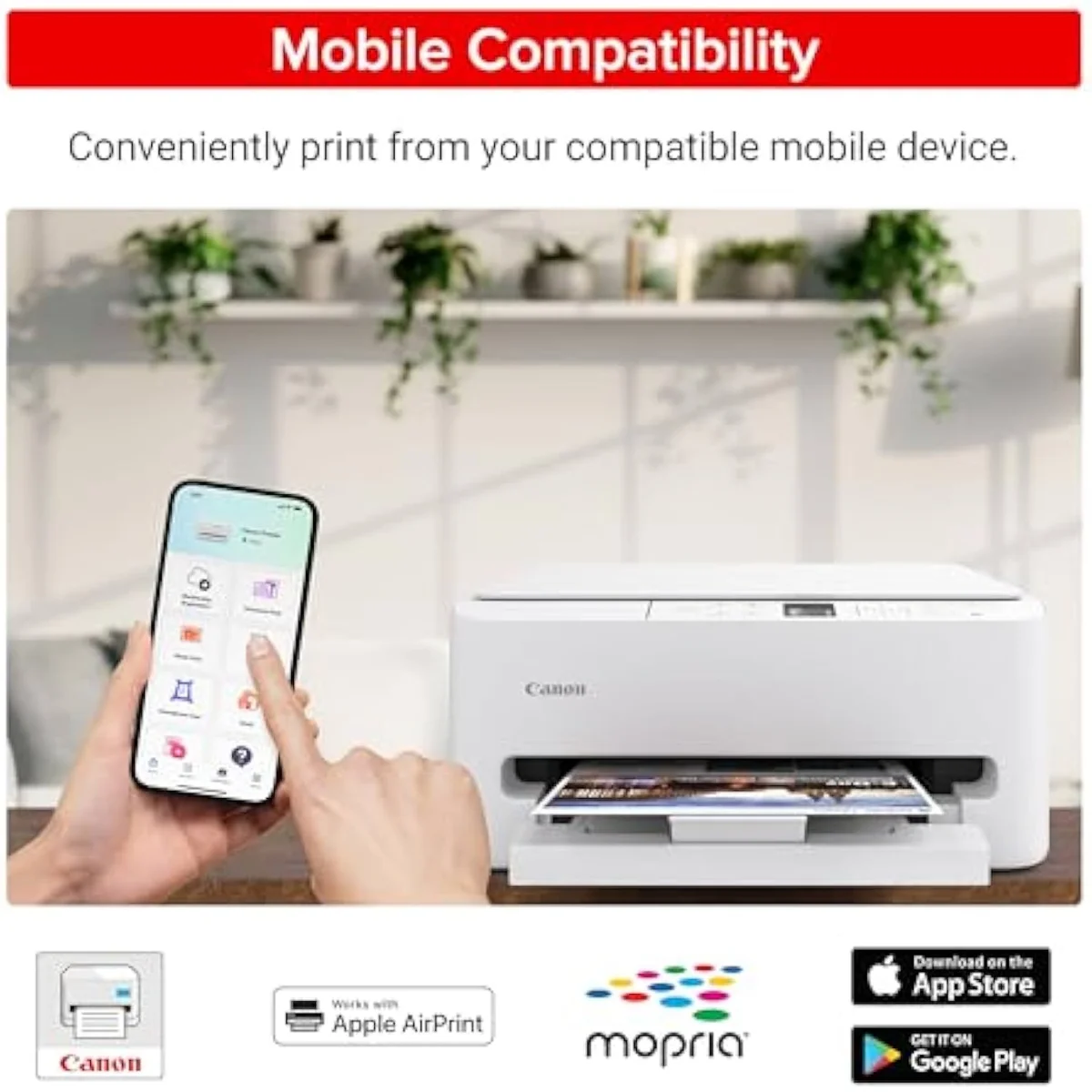
Most current Canon inkjets support Apple AirPrint, so an iPhone, iPad or Mac prints with no driver. The PIXMA TS, TR and G MegaTank lines all list AirPrint alongside the Canon PRINT app and Mopria. AirPrint itself is reliable; the connection problems owners report are about holding the Wi-Fi link, not the AirPrint protocol. Confirm the exact model on the spec sheet before you buy.
AirPrint is broad enough that it is rarely the reason to pick one Canon over another — the whole modern range carries it. According to Canon’s own printer specifications, the wireless all-in-ones list Apple AirPrint as a standard mobile path. So the question worth asking is not whether a Canon does AirPrint, but whether it holds its Wi-Fi long enough to use it — which loops back to the connection problem above. Get the network stable and AirPrint just works.
Does the Canon G7020 support AirPrint?
Yes. The Canon PIXMA G7020 MegaTank lists Apple AirPrint along with the Canon PRINT app and Mopria, so it prints wirelessly from Apple devices with no driver. Being a MegaTank, it inherits the line’s idle-clog caveat rather than any AirPrint-specific fault — keep it printing and the wireless path stays simple. Check the current spec sheet to confirm before purchase.
The G7020 is a step up the MegaTank ladder — an office-leaning supertank with an automatic document feeder — and its connectivity story matches the rest of the line. AirPrint and the Canon PRINT app cover the mobile side; the thing to watch is the same use-it-or-clog rule every MegaTank carries. Buy it for a home office that prints weekly and the bottle ink pays back; leave it idle and the cleaning cycles eat the savings. The mobile printing is the easy part — the running discipline is the real decision.
Add it up and Canon’s common problems are really two stories told across a wide range. The supertanks are cheap to feed but demand regular printing to dodge the clog; the budget cartridge PIXMAs are cheap to buy but dear to feed and shakier on paper and Wi-Fi. The G-series photo machines sit between, capable but expecting you to manage the colour. Match the model to how you print — often and bottle-fed, or rarely and laser — and most of these problems settle themselves. Mismatch it and every footnote on this page becomes your headline.
Get Our Top 3 Picks
Get our top 3 picks for your budget — one email, then only updates.
Only when something changes. Unsubscribe anytime.
Citations
- [1]"This is my first tank printer which"https://www.amazon.com/dp/B0BSMSYM9NCaptured June 3, 2026. Verified June 3, 2026.
- [2]"They don't always cap the nozzles if they're turned off from an external switch"https://reddit.com/r/printers/comments/1h8br67/i_bought_a_canon_megatank_less_then_a_month_ago/Captured June 4, 2026. Verified June 4, 2026.
- [3]"Return it for a color laser printer. Laser printers are much less fussy"https://reddit.com/r/printers/comments/1h8br67/i_bought_a_canon_megatank_less_then_a_month_ago/Captured June 4, 2026. Verified June 4, 2026.
- [4]"that Cannon does not inform people about, is that if you want to print quality photos"https://www.amazon.com/dp/B08XZQVWZWCaptured June 3, 2026. Verified June 3, 2026.
- [5]"Edit your photos to increase saturation / vibrance. That fixed it for me."https://www.amazon.com/dp/B08XZQVWZWCaptured June 3, 2026. Verified June 3, 2026.
- [6]"From the very beginning it always had trouble pulling paper from the tray."https://www.amazon.com/dp/B010A7TZ76Captured June 3, 2026. Verified June 3, 2026.
- [7]"And Canon gives you a smaller cartridge in the printer, than they sell for replacements."https://www.amazon.com/dp/B010A7TZ76Captured June 3, 2026. Verified June 3, 2026.
- [8]"Spend a bit more, get a Brother"https://www.amazon.com/dp/B010A7TZ76Captured June 3, 2026. Verified June 3, 2026.
- [9]"never using wireless printing for more than one or two pages"https://www.amazon.com/dp/B010A7TZ76Captured June 3, 2026. Verified June 3, 2026.
- [10]"connect to wifi and stay connected is ABYSMAL, it constantly goes offline"https://www.amazon.com/dp/B0BSMSYM9NCaptured June 3, 2026. Verified June 3, 2026.
- [11]"Setting up a Canon account at their website actually took longer than setting up the printer"https://www.amazon.com/dp/B0FMBTJLX6Captured June 3, 2026. Verified June 3, 2026.
- [12]"Bind it to only one single access point with mac address"https://www.amazon.com/dp/B0BSMSYM9NCaptured June 3, 2026. Verified June 3, 2026.
- [13]"The setup page just kept spooling glitching and resetting"https://www.amazon.com/dp/B0DF4GTWWKCaptured June 4, 2026. Verified June 4, 2026.
- [14]"the cheaper the printer the more expensive the ink cartridges"https://reddit.com/r/printers/comments/1qhkl2s/which_canon_pixma/Captured June 3, 2026. Verified June 3, 2026.
- [15]"the megatank is a more reasonable choice because the refills for the first two are so expensive"https://reddit.com/r/printers/comments/1qhkl2s/which_canon_pixma/Captured June 3, 2026. Verified June 3, 2026.