Sublimation Inkjet Printers: The Real Choice
Updated
Sublimation is the printing method that does not put ink on a surface at all. Heat turns a solid dye straight into gas, the gas bonds into polyester, and the colour becomes part of the material instead of a layer on top. That single fact decides every choice that follows: what you can print on, which printer you can use, and whether converting a cheap EcoTank is a clever hack or an expensive mistake.
There are only two honest routes into it — a dedicated dye-sub printer, or a converted Piezo-head EcoTank — and they trade reliability against ceiling.
The whole decision turns on how much risk you want to own — a factory-matched Epson SureColor F170, or a one-way EcoTank ET-2800 conversion that voids the warranty.
Sublimation versus a heat transfer
Sublimation and an inkjet heat transfer look like the same craft and are opposite chemistry. Sublimation gasses dye into polyester so the image becomes the fabric; a heat transfer prints ordinary ink onto coated paper and presses that layer onto cotton, where it sits on the surface like a sticker.
The split matters because it dictates the blank. Sublimation needs at least 60% polyester or a poly-coating and gives a print you cannot feel; a transfer needs cotton and gives a print you can. If your project is cotton T-shirts, you want the transfer route, not this one — we lay that path out in our guide to heat transfer paper for inkjet printers. Sublimation owns polyester and hard blanks; transfer paper owns cotton. Pick the chemistry to match the material, because the press cannot fix the wrong one. Sublimation printing as a phase change is defined by that solid-to-gas step, which is exactly what an on-top transfer never does.
What the dye actually does
Under heat, the solid dye skips liquid entirely and becomes gas — the definition of sublimation printing phase change chemistry. A heat press holds the image at roughly 385-400°F for 45-60 seconds, the polyester fibres soften and open, the dye gas migrates in, and the fibres close around it as they cool.
That is why the result is permanent and why the surface matters so much. The colour is locked inside the polymer, so it will not crack, peel, or wash off the way a surface transfer can. Cotton has no polymer chain that opens to receive the gas, so on a cotton shirt the same press leaves a faint print that surrenders on the first wash. The material is not a preference here — it is the chemistry.
The sublimation ink itself
Sublimation ink is an aqueous dye formula built to do one thing: turn to gas under heat without leaving residue in the printhead. It is not pigment and it is not standard dye ink — load it and the printer can only ever do sublimation afterward. Inkjet printing technology matters here because only a cold Piezo-style head, which fires ink mechanically rather than by boiling it, survives the formula; a thermal HP or Canon head heats each droplet and would cook the dye in the nozzle.
The ink also explains the 60%-polyester rule from the other side. The dye molecules are sized to bond with polymer chains, so they have nothing to grip on natural cotton fibre. Buy the ink before you understand that, and you have bought a bottle that only prints onto a narrow band of poly-coated blanks.
Route one: a dedicated dye-sub printer
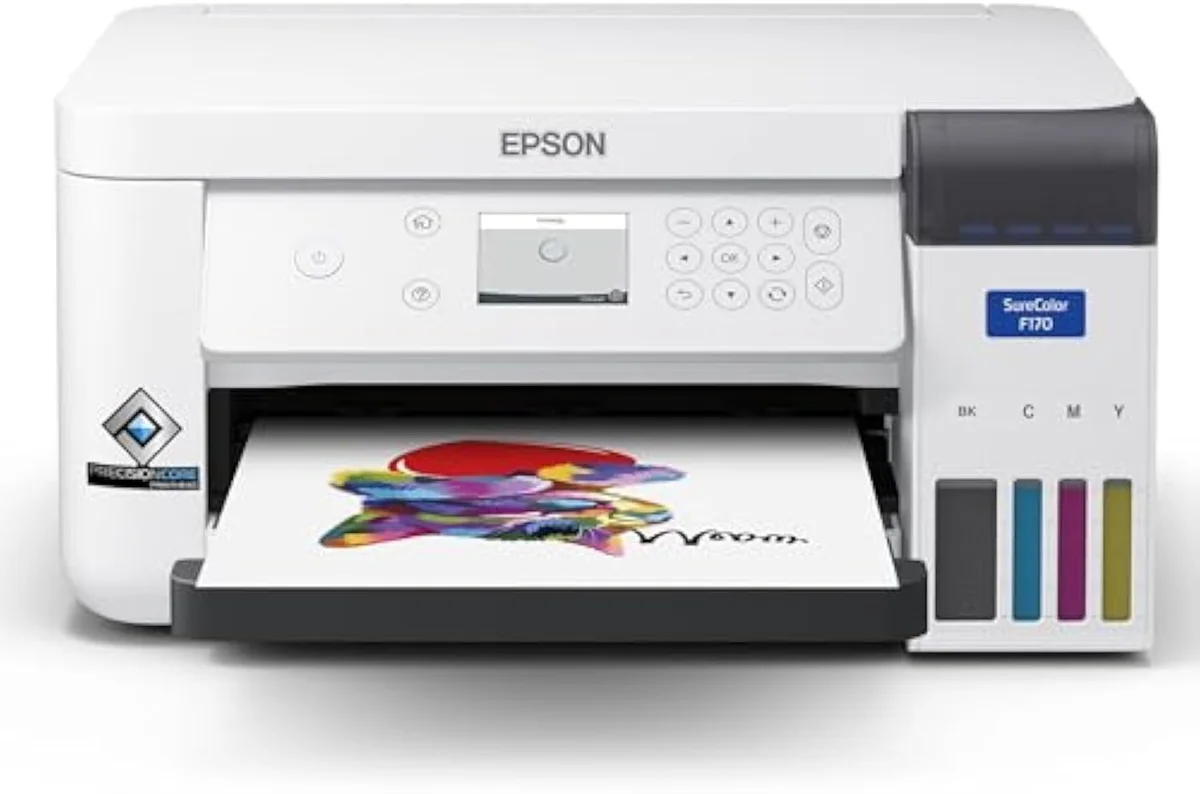
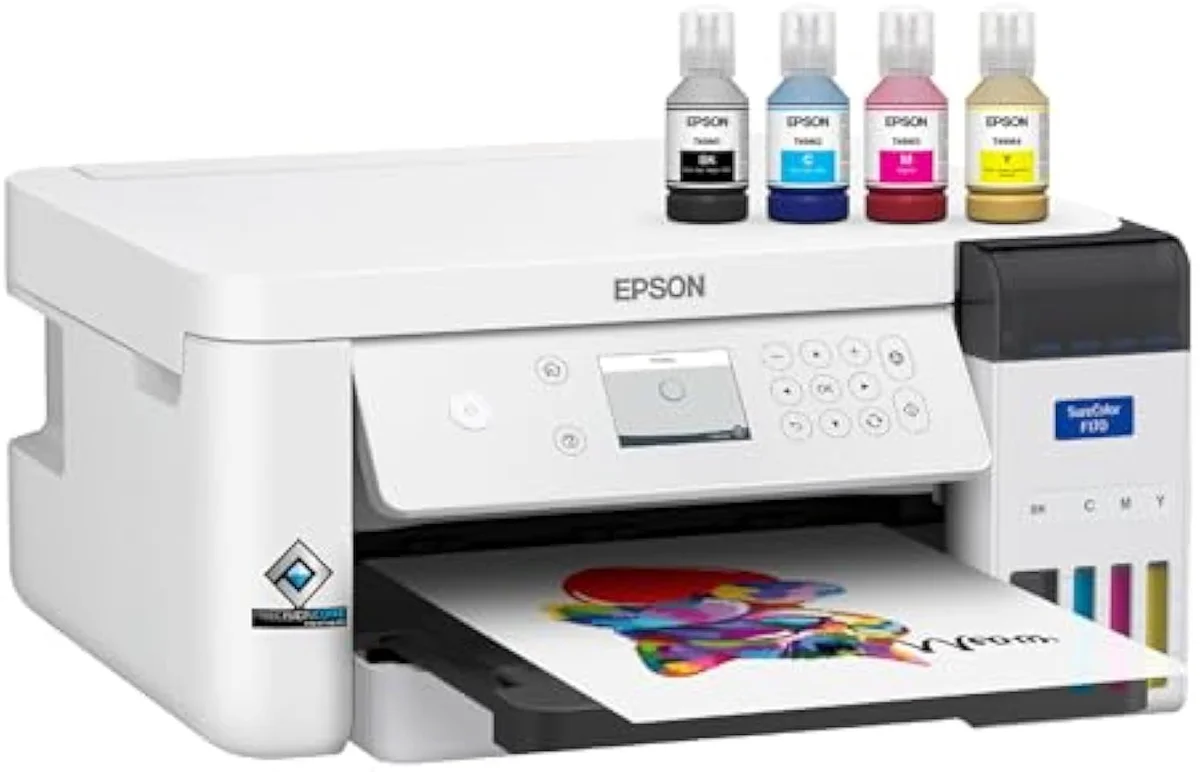
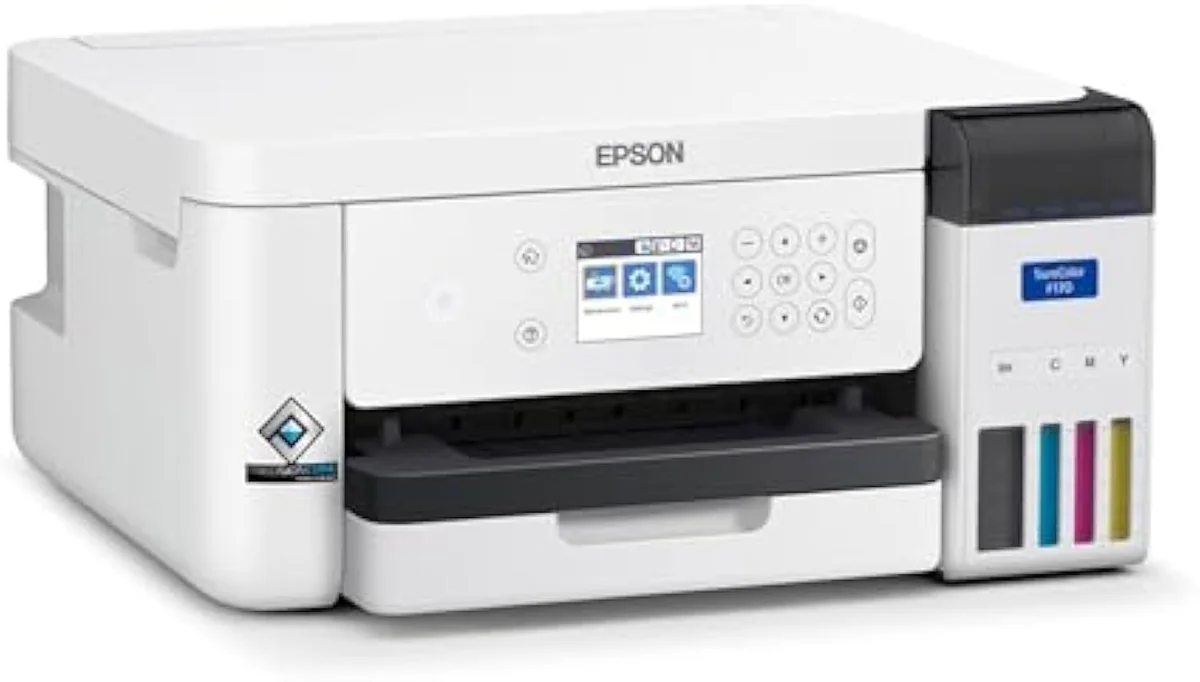
The clean path is a machine built for it from the factory. The Epson SureColor F170 arrives with genuine sublimation ink installed, ICC profiles already matched to its own hardware, and a full warranty — the three things a conversion costs you. Editorial reviews of dye-sub hardware at PCMag printer reviews consistently treat that factory-matched colour pipeline as the reason to pay more up front.
The ceiling is the catch. The F170 prints letter-width at 8.5 inches and is not fast, so it suits mugs, phone cases, and the odd polyester shirt rather than a production line. Step up to a wide-format model like the F570 only when a real volume of large prints justifies it — for a first machine, the smaller unit is the right call. We weigh that buyer fit in full in our breakdown of whether the Epson F170 is any good.
We sort the catalog by exactly this kind of purpose-built-versus-general fork in our guide to the printer families and how they're structured, because a dedicated dye-sub F170 is a different tool from the cartridge or EcoTank all-in-one most buyers picture.
Route two: converting an EcoTank
The cheaper path is to load third-party sublimation ink into a refillable Epson EcoTank. It works because the EcoTank runs a cold Piezo head and its external tanks pour easily — the ET-2800 is the model the conversion community leans on. Plenty of people do this and get usable mugs out of it.
Read the price in full, though, not just the sticker. Independent reliability testing at RTINGS independent printer reliability testing, which has lab-tested 182 machines, already rates risk-of-clogging as a first-class printer score — and sublimation ink, run intermittently in a machine never designed for it, sits at the worst end of that risk. The conversion is one-way: once dye-sub ink is in the lines, regular ink will never run clean through them again.
Dedicated F170
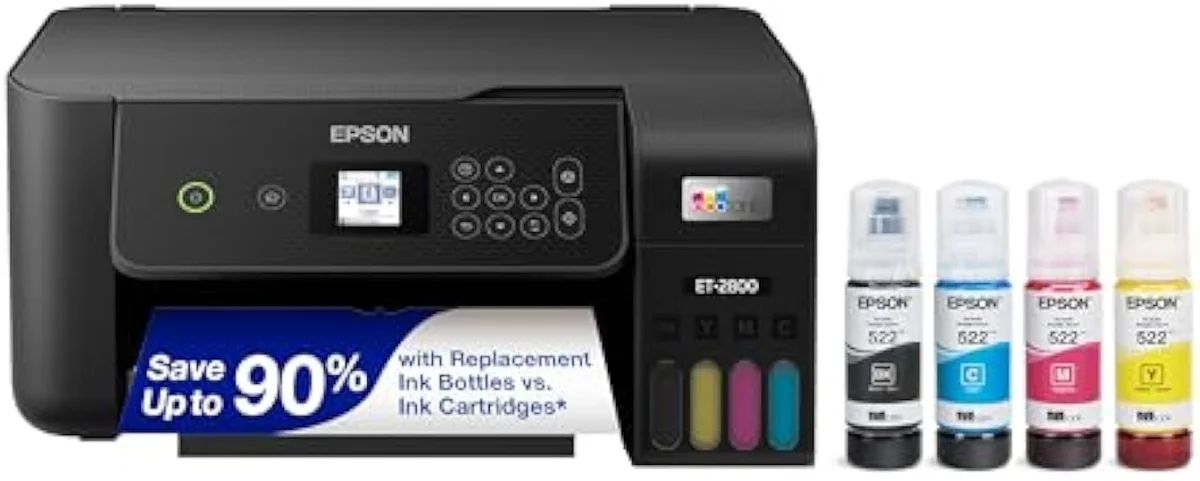
Converted EcoTank
This is the whole reason InkVerdict puts the real cost next to the cheap entry price. We break the buy-it-purpose-built versus repurpose-it decision down across the catalog in our type-versus-type tradeoffs analysis.
Why you cannot un-convert it
The one-way nature trips up more first-timers than any other part of sublimation. Dye-sub ink dries differently from standard ink, and traces of it stay coating the tubing and printhead long after you flush the tanks, so a later switch back to regular ink prints muddy and clogs.
Picture the ink path. A converted EcoTank still feeds its permanent head from external tanks — the same plumbing as any supertank — but now every length of that tubing is committed to sublimation ink. There is no clean reset, which is exactly why the F170 ships as a single-purpose machine: Epson would rather sell you the right tool than warranty a printer fighting the wrong fluid.
The ICC profile and colour catch
Sublimation dye looks wrong coming off the printer on purpose — it shifts toward its true colour only after the heat press gasses it. Getting predictable output therefore depends on an ICC profile for inkjet printing that tells the software how this ink, on this paper, will land after pressing.
The F170 has those profiles built in for its own ink and paper. A converted EcoTank does not — you download or hand-tune ICC profiles for whichever third-party ink you bought, and a mismatch is why a converted machine prints dull or off-hue until the colour is dialled in. That tuning is unpaid work the dedicated printer simply skips, and it is the difference between an afternoon of trial sheets and printing on day one. We track this kind of setup-and-risk gotcha model by model in our safety and known-risks guidance.
What sublimation is actually for
Match the method to the product, because sublimation only earns its place on the right blanks. Its home is polyester apparel and poly-coated hard goods — anything with a polymer for the gas to enter.
The bread-and-butter list is mugs, polyester T-shirts and jerseys, phone cases, mouse pads, aluminium photo panels, and MDF coasters — all sold as sublimation blanks with a coating made to receive dye. We stage every claimed result against synthesized owner reports in our inkjet printers evidence hub, because the gap between a marketing photo and a real mug is where beginners lose money. Want a print on a cotton tote or a canvas bag instead? That is the transfer-paper job, not a sublimation one. And if the real goal is framed photos on paper rather than poly blanks, a six-ink photo printer is the right tool — our best photo inkjet printers roundup ranks that field on print quality and cost per print.
Where to start
For a first sublimation setup, the Epson SureColor F170 is the default — factory sublimation ink, matched ICC profiles, an intact warranty, and 8.5-inch prints that cover mugs, cases, and polyester shirts. Convert an EcoTank ET-2800 only if saving money up front matters more than reliability, and accept a one-way move that voids the warranty and locks the machine to sublimation forever. Either way, budget for a heat press and polyester or poly-coated blanks. The model-by-model reasoning lives in our research layer below.
Frequently Asked Questions
Sublimation inkjet printers in one paragraph
Sublimation inkjet printers turn solid dye to gas under roughly 385-400°F of heat-press heat so the colour bonds into polyester — at least 60% polyester fabric or a poly-coating — rather than sitting on cotton like a heat transfer; the two honest routes are a dedicated dye-sub machine such as the Epson SureColor F170, which ships with sublimation ink, matched ICC profiles, and a warranty, or a cold-Piezo-head EcoTank like the ET-2800 converted with third-party sublimation ink, which is cheaper to start but voids the warranty, can never run regular ink again, and leaves you hand-matching ICC profiles, so the right pick depends entirely on how much risk you want to own.
Can any inkjet printer do sublimation?
No. Only an inkjet with no warm-up heat in its print path can run sublimation ink, which rules out every laser and most all-purpose inkjets the moment you load the ink. In practice the field narrows to two routes: a dedicated dye-sub machine like the Epson SureColor F170, which ships with sublimation ink from the factory, or a Piezo-head Epson EcoTank converted with third-party sublimation ink. A cartridge HP or Canon is the wrong starting point.
What surfaces can you sublimate on?
Polyester and polymer coatings only. The dye bonds into fabric that is at least 60% polyester, and onto hard blanks — mugs, phone cases, aluminium sheet, MDF — that carry a factory poly-coating made to receive it. Press it onto 100% cotton and the print washes straight out, because there is no polymer for the gas to enter.
Is the Epson F170 good for a beginner?
For a first sublimation printer, it is the safe pick. The SureColor F170 prints up to 8.5 inches wide, arrives with genuine Epson sublimation ink and ICC profiles already matched to the hardware, and keeps the warranty intact — none of which a converted EcoTank gives you. The ceiling is the limit: it is letter-width and slow, so a busy shop outgrows it.
Can you convert an EcoTank to sublimation?
Physically, yes — a Piezo-head EcoTank such as the ET-2800 is the model the conversion community uses, because its print path runs cold and its refillable tanks accept third-party sublimation ink. But it is a one-way trip. Once dye-sub ink is in the lines you cannot go back to regular ink, the move voids Epson's warranty, and you are matching ICC profiles by hand. It works, and people do it; just know what you are giving up.
Why does sublimation ink only work on polyester?
Because sublimation is a chemical bond, not a coating. Under roughly 385-400°F the solid dye turns straight to gas, the polyester fibres open, the gas enters, and the fibres close around it as they cool. Cotton has no polymer that opens this way, so the gas has nowhere to go and the colour leaves on the first wash.
Do you need a heat press, or will an iron work?
A heat press. Sublimation needs an even, held temperature near 400°F across the whole image for 45-60 seconds, and a household iron cannot hold that evenly enough to gas the dye uniformly. A mug press or flat platen press is part of the cost of entry, not an optional upgrade.
Compare the Top Picks
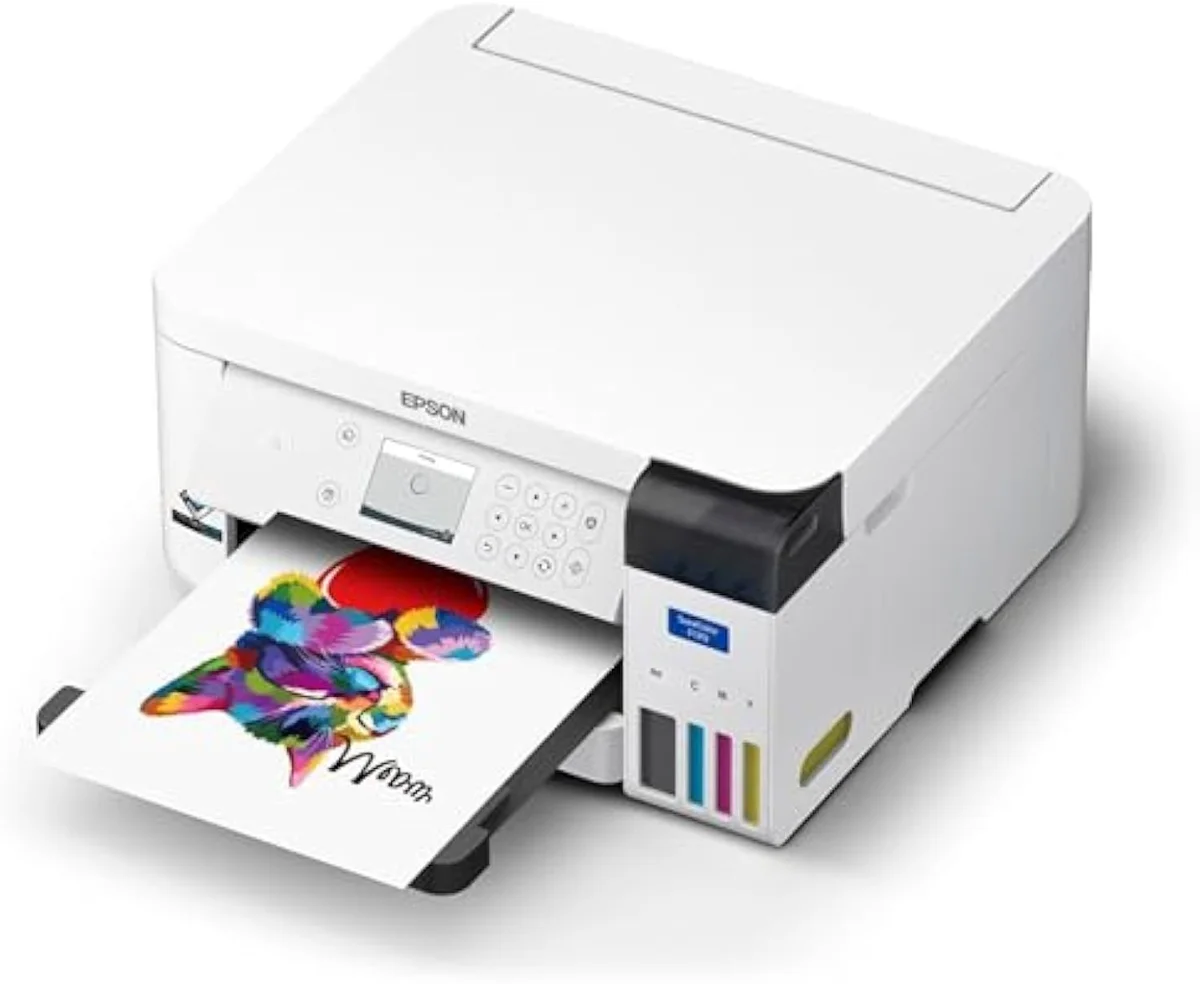
See how the Epson SureColor F170 Dye-Sublimation Printer – Compact 8.5 x 11 in Format – I… stacks up against the rest of the field.
Keep reading
Two ad-free explainers that take the cost-and-risk case deeper, before you buy a printer or a press:
Sources
- Dye-sublimation printing — the solid-to-gas process and polyester bonding (Wikipedia)
- Sublimation — the solid-to-gas phase transition (Wikipedia)
- RTINGS — printer test methodology and risk-of-clogging scoring across 182 models
- PCMag — inkjet and dye-sublimation printer reviews
- ICC profile — how colour is matched per ink and paper (Wikipedia)
Inkjet Printers notes that actually mention the tradeoffs
Occasional updates on inkjet printers evidence, price movement, and buyer-fit changes.
Only when something changes. Unsubscribe anytime.