Heat Transfer Paper for Inkjet Printers
Updated
Heat transfer paper is the cheapest way to put a printed design on a shirt, and it carries one giant misunderstanding: people think they need a special printer. They do not. The printer you already own almost certainly does the job.
The confusion costs money. Shoppers see "sublimation" videos, assume that is the only way, and spend three hundred dollars converting a printer they never needed to convert — when a $70 inkjet and a pack of paper would have made the same kind of shirt.
So the first job is sorting which path you are actually on.
How an inkjet heat transfer works
Heat transfer paper is coated sheet stock that accepts ordinary inkjet ink. Your printer lays the design onto the paper exactly as it would print a photo; then heat — an iron or a press — releases a printed layer off the sheet and bonds it to the fabric. The printer does the easy half; the heat does the work.
That is why no special hardware is required. The same cool liquid-ink mechanism that makes an inkjet the right tool for specialty media — the one job a heat-fusing laser cannot do without scorching the coating — is exactly what prints transfer paper. Inkjet printing technology sprays droplets at room temperature, so the paper's heat-activated coating survives the print and only releases under the iron later. A laser would melt it on the way through.
The press matters more than the printer. A flat heat press holds a set temperature and even pressure across the whole sheet — typically a few hundred degrees Fahrenheit for fifteen to thirty seconds — which a hand-held iron only approximates. For a hobbyist the iron is fine; for repeatable results the press is the upgrade, not a fancier printer.
Light paper versus dark paper
Buy transfer paper by the color of the shirt, not the brand. There are two kinds and they are not interchangeable.
Light-fabric paper has no white layer. You mirror the design, press it, and the shirt shows through wherever you did not print — so it only works on white or pale cotton. Dark-fabric paper carries an opaque white backing, prints un-mirrored, and you trim around the design before pressing so that white base hides the dark shirt beneath it. Mix them up and a navy shirt simply absorbs a dark-colored design into invisibility.
The ink in the machine matters too. Most consumer inkjets ship dye ink, which transfers vivid color but fades faster in sun and wash; pigment ink — standard on Epson WorkForce and many EcoTank models — holds longer. Match the paper to the ink, because transfer paper is usually sold for dye OR pigment, and we sort which models use which across the catalog in our guide to the printer families and how they're structured.
Transfer paper is not sublimation
This is the distinction worth slowing down for, because getting it wrong is the most expensive error in the whole hobby. Heat transfer paper and sublimation make a printed shirt by completely different chemistry.
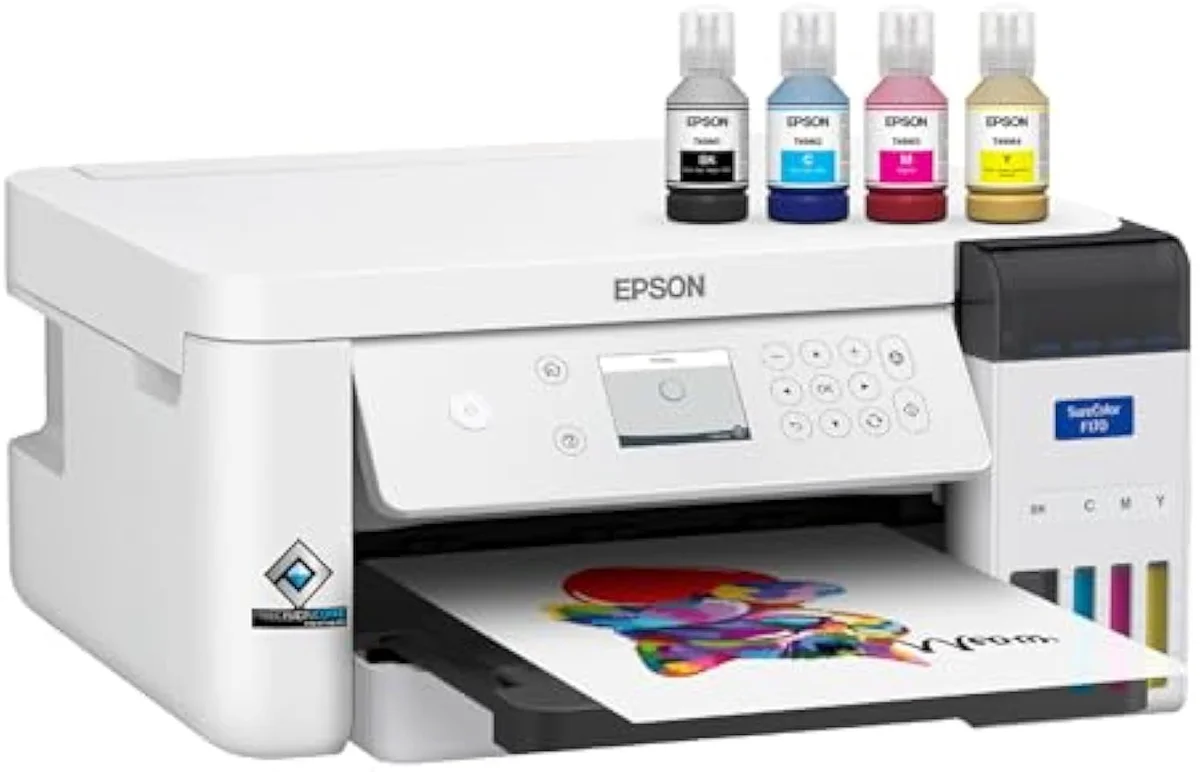
Transfer paper uses your ordinary inkjet ink and bonds a printed layer onto cotton or blends. Sublimation needs dedicated sublimation ink that turns to gas under heat and dyes the fibre directly — and it only works on polyester or a polymer-coated surface, never bare cotton. A sublimation machine like the Epson SureColor F170 ships with genuine sublimation inks certified for textiles by OEKO-TEX, a setup built for apparel, mugs, and mousepads — not the dye cartridges in a document printer.
So the decision is really about fabric. Want a design on a cotton tee with a printer you already own? Transfer paper. Want a polyester sports jersey or a mug with art that never cracks and has no hand-feel? Sublimation — and that means a dedicated sublimation printer or a converted supertank, not a cartridge swap. We break that fork down across the catalog in our type-versus-type tradeoffs analysis.
Wash durability and cracking
Here is transfer paper's honest weakness. The printed layer sits on top of the fabric instead of dyeing it, so it wears like a sticker, not like a dye.
After repeated wash cycles a light-paper transfer can crack, peel at the edges, or fade — most makers rate it for cold gentle washes, garment inside-out, line-dried, no tumble dryer. Sublimation dyes the polyester fibre itself, so it survives the wash with zero hand-feel and effectively no fade. RTINGS, which has lab-tested 182 printers for cost-per-print and output longevity, scores pigment systems higher than dye on fade resistance — the same logic that makes pigment ink hold up better on a transfer. If the shirt is polyester and you wash it weekly, that durability gap is the entire case for sublimation over transfer paper.
What a transfer actually costs
Run the cost-per-transfer math and transfer paper wins for low volume — which is exactly where most buyers live.
A single coated sheet makes one shirt, and the ink hit is a fraction of a normal page, so the marginal cost of a hobbyist's occasional tee is small against the sticker price of a sublimation rig. Independent editorial testing at PCMag, which reviews inkjet and craft printers, repeatedly lands the same way on entry-level crafting: the cheapest path that meets the need beats the more capable machine you do not yet need. Sublimation's per-print cost can be lower at scale, but only after you have paid for the dedicated printer, the sublimation ink, and the polyester blanks. For a dozen cotton shirts a year, transfer paper on a printer you own is the cost-truth answer.
Which inkjet you actually need
For transfer paper, almost any working inkjet qualifies — the printer is the cheap part of the equation. Match the paper to your ink type and the shirt color, and the machine barely enters the decision.
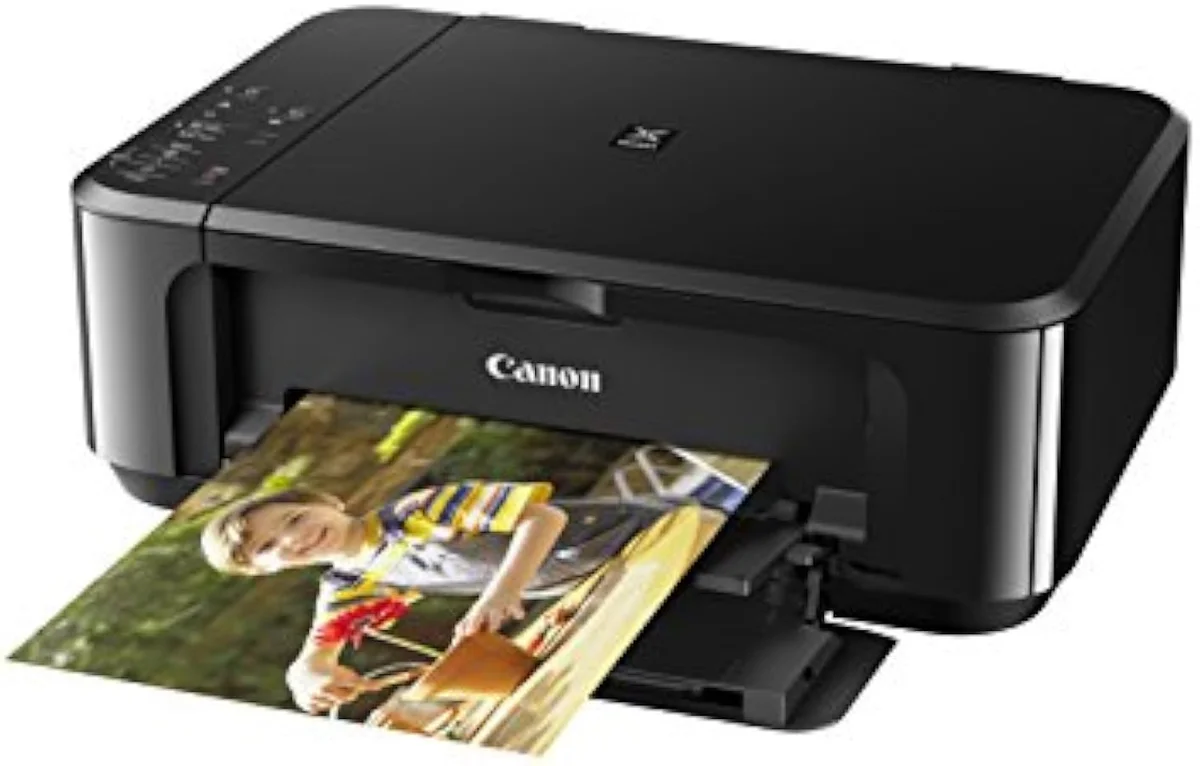
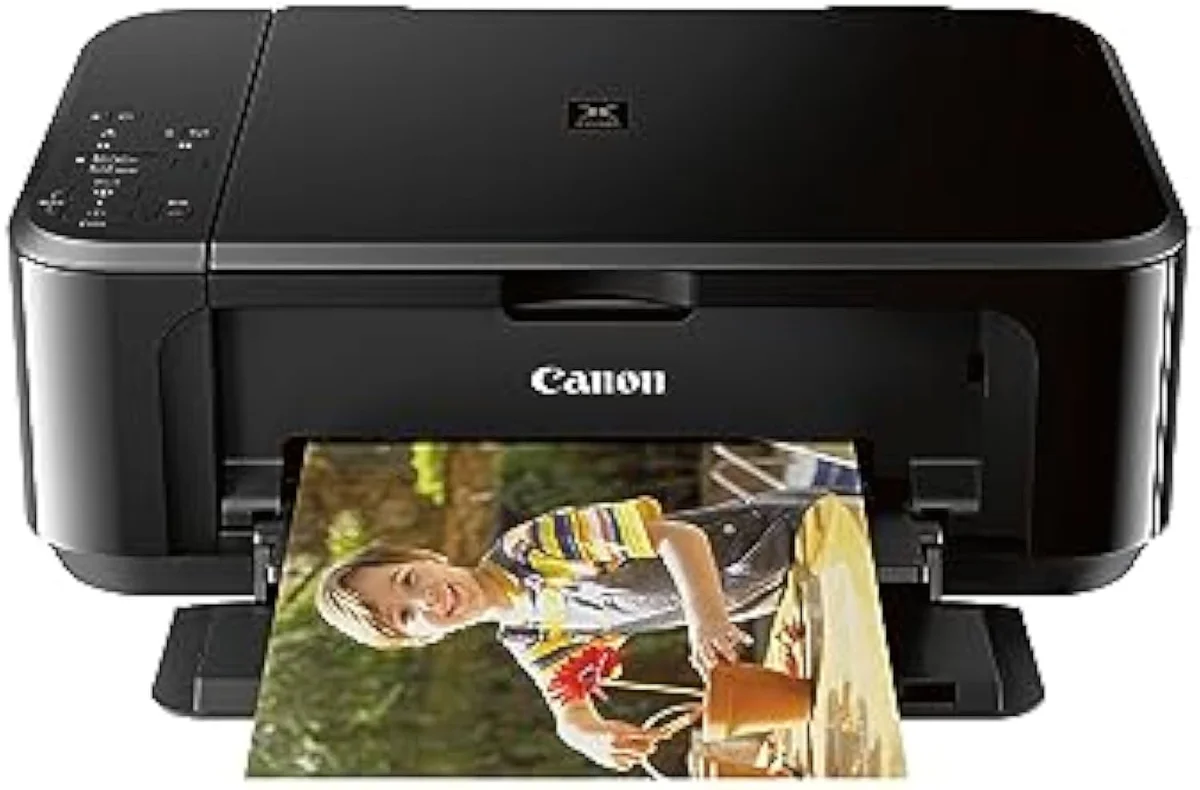
A budget dye-ink all-in-one like the Canon PIXMA MG3620 prints transfer paper straight out of the box; a pigment-ink Epson WorkForce holds color longer if you want the transfer to survive more washes. Only step up to a true sublimation printer when the job is polyester and durability, not cotton and craft. Every claimed yield and ink behavior we cite is staged against synthesized owner reports in our inkjet printers evidence hub — because the gap between the box and the laundry basket is where this category breaks trust.
Where to start
If the project is a cotton shirt and a few designs a year, do not buy a sublimation printer — print transfer paper on a standard dye inkjet like the MG3620 you may already own, match light or dark paper to the shirt, and press it with an iron or a flat heat press. Only move to a dedicated sublimation machine like the SureColor F170 when the fabric is polyester and the design has to survive weekly washing with no hand-feel — our breakdown of whether the Epson F170 is any good weighs that buyer fit. The model-by-model reasoning lives in our research layer below.
Frequently Asked Questions
Heat transfer paper in one paragraph
Heat transfer paper for inkjet printers needs no special printer — it is coated stock that takes the ordinary dye or pigment ink already in almost any inkjet, so a $70 Canon PIXMA MG3620 or a budget HP DeskJet prints the design and an iron or heat press bonds it to cotton; you choose light paper (mirrored, white shirts) or dark paper (un-mirrored, opaque white backing) by the garment color, the printed layer can crack or fade unless you cold-wash inside-out and skip the dryer, and the whole thing is NOT sublimation, which uses dedicated sublimation ink on polyester and is the more expensive path you reach for only when the fabric is synthetic and durability matters most.
Do you need a special printer for heat transfer paper?
No. That is the single biggest misconception. Heat transfer paper is coated sheet stock that takes ordinary inkjet ink, so almost any standard dye or pigment inkjet — a $70 Canon PIXMA MG3620, a budget HP DeskJet, an Epson EcoTank — prints onto it with the ink already in the machine. The printer just lays the mirrored design onto the paper; a household iron or a heat press does the actual transfer onto the shirt. You buy the right paper, not a different printer.
Is heat transfer paper the same as sublimation?
No, and confusing the two is the most expensive mistake in this category. Heat transfer paper uses your regular inkjet ink and bonds a printed layer onto cotton or blends. Sublimation needs dedicated sublimation ink, runs on polyester or a polymer-coated surface, and turns the ink to gas that dyes the fibre. Different ink, different fabric, different result — they are not interchangeable.
What is the difference between light and dark transfer paper?
The fabric color you are printing on. Light-fabric paper has no white layer — you mirror the image, press it, and the shirt shows through any unprinted areas, so it only works on white or pale stock. Dark-fabric paper carries an opaque white backing layer, prints un-mirrored, and you cut around the design before pressing so that white base hides the dark shirt underneath. Buy the wrong one and a black shirt swallows your artwork.
Does inkjet heat transfer crack or wash out?
It can, and this is transfer paper's real weakness. The printed layer sits on top of the fabric rather than dyeing it, so after repeated wash cycles a light-paper transfer can crack, peel at the edges, or fade — most makers rate it for cold gentle washes, inside-out, with no dryer. Sublimation, by contrast, dyes the polyester fibre itself and survives the wash with no hand-feel at all. If wash durability is the priority and the garment is polyester, that gap is the whole argument for sublimation.
Can you use pigment or dye ink for transfer paper?
Both work, with a catch. Most consumer inkjets ship dye ink, which transfers vivid color but fades faster in sunlight and wash; pigment ink, common on Epson WorkForce and many EcoTank models, holds color longer. Match the paper to your ink type — most transfer paper is sold for dye OR pigment, and the wrong pairing transfers weakly.
Is an iron good enough or do you need a heat press?
A household iron works for a hobbyist doing a few shirts. A flat heat press is better — it holds an even temperature and constant pressure across the whole sheet, which is exactly what a wobbling iron cannot, so the transfer bonds more completely and lasts longer. For occasional one-offs the iron is fine; for anything you sell, the press pays for itself in failed shirts avoided.
Compare the Top Picks
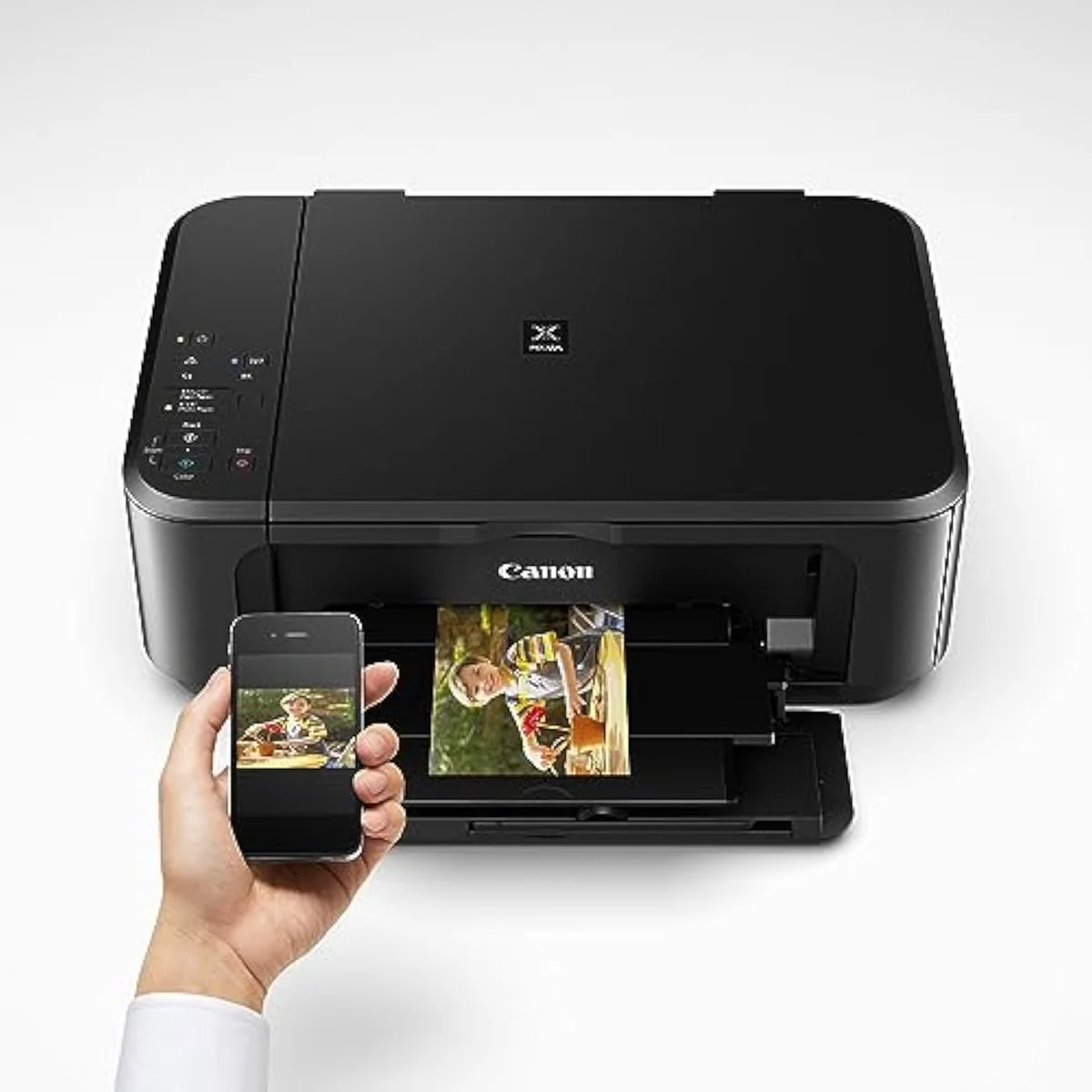
See how the Canon Pixma MG3620 Wireless All-in-One Color Inkjet Printer with Mobile and T… stacks up against the rest of the field.
Keep reading
Two ad-free explainers that take the cost-of-ownership case deeper, model by model:
Sources
- Iron-on transfer — how printed transfer layers bond to fabric under heat (Wikipedia)
- Dye-sublimation printing — dedicated ink, polyester, and gas-phase dyeing (Wikipedia)
- Heat press — even temperature and pressure versus a hand iron (Wikipedia)
- RTINGS — printer test methodology, dye vs pigment fade resistance across 182 models
- PCMag — inkjet and craft printer reviews and buying guidance
Inkjet Printers notes that actually mention the tradeoffs
Occasional updates on inkjet printers evidence, price movement, and buyer-fit changes.
Only when something changes. Unsubscribe anytime.