Is the Epson F170 sublimation printer any good?
Updated
For a first sublimation printer, yes — the F170 is the safe pick. It ships with
- First sublimation machine for a hobbyist the buyer it nails
- Side-business on-ramp (mugs, shirts, cases) turnkey and warrantied
- Shop replacing pricier Sawgrass units cheaper, easy to replace
- A buyer who also wants documents or photos wrong tool — it can’t
- High-volume or wide-format production outgrown fast at 8.5 in
Start with what the machine actually is, because that decides whether it suits you. The SureColor F170 is a dedicated dye-sublimation printer, not an all-purpose inkjet — Epson certifies it
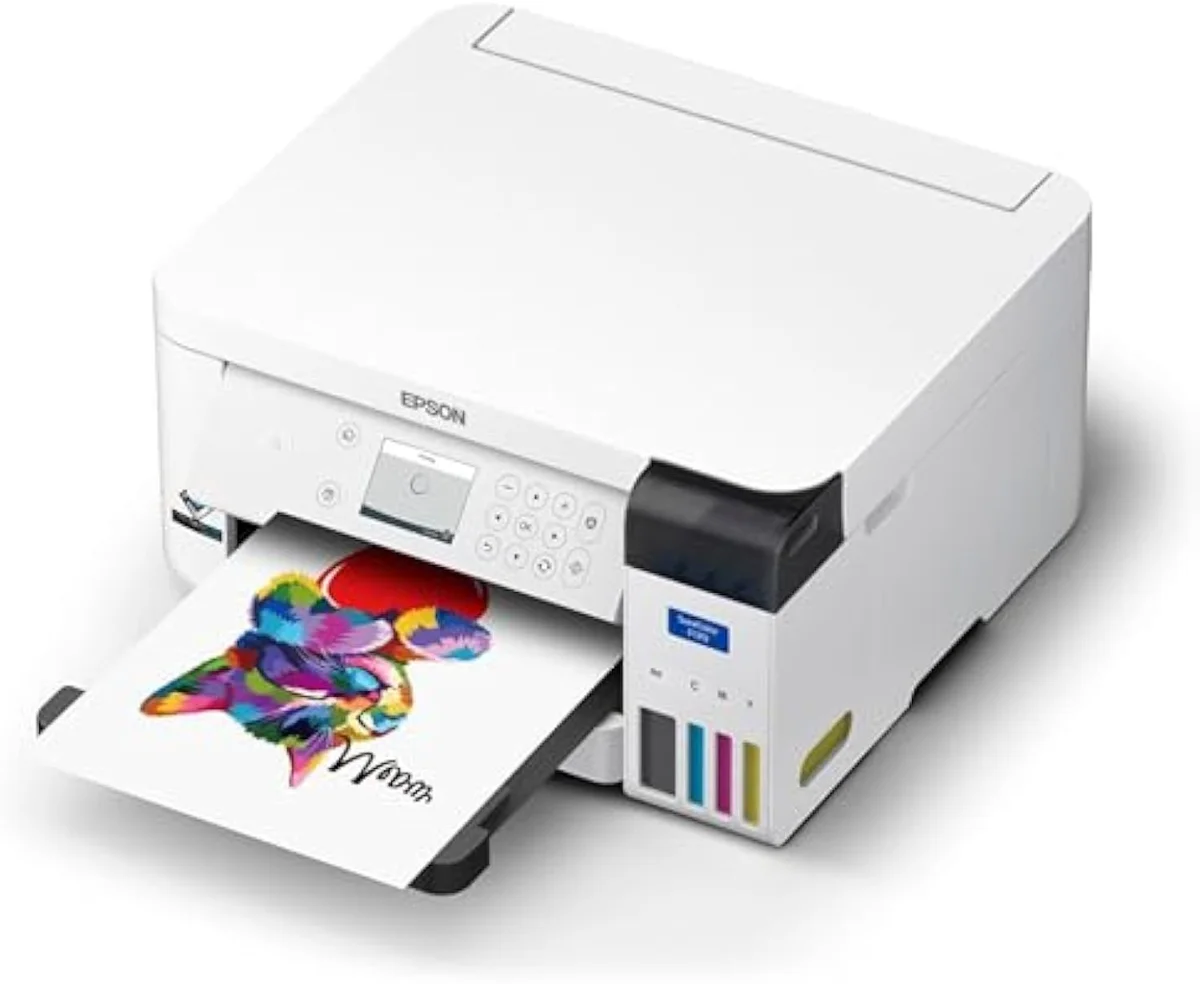
SureColor F170
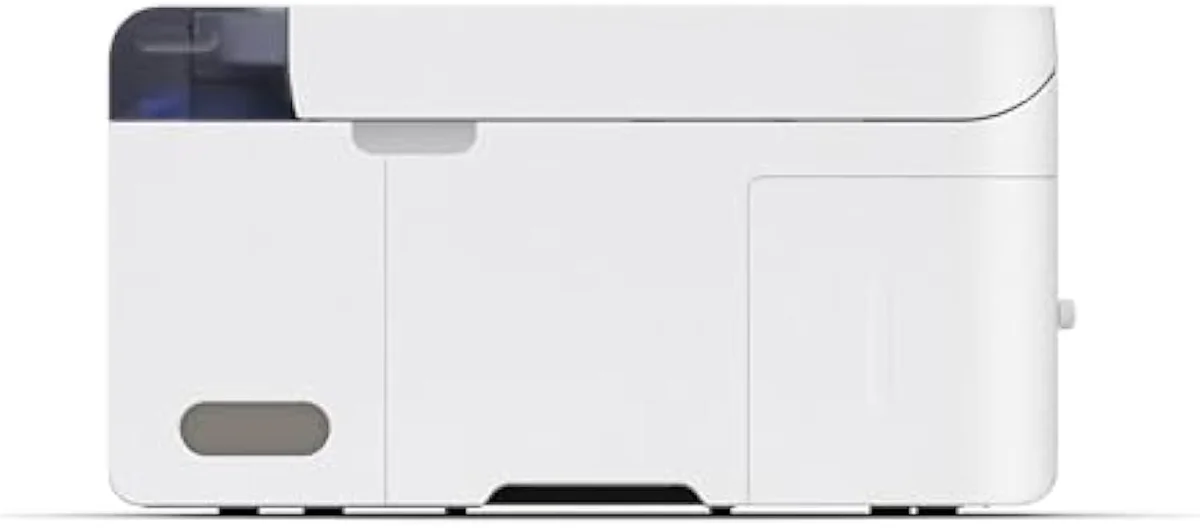
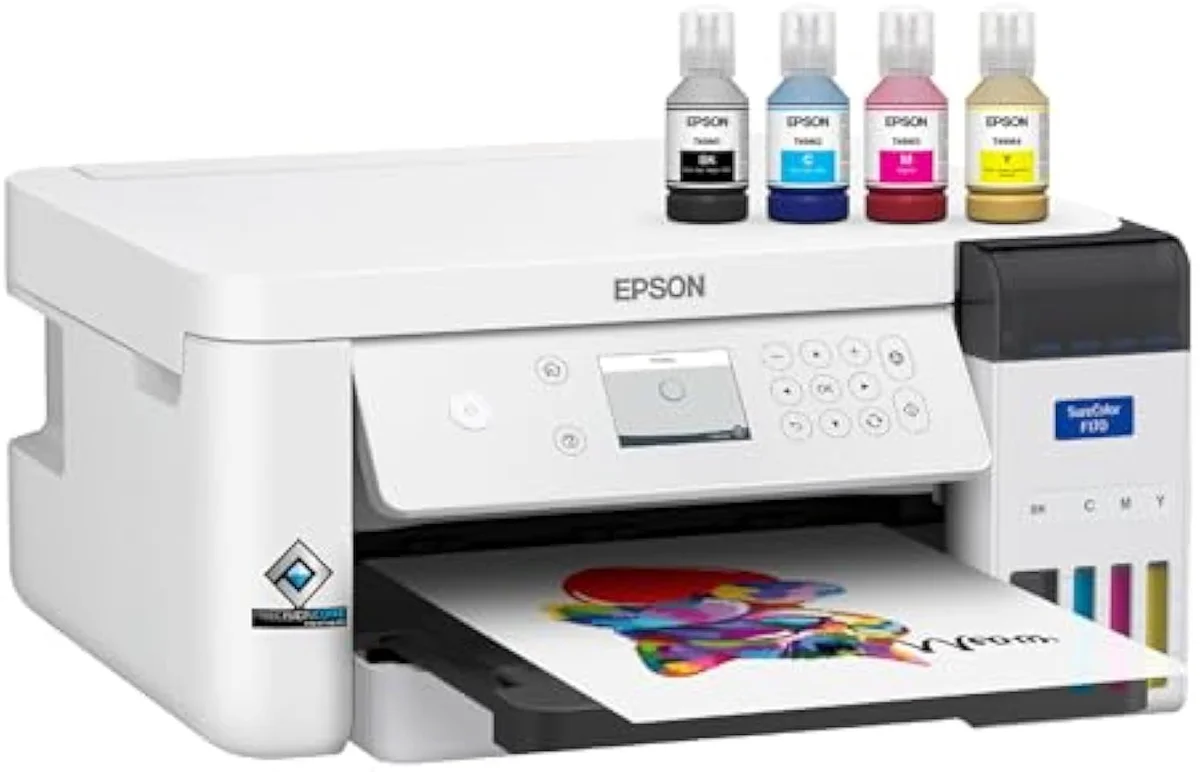
Sublimation ink + tray
The case for it is reliability out of the box. New sublimators report it working from day one — one owner said
The case against it is the ceiling, not the quality. It prints letter-width only, so a banner or a large jersey is out of reach, and it does one job — load it and it is a sublimation machine forever. A reviewer pressing transfers also has to budget for the heat press the F170 never includes: sublimation needs a held 385-400°F across the image, not a printer setting. The honest test is your project list: mugs, cases and polyester shirts, and the F170 is the right buy; a do-everything home printer, and it is the wrong one. If framed photos on paper are the real goal, a six-ink photo printer beats any sublimation rig — see our Epson EcoTank Photo ET-8500 review or the wider best photo inkjet printers roundup, both ranked on print quality and cost per print.
What is the Epson SureColor F170 used for?
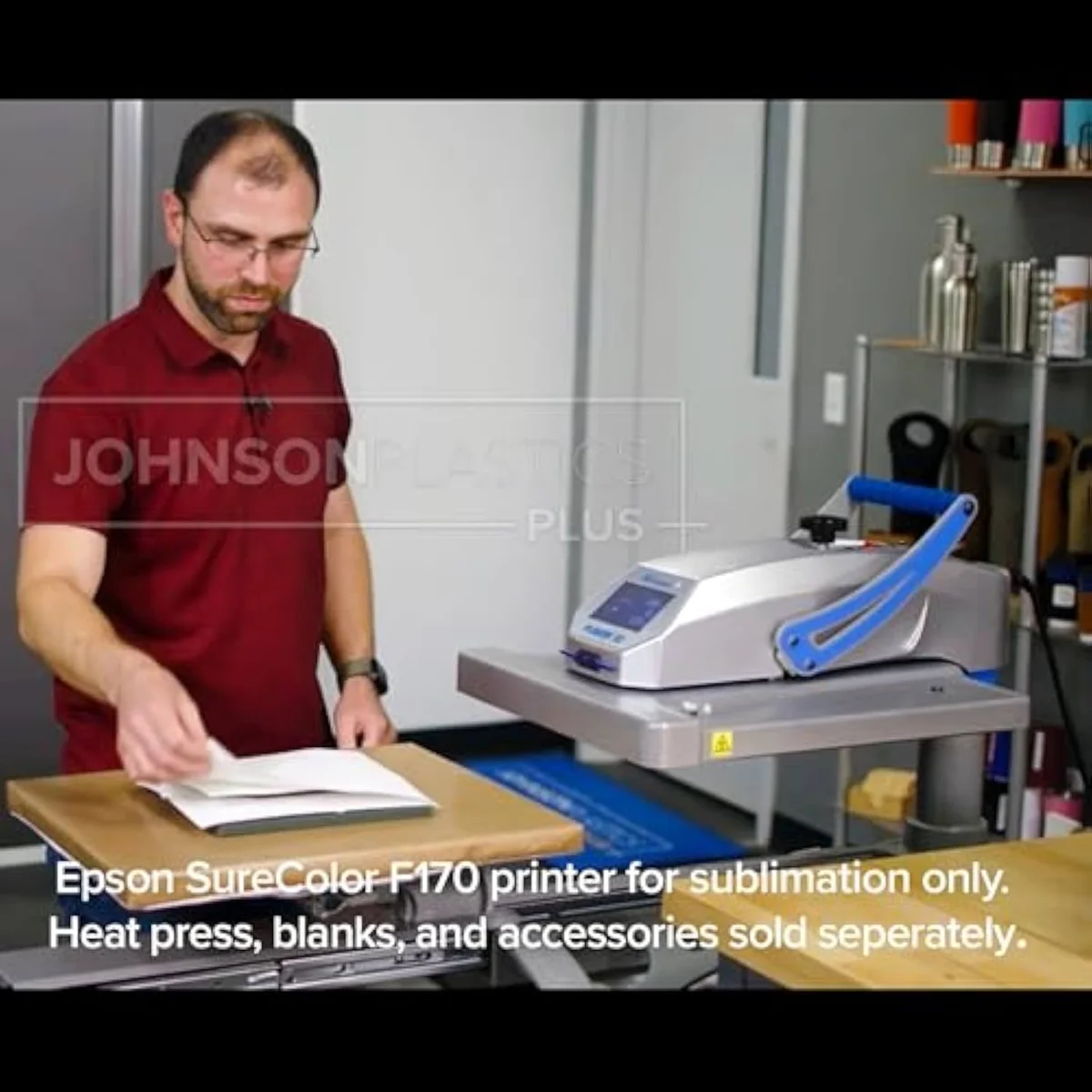
Heat-press sublimation, and nothing else. It prints transfers a heat press then gasses into polyester apparel and poly-coated hard blanks — mugs, phone cases, mousepads, aluminium photo panels. It is not a document or photo printer, so it will not replace a home all-in-one. Buy it as a dedicated craft and small-business tool, not a do-everything machine.
Honestly, that single-purpose nature is the whole point — and the whole limit.
Epson aims it at one buyer and says so:
Is the Epson F170 good for beginners?
It is the cleanest on-ramp into sublimation. The F170 arrives with genuine Epson sublimation ink, ICC profiles matched to its own hardware, and an intact warranty — the three things a converted EcoTank makes you supply or forfeit. One setup gotcha trips first-timers, but past that owners call it ideal for getting started.
Here’s the thing: a beginner’s real enemy in sublimation is colour management, and the F170 removes most of it. Its profiles are built in for its own ink and paper, so prints land close to right without hand-tuning — the unpaid work a converted machine forces on you. The one stumble owners report is a manual setup step: you download a current print driver from Epson SureColor sublimation printer support to expose every sublimation print setting, because the default install hides some. Miss it and the settings look thin; do it and the workflow opens up. We track this kind of setup-and-risk gotcha model by model in our safety and known-risks guidance.
What is the best Epson printer to use for sublimation printing?
For a first machine, the SureColor F170 —
There is no single right answer here — only a right answer for your budget and nerve.
So the answer splits by what you value. The F170’s edge is official support — it is the first desktop Epson warrantied for dye sublimation, which a converted machine forfeits the moment you load third-party ink. The conversion’s edge is price and hard-substrate output: a crafter who owns both put it bluntly —
Factory-warrantied
Compact footprint
What size print is the SureColor F170 dye-sublimation printer?
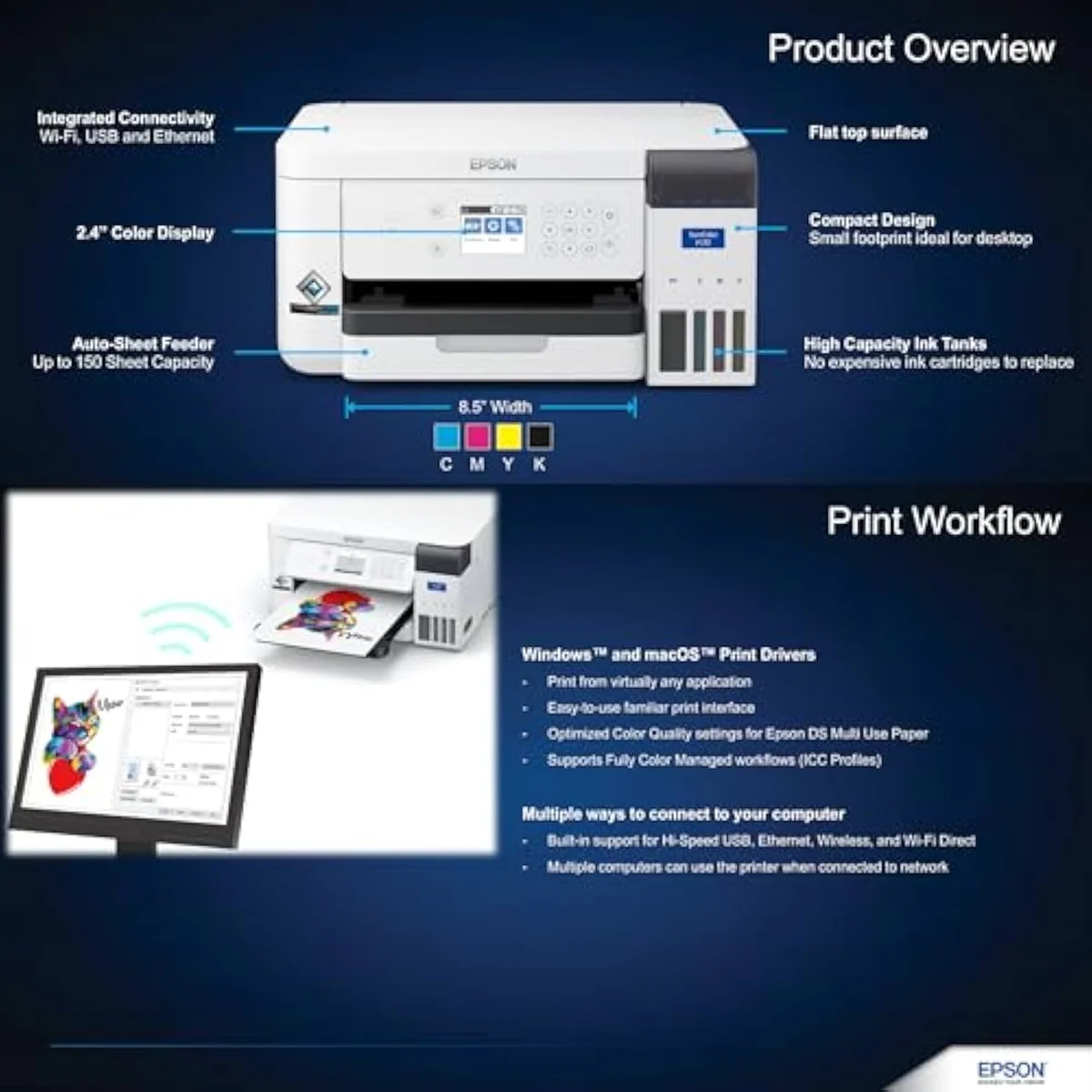
Letter-width — 8.5 inches wide. That covers mugs, phone cases, mousepads, and the odd polyester shirt, but caps you below the oversized transfers a banner or large jersey needs. The print width, not the printhead, is the ceiling that makes a busy shop step up to a wide-format model. Match it to your heat-press size before you buy.
Width is the F170’s honest constraint, and it is worth sizing up before you commit. An 8.5-inch transfer suits the bread-and-butter sublimation list — mugs, cases, mousepads, aluminium panels, single-front shirt designs — but a full-back jersey print or a banner runs wider than the machine can lay down in one pass. That is the line where a shop outgrows it and looks at a wide-format SureColor like the F570. For a starter, though, the smaller width is rarely the thing that bites first — running out of patience with volume usually comes before running out of width. Even a shop trading down from pricier gear has found the swap painless:
Add it up and the F170 is good at exactly one thing, which is the right way to read it. For an entry sublimation crafter who wants factory ink, matched profiles, and a warranty that survives the first year, it is the safe buy — the owner record is full of fantastic-out-of-the-box prints and shops happy they switched. For anyone wanting a printer that also does homework, shipping labels, or framed photos, it is the wrong tool, because it does none of them. Match it to a polyester-and-poly-coating project list and an 8.5-inch heat press, and the F170 earns its place; mismatch it to a do-everything wish list, and the single-purpose design becomes the headline. That one question — is sublimation the actual job — settles whether this printer is any good for you.
Get Our Top 3 Picks
Get our top 3 picks for your budget — one email, then only updates.
Only when something changes. Unsubscribe anytime.
Citations
- [1]"certified ECO PASSPORT by OEKO-TEX for safe use on textiles, apparel, mugs, mousepads"https://www.amazon.com/dp/B0DB6JMQKSCaptured June 3, 2026. Verified June 3, 2026.
- [2]"Comes with a full set of OEM Epson sublimation inks, certified ECO PASSPORT by OEKO-TEX"https://www.amazon.com/dp/B0DB6JMQKSCaptured June 3, 2026. Verified June 3, 2026.
- [3]"Includes a 150-sheet auto-feed tray for added efficiency."https://www.amazon.com/dp/B0DB6JMQKSCaptured June 3, 2026. Verified June 3, 2026.
- [4]"Includes ink bottles with auto-stop technology for clean, mess-free refills."https://www.amazon.com/dp/B0DB6JMQKSCaptured June 3, 2026. Verified June 3, 2026.
- [5]"Perfect for hobbyists, crafters, and small business owners."https://www.amazon.com/dp/B0DB6JMQKSCaptured June 3, 2026. Verified June 3, 2026.
- [6]"Original Epson Manufactured product delivered in Epson’s factory-sealed packaging"https://www.amazon.com/dp/B0DB6JMQKSCaptured June 3, 2026. Verified June 3, 2026.
- [7]"Got the printer a week ago and have printed something every day so far and the quality of the prints have been fantastic."https://www.amazon.com/dp/B0DB6JMQKSCaptured June 3, 2026. Verified June 3, 2026.
- [8]"It is an affordable and nice printer for those how wants to start a sublimation printer business."https://www.amazon.com/dp/B0DB6JMQKSCaptured June 3, 2026. Verified June 3, 2026.
- [9]"Using my printer almost everyday since Im starting on a sublimation project"https://www.amazon.com/dp/B0DB6JMQKSCaptured June 3, 2026. Verified June 3, 2026.
- [10]"The Epson F170 has been ideal for getting started with sublimation."https://www.amazon.com/dp/B0DB6JMQKSCaptured June 3, 2026. Verified June 3, 2026.
- [11]"We switched to F170s after using Sawgrass for years, no regrets."https://www.amazon.com/dp/B0DB6JMQKSCaptured June 3, 2026. Verified June 3, 2026.
- [12]"you won't be going above 300 DPI, so any epson printer will do."https://www.amazon.com/dp/B0DB6JMQKSCaptured June 3, 2026. Verified June 3, 2026.
- [13]"The ET2800 has better quality output on hard substrates and costs half as much."https://www.amazon.com/dp/B0DB6JMQKSCaptured June 3, 2026. Verified June 3, 2026.
- [14]"It will be fully warrantied and supported by Epson for Dye Sublimation."https://www.amazon.com/dp/B0DB6JMQKSCaptured June 3, 2026. Verified June 3, 2026.
- [15]"Just grabbed a F170 myself and it’s been great so far!"https://www.amazon.com/dp/B0DB6JMQKSCaptured June 3, 2026. Verified June 3, 2026.