What are the downsides of Epson EcoTank?
Updated

The real downsides are a higher up-front price, a clog risk if the printer sits idle —
- Clog risk when idle the headline complaint
- Volume ceiling ~2,400–2,800 pages/mo
- Higher up-front price
- Slow photo & paper handling
- No USB cable in the box a smaller gripe
The clog risk is the one that catches buyers out, so it is worth understanding before you buy. Every inkjet dries in the nozzles when it sits, but an EcoTank's ink feeds from a large tank rather than a sealed cartridge, and the printer's recovery is an automatic cleaning cycle that spends ink to clear the heads. The irony is sharp: the supertank you bought to stop wasting money on ink quietly wastes it on cleaning if you leave it idle. The remedy is a habit, not a different machine — print a colour page about once a week and the heads stay wet.
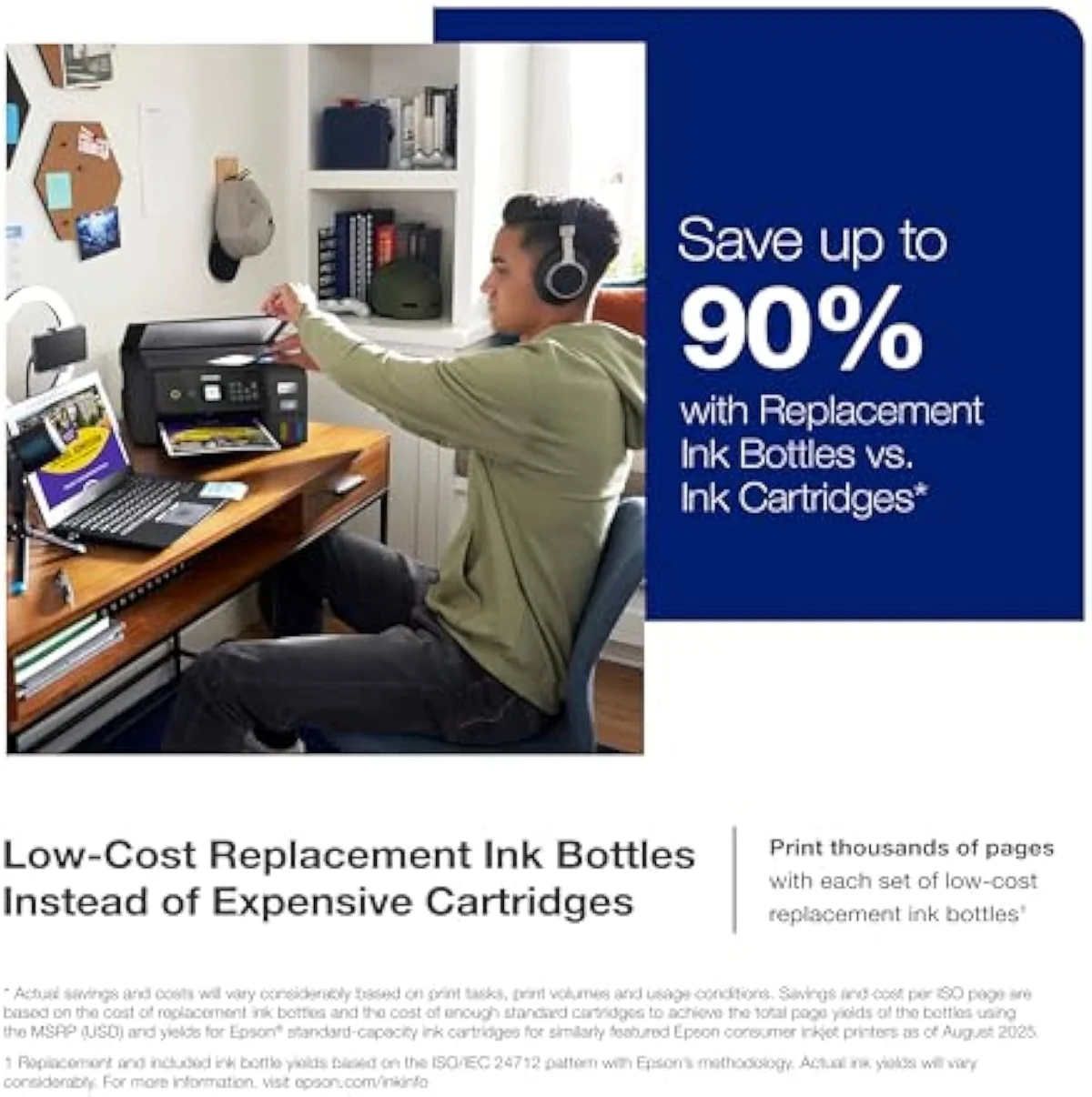
Front
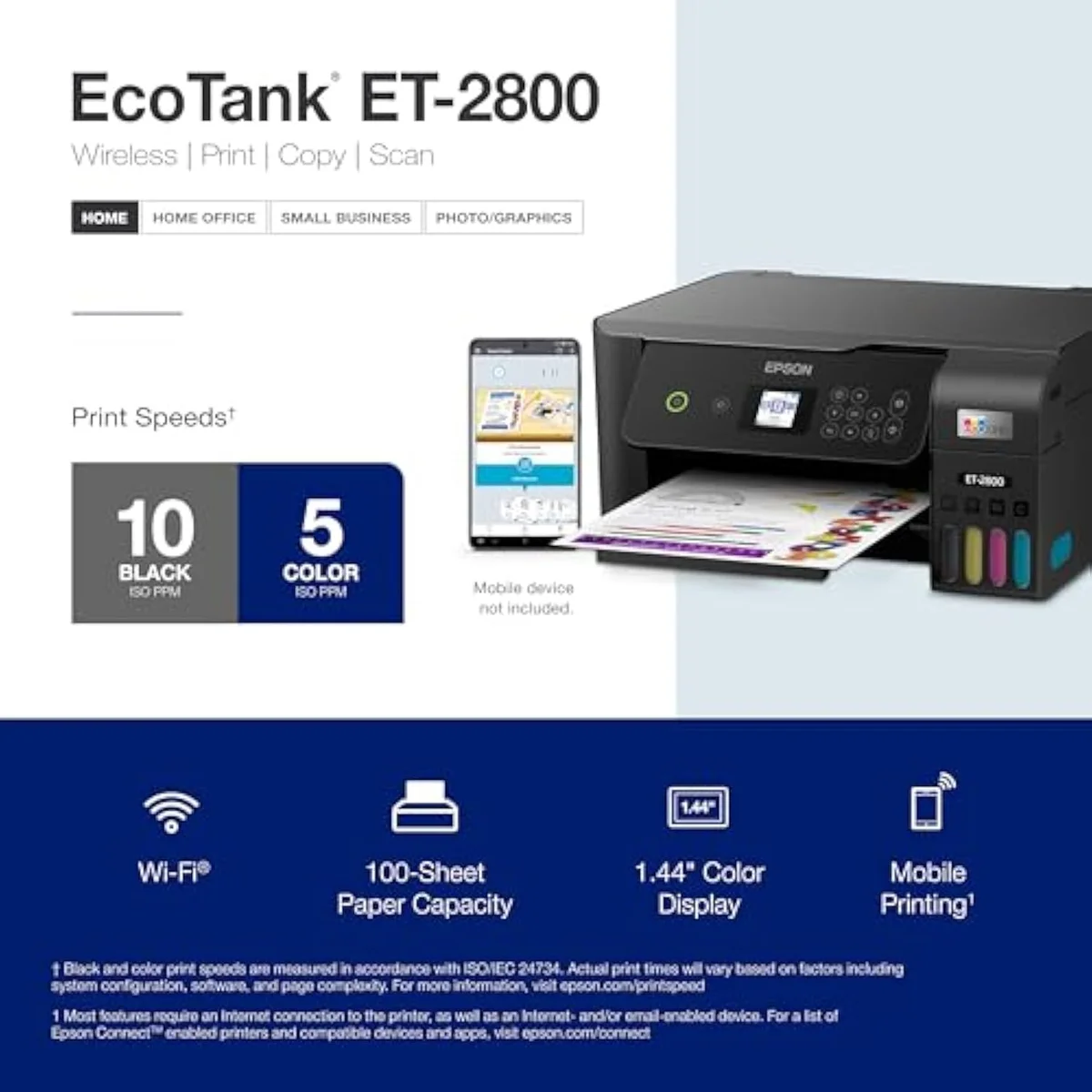
Refilling the tank
Those costs are real, but they are the price of the upside. Epson ships the entry EcoTank with
The volume ceiling is the other downside owners learn the hard way. An entry EcoTank like the ET-2803 is built for a household's pages, not an office's reams — push thousands of double-sided pages a month through it and the modest speed, the single small paper tray, and the long print runs turn a bargain into a bottleneck. One owner in the community put the realistic upper limit bluntly, and it is well below what a small business prints. If your monthly volume runs into the thousands, the honest answer is a faster WorkForce or a color laser, not a cheaper EcoTank.
One smaller gripe shows up across the owner reviews: Epson no longer includes a USB cable in the EcoTank box, so a wired-first buyer has to supply their own. It is minor next to the clog and volume questions, but it is the kind of cost-cutting that surprises people at setup, so budget for a cheap aftermarket USB-B printer cable if you intend to connect by wire rather than over Wi-Fi. We weigh every one of these downsides against the ink savings in our best supertank printers roundup and our inkjet printers evidence hub.
Which is better, EcoTank or WorkForce?
They solve different problems. An EcoTank wins on running cost — bottle ink, lowest cost per page, best for a home that prints in bursts. A WorkForce wins on throughput and office features: faster speeds, an automatic document feeder, fax, and duplex. If the EcoTank’s volume ceiling is your problem, a WorkForce — or the WorkForce-class EcoTank Pro — is the fix.
Concretely: a family printing schoolwork, recipes and the occasional photo is the EcoTank buyer — low volume, cost-sensitive, no need for an ADF. A home office scanning contracts, faxing forms and printing hundreds of double-sided pages a week is the WorkForce buyer. The common mistake is buying an entry EcoTank for office work and then fighting its speed and paper handling — the exact frustration the volume ceiling above describes. Epson hedges this with the EcoTank Pro line, which marries bottle ink to WorkForce-grade speed and an ADF, at a higher entry price.
Which is better, Epson 2400 or 2803?
They are close cousins, both entry EcoTanks with the same bottle-ink economics. The ET-2803 is the slightly newer, better-equipped of the two; the ET-2400 trims features to hit a lower price. Buy whichever is cheaper unless a specific feature splits them — and if you are cross-shopping the ET-2803, see our ET-2803 vs ET-2800 comparison first.
In daily use the visible difference between the ET-2400 and ET-2803 is the control panel and a few connectivity niceties; the print engine, the bottle ink, and the page yield are shared. So the downsides that matter here — the clog risk, the volume ceiling — apply equally to both. Pick on price and panel, not on any difference in what the printer can actually do, and do not pay a premium expecting the dearer number to dodge the EcoTank downsides. It will not.
Which is better, ET 8550 or ET-15000?
Different jobs entirely. The EcoTank Photo ET-8550 is a six-colour wide-format photo printer — buy it for borderless prints and saturated colour. The ET-15000 is a wide-format office EcoTank built for large documents up to 13×19 inches. Choose by whether your large pages are photos or paperwork, not by price.
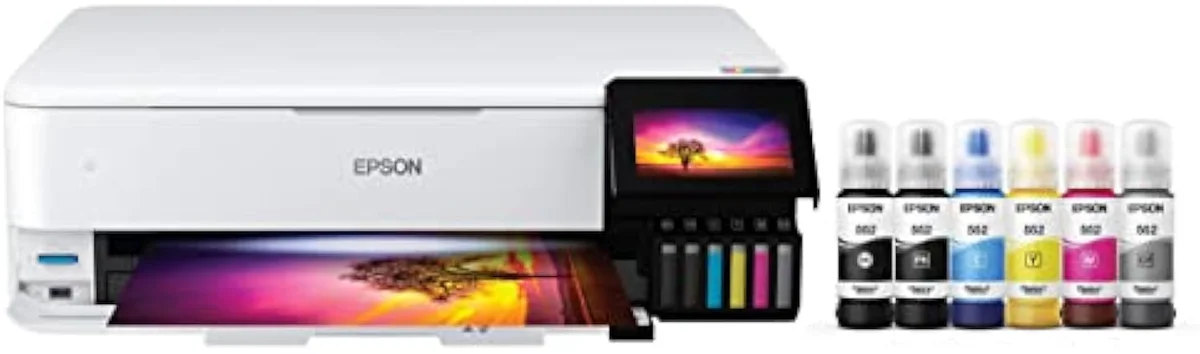
Buyers reach this question when an entry EcoTank's photo output or paper size falls short — which is itself a downside worth naming: the cheap EcoTanks are document machines first, and their borderless 4×6 photos are fine, not gallery-grade. If photographs are the point, the six-colour ET-8550 is the answer; if oversized spreadsheets and posters are the point, the ET-15000 is. Spending up the EcoTank ladder fixes a capability gap, but it does nothing for the shared clog risk — a wide-format EcoTank left idle clogs exactly like a cheap one.
Can Epson WF-4830 print double-sided?
Yes. The WorkForce Pro WF-4830 prints automatically on both sides, and its automatic document feeder can scan and copy two-sided too. That auto-duplex is one of the office features an entry EcoTank like the ET-2803 leaves out, according to Epson’s inkjet printers specifications — and a reason to step up to a WorkForce if duplex matters to you.
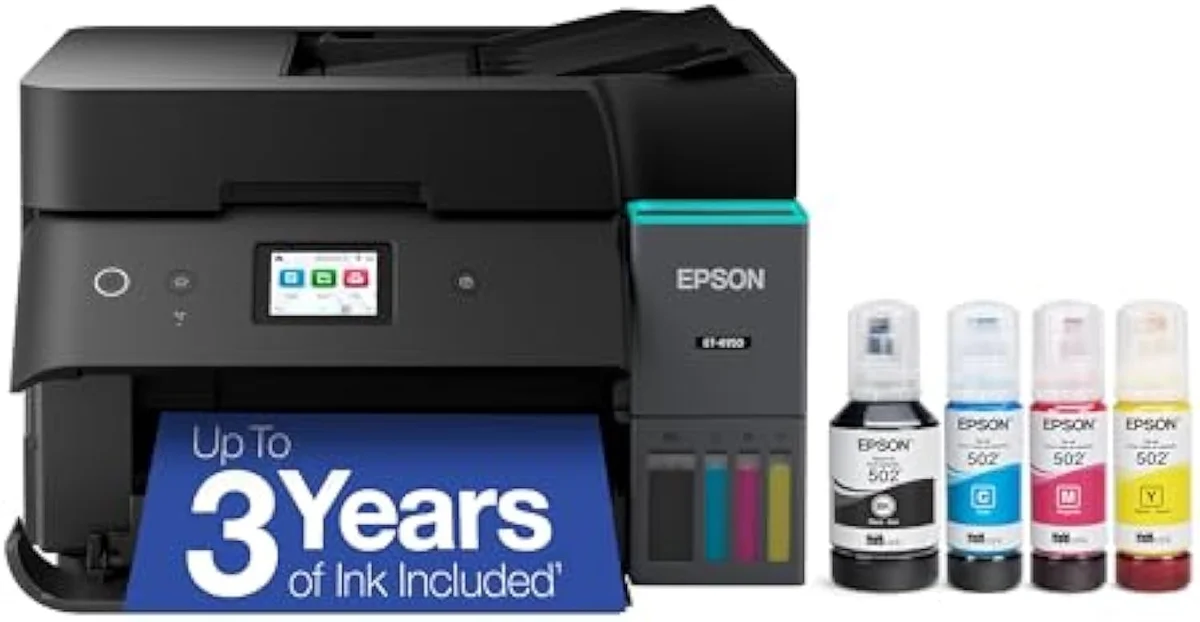
Two-sided printing matters more than buyers expect: it halves paper use and is the line between a printer that feels like an office tool and one that feels like a home toy. The entry EcoTanks print one side at a time, so a household that prints long double-sided documents either babysits the paper or buys up. If that is you, the absence of auto-duplex on an ET-2400 or ET-2803 is a real downside, and a WorkForce like the WF-4830 — or the duplexing EcoTank Pro — is the clean answer rather than a frustrating workaround.
Add it up and the pattern is consistent: an Epson EcoTank's downsides are all downsides of a supertank bought for the wrong household. Buy it for steady weekly printing and the clog risk, the volume ceiling, the missing duplex, and the absent USB cable are footnotes against years of cheap ink. Buy it for an office's volume, or for a desk that prints twice a year, and every one of those footnotes becomes the headline. Match the machine to your habits and the EcoTank earns its place; mismatch it and the savings evaporate into cleaning cycles and frustration. That one decision — how often you genuinely print — settles every downside on this page.
Get Our Top 3 Picks
Get our top 3 picks for your budget — one email, then only updates.
Only when something changes. Unsubscribe anytime.
Citations
- [1]"If you don't print frequently, inktank printers will get their print heads clogged."https://www.amazon.com/dp/B0BHXNP6B1Captured June 3, 2026. Verified June 3, 2026.
- [2]"2400-2800 impressions a month"https://www.amazon.com/dp/B0BHXNP6B1Captured June 3, 2026. Verified June 3, 2026.
- [3]"that’s enough to print up to 4,500 pages black/7,500 color"https://www.amazon.com/dp/B0BHXNP6B1Captured June 3, 2026. Verified June 3, 2026.
- [4]"Up to 2 years of ink in the box"https://www.amazon.com/dp/B0BHXNP6B1Captured June 3, 2026. Verified June 3, 2026.