Is a Brother printer as good as a HP?
Updated

For cost of ownership and freedom, a Brother usually beats an HP. Brother tolerates cheaper aftermarket ink — one long-term owner says
- Ink freedom — Brother (no firmware block) the decisive axis
- Cost-per-page — Brother (cheaper cartridges) aftermarket ink allowed
- Raw speed — HP OfficeJet Pro line up to 20 ppm black
- App + ecosystem polish — HP slick, but ties you in
- Office hardware for the money — Brother ADF + duplex cheap
The honest answer turns on a single question: who controls the ink? That is where the brands split, and it is the question the owner threads return to. Across the review data we synthesized for both brands, the 1-2 star complaints sort the same way: HP owners rage about the supply lock, Brother owners about idle ink waste. Brother's whole reputation is built on leaving the cartridge choice to you, and the running-cost math follows from there. HP's is built on the opposite — recovering the printer's low price through the ink, enforced in firmware.
It is one axis, and it decides most of the buyers who ask.
Start with Brother's edge, because it is the reason people switch. A Work Smart owner reports the brand keeps cartridge cost low both ways:
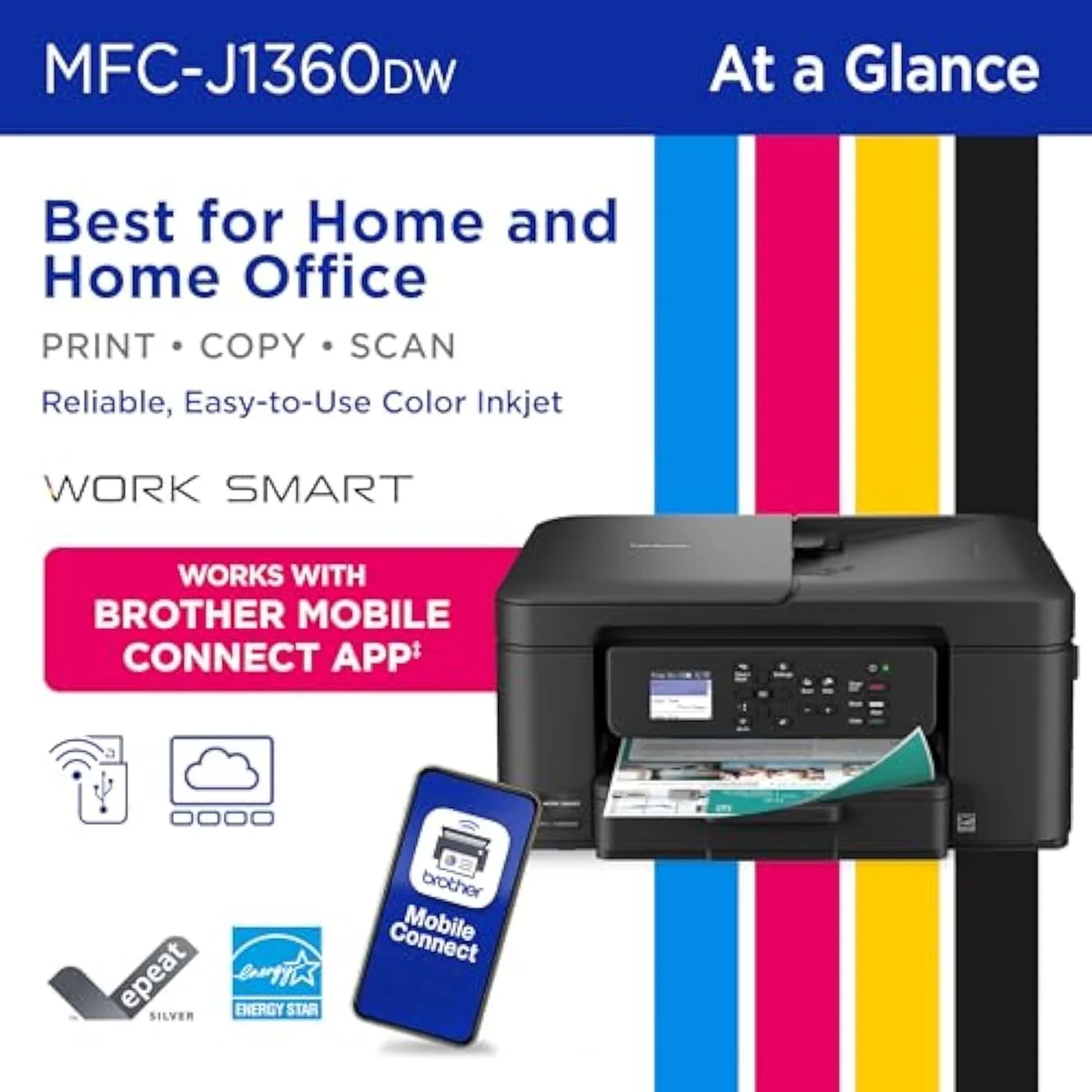
Brother Work Smart 1360
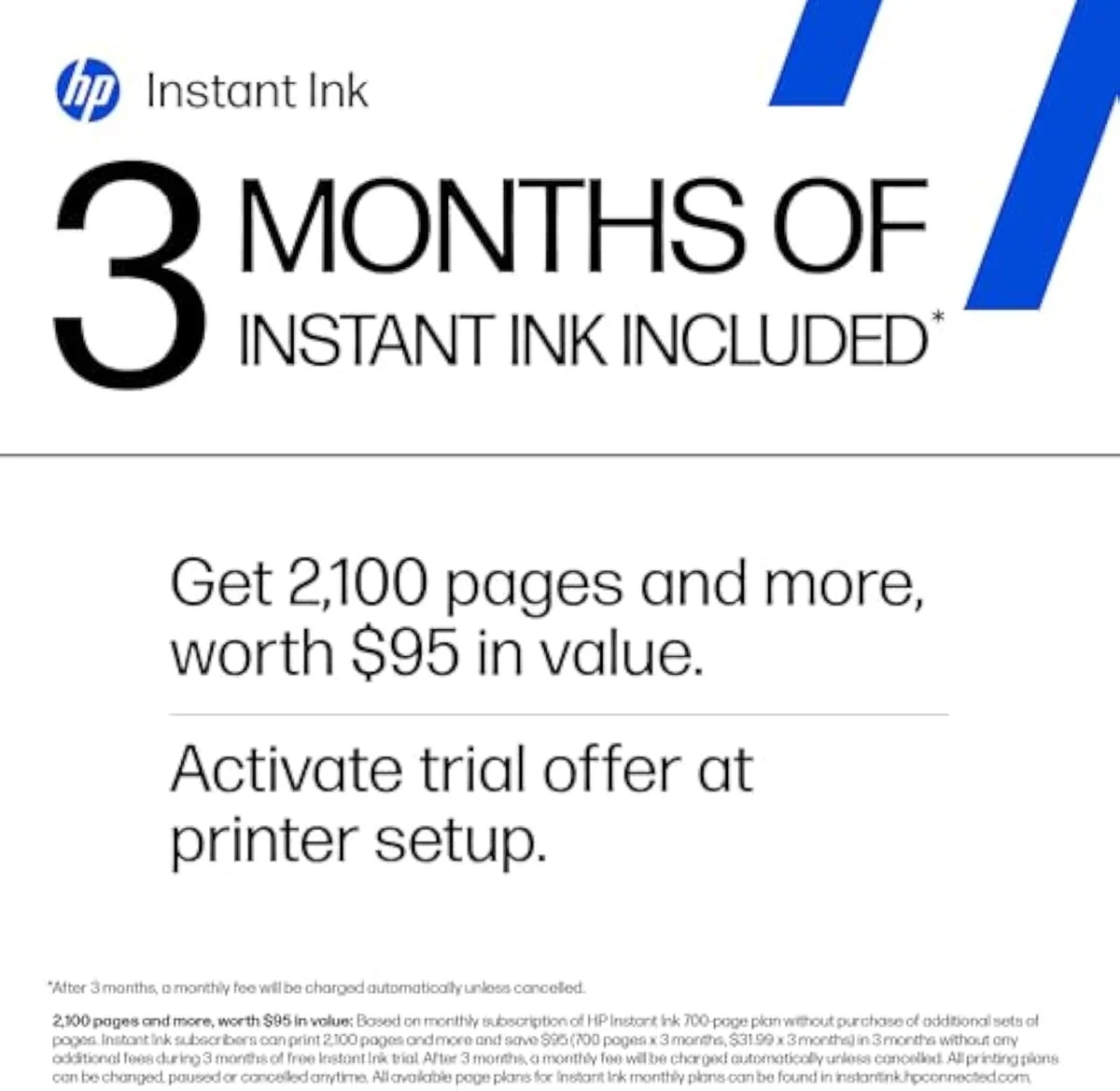
HP OfficeJet Pro 8125e
Now the HP side, because the firmware block is the dealbreaker for cost-conscious buyers. The "e" models tie the printer to HP supplies — owners report a cartridge that is
The lock can even defeat HP's own ink. One OfficeJet Pro owner found that
Which printer is better, HP or Brother?
It turns on one question: do you want to control your own ink? Brother lets you run cheap aftermarket cartridges and skips the firmware block, so cost-per-page stays low. HP runs Dynamic Security and Instant Ink — lower hassle for steady volume, but locked to HP supplies. For freedom and running cost, Brother. For app polish and the fastest documents, HP.
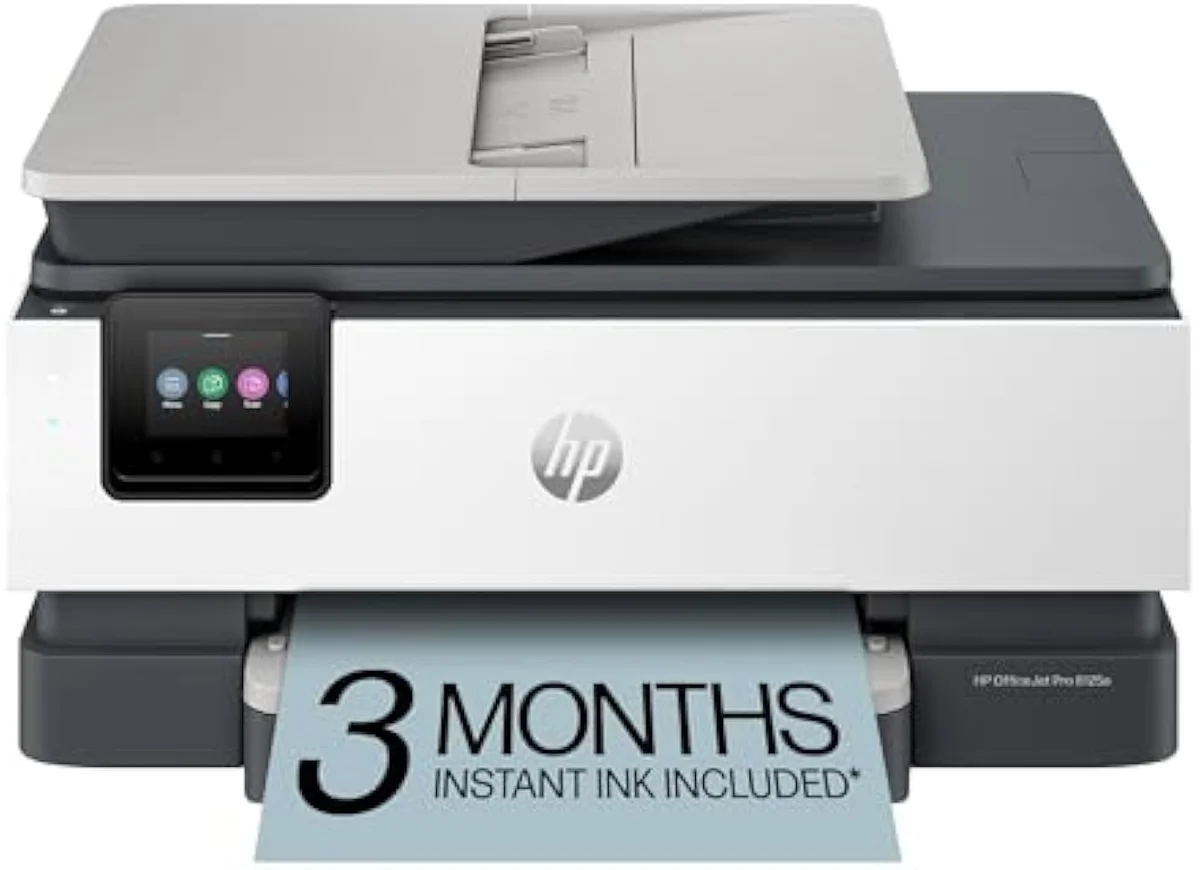
Be clear about what HP does well, because it is real. The OfficeJet Pro line is fast — rated at
The catch is the cost of staying. HP's speed and polish come welded to the supply lock, so the running cost is HP's to set, not yours. Brother gives up a little app shine and a little top-end speed and hands you the ink decision in return. For a home that prints weekly and watches the bill, that trade lands Brother's way — read who each cheap machine suits in our HP DeskJet 2855e review and our HP OfficeJet Pro 8125e review.
What is the average lifespan of a Brother printer?
A well-kept Brother inkjet runs for years of light home use — there is no hard mileage number, because what kills inkjets is idle clogging, not wear. The rule that protects any inkjet is regular use: print a few colour pages every couple of weeks and the printhead stays clear. Print weekly and a Brother gives long, uneventful service.
Honestly, lifespan is less about the brand than about the habit. Every inkjet, Brother included, spends ink keeping itself alive — one owner warned the machine
That maintenance discipline is the real longevity lever, and it cuts the same on an HP. A Brother that prints weekly tends to outlast its owner's patience for it; one that sits dark for months is the one that clogs and gets replaced. If your household prints rarely, no inkjet — Brother or HP — is the durable answer, and a supertank or a small laser is the honest call.
Are Brother All-in-One printers good?
For home-office work at a low price, yes — Brother all-in-ones punch above their sticker. The Work Smart and the longer-running INKvestment lines both pack scan, copy, auto-duplex and an ADF. Output is sharp, operation is quiet, and the ink is yours to source. The one honest caveat is idle ink waste — like every inkjet, a Brother spends ink self-cleaning if it sits unused.
The short answer is yes, with one habit attached.
The value pitch holds up in the owner record. A buyer summed the cheaper machine up as one that
Match the line to your volume. The INKvestment hybrid ships generous yields —
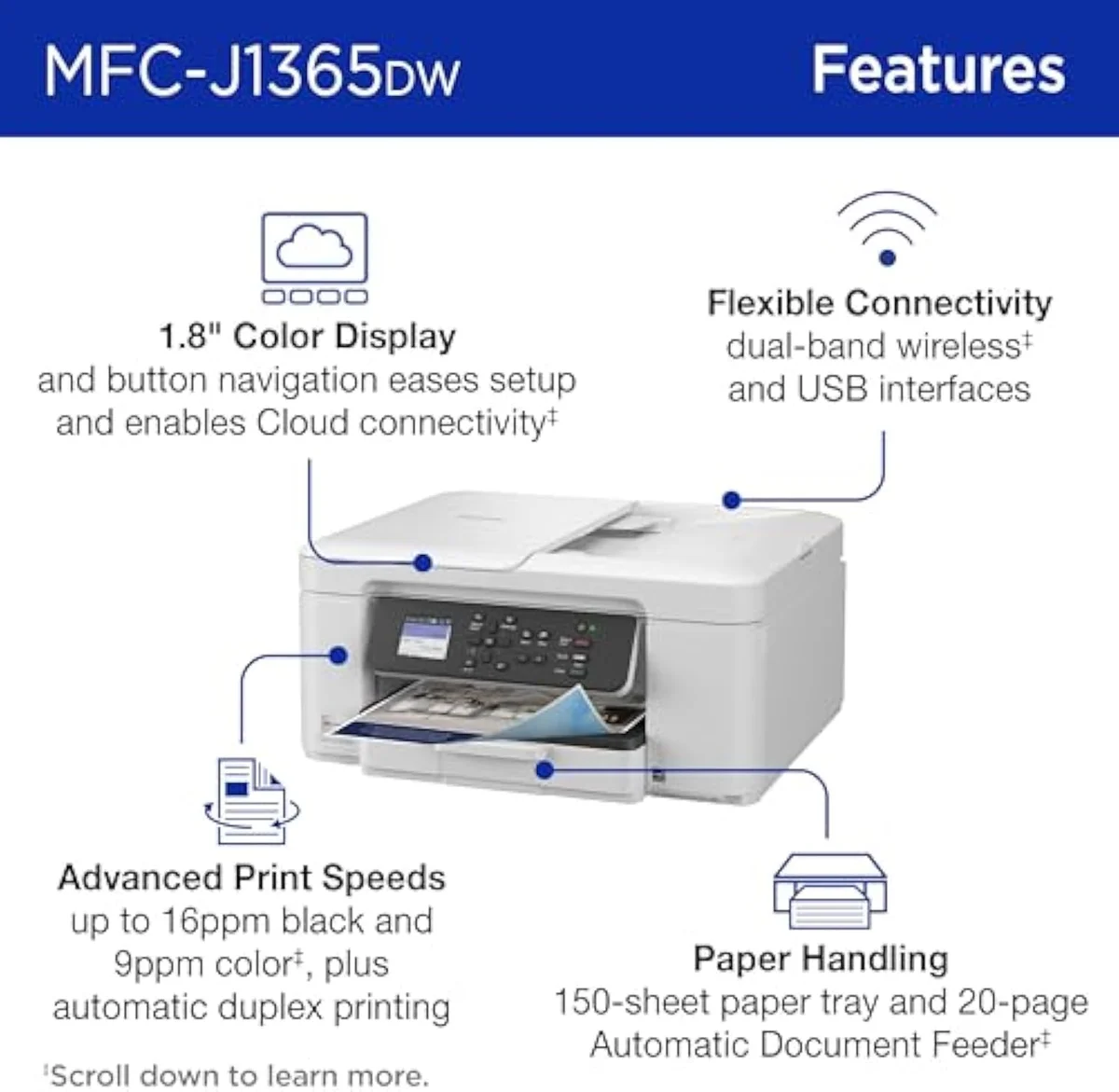
INKvestment 1365
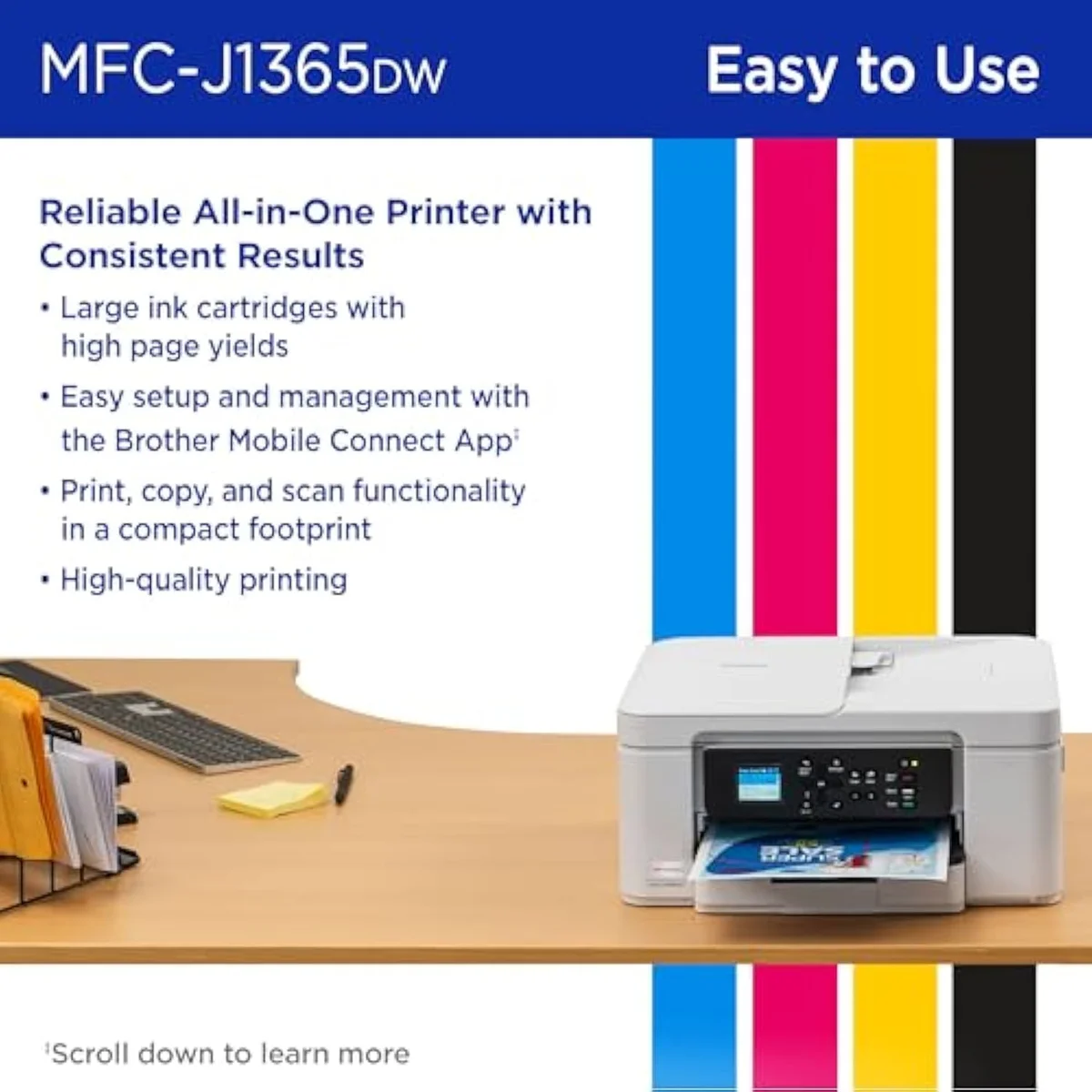
Hybrid cartridges
Is the Brother Work Smart 1360 a good printer?
Yes, for a weekly-printing home office on a budget. The Work Smart 1360 ships auto-duplex, a 20-sheet ADF and a 150-sheet tray — office hardware rare at its price — and its standout is ink freedom: it shrugs off third-party cartridges HP would reject. Setup is the bimodal risk; most owners breeze through, a minority hit a wall and return it.
The freedom is the headline, and owners name it directly. One reports the machine
Go in with eyes open on the one risk: setup. When it works it is a five-minute job; when it fails, it fails hard, and the wireless first-run is the most common return trigger across budget machines from every brand. Plug in over USB to start printing if Wi-Fi stalls, then sort the wireless after. Our full Brother Work Smart 1360 review names exactly who it suits and who should size up to the INKvestment line.
Is the HP DeskJet 2855e a good printer?
Only for a household that prints a handful of pages a month and never minds the ink terms. The DeskJet 2855e prints crisp text, but it is 2.4 GHz-only, forces an HP account at setup, and pushes an Instant Ink trial that bills you unless you cancel. Its small cartridges keep cost-per-page high. For weekly printing, a Brother settles the running-cost problem it creates.
The print engine is fine; the terms are the problem. Connection is capped —
Set the same buyer in front of a Brother and the running-cost trap disappears, because the ink is theirs to source. The DeskJet earns a place only for the rare-printing home that really wants HP's app and will never fight the supply lock. For everyone printing weekly, the cheaper-to-own answer is a Brother all-in-one or a bottle-fed supertank from our best budget inkjet printers roundup.
So the verdict is not a tie.
Add it up and the Brother-versus-HP question has a clean shape. HP builds faster, slicker hardware and then charges you for the ink on its own terms; Brother builds capable, quiet office machines and hands you the cartridge decision. For a buyer who prints weekly and watches cost-per-page, that freedom is worth more than a faster page or a prettier app — so Brother usually wins. The narrow case for HP is the steady-volume office that loves the Smart app and will stay genuine. Match the brand to how you actually print, and the choice answers itself.
Get Our Top 3 Picks
Get our top 3 picks for your budget — one email, then only updates.
Only when something changes. Unsubscribe anytime.
Citations
- [1]"A huge advantage of Brother is that it's not picky about 3rd party ink cartridges"https://www.amazon.com/dp/B0FGC1V3THCaptured June 3, 2026. Verified June 3, 2026.
- [2]"it's not picky about 3rd party ink cartridges"https://www.amazon.com/dp/B0FGC43YCLCaptured June 3, 2026. Verified June 3, 2026.
- [3]"Ink cartridges are reasonably priced for Brother branded and downright cheap for knockoffs."https://www.amazon.com/dp/B0FGC43YCLCaptured June 3, 2026. Verified June 3, 2026.
- [4]"it stopped accepting my aftermarket ink cartridges"https://www.amazon.com/dp/B0FGC43YCLCaptured June 3, 2026. Verified June 3, 2026.
- [5]"Includes one 1,200-page yield black cartridge and one 500-page yield cartridge for each color"https://www.amazon.com/dp/B0FGC1V3THCaptured June 3, 2026. Verified June 3, 2026.
- [6]"the inkvestment cartridges last much longer for your occasional printing"https://www.amazon.com/dp/B0FGC1V3THCaptured June 3, 2026. Verified June 3, 2026.
- [7]"This printer checks all the boxes and doesn't break the bank."https://www.amazon.com/dp/B0FGC43YCLCaptured June 3, 2026. Verified June 3, 2026.
- [8]"Printer is quiet!"https://www.amazon.com/dp/B0FGC1V3THCaptured June 3, 2026. Verified June 3, 2026.
- [9]"this thing burns through half its ink just sitting and cleaning itself on regular intervals"https://www.amazon.com/dp/B0FGC43YCLCaptured June 3, 2026. Verified June 3, 2026.
- [10]"be sure that you are willing to commit to printing a few color pages every few weeks"https://www.amazon.com/dp/B0FGC1V3THCaptured June 3, 2026. Verified June 3, 2026.
- [11]"tied into HP's print services and will refuse to work without genuine HP supplies."https://www.amazon.com/dp/B0CT8ZJ7ZCCaptured June 3, 2026. Verified June 3, 2026.
- [12]"They also require online access at all times to print to enforce their cartridge DRM"https://www.amazon.com/dp/B0CT8ZJ7ZCCaptured June 3, 2026. Verified June 3, 2026.
- [13]"It just won’t validate their own cartridges to actually be able to print."https://www.amazon.com/dp/B0CT8ZJ7ZCCaptured June 3, 2026. Verified June 3, 2026.
- [14]"After 3 months, monthly fee applies unless cancelled"https://www.amazon.com/dp/B0CT2R7199Captured June 3, 2026. Verified June 3, 2026.
- [15]"the subscription cartridges are only usable with an active subscription"https://www.amazon.com/dp/B0CT8ZJ7ZCCaptured June 3, 2026. Verified June 3, 2026.
- [16]"Print speeds up to 10 ppm color, 20 ppm black"https://www.amazon.com/dp/B0CT8ZJ7ZCCaptured June 3, 2026. Verified June 3, 2026.
- [17]"Text documents come out crisp, sharp, and perfectly legible"https://www.amazon.com/dp/B0CT2R7199Captured June 3, 2026. Verified June 3, 2026.
- [18]"This printer is only 2.4 ghz capable."https://www.amazon.com/dp/B0CT2R7199Captured June 3, 2026. Verified June 3, 2026.