Brother Inkjet Printers: INKvestment and the Real Cost
Updated

Brother is the brand people land on after they get angry at a printer. Search the question and you find the same story over and over: someone tired of HP Instant Ink, an account login, and a cartridge bill, asking who makes a printer that just prints. Brother's answer is a system called INKvestment — and the case for it is entirely about cost.
Brother does not sell a bottle-fed supertank like Epson's EcoTank. It took a different route to the same goal — kill the cartridge tax — and the result sits in between cheap and cheap-to-feed.
So the only honest way to judge it is over time.
What INKvestment actually is
INKvestment is a high-capacity cartridge — a snap-in cartridge that holds far more ink than a standard one, closing most of the gap to a refillable tank without the bottles. It is Brother's whole running-cost strategy in one design choice.
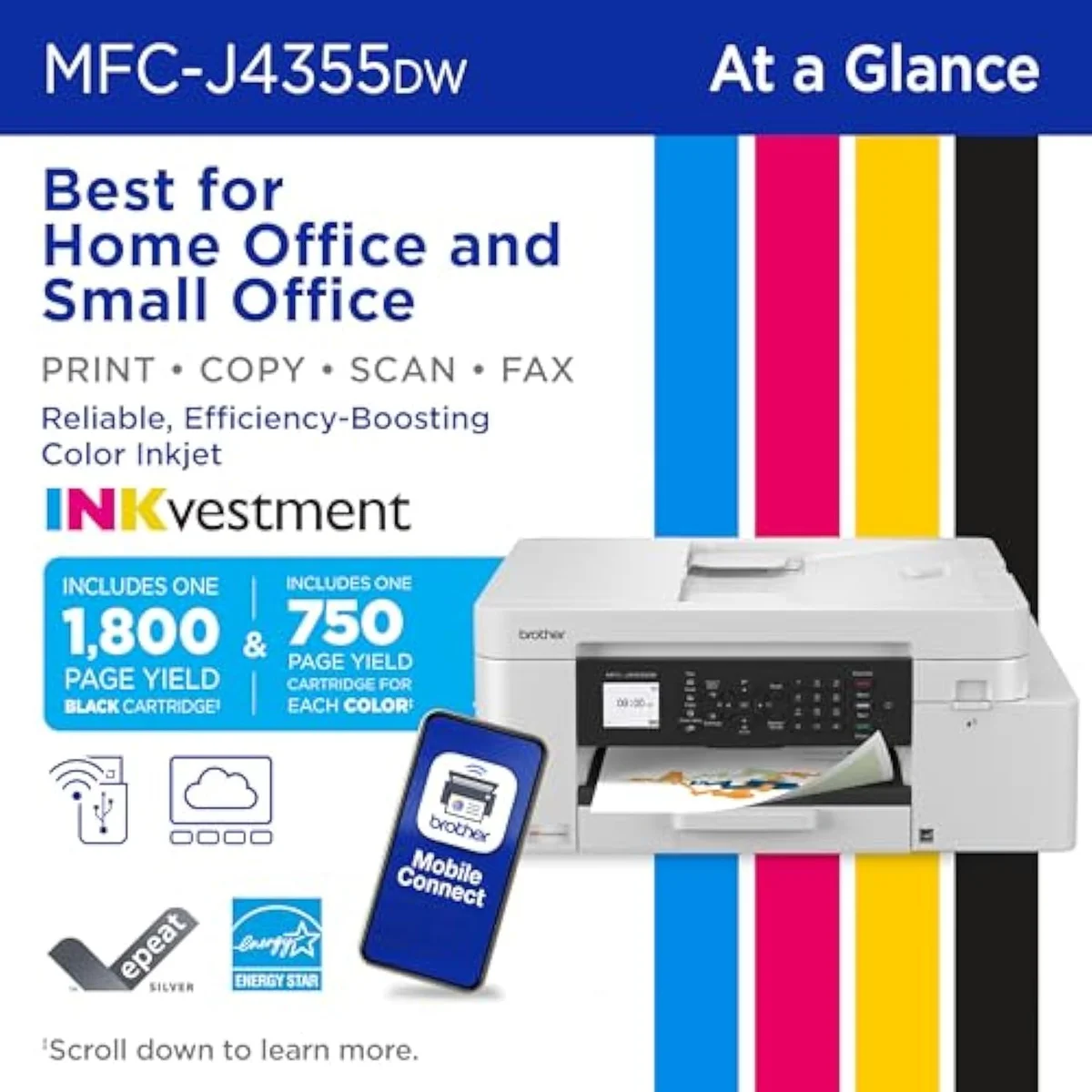
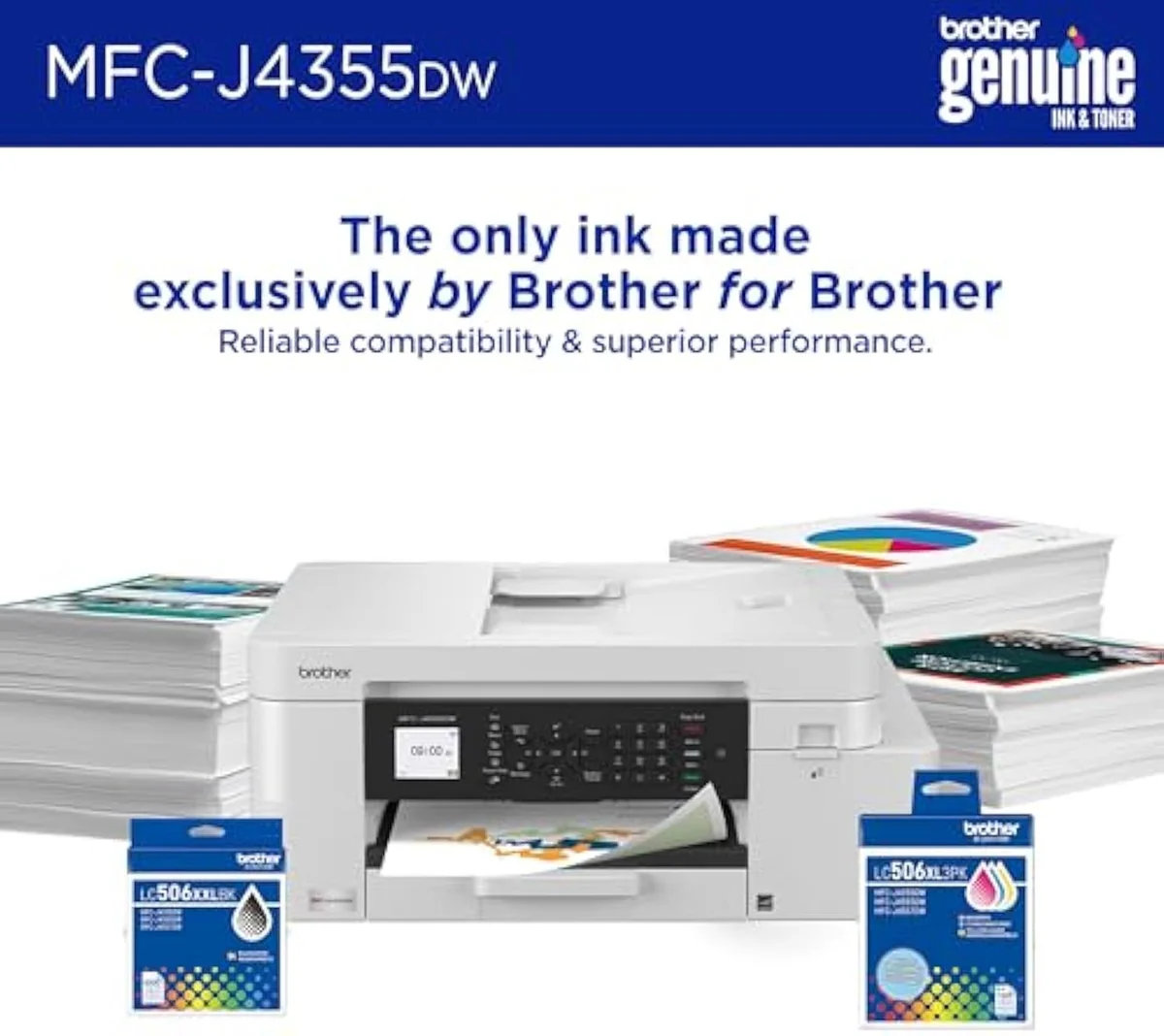
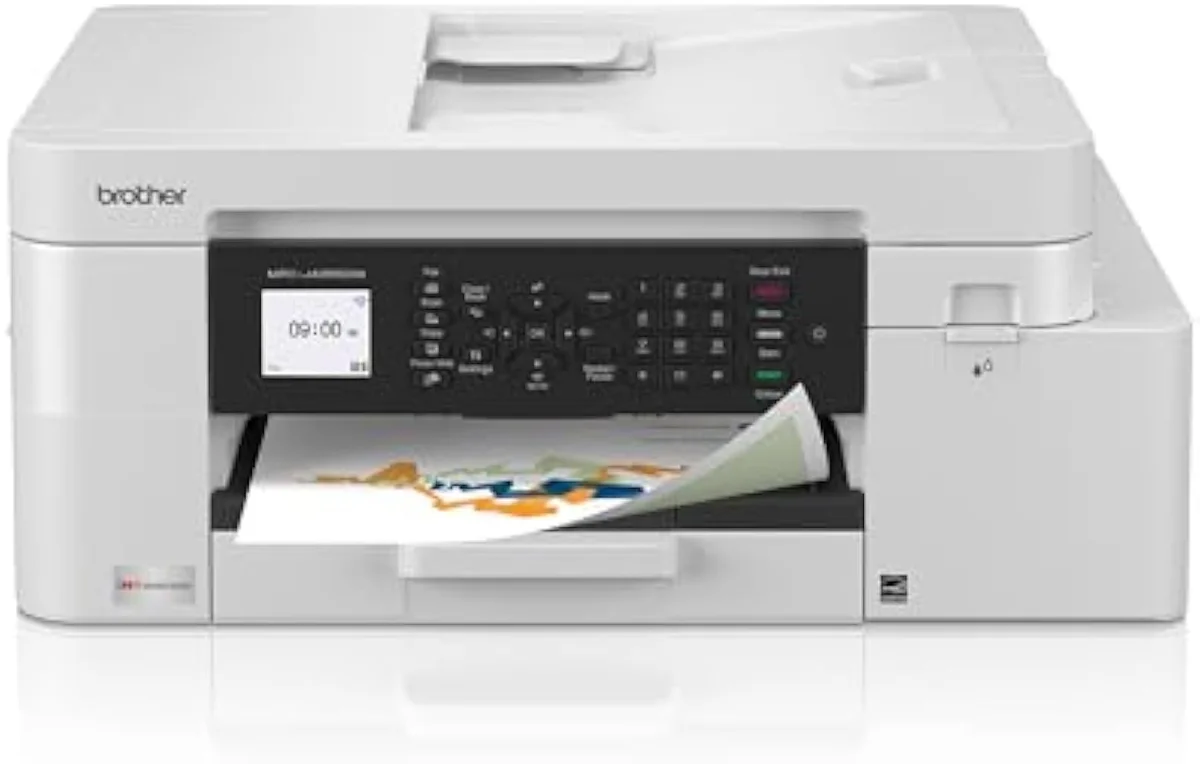
The numbers are the point. An office model like the INKvestment 4355 ships a 1,800-page black cartridge plus 750-page cartridges for cyan, yellow, and magenta — yields that dwarf the 200-to-300-page XL cartridges in a budget HP or Canon. The entry model scales the idea down: our explainer on what the Brother INKvestment 1365 is walks through its 1,200-page black cartridge and where the hybrid sits between a cheap cartridge printer and a true supertank. The page-yield figure brands quote follows the ISO/IEC 24711 standard, which prints a fixed test suite continuously, so the rating describes ideal use, not a household that prints in bursts. Brother's own INKvestment specs lead with that long page life because it is the line that wins against the cartridge incumbents — yet not every model in the family runs it.
Work Smart
INKvestment
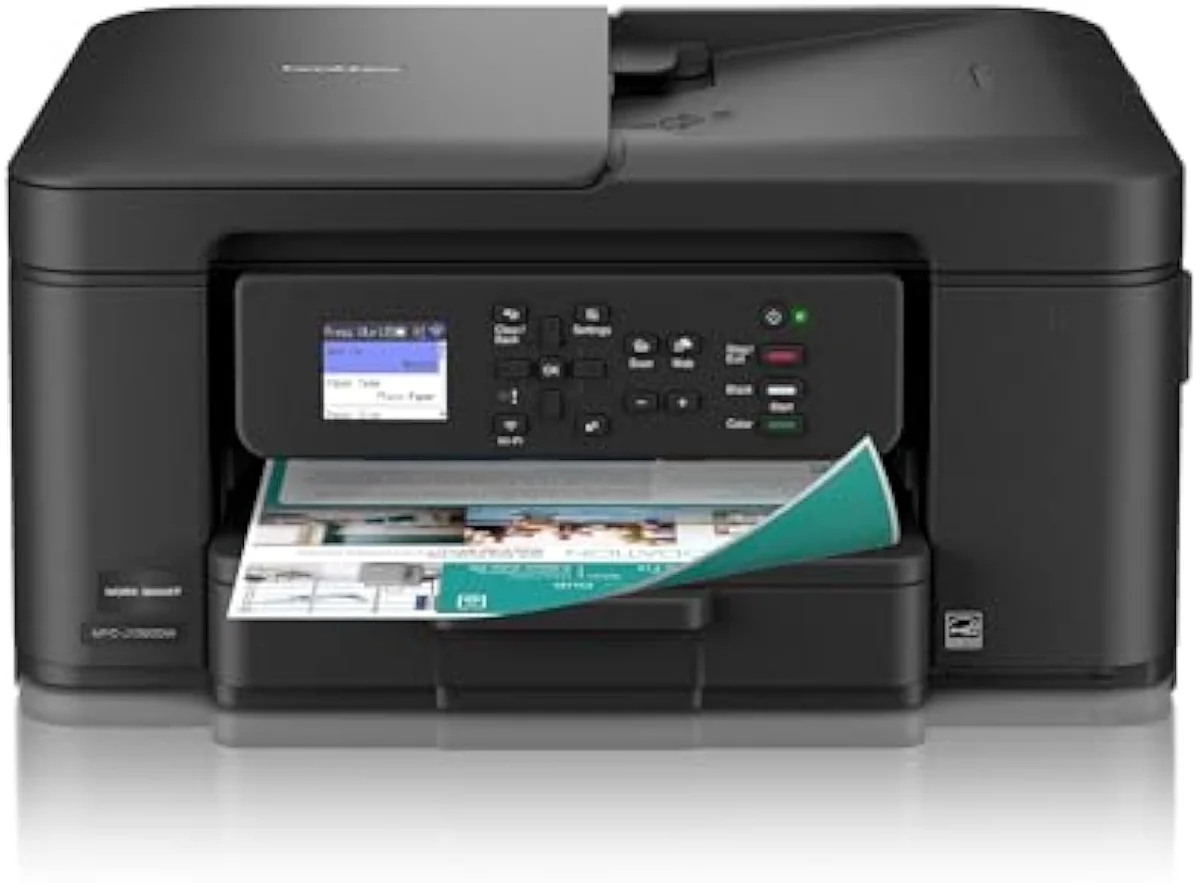
Read the model name before you read the price. Work Smart machines like the 1360 use standard LC501 cartridges and empty like any budget all-in-one; only the INKvestment line carries the long-life cartridges. We sort the whole catalog by this kind of fork in our guide to the printer families and how they're structured.
Where INKvestment lands on cost
Picture three tiers. A budget cartridge machine is cheap to buy and dear to feed; a bottle supertank is dear to buy and cheap to feed; INKvestment sits in the middle and behaves like a gentler cartridge model. Its line climbs, but slowly.
Plot the cumulative cost of owning each over two years and the verdict is visible. Independent cost-per-print testing at RTINGS, which has lab-tested 182 printers, puts cartridge cost-per-page many times higher than bottle ink — and INKvestment's high-capacity cartridges cut that gap without erasing it. Against a budget cartridge rival, the Brother pays back fast. Against a true supertank at very high volume, the bottles still win.
The ink-cost runway
≈ 150 pages a month
This is the whole reason InkVerdict exists: to put running cost next to the price, where the brand pages won't. We break the cartridge-versus-tank decision down across the catalog in our type-versus-type tradeoffs analysis.
The complaint that contradicts the pitch
"Why do Brother printers run out of ink so fast?" is one of the most-asked questions about the brand, and it sits directly against the INKvestment long-life claim. The gap is real, and it has two causes.
The first is the model: a Work Smart unit on standard LC501 cartridges was never the long-life machine, so it empties on a budget schedule. The second is use pattern — one owner in our research found a new INKvestment 1365 burned roughly ten times more ink than the older Brother it replaced, because at low volume automatic cleaning cycles, not pages, drain the cartridge. The rated yield assumes steady printing; print a page here and there and the math collapses. That is the category's core trust problem, and it is why we stage every claimed yield against synthesized owner reports in our inkjet printers evidence hub.
Why owners pick Brother anyway
Two reasons dominate the threads: office hardware and freedom from subscriptions. Brother builds its inkjets like small workhorses.
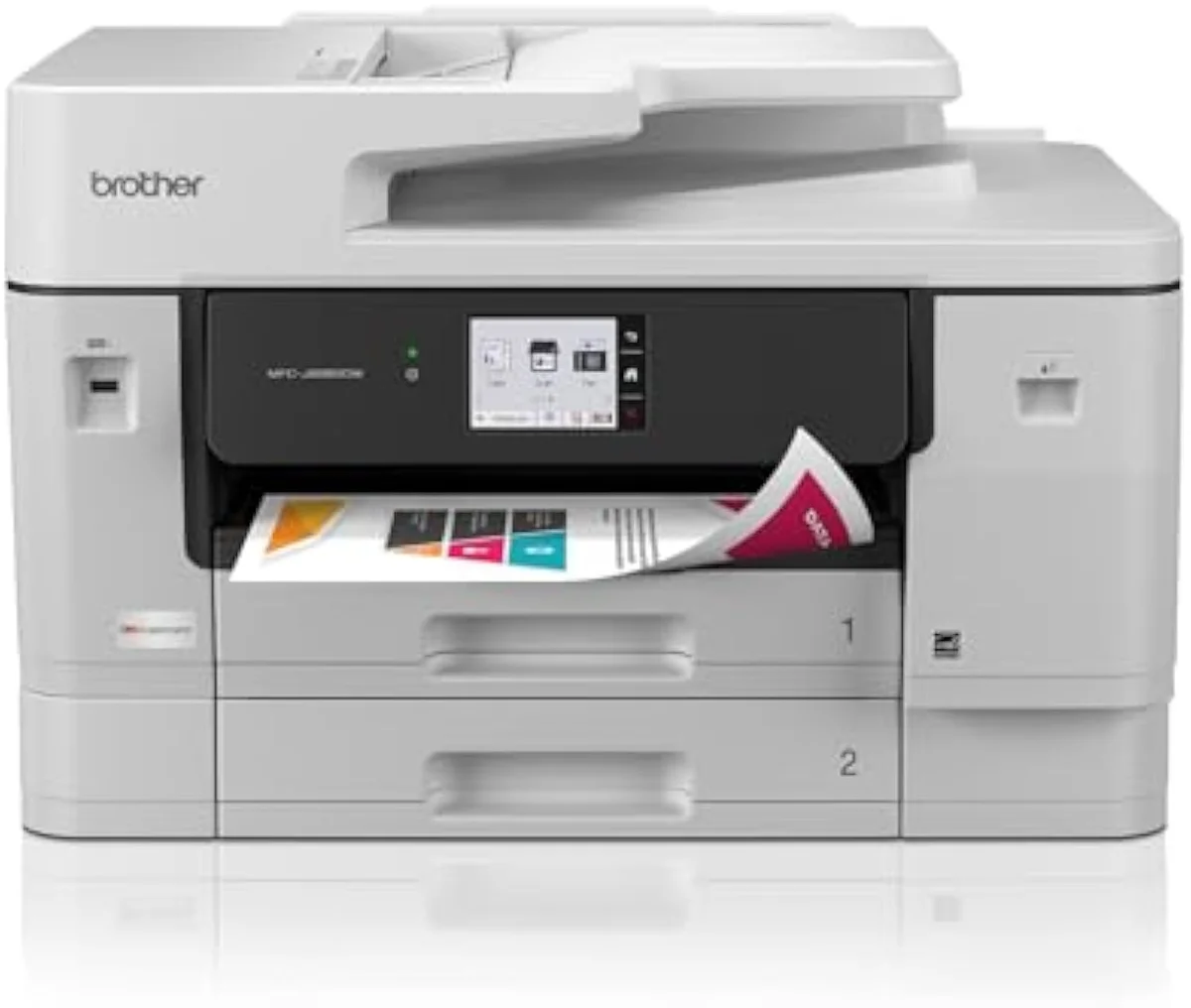
The office spec is where they separate from a home machine. The 4355 carries automatic duplex, a 150-sheet tray, and a 20-page automatic document feeder; the tabloid INKvestment 6960 goes further with 500-sheet two-tray capacity, a 50-page single-pass duplex ADF, and 11x17 printing driven by a 31-pages-per-minute MAXIDRIVE engine — fast for an inkjet. Several buyers in our research bought a Brother specifically to escape an unreliable machine from another brand, including one who replaced an Epson plagued by paper-tray and network faults. The freedom angle is the other half of the pull: our breakdown of whether a Brother is as good as an HP walks the ink-lock difference that sends so many owners across. Reliability sells these printers more than glamour does.
The freedom angle is the other half. HP leans on Instant Ink and has shipped firmware rejecting third-party ink; Brother sells a comparable plan called Refresh, but it stays optional. Editorial testing at PCMag consistently rates Brother strong for document and home-office duty, which is exactly where the no-subscription buyer is heading.
The catch nobody mentions on the box
Brother steers you to its own ink. On the INKvestment 6960, the brand recommends its genuine LC506 cartridges as the only ink it endorses, and setup on several models nags repeatedly to enroll in the Refresh subscription before it will let you continue.
None of that locks you out the way a firmware ink-block does — you can decline Refresh and run the printer on cartridges you buy outright — but it is friction, and it is worth knowing before you buy. We track ink-lock behavior model by model in our safety and known-risks guidance.
The clog risk every inkjet shares
Brother runs liquid ink, so it has the one failure mode lasers don't: the ink dries. Leave the printer idle and ink sets in the nozzles; the machine clears the clog with cleaning cycles that spend ink on nothing.
RTINGS scores risk-of-clogging as a first-class printer metric because it is the second-loudest owner complaint after running cost. The fix is free and the same for every brand — print something in color at least once a week. The same idle weeks that clog a nozzle are what make INKvestment's rated yields look like a lie, so regular use protects both the printhead and the cost case at once.
Choosing a Brother inkjet
Match the model to your real print diet, then check the badge. Volume decides whether INKvestment is worth it at all, and the model name tells you if you are getting it.
Where to start
For a steady home office, the INKvestment 4355 is the default Brother — high-capacity cartridges, full office hardware, and a running cost that clears its premium inside the first year of regular use. Step up to the tabloid 6960 only if you need 11x17 or 500-sheet capacity, and avoid the Work Smart line unless you print rarely. The model-by-model reasoning lives in our research layer below.
Frequently Asked Questions
Brother inkjet printers in one paragraph
Brother inkjet printers answer the cartridge tax with INKvestment — a high-capacity cartridge holding tank-like ink volume, not a refillable bottle tank like Epson's EcoTank — so an office model like the 4355 ships an 1,800-page black cartridge and lands between a cheap cartridge machine and a supertank on running cost; the catch is that only the INKvestment badge carries those long-life cartridges, the Work Smart line uses ordinary LC501 cartridges, and at low volume cleaning cycles drain either one fast, which is why the right pick depends on how much you actually print.
Is Brother INKvestment worth it?
If you print a steady mix of color and text, yes. INKvestment is a hybrid — a cartridge that holds tank-like ink volume — so an office model like the INKvestment 4355 ships a 1,800-page black cartridge plus 750-page color cartridges, far past the 200-300 pages a budget HP or Canon XL cartridge manages. The running cost lands between a cheap cartridge machine and a bottle-fed supertank. Print only a handful of pages a month and the higher buy-in never returns.
Why do Brother printers run out of ink so fast?
Usually one of two reasons. Light or idle use burns ink on automatic cleaning cycles instead of pages, and a non-INKvestment Work Smart model uses ordinary LC501 two-set cartridges that empty like any budget machine. One owner in our research found a new INKvestment 1365 used roughly ten times more ink than the older Brother it replaced — the long-life pitch assumes steady printing, not a page here and there.
Are Brother all-in-one printers good?
For home office work, they are among the most reliable inkjets sold. They lead with office hardware — automatic duplex, an automatic document feeder, and trays up to 500 sheets on the bigger models — and owners fleeing HP repeatedly land on them for exactly that. The recurring weaknesses are first-run Wi-Fi friction and persistent prompts to enroll in the Refresh ink subscription.
Which printer is better, HP or Brother?
For text and document duty without subscription pressure, Brother. HP leans hardest on Instant Ink and has shipped firmware that rejects third-party ink; Brother sells a comparable Refresh plan but it stays optional, and INKvestment cartridges undercut HP's standard cartridge cost-per-page. HP still wins for casual photo printing on its dye-ink models. Match the brand to the job: documents or pictures.
What is the average lifespan of a Brother printer?
A well-kept Brother inkjet commonly runs 4 to 6 years or more, in line with the inkjet category generally. The thing that ends one early is neglect — dried ink in an idle printhead — not mechanical wear.
Does Brother make a refillable supertank like the EcoTank?
No. Brother's answer to running cost is INKvestment, a high-capacity cartridge, not a refillable bottle tank like Epson's EcoTank or Canon's MegaTank. The trade is convenience for ceiling: INKvestment cartridges are clean snap-in swaps, but a true supertank still wins on cost-per-page at very high volume.
Compare the Top Picks
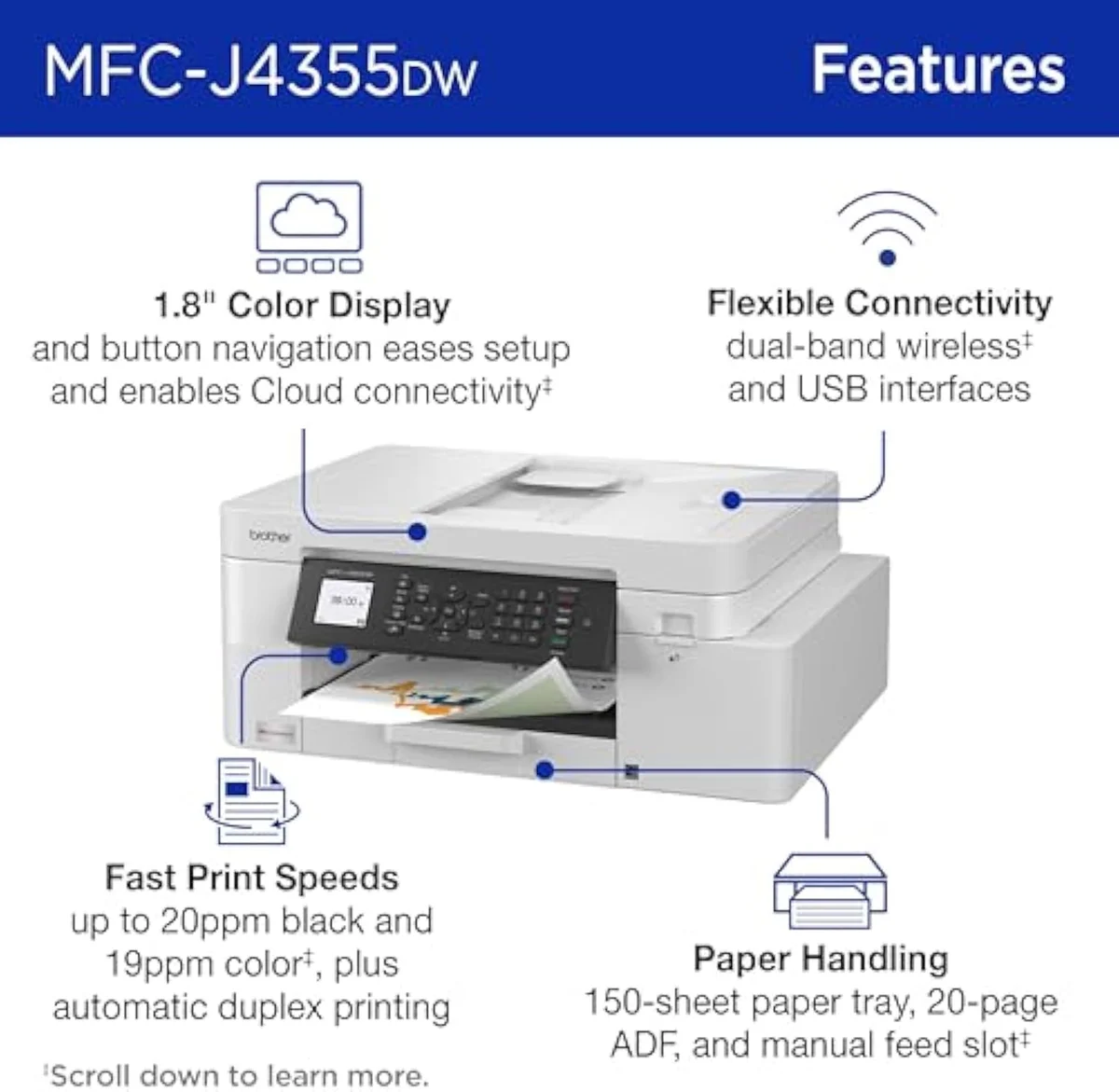
See how the Brother INKvestment 4355 Wireless Color Inkjet All-in-One Printer with 1.8” C… stacks up against the rest of the field.
Keep reading
Two ad-free explainers that take the cost-of-ownership case deeper, model by model:
Sources
- Brother — INKvestment cartridge specifications and page-yield claims
- RTINGS — printer test methodology, cost-per-print and risk-of-clogging scoring across 182 models
- PCMag — inkjet and all-in-one printer reviews
- ISO/IEC 24711 — the standard page-yield measurement method (Wikipedia)
- Brother Industries — company overview (Wikipedia)
Inkjet Printers notes that actually mention the tradeoffs
Occasional updates on inkjet printers evidence, price movement, and buyer-fit changes.
Only when something changes. Unsubscribe anytime.