Navigating Inkjet Buyer Problems
Updated
Decision vocabulary
A walk-away signal is the single observable fact that should end a purchase before the money leaves your account. Each problem below pairs a decision criterion with its walk-away signal, and the running-cost criterion leans on one figure — cost-per-page — that ink-tank analyses treat as decisive (Tech Gadgets Canada).
- Cost-per-page
- Cost-per-page is the running cost of one printed page, the price of an ink set divided by its rated page yield. It is the number that separates a cheap printer that is expensive to own from a dearer one that pays itself back, and independent testing re-measures it per model (RTINGS).
- Total cost of ownership
- Total cost of ownership refers to the purchase price plus every running cost over the device's life — ink, cleaning waste, and any subscription (Wikipedia). Reading the buy this way is what flips a budget machine from "cheap" to "expensive."
- Supertank (ink-tank)
- A supertank is a continuous-ink-system design that swaps cartridges for refillable reservoirs and high-yield bottles (Wikipedia), the architecture editorial supertank reviews credit for driving cost-per-page toward a cent (PCGuide).
- Printhead clog
- A printhead clog is dried ink blocking the nozzle grid after weeks unused, cleared by cleaning cycles that themselves spend ink. Clog risk is scored as a first-class printer attribute by independent labs (RTINGS).
- Subscription and firmware lock
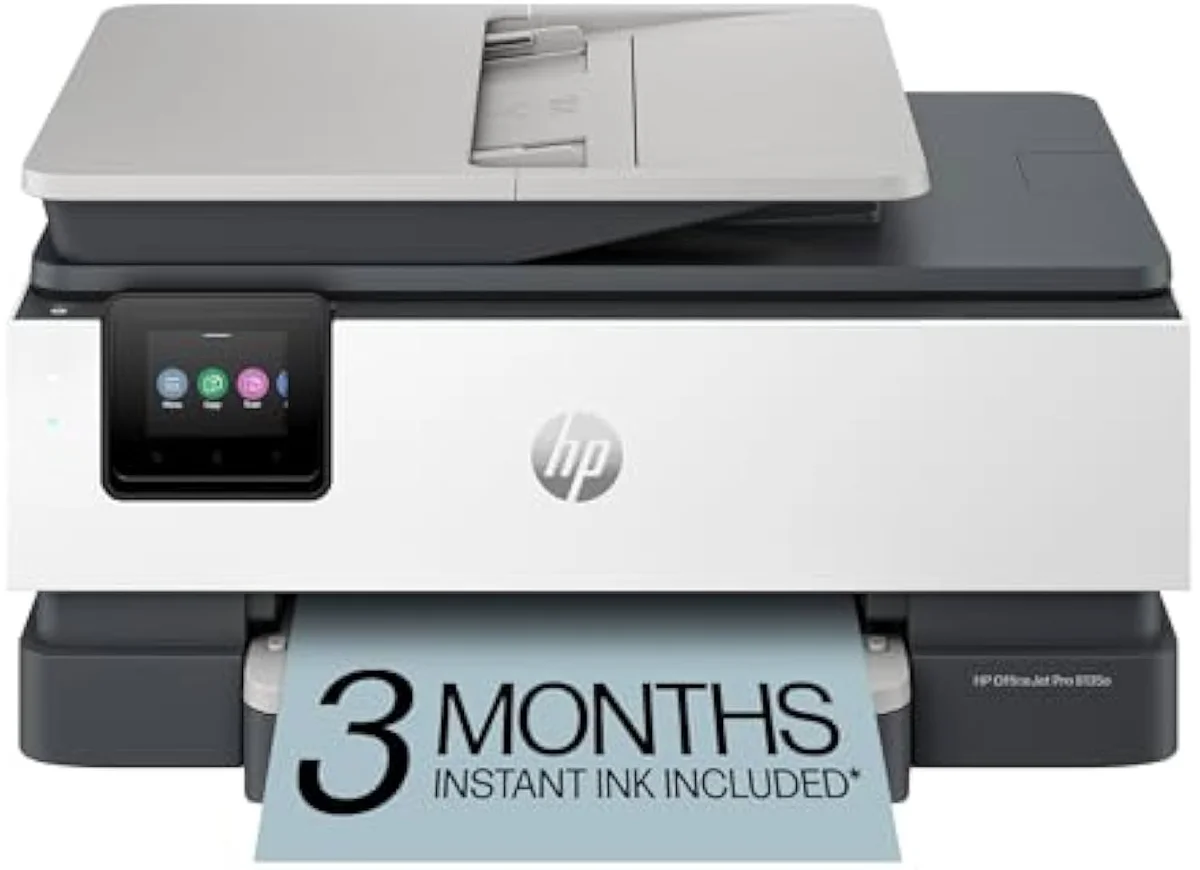
- Ecosystem lock is the set of post-purchase restrictions a maker adds — subscription ink billed by the month, and firmware that rejects third-party cartridges. Both convert a one-time buy into a recurring cost (Wikipedia).
- Dye vs pigment ink
- Dye ink is water-based for vivid photo color, while pigment ink sits on the paper surface for sharper, water-resistant text. The split is why a photo printer and a document printer make opposite ink choices (Wikipedia).
- ISO ppm
- ISO ppm is the print speed in pages per minute under the ISO/IEC 24734 office test, a more honest figure than spec-sheet "up to" speeds. Home all-in-ones rate roughly 10 to 20 pages per minute in mono, and editorial reviewers verify it directly (PCMag).
- Print resolution
- Print resolution is the density of dots a printer lays down, measured in dots per inch (Wikipedia). Document all-in-ones print sharp text at modest resolution; photo inkjets reach 4800 by 1200 DPI or finer for smooth gradients.
The five problems and how to decide each
Each recurring trap maps to one decision criterion, the printer type that defuses it, and a walk-away signal. The table reads as an action checklist, not a mechanism explainer — cartridge cost is placed first because ink-tank analyses build the entire buy decision on running cost (Tech Gadgets Canada).
| Buyer problem | Decision criterion | Printer type that resolves it | Walk-away signal |
|---|---|---|---|
| Cartridge cost shock | Cost-per-page over a year, not sticker price | Refillable supertank (ink-tank) | A replacement cartridge set priced near the printer itself |
| Printhead clogs after idle weeks | Clog resistance when unused 2 to 3 weeks | Pigment-based office model, or any printer you run weekly | A clog-prone head whose only fix is ink-spending cleaning cycles |
| Wi-Fi / AirPrint setup friction | First-run setup success without a forced account | Model with standard AirPrint and tested setup | Setup that demands a vendor account before it will print |
| Subscription / firmware lock-in | Third-party-ink acceptance; no required subscription | Supertank or office model that takes refill bottles | Firmware that blocks non-OEM ink, or billing by the month |
| Photo-output disappointment | Dye-ink photo path and borderless saturation | Dedicated photo inkjet, not a document all-in-one | Pigment-only output or weak saturation on glossy stock |
Cartridge versus tank: the trade you are actually making
The cartridge-cost trap is a trade between sticker price and running cost, and the per-class figures show why the cheap machine is usually the expensive one (Wikipedia). Yields follow the ISO/IEC 24711 and 24712 standards, and real output runs below the lab estimate, so labs re-measure cost-per-print per model (RTINGS).
| Printer class | Example model | Typical mono cost-per-page | Black yield per set | Resolves which problem |
|---|---|---|---|---|
| Budget cartridge all-in-one | HP DeskJet 2755e class | ~10–25¢ | ~120–200 pages | None — it creates the cost-shock trap |
| Mid-range cartridge all-in-one | Canon PIXMA TR8620 class | ~5–12¢ | ~400–600 pages | Partly eases cost shock with XL cartridges |
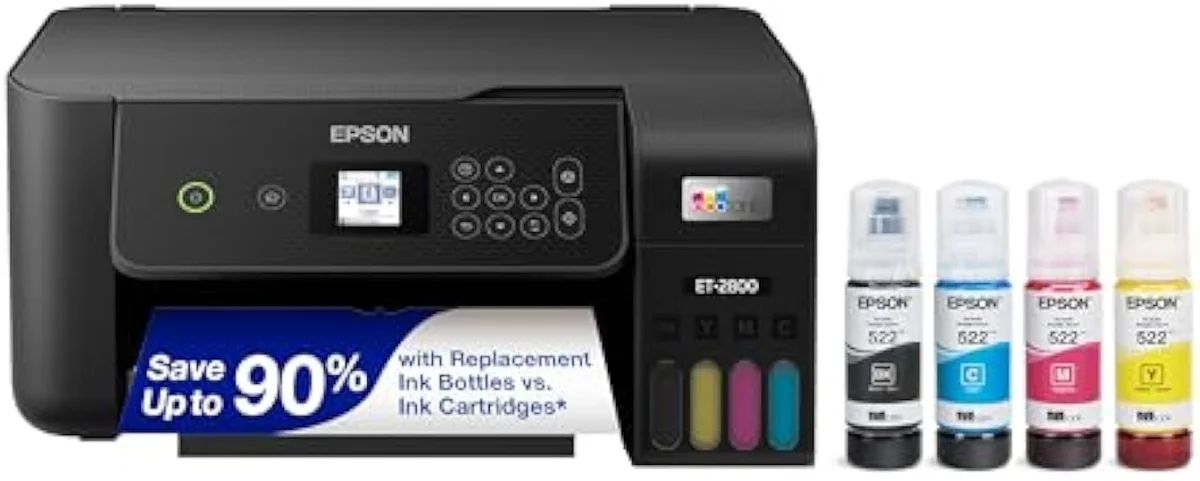
| Refillable supertank | Epson ET-2800 / Canon G3270 class | ~0.5–2¢ | ~4,000–7,500 pages | Cartridge cost and subscription lock-in |
| Office all-in-one (pigment) | Epson WF-4820 class | ~2–6¢ | ~900–1,600 pages | Idle clogs and document-speed needs |
A supertank front-loads its savings into the purchase price, then quotes bottle yields in the thousands of pages (Tech Gadgets Canada). An office model trades photo flair for pigment durability and faster ISO ppm (TechGearLab).
How we weight the five problems
The weights below are our editorial rubric, set from owner evidence and independent testing, not a neutral average. Running cost takes the largest share because the cartridge-versus-tank gap runs to several multiples per page (Tech Gadgets Canada), and reliability ranks second because clog risk is a scored printer attribute at independent labs (RTINGS).
| Problem | Decision weight | Why it carries that weight |
|---|---|---|
| Cartridge cost shock | 32% | Running cost dwarfs the purchase price over years; a cartridge set can approach the printer's own price |
| Idle printhead clogs | 22% | Risk-of-clogging and cleaning-cycle waste are scored as explicit attributes by independent testing |
| Wi-Fi / setup friction | 20% | Setup failure is the leading one-star cause in owner reviews and is flagged in editorial setup testing |
| Subscription / lock-in | 14% | Subscription and firmware-lock backlash is a recurring purchase driver for a large buyer segment |
| Photo letdown | 12% | Output quality splits document and photo buyers; few printers lead both, so it is use-dependent |
Match your use case to a printer type
Weights are a default, not a verdict, and the right lead problem shifts with the buyer, so editorial reviewers reach different conclusions for a home office than for a photo desk (TechGearLab). This table routes each common profile straight to the printer type that defuses its dominant trap.
| Use case | Dominant trap to avoid | Recommended printer type | Also weigh |
|---|---|---|---|
| Cost-conscious household, weekly mixed printing | Cartridge cost shock | Refillable supertank | Up-front price you can recover over 1 to 2 years |
| Home office: documents, duplex, copying | Slow speed and missing duplex / ADF | Pigment office all-in-one | ISO ppm rating and automatic two-sided printing |
| Photo or craft hobbyist | Photo letdown on glossy stock | Dedicated dye-ink photo inkjet | Running cost of photo ink, which stays high |
| Low-volume / occasional printer | Idle printhead clogs | Pigment office model, run weekly | Setup simplicity for the once-a-month user |
| Subscription-wary buyer | Subscription and firmware lock-in | Supertank that takes refill bottles | Confirm third-party ink is accepted before buying |
| Family household, homework plus the odd photo | Cartridge cost shock first, photo letdown second | Supertank with a dye photo path | A document-only printer sold on photo marketing |
| Student or dorm, low volume and tight budget | Idle clogs against a small up-front spend | Compact pigment all-in-one, run weekly | A clog-prone budget head that bricks after idle months |