Is the Canon Pixma printer any good?
Updated
Mostly yes — but the answer forks. Canon PIXMA prints crisp text and sharp colour, so quality is rarely the problem. The split is cost: the cheap cartridge PIXMAs feed on small, dear ink, while the refillable MegaTank G-series is the cost-of-ownership pick. Reliability runs model by model — the rock-bottom PIXMAs draw the heat, the mid TS6520 is solid, and a MegaTank rewards weekly use.
- MegaTank G-series for a weekly-printing home the cost pick
- Mid TS6520 for a typical household duplex, dual-band, easy setup
- Photo MegaTank for a calibrating hobbyist great prints, manage the colour
- Cheap TR/MG cartridge PIXMA for any volume the cartridge tax bites
- Bottom-tier PIXMA for an idle desk feed faults, dear ink
Read the model before you read the price, because the PIXMA badge covers two different machines. A TR, TS or MG number is a cartridge PIXMA; a G-series number is a refillable MegaTank. They print to a similar standard — Canon markets the mid cartridge models like the TS6520 as
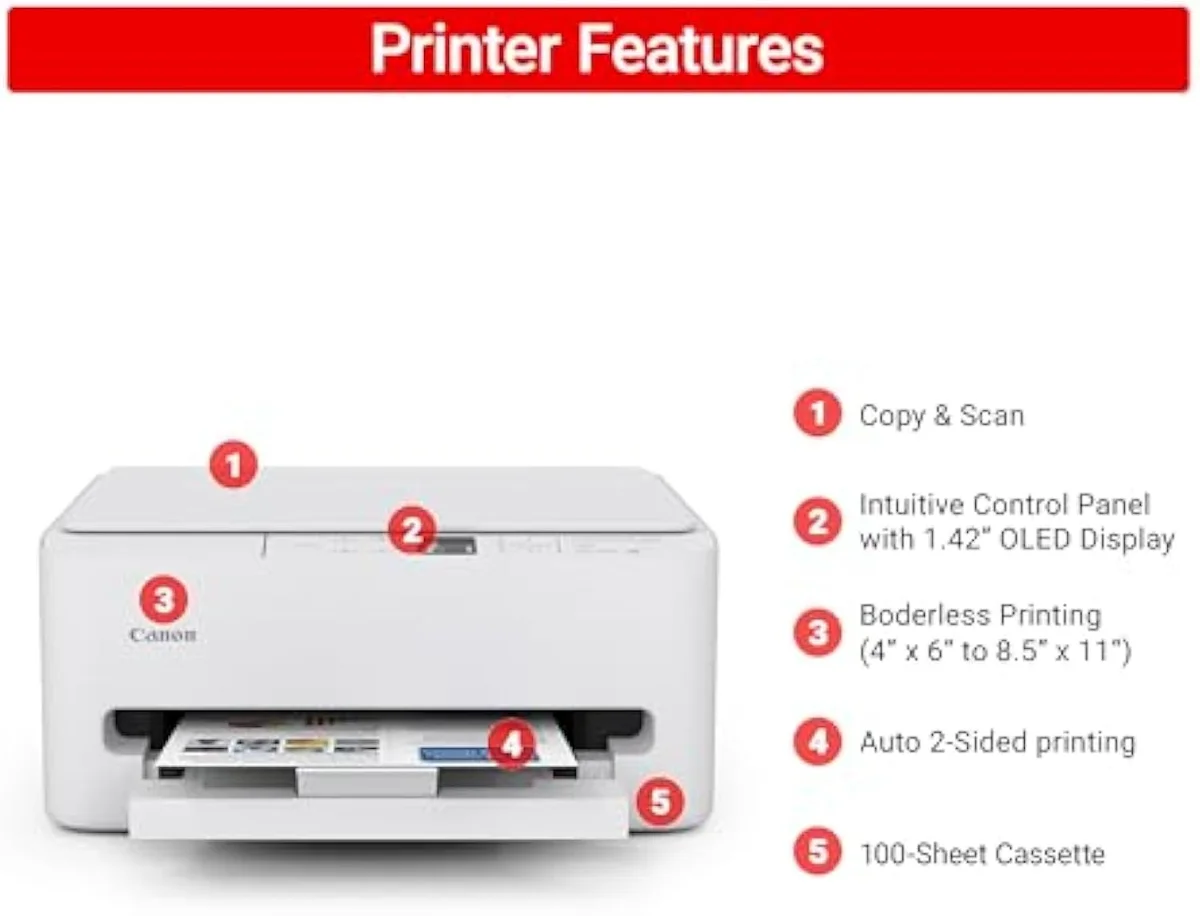
PIXMA TS6520 (cartridge)
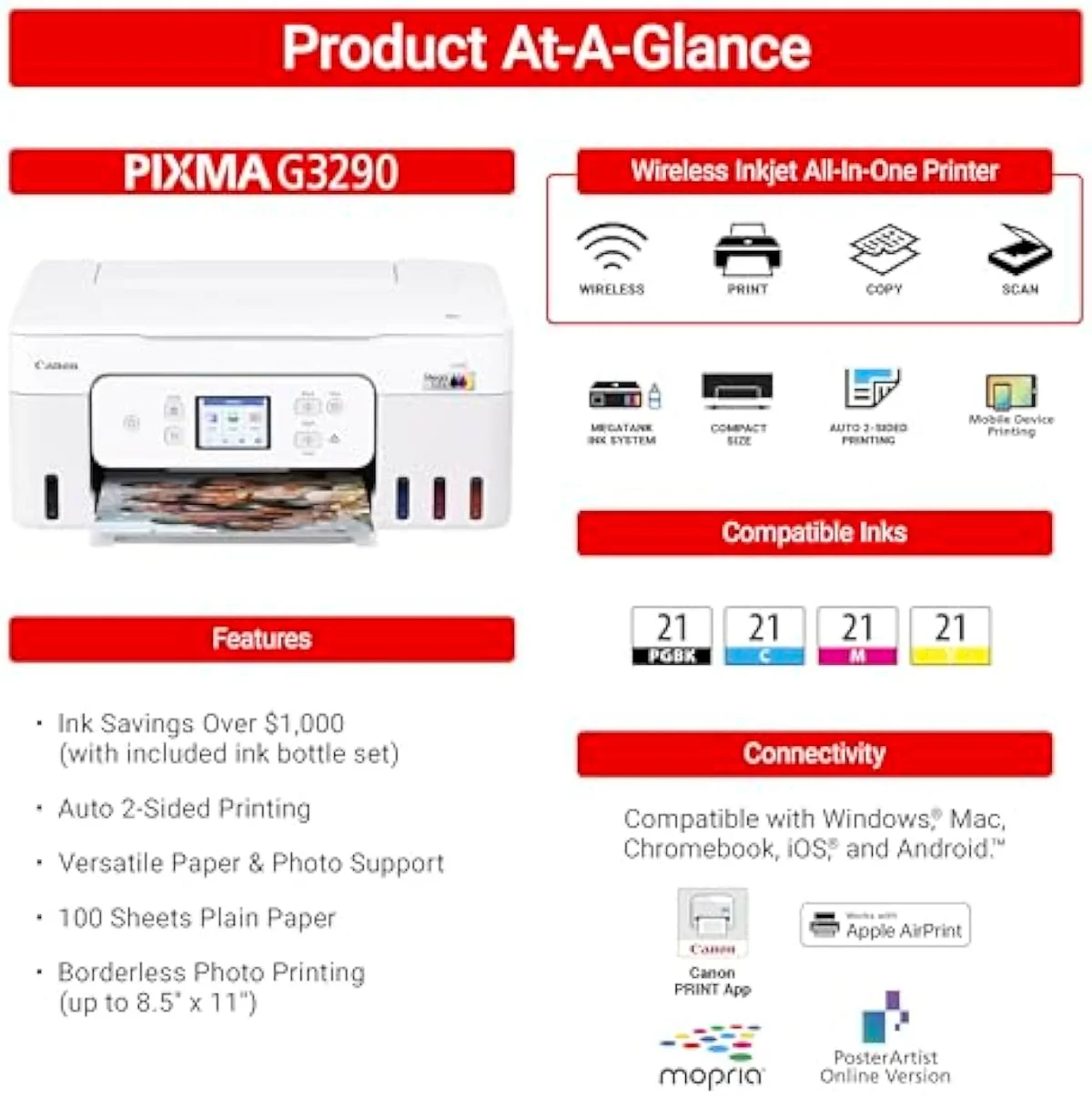
MegaTank G3290 (bottle)
Start with what the line does well, because it decides whether the rest is worth weighing. Print quality across the PIXMA range holds up — the cartridge models deliver
The case against the line is the cheap end, not the technology. A budget cartridge PIXMA sells for less than a tank of fuel, then ambushes you at the ink shelf — the Reddit math the whole catalog turns on is blunt:
Is the Canon TS6520 printer any good?
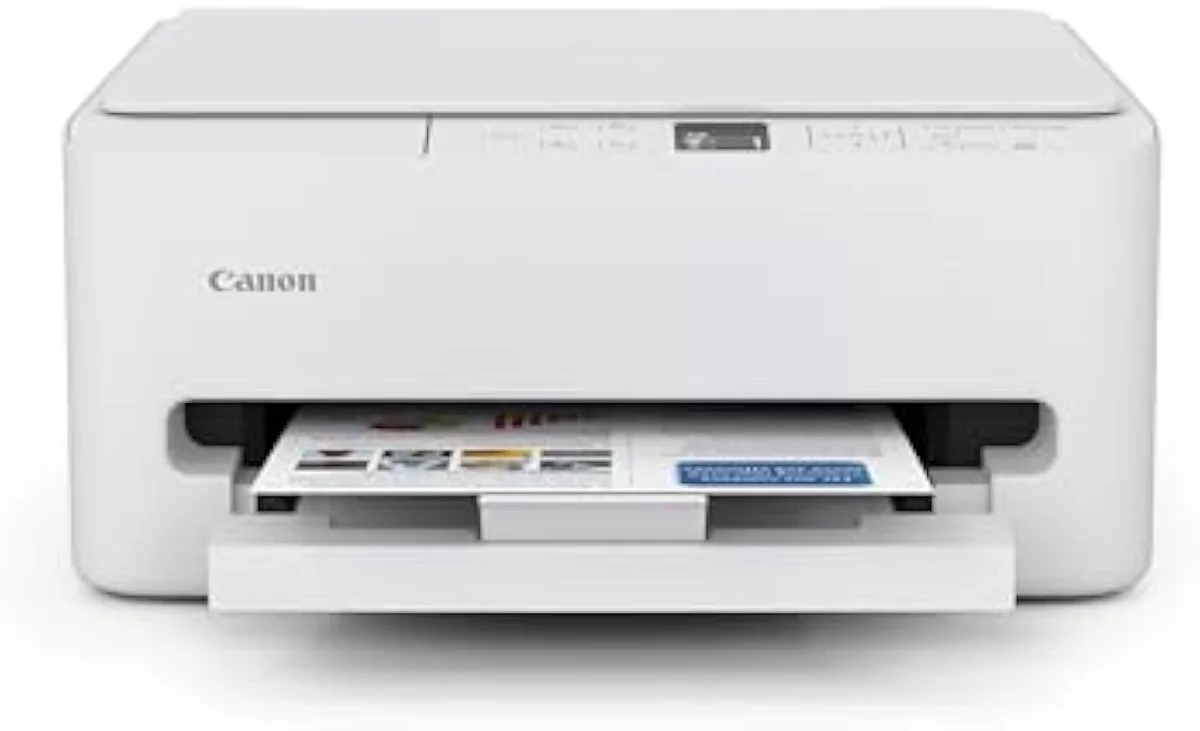
For a typical home, yes — it is the reliable mid PIXMA. The TS6520 earns clean-setup, Wi-Fi-works praise and adds duplex plus dual-band wireless the cheap models skip. Reliability across the wider line is model-specific: the rock-bottom PIXMAs draw paper-feed and connection faults, while the TS6520 and the MegaTanks hold up. Buy up one tier from the bottom and most complaints fall away.
Honestly, the gap between the cheapest PIXMA and the next tier up is the whole reliability story.
The mid and tank models earn their keep. Owners call the TS6520
Is Canon PIXMA ink expensive?
On the cartridge PIXMAs, yes — that is the line’s core trap. Canon sells the cheap models near disposable prices, then feeds them on small two-cartridge sets, and ships a starter cartridge smaller than the replacements. Run any volume and the ink outspends the printer fast. The MegaTank G-series flips it: refill from bottles at a fraction of the cost-per-page.
Here’s the thing: the cartridge tax is not bad luck, it is the business model. The cheap PIXMA is the razor and the ink is the blade, so the sticker price tells you almost nothing about what the machine costs to live with. The fix is structural, not a coupon — move to the refillable line, where owners save real money:
Are Canon MegaTank printers any good?
For anyone printing weekly, the MegaTank is the smarter PIXMA. It refills from cheap bottles instead of cartridges, so the cost-per-page collapses and the running-cost trap disappears. The catch is one rule: print regularly or the idle printhead clogs and a cleaning cycle spends the ink you bought it to save. Some models are single-sided too — check duplex before you buy.
There is a real condition attached to the savings, and it catches idle owners out.
The MegaTank is the cost pick precisely because it stops you wasting money at the cartridge shelf — Canon rates the entry G3270 to
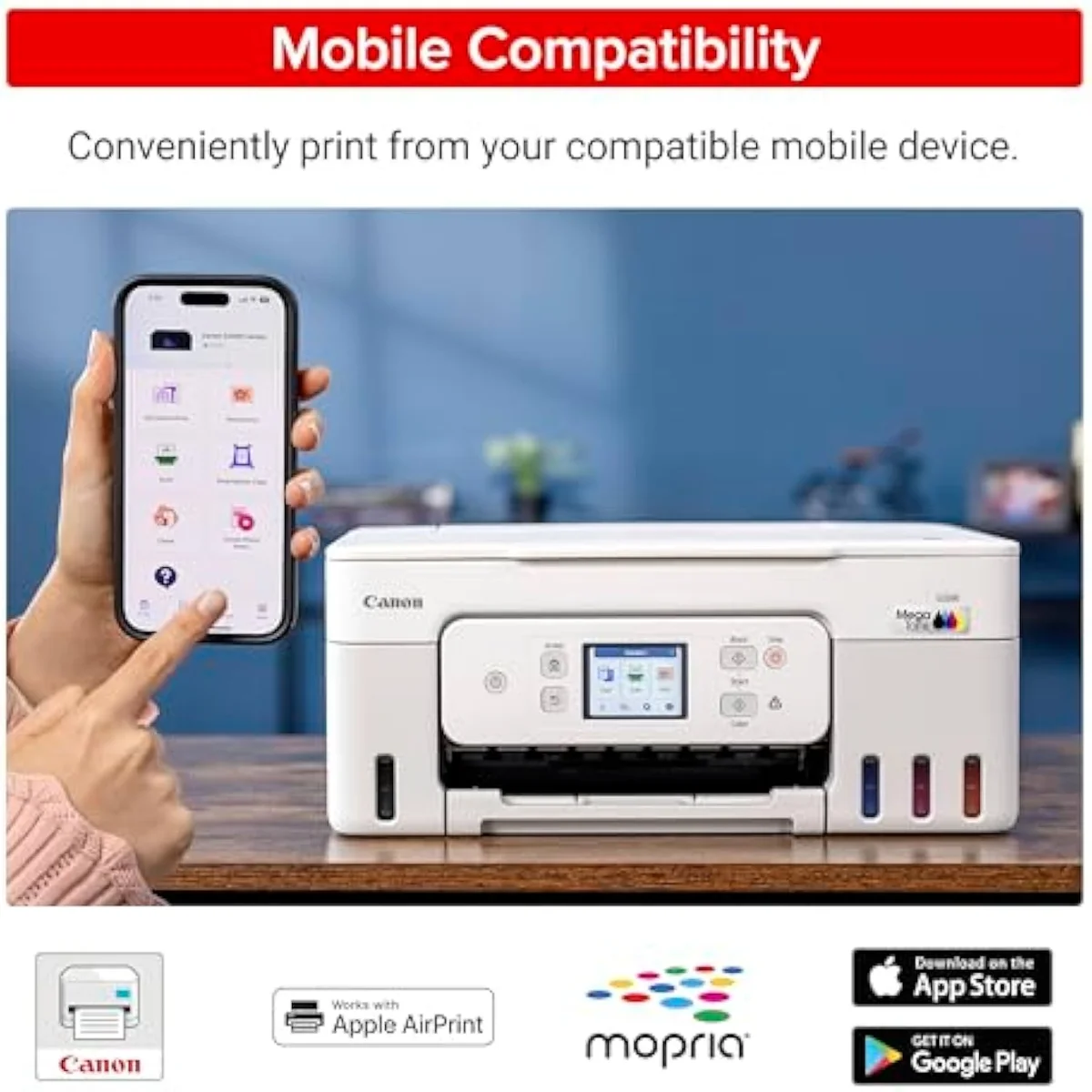
Refillable tanks
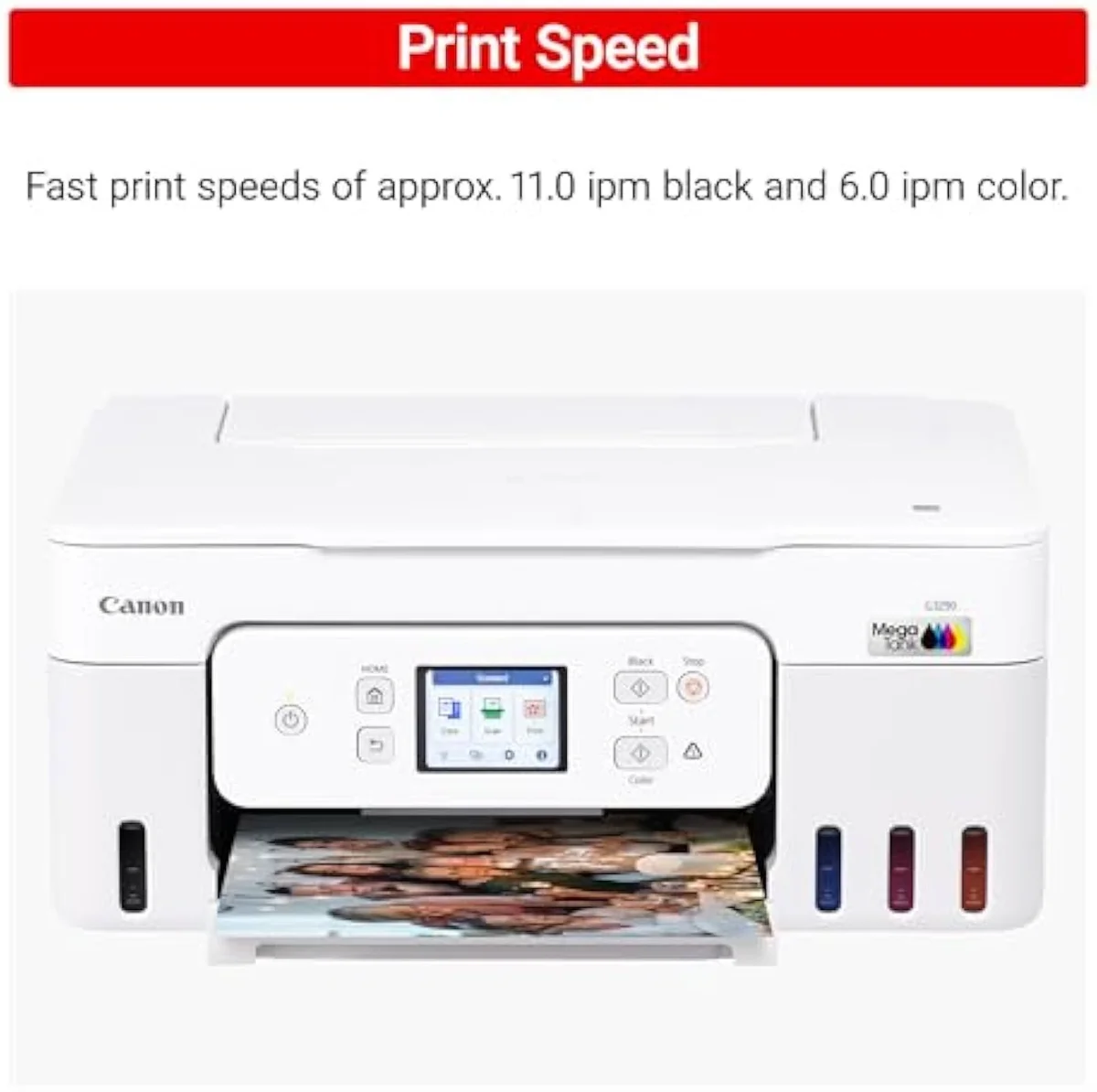
Bottle-fed
Which Canon PIXMA printer is best for home use?
For a typical household, the mid-range cartridge TS6520 is the sweet spot — duplex, dual-band Wi-Fi, scan and copy, and an easy setup. For a home that prints often or runs photos, step up to a MegaTank and bank the bottle-ink savings instead. Skip the cheapest TR and MG models unless you print a few pages a year.
So the best PIXMA for home use depends on one number: how much you actually print. For a light-to-moderate household, the TS6520 hits the balance — it does
Add it up and the Canon PIXMA line is good — with a fork you choose by your print diet. The prints are sharp and the mid models set up cleanly, so the real decision is cartridge versus tank. Print rarely and a mid cartridge PIXMA like the TS6520 is the easy, capable buy; print often and the refillable MegaTank pays itself back in months of cheap bottle ink. The one model to approach with open eyes is the bottom tier, where the cartridge tax and feed faults turn a low price into a false economy. Match the model to how you print, and the PIXMA badge stops being a gamble.
Get Our Top 3 Picks
Get our top 3 picks for your budget — one email, then only updates.
Only when something changes. Unsubscribe anytime.
Citations
- [1]"A budget-friendly all-in-one printer perfect for both home users and hybrid workers"https://www.amazon.com/dp/B0FMBTJLX6Captured June 3, 2026. Verified June 3, 2026.
- [2]"thanks to its 2-cartridge hybrid ink system that delivers sharp text and vivid colors"https://www.amazon.com/dp/B0FMBTJLX6Captured June 3, 2026. Verified June 3, 2026.
- [3]"Reliable Wireless Connectivity - Enjoy stable and consistent connections with dual-band Wi-Fi (2.4GHz or 5GHz)"https://www.amazon.com/dp/B0FMBTJLX6Captured June 3, 2026. Verified June 3, 2026.
- [4]"Save Time & Paper - Optimize your printing with automatic 2-sided printing, reducing paper consumption"https://www.amazon.com/dp/B0FMBTJLX6Captured June 3, 2026. Verified June 3, 2026.
- [5]"Easy to set up, simple to use, intuitive"https://www.amazon.com/dp/B0FMBTJLX6Captured June 3, 2026. Verified June 3, 2026.
- [6]"Remote printing and Wi-Fi work great."https://www.amazon.com/dp/B0FMBTJLX6Captured June 3, 2026. Verified June 3, 2026.
- [7]"the cheaper the printer the more expensive the ink cartridges"https://reddit.com/r/australia/comments/196f3km/avoid_buying_the_canon_pixma_printer_currently_on/Captured June 3, 2026. Verified June 3, 2026.
- [8]"And Canon gives you a smaller cartridge in the printer, than they sell for replacements."https://www.amazon.com/dp/B010A7TZ76Captured June 3, 2026. Verified June 3, 2026.
- [9]"the megatank is a more reasonable choice because the refills for the first two are so expensive"https://reddit.com/r/printers/comments/1qhkl2s/which_canon_pixma/Captured June 3, 2026. Verified June 3, 2026.
- [10]"You'd save an incredible amount of money if you go for a tank."https://reddit.com/r/printers/comments/1qhkl2s/which_canon_pixma/Captured June 3, 2026. Verified June 3, 2026.
- [11]"From the very beginning it always had trouble pulling paper from the tray."https://www.amazon.com/dp/B010A7TZ76Captured June 3, 2026. Verified June 3, 2026.
- [12]"Spend a bit more, get a Brother"https://www.amazon.com/dp/B010A7TZ76Captured June 3, 2026. Verified June 3, 2026.
- [13]"Print up to 6,000 black & white / 7,700 color pages using a single set of inks"https://www.amazon.com/dp/B0BSMSYM9NCaptured June 3, 2026. Verified June 3, 2026.
- [14]"Single-sided printing"https://www.amazon.com/dp/B0BSMSYM9NCaptured June 3, 2026. Verified June 3, 2026.
- [15]"This is my first tank printer which"https://www.amazon.com/dp/B0BSMSYM9NCaptured June 3, 2026. Verified June 3, 2026.
- [16]"Bind it to only one single access point with mac address"https://www.amazon.com/dp/B0BSMSYM9NCaptured June 3, 2026. Verified June 3, 2026.
- [17]"They don't always cap the nozzles if they're turned off from an external switch"https://reddit.com/r/printers/comments/1h8br67/i_bought_a_canon_megatank_less_then_a_month_ago/Captured June 4, 2026. Verified June 4, 2026.
- [18]"The colors come out vibrant and sharp, and the gloss finish adds just the right amount of shine without being too reflective."https://www.amazon.com/dp/B08XZQVWZWCaptured June 3, 2026. Verified June 3, 2026.
- [19]"Edit your photos to increase saturation / vibrance. That fixed it for me."https://www.amazon.com/dp/B08XZQVWZWCaptured June 3, 2026. Verified June 3, 2026.