Paper for Inkjet Printers: What You Can Print On
Updated
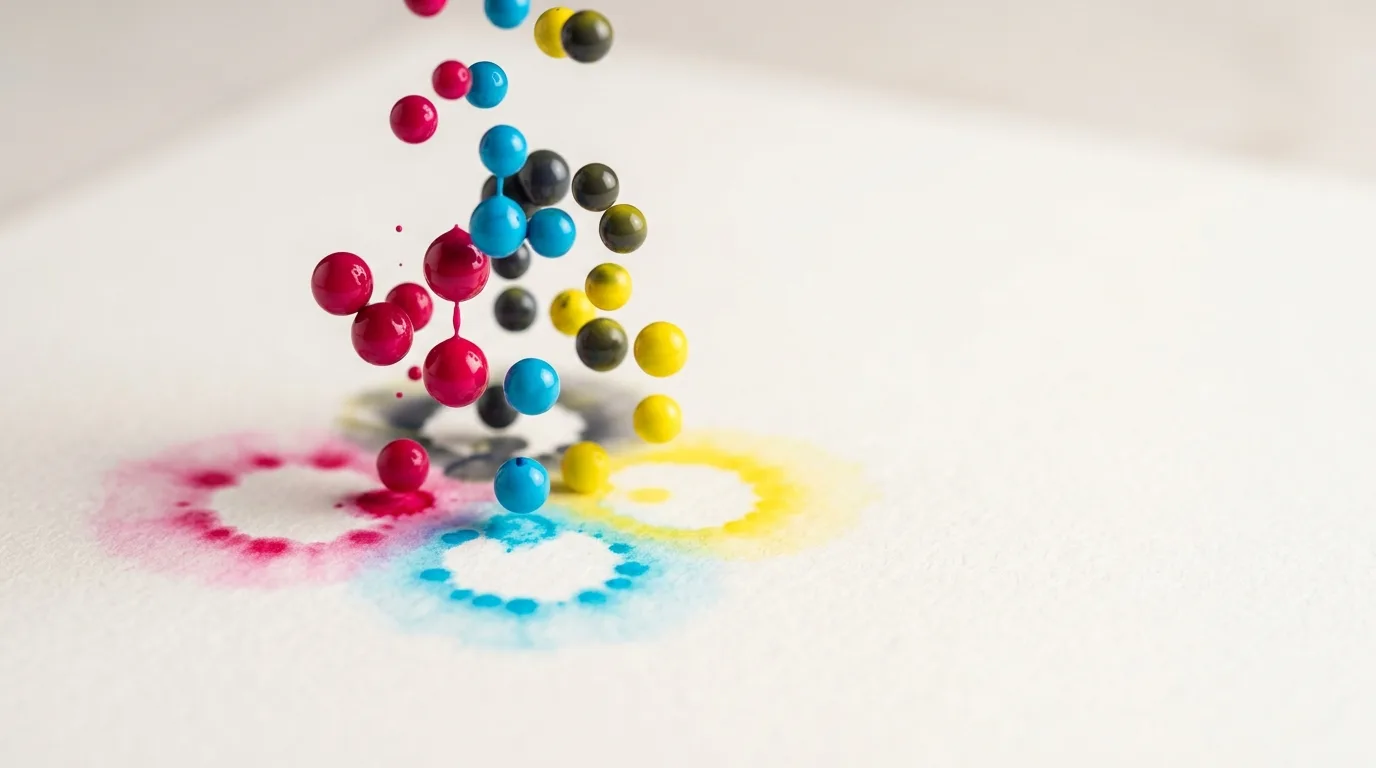
An inkjet will print on far more than copy paper — glossy photos, heavy cardstock, sticker vinyl, fabric sheets, clear film, even temporary tattoos. The catch is that most of those media are sold in two versions, one for inkjet and one for laser, and they do not swap.
Get it wrong and you waste both the sheet and the ink. People reach for a stack of glossy paper they already own, run it through, and watch the ink pool and smear because it was laser stock with no ink-receiving layer.
So before the medium list, one rule does most of the work.
Ink type and coating decide everything
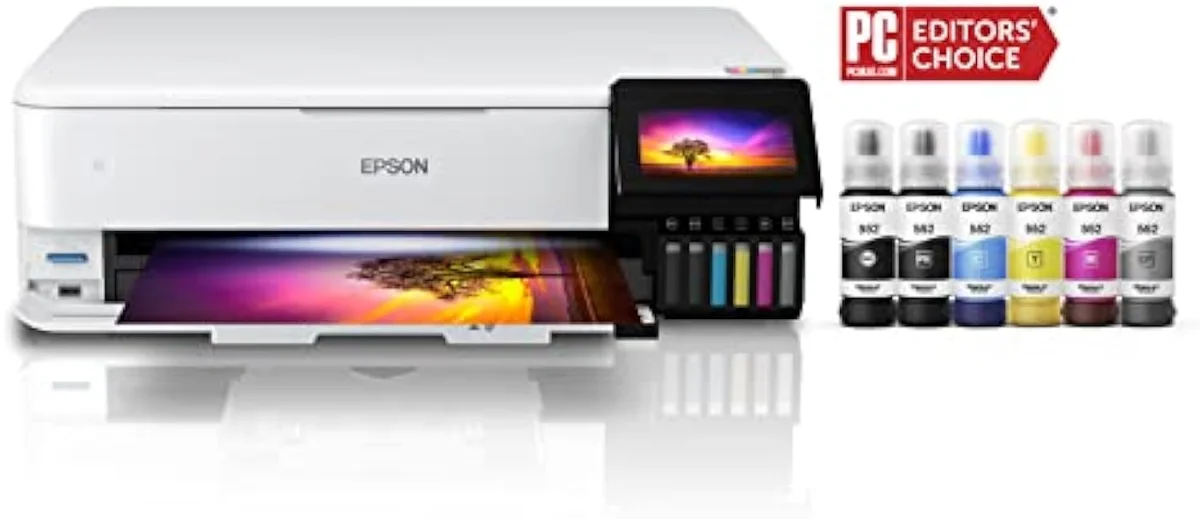
Paper compatibility comes down to two variables: what ink your printer uses (dye or pigment) and whether the sheet has an inkjet-receiving coating. Inkjet sprays cool liquid droplets, so the paper needs a microporous or swellable layer that grabs the droplet and dries it fast — without that coating, liquid ink bleeds along the fibres or pools on a sealed surface. Every medium below is just that rule applied to a different material.
The dye-versus-pigment split is the second axis. Dye ink dissolves into the coating for saturated color but fades and runs when wet; pigment ink sits on the surface as solid particles that resist water and light. Inkjet printing technology documents both: dye for vivid photos, pigment for archival and water-resistant work. The reason "inkjet" has to be on the package is the coating — coated paper made for inkjet carries a receiving layer tuned for liquid droplets, where laser-coated stock is built for dry toner and a hot fuser instead.
Hold that rule and the rest of this page is a lookup table. We sort which catalog models run dye versus pigment, and which take heavier or specialty stock, in our guide to the printer families and how they are structured.
Photo paper: glossy, matte, luster
Photo paper is the highest-demand inkjet medium, and the finish you pick changes the print as much as the printer does. All three are coated for inkjet; they differ in surface and weight.
The finish is a real decision, not a label.
Glossy photo paper, typically 200-260 gsm, gives the deepest color and contrast and is the default for vivid shots — but it shows fingerprints and glare. Matte runs a similar weight with no shine, hides handling marks, and suits text-heavy prints and art. Luster (sometimes "satin" or "pearl") sits between them: a fine sheen that resists fingerprints while keeping most of gloss's punch, which is why pro photo labs default to it. Independent lab testing at RTINGS, which has tested 182 printers, scores photo output as a first-class metric and finds pigment-ink supertanks and dye photo models pull ahead of document machines on saturation and gradient smoothness.
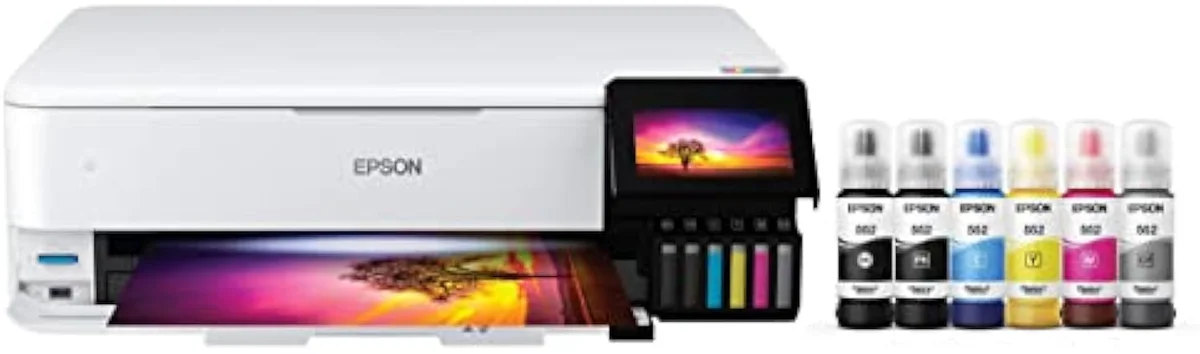
ET-8550
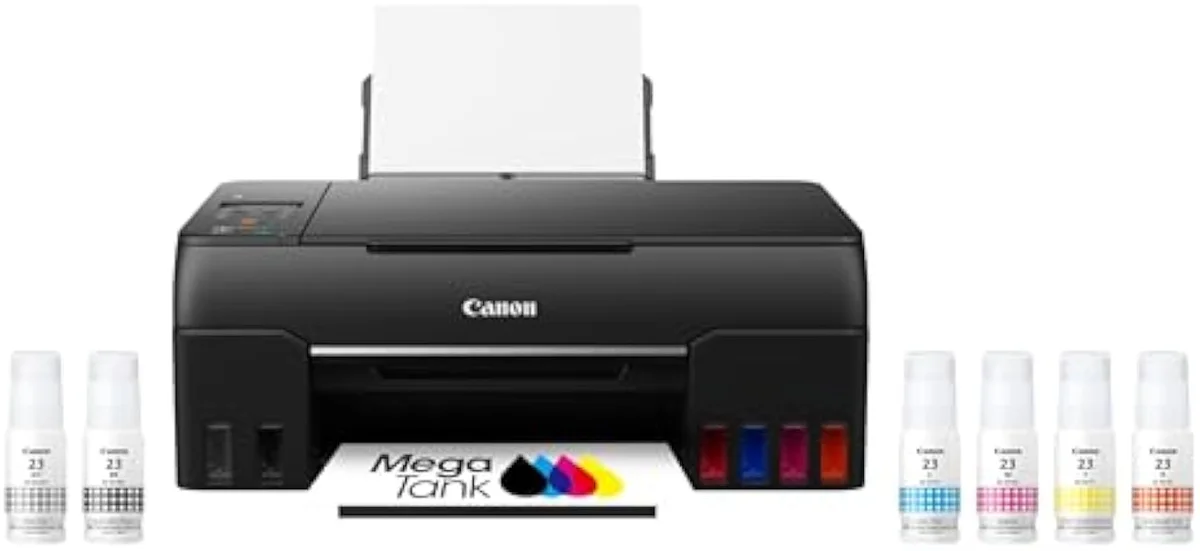
G620
The buyer complaint to know: saturation disappointment. One owner in our research called a Canon G620 underwhelming on glossy paper — a reminder that the driver setting and the paper finish carry the print as much as the ink does. Match the driver to the loaded stock, and choose a dye or six-ink photo model for glossy work rather than a two-ink document printer. We line up the photo-capable models in our type-versus-type tradeoffs analysis.
Cardstock and heavy stock limits
Cardstock is where the feed path, not the ink, sets the ceiling. Most home inkjets handle stock up to roughly 200-300 gsm, but only if the paper can travel without a sharp bend.
The bend is what jams it, every time.
Standard card stock for invitations and greeting cards runs 200-280 gsm (about 80-105 lb cover). The make-or-break feature is the feed: a printer with a rear or straight-through tray pulls thick stock in a near-flat line, while a bottom-cassette machine curves the sheet a full 180 degrees and jams on anything stiff. Editorial reviews at PCMag, which tests inkjet all-in-ones, repeatedly flag rear-feed paths and rated media weight as the specs that separate a craft-capable printer from a document-only one. Check the media-weight number in your model's spec sheet before buying 110 lb cover.
Printable vinyl and sticker paper
Here's the thing about stickers: the printing is the easy part. They use two distinct media — printable vinyl and coated sticker paper, both made for inkjet ink with an adhesive back — and the hard part is making the print survive contact with water.
Most inkjet sticker stock is not water-resistant straight out of the printer, so dye ink on unsealed paper smears the first time it gets wet. The fix is two-part: print with pigment ink where you can, then seal the sheet with a cold laminate or a clear acrylic spray before cutting. That laminate is what turns a fragile printed sheet into a dishwasher-safe or weatherproof sticker. Printable vinyl is the more durable base; coated sticker paper is cheaper for indoor labels. TechRadar's printer guidance notes that pigment-ink models hold up better on handled and outdoor media, which is exactly the sticker case.
Transfer paper, briefly
Heat transfer paper is coated stock that takes ordinary inkjet ink, prints a design you then iron or press onto a fabric — no special printer needed. It is a big enough topic to have its own page.
The short version: any standard dye or pigment inkjet prints transfer paper with the ink already in it, you pick light-fabric paper (mirrored, for white shirts) or dark-fabric paper (un-mirrored, with an opaque white backing), and the printed layer can crack or fade unless you cold-wash inside-out. It is also not the same as sublimation. We cover the full process, the light-versus-dark choice, wash durability, and when to reach for sublimation instead in our dedicated guide to heat transfer paper for inkjet printers.
Fabric and printable fabric sheets
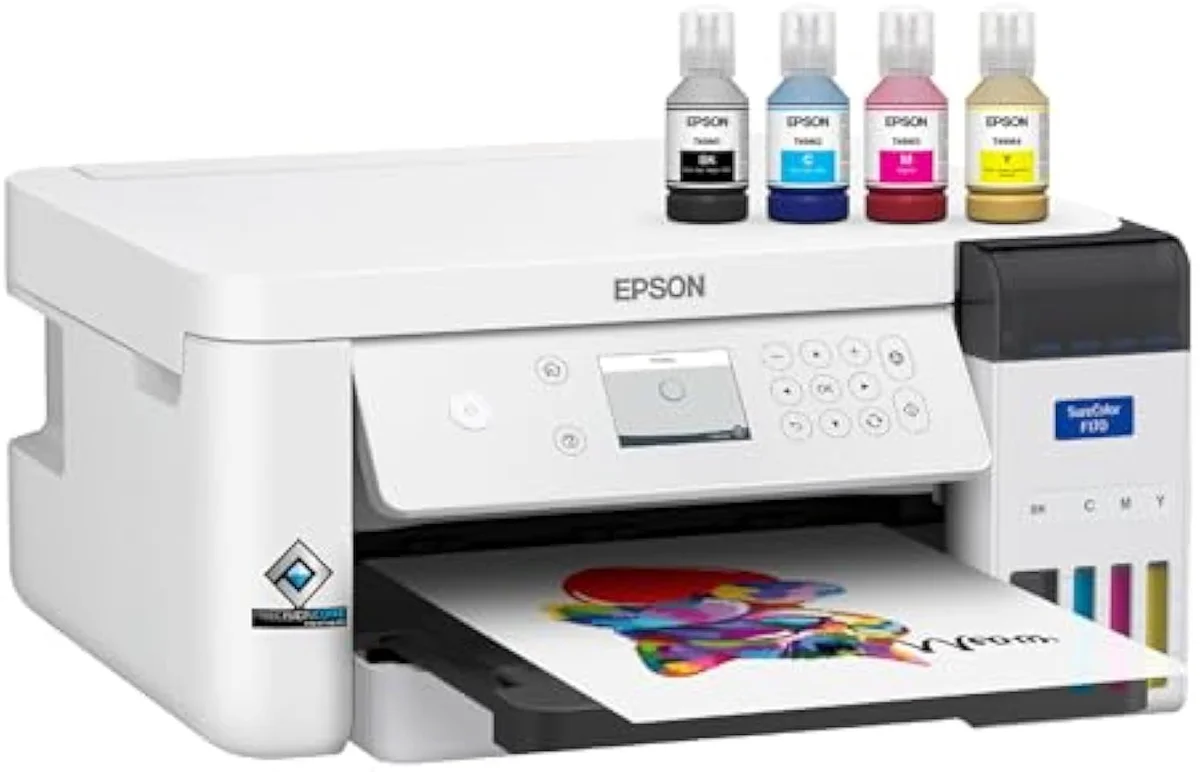
You can print directly onto fabric with an inkjet, using pre-treated printable fabric sheets — cotton or poly-cotton bonded to a paper carrier that feeds like a normal sheet. They are made for quilting labels, patches, and craft panels.
Printable fabric sheets carry an inkjet coating on the cloth and a stiff backing so the printer grips them; after printing you peel the backing and heat-set or rinse to fix the ink. Pigment ink is the better choice here because it resists washing far better than dye. This is distinct from dye-sublimation printing, which dyes polyester fibre with a dedicated sublimation ink and a converted printer rather than printing onto a pre-coated cotton sheet. For occasional fabric labels, a coated sheet on a standard pigment inkjet is the low-cost path; for high-volume apparel, sublimation is the tool.
Transparency film needs inkjet film
Transparency film — clear acetate sheets for overlays, screen-printing positives, and craft layering — is sold separately for inkjet and for laser, and the wrong one fails completely.
Inkjet transparency film carries a thin coating on one side that absorbs liquid ink and dries clear; laser transparency film has no such layer and is built to take dry toner under heat. Feed laser film into an inkjet and the ink beads on the slick surface and never dries; feed inkjet film into a laser and the coating can melt onto the fuser. Load it coated-side up, leave it to dry fully before stacking, and select the transparency media setting in the driver so the printer lays down less ink. For screen-printing positives, pigment ink prints the densest blacks for a sharper stencil.
Specialty media: vellum, decal, canvas, more
Beyond the common stocks, inkjets handle a long tail of specialty media — and the same coating-and-ink rule decides each one. Buy the inkjet-specific version and match the ink type.
Translucent vellum (sometimes "transparent paper" or "tracing paper," around 90-150 gsm) takes light ink coverage for overlays and invitations, but heavy saturation buckles it. Waterslide decal paper prints a design you soak off and slide onto mugs or models, then seal — pigment ink and a clear topcoat keep it from running. Inkjet canvas, a coated cotton-poly weave around 350-400 gsm, needs a rear feed and a model rated for heavy stock. Magnetic sheet (printable on one coated face) and temporary-tattoo paper round out the craft list. The constant: each is sold "for inkjet," and water-exposed projects want pigment ink plus a seal. Photographic and specialty receiving papers all share that engineered coating layer — it is what separates printable craft media from ordinary paper. We track which models clear the heavier specialty weights in our safety and known-risks guidance.
Matching paper to your printer
Pull it together at the buying stage. Three printer traits decide how much of this media list you can actually use: ink type, borderless support, and feed path.
Ink type sets the durability ceiling — pigment for water-resistant and outdoor work (stickers, decals, fabric), dye for the most saturated glossy photos. Borderless printing matters only for full-bleed photo and sticker sheets; many supertanks like the ET-8550 do it up to 13 inches wide, most budget document machines do not. The feed path is the quiet dealbreaker: a rear or straight-through tray takes cardstock, canvas, and stiff specialty stock that a U-turn cassette jams. Consumer Reports' printer testing weights multi-media handling and reliability heavily, and a bottle-fed photo supertank scores best for a buyer who wants one machine across many media. Buy for the media you will actually print, not the longest spec list.
Where to start
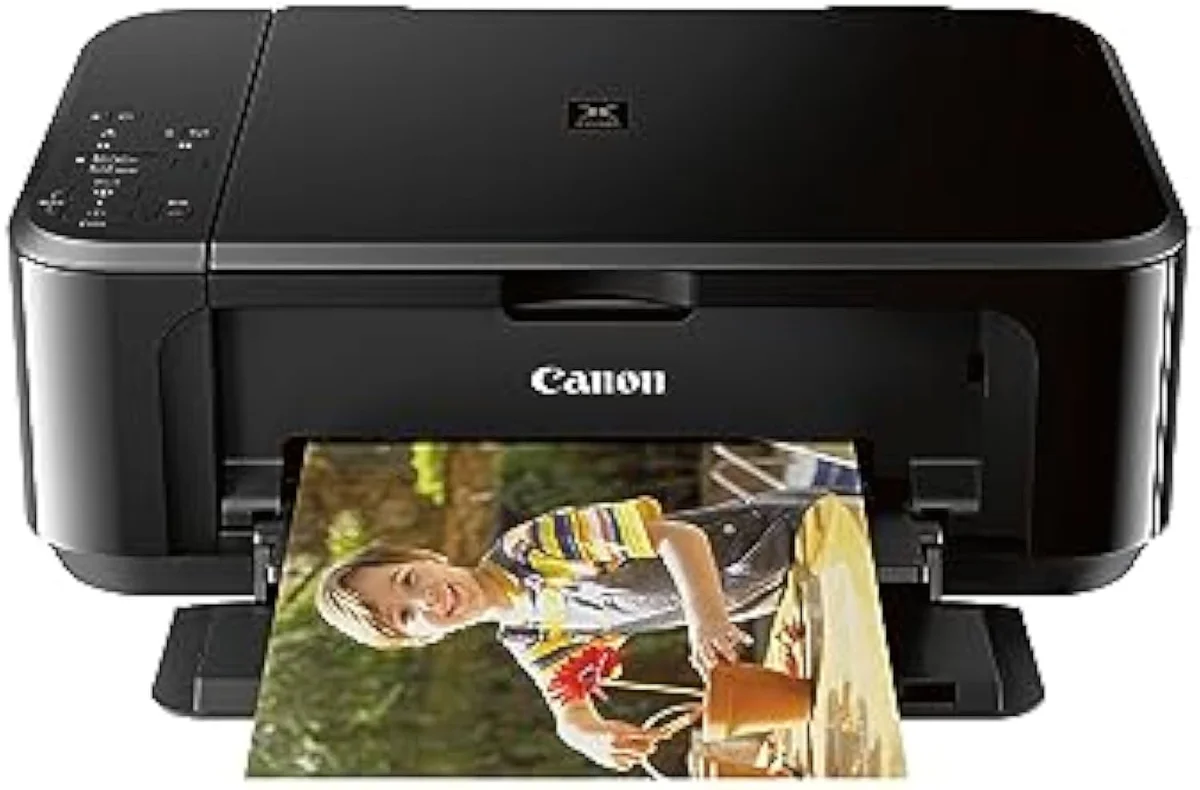
If you want one machine across the most media, a photo-grade supertank like the Epson EcoTank Photo ET-8550 is the default — pigment-friendly bottle ink keeps the cost-per-sheet low, it prints borderless on glossy and matte photo paper, and its rear feed takes heavier coated stock. Drop to a budget dye all-in-one only if you print plain documents and the occasional light photo, and step to a dedicated sublimation machine only when the job is polyester fabric. Whatever you load, buy the inkjet-specific version of the medium and match dye or pigment ink. The model-by-model reasoning lives in our research layer below.
Frequently Asked Questions
Paper for inkjet printers in one paragraph
An inkjet prints on far more than copy paper — glossy and matte photo stock (200-260 gsm), cardstock and canvas (up to 200-400 gsm through a rear feed), printable vinyl and sticker paper, transfer paper, pre-coated fabric sheets, clear transparency film, and specialty media like vellum, waterslide decal, magnetic and temporary-tattoo paper — but nearly all of them are sold in a separate inkjet version with a liquid-ink receiving coating, so the package has to say "for inkjet," and you match the ink type too: dye for saturated photos, pigment for anything water-exposed or handled, with a laminate or clear-coat on stickers and decals because unsealed inkjet ink is not waterproof.
What kind of paper works in an inkjet printer?
Two things decide it: your ink type and the paper coating. Plain 75-90 gsm copy paper runs in any inkjet for documents. For color and photos you want inkjet-coated stock — a microporous or swellable receiving layer that holds the droplet instead of letting it bleed along the fibres. The one rule that matters: buy paper labelled for inkjet, and match it to dye or pigment ink. Laser paper has a different coating and can smear under wet inkjet ink.
Can you use any glossy paper in an inkjet?
No — and this is the costliest paper mistake. Glossy photo paper is sold separately for inkjet and for laser, and they are not interchangeable. Laser gloss is built to survive a fuser's heat and has no ink-receiving layer; run it through an inkjet and the ink pools, smears, and never dries. Inkjet gloss carries a coating tuned to absorb liquid droplets fast. Read the package: "inkjet" or "for inkjet printers" has to be on it.
How thick a cardstock can an inkjet handle?
Most home inkjets top out around 200-300 gsm, and only through the right feed path. A printer with a rear or straight-through tray handles heavier stock than one that feeds from a bottom cassette and curves the sheet 180 degrees — that U-turn is what jams thick paper. Check your model's media-weight spec before you buy 110 lb cover stock. Push past the rated limit and you get jams, scuffed rollers, and misfeeds, not thicker prints.
Is dye or pigment ink better for specialty paper?
Depends on the medium and what it has to survive. Dye ink soaks into the coating and gives punchy, saturated color — great on glossy photo paper, weaker on water resistance and fade. Pigment ink sits on top in solid particles, so it resists water and light far better, which is why it is the default for archival prints, sticker paper, and anything that gets handled or goes outdoors. Many specialty media are sold specifically for one or the other.
Do you need special paper for sticker printing?
Yes. Sticker projects use either printable vinyl or coated sticker paper with an adhesive back, both made for inkjet ink. The bigger issue is waterproofing: most inkjet sticker stock is not water-resistant out of the printer, so makers either print with pigment ink, seal the sheet with a laminate or clear spray, or both. Skip that step and a dishwasher or a rainy window ruins the design. The /learn page covers the printer side; the durability fix is the laminate.
Why does my photo paper come out blurry or banded?
Usually a settings mismatch, not the paper. The printer driver has to know which stock is loaded — selecting "glossy photo" versus "plain paper" changes how much ink it lays down and how the heads pass. Load glossy and leave the driver on plain and you get a flat, under-inked print; the reverse over-saturates and bleeds. Banding on a photo print is more often a clogged or misaligned printhead than a paper fault.
Compare the Top Picks
See how the Epson EcoTank Photo ET-8550 stacks up against the rest of the field.
Keep reading
Two ad-free explainers that take the cost-of-ownership case deeper, model by model:
Sources
- Inkjet printing — dye vs pigment ink and liquid-droplet receiving coatings (Wikipedia)
- Coated paper — why inkjet and laser coatings are not interchangeable (Wikipedia)
- Card stock — gsm and pound weights for invitation and cover stock (Wikipedia)
- RTINGS — printer test methodology, photo output and dye vs pigment across 182 models
- PCMag — inkjet all-in-one reviews, rear-feed paths and media-weight ratings
- Consumer Reports — printer reliability and multi-media handling tests
Inkjet Printers notes that actually mention the tradeoffs
Occasional updates on inkjet printers evidence, price movement, and buyer-fit changes.
Only when something changes. Unsubscribe anytime.