Inkjet Printer Cartridges: What They Really Cost You
Updated
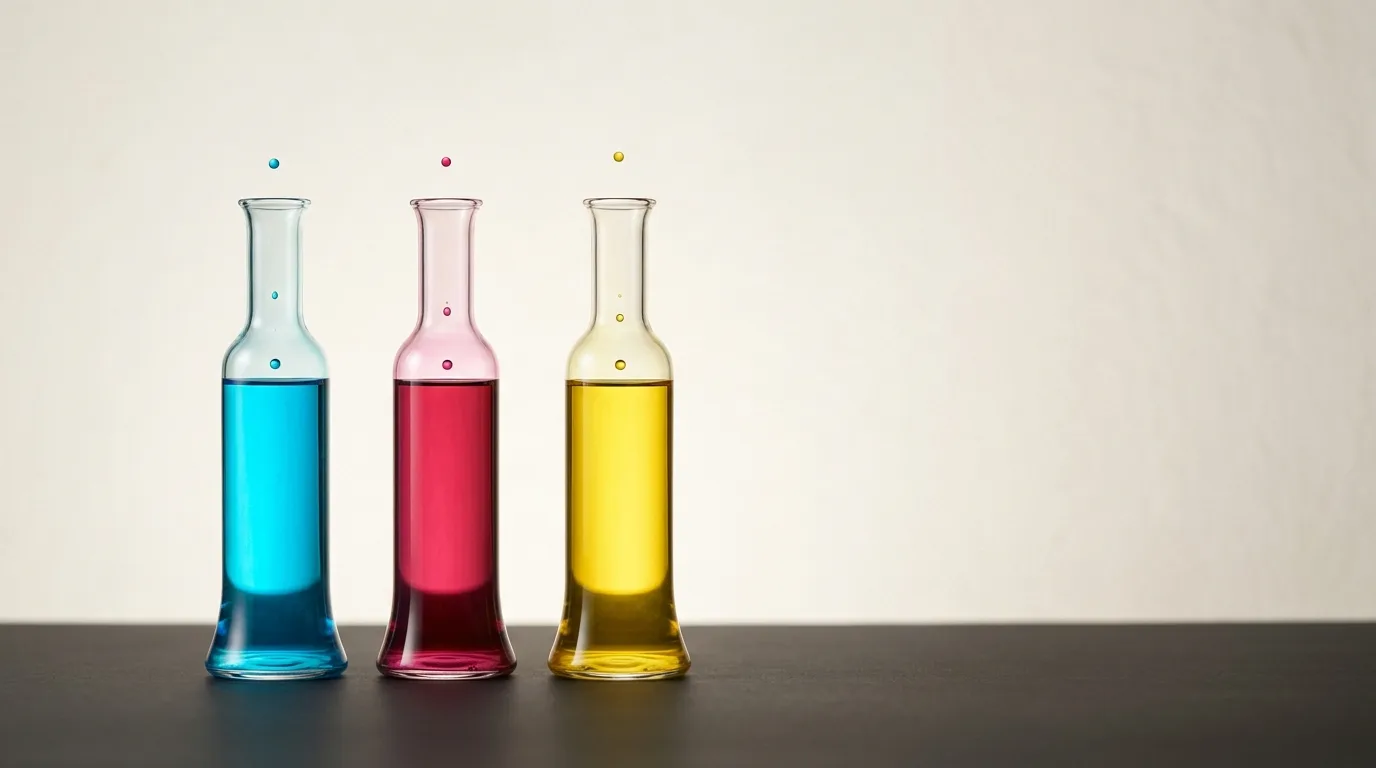
The cartridge is where the printer business makes its money. Buyers search "inkjet printer cartridges" about 27,100 times a month, usually at the worst moment — staring at a replacement set that costs more than they remember paying for the printer.
That sticker shock is not an accident. It is the entire business model, and once you see how it works you can decide whether to keep feeding it or step off.
Here's the thing: the ink is the product. The printer is the bait.
What a cartridge actually costs you
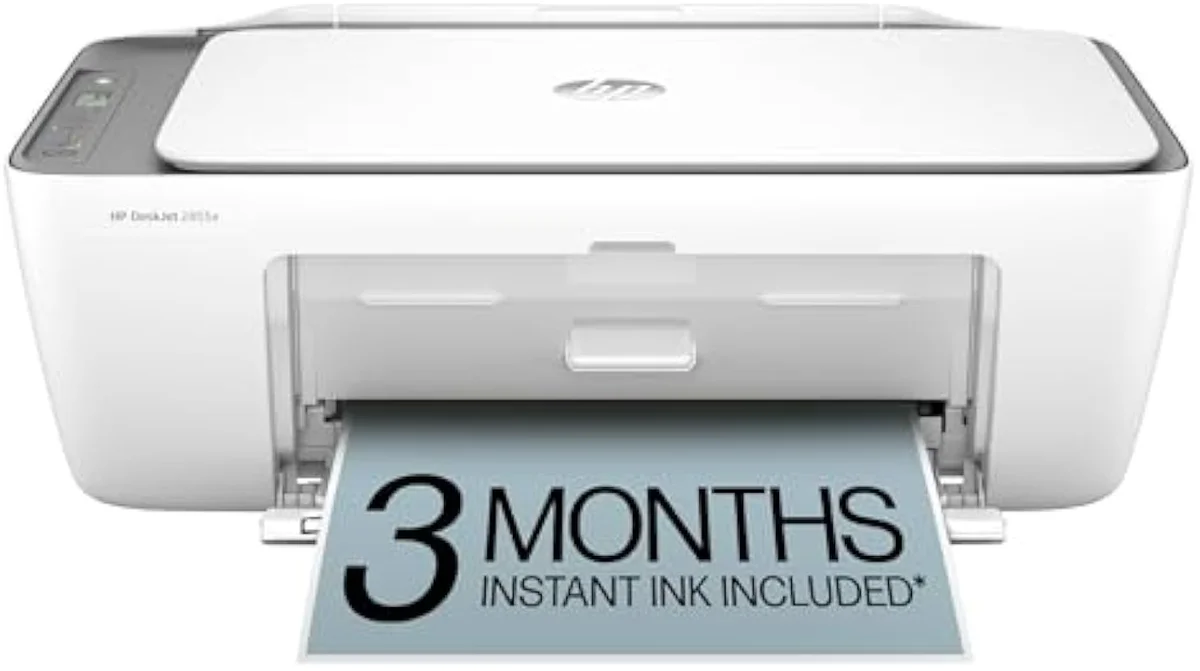
An ink cartridge is a sealed reservoir of liquid ink — and on many budget HP and Canon models, the printhead itself — that you buy, drain, and replace every 100 to 200 color pages. Its price has little to do with what the ink costs to make and everything to do with subsidizing the cheap machine it feeds.
The math is brutal once you look. A full set of XL replacement cartridges can approach a budget all-in-one's own sale price, which means a printer you bought once can re-bill you that amount every several months of regular use. Across the 59 models we track, the cheapest machines to buy are consistently the most expensive to own, and cartridge ink is the reason. Independent cost-per-print testing at RTINGS, which has lab-tested 182 models, puts cartridge cost-per-page many times higher than bottle ink.
XL, standard, and the page-yield trap
Buy XL almost every time — across Canon and Epson lines, the high-yield set lowers cost-per-page, not raises it.
Cartridges come in standard and XL (high-yield) sizes, and the labels mislead. An XL is not a different ink — it is a bigger reservoir at a smaller premium per page, because you pay for the plastic shell and chip once instead of twice. For anyone who prints regularly, XL is the cheaper choice almost every time.
The trap is page yield itself. Makers rate cartridges to the ISO/IEC 24711 standard, which prints a fixed test suite nonstop. Real households print in bursts, and an idle inkjet runs cleaning cycles that spend ink on nothing — so the pages you actually get often fall short of the rated number. We break the yield-claim-versus-reality gap down across the catalog in our printer comparison criteria.
Cartridge
Supertank
Individual tanks or one tri-color cartridge?
Check this before you buy — it quietly doubles some printers' running cost.
Budget inkjets usually take one tri-color cartridge: cyan, magenta and yellow in a single shell. Run any one color dry and you replace all three, wasting the ink still inside — a real penalty if you print heavy in one hue. Step-up models from Canon and Epson use individual tanks per color, so you replace only the empty one. Across the 59 models we track, the individual-tank machines almost always cost less per page over 2 years, even when they cost a little more to buy.
It is the same razor-and-blades logic one layer down. A tri-color cartridge looks cheaper on the shelf and costs more in the bin. Canon and Epson individual-tank models avoid that waste, so if you print a lot of a single color — a logo, a kid's blue-heavy artwork — they pay for themselves fast.
Third-party ink and the firmware lock
Cheaper third-party ink works — until a Canon or HP firmware update is pushed to close it.
Compatible and remanufactured cartridges cost a fraction of OEM, and plenty of them print perfectly well. The risk is that the printer can be updated to fight back: firmware pushes on several HP and Canon lines have rejected non-OEM cartridges after purchase, and HP's Instant Ink subscription cartridges stop printing entirely at the end of the final billing cycle if you cancel.
That after-the-fact control is exactly what owners resent. One representative thread in our research asked simply for a printer "that doesn't require a subscription or an account on their site." If keeping your refill options open matters to you, weigh it before you buy — we track lock-in risk for every model in our safety and known-risks guidance.
The bottle-fed escape, costed over time
The permanent fix is to stop buying cartridges at all.
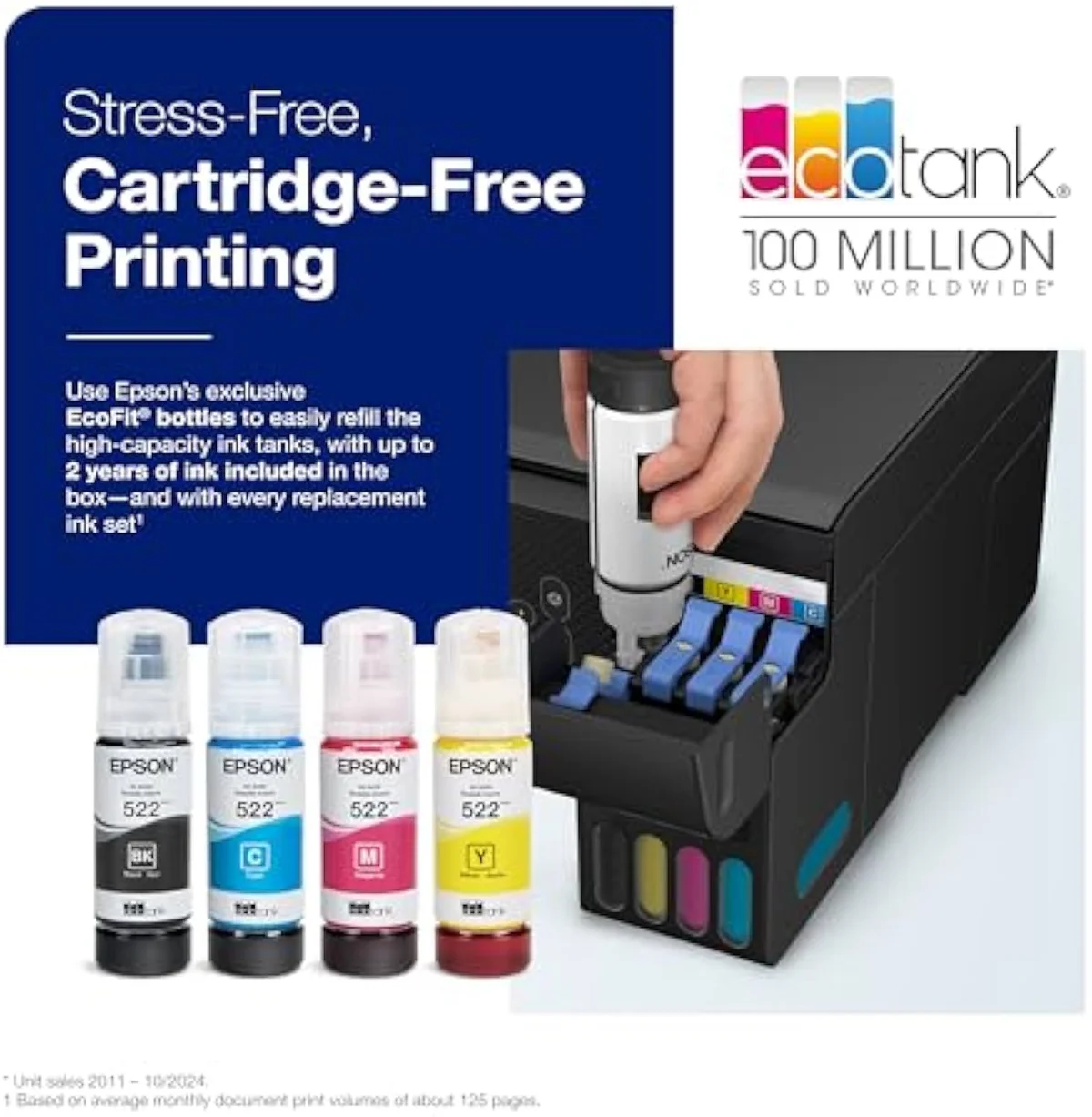
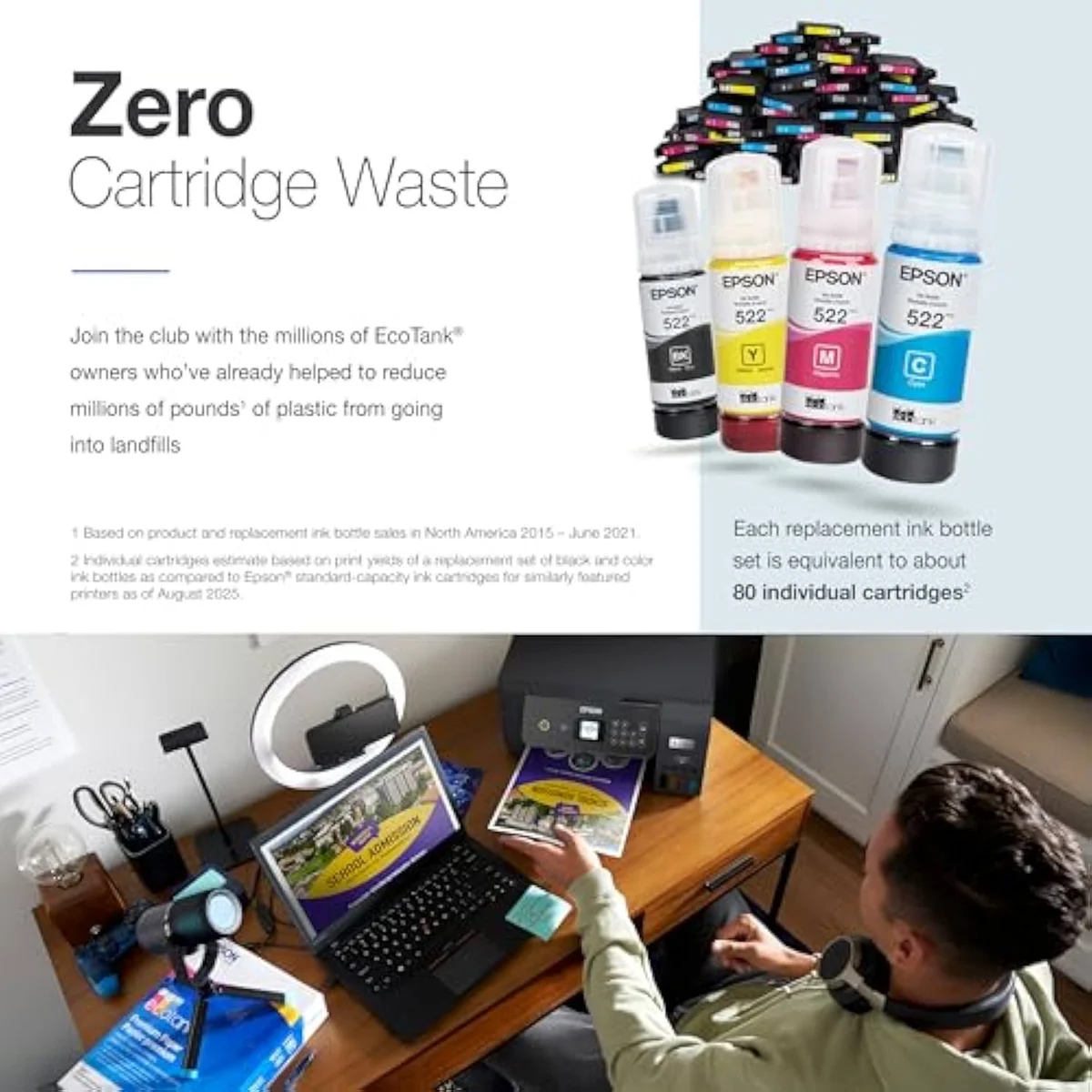
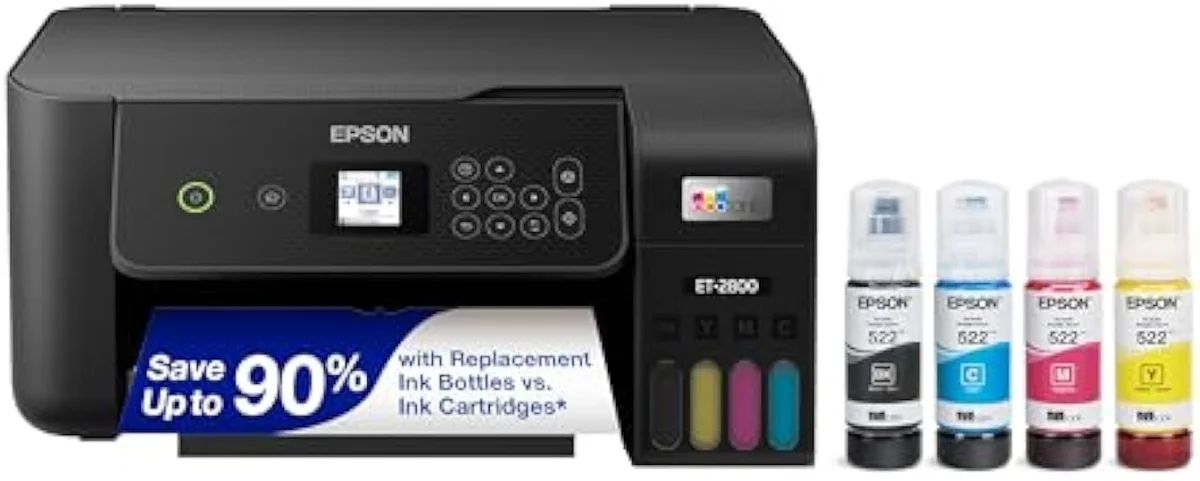
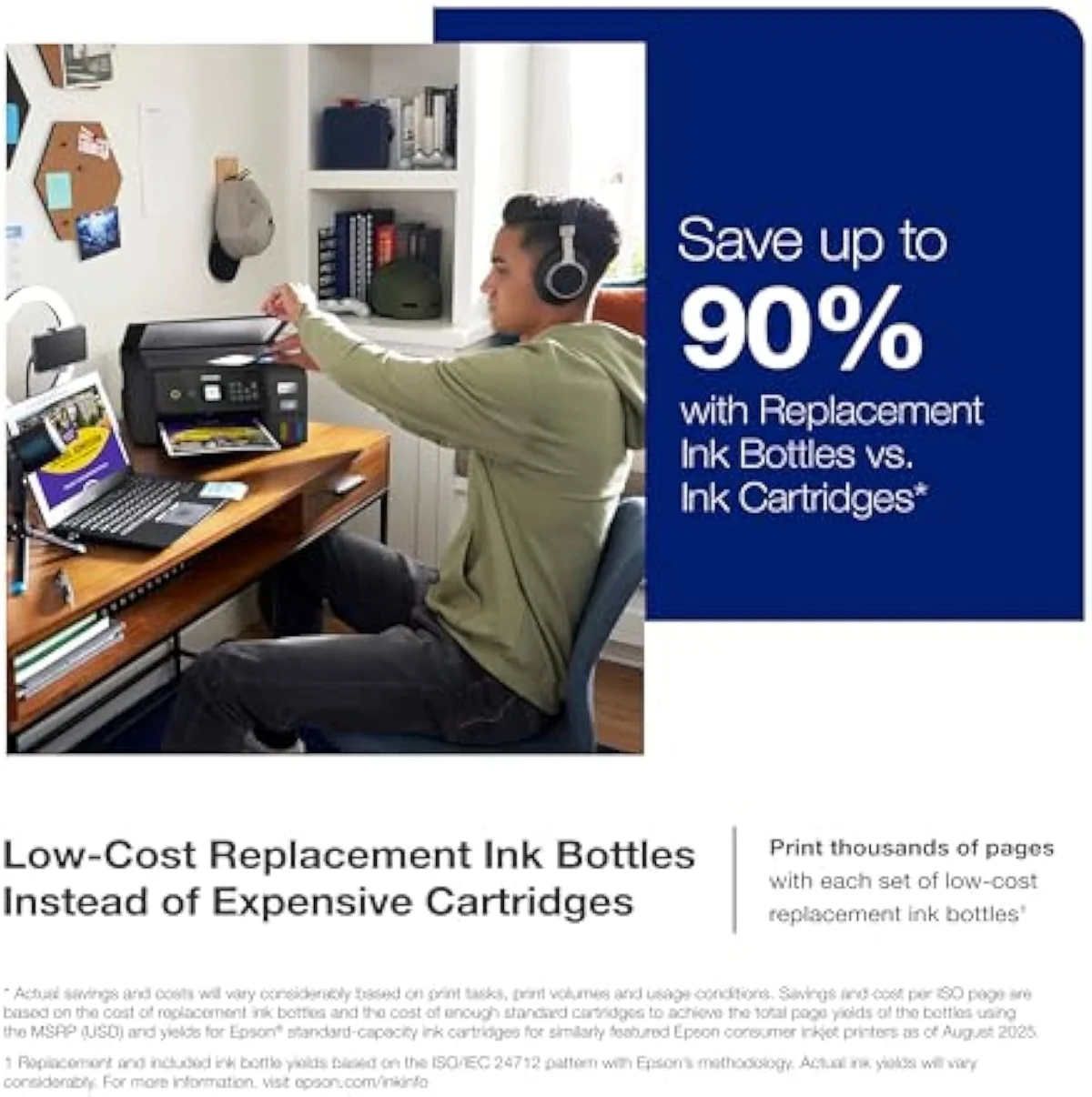
A bottle-fed supertank like the Epson EcoTank ET-2800 costs more up front and then refills from ink bottles rated for thousands of pages — so its cost line goes nearly flat while the cartridge line keeps climbing. Plot both over 24 months and the crossover is plain.
The ink-cost runway
≈ 200 pages a month
When a cartridge printer is still the right call
Be honest about volume. If you print only 10 or 15 pages a month, the supertank's bottle premium never pays itself back over 2 years, and a cheap cartridge model is the correct, eyes-open choice. The cartridge tax only bites people who print enough to keep hitting the shelf.
There is even a quiet hazard the other way. A supertank's bottle ink is built to be used; left mostly idle, a permanent-head EcoTank or MegaTank still runs cleaning cycles that drain ink you paid for up front. A light printer can lose ink to maintenance faster than to actual pages. For the truly occasional user — a few documents and the rare holiday photo — a cheap cartridge all-in-one from HP or Canon, fed XL sets, is both cheaper to buy and less exposed to that idle-ink waste. Buy the trap on purpose, with your eyes open, and it stops being a trap.
Where to start
If the cartridge shelf is why you're here, the answer is to stop visiting it: a bottle-fed supertank like the Epson EcoTank ET-2800 ends the tax for any household that prints more than 50 pages a month. If you truly print rarely, keep the cheap cartridge machine and buy XL sets to soften the blow. The model-by-model cost breakdown lives in our research layer below.
Frequently Asked Questions
Inkjet cartridges in one paragraph
Inkjet cartridges are priced to recover the cheap printer's loss, so a full XL set can rival the machine's own price and the ink overtakes the printer's cost inside the first year of regular printing; XL sizes lower the cost per page, third-party ink is cheaper but can be blocked by firmware, and the only permanent escape across the 59 models we track is a bottle-fed supertank like the EcoTank ET-2800 that refills for a fraction of cartridge cost.
Why are inkjet printer cartridges so expensive?
Because the printer is sold at a loss to hook you on the ink. It is the razor-and-blades model pointed at your desk: the maker recovers its margin on cartridges, so a full replacement set can approach the cheap printer's own sale price. Independent testing routinely measures cartridge ink as one of the most expensive liquids you can buy by volume.
How many pages does an inkjet cartridge print?
A standard color cartridge often prints around 100 to 200 pages; an XL black can reach several hundred. Makers measure this to the ISO/IEC 24711 standard, which prints a fixed suite nonstop — so a household that prints in bursts and uses cleaning cycles usually gets fewer real pages than the box claims.
Are XL ink cartridges worth it?
Almost always, if you print regularly. An XL cartridge costs more up front but drops the cost per page well below a standard cartridge, because you are paying less of a premium for the plastic shell each refill. The only time standard wins is for a printer you barely use, where the ink expires before you finish the XL.
Can you use third-party ink cartridges?
Often, but with a catch. Compatible and remanufactured cartridges cost a fraction of OEM ink, and many work fine — but firmware updates on several HP and Canon lines have rejected non-OEM cartridges after the fact, and using them can complicate a warranty claim. A bottle-fed supertank sidesteps the whole fight.
What is the difference between a cartridge printer and an EcoTank?
Cost structure, not technology. Both fire the same liquid ink. A cartridge printer is cheap to buy and dear to refill; an EcoTank-class supertank costs three to four times as much up front and then refills from bottles at a fraction of cartridge cost per page.
Do you have to replace all cartridges at once?
Usually only the empty one — most printers track each color separately. The frustration is that many inkjets refuse to print at all, even in black, until every cartridge reads as having ink, which is why a single empty color can stop a black-text job.
Read the Full Review
Want a deeper look at the Epson EcoTank ET-2800?
Keep reading
Two ad-free explainers that cost the cartridge-versus-tank decision out, model by model:
Sources
Inkjet Printers notes that actually mention the tradeoffs
Occasional updates on inkjet printers evidence, price movement, and buyer-fit changes.
Only when something changes. Unsubscribe anytime.