Inkjet vs Laser Printers: What's the Difference, and Which to Buy
Updated
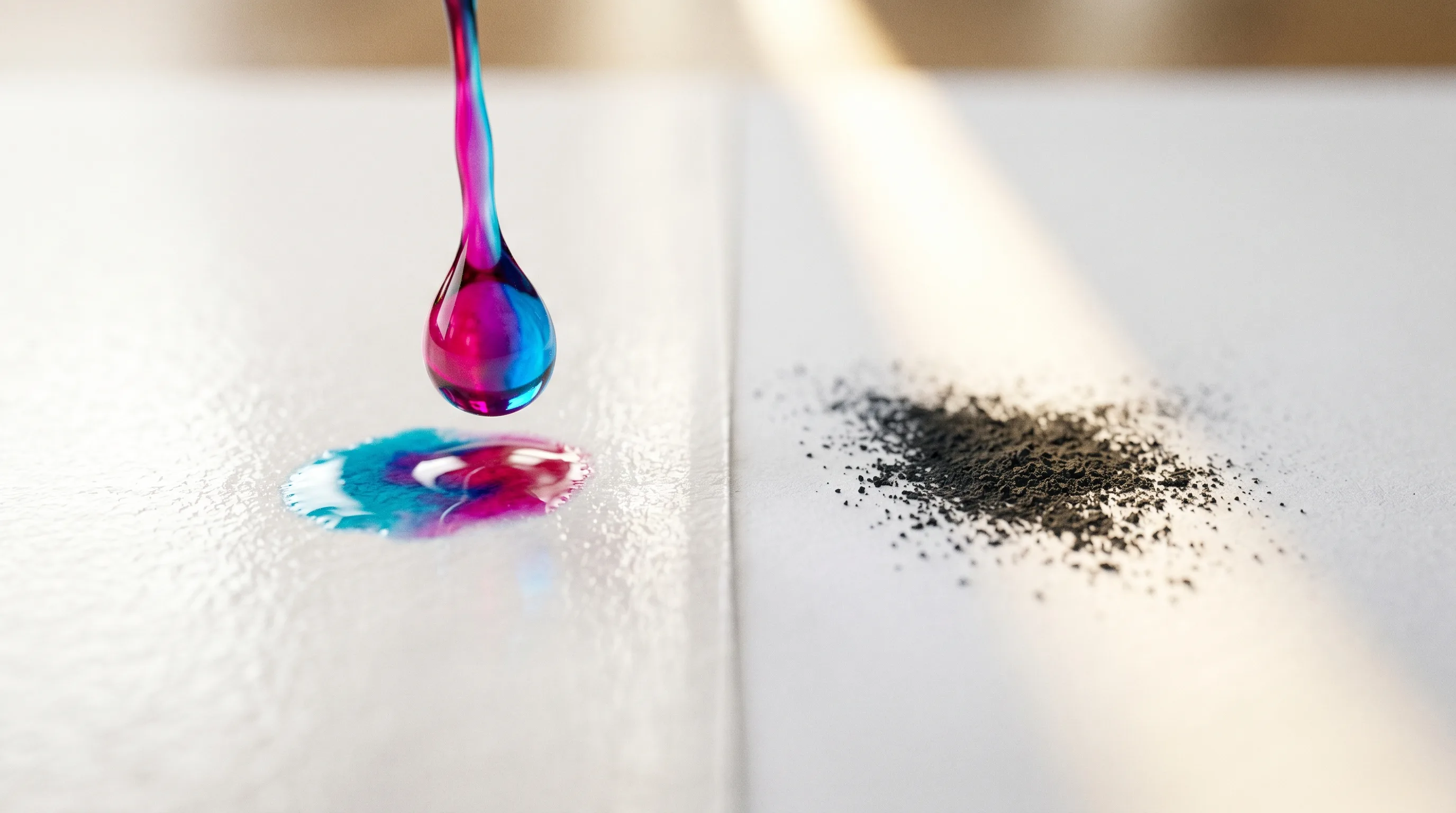
For most homes a supertank inkjet wins: it prints the color and photos a laser cannot, handles the everyday pile, and undercuts both cartridge inkjets and lasers on cost per page. Buy a mono laser only for text-only volume.
Buy a laser only if you print plain black text and nothing else. For everything else — color, photos, the mixed pile a household actually prints — buy an inkjet, and buy it as a refillable supertank (an Epson EcoTank or Canon MegaTank) rather than a cartridge model. The machine matters less than the ink system feeding it.
"Inkjet vs laser" is the most-searched question in this whole category, and most answers lead with print speed. Speed is the headline. The consumable system writes the bills.
For most homes, the answer is a supertank inkjet.

The one difference that drives everything
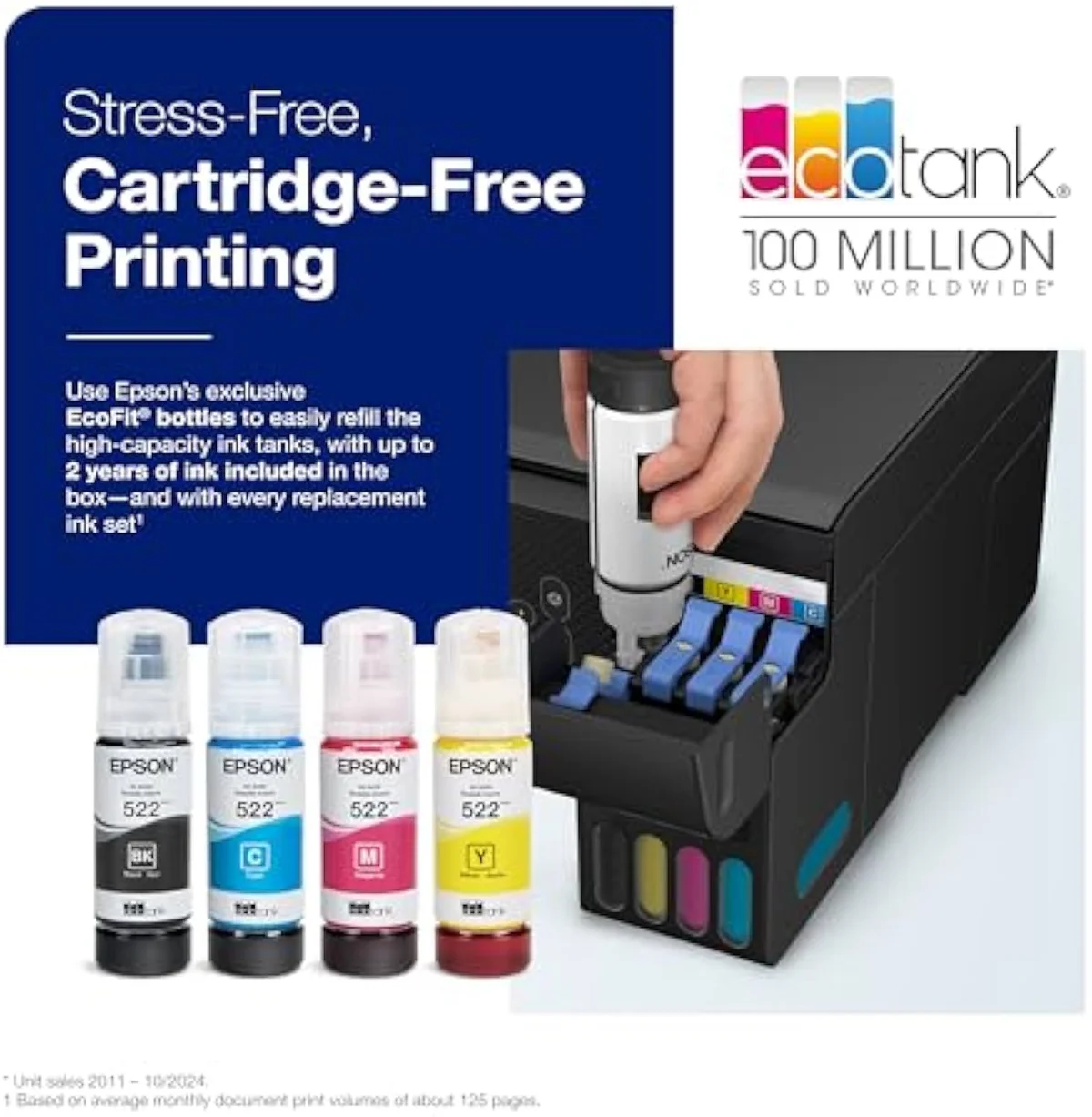
An inkjet fires liquid ink through microscopic nozzles onto the page; a laser fuses dry toner powder onto paper with heat instead. That one mechanical split — liquid versus dry, sprayed versus fused — is what decides running cost, photo quality, and how each printer copes with sitting unused.
The two technologies are documented at Wikipedia's inkjet printing and laser printing entries. The diagram below forks each mechanism down to the consequence you actually feel — tap a side to expand it.
Inkjet Liquid ink droplets
A printhead sweeps the page firing microscopic droplets of liquid ink through nozzles — the head is either a permanent part or rides on the cartridge itself.
- Running cost
- Cartridge refills run dear; a refillable supertank runs cheapest per page of anything here
- Photo & color
- Owns photos and saturated color; borderless prints have no toner equal at home prices
- Sitting idle
- Liquid ink can dry in the nozzles; cleaning cycles then spend ink to recover
Laser Dry toner, fused with heat
A charged drum collects dry toner powder and a heated fuser bonds it to the paper in one hot pass — no liquid anywhere in the chain.
- Running cost
- High-yield toner lands between cartridge ink and bottle ink
- Photo & color
- Flat office color at best — a fuser cannot do glossy photo output
- Sitting idle
- Dry toner never dries out — the calmer of the two left unused for weeks
What each printer is built for
Match the machine to what you print most, not to the spec with the biggest number. Three jobs decide it.
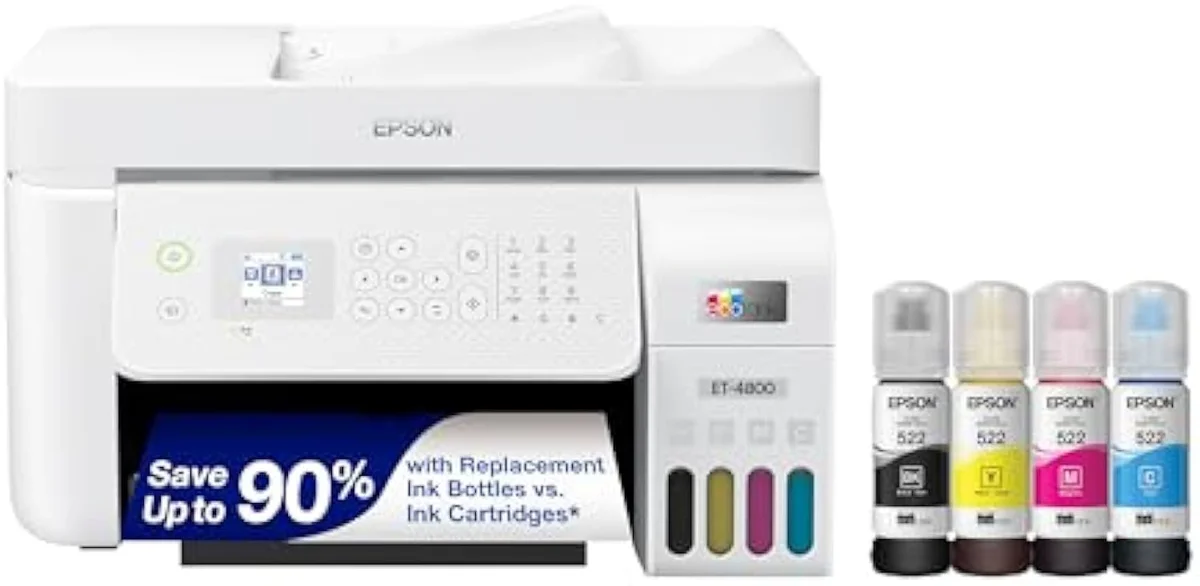
Inkjet owns photos and saturated color — a supertank all-in-one like the Epson EcoTank ET-4800 lays down continuous-tone color and borderless photos a fuser cannot match at home prices. It also swallows the everyday mix: homework, recipes, return labels, the occasional photo, all from one machine. That versatility is why we point most readers at all-in-one wireless inkjets first.
The running-cost gap, and the third path
"Inkjet vs laser" treats inkjet as one thing — but a cartridge inkjet and a refillable supertank have opposite cost structures, and that is where the real money lives.
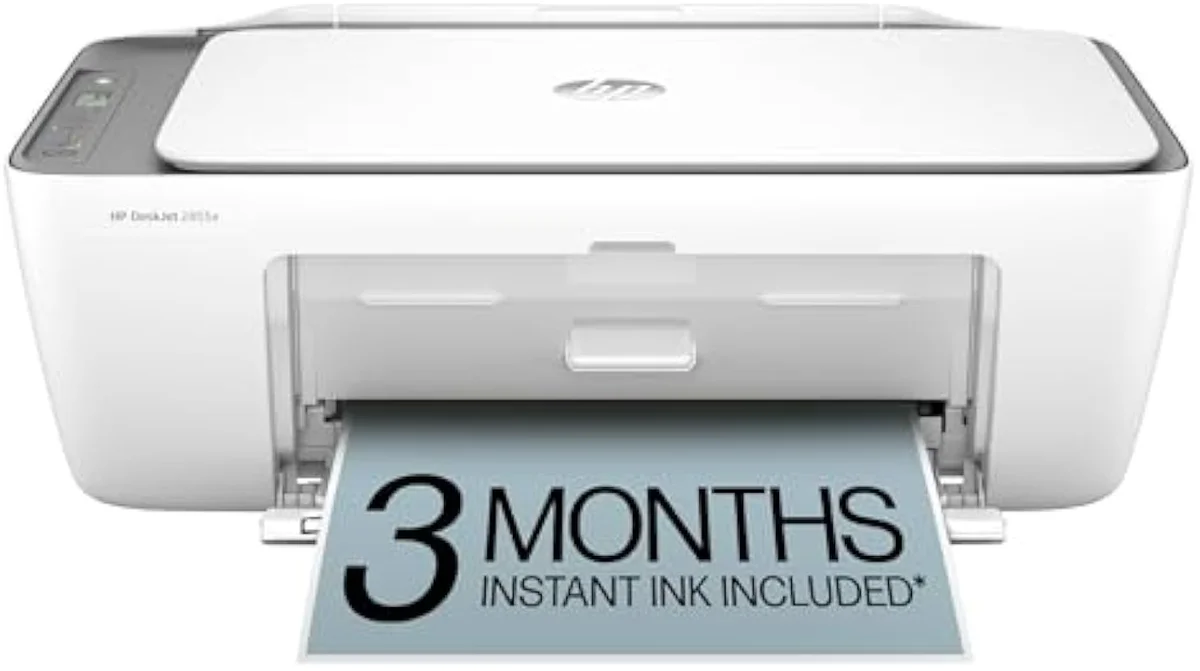
A budget cartridge model like the HP DeskJet 2855e is cheap to buy and dear to feed: a full set of replacement XL cartridges can approach the printer's own sale price. Independent cost-per-print testing at RTINGS, which has lab-tested 182 models, puts cartridge ink many times dearer per page than bottle ink. Plot cumulative cost over time and the cartridge line climbs while the supertank stays nearly flat.
The specs that don't decide it
Past the ink system, a short feature list separates a machine that fits your desk from one that fights you. None of these is the headline difference, but the wrong call here is what makes an otherwise-capable printer annoying to live with. Buy for the jobs you do weekly.
- ISO ppm — the standardized pages-per-minute rating, the only speed figure worth comparing across brands. Lasers usually win it; few homes print fast enough to feel it.
- Duplex — automatic two-sided printing. Halves your paper and a chunk of your ink on text documents.
- ADF — an automatic document feeder for scanning and copying multi-page stacks. The line between a home printer and a home office.
- Borderless photo — edge-to-edge prints on photo paper, standard on photo-leaning inkjets and impossible on a laser. If you print photos, it is non-negotiable.
What about a color laser?
A color laser looks like the compromise — toner reliability plus color — but it rarely is. Each color laser stacks four separate toner cartridges, multiplying the consumable bill, and the hardware sits a tier above both inkjet classes. The color it makes is flat, office-grade fill, not the continuous-tone output a photo needs: a fuser bonds dry powder, and powder cannot blend on paper the way liquid ink does.
Its honest niche is a small office printing charts, flyers, and presentations at volume, where toner's per-page economics and speed pay back. For a home that wants color because it occasionally prints photos or a school project, a supertank inkjet like the Epson EcoTank ET-2800 delivers richer color for far less outlay — a verdict the best-printer roundups at TechRadar reach repeatedly. Color laser solves an office problem, not a household one.
The lock-in nobody puts on the box
Liquid ink invites lock-in, and it is a first-class buying axis. Cartridge ecosystems push subscriptions and, on some lines, firmware that rejects third-party ink — strings a bottle-fed supertank simply does not have.
Owners feel it sharply. One thread we synthesized put it plainly: "I'm absolutely sick of HP and their dumb printers. Who makes the best printers for personal use that don't require a subscription or an account on their site?" A refillable EcoTank or MegaTank answers that — you refill from ink you buy outright. We track the subscription and firmware risks in our evidence hub.
So which should you buy?
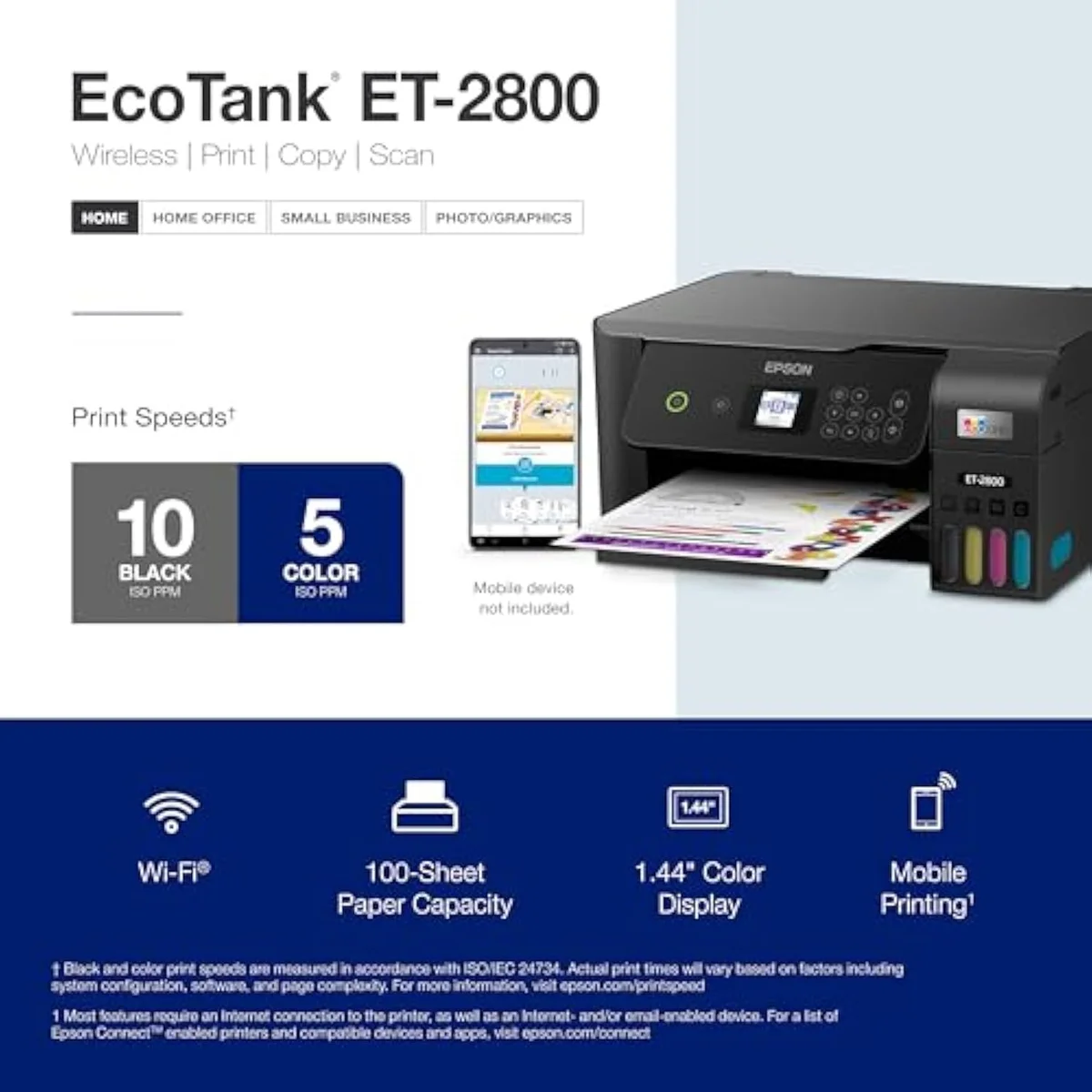
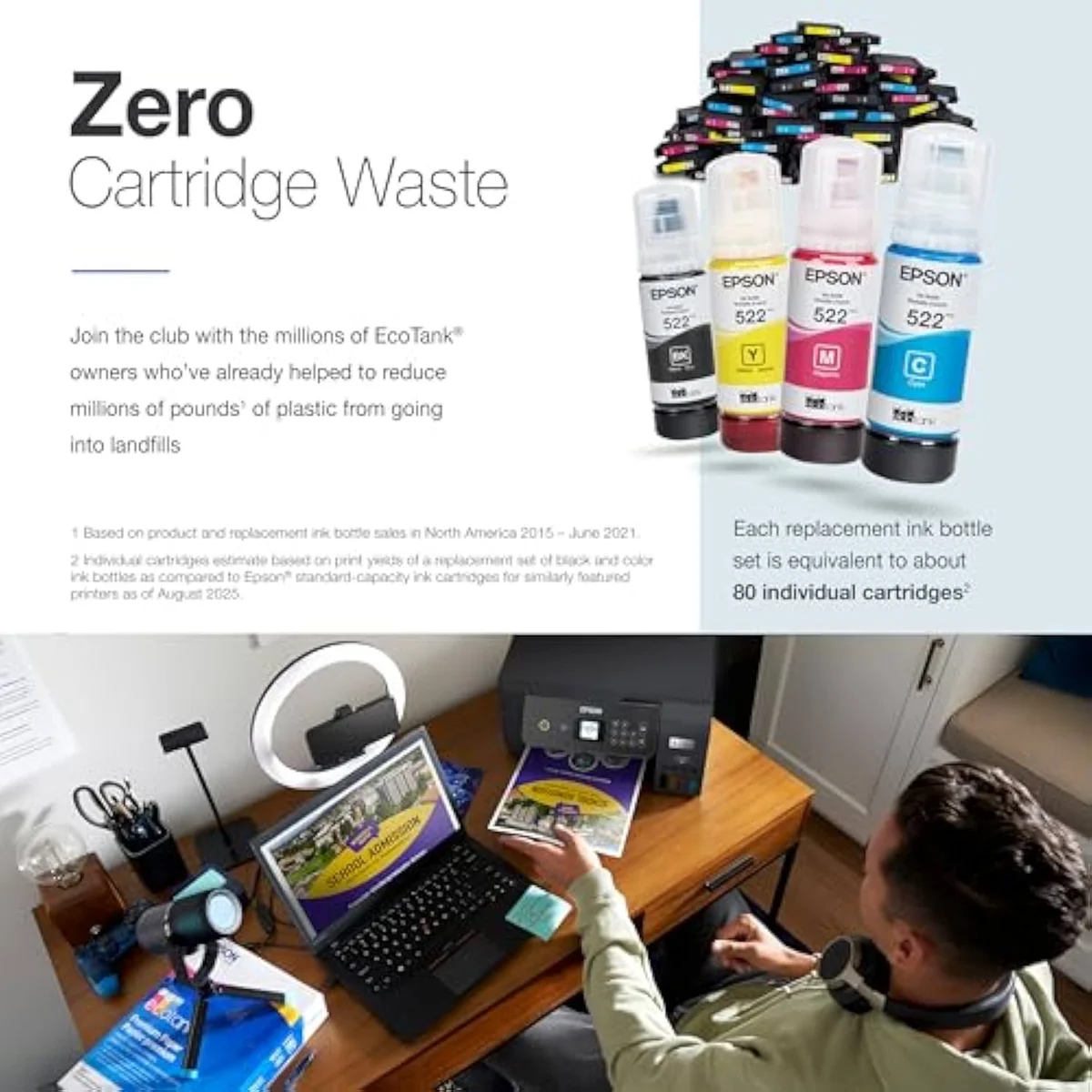
For the overwhelming majority of homes: a supertank all-in-one inkjet such as the Epson EcoTank ET-2800. It prints color and photos a laser cannot, swallows a mixed diet, and beats both cartridge inkjets and lasers on cost per page once you print regularly.
Choose a mono laser only for a pure text-at-volume office, and a cartridge inkjet only if you print rarely enough that the cheap sticker wins. To compare the supertank field head-to-head, start with our best supertank printers roundup.
Our pick for most homes
A supertank all-in-one is the default recommendation — it absorbs photos, color, and the everyday pile at bottle-ink rates, and clears its higher sticker inside the first year of regular printing. The reasoning, and the rest of the shortlist, lives below.
Frequently Asked Questions
Inkjet vs laser in one paragraph
Inkjet printers fire liquid ink and own photos and mixed color work; laser printers fuse dry toner and own high-volume black text; and a refillable supertank inkjet undercuts both on cost per page — so for most homes the right answer to "inkjet vs laser" is a supertank inkjet, with a mono laser reserved for text-only offices.
Is inkjet or laser better for home use?
Inkjet for most homes. It prints photos and saturated color that a laser cannot touch at consumer prices, and it handles the mixed diet a household actually prints — homework, labels, the odd photo. A laser only earns its place in a text-only office that never prints an image. Buy laser if you print plain black documents at volume and nothing else; otherwise a supertank inkjet is the safer call, and it costs less per page once you print regularly.
What is the actual difference between inkjet and laser?
Inkjet fires liquid ink droplets through microscopic nozzles. Laser fuses dry toner powder onto the page with heat. That one mechanical split decides running cost, photo quality, and how each handles sitting idle.
Is laser cheaper to run than inkjet?
It depends which inkjet. High-yield toner runs cheaper per page than cartridge ink, so a laser beats a cartridge inkjet on cost. But a refillable supertank inkjet undercuts laser on cost per page while keeping color and photo printing — the third option the inkjet-vs-laser question hides.
Do laser printers print photos?
Not well. A fuser bonds toner for crisp text, but glossy photo output is inkjet-only at home prices.
Which lasts longer if left unused, inkjet or laser?
Laser. Dry toner does not dry out, so a laser left dark for weeks starts cleanly. Liquid ink can set in an inkjet’s nozzles during long idle stretches and trigger ink-spending cleaning cycles. Print in color weekly and a modern inkjet rarely clogs.
Are supertank inkjets like the EcoTank worth it over a cheap printer?
If you print regularly, yes. The ET-2800 class costs three to four times a budget cartridge model up front, then refills from bottles that print thousands of pages. Print only a few pages a month and the premium never returns.
Our Top Recommendation
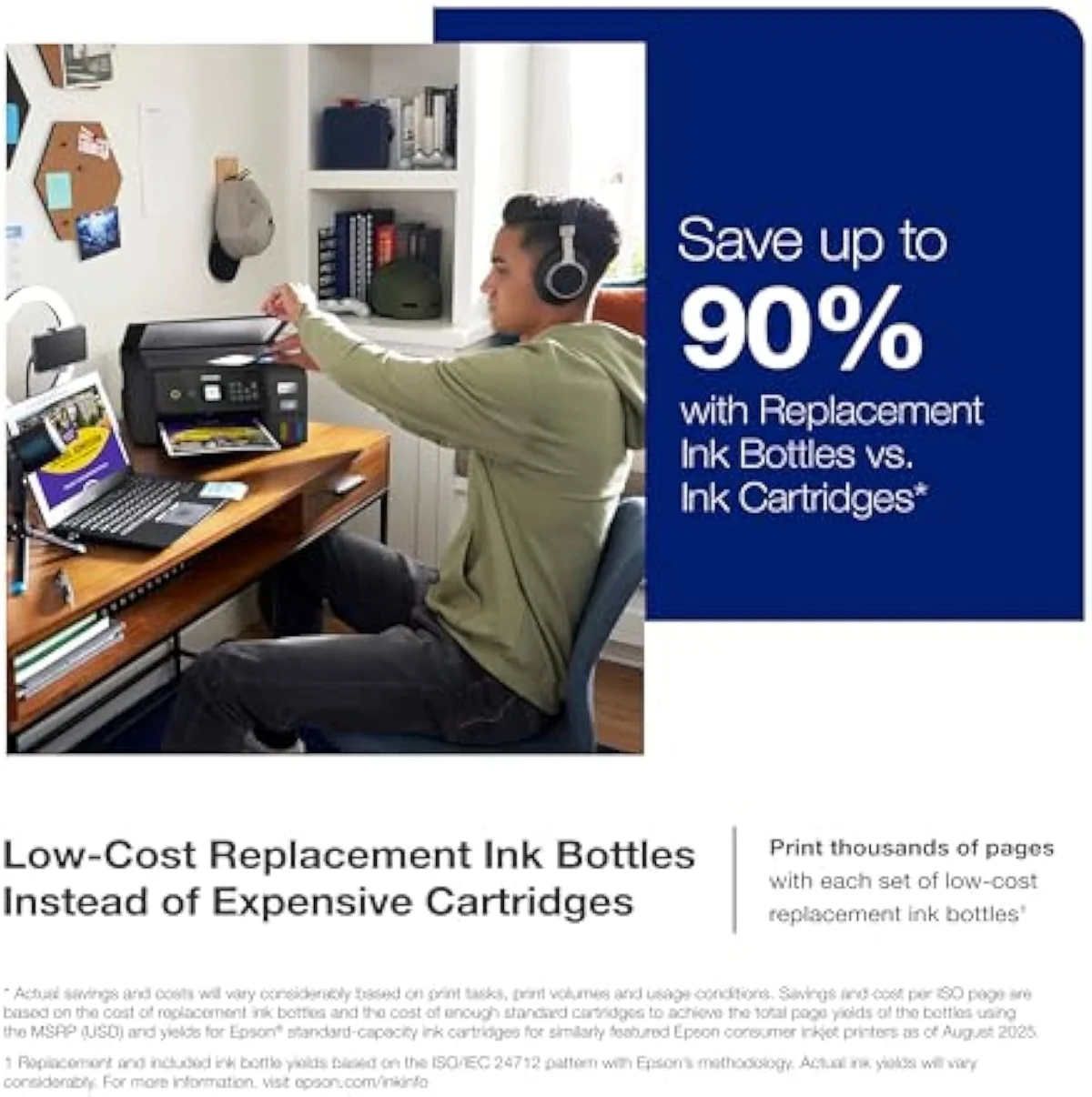
Based on our research, the Epson EcoTank ET-2800 is our top pick — first-time supertank buyers who want ecotank refill economics at the lowest entry price and print often enough to keep the heads from clogging.
Keep reading
Take the decision deeper, ad-free, before you shortlist a machine:
Sources
Get Our Top 3 Picks
Get our top 3 picks for your budget — one email, then only updates.
Only when something changes. Unsubscribe anytime.