Inkjet Buyer Problems Explained
Updated
Definitions
Total cost of ownership is a printer's full lifetime cost — purchase price plus every consumable, refill, and subscription (Wikipedia). It is the lens that turns four of the five problems below into predictable mechanisms.
- The cartridge tax
- The cartridge tax is the gap between a printer's low sticker price and the high price of its replacement ink, where one starter set can approach the printer's own cost — the loss-leader hardware model that ink-tank reviews exist to expose (Tech Gadgets Canada).
- Page yield
- Page yield refers to the number of pages an ink set is rated to print under the ISO/IEC 24711 test. A budget cartridge yields a few hundred pages while a supertank bottle set yields thousands, and real output runs below the lab figure, so labs re-measure it (RTINGS).
- Printhead clog
- A printhead clog is dried ink blocking the microscopic nozzles that fire droplets onto paper. It is the dominant failure mode of an inkjet left idle, because the same liquid ink that prints can also dry inside the head (Wikipedia).
- Cleaning cycle
- A cleaning cycle is the automatic routine a printer runs to push ink through clogged nozzles and clear them. It works by spending ink, which means recovery from a clog is itself a running cost.
- AirPrint
- AirPrint is Apple's driverless wireless printing protocol, and the equivalent of Mopria on Android. Both depend on the printer and device sharing one Wi-Fi network, which is the step that fails most often at first run (PCMag).
- Subscription ink
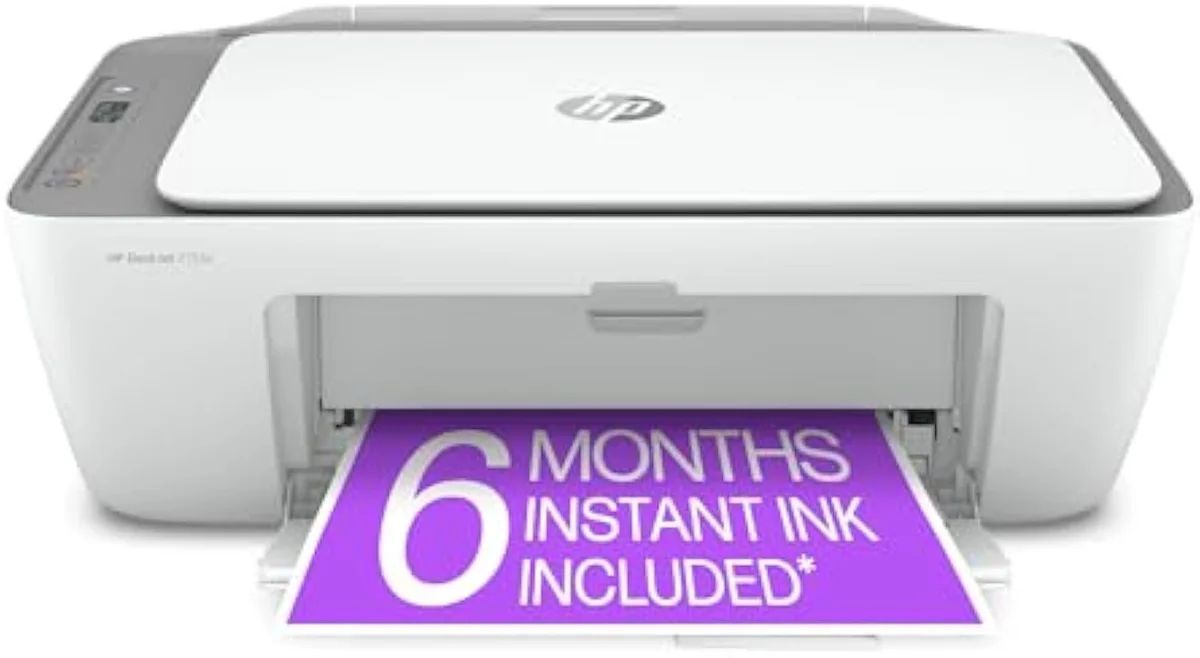
- Subscription ink is a billed-by-the-month ink plan such as HP Instant Ink, metered by page count rather than by cartridge. It converts a one-time purchase into a recurring charge and can disable printing if the plan lapses.
- Firmware lock
- Firmware lock is printer software that rejects non-OEM cartridges, sometimes via a firmware update pushed after purchase. It removes the aftermarket-ink escape route that would otherwise undercut the cartridge tax.
- Dye versus pigment ink
- Dye ink is water-based and soaks into paper for vivid photo color; pigment ink rests on the surface for sharp, water-resistant text. The split is why a document printer and a photo printer make opposite ink choices (Wikipedia).
- Supertank (continuous ink system)
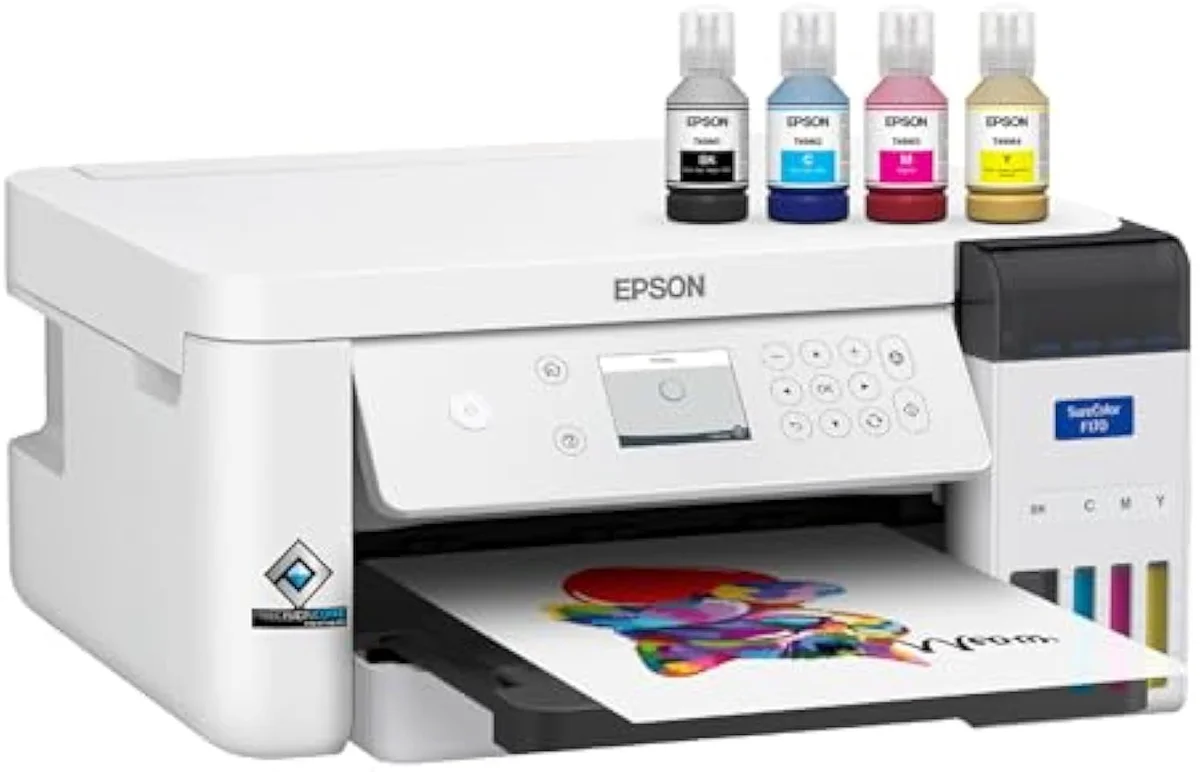
- A supertank is a continuous-ink-system design that swaps cartridges for refillable reservoirs filled from high-yield bottles — the architecture that removes the cartridge tax at the cost of a higher purchase price (Wikipedia).
The five recurring problems and their mechanisms
Owner reviews across 59 tracked models and 4 major brands cluster on the same 5 complaints; one-star reviews concentrate on setup failure and ink cost, with print quality a distant third (RTINGS).
| Problem | Mechanism (why it happens) | What the evidence shows |
|---|---|---|
| Cartridge cost shock | Hardware sold near cost; profit recovered through ink priced high per millilitre | A starter cartridge set can approach the printer's price; ink-tank reviews quantify the gap |
| Printhead clogs | Liquid ink dries inside microscopic nozzles when the head sits idle for 2 to 3 weeks | Idle-clog risk is scored as a first-class printer attribute by independent testing |
| Wi-Fi / AirPrint setup friction | First-run onboarding requires a cloud account and a shared 2.4 GHz network handshake | Setup failure is the most common one-star cause across all four major brands |
| Ecosystem / subscription lock-in | Firmware rejects third-party ink; subscription plans meter printing by the month | Subscription and firmware-lock backlash is a recurring rage trigger in owner threads |
| Photo-output disappointment | A document printer's pigment or 4-ink dye set cannot saturate glossy photo stock | Owners report flat saturation on glossy paper from printers built for text |
Each mechanism has a representative model in the catalog we track, paired below with the architecture behind it — a worked example, not a verdict (PCGuide).
| Problem | Illustrative model | Architecture that drives the behavior |
|---|---|---|
| Cartridge cost shock | HP DeskJet 2755e | Small starter cartridges; loss-leader purchase price |
| Cost solved by architecture | Epson EcoTank ET-2800 | Refill bottles rated in the thousands of pages |
| Office speed and functions | Epson WorkForce Pro WF-4820 | High duty cycle, duplex, ADF, pigment text ink |
| Supertank running cost | Canon PIXMA G6020 | MegaTank reservoirs; sub-cent mono pages |
| Photo saturation ceiling | Epson EcoTank Photo ET-8550 | 6-ink dye system for borderless glossy output |
| Budget pairwise dilemma | Canon PIXMA MG3620 | Entry cartridge model owners weigh against pricier rivals |
Cartridge cost shock: the math behind the trap
Cartridge cost shock is the predictable result of a deliberate pricing model: the printer is the loss leader and the ink is the product (Tech Gadgets Canada). Cost-per-page — ink-set price divided by page yield — separates the classes by an order of magnitude, the figure independent labs re-measure per model (RTINGS).
| Printer class | Ink format | Typical mono cost-per-page | Typical black yield per set |
|---|---|---|---|
| Budget cartridge all-in-one | Small starter cartridges | ~10–25¢ | ~120–200 pages |
| Mid-range cartridge all-in-one | XL / high-yield cartridges | ~5–12¢ | ~400–600 pages |
| Refillable supertank | Refill bottles | ~0.5–2¢ | ~4,000–7,500 pages |
The supertank does not abolish the cost — it front-loads it into a higher purchase price and cuts the per-page figure by roughly 90% versus a budget cartridge, which is why Canon G3270 reviews open on bottle economics, not the spec sheet (PCGuide).
Clogs, setup, and lock-in: how each mechanism fires
A printhead clog is the clearest of these mechanisms; the rest trace to an equally specific cause, which editorial reviewers verify on the bench (PCMag).
| Problem | Root trigger | What makes it worse | Why the cost compounds |
|---|---|---|---|
| Printhead clog | Ink drying in nozzles after 2 to 3 weeks idle | Low print frequency; warm, dry rooms; pigment ink in a parked head | Each cleaning cycle spends ink; a failed recovery can brick the head |
| Wi-Fi setup failure | Cloud-account onboarding plus a 2.4 GHz network handshake | Dual-band routers, mandatory app installs, account creation walls | Re-pairing recurs after router or password changes within 12 months, not just at first run |
| Subscription lock-in | Per-month ink billing metered by page count | Auto-renew defaults; printing disabled within 24 hours of a lapsed plan | A recurring charge replaces a one-time buy for the printer's whole life |
| Firmware lock | A firmware update that rejects non-OEM cartridges | Updates pushed silently after purchase; no easy rollback | It closes the aftermarket-ink route that would undercut the cartridge tax |
Photo-output disappointment: a chemistry mismatch
Photo letdown is rarely a defect — it is an ink-chemistry mismatch: a printer built for crisp text uses pigment or a 4-ink dye set that cannot saturate glossy stock like a 6-ink photo dye system (Wikipedia). Editorial photo testing separates document sharpness from saturated color (TechRadar).
| Print job | Ink type that suits it | Typical resolution | Failure when mismatched |
|---|---|---|---|
| Crisp black document text | Pigment black | ~600–1200 DPI | Photos look flat and undersaturated on glossy paper |
| Everyday mixed color | 4-ink dye (CMYK) | ~1200 DPI | Skin tones and gradients band on photo stock |
| Saturated borderless photo | 6-ink photo dye | ~4800 by 1200 DPI or finer | Text edges soften; pigment-only models cannot reach this look |