Inkjet Printers: How They Work and What They Cost
Updated
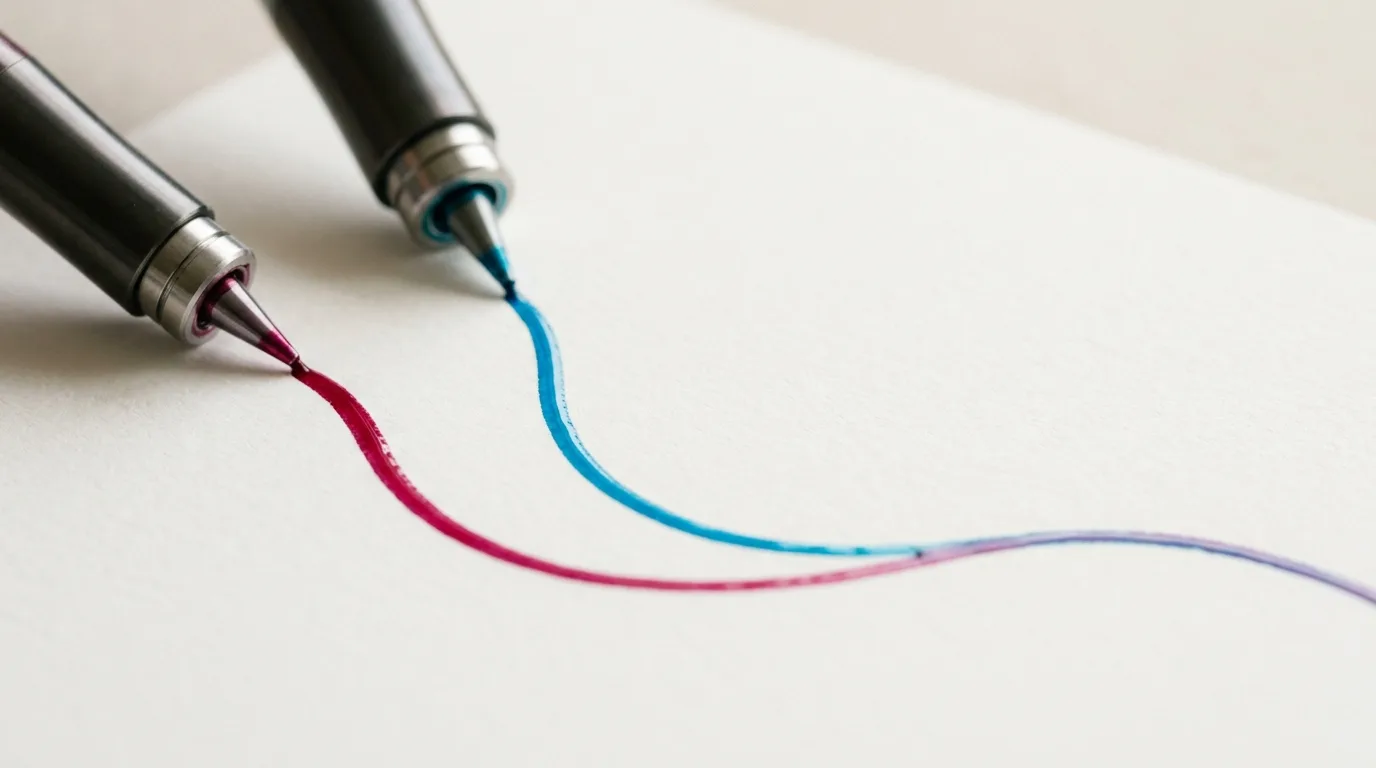
An inkjet printer does one clever thing: it fires liquid ink, drop by microscopic drop, onto paper. That single design choice is why it owns color and photos — and why its running cost works completely differently from the laser sitting next to it on the shelf.
About 12,100 people a month search this category outright, most of them weighing whether an inkjet is the right kind of printer at all. It usually is. The harder question is which one.
And that question is about cost, not specs.
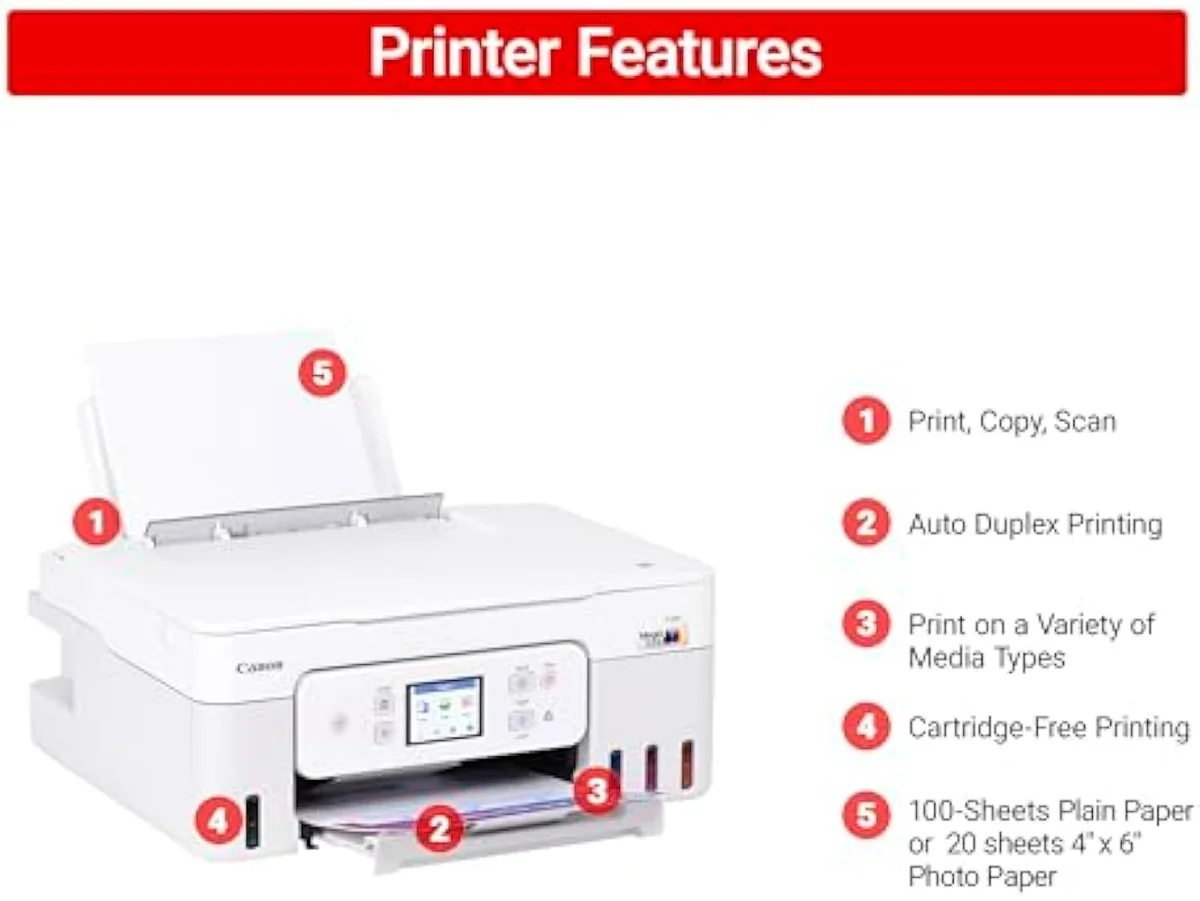
What an inkjet printer is, plainly
An inkjet printer forms text and images by spraying tiny drops of liquid ink through a printhead onto the page. Because the ink is liquid, it blends into saturated color and continuous photo tone — the thing a heat-fused toner laser cannot do at a home price.
Almost every printer sold for a home today is an inkjet, usually an all-in-one that also scans and copies over Wi-Fi. They span roughly $50 budget machines to $700-plus wide-format photo supertanks, across the 59 models we track. The spec sheets argue over speed and resolution; editorial testing at PCMag and others consistently find that running cost and setup reliability matter more to real owners than the headline numbers.
There are two ink chemistries underneath, and they explain a lot. Dye-based ink, common on photo-leaning models, gives the most vivid color and the deepest photo tone but fades faster and smears more easily when wet. Pigment ink, common on office machines, sits on top of the page for crisp, water-resistant black text and archival prints. Many all-in-ones run pigment black with dye colors to get both — sharp documents and decent photos from one machine. It is one more reason the right inkjet depends on what you print, not the brand on the box.
Cartridge
Supertank
The two bets: cartridge or supertank
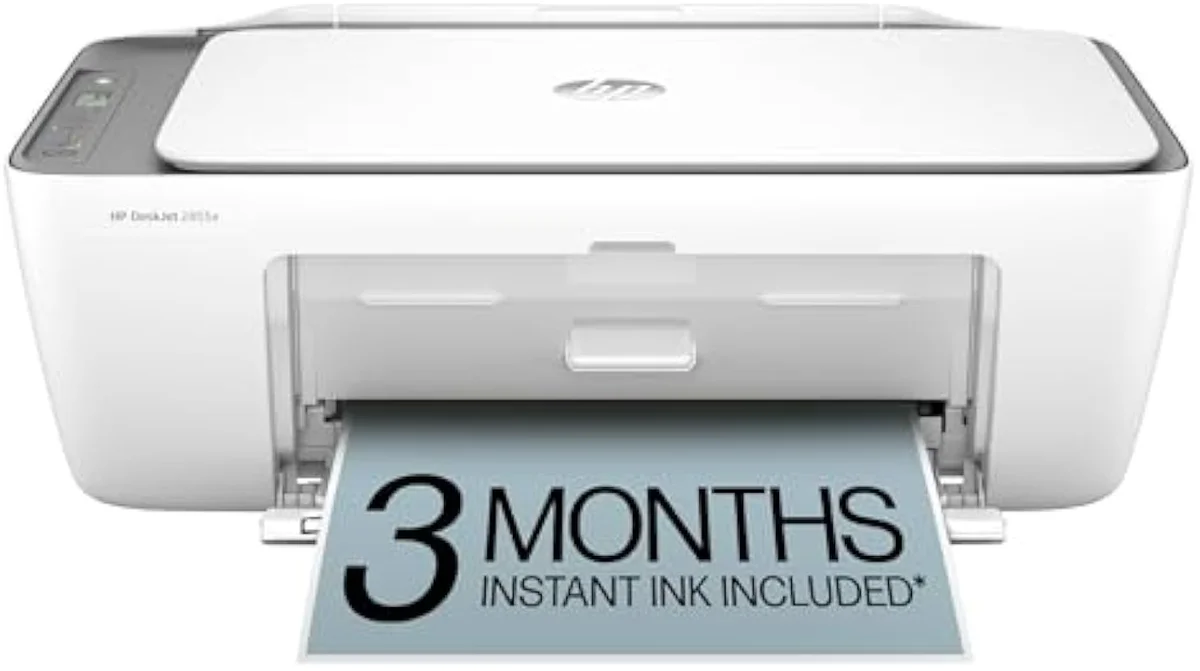
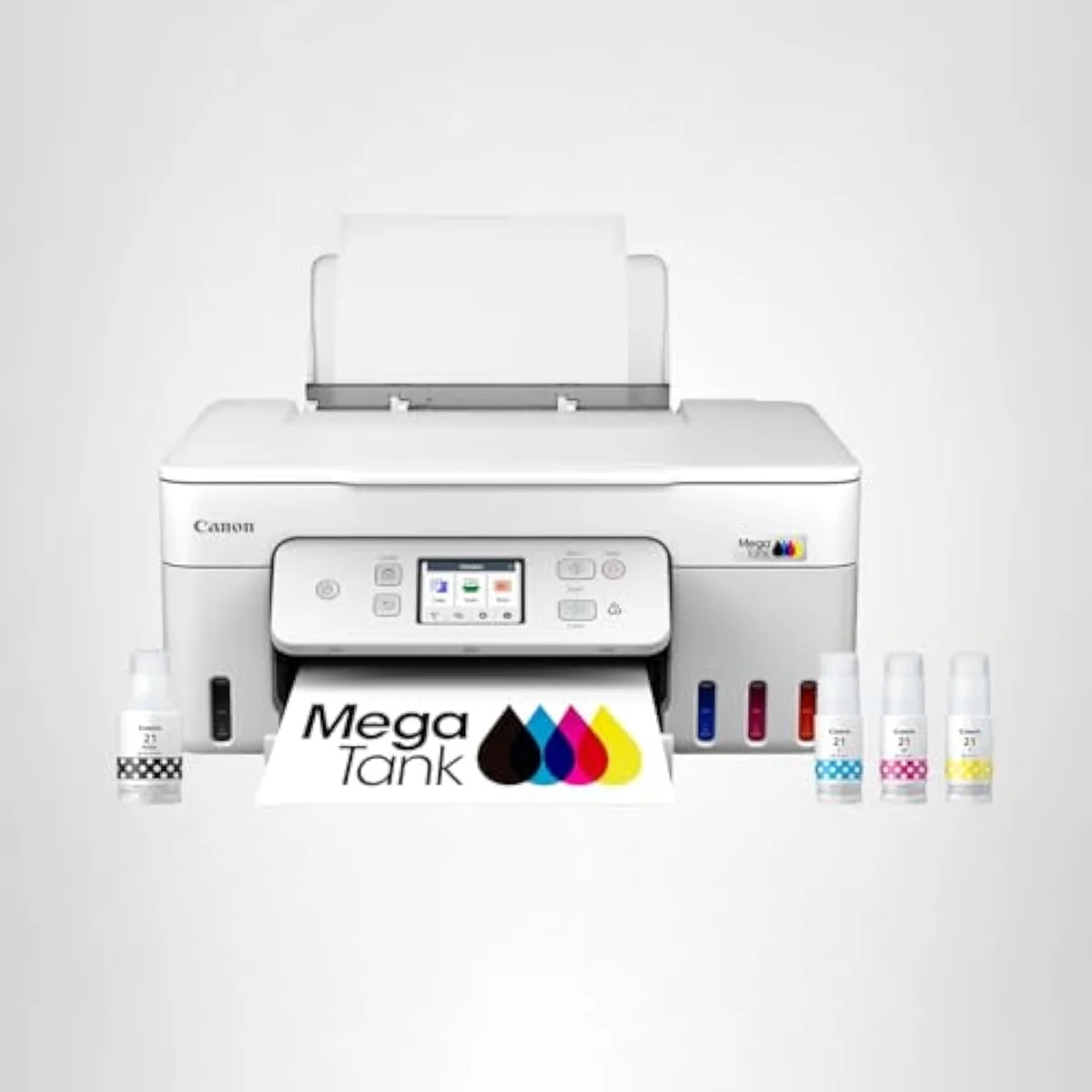
Every inkjet is one of two kinds, and the difference is not the printing — it is the refill economics. A cartridge model is cheap to buy and recovers its margin on ink. A supertank costs three to four times as much up front and then refills from bottles for a fraction of cartridge cost per page.
Both fire the same liquid ink through the same kind of printhead. We lay out the full family tree — cartridge, supertank, photo, office — in our guide to the printer families and how they're structured.
What it costs to keep one running
The sticker price is the cheapest information on the box. Plot the cumulative cost of owning each kind over two years and the picture inverts: the cheap cartridge machine climbs as refill sets stack up, while the dearer supertank stays nearly flat on bottle ink.
The ink-cost runway
≈ 150 pages a month
What inkjets do that lasers can't
Color and photos, full stop — and no laser follows them home.
Liquid ink is a capability, not just a cost. It lays down saturated color and continuous photo tone, and it prints onto craft and specialty media — iron-on transfer paper, printable vinyl, glossy photo stock, sublimation ink — that a laser's heat would warp or skip. For any home that prints beyond plain black documents, that is the deciding factor before cost ever comes up.
For photo printing the gap is widest. A photo-focused inkjet such as the Epson EcoTank Photo ET-8500 lays 6 inks instead of the usual 4 for smoother gradients and truer skin tones, and prints borderless onto glossy stock. No consumer color laser comes close — toner cannot render continuous tone, only patterns of dots. If printing your own photos is anywhere on the list, the real question was never inkjet-or-laser; it was which inkjet, and how many ink channels it carries.
The one real weakness: clogs
Inkjets have a failure mode lasers don't. Leave one idle and the liquid ink dries in the nozzles; the printer clears the clog with cleaning cycles that spend ink on nothing. RTINGS, which has lab-tested 182 models, scores risk-of-clogging as a first-class printer metric because it is the second-loudest owner complaint after running cost.
The fix is free and it is the same for every model: print something in color at least once a week. Consumer Reports' reliability surveys back the pattern — regular use keeps an inkjet healthy for years. We grade how each model holds up against the full record in our evidence hub.
The all-in-one extras that earn their keep
Past the ink system, a short list of features separates a machine that fits your week from one that fights it. An automatic document feeder (ADF) scans and copies a stack of pages without you lifting the lid each time — the line between a home printer and a home office. Automatic duplex prints both sides, halving your paper and a chunk of your ink on long documents. And the standardized ISO ppm rating is the only honest speed number on the box, unlike the inflated "up to" figure.
Connectivity is where the brand gap actually shows. Apple's AirPrint and the cross-platform Mopria standard let any phone print directly, but first-run Wi-Fi setup is the single most common one-star complaint across all four major brands — well ahead of print quality. A machine that prints reliably for 5 years can still earn a furious review on its first evening, so weight setup experience accordingly.
Choosing yours
Match the machine to the print diet you actually have, not the one you imagine. Volume decides the ink system; the rest is features. Count your real monthly pages first — a supertank pays back fastest above roughly 50 a month, and a cheap cartridge model is fine below it — then let scanning, duplex and photo needs narrow the shortlist.
Where to start
For most homes the default is a supertank all-in-one: it handles the full mixed diet at bottle-ink rates and clears its premium inside the first year of regular use. Drop to a budget cartridge model only if you truly print rarely. The model-by-model reasoning is in our research layer below.
Frequently Asked Questions
Inkjet printers in one paragraph
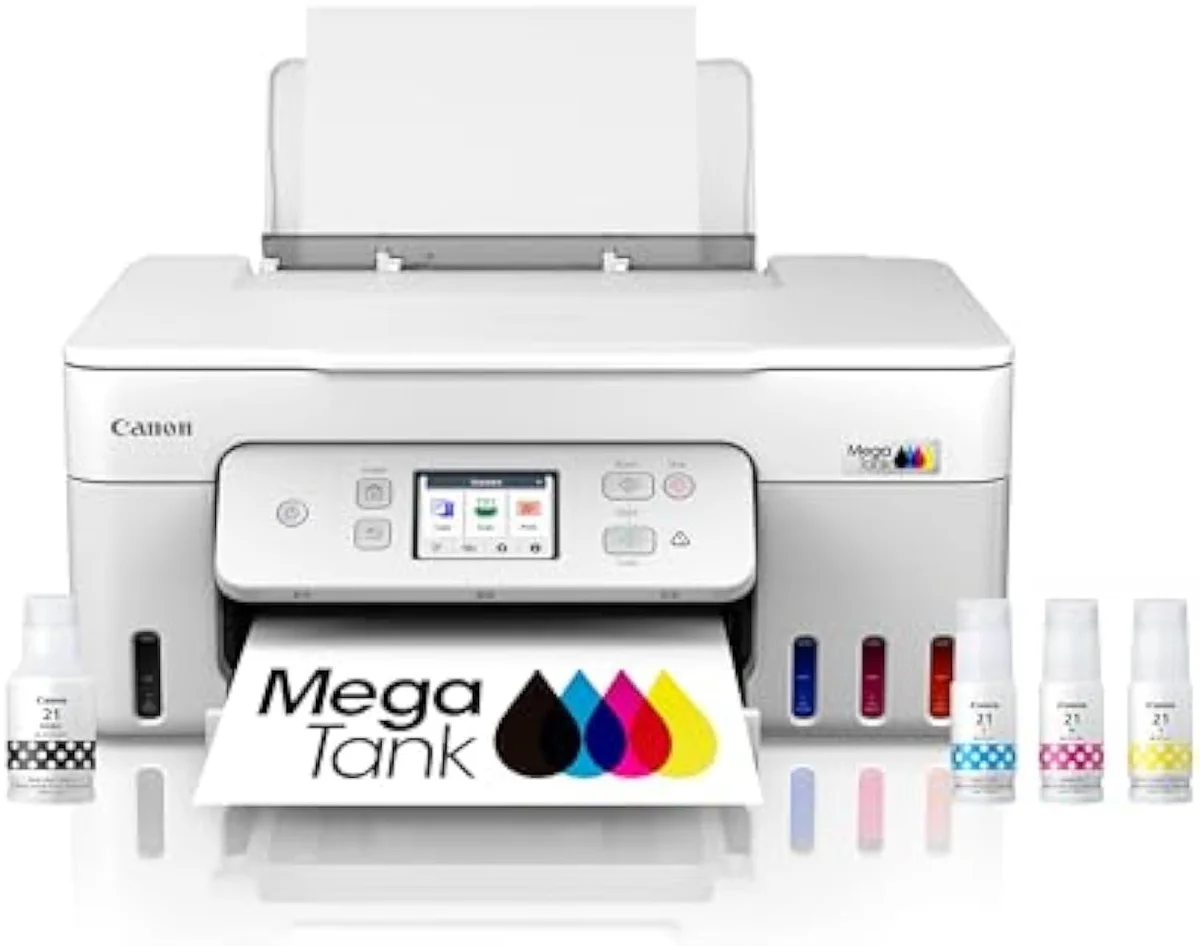
An inkjet printer sprays liquid ink to produce color and photos a laser can't match, and across the 59 models we track it comes in two kinds that print identically but cost very differently to own — a cheap-to-buy cartridge machine and a dear-to-buy, cheap-to-feed supertank like the MegaTank G3290 — so the right pick is decided by how much you print, not by the sticker price.
What is an inkjet printer?
A printer that creates an image by firing microscopic drops of liquid ink onto the page through a printhead. That liquid-ink method is what makes inkjets good at color and photographs, and what sets their running cost apart from a laser, which fuses dry toner with heat.
Are inkjet printers good for home use?
For most homes, yes — better than laser. A household prints a color, mixed diet: homework, recipes, labels, the odd photo. Inkjet covers all of it, and a bottle-fed supertank does so at a running cost close to a mono laser's while adding the color a laser can't produce.
How long do inkjet printers last?
A well-kept inkjet commonly runs 4 to 6 years or more. The thing that shortens that life is neglect, not wear: liquid ink dries in the nozzles when the printer sits idle. Print a little color weekly and most models stay healthy well past their warranty.
What is the cheapest inkjet printer to run?
A bottle-fed supertank, by a wide margin. Models like the Canon MegaTank and Epson EcoTank cost more to buy but refill from ink bottles rated for thousands of pages, so the cost-per-page is a fraction of a cartridge machine's.
Do inkjet printers dry out?
They can. Idle liquid ink sets in the nozzles and clogs, and the printer then spends ink on cleaning cycles to clear it. Permanent-head supertanks are the most exposed; the free fix for any of them is to print something in color at least once a week.
Is an inkjet or laser printer better?
Inkjet for color and photos; laser only for plain text at high volume. Most homes need the first.
Read the Full Review
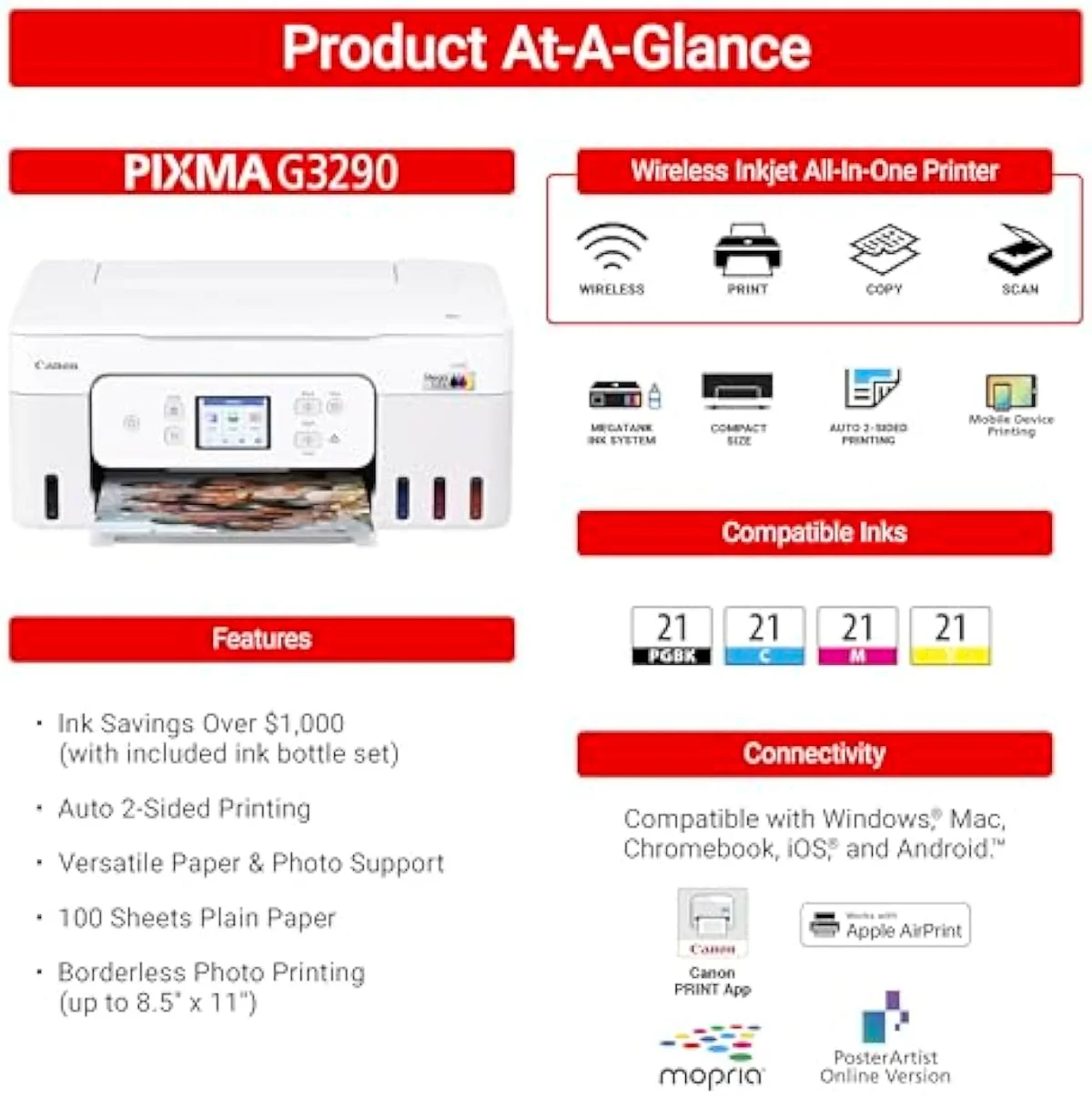
Want a deeper look at the Canon MegaTank G3290?
Keep reading
Two ad-free explainers that take the category decision deeper, model by model:
Sources
Inkjet Printers notes that actually mention the tradeoffs
Occasional updates on inkjet printers evidence, price movement, and buyer-fit changes.
Only when something changes. Unsubscribe anytime.