Inkjet Cartridges for Canon Printers: The Real Cost
Updated

Buy a budget Canon PIXMA and the printer is the cheap part. The expensive part shows up at the cartridge shelf six weeks later, when a full FINE replacement set rings up close to what the printer cost. That ambush is the whole reason this page exists.
Canon's cartridge system is not random. There is a logic to the FINE design, the PG and CL model numbers, and the standard-versus-XL choice — and once you read it, the running cost stops being a surprise and starts being a decision.
So the only honest way to judge a Canon is by what it costs to feed, not what it costs to buy.
What a FINE cartridge actually is
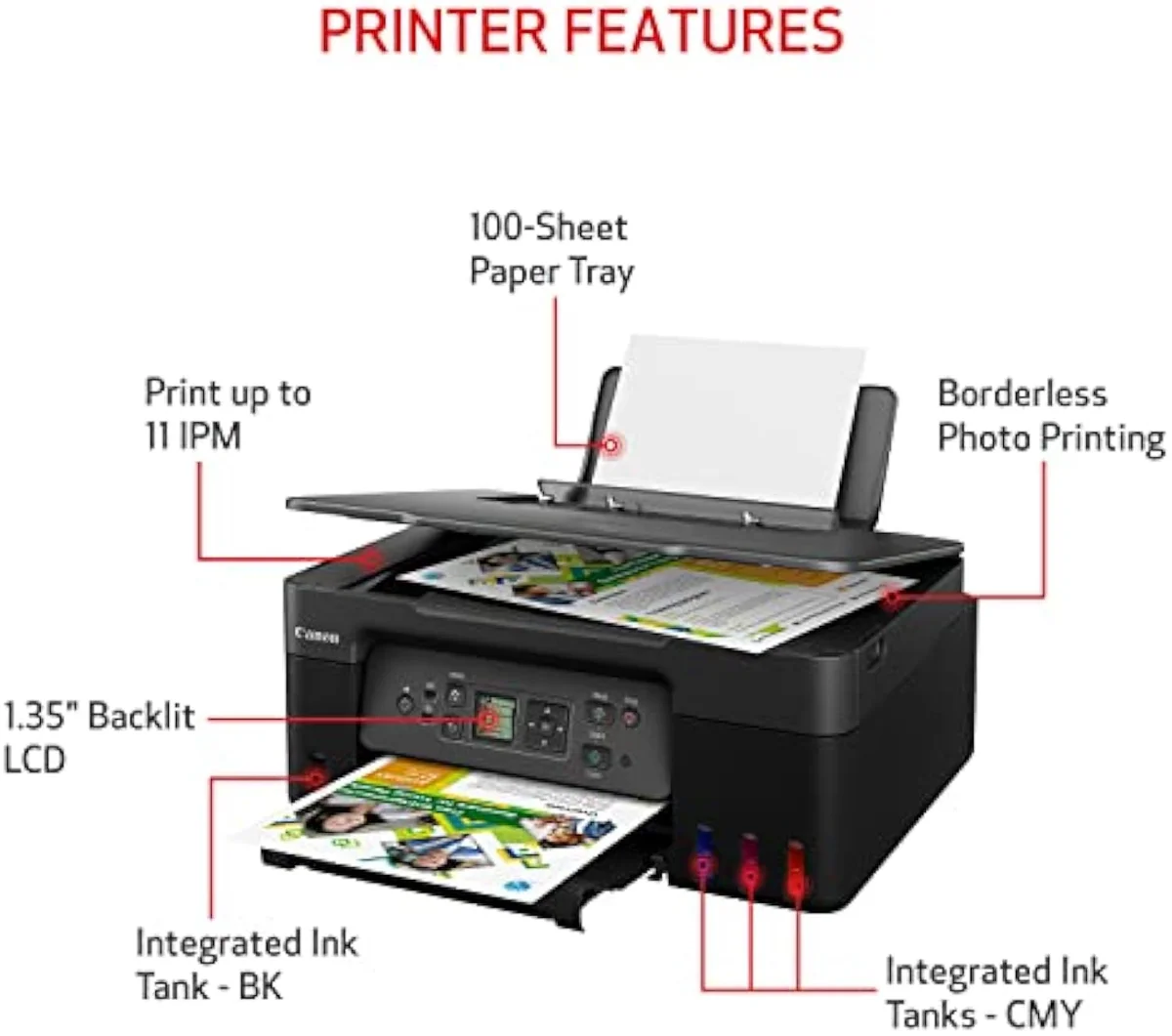
FINE — Full-photolithography Inkjet Nozzle Engineering — puts the print nozzles on the cartridge itself, so on most home PIXMA models a fresh cartridge ships a fresh printhead. You are buying ink and a head together, every refill.
That design has one upside and one cost. The upside is forgiveness: a clogged or burnt-out head gets replaced the moment you swap the cartridge, which is why a neglected PIXMA often revives with a new ink set. The cost is structural — you pay for nozzle hardware on every refill, which is part of why FINE ink runs dear per page. Canon's PIXMA line is built around this two-cartridge FINE pattern at the budget end and splits into separate ink tanks higher up. The cartridge tax lives in that head-on-the-cartridge choice.
FINE cartridges
MegaTank bottles
The price on the box and the price to run are inversely related across Canon's range. The cheapest PIXMA carries the dearest ink per page; the dearest MegaTank carries the cheapest. We sort the whole catalog by exactly this kind of fork in our guide to the printer families and how they're structured.
Reading the Canon cartridge numbers
Canon uses two model-number systems, and which one your printer takes decides everything about its cost. Get the prefix right or you buy the wrong ink.
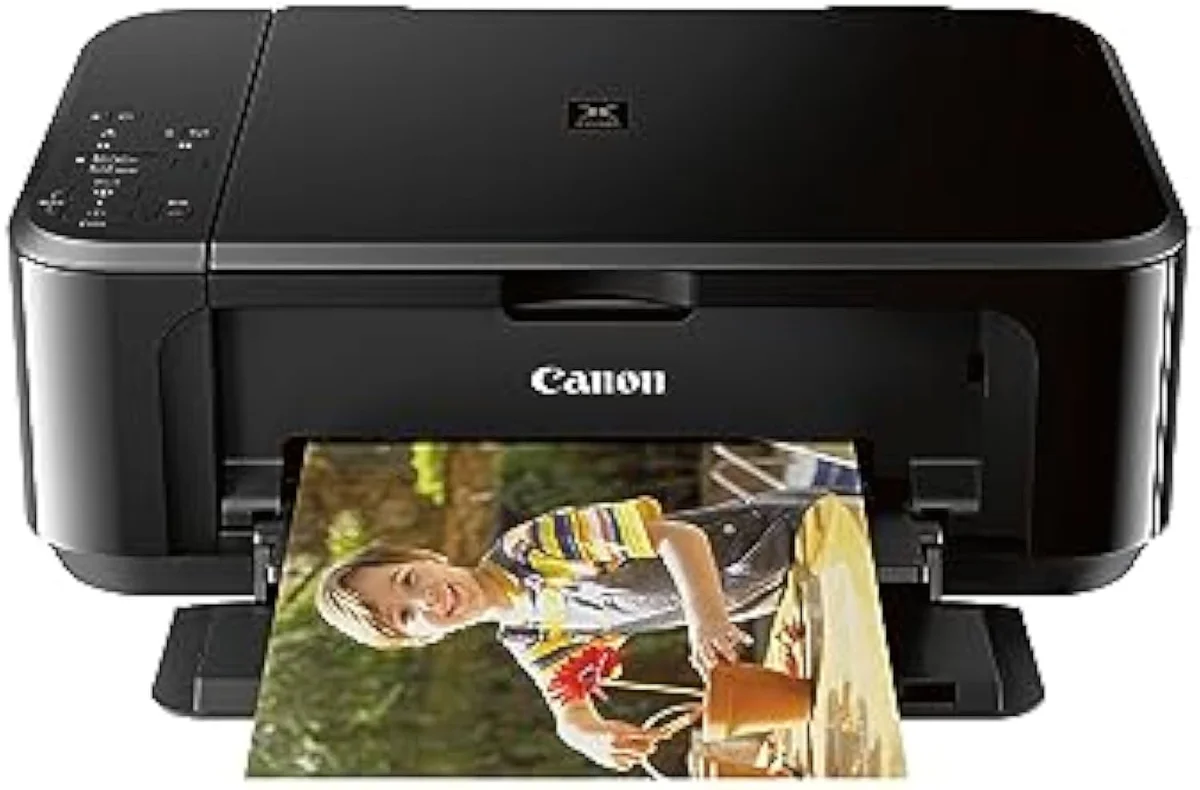
FINE two-cartridge printers use a PG black and a CL color, paired by adjacent numbers: PG-243 with CL-244, PG-245 with CL-246, PG-260 with CL-261, PG-275 with CL-276. The PG black is pigment, the CL is dye color. Higher PIXMA models drop the all-in-one color cartridge for five or six single PGI/CLI tanks — the 280/281 set, or the 270/271 set — where each color is its own cartridge. Canon's own ink lookup matches every printer to its supported numbers, and the number is printed on the spent cartridge. Buy by the code, never by the picture.
Standard, XL, and XXL yields
Most FINE cartridges ship in two or three capacities at the same physical size — the difference is how much ink is inside, and the cost-per-page gap between them is the easiest money a Canon owner ever saves.
A standard PG-243 black is rated near 180 pages; the PG-245XL roughly doubles that, and where Canon offers an XXL it goes higher again — all for a price that rises far slower than the yield does. Yields are measured under the ISO/IEC 24711 standard, which prints a fixed test suite continuously, so the rating assumes back-to-back printing rather than a household working in bursts. The math is one-directional: the higher capacity always costs less per page, because the cartridge body and the onboard head cost the same whether they hold a little ink or a lot.
The ink-cost runway
≈ 150 pages a month
This is the whole reason InkVerdict exists: to put the running-cost math next to the price, where the brand pages will not. We break the cartridge-versus-tank-versus-laser decision down across the catalog in our type-versus-type tradeoffs analysis.
Genuine, compatible, or remanufactured
A third-party FINE cartridge costs a fraction of a genuine one and drops straight into most home PIXMA models. The savings are real; so are the strings.
Run a non-Canon cartridge and the printer flags it: a "non-genuine ink" message, a disabled ink-level monitor, and a one-time prompt you dismiss to keep going. Canon does not firmware-brick third-party FINE cartridges the way some HP models have rejected non-HP chips, so the printer keeps printing — you trade the ink gauge and Canon's quality assurance for the lower price. RTINGS, which has lab-tested 182 printers, scores cost-per-print as a first-class metric precisely because third-party ink is how owners attack a high FINE running cost. Remanufactured cartridges — genuine shells cleaned and refilled — sit between compatible and genuine on both price and reliability. We track ink-lock and non-genuine behavior model by model in our safety and known-risks guidance.
Pigment black and dye color
The two FINE cartridges are not the same kind of ink, and that split explains why text and photos behave so differently on a budget Canon.
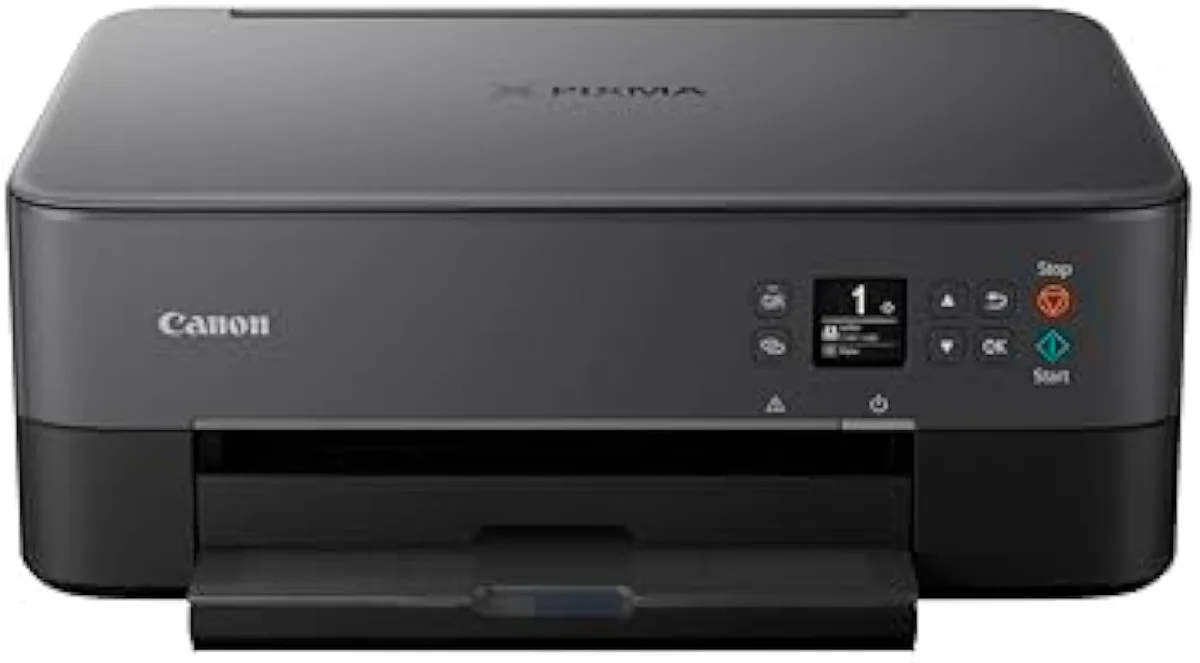
The PG black is a pigment ink — particles that sit on the paper surface for sharp, water-resistant text, which is why a PIXMA prints crisp documents. The CL color is dye-based, absorbed into the sheet for smooth photo blends. The catch is that the tri-color CL cartridge mixes cyan, magenta, and yellow in one body, so a single empty color drains the whole cartridge — and photo-heavy printing on a two-cartridge FINE model burns color fast. Editorial testing at PCMag consistently notes that single-tank PGI/CLI printers handle photo and color volume more economically for this exact reason. Match the cartridge type to the job: pigment for paperwork, dye for pictures.
When even XL cartridges lose
There is a print volume past which no cartridge strategy makes sense, XL or not, and Canon sells the answer to it themselves.
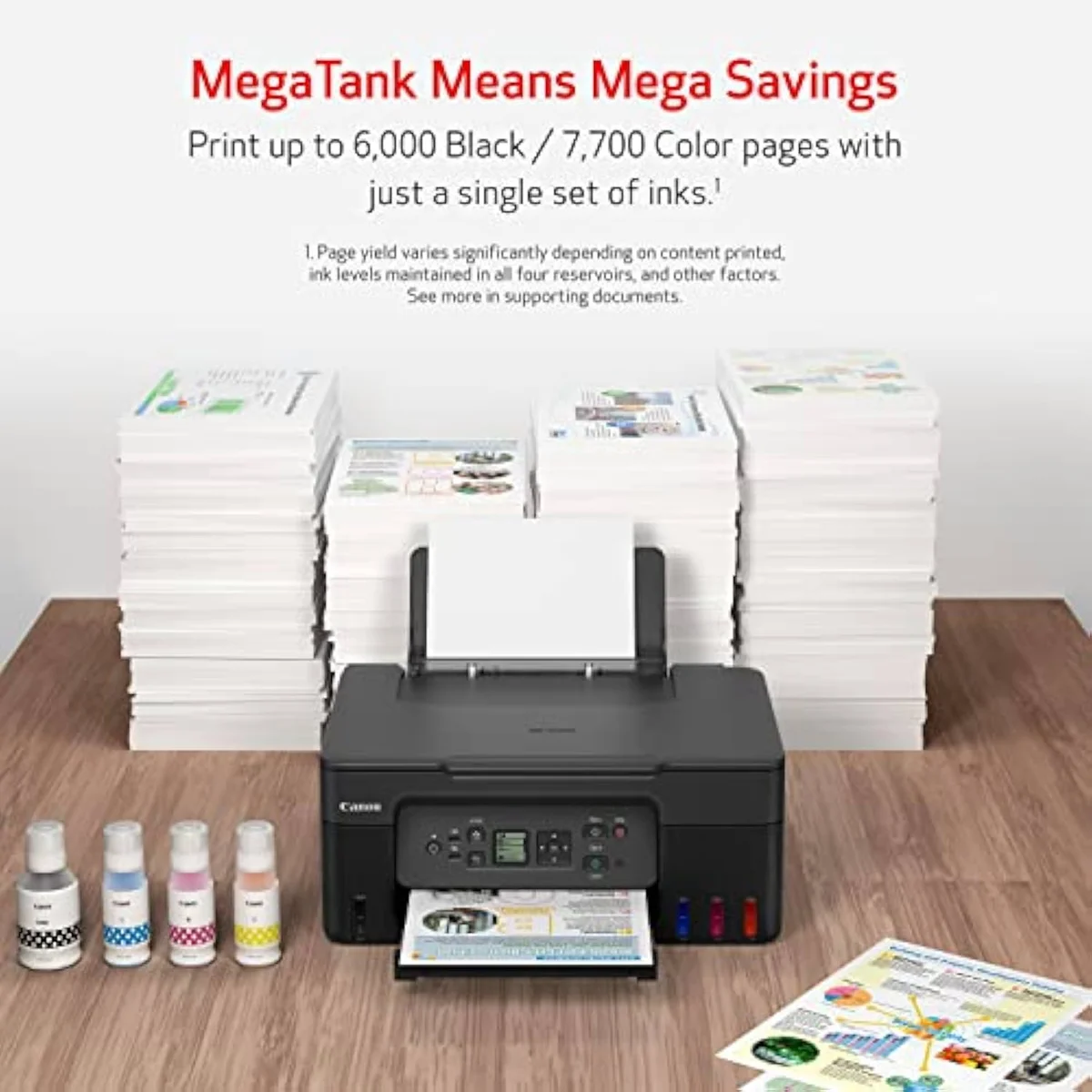
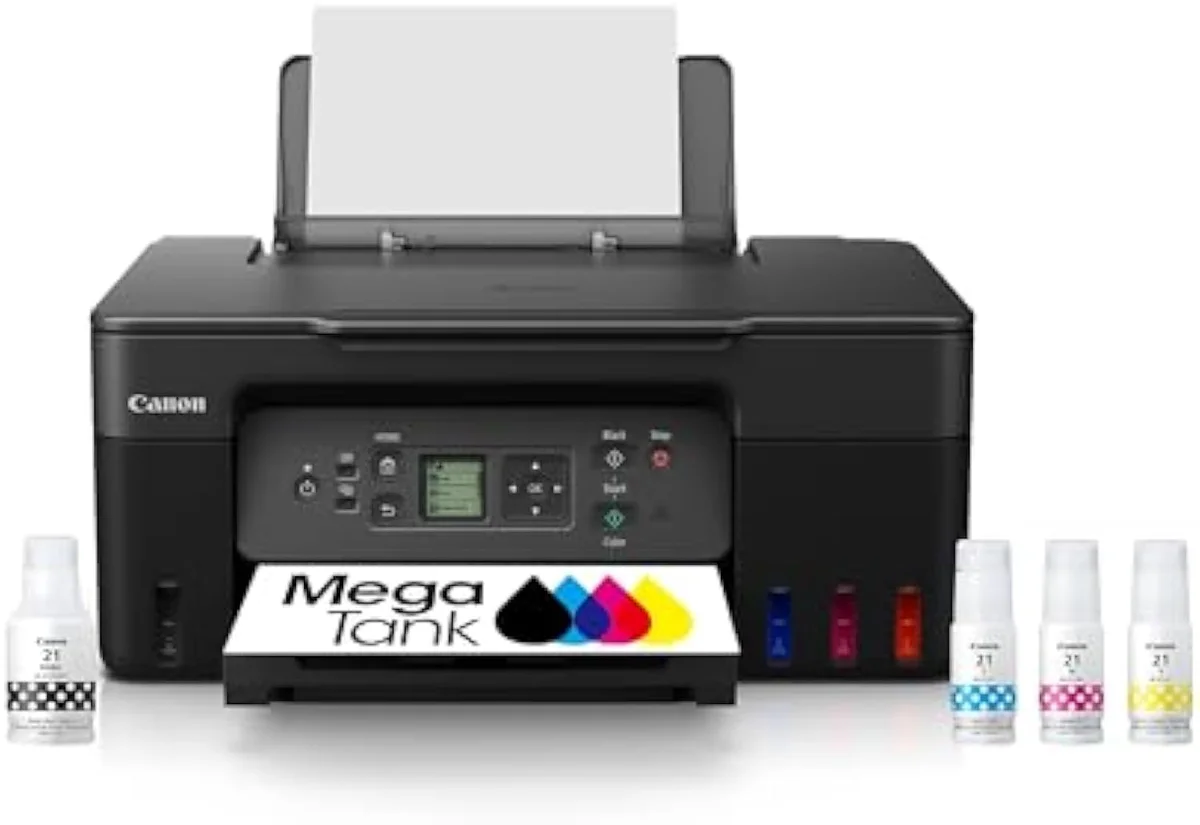
Above a few hundred pages a month, the cumulative FINE cartridge bill overtakes the higher sticker price of a refillable MegaTank, where ink arrives in bottles rated in the thousands of pages and per-page cost collapses to a small fraction of cartridge math. TechRadar's printer testing reaches the same verdict: for steady, heavy volume the supertank wins outright, and the cartridge machine only looks cheap on the shelf. The decision is purely a volume crossover — light printers should stay on XL cartridges, heavy printers should buy the tank. We rank the bottle-fed machines that win this trade in our best supertank printers roundup.
Where to start
Decode your printer first: the PG/CL number on the cartridge tells you which ink it takes, and the capacity tier tells you how to buy it. For light printing, standard FINE cartridges avoid wasted ink; for steady use, XL or XXL is always cheaper per page; for heavy volume, the cartridge math loses to a refillable MegaTank like the G3270. The model-by-model reasoning lives in our research layer below.
Frequently Asked Questions
Canon cartridges in one paragraph
Canon home PIXMA printers run a FINE two-cartridge system — a pigment PG black plus a dye tri-color CL, paired by adjacent numbers like PG-243/CL-244 — with the printhead on the cartridge, while higher models split ink into single PGI/CLI tanks such as 280/281 or 270/271; the standard cartridge is the most expensive way to print because XL and XXL versions of the same body always cost less per page, third-party and remanufactured ink saves more but triggers a dismissable non-genuine warning and disables the ink gauge, and past a few hundred pages a month even XL cartridges lose the cost crossover to a refillable MegaTank, which is why the right answer always depends on how much you actually print.
What ink cartridges does my Canon printer use?
Check the model name, not the printer. Most home PIXMA all-in-ones — the TS, TR, and MG lines — take a FINE two-cartridge set: one black plus one tri-color. A budget MG3620 uses PG-243 black and CL-244 color; a TR4720 uses PG-275 and CL-276; older TS units run PG-245/CL-246 or PG-260/CL-261. Higher PIXMA models split ink into five or six single tanks instead, the PGI/CLI series like 280/281 or 270/271. The cartridge number is printed on the spent cartridge and inside the access door.
Is it worth buying XL Canon cartridges?
Almost always, if you print at all. A standard PG-243 black is rated near 180 pages; the XL PG-245XL roughly doubles that for far less than double the price, so cost-per-page drops. The XXL tier, where Canon offers one, drops it further. The only time the small cartridge wins is a printer you barely use, because idle cleaning cycles can stale the ink before you reach the higher yield. Buy capacity to your real print volume, not the cheapest sticker.
Will non-Canon ink work in a Canon printer?
Yes on most FINE PIXMA models, with friction. Compatible and remanufactured cartridges cost a fraction of genuine and physically fit, but the printer will flag them — a "non-genuine ink" warning, a disabled ink-level monitor, and a dismissable on-screen prompt you clear once. Canon does not firmware-brick third-party FINE cartridges the way some HP printers have rejected non-HP chips, so the printer keeps working; you just lose the ink gauge and own the print-quality risk.
Why is Canon ink so expensive?
Because the printer is sold below cost and the cartridge carries the margin — the razor-and-blades model the whole category runs on. A full FINE replacement set can approach the sale price of the budget PIXMA it feeds. That is the cartridge tax, and it is exactly why Canon also sells refillable MegaTank printers: bottles instead of cartridges, with per-page ink cost a small fraction of the FINE math.
Do Canon FINE cartridges contain the printhead?
On most home PIXMA models, yes. FINE stands for Full-photolithography Inkjet Nozzle Engineering, and the print nozzles live on the cartridge itself, so a fresh cartridge ships a fresh head. That is forgiving — a clogged head is replaced when you swap ink — but it also means you pay for nozzles every refill. MegaTank and higher business PIXMA models move the head into the printer permanently, which is what lets them run cheap bottle ink.
How many pages does a Canon cartridge print?
Canon rates yield with the ISO/IEC 24711 method, which prints a fixed test pattern continuously. A standard FINE black sits in the 180-to-300-page band; an XL roughly doubles it; XXL goes higher again. Color tri-color cartridges measure separately under ISO/IEC 24712. Treat every printed number as a ceiling — a household printing in bursts loses pages to automatic cleaning cycles and lands below the box.
Compare the Top Picks
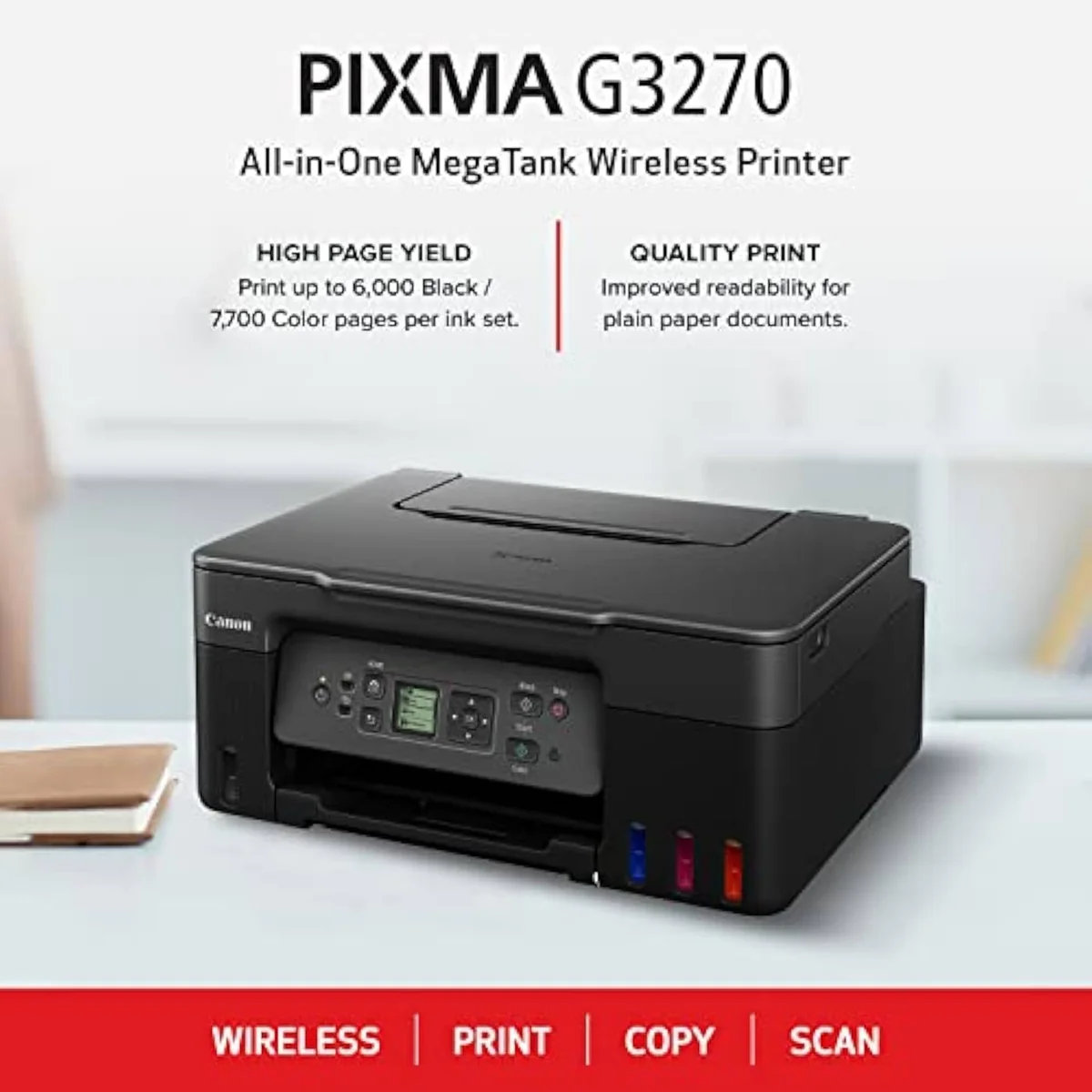
See how the Canon MegaTank G3270 stacks up against the rest of the field.
Now that you know
Take the cost-of-ownership case further — the cartridge-versus-tank crossover, model by model:
Sources
- Canon USA — printer ink and cartridge lookup by model
- RTINGS — printer test methodology and cost-per-print scoring across 182 models
- PCMag — inkjet and all-in-one printer reviews
- TechRadar — best printers testing and inkjet running-cost guidance
- ISO/IEC 24711 — the standard page-yield measurement method (Wikipedia)
Inkjet Printers notes that actually mention the tradeoffs
Occasional updates on inkjet printers evidence, price movement, and buyer-fit changes.
Only when something changes. Unsubscribe anytime.