Epson EcoTank ET-4850 vs ET-2850: Same Ink, Very Different Speed
Updated
One ink engine, two throughput classes. The ET-4850 and the ET-2850 sip from the identical cartridge-free Epson bottles, so on cost-per-page — the number this site weighs first — they are a tie. What the office model's premium actually buys is speed and an office stack: a rated 15.5 ppm black against 10.5, plus an automatic document feeder, a fax, and a wired Ethernet port. Our pick is the ET-4850 for the office that prints in volume — the faster engine and the Ethernet jack pay back daily when the workload is real. But that verdict flips hard for a light home user: pay the premium only if you print stacks, because at low volume the ET-2850 saves the same on ink with fewer parts to neglect.
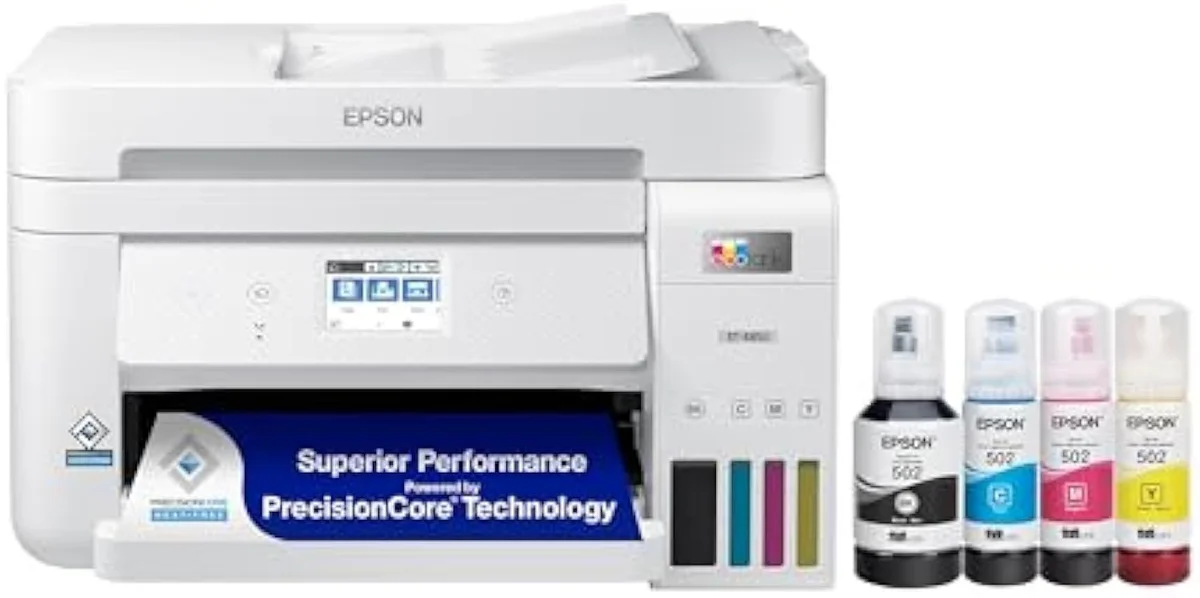
Epson EcoTank ET-4850
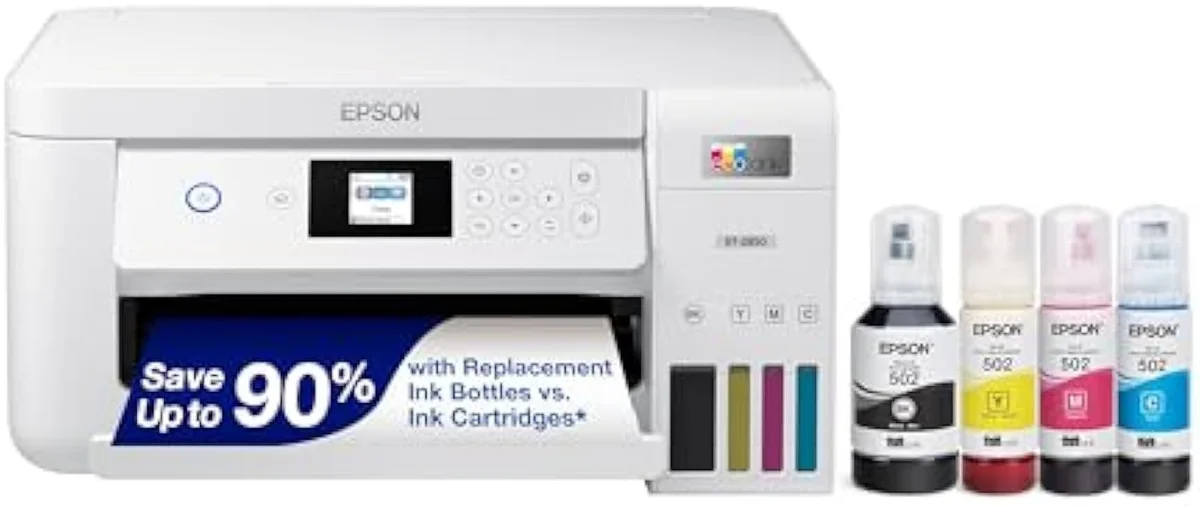
Epson EcoTank ET-2850
These are two speed classes of one EcoTank idea, not two takes on a single printer. They share the cartridge-free bottle ink, so cost-per-page ties. Our pick is the ET-4850 for an office that prints in volume: the rated 15.5 ppm black engine and the wired Ethernet jack earn their premium when the workload is daily. For a light home user that verdict reverses — at low volume the cheaper ET-2850 saves the same on ink with auto-duplex and far less hardware to leave idle.
| Shared core | Same cartridge-free Epson bottles, auto-duplex, no subscription |
|---|---|
| Speed split | ET-4850 rated 15.5 ppm black vs ET-2850 10.5 |
| ET-4850 adds | Faster engine, document feeder, fax, wired Ethernet |
| Cost-per-page | Identical — neither EcoTank is cheaper to feed |
| Shared catch | Idle-clog risk if either sits unused for weeks |
Start with the part both machines already settled before you opened this page. The office Epson EcoTank ET-4850 and the home Epson EcoTank ET-2850 are rungs on the same refill-bottle line: keyed tanks, no subscription, the same freedom from the cartridge shelf. Whichever you pick, you have already escaped the running-cost trap that drives most printer regret. So the question is never which one is cheaper to feed — they cost the same — but whether the office model's premium buys enough for how you actually print.
The honest answer turns on one number most spec sheets bury under the photos: speed. The ET-4850 is built to move paper faster, and it bolts on the office hardware to match — a feeder, a fax, a wired port. The ET-2850 is the same ink engine in a slower, leaner body. So the rest of this page is a single decision: do you print enough to use the speed, because every part of the step-up is a feature you pay for and a part you have to keep busy.
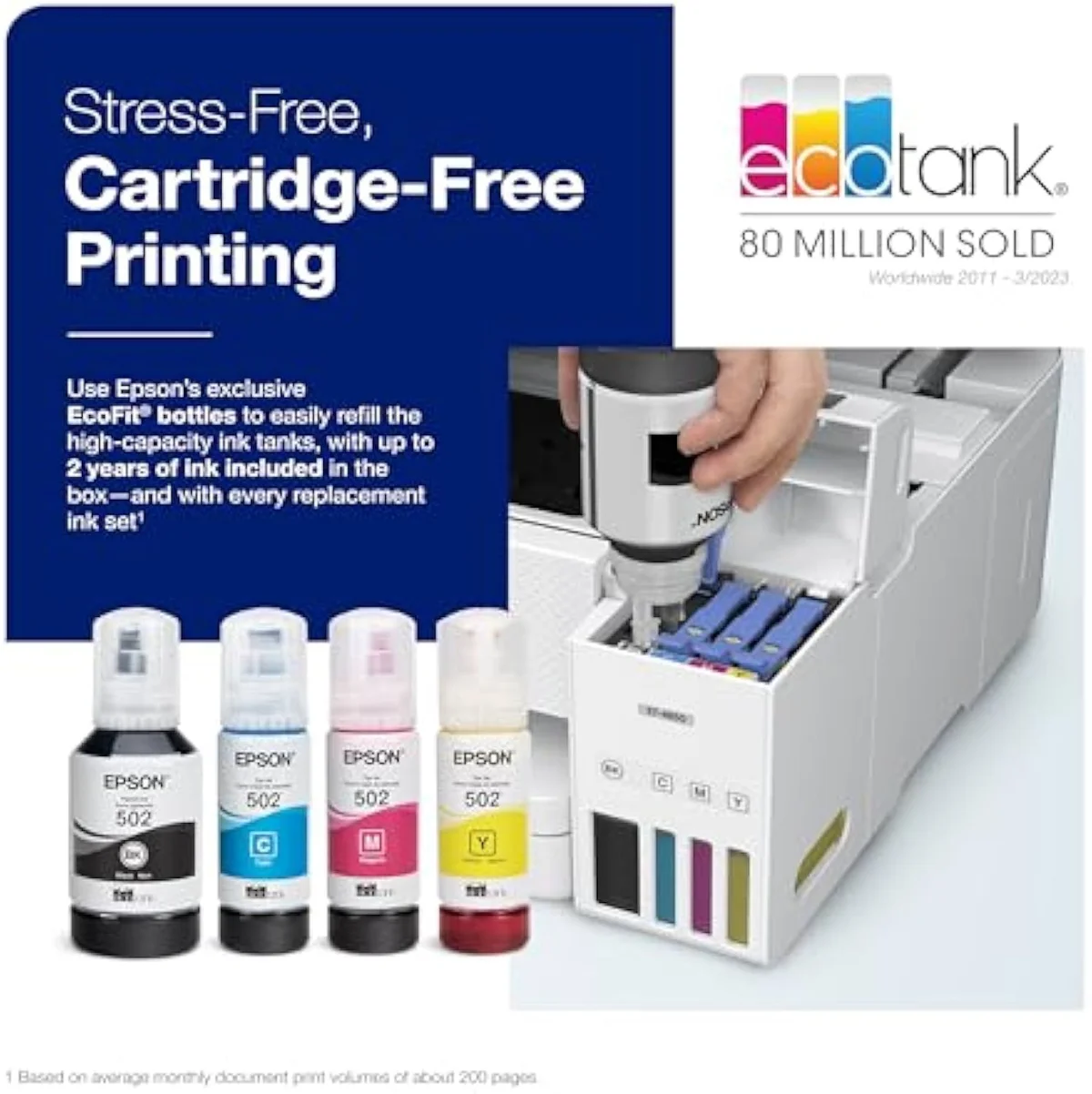
Epson EcoTank ET-4850
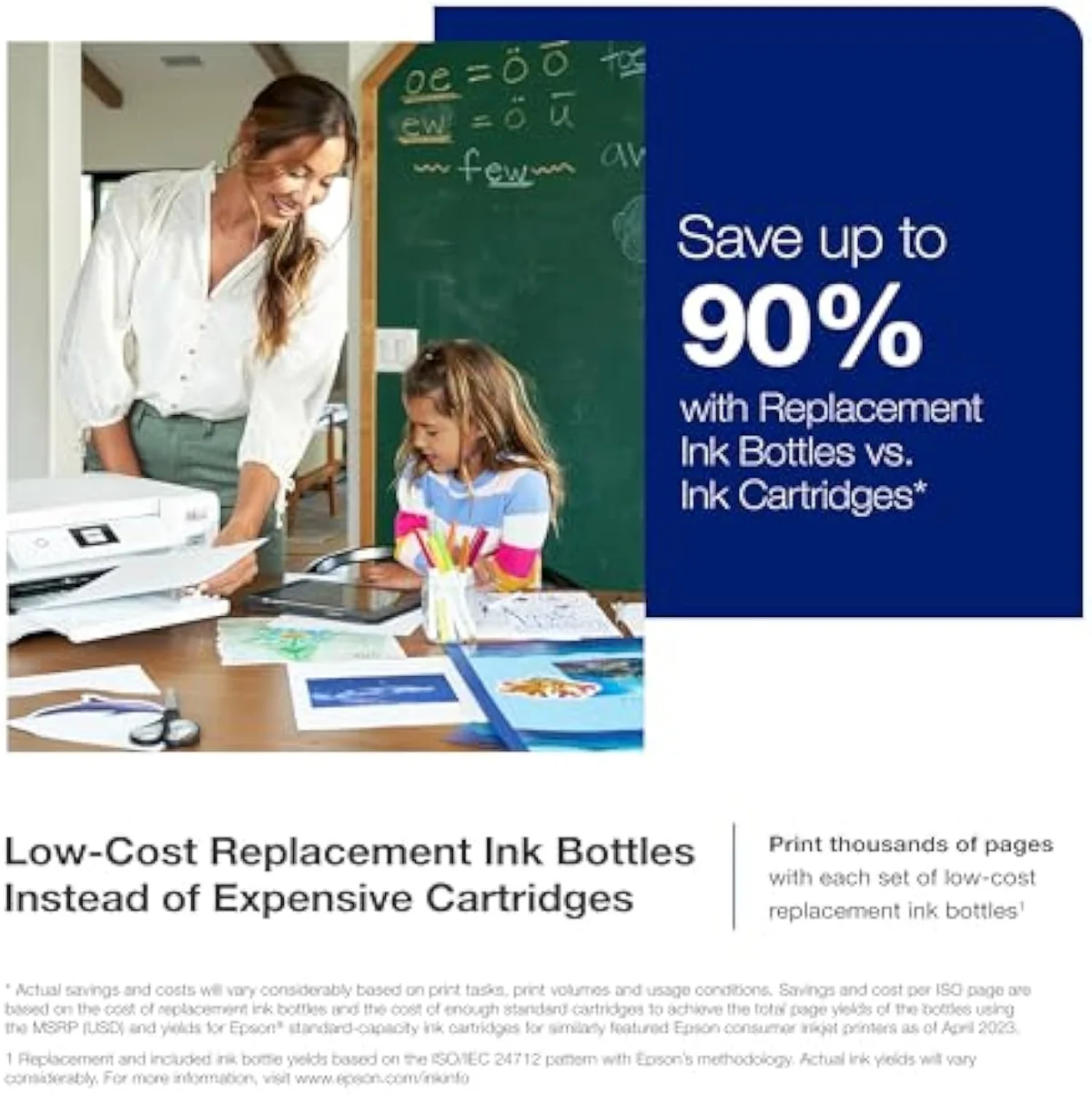
Epson EcoTank ET-2850
At a Glance
| Feature | Editor's Pick Epson EcoTank ET-4850 Wireless All-in-One Cartridge-Free Supertank Printer | Epson EcoTank ET-2850 Wireless Color All-in-One Cartridge-Free Supertank Printer |
|---|---|---|
| Live Price | $50–$100* | $50–$100* |
| Amazon Savings | Check Amazon | Check Amazon |
| Availability | Checking Amazon | Checking Amazon |
| Current Offer | Checking Amazon | Checking Amazon |
| Amazon Rating | ||
| Amazon Sales Rank | Check Amazon | Check Amazon |
| Live Data Refresh | Refresh pending | Refresh pending |
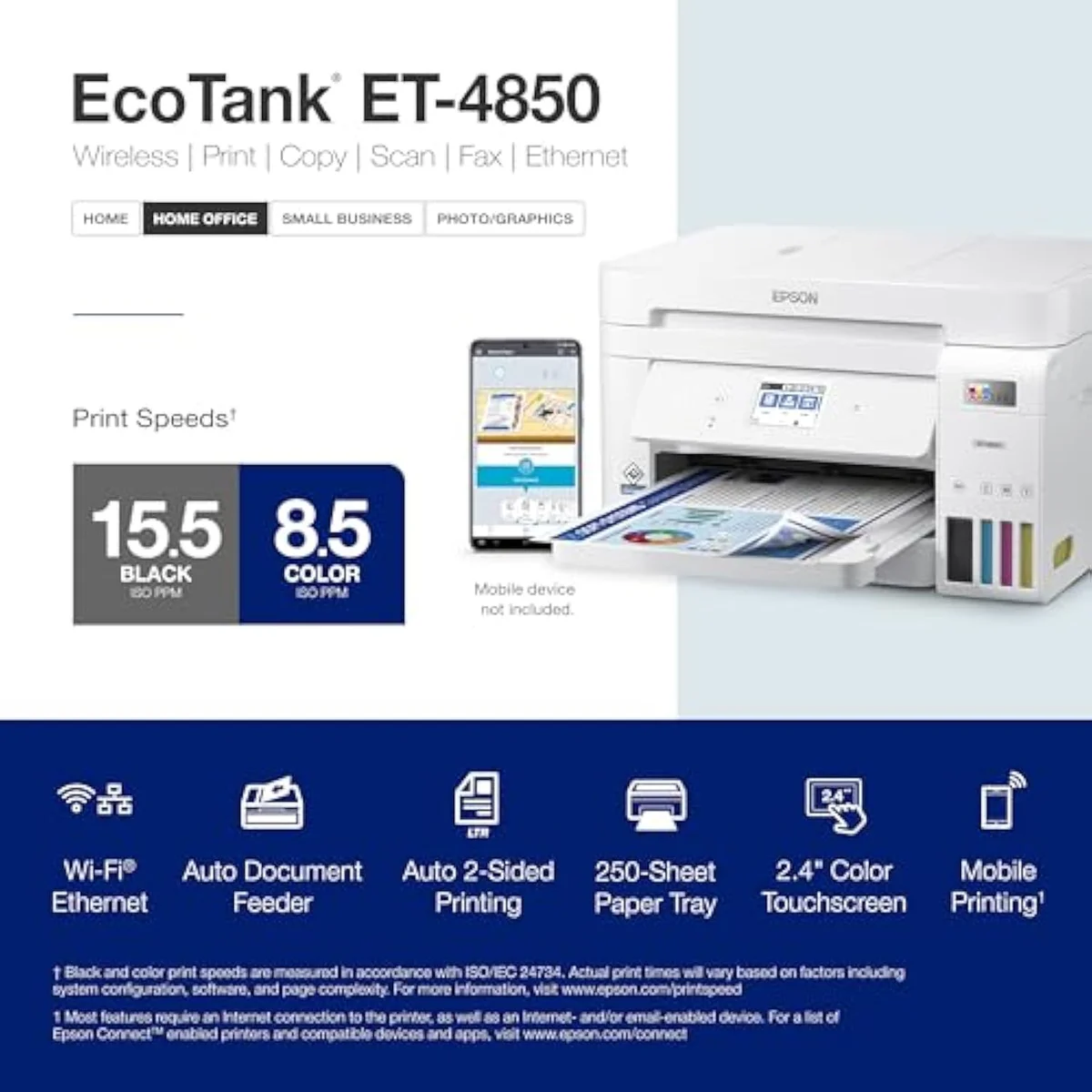
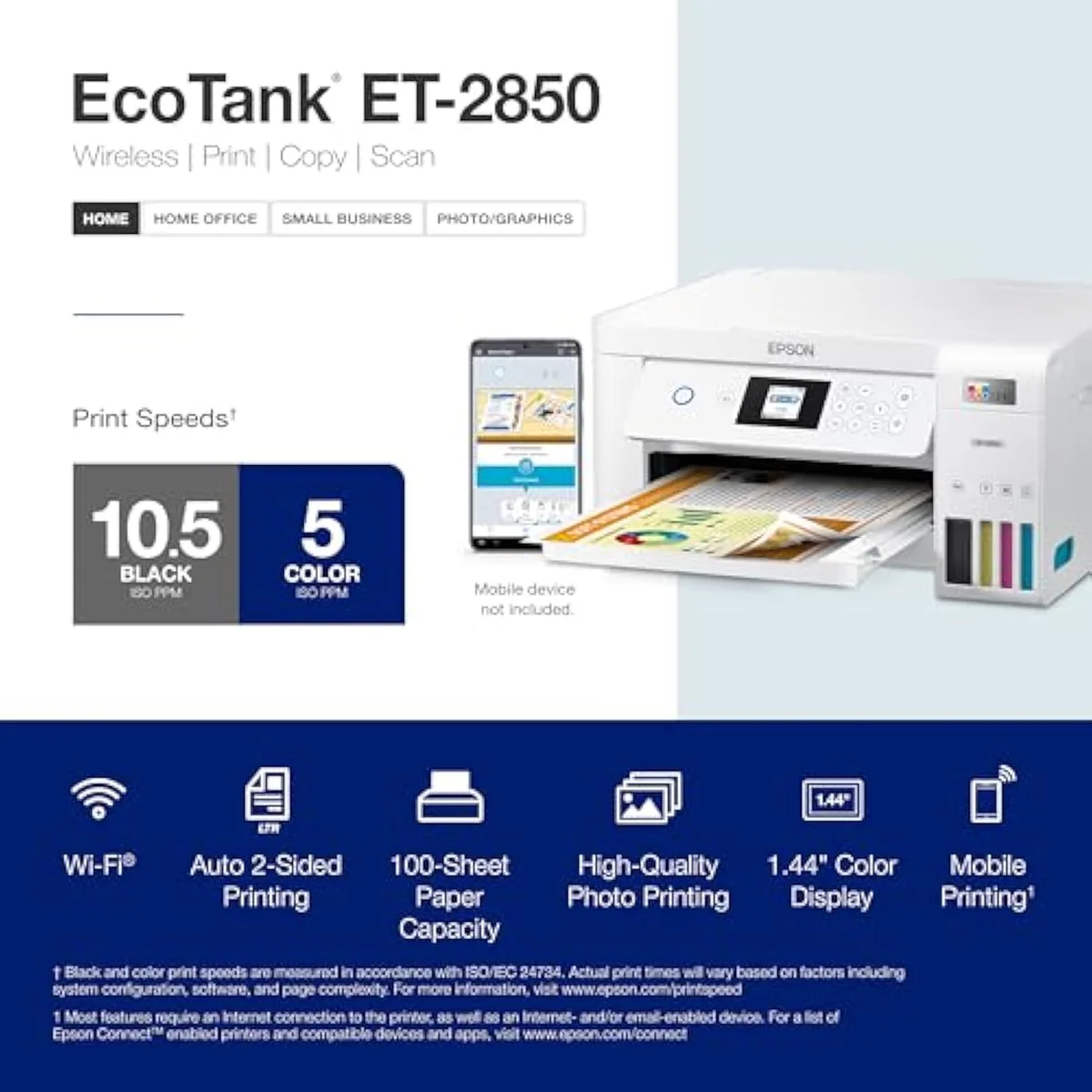
| Print Speed | Up to 15.5 ppm black / 8.5 ppm colour | Up to 10.5 ppm black / 5 ppm color |
| Functions | Print, Scan, Copy, Fax with ADF | Print, Scan, Copy |
| Connectivity | Wi-Fi, Ethernet, AirPrint, Epson Smart Panel | Wi-Fi, AirPrint, Smart Panel app |
| Ink System | Cartridge-free refillable tanks | Cartridge-free refillable tanks |
| Two-Sided Printing | Auto 2-sided printing | — |
| Check Price | Check Price |
Amazon prices and availability are refreshed live and are subject to change. The price shown on Amazon at purchase applies.
The ink math ties — both already beat cartridges
Here's the thing: reading an EcoTank-against-EcoTank comparison to find the cheaper printer to feed is the wrong errand. They feed the same. The expensive printer is the cartridge machine neither of these is.
Both escape cartridges the identical way. The home model is, in Epson's own listing, an
So spend your attention on what these two do not share — the speed and the hardware — because that is where the price step goes. The cost-per-page line runs flat between them.
Speed is the line that splits them
With cost off the table, the headline difference is throughput. The office model is rated to
On a single page you will never feel five pages a minute. On a stack you feel nothing but. A long report, a set of permission slips, a month of invoices — that workload is exactly where the faster engine pays back, and where the slower one starts to drag. One ET-2850 owner pins the limit precisely: do not expect
Both still print on both sides by themselves — Epson lists the office model's
The office hardware that rides along
The faster engine arrives wrapped in an office machine. Epson sells the ET-4850 as a full SOHO unit — its listing reads
That wired port is the quiet winner. EcoTank owners report chronic Wi-Fi print failures across the line, and the office model's owners say the fix is the cable — running it over
The hardware is not flawless, and the office stack is also where the office model's complaints land. The feeder is slow and limited — one owner reports
Epson EcoTank ET-4850
Epson EcoTank ET-2850
So which EcoTank — fast office box or simple home one?
Because these two share an ink engine and split on speed, "who buys which" comes down to one honest count — how much you actually print — wrapped around how much office hardware you will use. If you're coming from the home ET-2850 and hitting its speed wall on long jobs, the faster office box is the upgrade that fixes the one thing it gets wrong. If you're looking at the ET-4850 first and your printing is light, the simpler model does the same work for far less. Both pour the same cheap ink, so neither is a mistake on cost — the mistake is mismatching the speed to the job.
Buy the ET-4850 if…
…you print in volume and want the work done fast. The faster rated engine, the automatic document feeder, and the wired Ethernet port are the whole reason to step up, and for home-office owners who print reports, copy paperwork, and need a connection that holds, all three work daily. From the busy-office side, the speed alone justifies the premium long before the feeder does. Going in, accept the idle-clog rule that binds every EcoTank — Epson's own guidance is that
Buy the ET-2850 if…
…you print lightly and want the same ink savings for far less money. With no feeder, no fax, and a slower engine, the home model is the lighter-duty sibling, and for a household printing homework, recipes, and the odd return label it does that job from the identical bottle ink. It best suits the buyer who wants EcoTank economics and auto-duplex without paying for office capacity they will never touch. We cover its real-world setup and ownership quirks in our full review.
Skip both if…
…you mostly want saturated photos, or you go weeks between print jobs. Neither is a photo printer — both run document dye inks and both fade on glossy stock — so a dedicated photo supertank is the right tool there. And a printer that sits idle for weeks fights any EcoTank: reviewers stress genuine ink and steady use precisely so you
ET-4850 vs ET-2850: the throughput questions buyers ask
Nearly every ET-4850-versus-ET-2850 question reduces to two: "is the office one fast enough to matter?" and "do they really cost the same to run?" — so here are the straight answers, including the one the photos on the box leave out.
Is the ET-4850 faster than the ET-2850?
Yes, and the gap is real. Epson rates the office model at up to 15.5 pages per minute black and 8.5 in color; the home model is rated 10.5 black and 5 color. On a page or two that gap is invisible. On a stack — a 40-page report, a class set of worksheets — the faster machine finishes in noticeably less time, and that throughput is the clearest thing the higher number buys you.
Do these two cost the same per page to run?
Effectively yes. Both are cartridge-free EcoTanks filled from the same keyed Epson bottles, neither needs a subscription, and owners of each report the ink lasting a long time. The purchase price is wildly different; the cost-per-page is not. So running cost is not the axis that separates them.
What does the ET-4850 add over the ET-2850 besides speed?
The office stack the home model leaves out: an automatic document feeder for copying multi-page originals, a fax modem, and a wired Ethernet port. The Ethernet jack matters more than it sounds — owners who wire the ET-4850 to the router sidestep the flaky Wi-Fi that fills one-star reviews. The ET-2850 stays print-scan-copy over Wi-Fi only, with no feeder and no wired option.
Should a light home printer pay up for the ET-4850?
No. If you print a handful of pages a week, the ET-4850's speed never gets exercised and its feeder, fax, and Ethernet sit unused — you would be paying a steep premium for capacity you do not touch. Worse, every EcoTank punishes idle time: leave either one off for weeks and the heads dry. A light user gets the same ink savings and the same auto-duplex from the far cheaper ET-2850, with less hardware to neglect.
Will either one print good photos?
Neither is a photo printer. Both use document dye inks, both lay down muted color, and prints are not built to last on glossy stock. For saturated borderless photos, look at a dedicated photo supertank instead.
Does the ET-2850 do double-sided printing?
It does — automatic two-sided printing is built in, the same auto-duplex the ET-4850 has. The catch is speed: a duplex color job crawls on the home model, so heavy double-sided work is another reason the faster office box earns its keep.
Track Both Products
We'll email you if either price drops or availability changes.
Only when something changes. Unsubscribe anytime.
Ready to Choose?
Citations
- [1]"Prints up to 15.5 pages per minute (ppm) in black and 8.5 ppm in color."https://www.amazon.com/dp/B096N9JMXFCaptured June 4, 2026. Verified June 4, 2026.
- [2]"Epson EcoTank ET-4850 Wireless All-in-One Cartridge-Free Supertank with Scanner Copier, Fax,"https://www.amazon.com/dp/B096N9JMXFCaptured June 4, 2026. Verified June 4, 2026.
- [3]"Auto 2-sided printing helps save"https://www.amazon.com/dp/B096N9JMXFCaptured June 4, 2026. Verified June 4, 2026.
- [4]"don't risk damaging the permanent print head"https://www.amazon.com/dp/B096N9JMXFCaptured June 4, 2026. Verified June 4, 2026.
- [5]"you want to avoid ink drying in the pipes if you print infrequently"https://www.amazon.com/dp/B096N9JMXFCaptured June 4, 2026. Verified June 4, 2026.
- [6]"ethernet."https://www.amazon.com/dp/B096N9JMXFCaptured June 4, 2026. Verified June 4, 2026.
- [7]"it doesn't scan doublesided and also had some issues pulling not-perfect sized receipts."https://www.amazon.com/dp/B096N9JMXFCaptured June 4, 2026. Verified June 4, 2026.
- [8]"After so many prints the paper from the bottom tray will stop feeding"https://www.amazon.com/dp/B096N9JMXFCaptured June 4, 2026. Verified June 4, 2026.
- [9]"Prints up to 10.5 pages per minute (ppm) in black and 5 ppm in color."https://www.amazon.com/dp/B096N85ZHWCaptured June 4, 2026. Verified June 4, 2026.
- [10]"EcoTank ET-2850 All-in-One Supertank Printer"https://www.amazon.com/dp/B096N85ZHWCaptured June 4, 2026. Verified June 4, 2026.
- [11]"Auto 2-sided printing helps save"https://www.amazon.com/dp/B096N85ZHWCaptured June 4, 2026. Verified June 4, 2026.
- [12]"The ink lasts a long time and saves a lot of money."https://www.amazon.com/dp/B096N85ZHWCaptured June 4, 2026. Verified June 4, 2026.
- [13]"No subscription is required, you can just use the ink bottles"https://www.amazon.com/dp/B096N85ZHWCaptured June 4, 2026. Verified June 4, 2026.
- [14]"a 6 page job to complete within 20 minutes"https://www.amazon.com/dp/B096N85ZHWCaptured June 4, 2026. Verified June 4, 2026.
- [15]"It is slow when printing in colour and doesn't have a paper cassette."https://www.amazon.com/dp/B096N85ZHWCaptured June 4, 2026. Verified June 4, 2026.
- [16]"it doesn't scan doublesided"https://www.amazon.com/dp/B096N85ZHWCaptured June 4, 2026. Verified June 4, 2026.