Epson EcoTank ET-4800 vs ET-3850: The Fax Is the Whole Difference
Updated
These two are near-twins, not rivals. The ET-4800 and the ET-3850 share the same office stack — an automatic document feeder, wired Ethernet, automatic duplex — and pour the same cartridge-free EcoFit bottle ink, so on cost-per-page, the number this site cares about most, they are a dead tie. The only real hardware the extra money buys on the ET-4800 is a fax modem. And on the things people actually use, the home-billed ET-3850 edges ahead: it is rated faster on black, owners rate it higher at 4.1 stars across 801 reviews, and it has a full review on this site. So the ET-3850 wins for almost everyone. Buy the ET-4800 only if you genuinely send and receive faxes; for every other home office, the ET-3850 is the same machine, quicker, better-rated, minus a feature you will never miss.
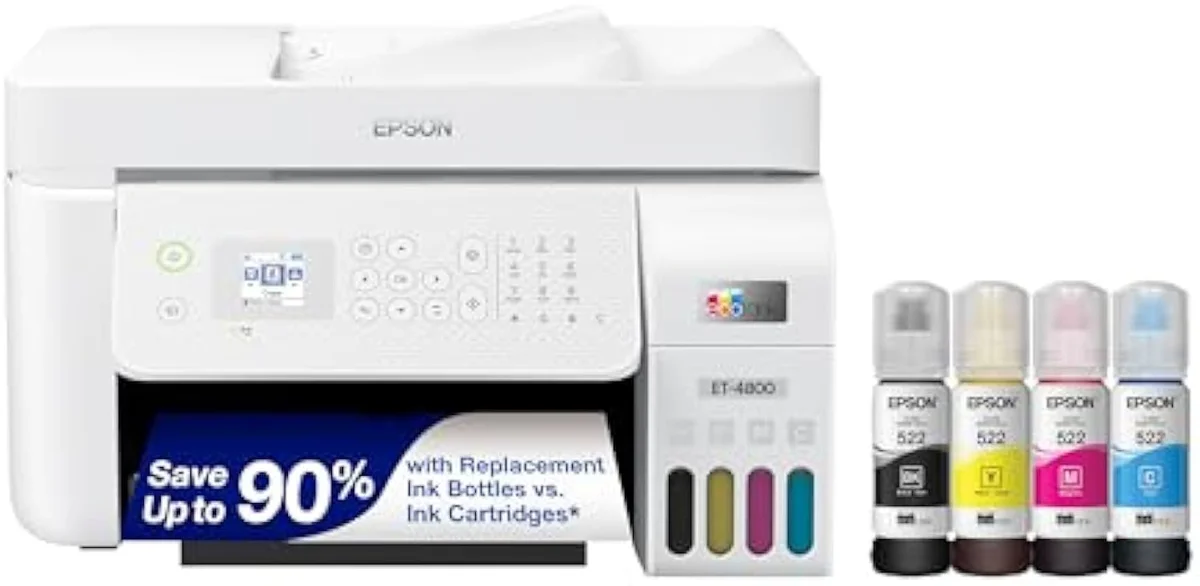
Epson EcoTank ET-4800 Wireless All-in-One Cartridge-Free Supertank Printer wi…
Epson EcoTank ET-3850
These are two takes on one office supertank, not a budget model against a better one. They share the feeder, the Ethernet, the auto-duplex, and the cartridge-free bottle ink — so cost-per-page is identical. The single feature the ET-4800 adds is a fax modem. Our pick is the ET-3850 for almost everyone: it is rated faster on black, rates higher with owners, and drops only the fax most homes never use. Pay up for the ET-4800 only if you actually fax.
| Shared core | Same ADF, wired Ethernet, auto-duplex, cartridge-free EcoFit ink |
|---|---|
| ET-4800 adds | A fax modem — and nothing else of substance |
| ET-3850 edge | Rated faster on black, higher owner rating (4.1/5, 801 reviews) |
| Cost-per-page | Identical — neither EcoTank is cheaper to feed |
| Shared catch | Idle-clog risk if either sits unused for weeks |
Look — most matchups at this tier are a cheaper printer against a better one. This is not that. The fax-equipped office EcoTank ET-4800 and the home-office Epson EcoTank ET-3850 sit side by side on the same Epson line, and they share nearly everything that matters: the automatic document feeder, the wired Ethernet port, automatic two-sided printing, and the same refillable bottle ink with no subscription. Whichever you pick, you have already left the cartridge tax behind. So the real question is narrow.
That question is the fax. The ET-4800 has a fax modem; the ET-3850 does not. That single feature is the entire reason the office model exists as a separate box. Everything else either ties or tilts toward the home model — and as the spec sheet and the owner record both show, the ET-3850 is the quicker, better-rated machine of the two. The rest of this page is about whether anyone still needs the fax.
Epson EcoTank ET-4800 Wireless All-in-One Cartridge-Free Supertank Printer wi…
Epson EcoTank ET-3850
At a Glance
| Feature | Epson EcoTank ET-4800 Wireless All-in-One Cartridge-Free Supertank Printer wi… | Editor's Pick Epson EcoTank ET-3850 Wireless Color All-in-One Cartridge-Free Supertank Printer |
|---|---|---|
| Live Price | $100–$250* | $50–$100* |
| Amazon Savings | Check Amazon | Check Amazon |
| Availability | Checking Amazon | Checking Amazon |
| Current Offer | Checking Amazon | Checking Amazon |
| Amazon Rating | ||
| Amazon Sales Rank | Check Amazon | Check Amazon |
| Live Data Refresh | Refresh pending | Refresh pending |
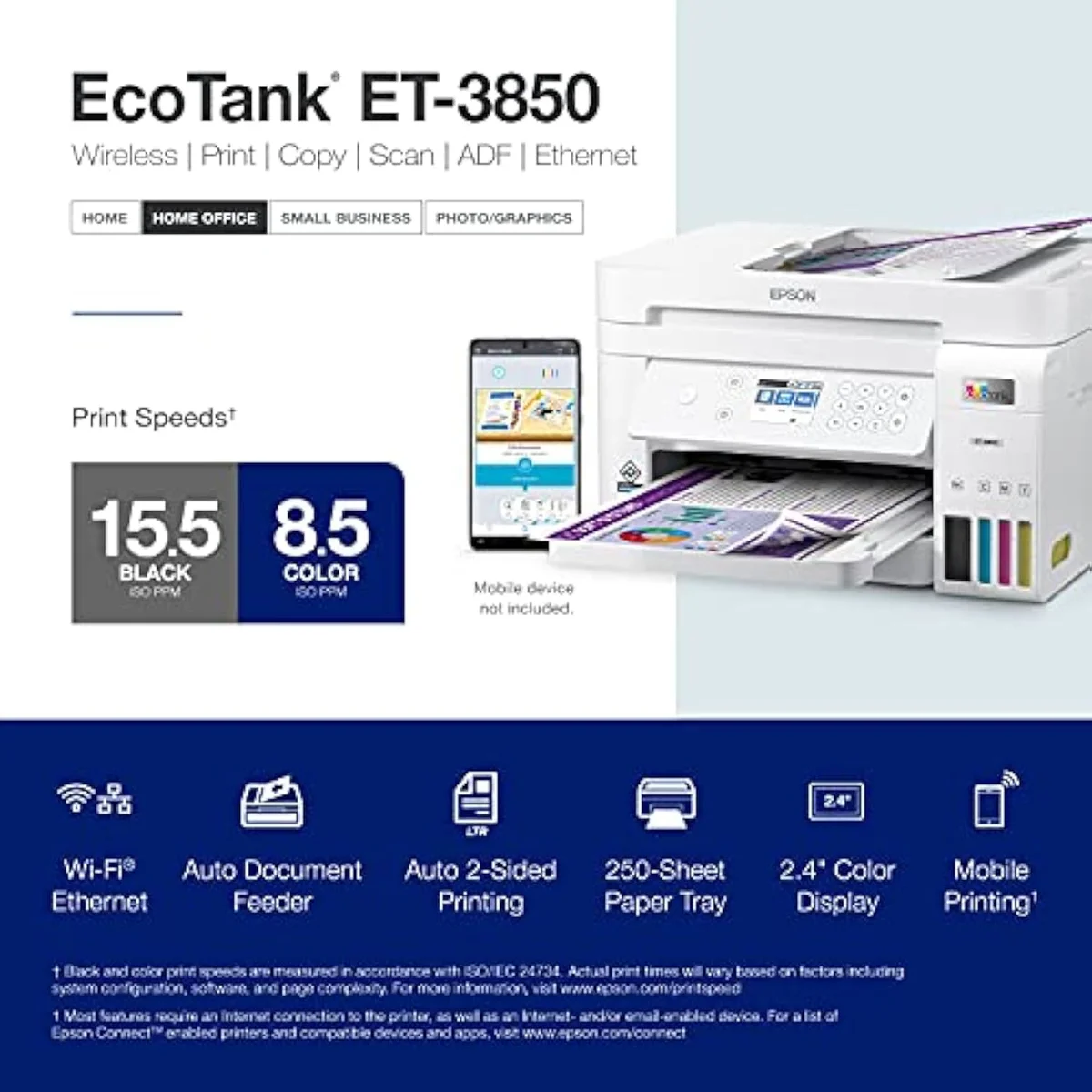
| Print Speed | — | Up to 15.5 ppm black / 8.5 ppm color |
| Functions | — | Print, Scan, Copy + ADF |
| Connectivity | — | Wi-Fi, Ethernet, AirPrint, Smart Panel app |
| Ink System | — | Cartridge-free refillable tanks |
| Two-Sided Printing | — | Automatic 2-sided printing |
| Material | Glass | — |
| Check Price | Check Price |
Amazon prices and availability are refreshed live and are subject to change. The price shown on Amazon at purchase applies.
The same office machine, twice
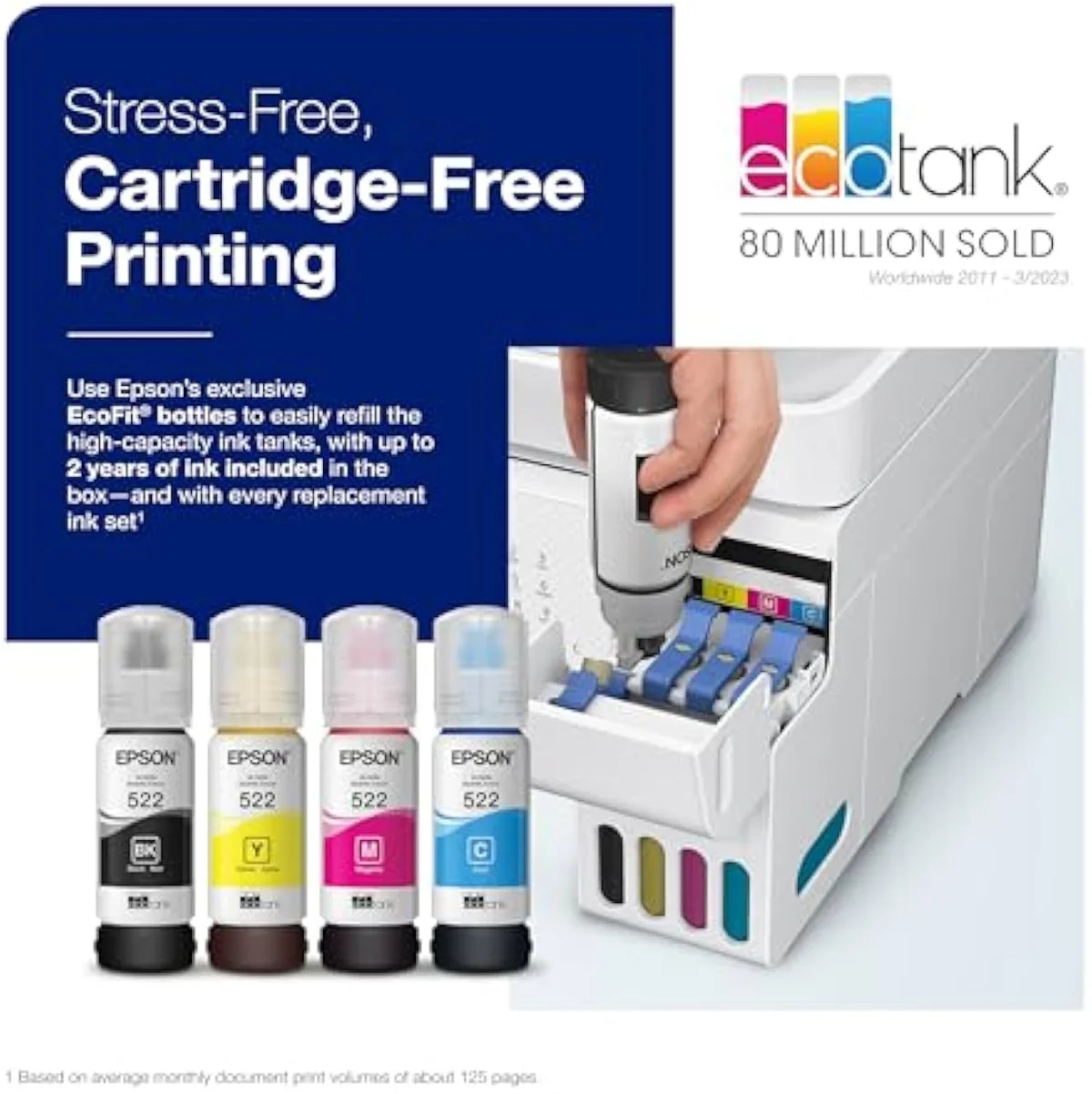
Here's the thing: line these two up feature by feature and the columns read almost identically. Both are full home-office supertanks, and both already won the only fight that makes a supertank worth buying.
They escape cartridges the same way. Epson builds the ET-4800 on
So the ink math is settled before you choose.
The price gap between these two Epson supertanks is about one feature — the fax modem — plus street pricing, not about how cheap either one is to feed.
Where the home model quietly wins
With cost off the table and the office hardware shared, the tiebreakers are speed, owner satisfaction, and which features you will use. On all three, the home-billed ET-3850 comes out ahead — which is the surprise of this matchup.
Start with speed. Epson rates the ET-3850 to
Owners back the home model on the record. Retail listings aggregate the
What more hardware actually costs you
One pattern runs through the EcoTank owner reviews, and it cuts against the instinct to pay more: the extra parts you buy are the parts most likely to break.
This is the part the spec sheet leaves off.
The feeder both share underdelivers at volume. One owner reports that
The ET-3850 is not immune — it shares that clog risk and the same fussy feeder. But it adds no fax module on top, so a buyer who never faxes is carrying one fewer subsystem that can go wrong. Epson's own EcoTank specifications confirm the shared cartridge-free design across both models — the fax is the bolt-on, not the foundation.
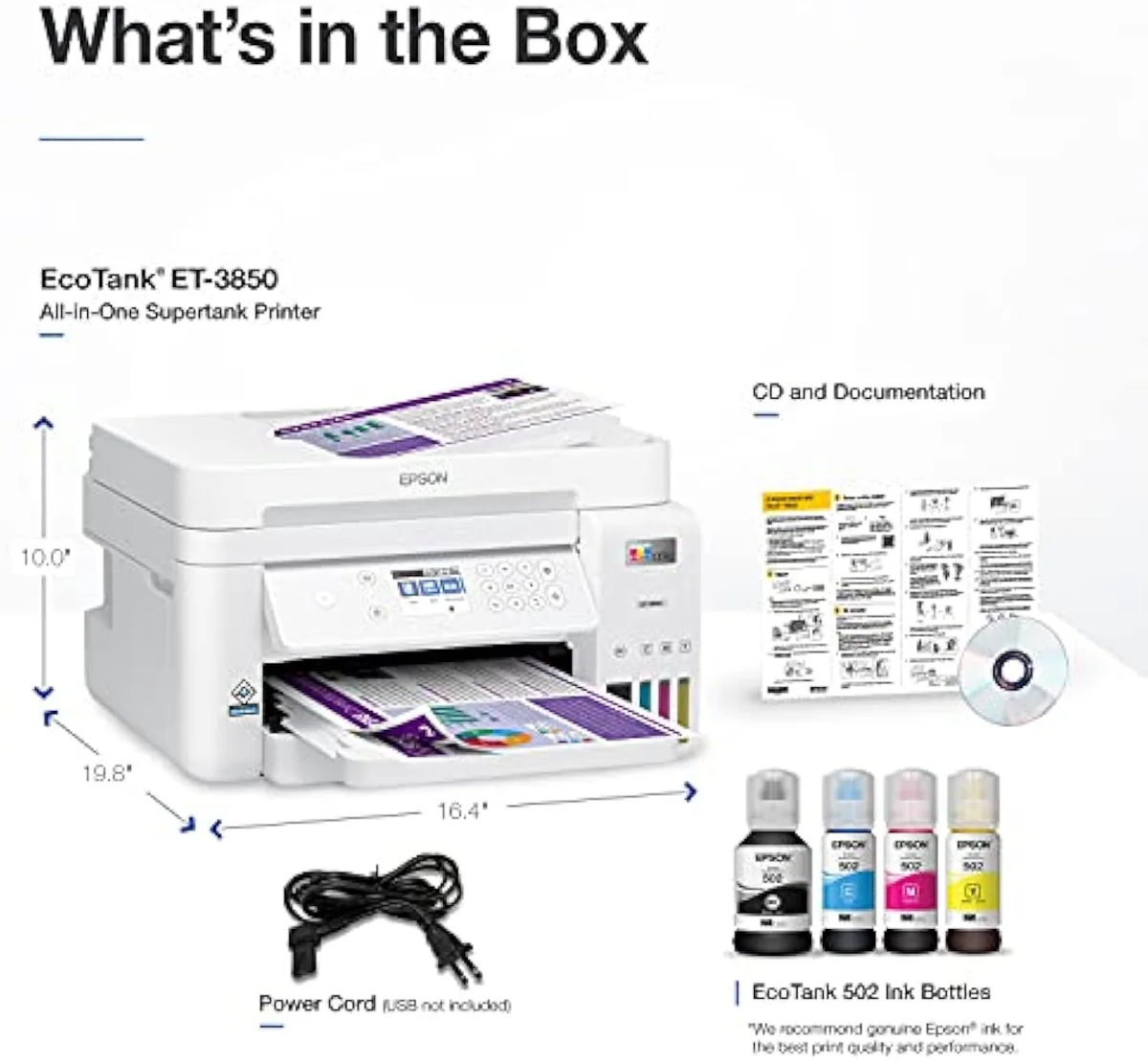
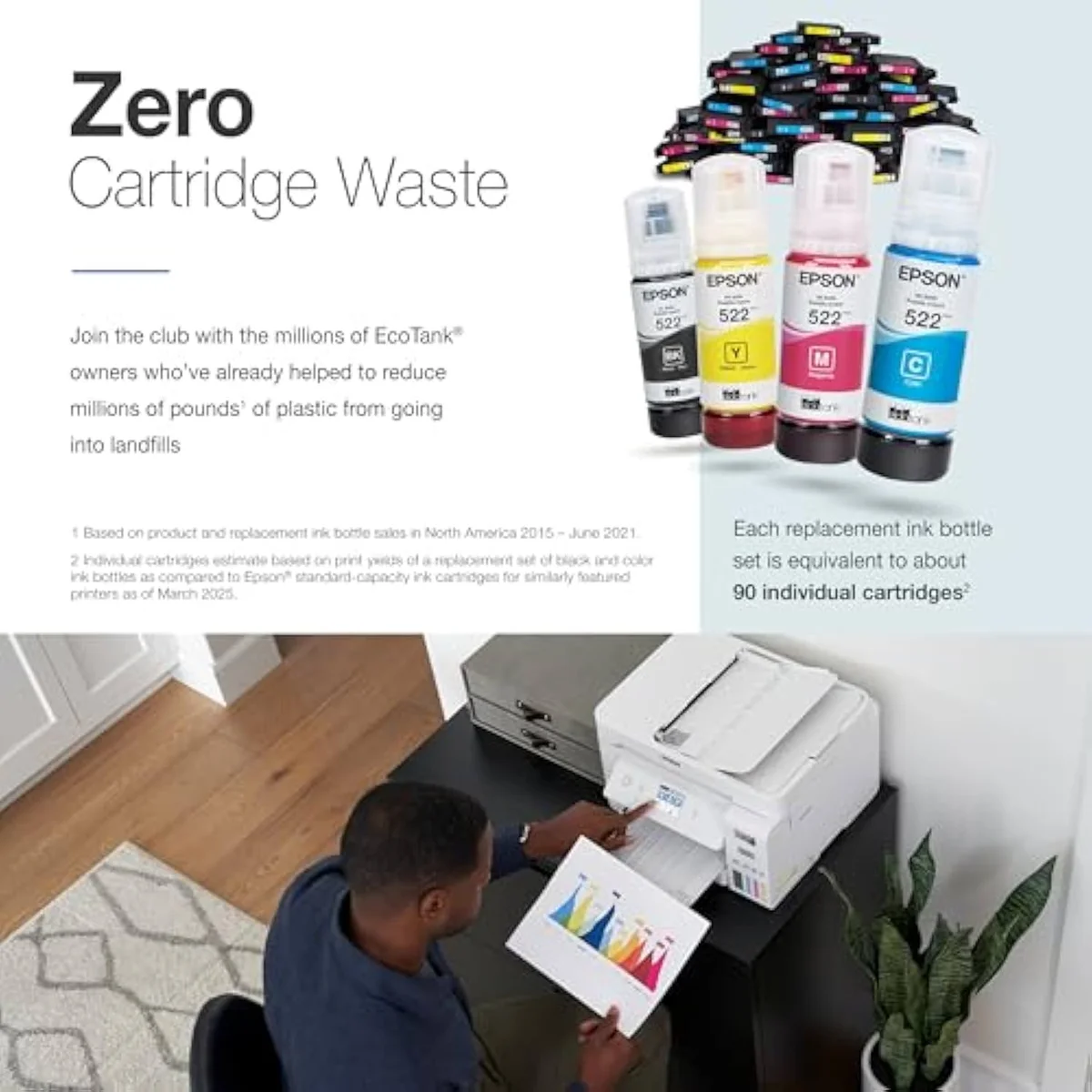
Where the office model pays back is genuine fax-and-volume work. A heavy office owner who switched to EcoTank put the cost case plainly —
Epson EcoTank ET-4800 Wireless All-in-One Cartridge-Free Supertank Printer wi…
Epson EcoTank ET-3850
So which EcoTank — the fax model or the faster one?
Because these two share the office stack and the ink math, "who buys which" reduces to a single yes-or-no: do you fax? If you're coming from a clogged or bricked cartridge printer, either EcoTank is the upgrade and the cost savings land the same on both. The split is the fax modem — and, for everyone who does not need it, the ET-3850's speed and owner score make the choice easy.
Buy the ET-4800 if…
…you genuinely send and receive faxes. That is the one thing the ET-3850 cannot do, and for a home office that still lives on fax — some legal, medical, and small-business workflows do — the modem earns its place, with the same low cost-per-page and the same feeder and Ethernet coming along. Go in clear-eyed: you are paying for the fax, not for a faster or more reliable printer, and you take on one more subsystem that can fail. Keep it printing in color weekly so the heads stay wet.
Buy the ET-3850 if…
…you want a full office supertank and never fax — which is almost everyone. The ET-3850 keeps the automatic document feeder, the wired Ethernet, the auto-duplex, and the cartridge-free bottle economics, and it is the quicker, better-rated machine of the pair. For homework runs, home-office paperwork, scans, copies, and the odd photo, it does everything the ET-4800 does except fax, for a lower bill. We cover its real-world setup and ownership quirks in our full review of the ET-3850.
Skip both if…
…you print rarely, or you need photo-grade color these document-tuned EcoTanks were not built for. A printer that sits idle for weeks will clog on either rung, and a color laser is the honest pick for sporadic use. For the full cross-brand running-cost picture, weigh both against the field in our best supertank printers roundup, and read the whole cartridge-versus-tank case in our guide to refillable inkjet printers.
ET-4800 vs ET-3850: the questions buyers actually ask
Almost every 4800-vs-3850 question reduces to two things: "does skipping the fax cost you anything?" (no — you keep the feeder, Ethernet, and duplex) and "which is the better printer day to day?" (the ET-3850) — so here are the straight answers.
Epson EcoTank ET-4800 or ET-3850 — what actually separates them?
One feature: the fax. The ET-4800 has a fax modem; the ET-3850 does not. Otherwise they are near-twins at the same tier — both carry an automatic document feeder, wired Ethernet, and automatic two-sided printing, and both pour the same cartridge-free EcoFit bottle ink, so cost-per-page is identical. The home-billed ET-3850 even edges ahead on the things most people use daily: it is rated faster on black, and owners rate it higher. Unless you genuinely send faxes, the ET-3850 is the one to get.
Do both Epson supertanks cost the same to run?
Yes. Both are cartridge-free EcoTanks fed by the same refillable EcoFit bottles, so cost-per-page is a tie. Neither charges a subscription and neither blocks aftermarket ink the way a budget cartridge printer does. The price difference between them is about the fax modem and street pricing, not about how cheap they are to feed.
Is the ET-4800 faster than the ET-3850?
No — the home-office ET-3850 is the quicker one on paper. Epson rates it at up to 15.5 pages per minute in black, ahead of the ET-4800. In real document use neither feels slow, but if speed is your tiebreaker it points away from the model with the fax, not toward it.
Does the ET-3850 still get an ADF and Ethernet if you skip the fax?
Yes. This is the part that surprises buyers who assume the dearer fax model is the only "office" one. The ET-3850 keeps the automatic document feeder for stack copying, the wired Ethernet port for a fixed connection, and automatic duplex for two-sided pages. The fax is the single office feature it drops. So a home office that never faxes loses nothing it will use by choosing the ET-3850.
Which one should an occasional printer avoid?
Both, honestly, but the ET-4800 a touch more. Any EcoTank left idle for weeks fights you — the heads dry and clog, and one ET-4800 owner who kept it switched off saw an unrecoverable error before the first ink fill ran out. The extra fax electronics on the ET-4800 also give a rare-use buyer more to troubleshoot for a feature they will not touch. If you print sporadically, the simpler ET-3850 is the safer EcoTank, and a color laser is worth a look.
Will paying more for the ET-4800 get a more reliable printer?
No. More hardware means more to fail. Both share the EcoTank idle-clog risk and the line's slow, jam-prone feeder at volume; the ET-4800 just adds a fax module on top. Print in color weekly to keep the heads wet, and lean on the flatbed glass for important scans on either machine.
Track Both Products
We'll email you if either price drops or availability changes.
Only when something changes. Unsubscribe anytime.
Ready to Choose?
Citations
- [1]"Epson EcoTank ET-4800 Wireless All-in-One Cartridge-Free Supertank Printer with Scanner,"https://www.amazon.com/dp/B09P45LR5TCaptured June 3, 2026. Verified June 3, 2026.
- [2]"Innovative Cartridge-Free Printing ― High-capacity ink tanks mean no more tiny, expensive"https://www.amazon.com/dp/B09P45LR5TCaptured June 3, 2026. Verified June 3, 2026.
- [3]"The printer dues Dual-Sided Print"https://www.amazon.com/dp/B09P45LR5TCaptured June 3, 2026. Verified June 3, 2026.
- [4]"The scanner is very slow and the amount of sheets you can put into the autofeeder is"https://www.amazon.com/dp/B09P45LR5TCaptured June 3, 2026. Verified June 3, 2026.
- [5]"Constantly not printing the text. Have to clean out nozzles, align"https://www.amazon.com/dp/B09P45LR5TCaptured June 3, 2026. Verified June 3, 2026.
- [6]"The printer didn't even get through 1 round of ink before it failed."https://www.amazon.com/dp/B09P45LR5TCaptured June 3, 2026. Verified June 3, 2026.
- [7]"My office was burning through ink cartridges"https://www.amazon.com/dp/B09P45LR5TCaptured June 3, 2026. Verified June 3, 2026.
- [8]"Cartridge-Free Supertank with Scanner Copier, ADF and Ethernet"https://www.amazon.com/dp/B096N7TXR1Captured June 5, 2026. Verified June 5, 2026.
- [9]"Prints up to 15.5 pages per minute (ppm) in black and 8.5 ppm in color."https://www.amazon.com/dp/B096N7TXR1Captured June 5, 2026. Verified June 5, 2026.
- [10]"Auto 2-sided printing helps save"https://www.amazon.com/dp/B096N7TXR1Captured June 5, 2026. Verified June 5, 2026.
- [11]"Epson EcoTank ET-3850 Wireless All-in-One Supertank Color Printer — 801 reviews, rated 4.1/5"https://www.amazon.com/dp/B096N7TXR1Captured June 5, 2026. Verified June 5, 2026.