Epson EcoTank ET-2850 vs ET-2980: Same Tanks, Same Duplex, One Just Prints Faster
Updated
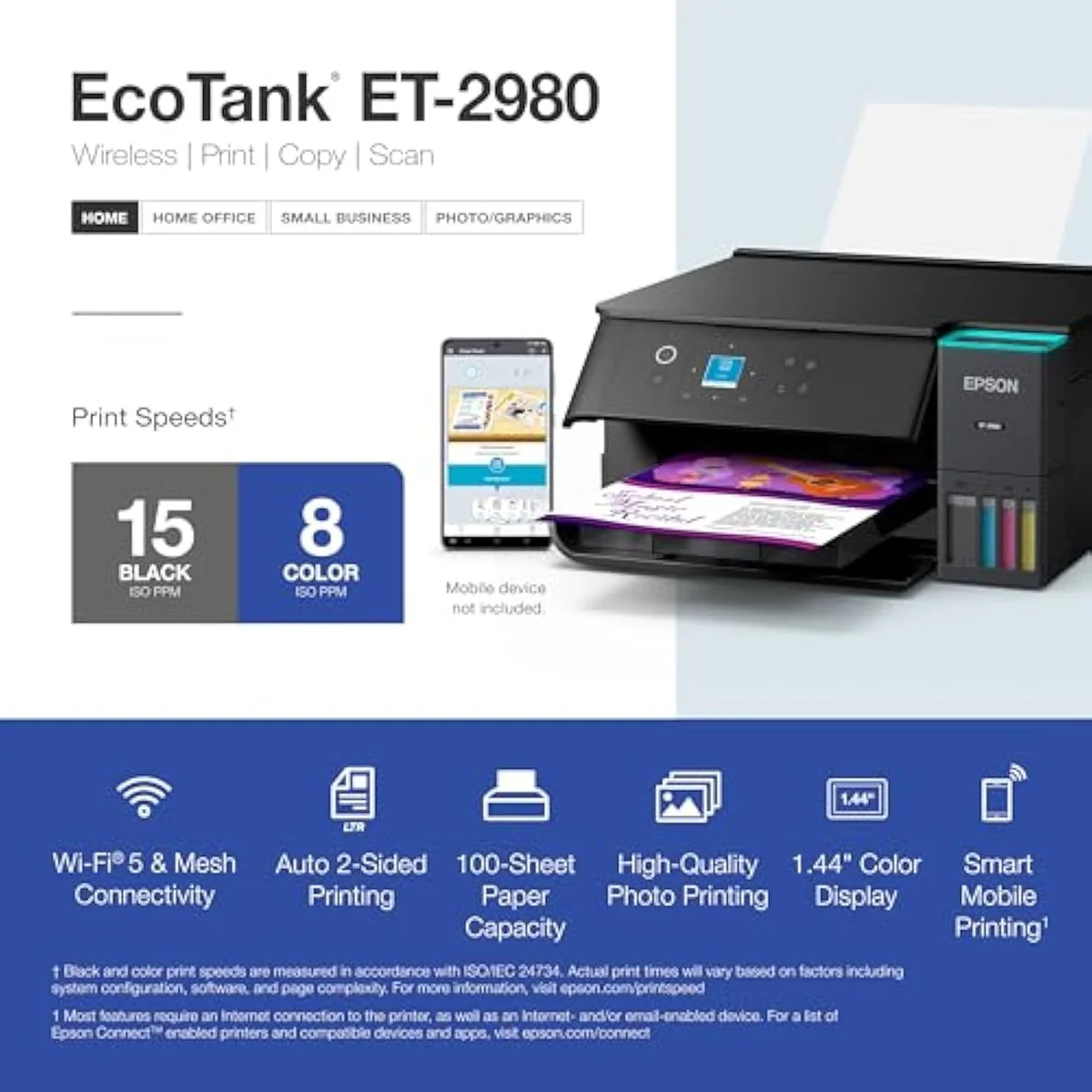
A narrower fork than most EcoTank matchups. The ET-2850 and ET-2980 pour the same cartridge-free bottle ink, and both already do automatic two-sided printing — so cost-per-page is level and duplex is a tie. What is left is a single difference: speed plus a color screen. The ET-2980's PrecisionCore engine is rated 50 percent faster than the model it replaces, and that fixes the one thing owners knock the ET-2850 for — slow color. The ET-2980 wins this matchup for anyone who prints color in volume. But it costs more for speed, not for savings: if a slow color job never frustrates you, the ET-2850 gives you the identical ink economics for less.
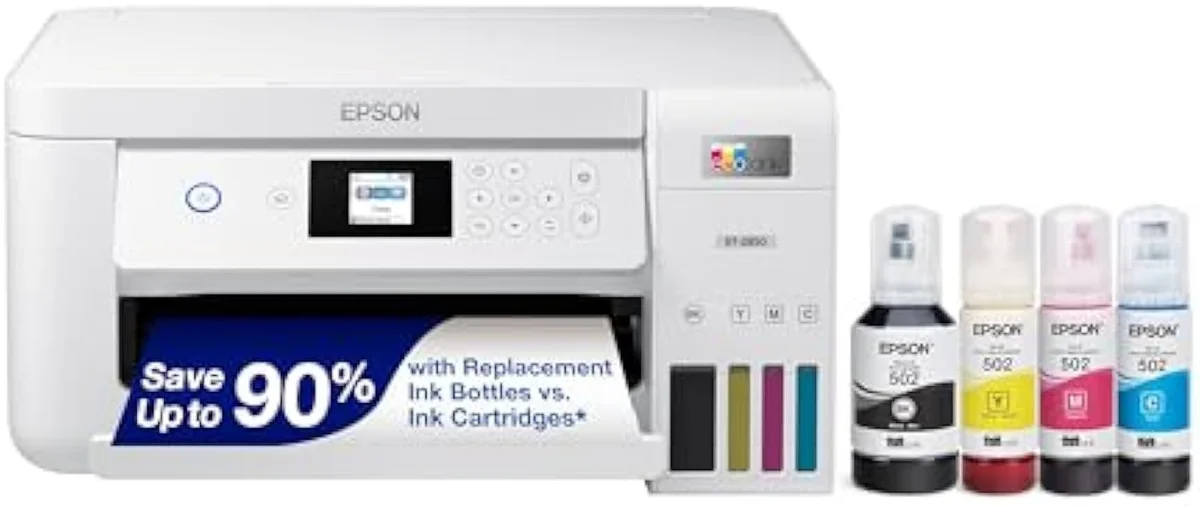
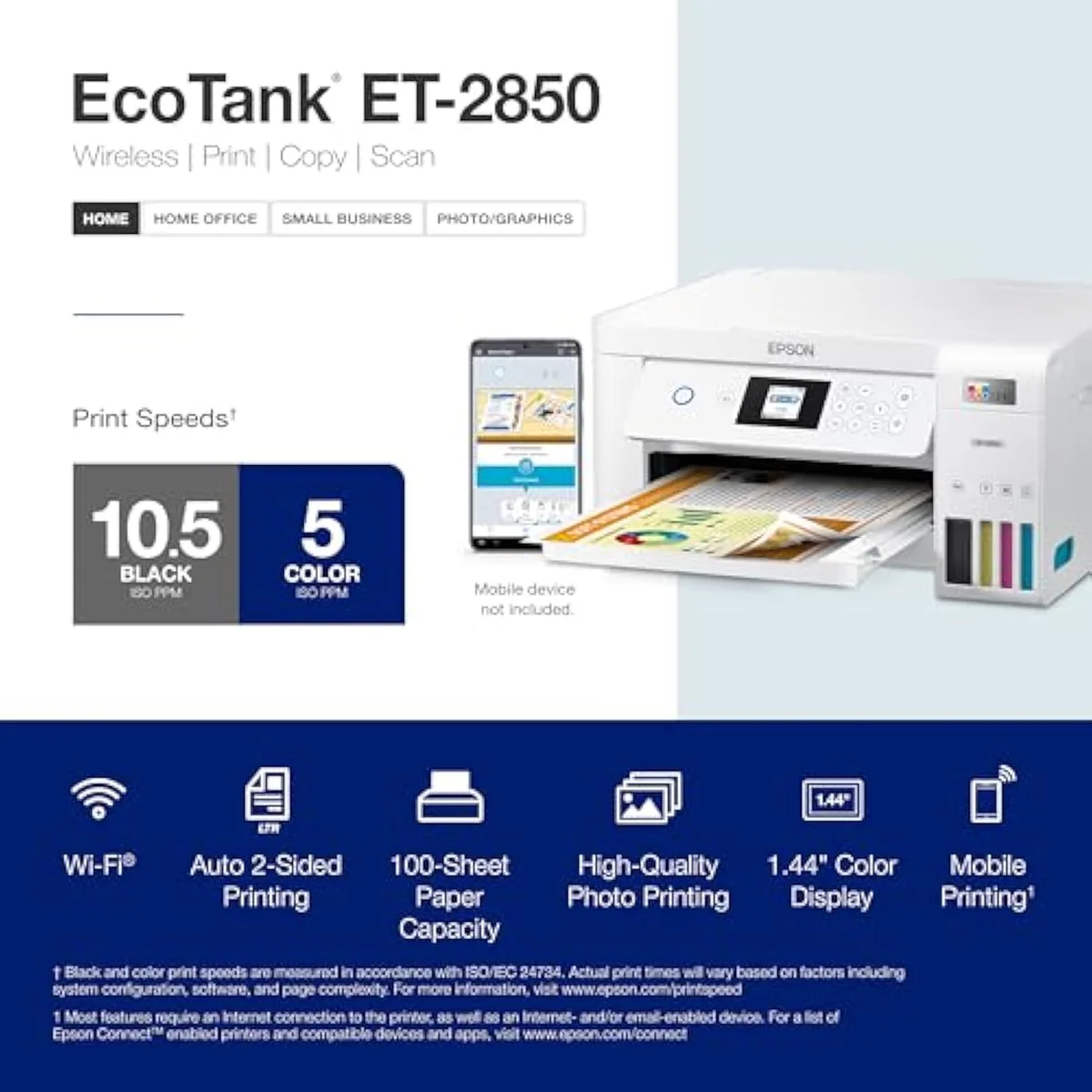
Epson EcoTank ET-2850
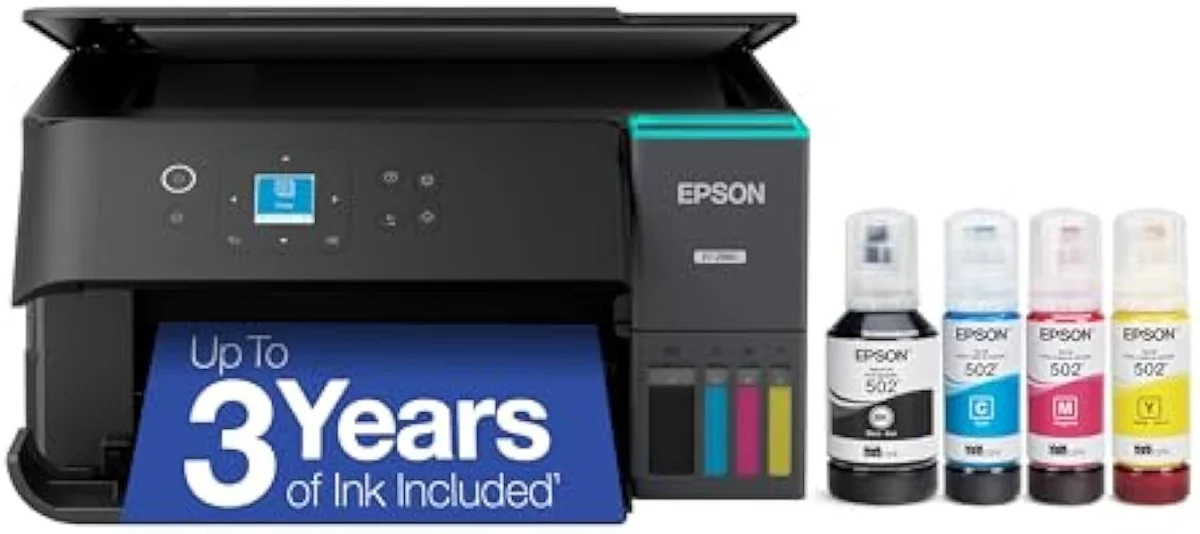
Epson EcoTank ET-2980
These two are close siblings on one Epson EcoTank line. They share the refillable bottle tanks, the same no-subscription ink economics, and — unusually — both already do automatic two-sided printing, so cost-per-page and duplex are both ties. Our pick is the ET-2980 for color-heavy printing: its PrecisionCore engine is rated 50 percent faster and adds a 1.44-inch color screen. But the premium buys speed, not savings. If slow color never bites, the cheaper ET-2850 runs on the same ink for less.
| Shared core | Same refillable EcoFit tanks, no-subscription ink, auto-duplex on both |
|---|---|
| ET-2980 adds | PrecisionCore speed (rated 15 PPM) + a 1.44-inch color screen |
| ET-2850 keeps | The slow 5-ppm color engine — owners' main gripe |
| Cost-per-page | Identical — neither sibling is cheaper to feed |
| Shared catch | Idle-clog risk; neither is a photo printer |
Here's the thing: this matchup is decided by one feature, not five. The Epson EcoTank ET-2850 and the EcoTank ET-2980 sit on the same line: refillable bottle tanks, the same no-subscription refills, the same plain-paper document quality. Pick either and the cartridge tax that drives most printer regret is already behind you. So the usual question — which one saves you more on ink — has no answer here, because they save the same. The fork is speed.
And the fork is unusually clean because the feature that splits most EcoTank pairs is already settled. Both of these do automatic two-sided printing, so duplex is not a deciding factor. The dearer ET-2980 buys a faster PrecisionCore engine and a small color screen; the cheaper ET-2850 keeps the slower color speed its owners grumble about. The rest of this page is about whether that speed is worth paying for, because on the cost math that decides most supertank buys, there is nothing to choose between them.
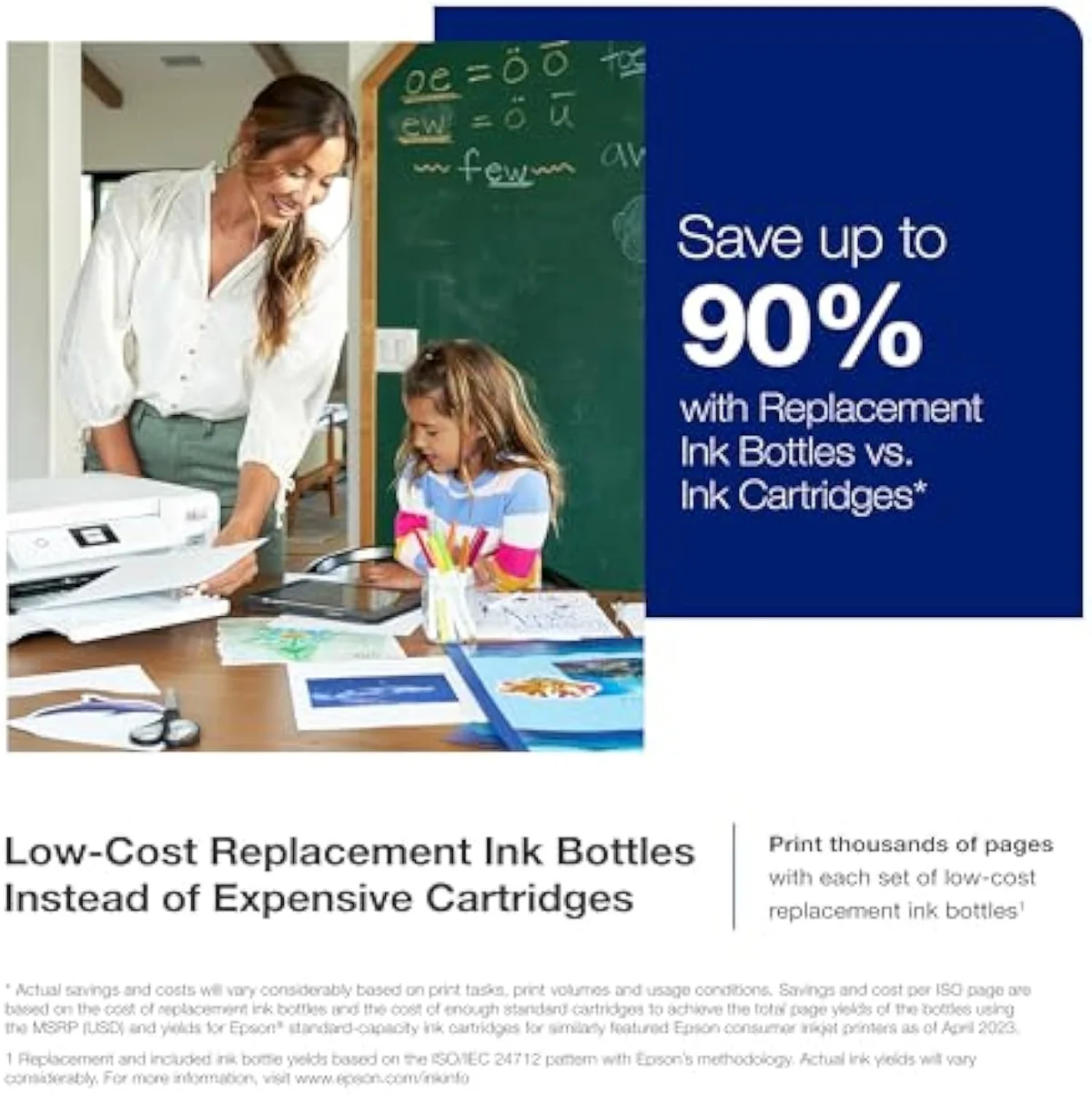
Epson EcoTank ET-2850
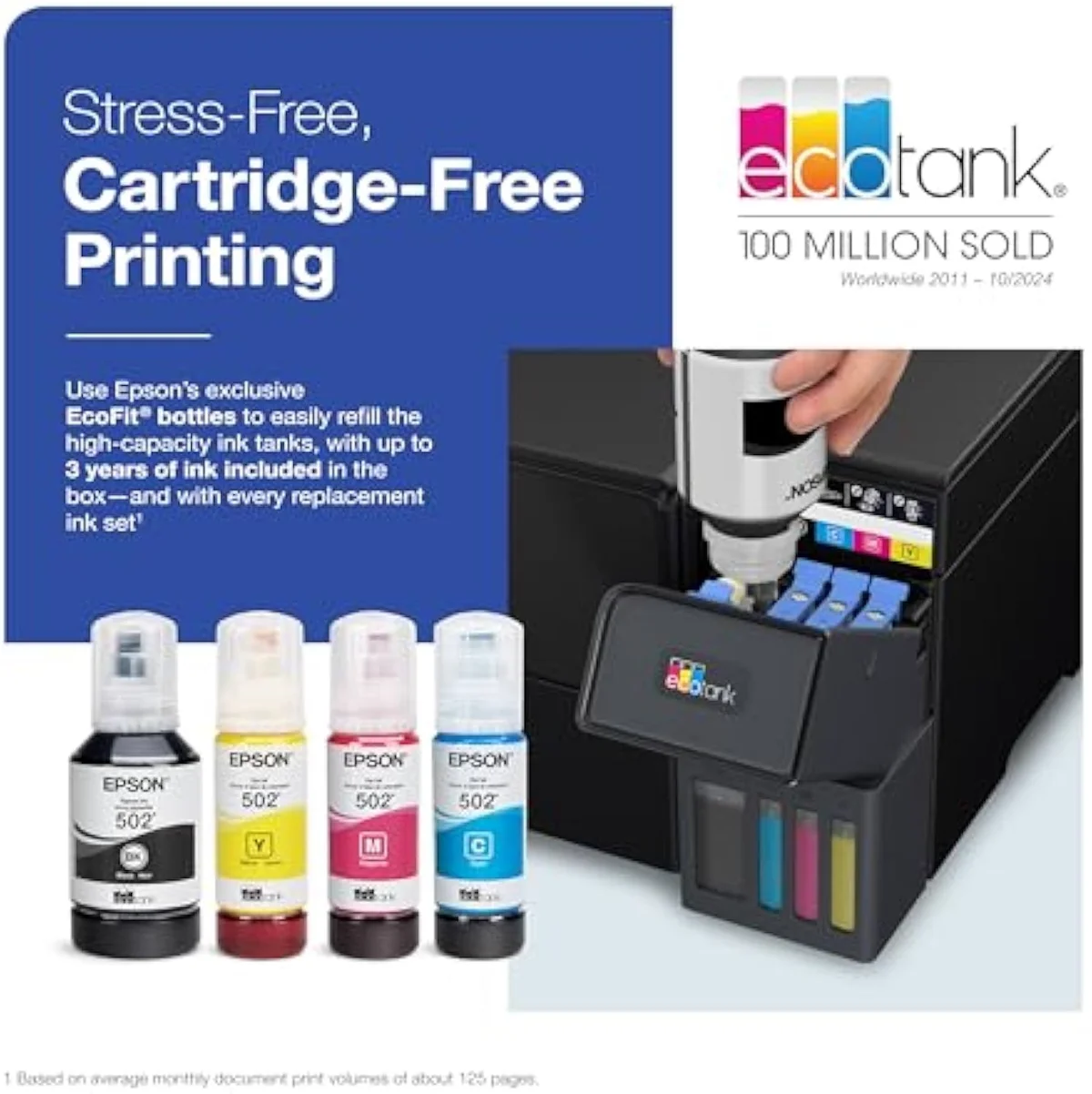
Epson EcoTank ET-2980
At a Glance
| Feature | Epson EcoTank ET-2850 Wireless Color All-in-One Cartridge-Free Supertank Printer | Editor's Pick Epson EcoTank ET-2980 Wireless All-in-One Color Supertank Printer |
|---|---|---|
| Live Price | $50–$100* | $50–$100* |
| Amazon Savings | Check Amazon | Check Amazon |
| Availability | Checking Amazon | Checking Amazon |
| Current Offer | Checking Amazon | Checking Amazon |
| Amazon Rating | ||
| Amazon Sales Rank | Check Amazon | Check Amazon |
| Live Data Refresh | Refresh pending | Refresh pending |
| Print Speed | Up to 10.5 ppm black / 5 ppm color | — |
| Functions | Print, Scan, Copy | Print, Scan, Copy + auto duplex |
| Connectivity | Wi-Fi, AirPrint, Smart Panel app | Wi-Fi, AirPrint, Smart Panel app |
| Ink System | Cartridge-free refillable tanks | Cartridge-free refillable tanks |
| Check Price | Check Price |
Amazon prices and availability are refreshed live and are subject to change. The price shown on Amazon at purchase applies.
The ink math is a tie, and so is duplex
Look — the reason to read an EcoTank-versus-EcoTank comparison is usually to find the cheaper one to feed, or the one that adds two-sided printing. Here both of those are already settled, in both printers' favor.
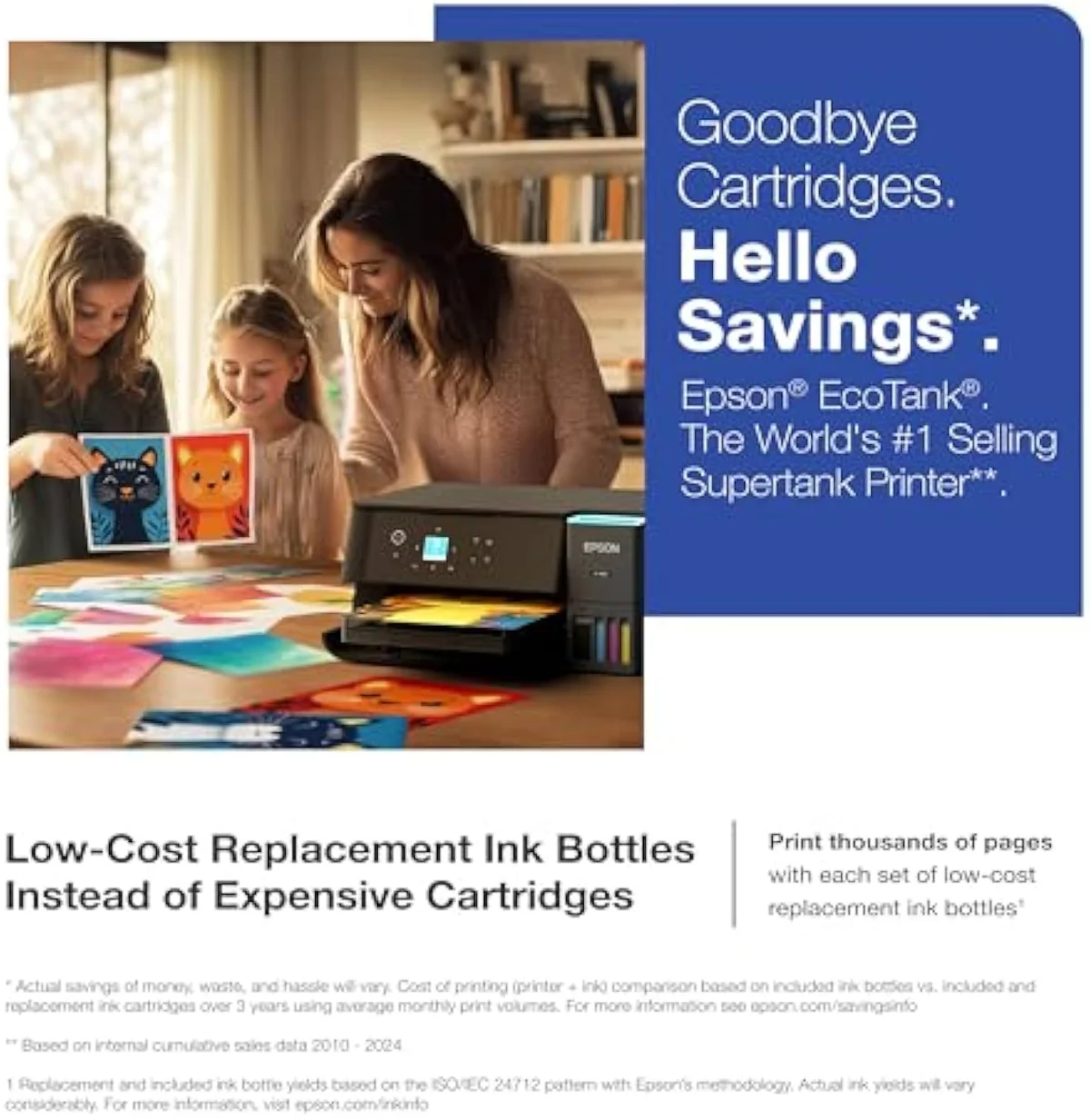
Both escape cartridges by the same route. The ET-2980 box ships full — Epson says it
The cost honesty cuts the other way too, and the ET-2980's own owners say so. Several concede
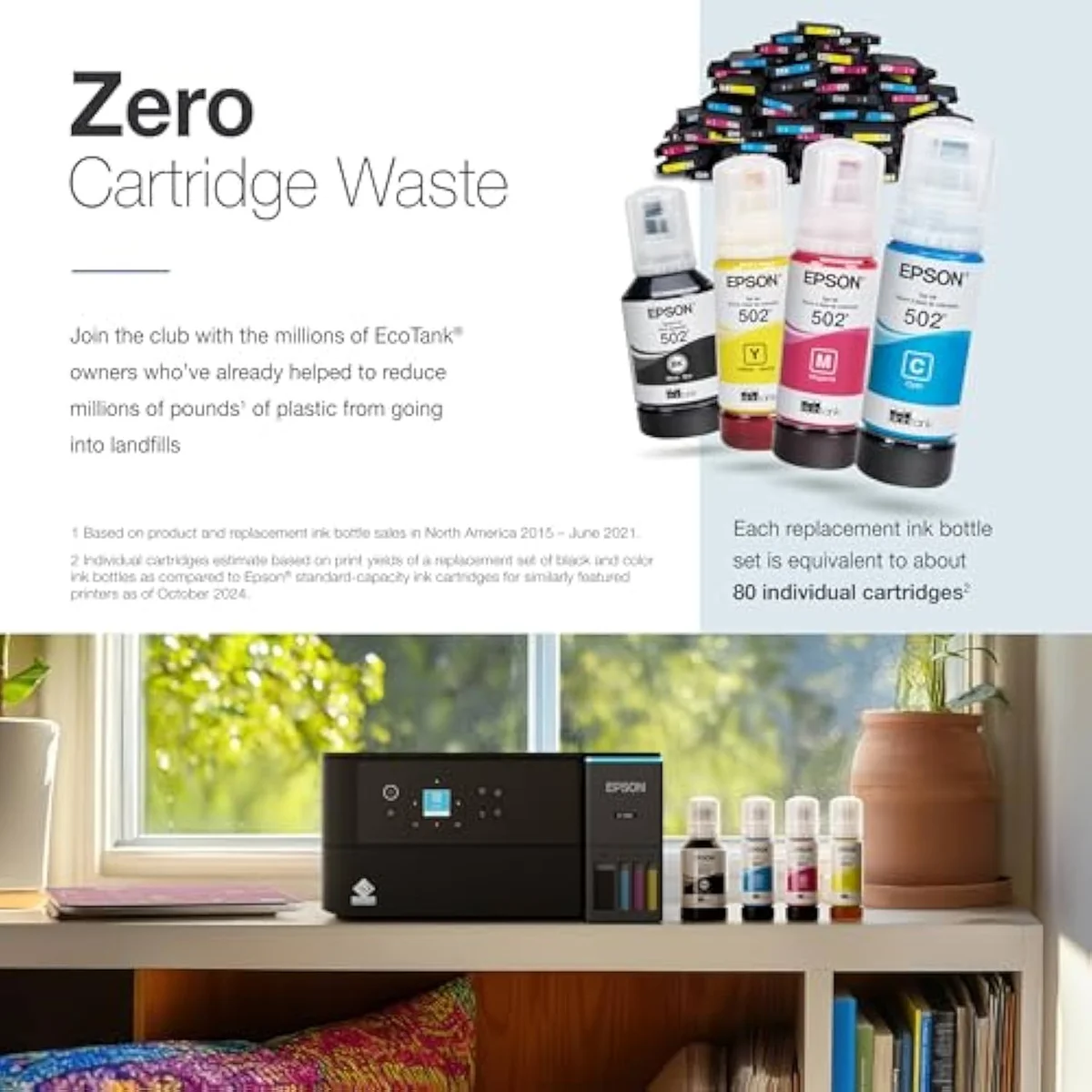
Duplex is the second tie, and it is the one most EcoTank step-ups charge for. The ET-2850 lists
Speed is the whole fork
With cost and duplex off the table, the difference is the print engine and the screen. This is where the ET-2980 earns its higher number, and where the ET-2850 shows its one real weakness.
Start with the complaint owners repeat about the cheaper machine. The ET-2850 is rated to
The ET-2980 is built to fix exactly that. Powered by PrecisionCore Heat-Free technology,
The quirks both rungs share
One set of trouble ignores the price tag entirely. These are the same family, so they inherit the same limits — and no buyer escapes them by paying more.
Both run liquid ink, so both dry out if left alone. EcoTank owners are blunt about the fix on the ET-2980 —
Neither is a photo printer, either. The ET-2850 draws a plain warning from owners —
Epson EcoTank ET-2850
Epson EcoTank ET-2980
So which EcoTank — speed or savings?
Because the ink math is a tie and both already do duplex, "who buys which" comes down to one question: do your color jobs run long enough that a faster engine earns its price? If you're coming from a clogged or bricked cartridge printer, either EcoTank is the upgrade, and the savings land the same on both. The split is purely speed against the gap.
Buy the Epson ET-2980 if…
…you print color in volume, or a slow print job already frustrates you. The PrecisionCore engine rated 50 percent faster than its predecessor is the ET-2980's whole reason to exist, and it directly fixes the color-speed complaint the ET-2850 collects from owners. The 1.44-inch color screen is a smaller bonus — nicer for walk-up copying than driving by indicator light. You pay more upfront, but you get the same proven EcoFit ink economics with the faster engine a color-heavy home actually wants. Going in, accept that the premium buys speed, not lower running cost.
Buy the Epson ET-2850 if…
…your printing is mostly black text and the price gap is real. The ET-2850 gives you the identical refillable-tank economics, the same no-subscription refills, and the same automatic duplex for less money — the only thing you surrender is color speed and the color screen. For a household printing homework, labels, and the occasional color page, that slow 5-ppm color rarely surfaces in daily use, and the savings are honest money kept. We weigh its real-world setup and ownership quirks in our full ET-2850 review.
Skip both if…
…you print rarely, or you need office volume features neither has. A supertank that sits idle for weeks will fight you on either rung, and a color laser is the honest pick for sporadic use. And neither of these entry EcoTanks carries an automatic document feeder or a second paper tray, so a busy office that scans stacks should step up a tier in the line. For the full cross-brand running-cost picture, weigh both against the field in our best supertank printers roundup.
ET-2850 vs ET-2980: the questions buyers actually ask
Almost every ET-2850-vs-ET-2980 question reduces to two things: "is one cheaper to run?" (no, they're level) and "is the faster engine worth it?" — so here are the straight answers, feature by feature.
Epson EcoTank ET-2850 or ET-2980 — which should you buy?
For a buyer who prints a lot of color, the ET-2980. Both pour the same refillable bottle ink and both already do automatic two-sided printing, so cost-per-page is level and duplex is a tie — the gap is narrower than most EcoTank matchups. What separates them is speed: the ET-2980 runs a PrecisionCore engine rated 15 pages per minute, Epson rates it 50 percent faster than the model it replaces, and that directly answers the ET-2850 complaint owners repeat most — sluggish color. If color speed never bothers you, the ET-2850 is the value pick on identical ink. If a long color job grinds, pay up for the faster engine.
Is the ET-2980 more economical to run than the ET-2850?
No — that is the part the price tag hides. Both use the same cartridge-free EcoFit bottle tanks and the same no-subscription refills, so the cost per page is a wash. The ET-2980 asks more upfront, and its own owners concede it is not the cheapest EcoTank to run. You are paying for speed and a color screen, not lower ink cost.
Do both the ET-2850 and ET-2980 print double-sided automatically?
Yes — and that matters, because it removes the usual reason to step up. Plenty of EcoTank comparisons turn on duplex, but here both models do automatic two-sided printing out of the box. So duplex is off the table as a deciding feature, which is why this fork comes down to speed and the control panel rather than a missing function.
How much faster is the ET-2980 in real use?
Enough to feel it on a long job. The ET-2850 is rated up to 10.5 pages per minute in black and a slow 5 in color, and owners flag the color speed — one describes a six-page double-sided job that can pass 20 minutes. The ET-2980 is rated 15 pages per minute on a faster PrecisionCore engine. For a single page the difference is academic; for a stack of color pages it is the whole reason the ET-2980 exists.
Does either one print good photos?
Neither is a photo printer. Both are four-ink document machines built for crisp text and adequate color on plain paper — fine for a worksheet or a recipe. Owners are blunt that the ET-2850 is not built for photos and its prints can fade. For saturated borderless photo work, a six-ink photo supertank is the right tool, not either of these.
Will either one clog if left unused?
Both can — same family, same liquid-ink failure mode. Run a color page weekly and the risk stays low.
Track Both Products
We'll email you if either price drops or availability changes.
Only when something changes. Unsubscribe anytime.
Ready to Choose?
Citations
- [1]"Prints up to 10.5 pages per minute (ppm) in black and 5 ppm in color."https://www.amazon.com/dp/B096N85ZHWCaptured June 4, 2026. Verified June 4, 2026.
- [2]"Auto 2-sided printing helps save time and money."https://www.amazon.com/dp/B096N85ZHWCaptured June 4, 2026. Verified June 4, 2026.
- [3]"EcoTank ET-2850 All-in-One Supertank Printer"https://www.amazon.com/dp/B096N85ZHWCaptured June 4, 2026. Verified June 4, 2026.
- [4]"The ink lasts a long time and saves a lot of money."https://www.amazon.com/dp/B096N85ZHWCaptured June 4, 2026. Verified June 4, 2026.
- [5]"You do not want the ET-2850 for photos, its not a photo printer"https://www.amazon.com/dp/B096N85ZHWCaptured June 4, 2026. Verified June 4, 2026.
- [6]"double-sided printing if you want a 6 page job to complete within 20 minutes"https://www.amazon.com/dp/B096N85ZHWCaptured June 4, 2026. Verified June 4, 2026.
- [7]"No subscription is required, you can just use the ink bottles"https://www.amazon.com/dp/B096N85ZHWCaptured June 4, 2026. Verified June 4, 2026.
- [8]"this is an extremely cheap and flimsy little printer. It is slow when printing in colour"https://www.amazon.com/dp/B096N85ZHWCaptured June 4, 2026. Verified June 4, 2026.
- [9]"Comes with enough ink to print up to 6,600 pages black/5,500 color"https://www.amazon.com/dp/B0F1FBQRVBCaptured June 4, 2026. Verified June 4, 2026.
- [10]"Each replacement ink bottle set is equivalent to about 90"https://www.amazon.com/dp/B0F1FBQRVBCaptured June 4, 2026. Verified June 4, 2026.
- [11]"the ET-2980 delivers print speeds 50% faster"https://www.amazon.com/dp/B0F1FBQRVBCaptured June 4, 2026. Verified June 4, 2026.
- [12]"15 PPM, 1.44"https://www.amazon.com/dp/B0F1FBQRVBCaptured June 4, 2026. Verified June 4, 2026.
- [13]"Print and scan from the convenience of your smart device"https://www.amazon.com/dp/B0F1FBQRVBCaptured June 4, 2026. Verified June 4, 2026.
- [14]"unlike conventional thermal inkjet printers"https://www.amazon.com/dp/B0F1FBQRVBCaptured June 4, 2026. Verified June 4, 2026.
- [15]"the ET-2980 may not be the most economical printer of choice, but has the feature"https://www.amazon.com/dp/B0F1FBQRVBCaptured June 4, 2026. Verified June 4, 2026.
- [16]"print at least one time per week. You do not want to experience the printheads clogging"https://www.amazon.com/dp/B0F1FBQRVBCaptured June 4, 2026. Verified June 4, 2026.