Epson EcoTank ET-2803 vs ET-4800: The Home Tank or the Office One
Updated
This is a step-up, not a tie. The ET-4800 is the office EcoTank — it bolts on an automatic document feeder, fax, Ethernet, and auto-duplex the ET-2803 has none of. Both run the same cartridge-free bottle ink, so neither pays a cartridge tax; the premium buys hardware, not cheaper pages. For most homes the ET-2803 is the smarter buy — you skip ports you will never use. The ET-4800 is worth its sticker only for a real home office that feeds stacks of paper and prints often enough to keep the heads from clogging.
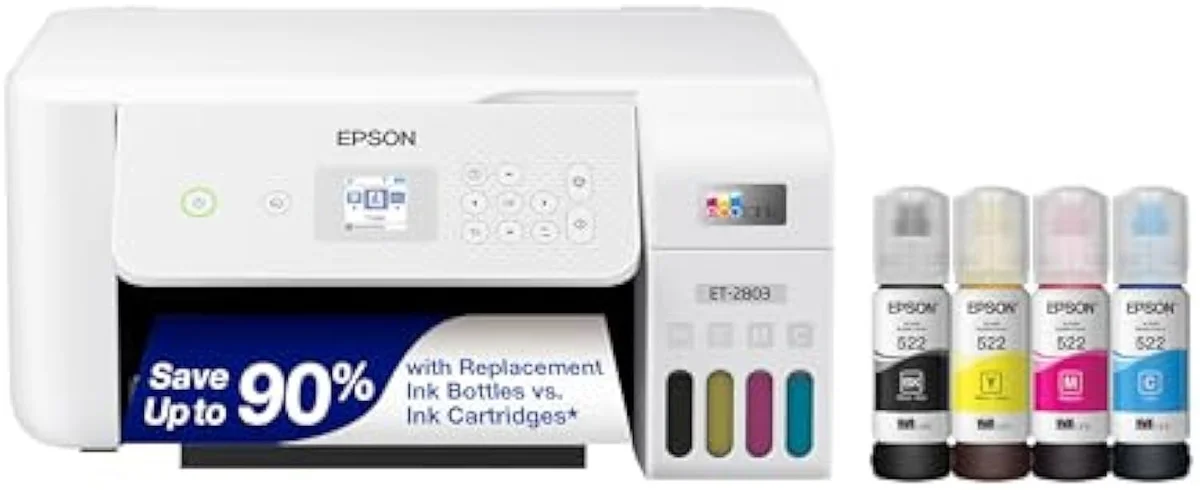
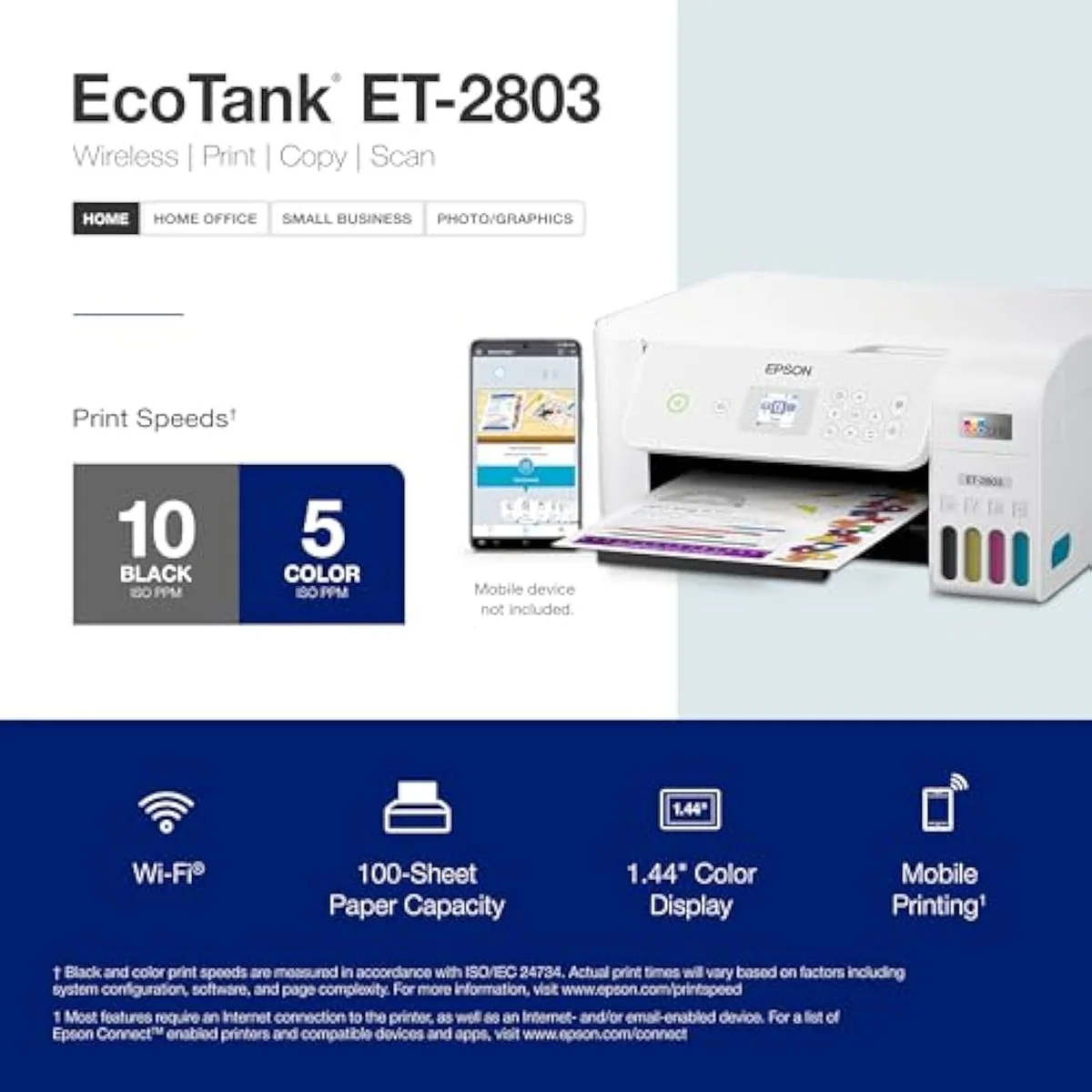
Epson EcoTank ET-2803
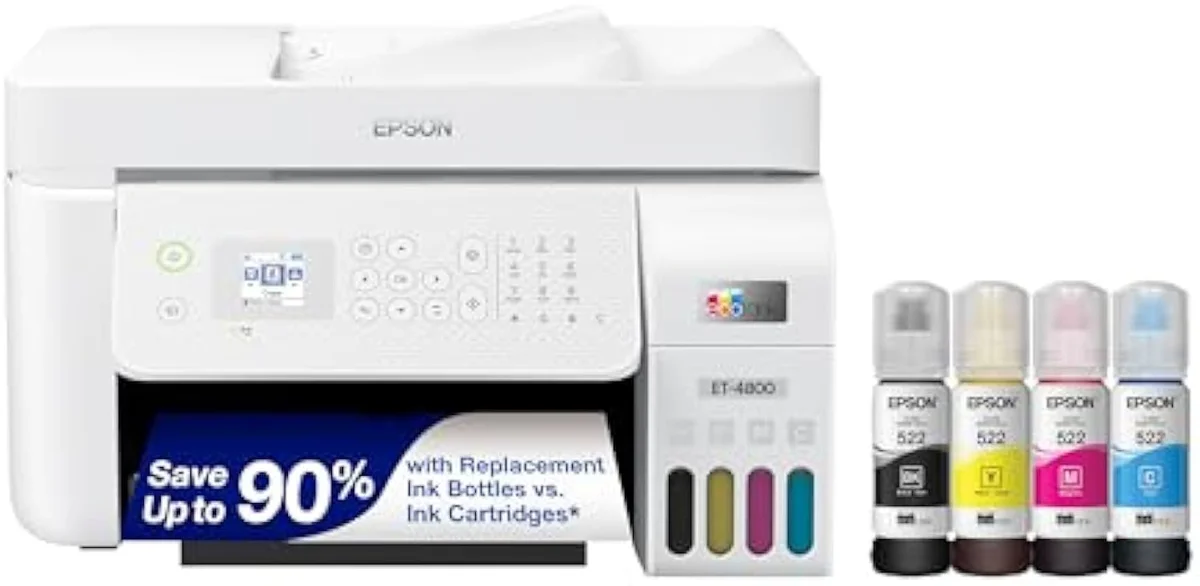
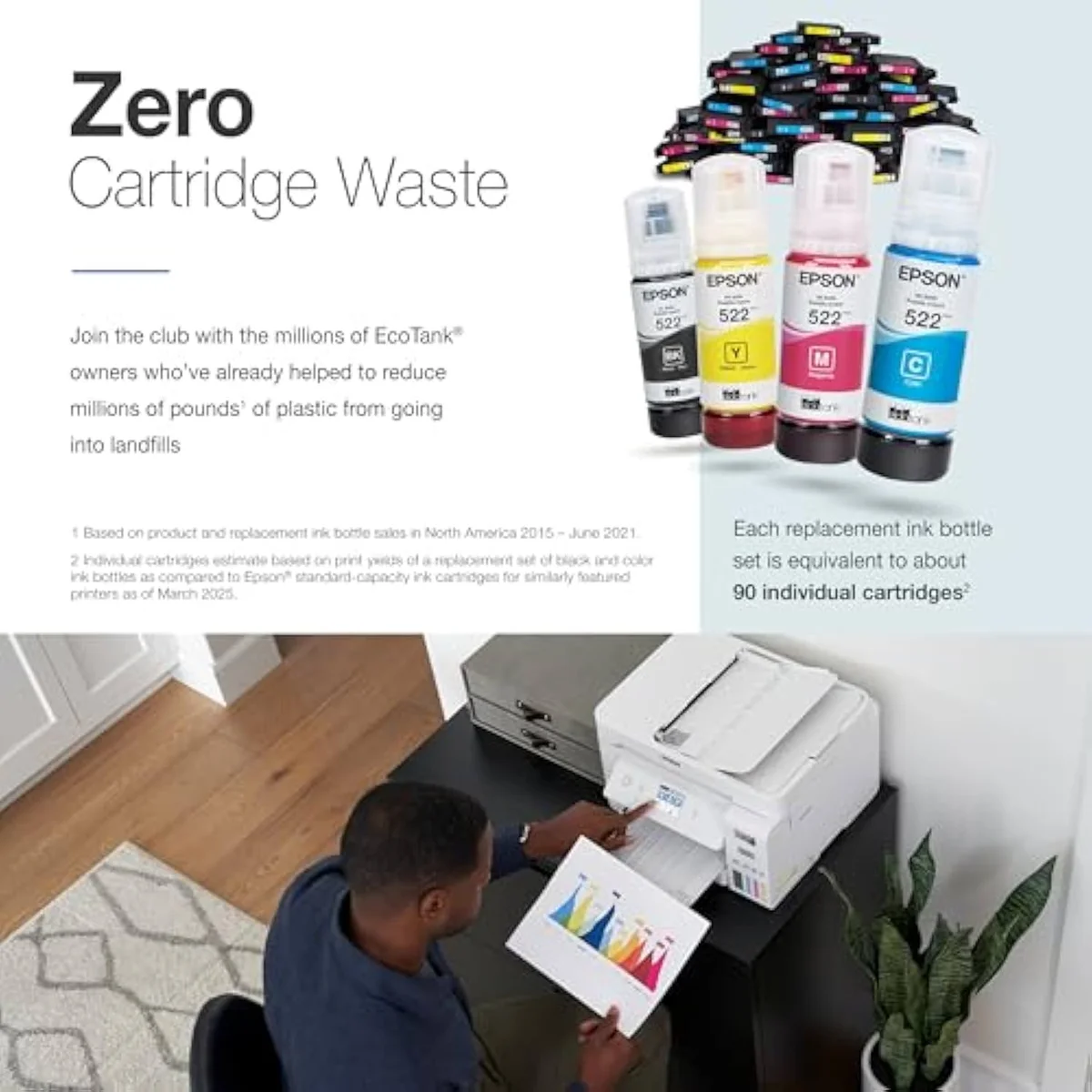
Epson EcoTank ET-4800 Wireless All-in-One Cartridge-Free Supertank Printer wi…
For most homes we recommend the ET-2803, and the ET-4800 only for a real home office. The ET-4800 is the office version of the ET-2803 — it adds an automatic document feeder, fax, Ethernet, and auto-duplex, for a higher price. Both run the same cartridge-free bottle ink, so the gap is hardware, not running cost. The bigger machine pays off only for an office that feeds stacks of paper and prints enough to keep the heads wet.
| What the ET-4800 adds | Auto document feeder, fax, Ethernet, automatic duplex |
|---|---|
| Shared core | Same cartridge-free bottle ink, same low cost-per-page band |
| Shared weakness | Liquid-ink printhead clogs when left idle, both |
| Smarter buy for most homes | ET-2803 — you skip ports you won\'t use |
| Step up to the ET-4800 if | You run a home office that copies stacks and prints weekly |
These two are not the same printer in two boxes. The Epson EcoTank ET-2803 is the entry home tank — it prints, scans, and copies, and you flip pages by hand for two-sided jobs. The ET-4800 is the office tank: same cartridge-free bottle ink underneath, but with an automatic document feeder, a fax modem, a wired Ethernet port, and auto-duplex bolted on, at a higher price. So the pick is a real step-up question, not a coin flip. Feed stacks of paper and print double-sided for work, and the ET-4800 earns the jump; print the odd page at home, and you are paying for ports you will never plug into.
Here's the thing that separates this from a cartridge fight: both machines are cartridge-free, so neither one carries the expensive-ink trap an HP DeskJet does. The per-page cost sits in the same low band on both. That means the premium on the ET-4800 buys hardware — a feeder and connectivity — not cheaper printing. Spend a minute on the office parts and how often you would touch them; spend the rest on how often you print, because both supertanks clog when they sit idle.
Epson EcoTank ET-2803
Epson EcoTank ET-4800 Wireless All-in-One Cartridge-Free Supertank Printer wi…
At a Glance
| Feature | Editor's Pick Epson EcoTank ET-2803 Wireless Color All-in-One Cartridge-Free Supertank Printer | Epson EcoTank ET-4800 Wireless All-in-One Cartridge-Free Supertank Printer wi… |
|---|---|---|
| Functions | Print, Scan, Copy (color all-in-one) | — |
| Connectivity | Wi-Fi, AirPrint, Epson Smart Panel app (no USB cable in box) | — |
| Ink System | Cartridge-free refillable EcoTank — ink rated up to 4,500 black / 7,500 color | — |
| Material | — | Glass |
What the office EcoTank actually adds
The whole case for the higher number sits in four words on the box. Epson lists the ET-4800 as a
The second upgrade is duplex. The ET-4800 prints both sides on its own — an owner sums it up as
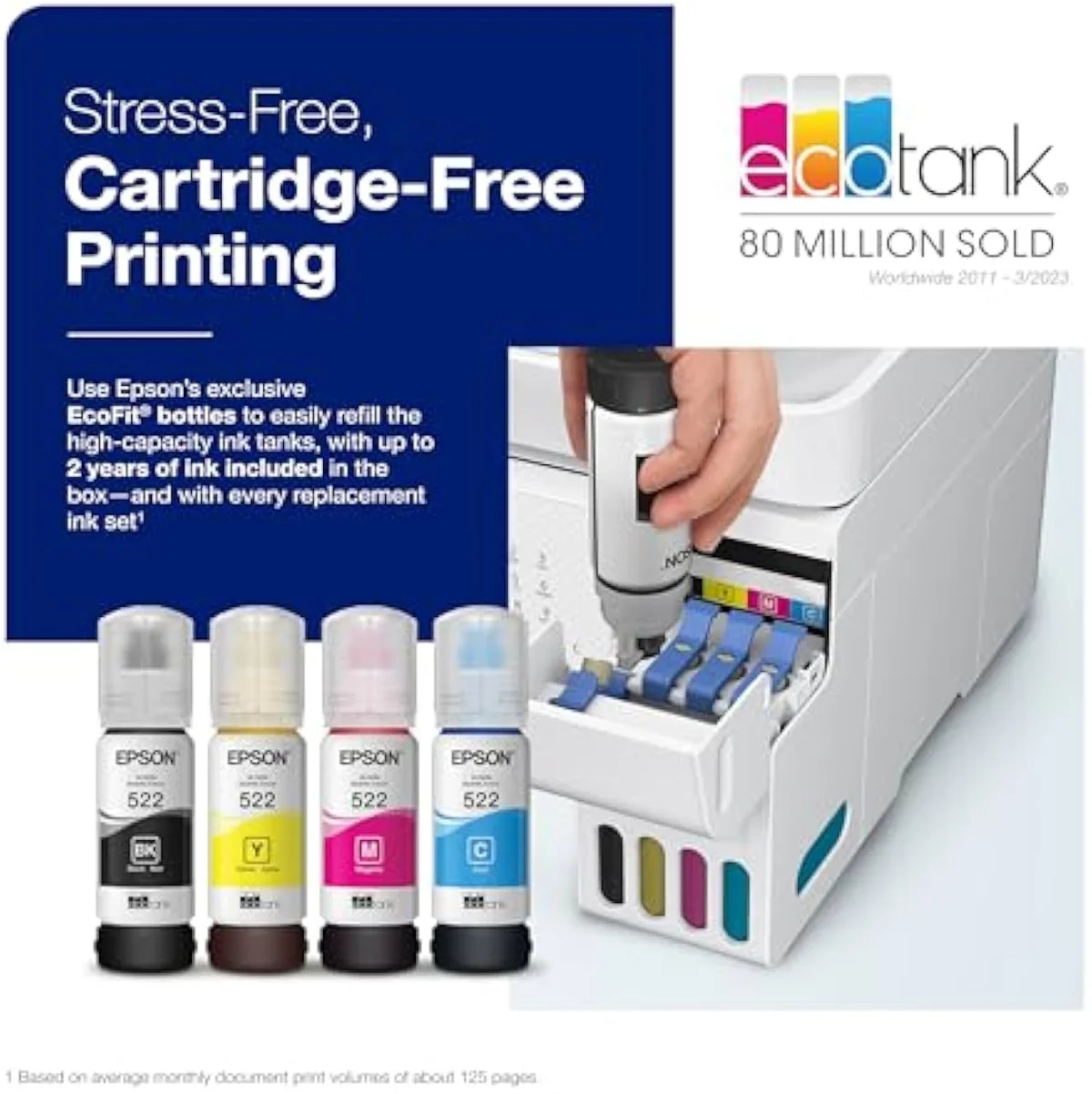
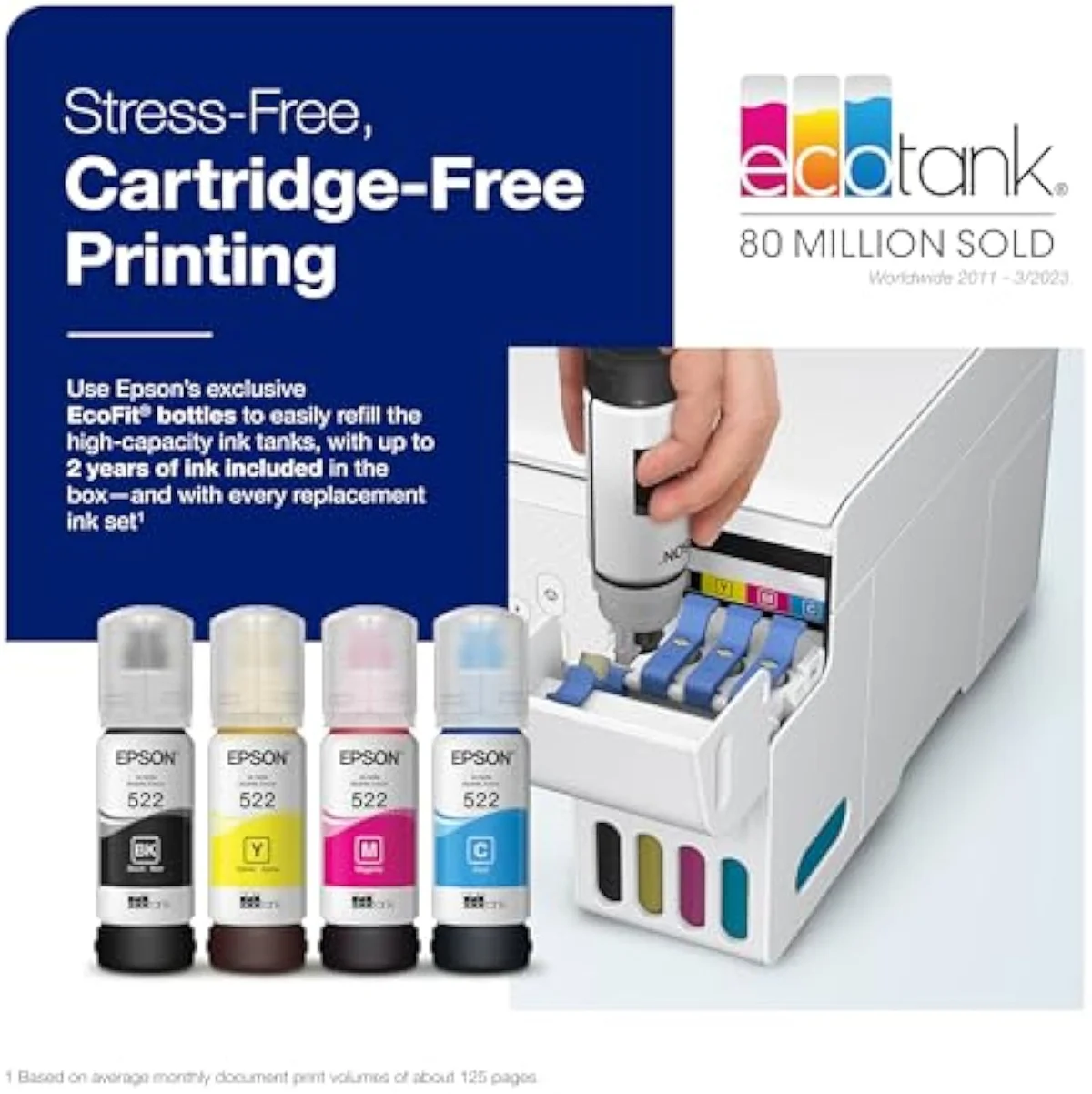
Underneath, the two printers are the same supertank. Both fill from Epson's EcoFit bottles, both quote the same low cost-per-page, and both lean on the cartridge-free pitch the ET-2803 spells out: bottle ink rated for
One caution on the feeder before you bank on it: the ADF on this line is the weak link, not the strong one. An ET-4800 owner reports
Both run on the same idle-clog risk
Here's the part the feature list hides: the bigger machine does not buy you out of the supertank's core failure.
Both printers carry the same liquid-ink printhead, and that head clogs when the printer sits unused.
The community verdict is blunt —
Print at least weekly and the risk rarely surfaces on either model. There is a duty ceiling at the other end too: a heavy ET-2803 buyer was warned that
And quality is a wash, with one shared caveat. Both print clean document text, but EcoTank office color is muted by design — an owner warns
The cost case only closes at volume
The premium is not about cheaper pages.
So if the ink is identical and the clog risk is identical, what is the ET-4800's premium actually for? Time, at volume. The feeder and the duplex pay back in saved minutes for an office that copies paperwork and prints reports daily — not in cheaper ink.
The cartridge-free payoff is real, but it is a volume story for both machines. One office owner who switched to an EcoTank from cartridges put the savings in plain terms:
Build quality is the last asterisk on the office model. An ET-4800 owner singles out a soft spot —
Epson EcoTank ET-2803
Epson EcoTank ET-4800 Wireless All-in-One Cartridge-Free Supertank Printer wi…
Office workhorse, weekly home printer, or neither
Because one of these is a home tank and the other an office tank, "who buys which" turns on a single honest question — do you run enough paperwork to need a feeder — sitting on top of the bigger one every supertank asks: do you print often enough to keep the heads from drying out. If you are considering the ET-4800 for its ADF, be sure you will feed it; if you are eyeing the ET-2803 to save, be sure you will not miss the office parts. For buyers coming from a cartridge printer, either one ends the cartridge bills — the choice between them is workload, not ink. Here is how it shakes out.
The ET-2803 is the smarter buy if…
…you print at home and rarely copy more than a page at a time. The entry Epson ET-2803 gives you the identical cartridge-free ink economics, the same bottle yield, and the same print quality as the office model, without paying for a fax modem and an Ethernet jack you will never plug in. For a household printing homework, labels, and the occasional photo, it is the right amount of printer. Read the full ownership picture — setup quirks, real clog cadence, in-box yield — in our hands-on ET-2803 review before you commit.
The ET-4800 earns its premium if…
…you run a home office that copies stacks and prints most weeks. The automatic document feeder, the auto-duplex, the fax, and the wired Ethernet are the ET-4800's whole reason to cost more, and for steady paperwork they save real time. Going in, treat the feeder as the part to watch — it is slow and jam-prone under load — and lean on the flatbed for anything that matters. Buy it for the office hardware, not for cheaper ink; the ink is the same as the ET-2803.
Reconsider either if…
…you print twice a month, or you need a glossy photo. A light-use desk is the worst home for a liquid-ink tank — the heads clog while they sit, and the cleaning cycles eat the savings, on the ET-4800 as surely as the ET-2803. A budget cartridge all-in-one or a small laser is the calmer pick for a rare printer. For the full cartridge-versus-tank fork and the models we rate above these, see our supertank printers we recommend, and for the broader buy-or-skip logic, our all-in-one wireless printer guide. Both EcoTanks reward a steady weekly habit — at any lighter use, both are the wrong tool.
ET-2803 vs ET-4800: what buyers really want to know
Most questions about these two come down to "is the office feeder worth the jump?" and "will either clog on me?" — so here are the straight answers, workload first.
What does the Epson ET-4800 add over the ET-2803?
Office hardware the ET-2803 leaves out. The ET-4800 adds an automatic document feeder for stacking multi-page copies, automatic two-sided printing, a fax modem, and a wired Ethernet port — the parts a home office leans on daily. The ET-2803 is print, scan, and copy from the flatbed glass with manual page-flipping for duplex. Both run the same cartridge-free EcoTank bottle system underneath, so the difference is the feeder and the connectivity, not the ink.
Is the ET-4800 worth the extra money over the ET-2803?
Only if you actually use what it adds. The feeder, fax, and Ethernet earn their keep in a home office that copies paperwork and prints reports every week; for a household printing the odd worksheet, you would pay more for ports you never touch. Match the spend to the workload, not the spec sheet.
Do both printers cost the same per page?
Roughly, yes — both are cartridge-free EcoTanks fed from the same bottle ink, so the per-page running cost is in the same low band. Where they differ is the up-front price and the feature set, not the cents per sheet.
Which one clogs less if you barely print?
Neither has the edge — and that is the warning. Both share the liquid-ink printhead that dries and clogs when an EcoTank sits idle, and the ET-4800 draws as many idle-failure complaints as any tank in the line. A light printer who buys either has to run a weekly nozzle check to keep the heads clear; the bigger machine does not buy you out of that chore. If you print twice a month, a budget cartridge all-in-one or a laser is the safer room.
Does the ET-2803 have a document feeder?
No — it scans one page at a time from the flatbed. Needing to feed a stack is the clearest reason to pick the ET-4800.
Are either of these good photo printers?
No — buy either for documents, not pictures. Both lay down clean text and acceptable everyday color, but EcoTank office color runs muted by design, and owners chasing saturated prints are happier on Epson's dedicated EcoTank Photo line. For a worksheet, a label, or a recipe, both are fine; for a gallery print, neither is the tool.
Track Both Products
We'll email you if either price drops or availability changes.
Only when something changes. Unsubscribe anytime.
Read the Full Reviews
Citations
- [1]"that’s enough to print up to 4,500 pages black/7,500 color"https://www.amazon.com/dp/B0BHXNP6B1Captured June 3, 2026. Verified June 3, 2026.
- [2]"Up to 2 years of ink in the box"https://www.amazon.com/dp/B0BHXNP6B1Captured June 3, 2026. Verified June 3, 2026.
- [3]"If you don't print frequently, inktank printers will get their print heads clogged."https://www.amazon.com/dp/B0BHXNP6B1Captured June 3, 2026. Verified June 3, 2026.
- [4]"2400-2800 impressions a month"https://www.amazon.com/dp/B0BHXNP6B1Captured June 3, 2026. Verified June 3, 2026.
- [5]"Epson EcoTank ET-4800 Wireless All-in-One Cartridge-Free Supertank Printer with Scanner, Copier, Fax, ADF and Ethernet"https://www.amazon.com/dp/B09P45LR5TCaptured June 3, 2026. Verified June 3, 2026.
- [6]"The printer dues Dual-Sided Print - Great for"https://www.amazon.com/dp/B09P45LR5TCaptured June 3, 2026. Verified June 3, 2026.
- [7]"My office was burning through ink cartridges and even getting them on sale at Costco"https://www.amazon.com/dp/B09P45LR5TCaptured June 3, 2026. Verified June 3, 2026.
- [8]"The scanner is very slow and the amount of sheets you can put into the autofeeder is lightweight before complications and jams happen."https://www.amazon.com/dp/B09P45LR5TCaptured June 3, 2026. Verified June 3, 2026.
- [9]"The output tray is flimsy"https://www.amazon.com/dp/B09P45LR5TCaptured June 3, 2026. Verified June 3, 2026.
- [10]"Constantly not printing the text. Have to clean out nozzles, align, etc..."https://www.amazon.com/dp/B09P45LR5TCaptured June 3, 2026. Verified June 3, 2026.
- [11]"The color on the ET series is very muted."https://www.amazon.com/dp/B09P45LR5TCaptured June 3, 2026. Verified June 3, 2026.