Epson EcoTank ET-2803 vs ET-2850: What the Step-Up Tank Actually Buys
Updated
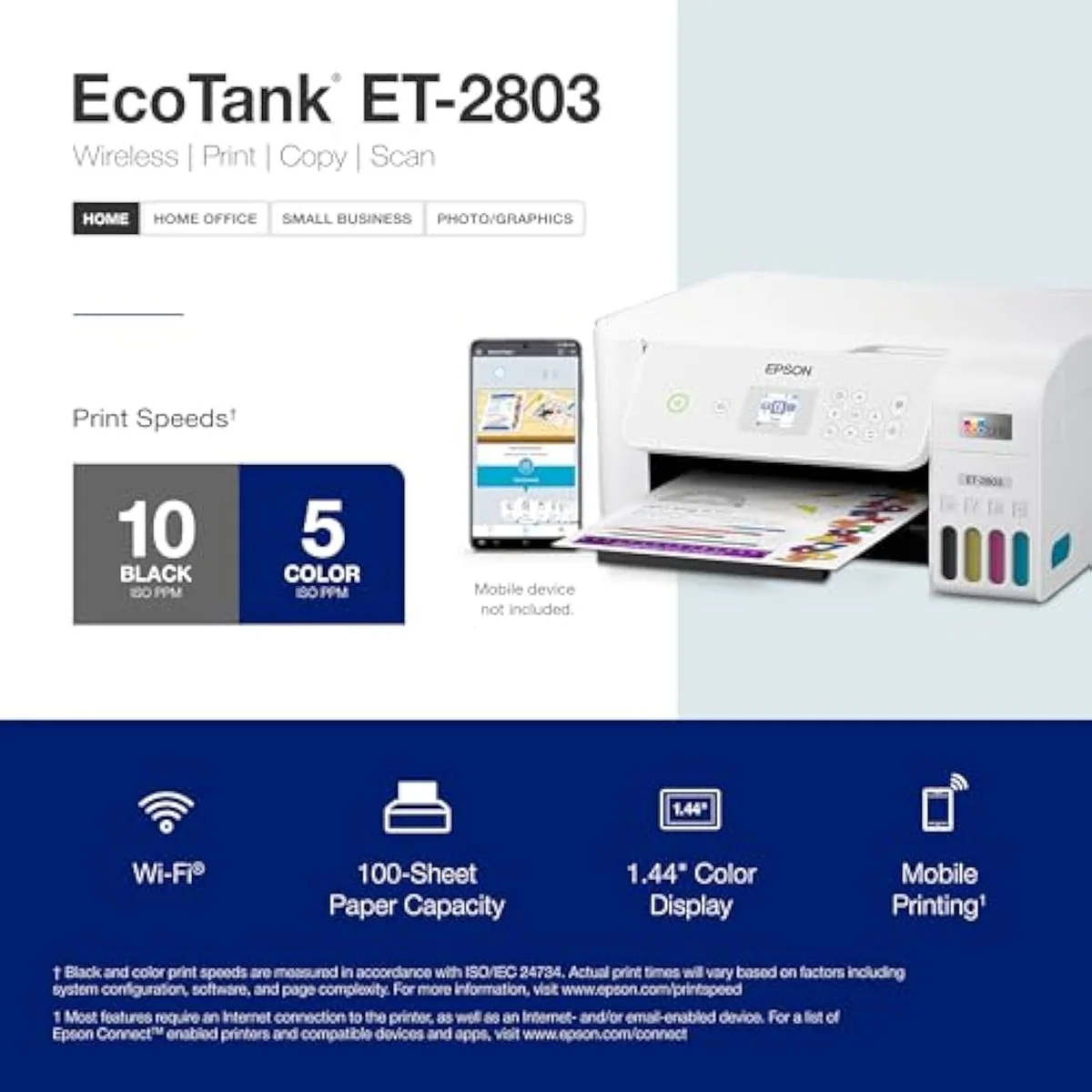
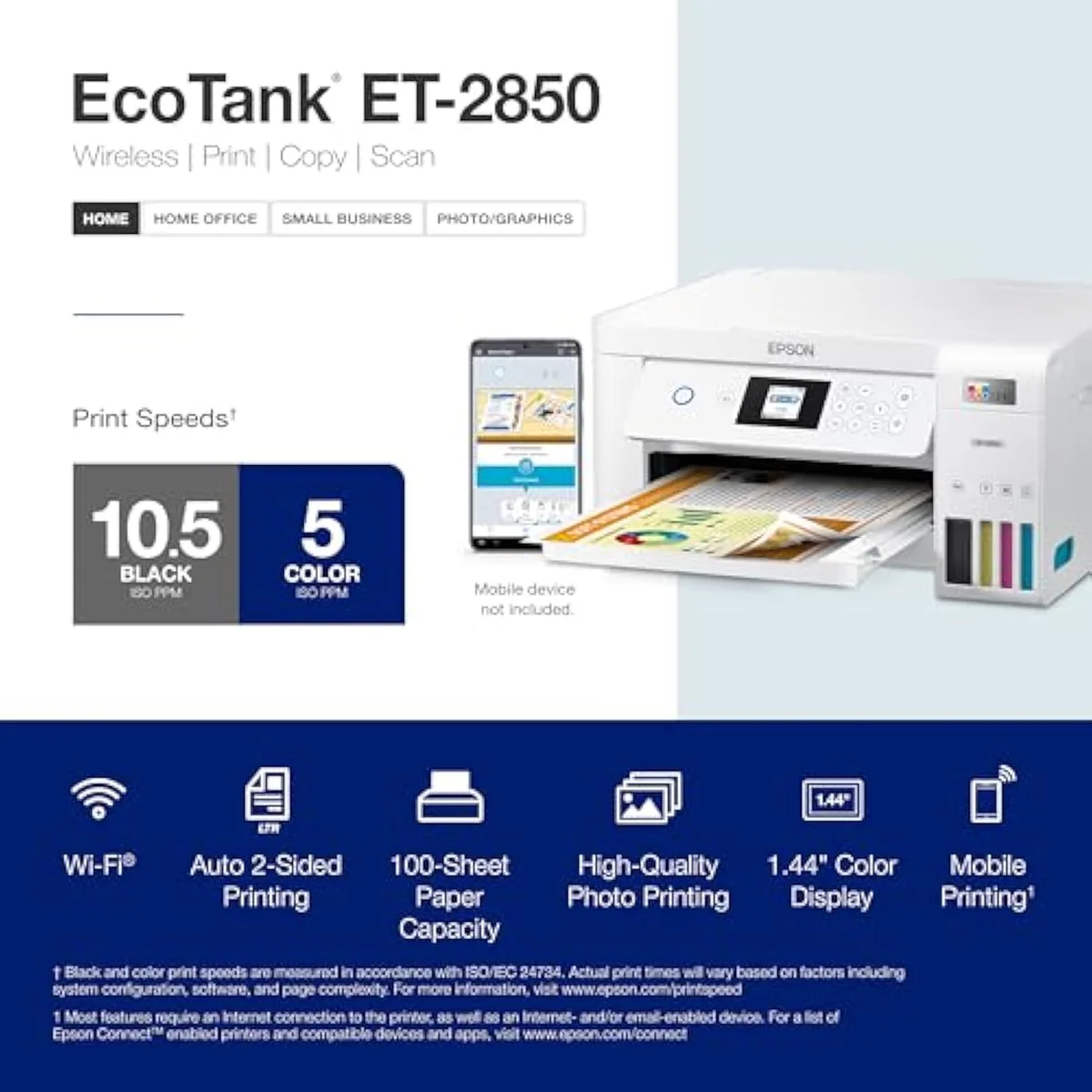
The ET-2850 is the genuine upgrade — it prints double-sided on its own, doubles the resolution to 4800 x 1200, and rates a faster 10.5 ppm in black, where the ET-2803 flips pages by hand and trades fine detail for speed. But the ink economics are identical: both are cartridge-free EcoTanks on the same bottle savings, so the ET-2850 is a workflow upgrade, not a cost one. Pay up for the 2850 if you print double-sided or want sharper output; the ET-2803 is the smarter buy if you only print one-sided pages and want to spend less. Both clog if left idle — print only a few times a year and skip the tank for a laser.
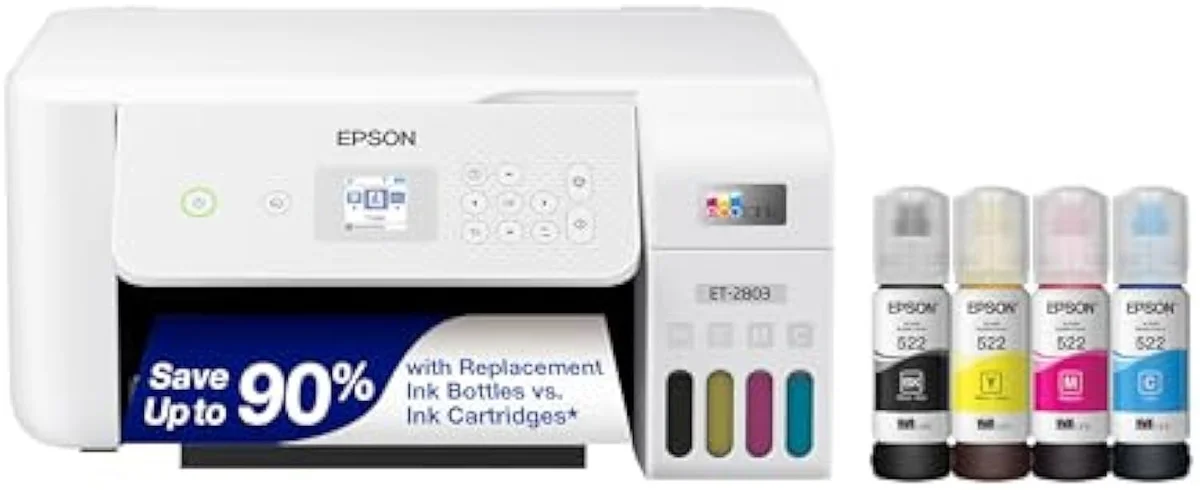
Epson EcoTank ET-2803
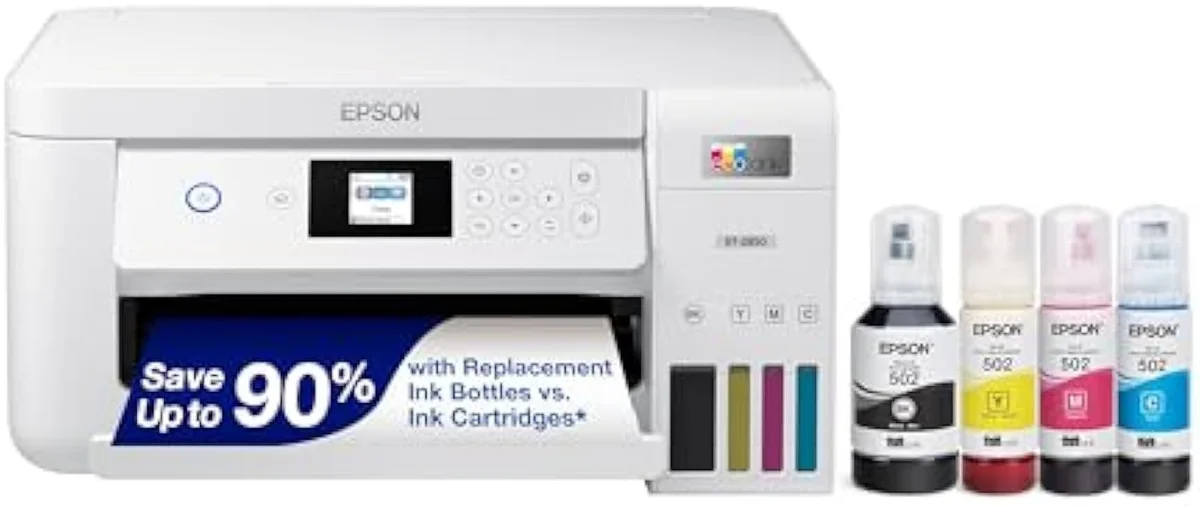
Epson EcoTank ET-2850
The ET-2850 is a real upgrade, not a relabel: auto-duplex, 4800 x 1200 resolution, and a faster rated black speed the ET-2803 doesn't match. But both are cartridge-free EcoTanks on the same bottle-ink economics, so it's a workflow buy, not a savings buy. Take the 2850 to print double-sided or sharper; take the 2803 to print one-sided for less. Both clog if left idle — at a few prints a year, a laser wins.
| Real upgrade (2850) | Auto two-sided printing + 4800 x 1200 resolution |
|---|---|
| Speed edge | 2850 rated 10.5 ppm black; 2803 trades detail for speed |
| Same on both | Cartridge-free bottle ink, no subscription, idle-clog risk |
| Buy the 2803 if | You print one-sided and want to spend less |
| Skip both if | You print a few times a year — a laser won't clog |
This is a step up the model number earns. The Epson EcoTank ET-2803 and the ET-2850 are both 28-series supertanks — same cartridge-free engine, same refill-from-bottles tanks, same rough two-years-of-ink pitch — but the 2850 is not a relabel of the cheaper one. It adds automatic two-sided printing the ET-2803 makes you do by hand, a higher print resolution, and a faster rated black speed. So the literal pick has a clean answer: print double-sided or want crisper output, and the ET-2850 is worth the jump; print one-sided pages and the ET-2803 saves you money for an everyday-identical result.
That settles the feature question. The cost question sits underneath it, and it cuts the other way. Both printers refill from the same bottle ink, so the running-cost savings that justify an EcoTank are already baked into the cheaper ET-2803 — stepping up to the 2850 buys workflow, not a lower cost-per-page. And both carry the same quiet catch every inkjet tank does: leave it idle and the printhead clogs. Spend a minute on which features you'll use; spend the rest on whether a tank suits how often you actually print.
Epson EcoTank ET-2803
Epson EcoTank ET-2850
At a Glance
| Feature | Epson EcoTank ET-2803 Wireless Color All-in-One Cartridge-Free Supertank Printer | Editor's Pick Epson EcoTank ET-2850 Wireless Color All-in-One Cartridge-Free Supertank Printer |
|---|---|---|
| Live Price | $100–$250* | $50–$100* |
| Amazon Savings | Check Amazon | Check Amazon |
| Availability | Checking Amazon | Checking Amazon |
| Current Offer | Checking Amazon | Checking Amazon |
| Amazon Rating | ||
| Amazon Sales Rank | Check Amazon | Check Amazon |
| Live Data Refresh | Refresh pending | Refresh pending |
| Print Speed | — | Up to 10.5 ppm black / 5 ppm color |
| Functions | Print, Scan, Copy (color all-in-one) | Print, Scan, Copy |
| Connectivity | Wi-Fi, AirPrint, Epson Smart Panel app (no USB cable in box) | Wi-Fi, AirPrint, Smart Panel app |
| Ink System | Cartridge-free refillable EcoTank — ink rated up to 4,500 black / 7,500 color | Cartridge-free refillable tanks |
| Check Price | Check Price |
Amazon prices and availability are refreshed live and are subject to change. The price shown on Amazon at purchase applies.
What the 2850 adds, line by line
On the "At a Glance" table these two read as one EcoTank column with three rows that move. Start there, because those three rows are the whole reason to pay more.
The headline addition is duplex. Epson lists the ET-2850 as having
EcoTank ET-2803
EcoTank ET-2850
Connectivity tilts the same way. Both print over Wi-Fi, but the 2850 casts a wider net — its listing
So the feature math lands in one line: pay up for the ET-2850 only if you print double-sided or want the sharper output. If you don't, the ET-2803 gives you the same scanning, copying, and bottle-ink economics for less.
The running cost is a wash — and that's the point
Here's the catch the spec gap hides: stepping up to the 2850 does not lower what you spend on ink. Both are cartridge-free EcoTanks, and the cheaper ET-2803 already delivers the savings that justify a tank at all.
The ink case is the same on both machines.
Look at what the ET-2803 already promises. Epson rates its in-box ink so
The other half of the value is shared too: freedom from a subscription. Neither EcoTank gates you behind a monthly ink charge — as one ET-2850 owner puts it,
Then there's the speed both pay for in color. The 2850's rated 10.5 ppm is a black-text number; color and duplex drag. One owner timed
Epson EcoTank ET-2803
Epson EcoTank ET-2850
Step-up tank, entry tank, or a laser instead?
Because these two share an ink system and split only on workflow, "who buys which" comes down to one habit — do you print double-sided and care about sharpness — wrapped around a bigger question about whether a tank suits how often you print at all. If you are considering the ET-2803 to save money, be honest about how often you'll flip pages by hand; if you are looking at the ET-2850 for its duplex, know you're paying for the feature, not a lower ink bill. For buyers coming from a cartridge printer, either one ends the cartridge bills and the choice between them is purely workflow. And for anyone switching from an older EcoTank, the 2850 is the closer match to a modern two-sided workflow. For weekly home printing either works; for the lightest users, neither does.
Buy the ET-2850 if…
…you print double-sided, or you want the crisper output. Automatic two-sided printing and the higher 4800 x 1200 resolution are the 2850's whole reason to cost more, and for a home that prints reports, school packets, or anything two-sided they save real time and effort every week. You also get the faster rated black speed. Going in, accept that the ink bill is the same as the cheaper model — you're paying for the workflow, not a cost cut. Our full ET-2850 review covers its real-world setup and the color-speed gripe in detail.
Buy the ET-2803 if…
…you mostly print one-sided pages and want to spend less. With manual duplex and a speed-tuned engine, the ET-2803 is the lighter-duty sibling, and for printing homework, recipes, and the odd color page it delivers the identical bottle-ink savings for less money. Owners who print regularly rate it highly — one calls it the
Skip both if…
…you print only a few times a year. The community is blunt on this —
ET-2803 vs ET-2850: the answers cross-shoppers come for
Cross-shoppers keep landing on the same two questions — "is the 2850 actually worth more?" and "will either one clog on me?" — so here are the straight answers, including the one Epson's spec sheet glosses over.
Is the ET-2850 actually an upgrade over the ET-2803?
Yes, and a real one. The ET-2850 prints two-sided automatically — the ET-2803 makes you flip every sheet by hand — and it doubles the print resolution to 4800 x 1200 where the ET-2803 sticks to a standard 5760 x 1440 dpi tuned for speed over fine detail. Its rated black speed is also higher at 10.5 pages a minute. The ink system underneath is the same cartridge-free bottle setup on both, so the step up is about how it prints, not what it costs to feed.
Do the ET-2803 and ET-2850 use the same ink?
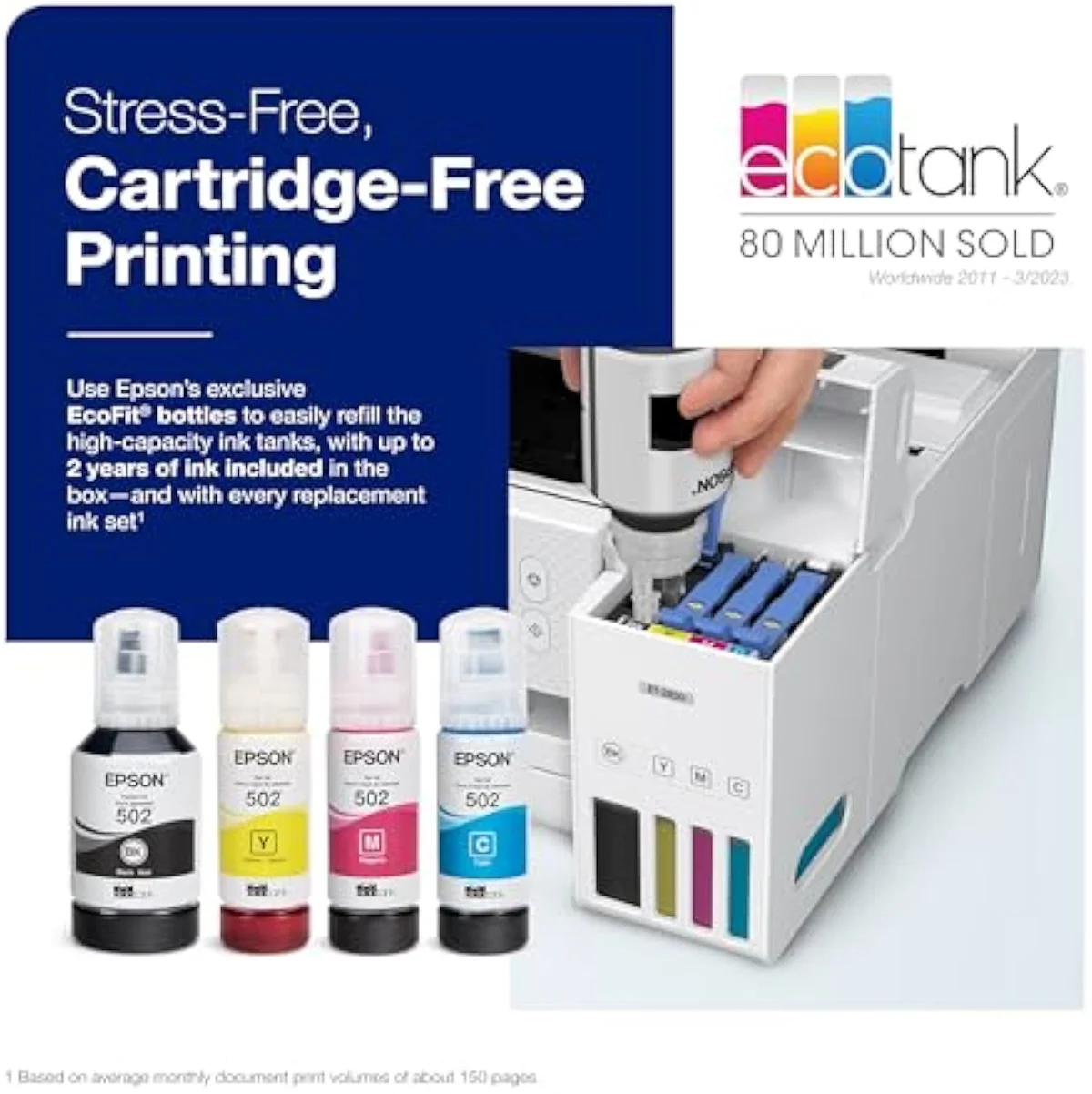
Both are Epson EcoTank supertanks that refill from the same family of 502-series bottle inks — no cartridges on either. That is why the running-cost case is identical: the cheaper ET-2803 already gives you the bottle-ink savings, so paying more for the ET-2850 does not buy lower ink costs.
Will either one clog when it sits unused?
Yes — this is the one risk both share, and it is the gating decision, not the feature list. Every Epson EcoTank is an inkjet, and an inkjet printhead dries out and clogs when it sits unused, then burns ink on cleaning cycles to clear itself. Owners of both models keep a weekly reminder to run a page and exercise the nozzles. If you print only a few times a year, neither tank is the right tool; a laser is the safer idle-proof buy.
Is the ET-2850 slow?
In color, yes. One owner clocked a six-page two-sided job past twenty minutes. Black text moves at a usable pace, but color and duplex are where this machine drags on both the 2850 and its cheaper sibling.
Does either printer need an Epson ink subscription?
No. Neither EcoTank gates you behind a subscription — you fill the tanks from bottles you buy outright and own the ink. That freedom from a monthly ink charge is the whole reason buyers leave HP's ecosystem for an Epson tank, and it applies equally to the ET-2803 and the ET-2850.
Which one is better for photos?
Neither is a photo printer. Both lay down adequate color for a school worksheet, a recipe, or a craft page, but neither uses photo-grade pigment ink, so glossy prints look flat and fade over time. For saturated borderless photos, a dedicated photo tank is the right tool — not either of these document machines.
Track Both Products
We'll email you if either price drops or availability changes.
Only when something changes. Unsubscribe anytime.
Ready to Choose?
Citations
- [1]"that’s enough to print up to 4,500 pages black/7,500 color"https://www.amazon.com/dp/B0BHXNP6B1Captured June 3, 2026. Verified June 3, 2026.
- [2]"No more tiny, expensive ink cartridges; each ink bottle set is equivalent to about 80"https://www.amazon.com/dp/B0BHXNP6B1Captured June 3, 2026. Verified June 3, 2026.
- [3]"High-resolution flatbed scanner and a color display for easy document copying"https://www.amazon.com/dp/B0BHXNP6B1Captured June 3, 2026. Verified June 3, 2026.
- [4]"Features wireless, plus hands-free voice-activated printing"https://www.amazon.com/dp/B0BHXNP6B1Captured June 3, 2026. Verified June 3, 2026.
- [5]"If you don't print frequently, inktank printers will get their print heads clogged."https://www.amazon.com/dp/B0BHXNP6B1Captured June 3, 2026. Verified June 3, 2026.
- [6]"Best mid range tank print for home use"https://www.amazon.com/dp/B0BHXNP6B1Captured June 3, 2026. Verified June 3, 2026.
- [7]"Auto 2-sided printing helps save"https://www.amazon.com/dp/B096N85ZHWCaptured June 4, 2026. Verified June 4, 2026.
- [8]"Prints at a 4800 x 1200 resolution"https://www.amazon.com/dp/B096N85ZHWCaptured June 4, 2026. Verified June 4, 2026.
- [9]"Prints up to 10.5 pages per minute"https://www.amazon.com/dp/B096N85ZHWCaptured June 4, 2026. Verified June 4, 2026.
- [10]"Offers mobile printing options, including the Epson Smart Panel"https://www.amazon.com/dp/B096N85ZHWCaptured June 4, 2026. Verified June 4, 2026.
- [11]"double-sided printing if you want a 6 page job to complete within 20 minutes"https://www.amazon.com/dp/B096N85ZHWCaptured June 4, 2026. Verified June 4, 2026.
- [12]"No subscription is required, you can just use the ink bottles"https://www.amazon.com/dp/B096N85ZHWCaptured June 4, 2026. Verified June 4, 2026.